A:AnswerHi Ashley. Unfortunately not, the Epson ET-8500 was not designed for dye-sublimation printing. Sublimation paper is also not compatible with the machine. Regards, Kevin - The Epson Team.
A:AnswerHello Radar. Yes, the ET-8500 is compatible with Microsoft Windows 7. To download the latest print driver software, please visit our official Epson Support page. Regards, Kevin - The Epson Team.
A:AnswerHelo Ben. The ET-8500 can print different documents and photos. The maximum paper size supported is User-defined up to 8.5" x 78.7". For more information, please visit the official Epson Support page. Regards, Kevin - The Epson Team.
A:AnswerHello. The ET-8500 is generally used with plain paper and a variety of Epson photo papers. It works with cardstock and other thick papers. However, print functionality using watercolor paper can vary and is not guaranteed. For more information on supported paper types, please visit our official Epson Support page. Regards, Kevin - The Epson Team.
A:AnswerHello Char. Yes, it is very easy to change. When you open up the top cover, the maintenance box is located towards the front middle part of the printer. The correct product number for the box is C9345. Regards, Kevin - The Epson Team.
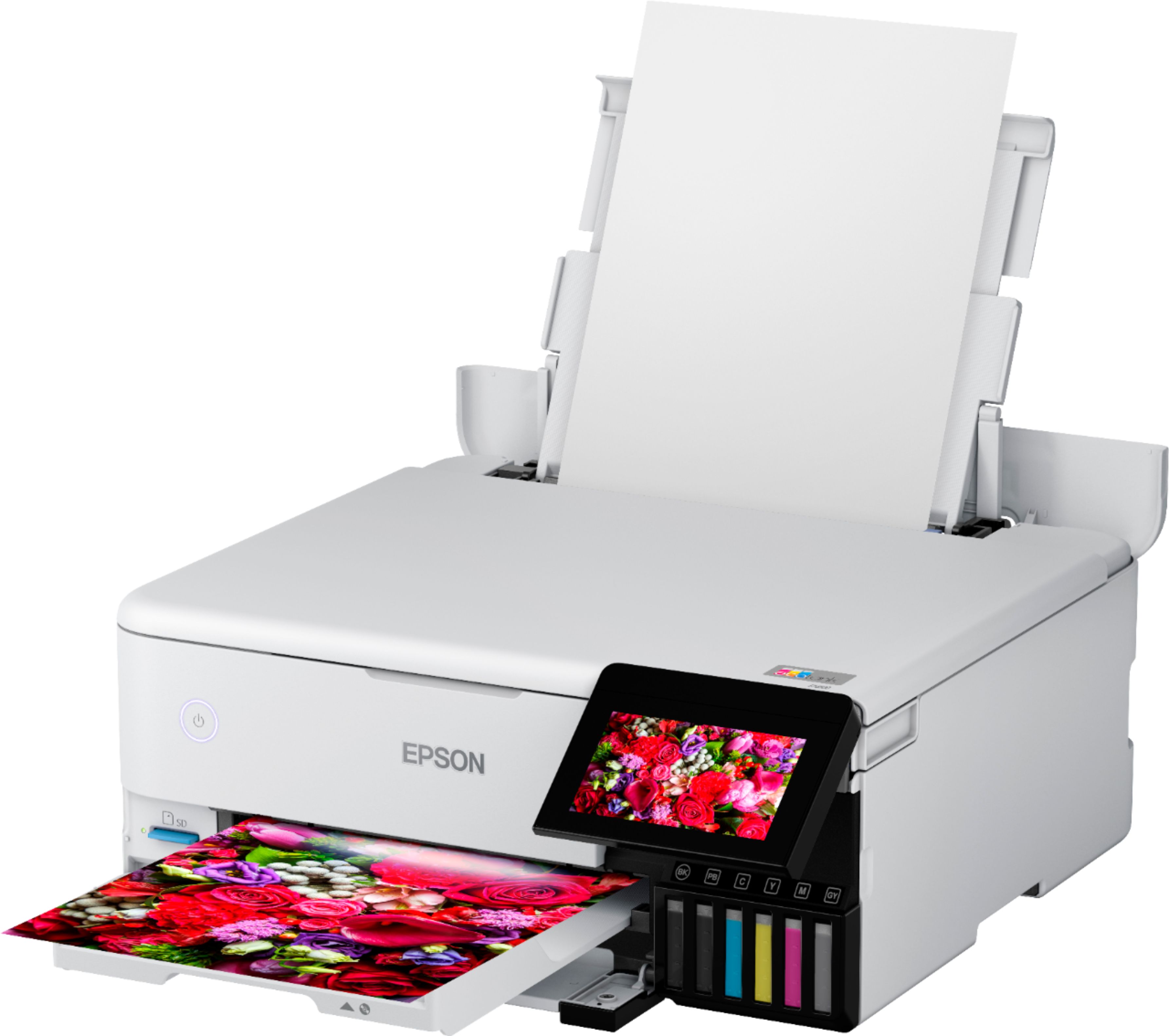
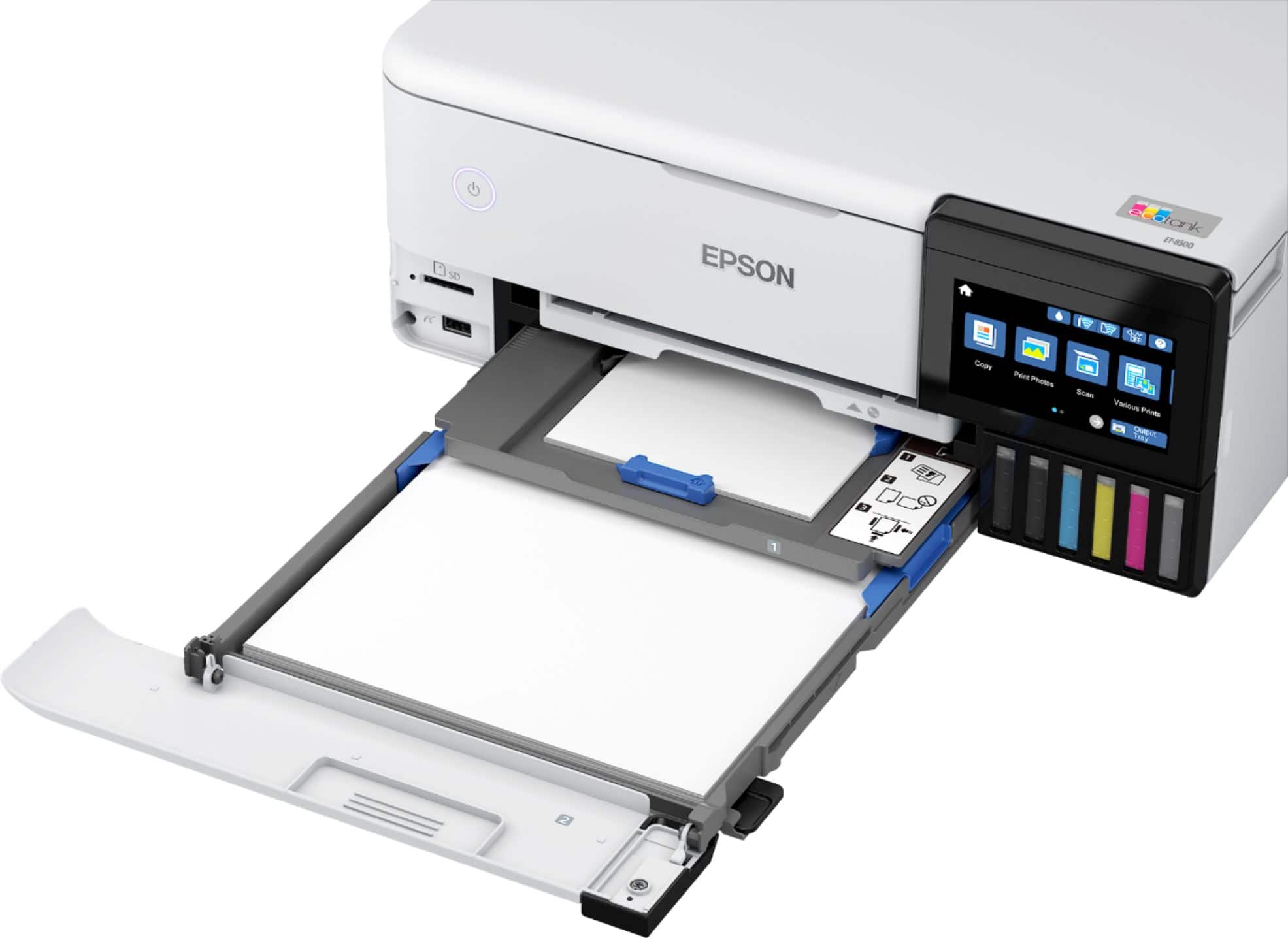
A:AnswerHello sw. The ET-8500 will work with regular paper. It has two cassettes and a rear feed for loading paper. The upper cassette can load photo paper in these sizes: 4 × 6 inches, 5 × 7 inches, and A6 (4.1 × 5.8 inches). For the lower cassette, you can load envelopes and paper up to 8.5 × 11 inches in size. For larger paper sizes, we recommend using the rear paper feeder or the rear paper feed slot. Regards, Kevin - The Epson Team.
A:AnswerHello Suepy. The ET-8500 has two cassettes and a rear feed for loading paper. The upper cassette can load photo paper in these sizes: 4 × 6 inches, 5 × 7 inches, and A6 (4.1 × 5.8 inches). For the lower cassette, you can load envelopes and paper up to 8.5 × 11 inches in size. For larger paper sizes, we recommend using the rear paper feeder or the rear paper feed slot. Regards, Kevin - The Epson Team.
A:AnswerHello saras. The heaviest paper we've tested with this machine is Epson Ultra Premium Photo Paper Glossy, which weighs 79 lb. You may try using other papers within this weight range; however, results may vary depending on the brand and whether the paper is heavier. Regards, Kevin - The Epson Team
A:AnswerHello SteveS. The ET-8500 can print on cardstock, but feeding reliability can vary when using third-party paper based on the brand, texture, thickness, and weight. We recommend testing a sample first to make sure it works well, since Epson doesn’t guarantee compatibility with all paper types. Regards, Kevin - The Epson Team.
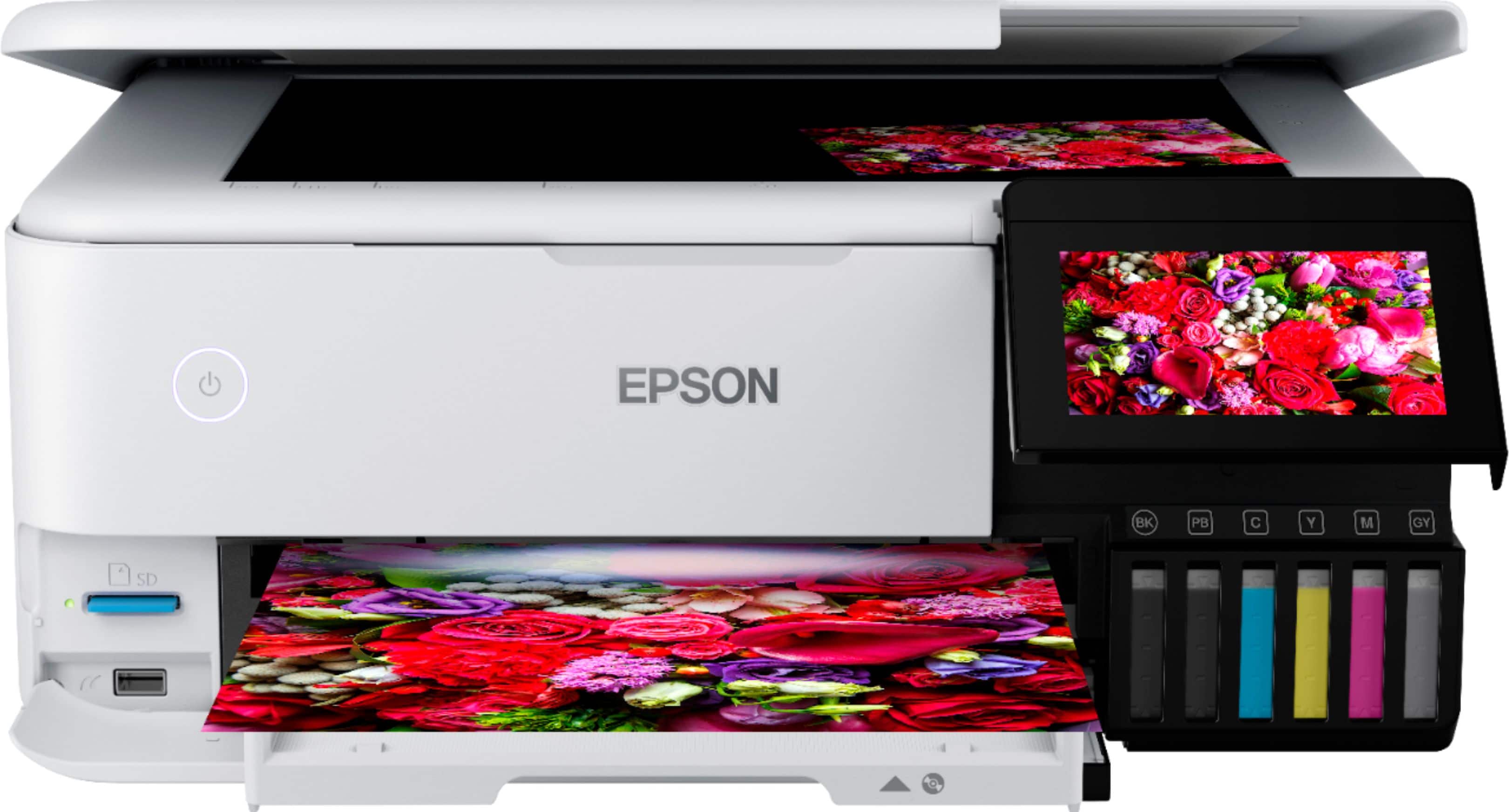
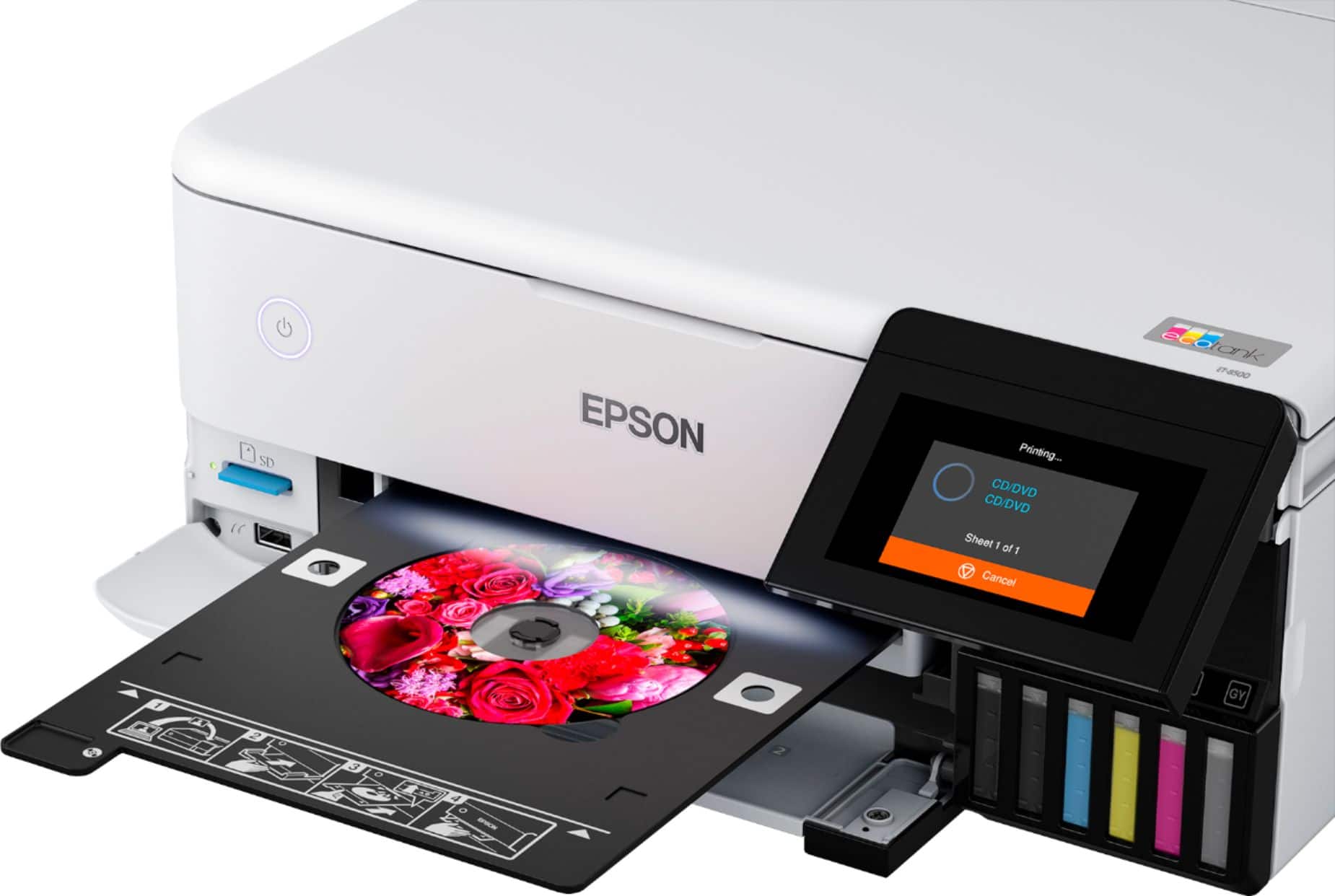
A:AnswerHello nick. Remove the CD/DVD tray (stored beneath Cassette 2) to load a disc. Place the printable side of the disc facing up in the tray, then insert it back into the slot above the output area.
From your printing software, select the correct paper source option for the tray and print. After printing, the tray extends, and you can remove the disc and then store the tray back in the storage slot. Regards, Kevin - The Epson Team.
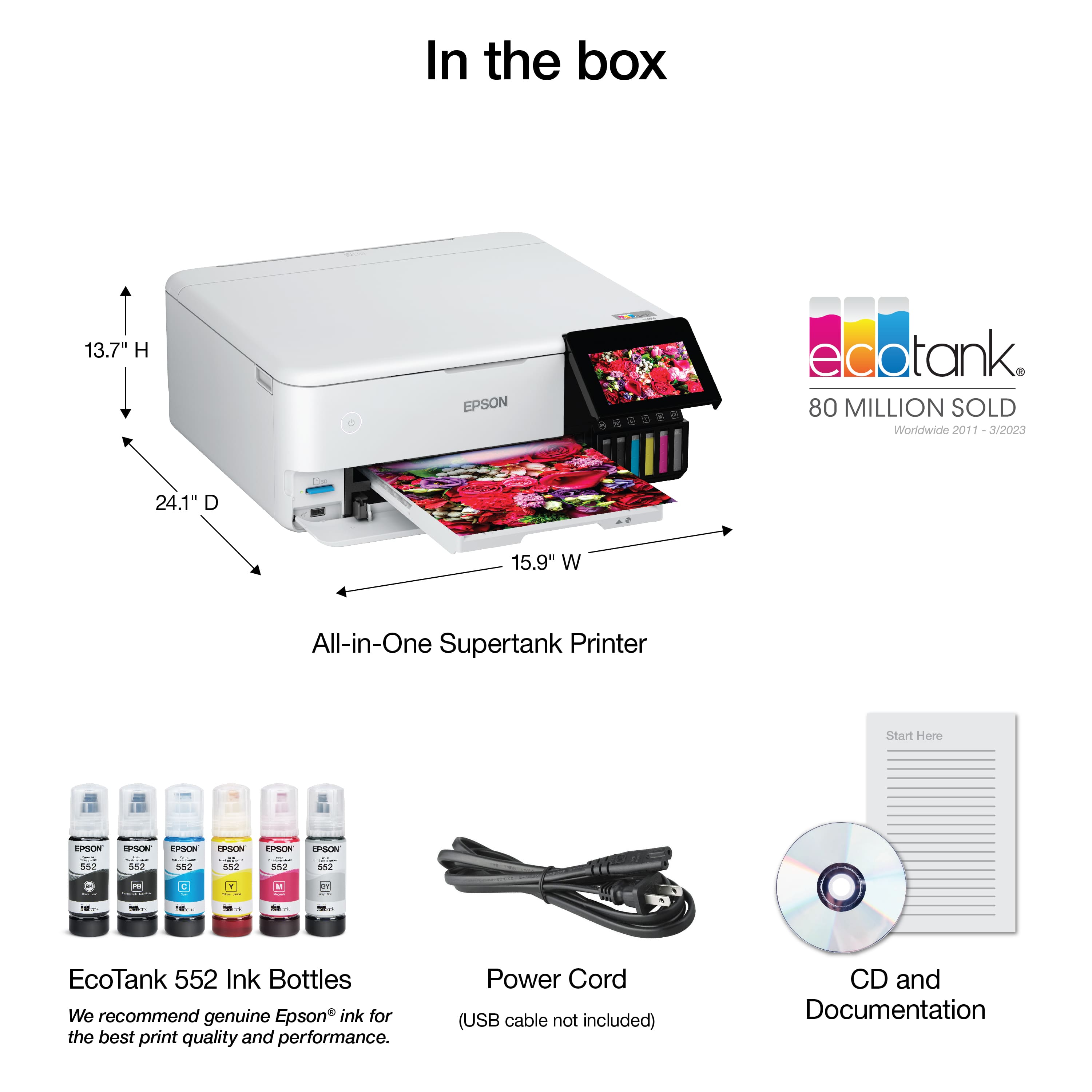
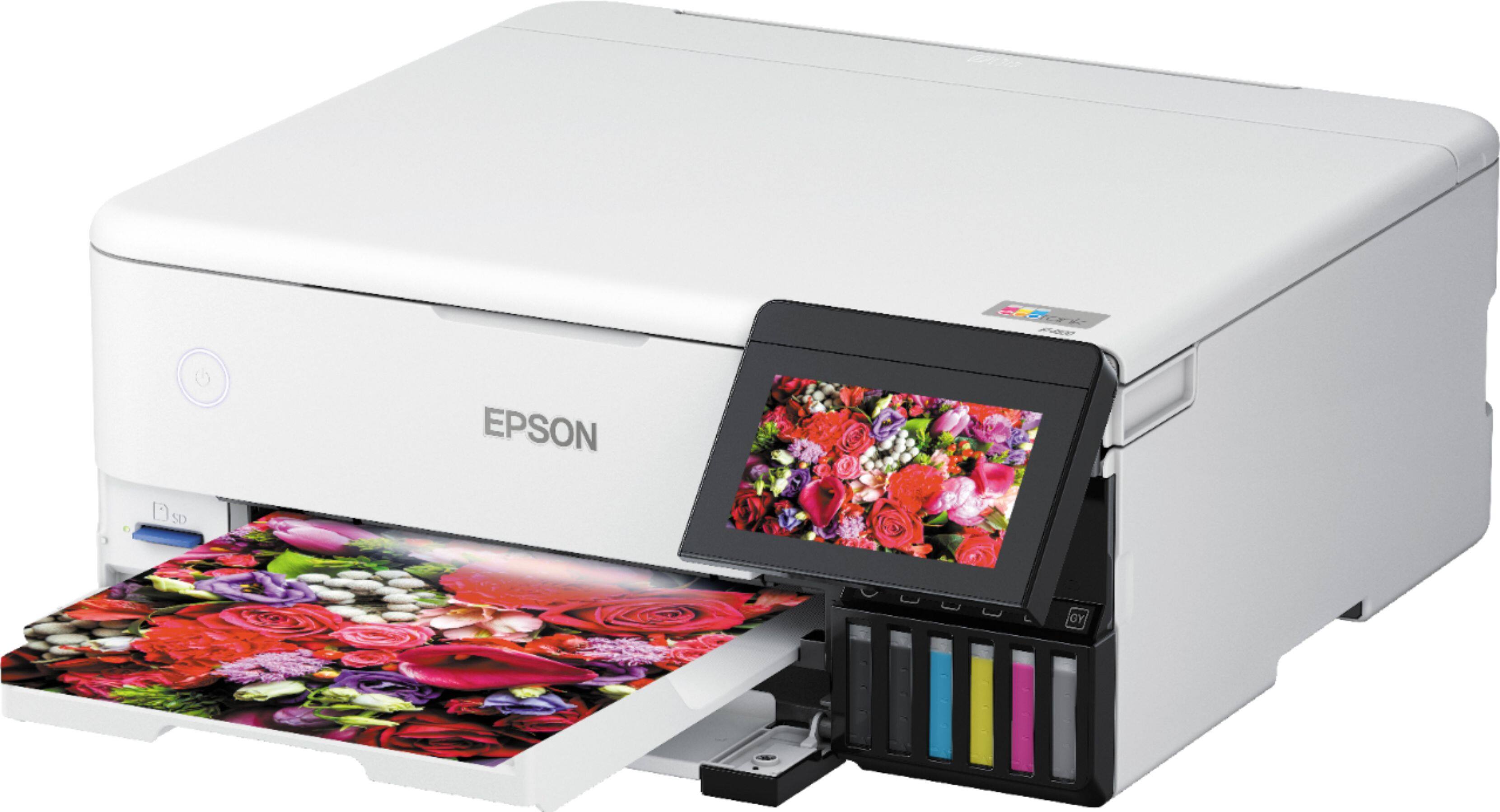
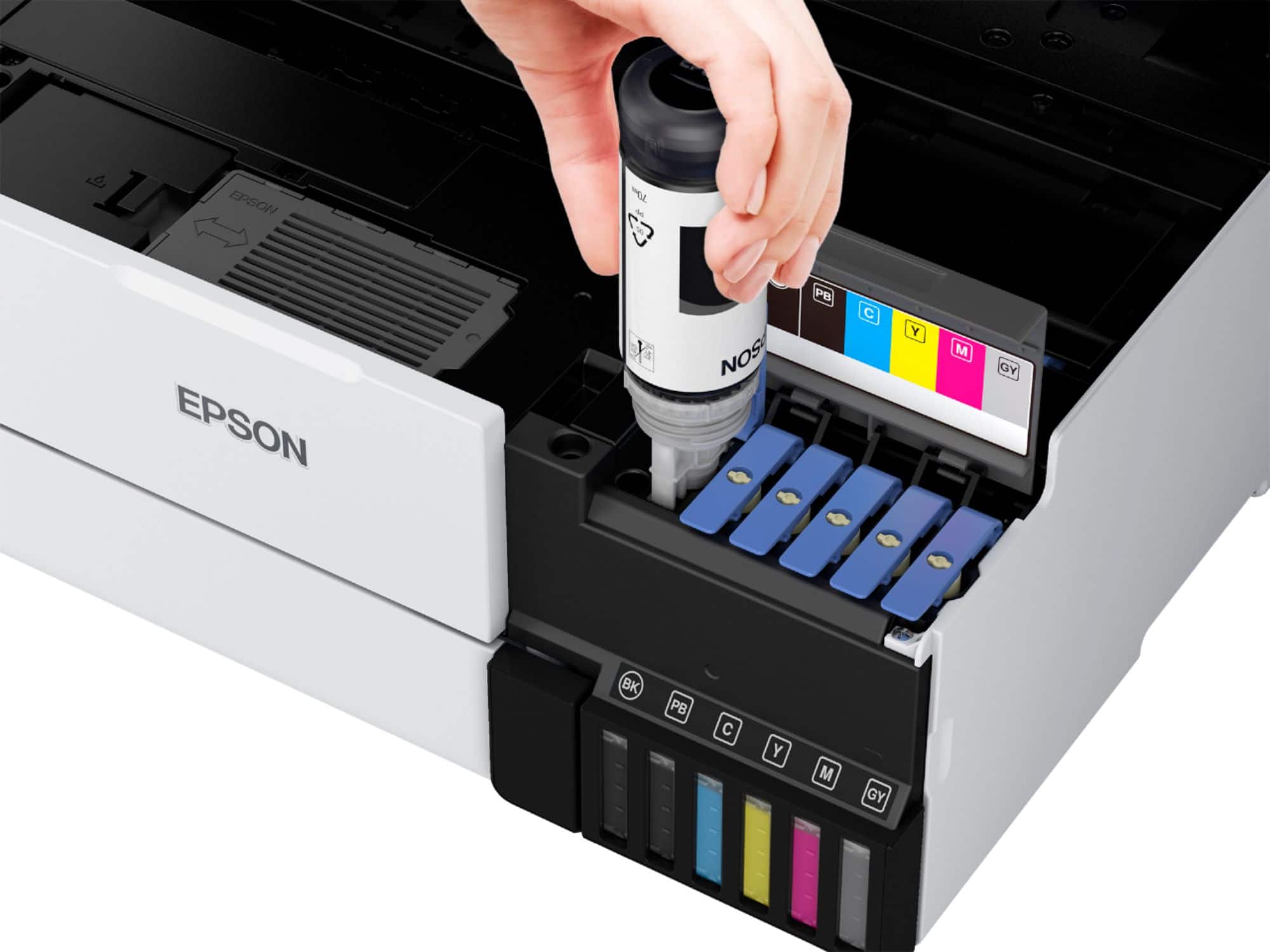
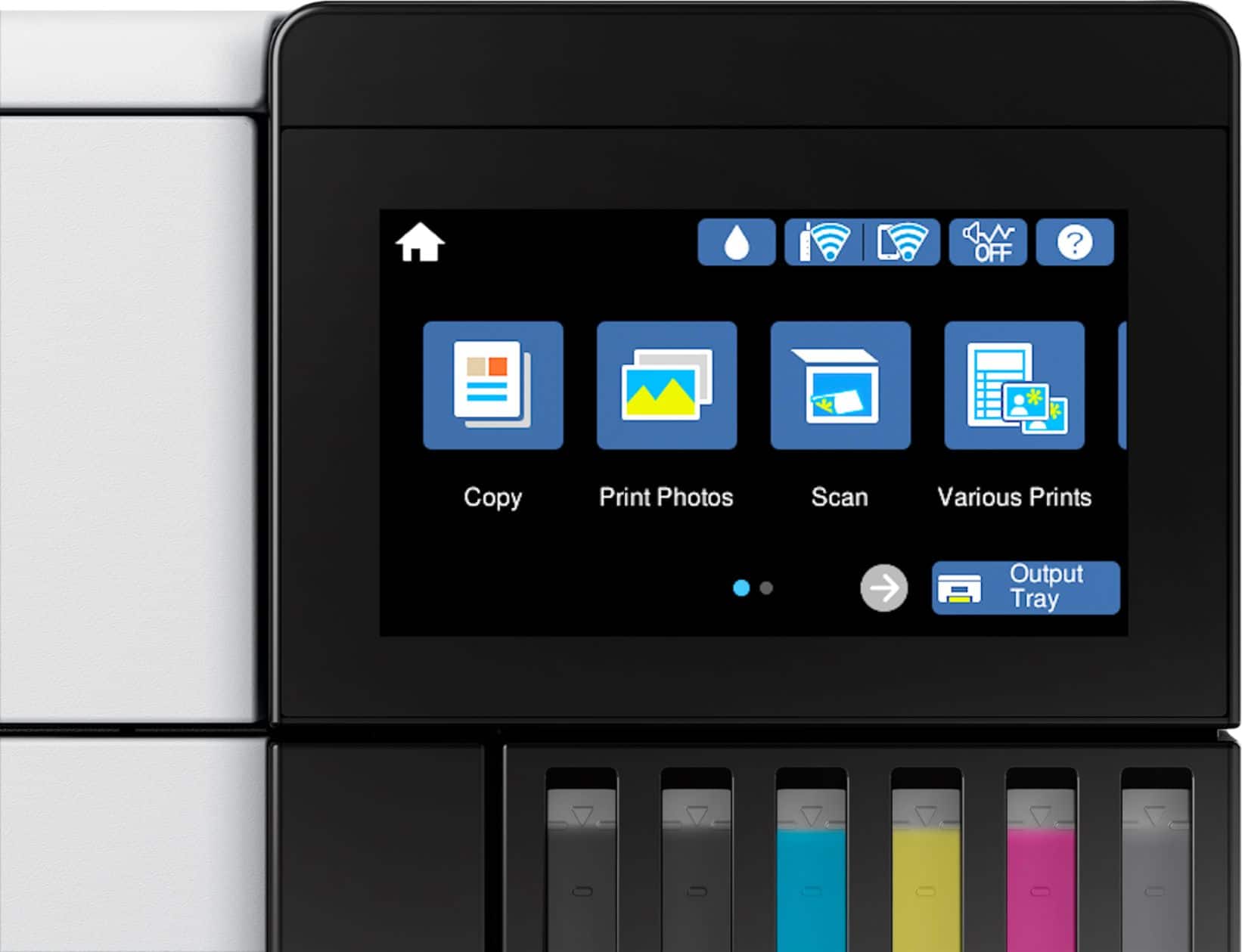
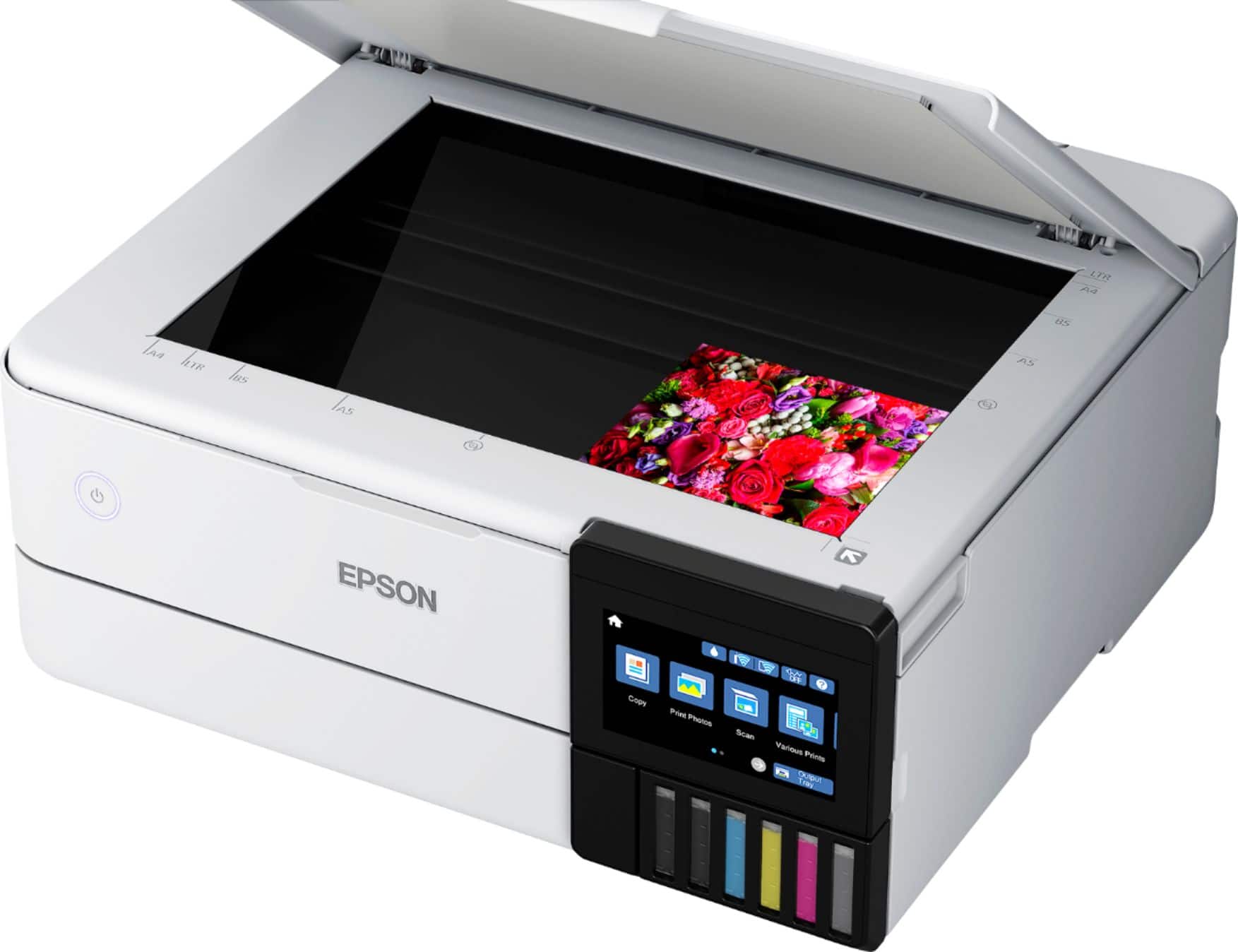
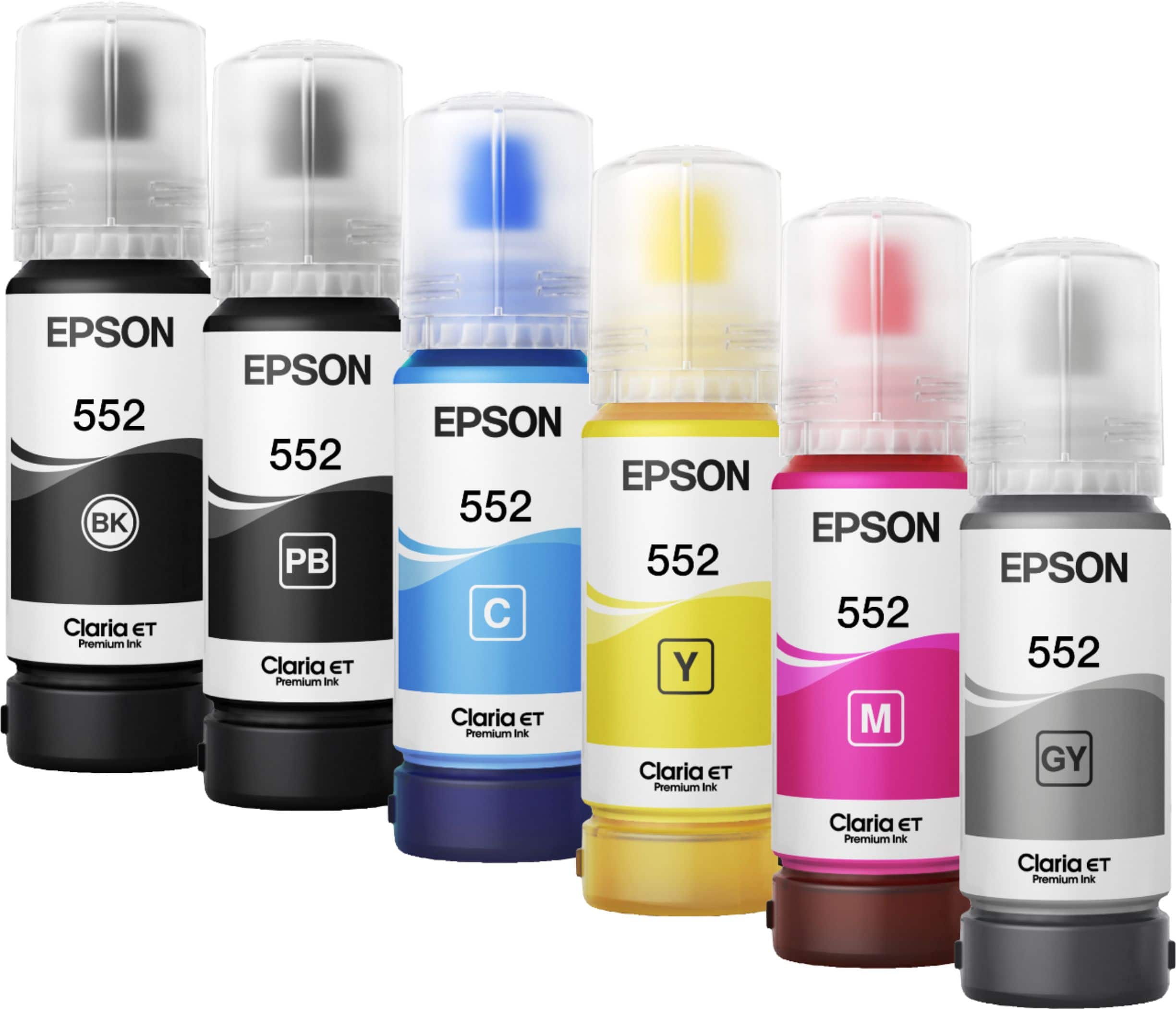
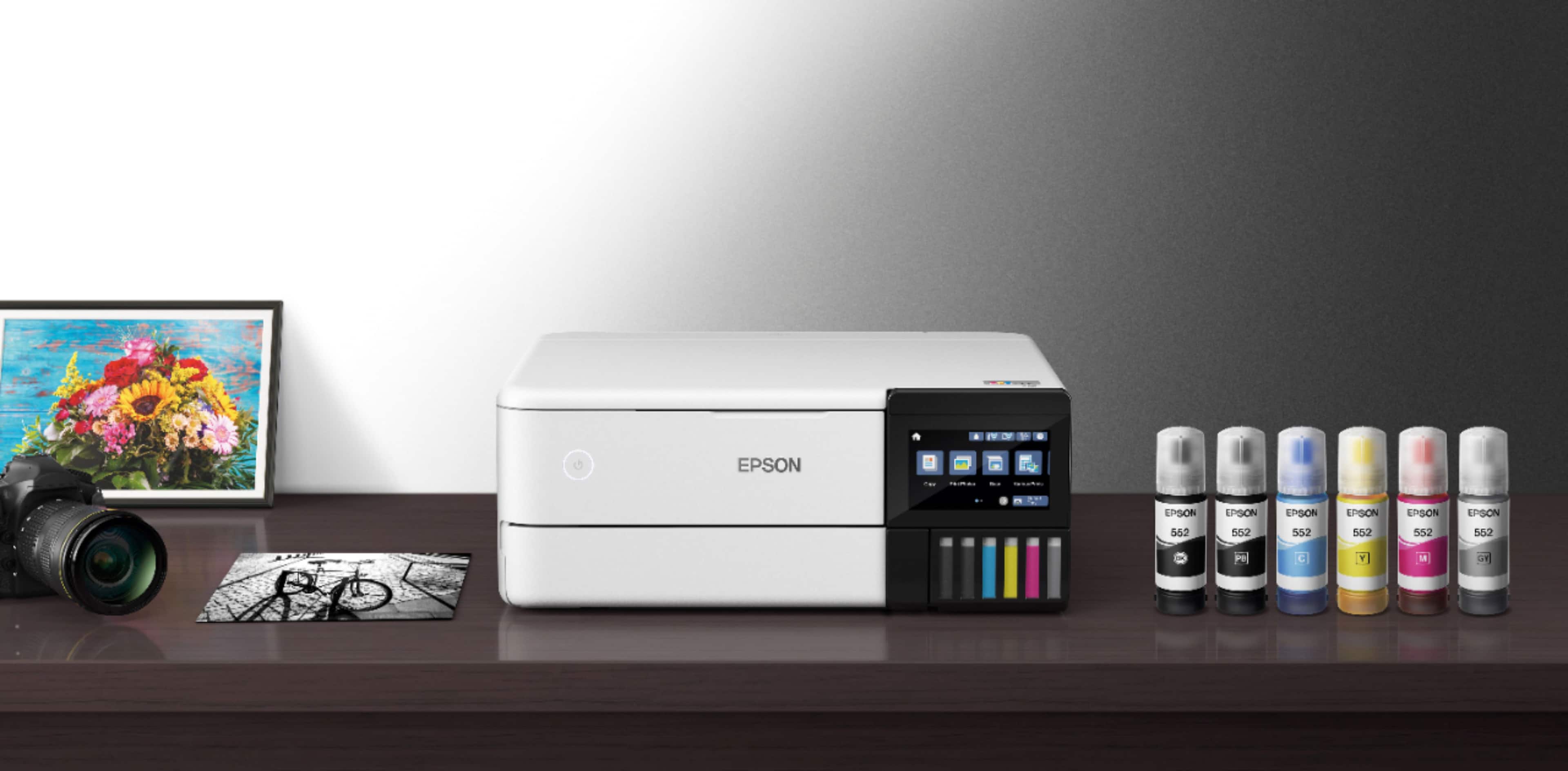
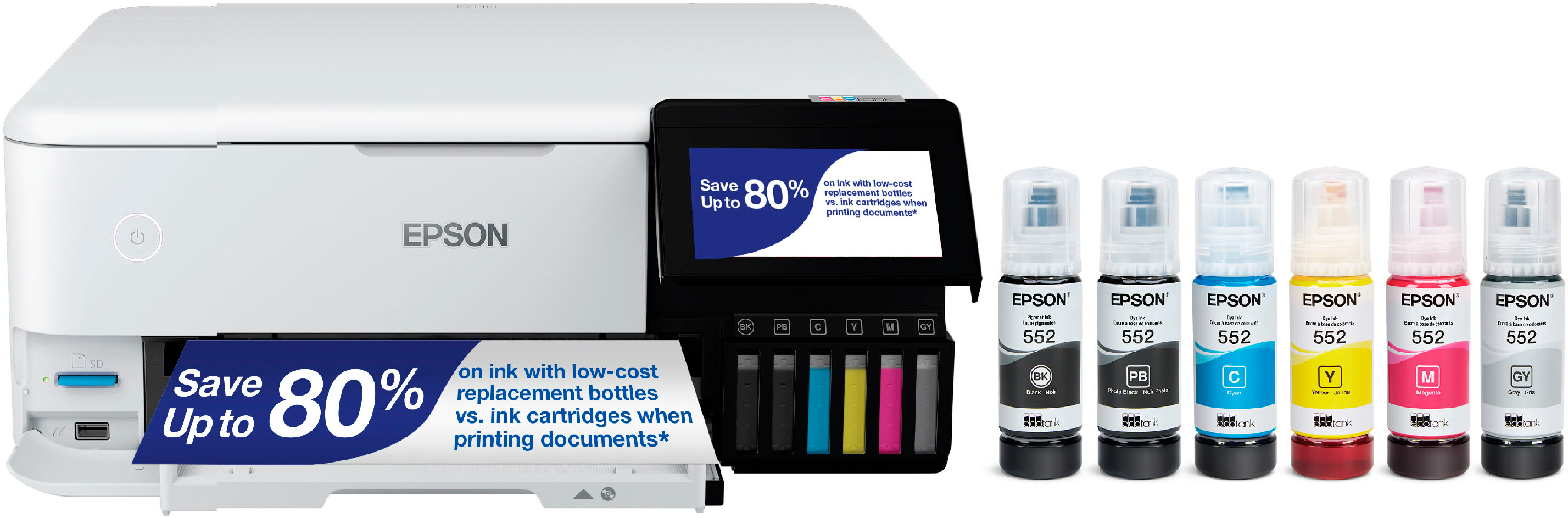
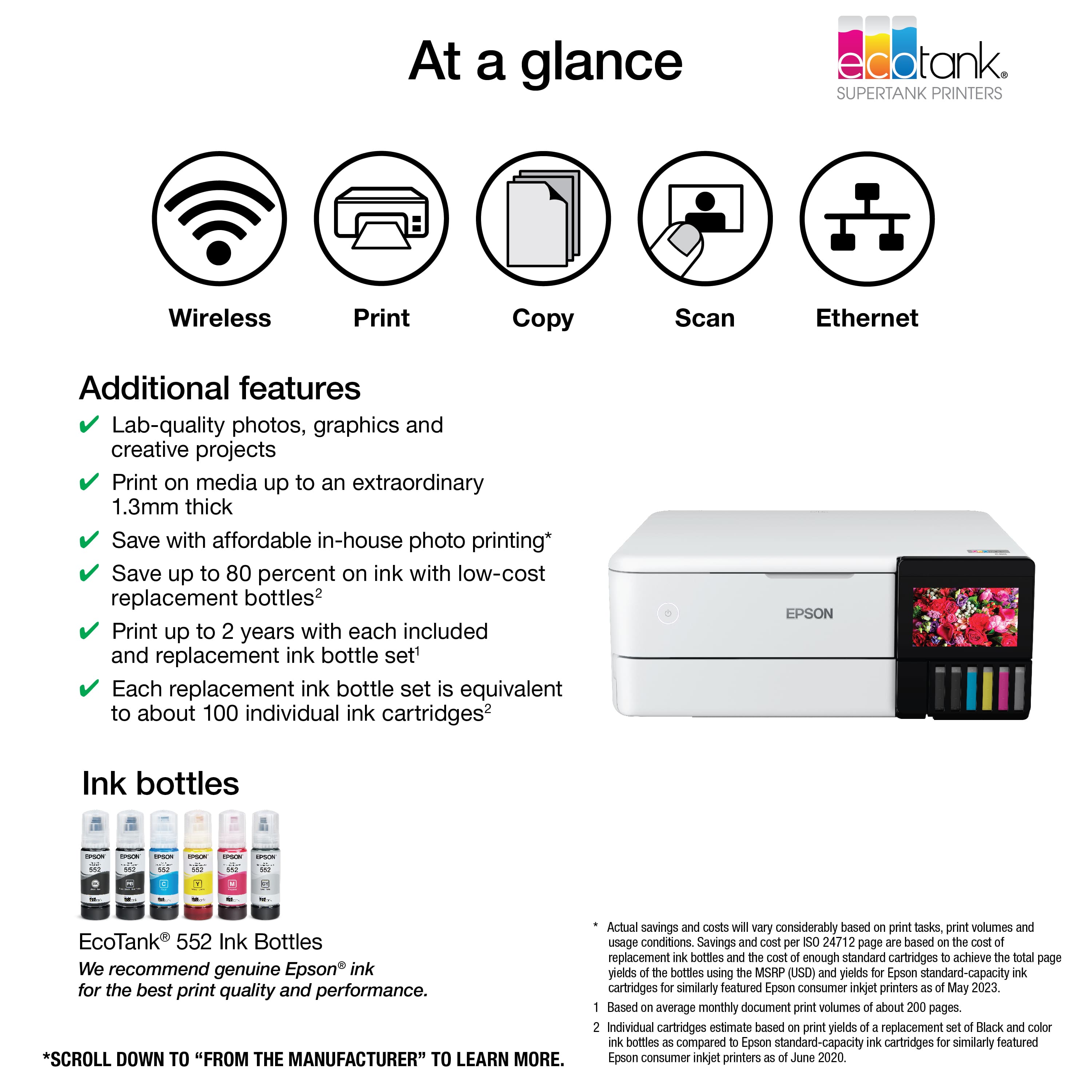
A:AnswerHello James. Yes, the ET-8500 comes with six bottles of ink to get started. This includes Cyan, Magenta, Yellow, Black, Photo Black, and Grey. Regards, Kevin - The Epson Team.
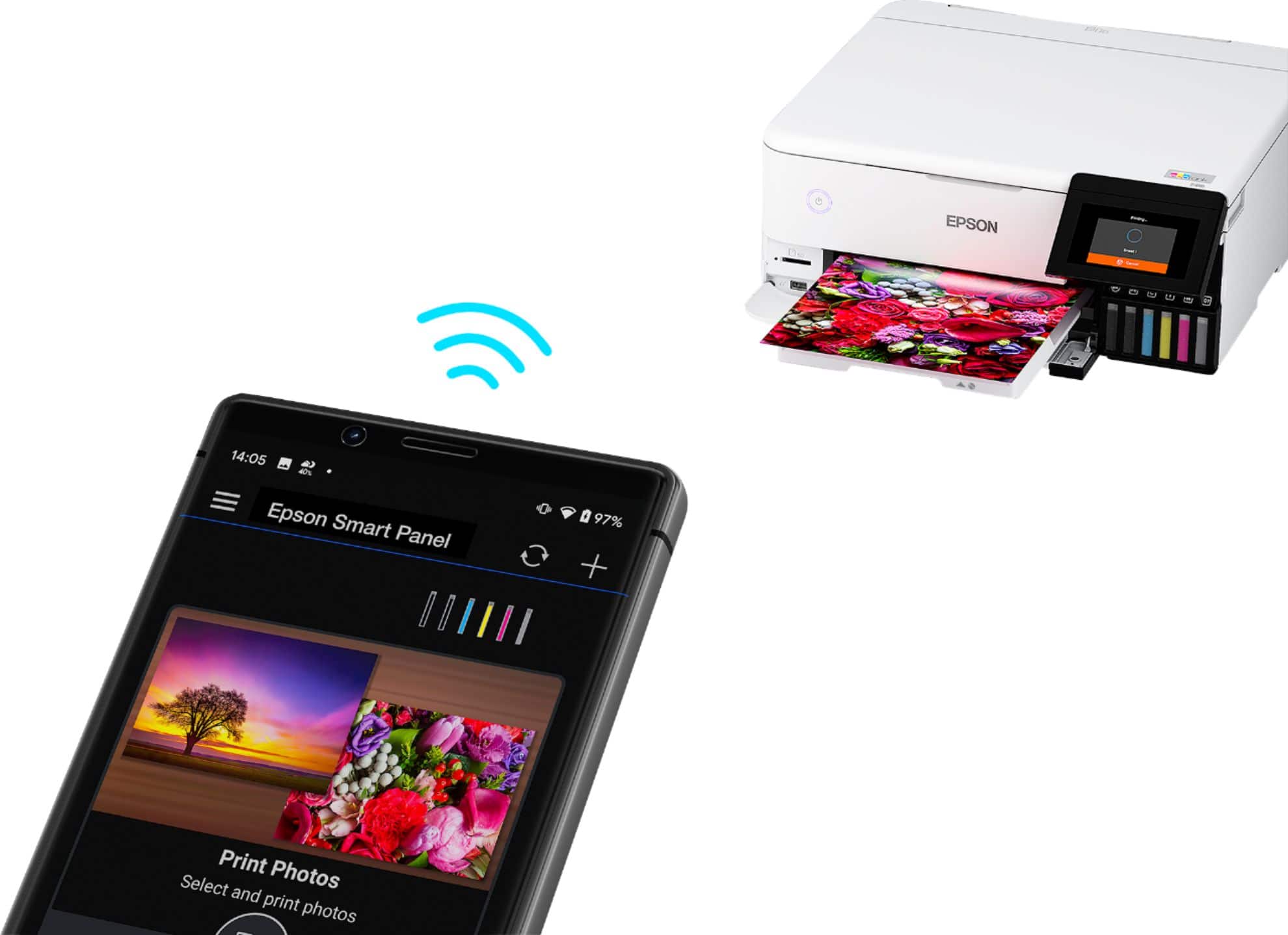
 2 Epson Smart Panel App download required. Data usage fees may apply](https://pisces.bbystatic.com/image2/BestBuy_US/images/products/9afaa04a-aec9-4227-921d-cec57841e8d6.jpg)