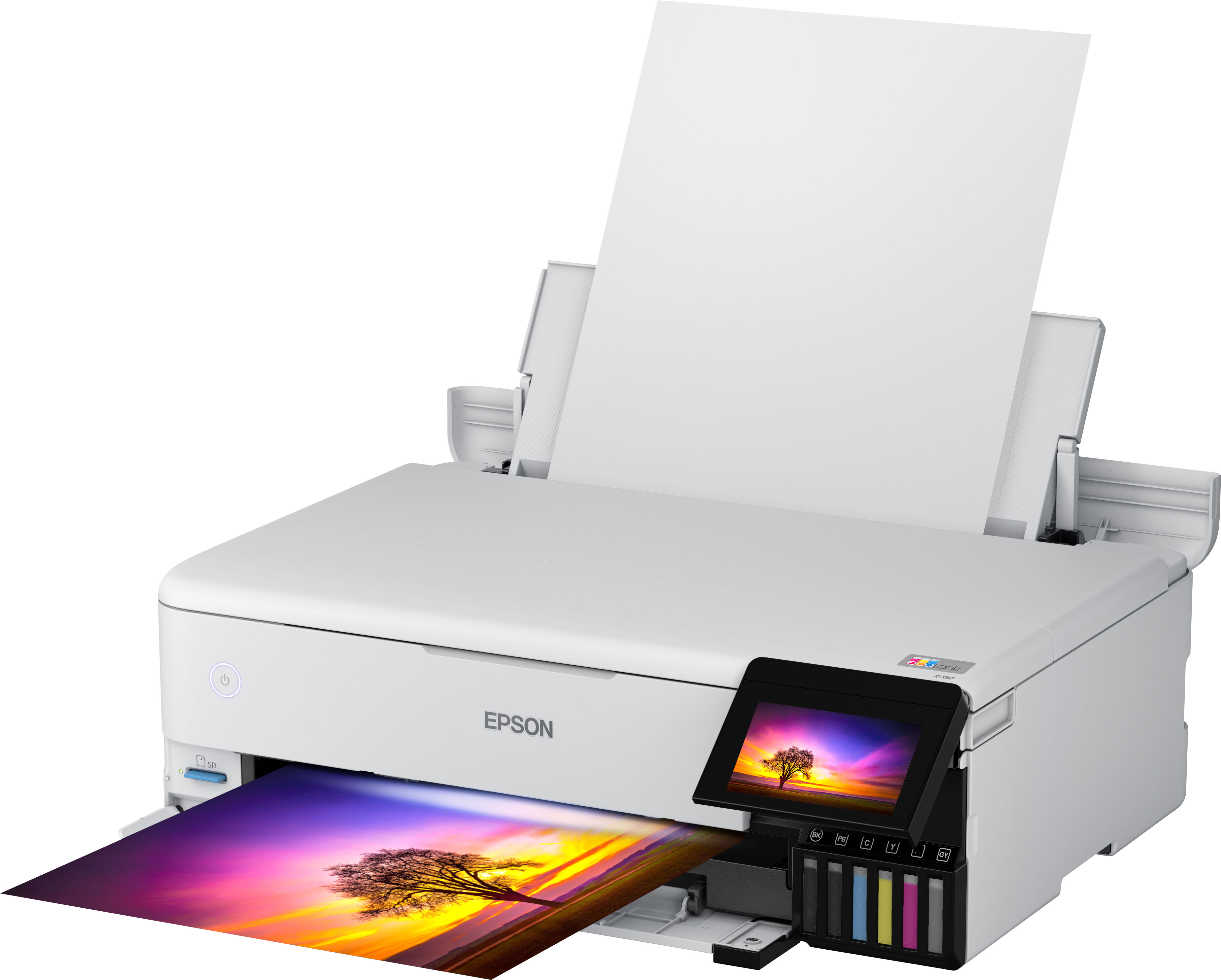
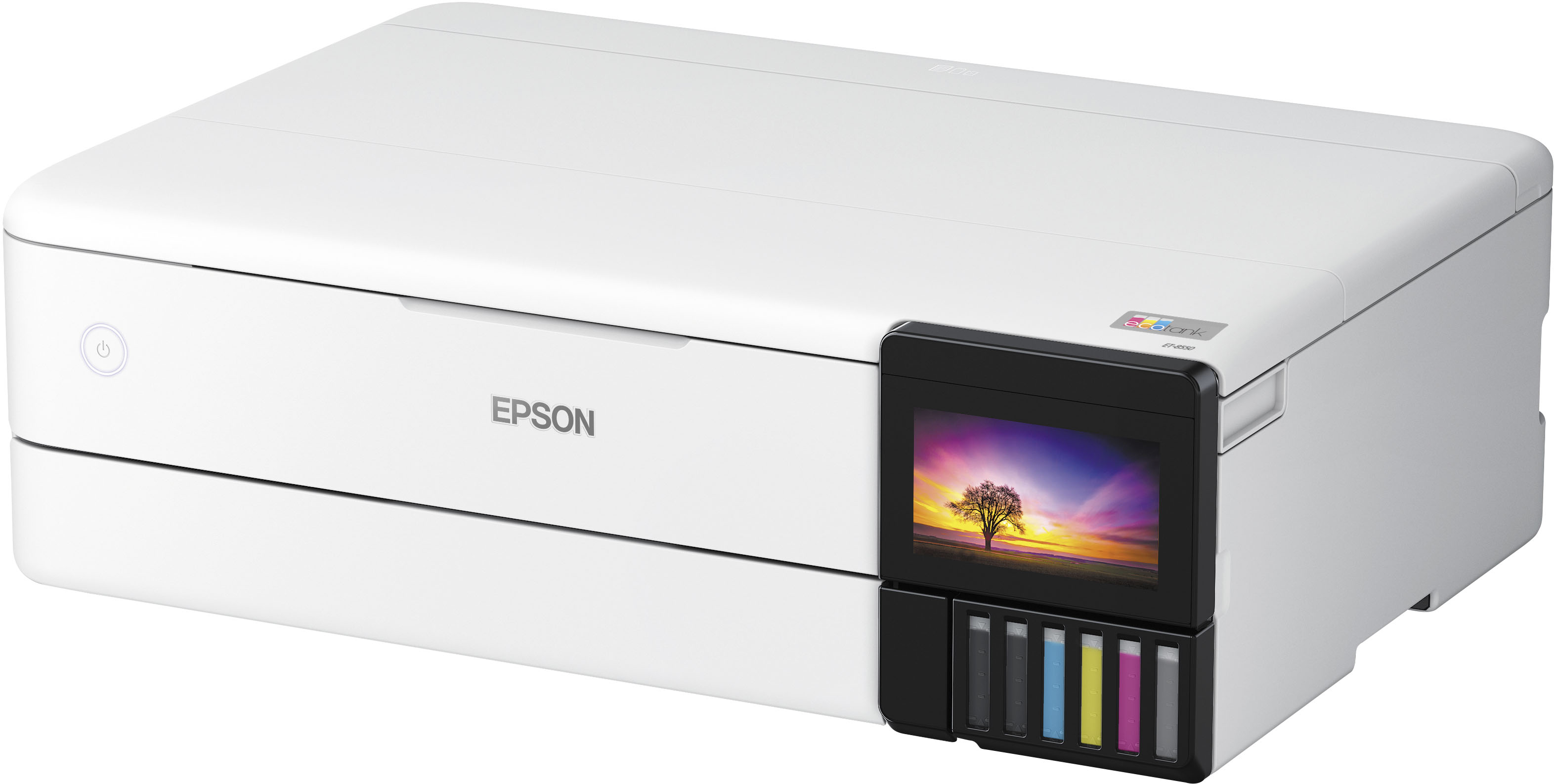
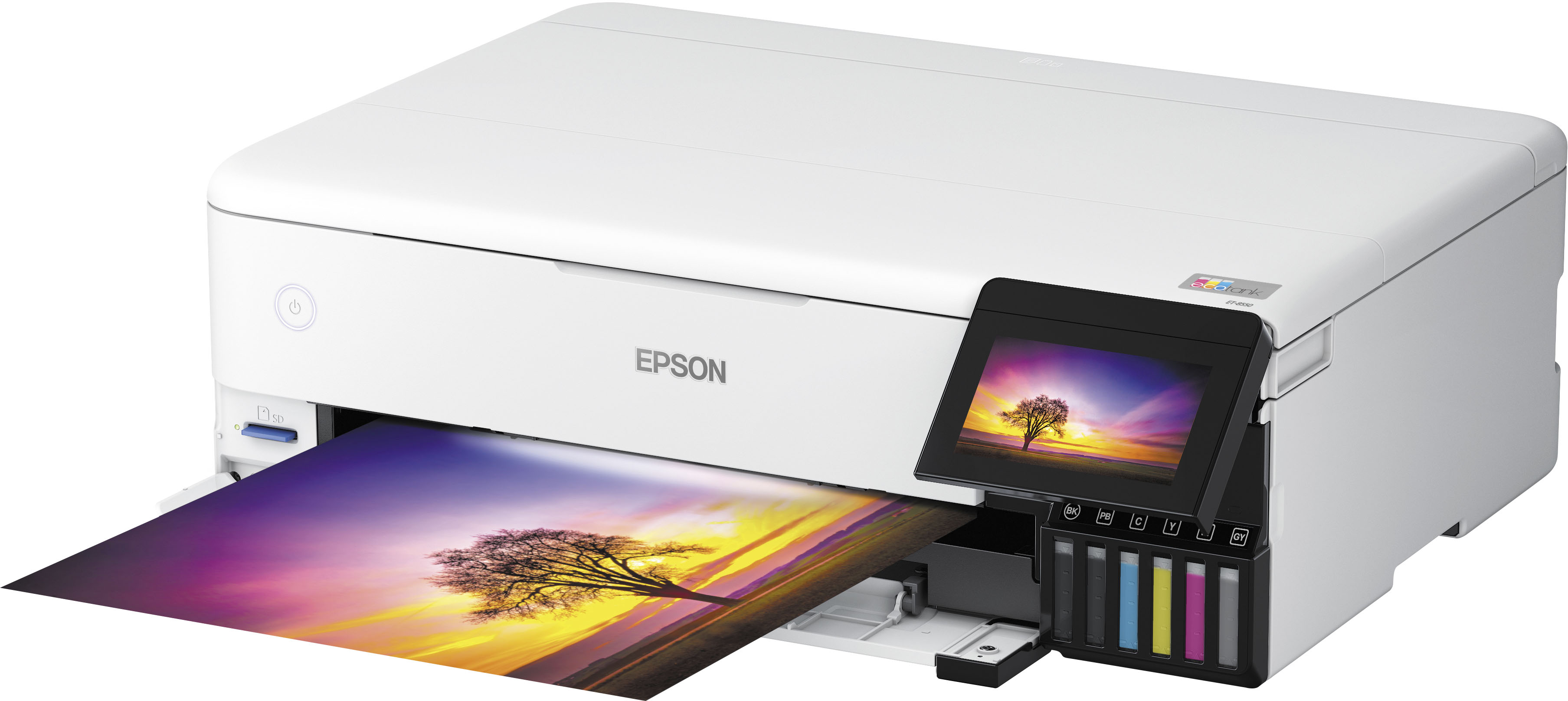
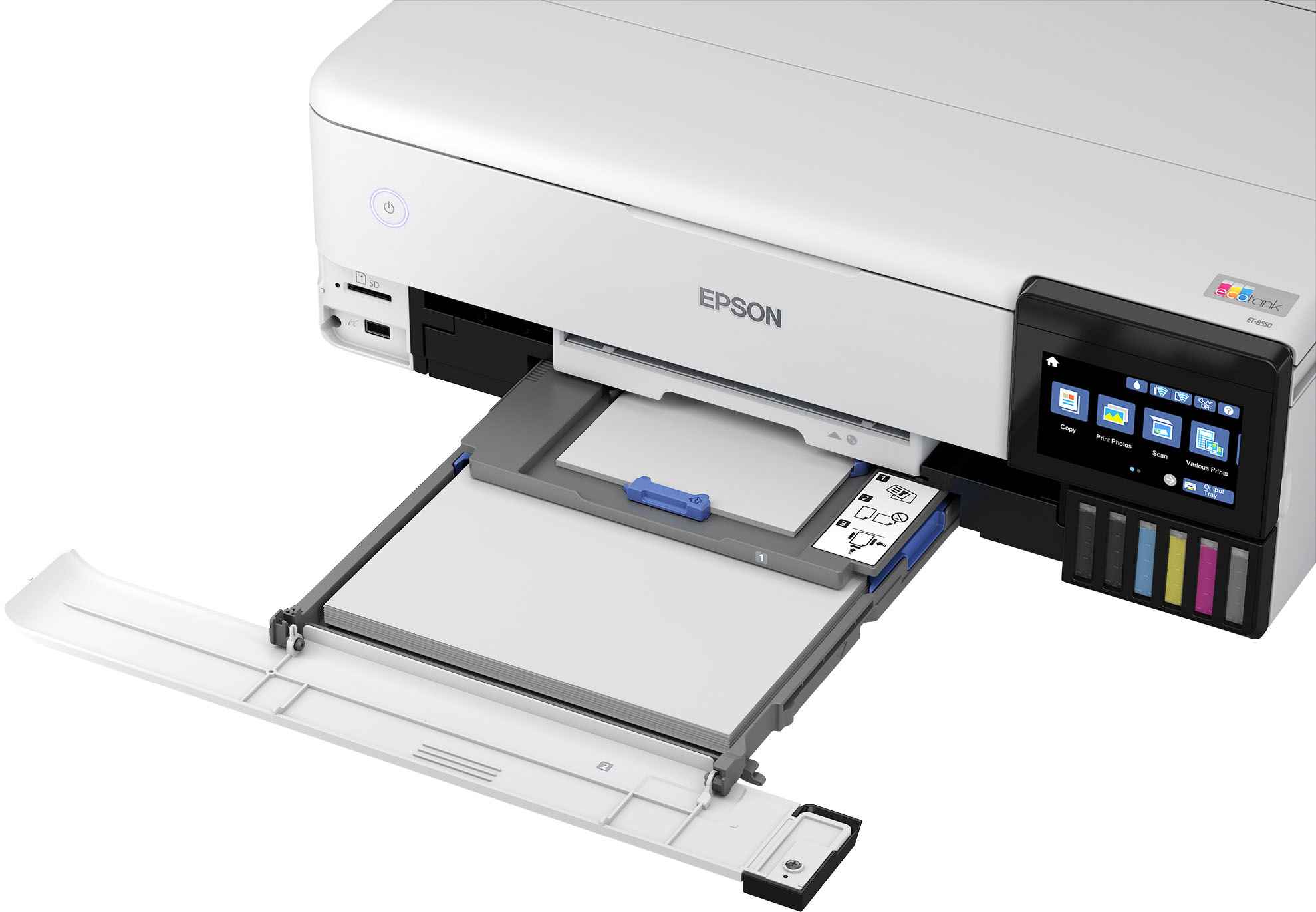
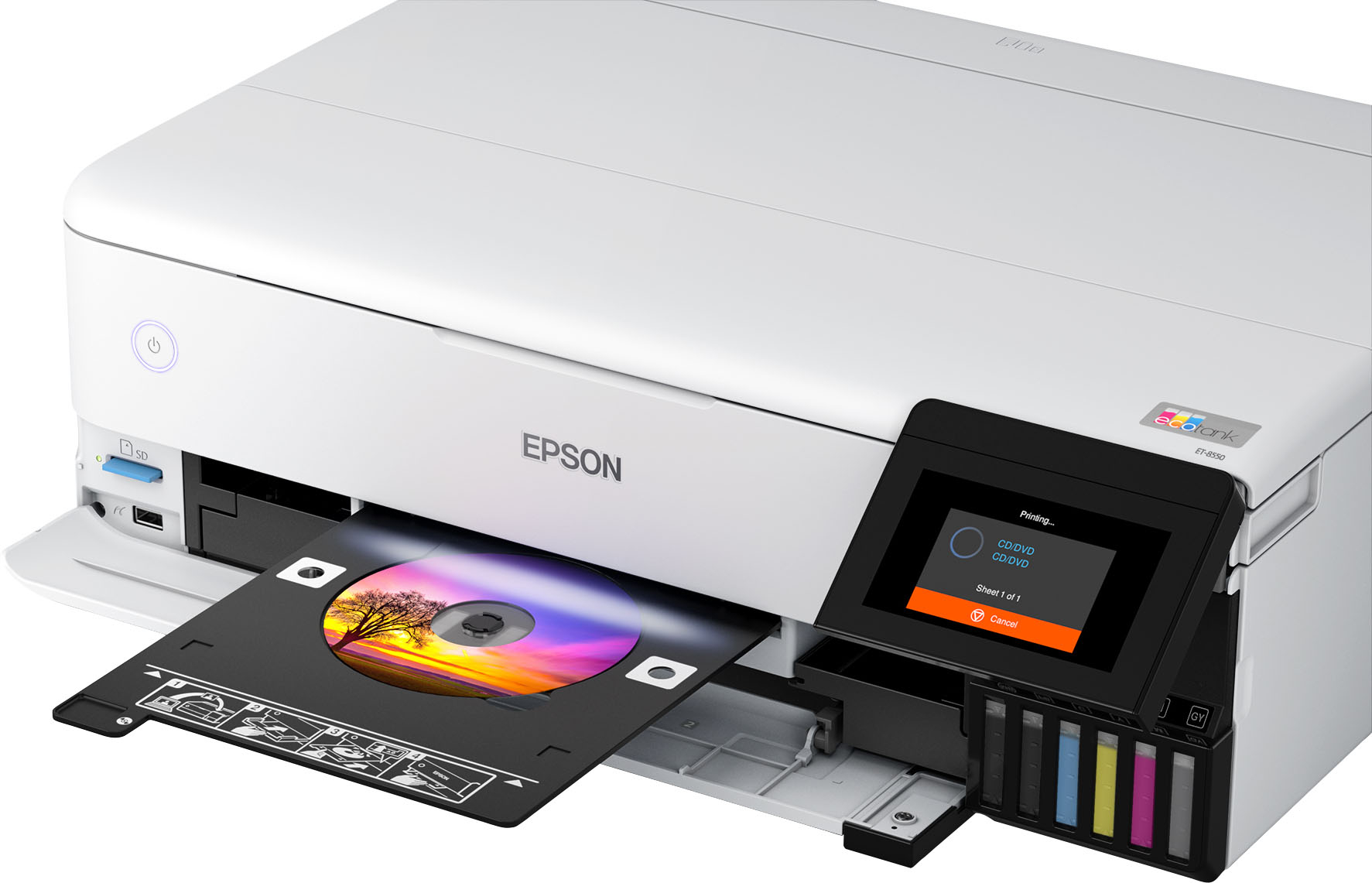
A:AnswerHello. Yes, the ET-8550 can print 5" x 7" photos. The printer supports paper sizes ranging from 2.2" x 3.4" to 13" x 78.7". Regards, Kevin - The Epson Team.
A:AnswerHaven't measured them as you would need to pull one of them out of the system to do so accurately. However when I filled the printer tanks for the first time I still had ink left in the 70mL bottles. After charging the heads all tanks dropped from 100% full to 75% full. Used the remaining ink to fill all tanks back to 100% and it took all of the remanding ink from each bottle. With that considered the tanks would hold 52.5 mL's each.
A:AnswerYou Definitely got a used printer Under no circumstances should the printer have ink in it Separate bottles that are sealed Are shipped with the printer No printer no matter What brand Will never come with ink Already inside it
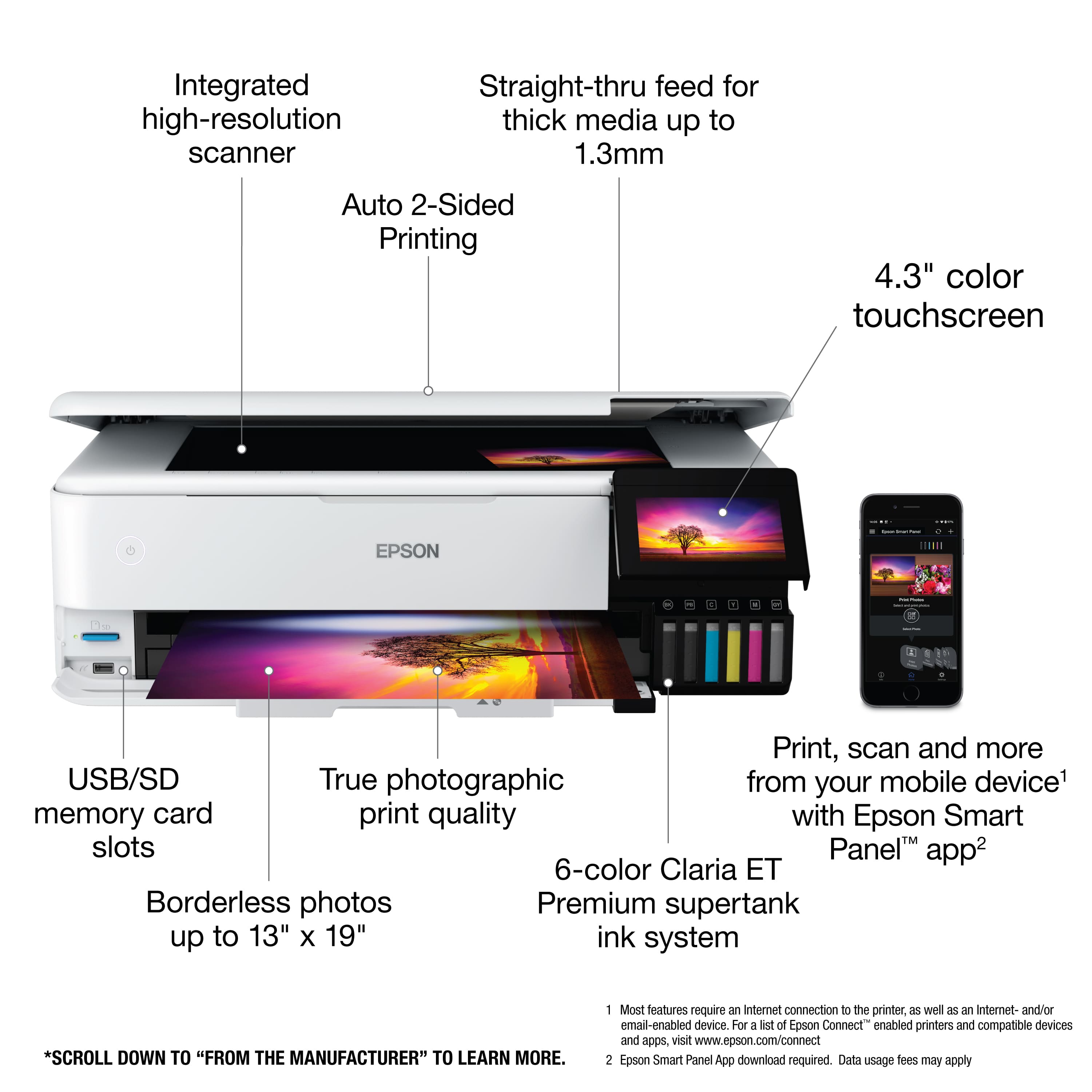
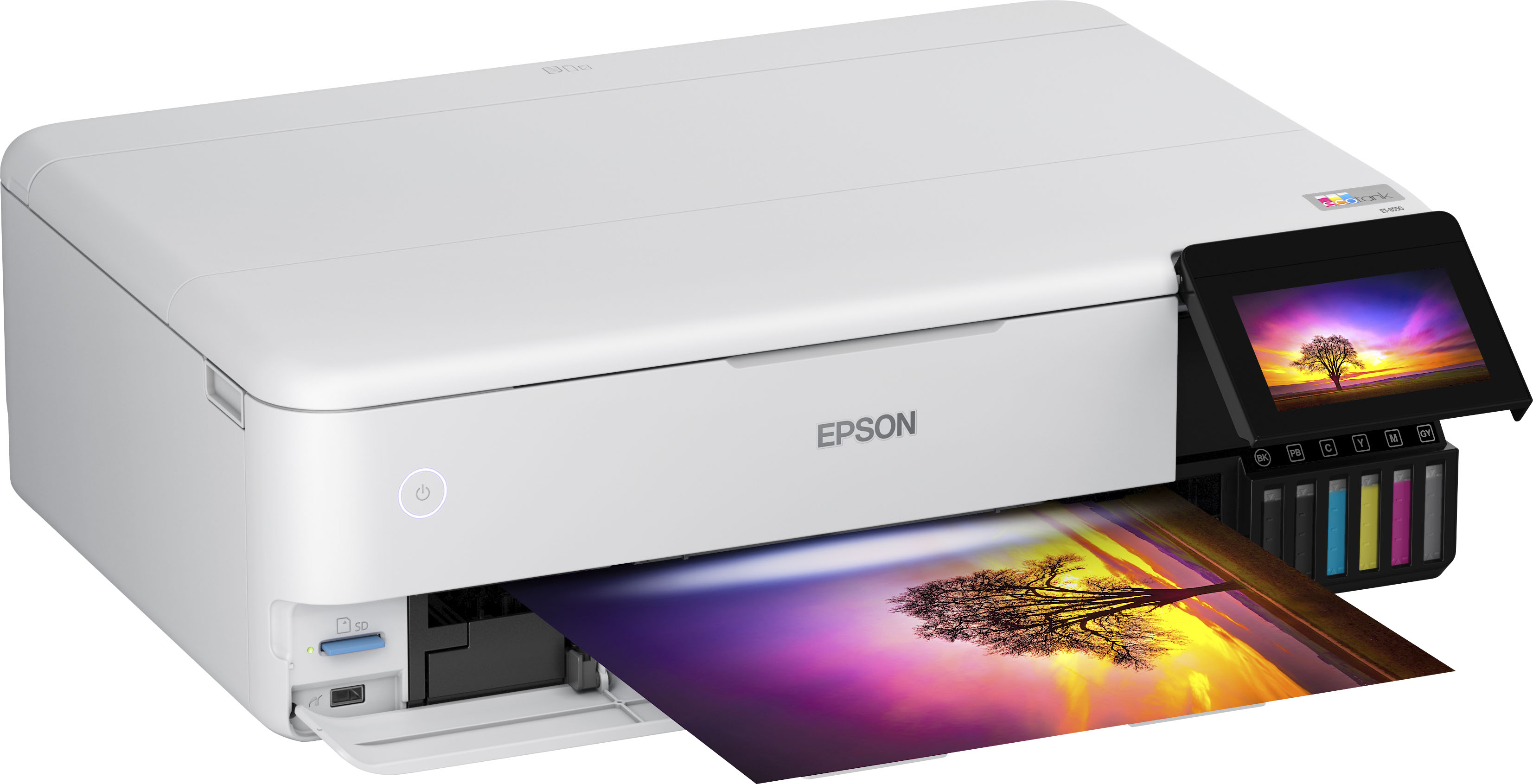
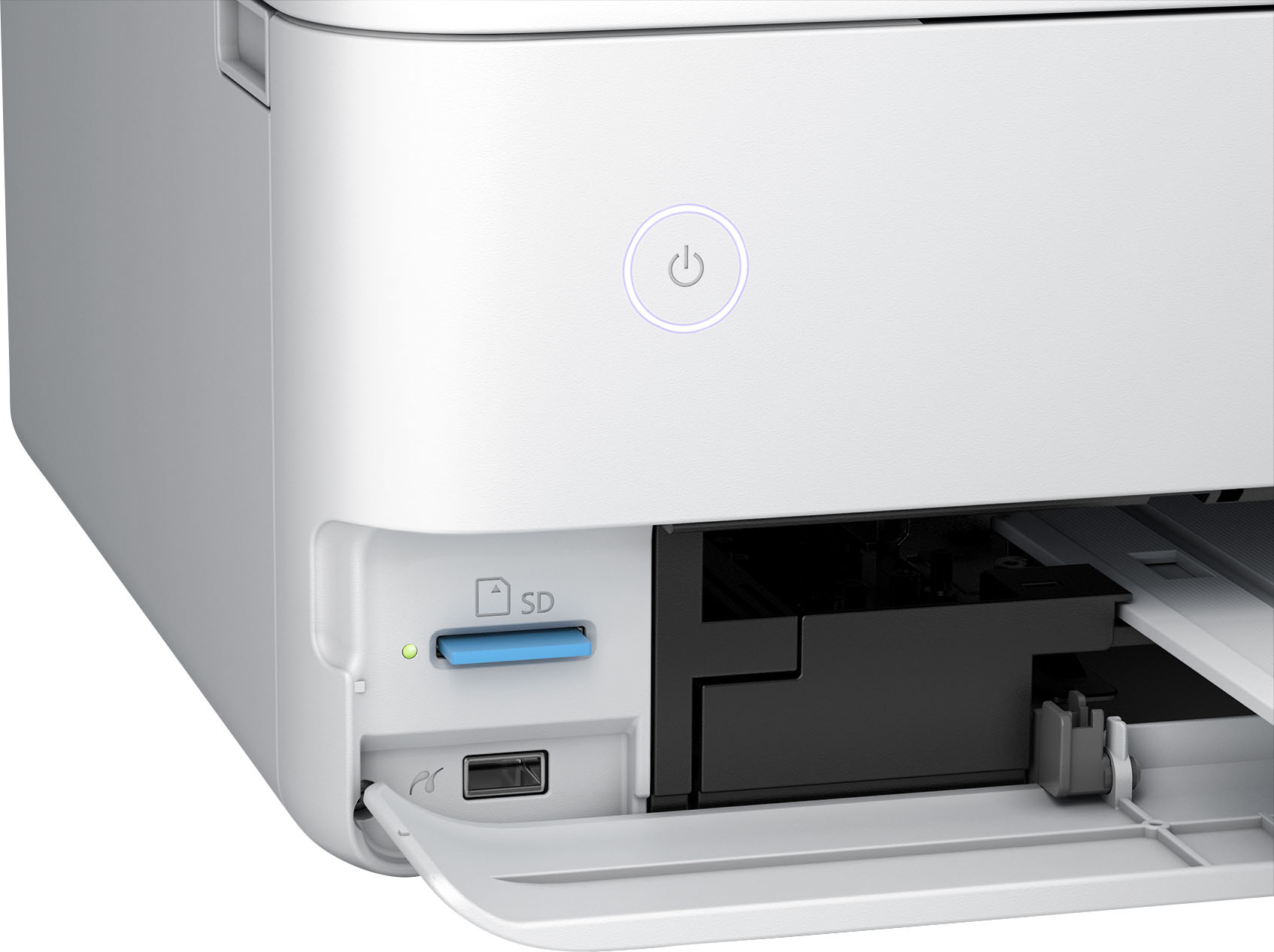
A:AnswerYou can print fro flash drive and there is a flash drive and SD port to use. I also can print anything from my phone or my Mac computer. It give beautiful colors. I hope this help with your question.
A:AnswerHello patton428. The ET-8550 uses a mixture of dye and pigment-based ink. It is somewhat water-resistant; however, it is not waterproof, and other variables, including the paper type used, can affect how a printed item will react to water. Regards, Kevin - The Epson Team.
A:AnswerHi Dan, The EcoTank Photo ET-8550 has a one-year parts and labor warranty, but if you register the printer with Epson, the warranty will be extended to two years. Regards, Mark - The Epson Team.
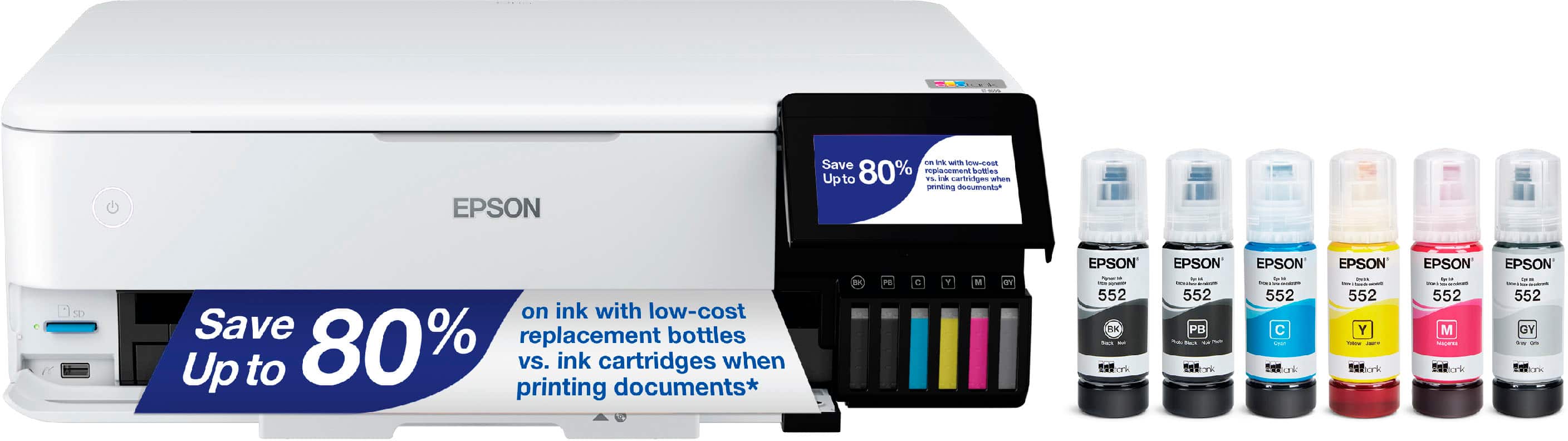
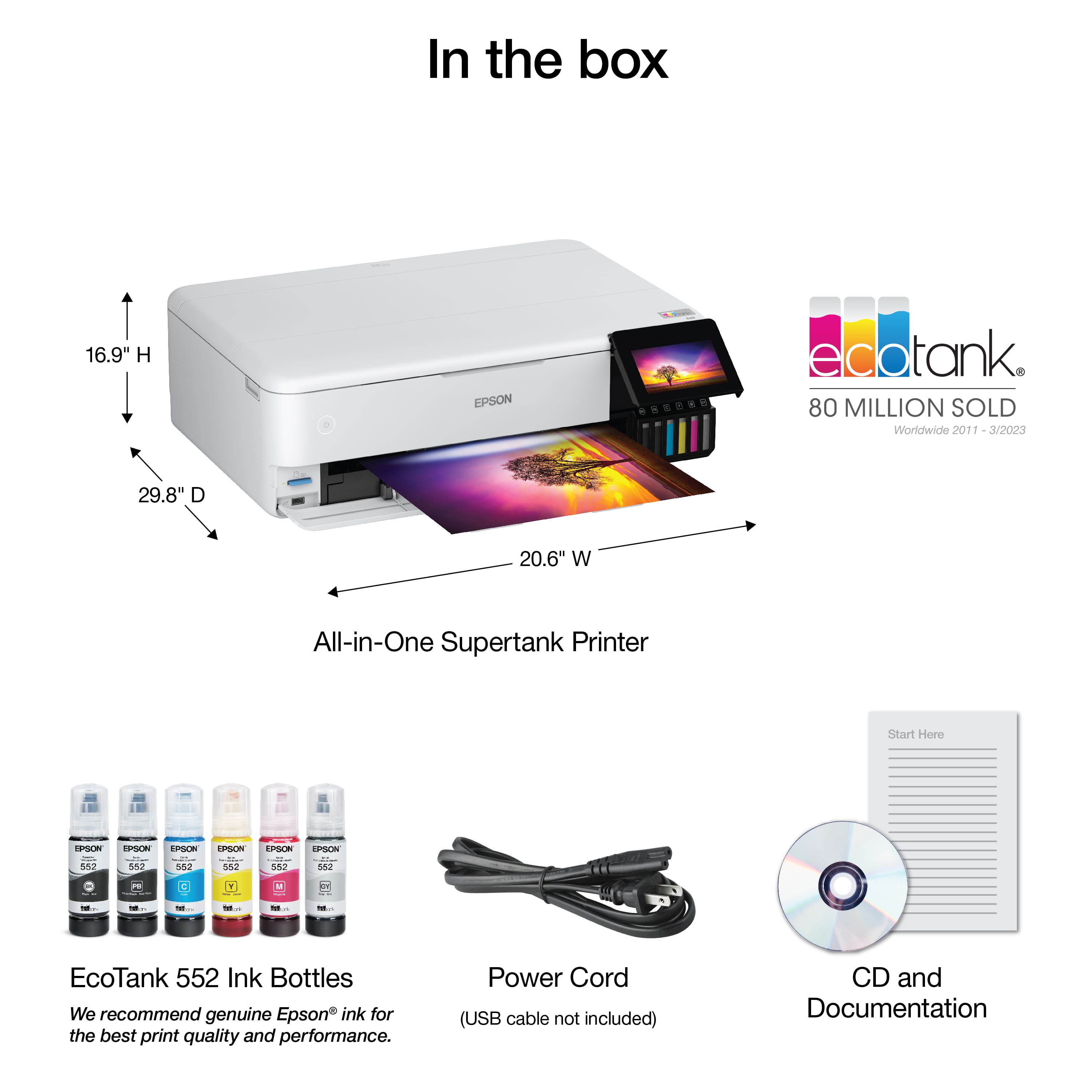
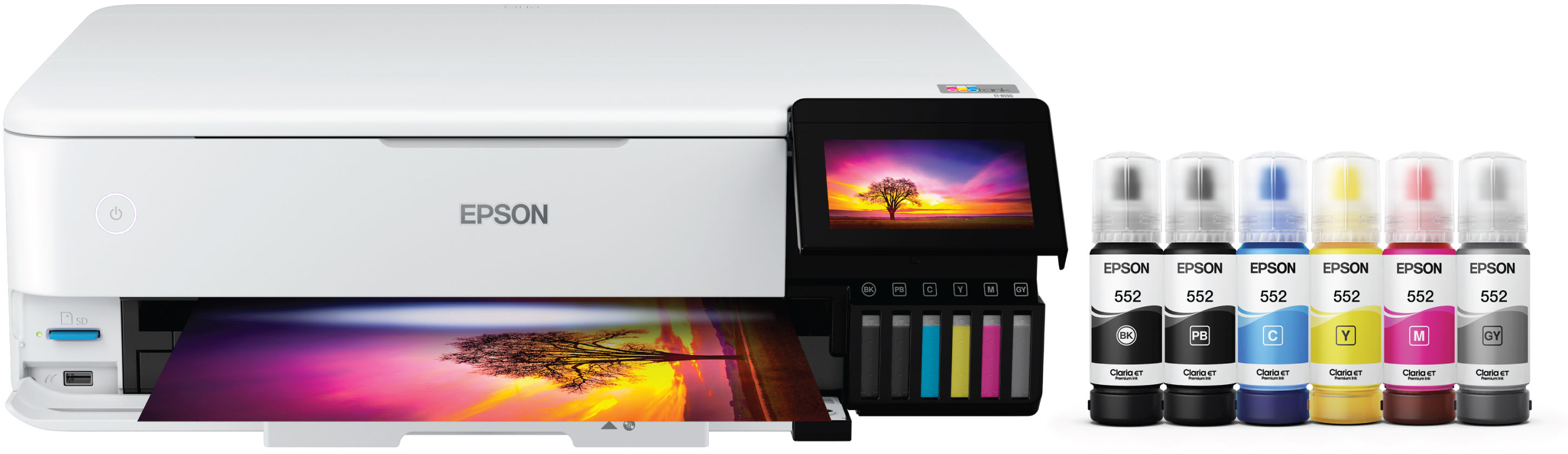
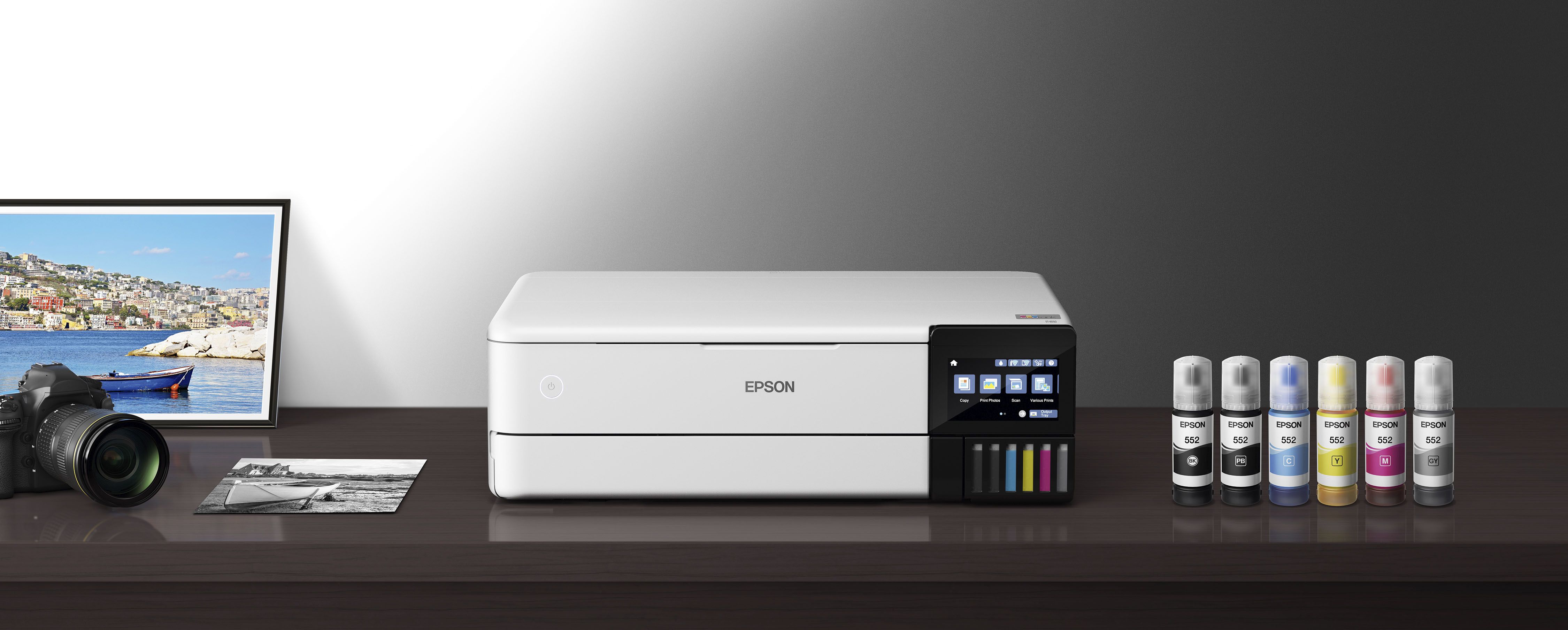
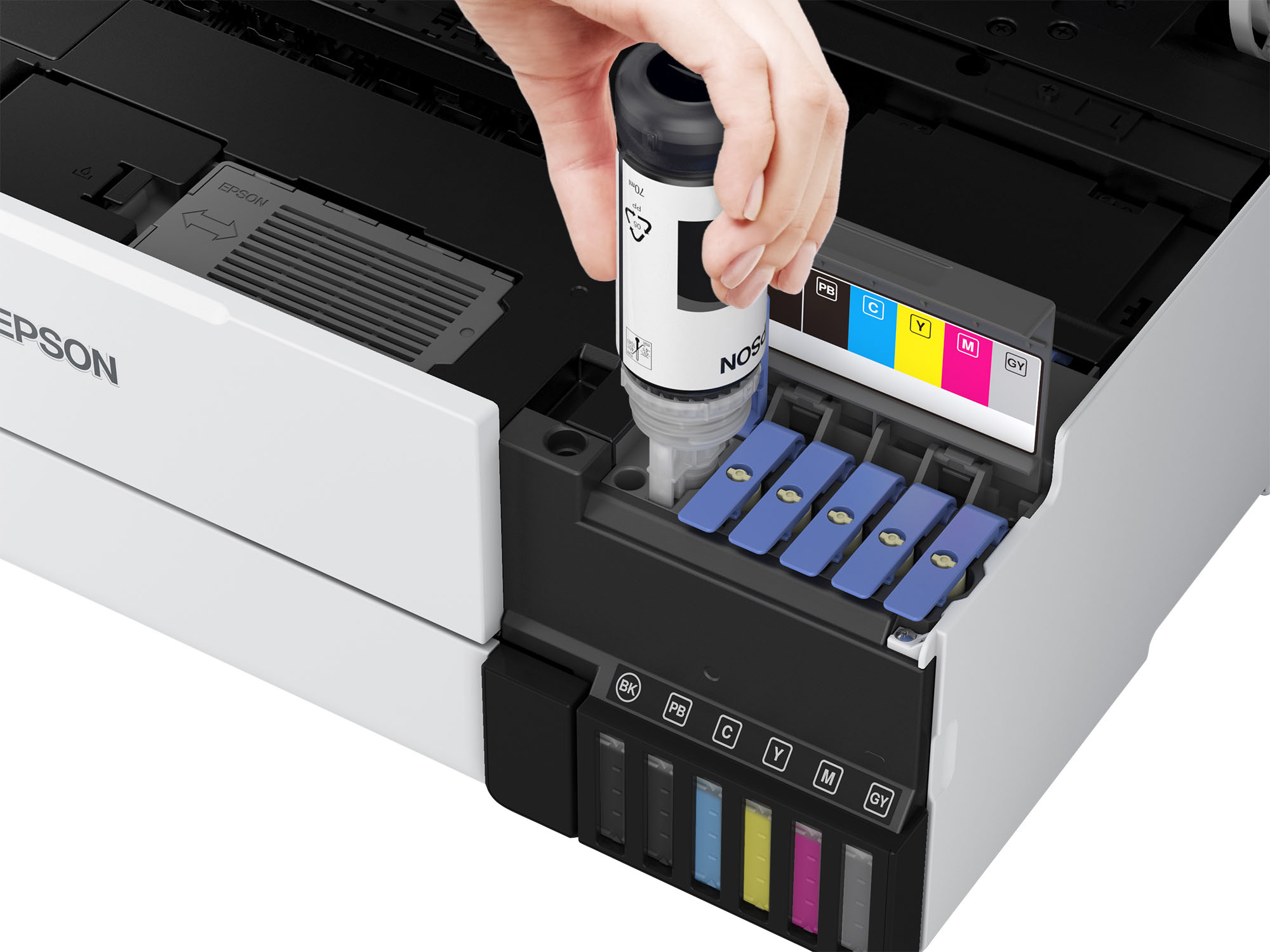
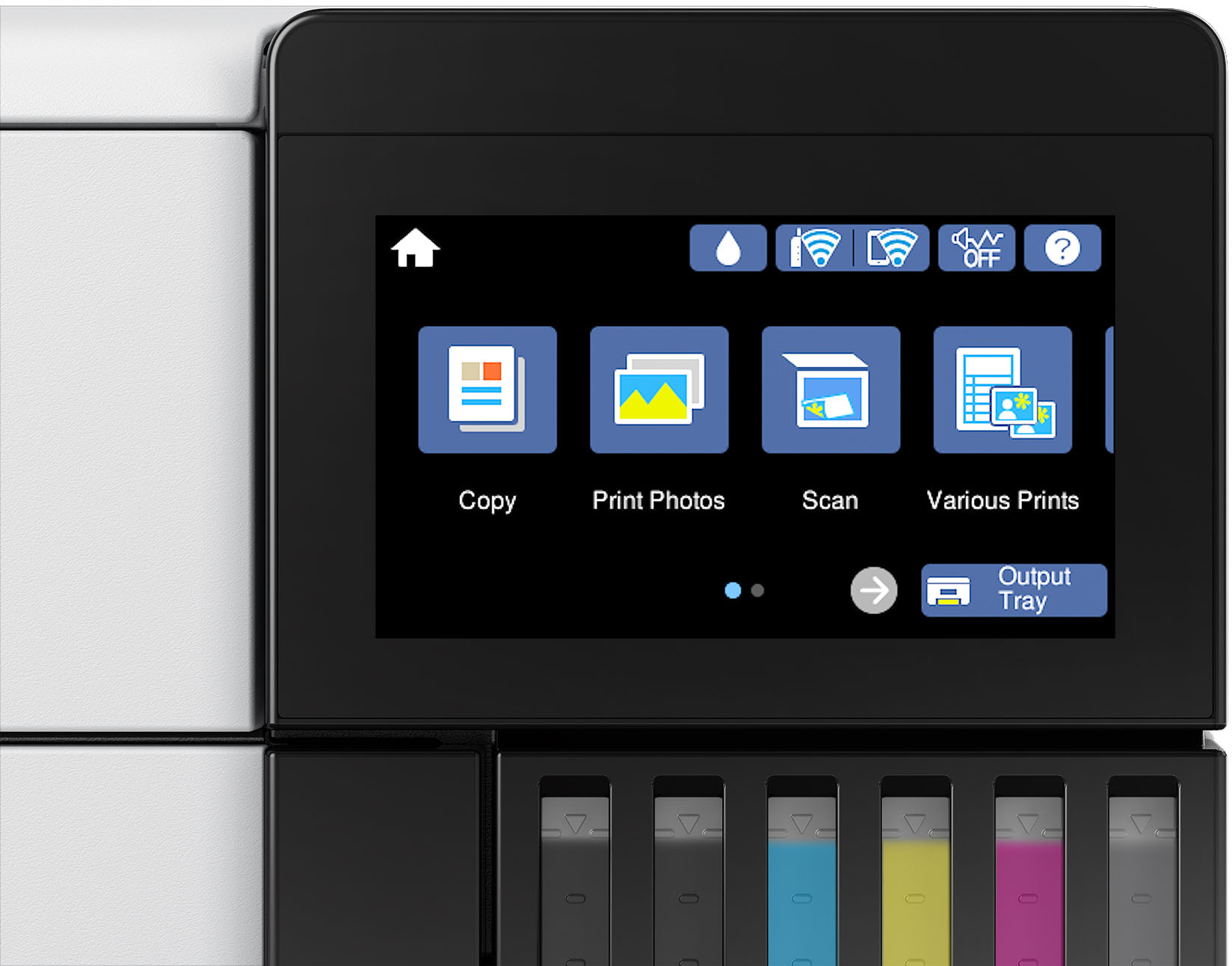
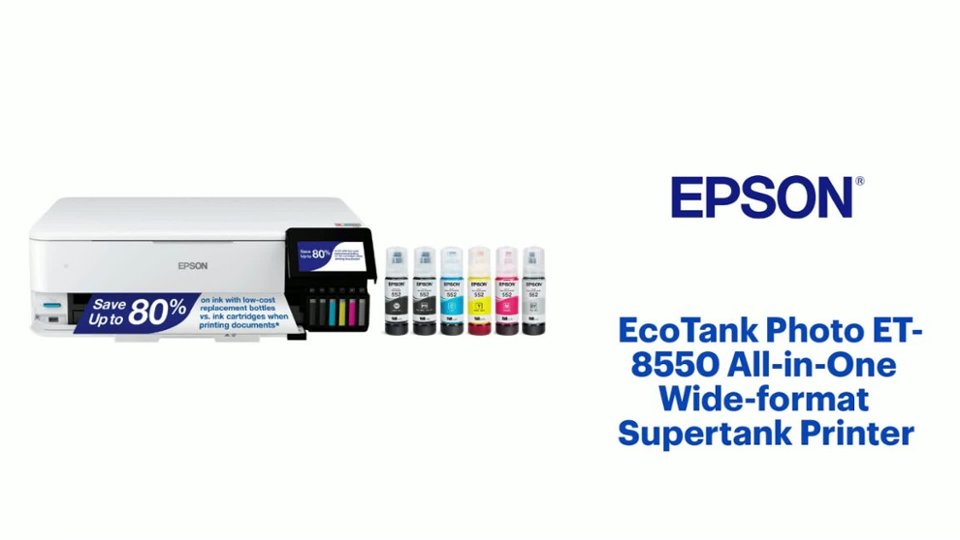
A:AnswerHello. The ET-8550 uses a total of six Epson 552 Ink Bottles. The colors included are Cyan, Magenta, Yellow, Gray, Photo Black, and Pigment Black also for crisp, sharp black text. Regards, Kevin - The Epson Team.
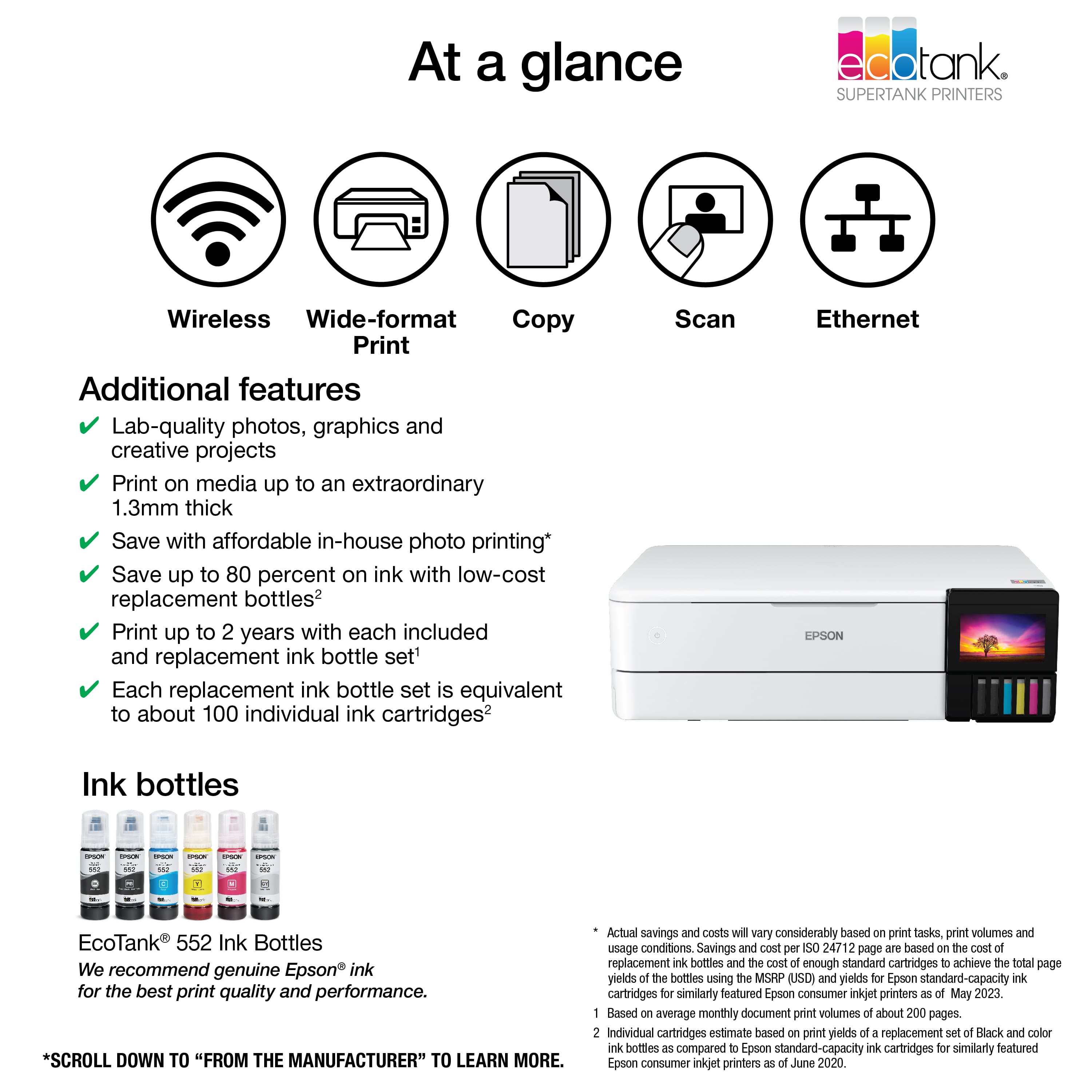
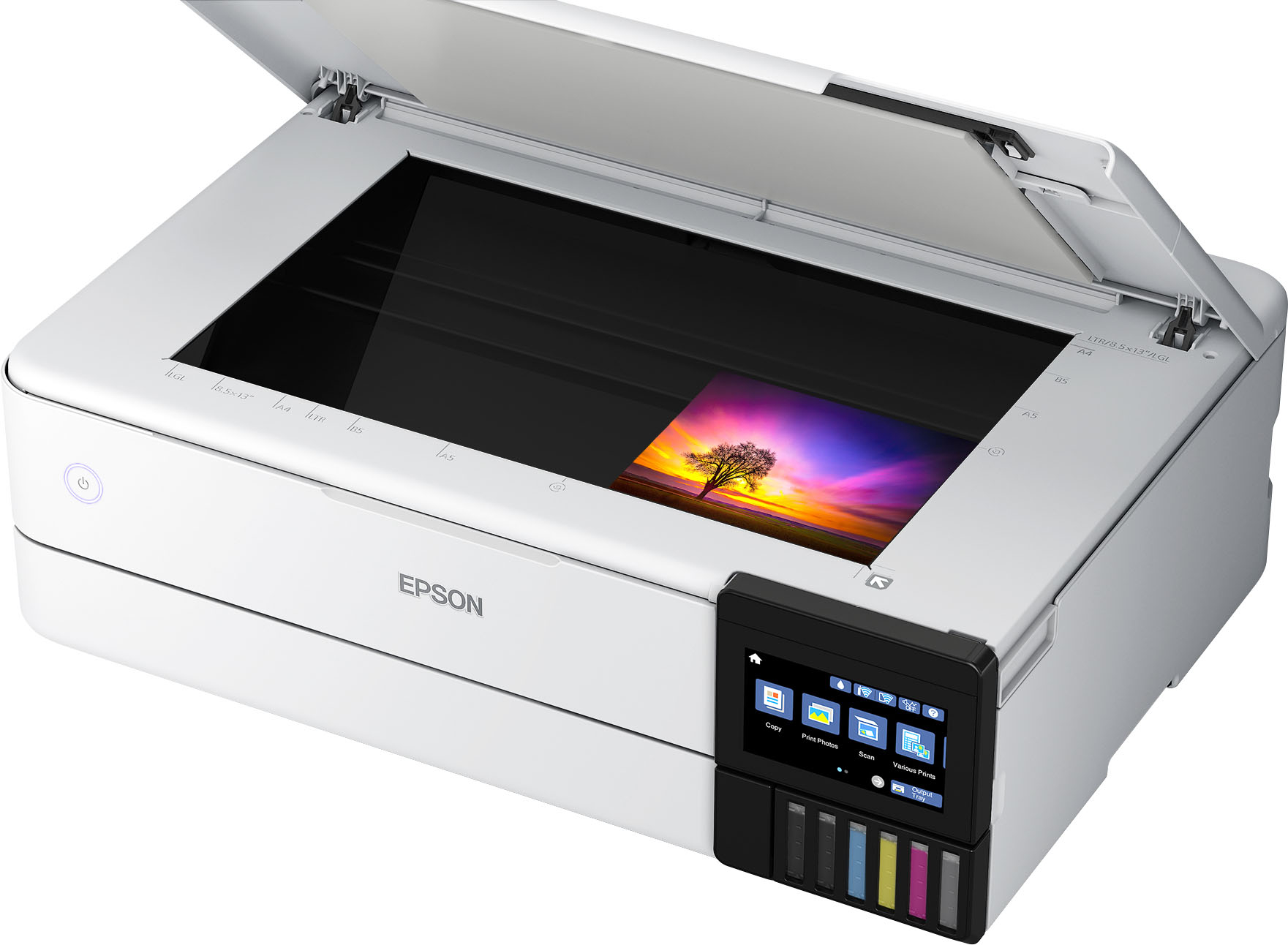
A:AnswerHello Nita. The ET-8550 is an All-In-One printer that includes printer, copy, and scan functionality. Unfortunately, the printer does not have fax features. Regards, Kevin - The Epson Team.
A:AnswerHello LJ. The EcoTank ET-8550 can print on standard inkjet-compatible labels like Epson Photo Quality Self-adhesive Sheets. Please be aware that your results could vary if you plan to use 3rd party labels on the machine, as we have only tested Epson paper to work on the machine. Regards, Kevin - The Epson Team.
A:AnswerThe 502 is all dye inks and is 3 colors C/M/Y with black dye ink, 4 tanks/print heads.
The 552 in Claria high-end inks and a 6 tank/print heads system. Black ink is pigment based and the 5 colors C/M/Y & PB Photo Black and GY Gray are dye based. The 552 inks are Photo type inks that can last 98 years under glass and 200 years in dark storage approximately.
A:AnswerHello Donny. Yes, the ET-8550 is compatible with versions of macOS 10.6 - 13. You can download the latest driver on our official Epson Support page. Regards, Kevin - The Epson Team.
A:AnswerHello tbirdjim. The ET-8550 is only available as an All-in-One printer that includes scanner functionality. It is designed to only work with 552 Epson Ink Bottles. They are not considered archival, but the set contains a combination of dye and pigment-based Inks. Regards, Kevin - The Epson Team.
A:AnswerMy experience with this printer is that the output quality (when using better glossy paper) is about the same as what I see on my (notebook, tablet or smartphone screen). The difference between glossy and plain paper is huge.
A:AnswerHello Izabelle. Unfortunately, the printer does not have an option to choose pigment or dye ink when printing. All colors are required for the ET-8550 to function. To help reduce the use of your color inks when printing, you can choose the Black/Grayscale setting. Please be aware that even when selecting this option, the printer could still use a mixture of color inks to create black on your prints. Regards - Kevin - The Epson Team.
A:AnswerHello jgperrin. While the ET-8550 supports automatic 2-sided printing, borderless 2-sided printing can only be done by manually flipping the printed page. Regards, Kevin - The Epson Team.
A:AnswerHello jgperrin. Yes, the ET-8550 can print borderless. However, borderless printing is only available when selecting specific paper types and sizes. For more details, see the "Borderless Paper Type Compatibility" section in the User Guide. Regards, Kevin - The Epson Team.
A:AnswerHello rtn. The thickest paper we have tested on the machine is Epson Premium Photo Paper Glossy, which weighs 68 lb. 252 g/m². You can try other paper that falls in that range, but your results can vary when using other brands and heavier paper. Regards, Kevin - The Epson Team
A:AnswerHello studiopop. Unfortunately, this printer does not have a separate adapter for 35mm slides. We recommend looking at the V600 Photo Scanner, which includes a transparency unit for scanning slides. Regards, Kevin - The Epson Team.