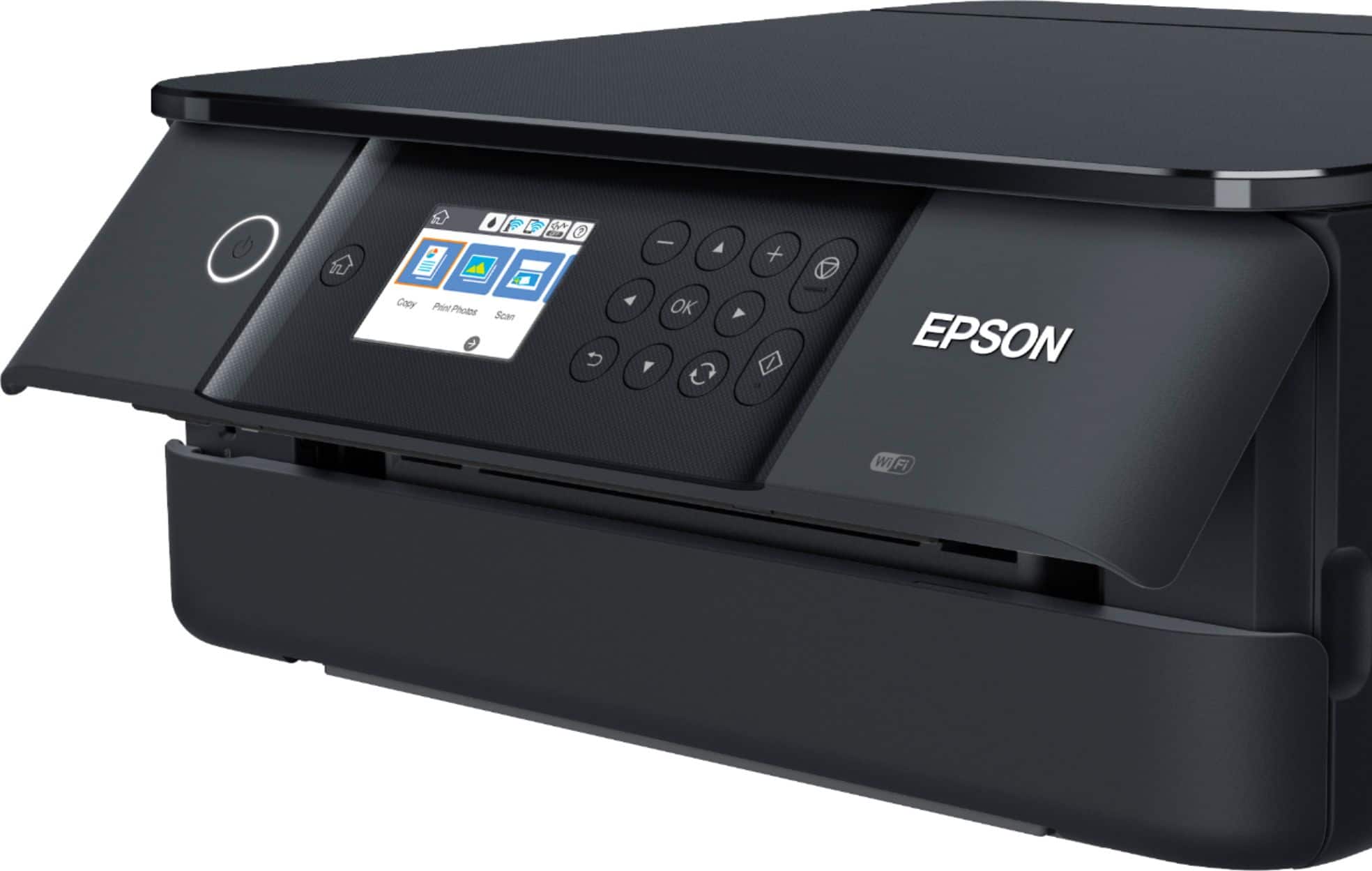
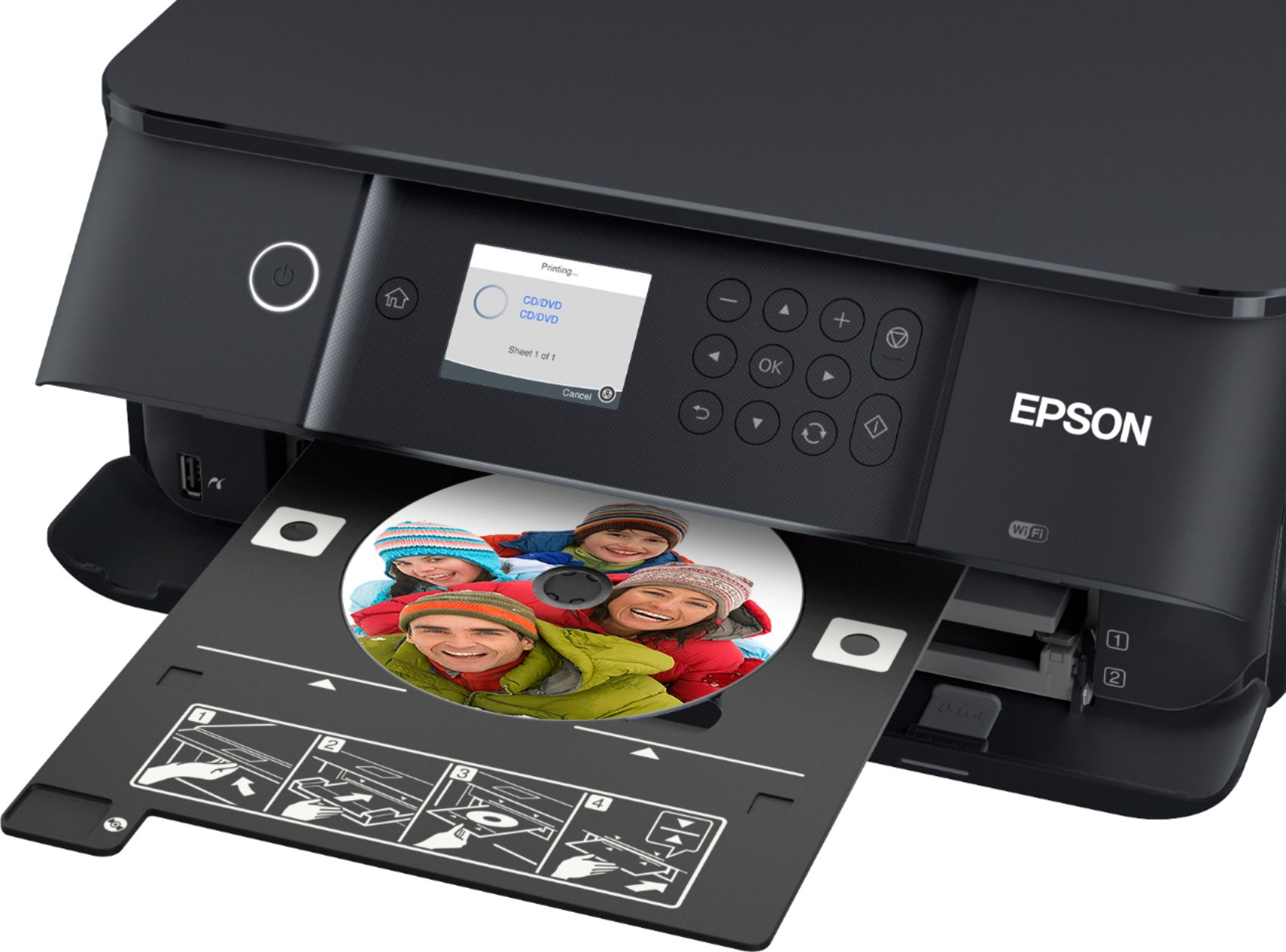
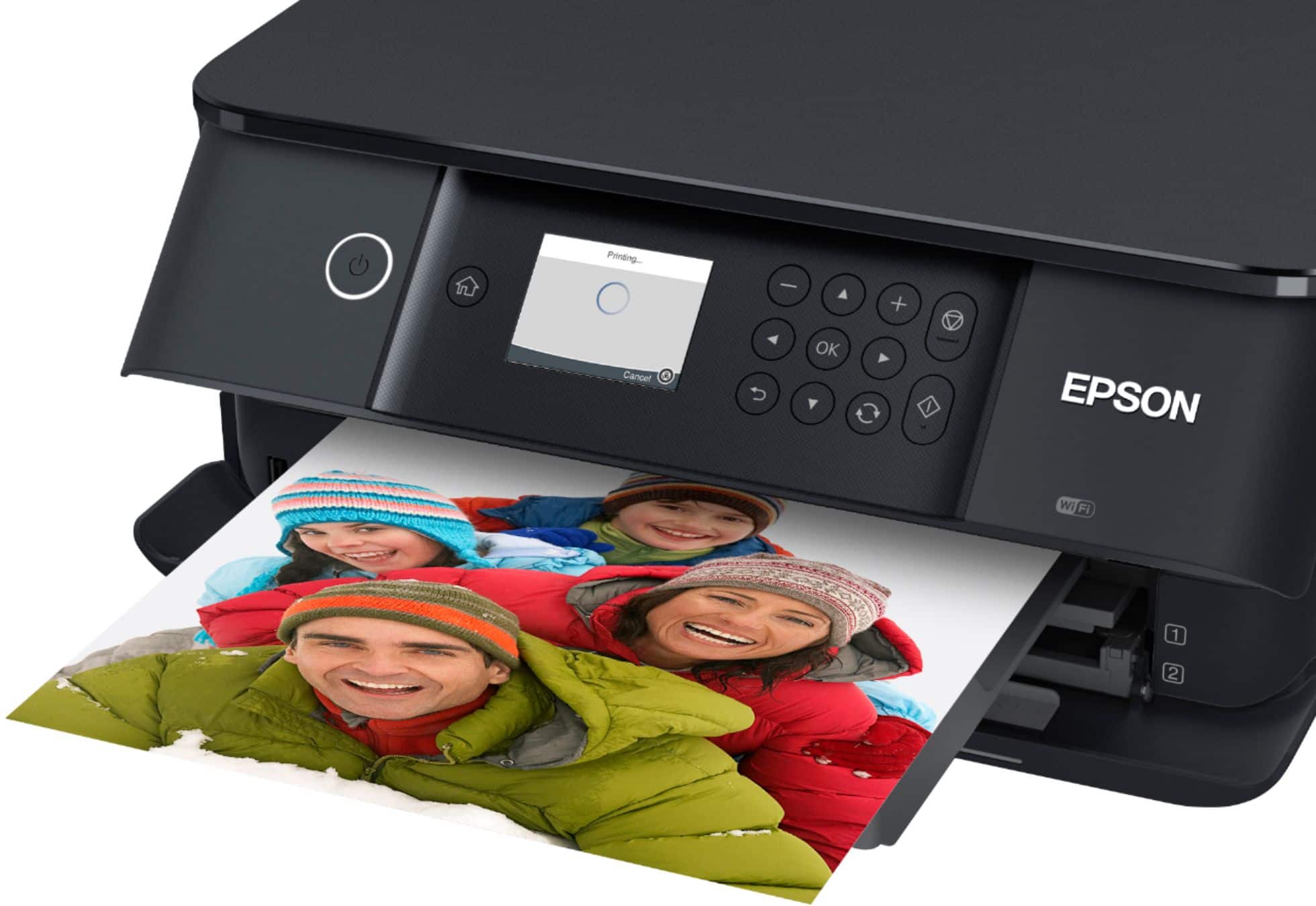
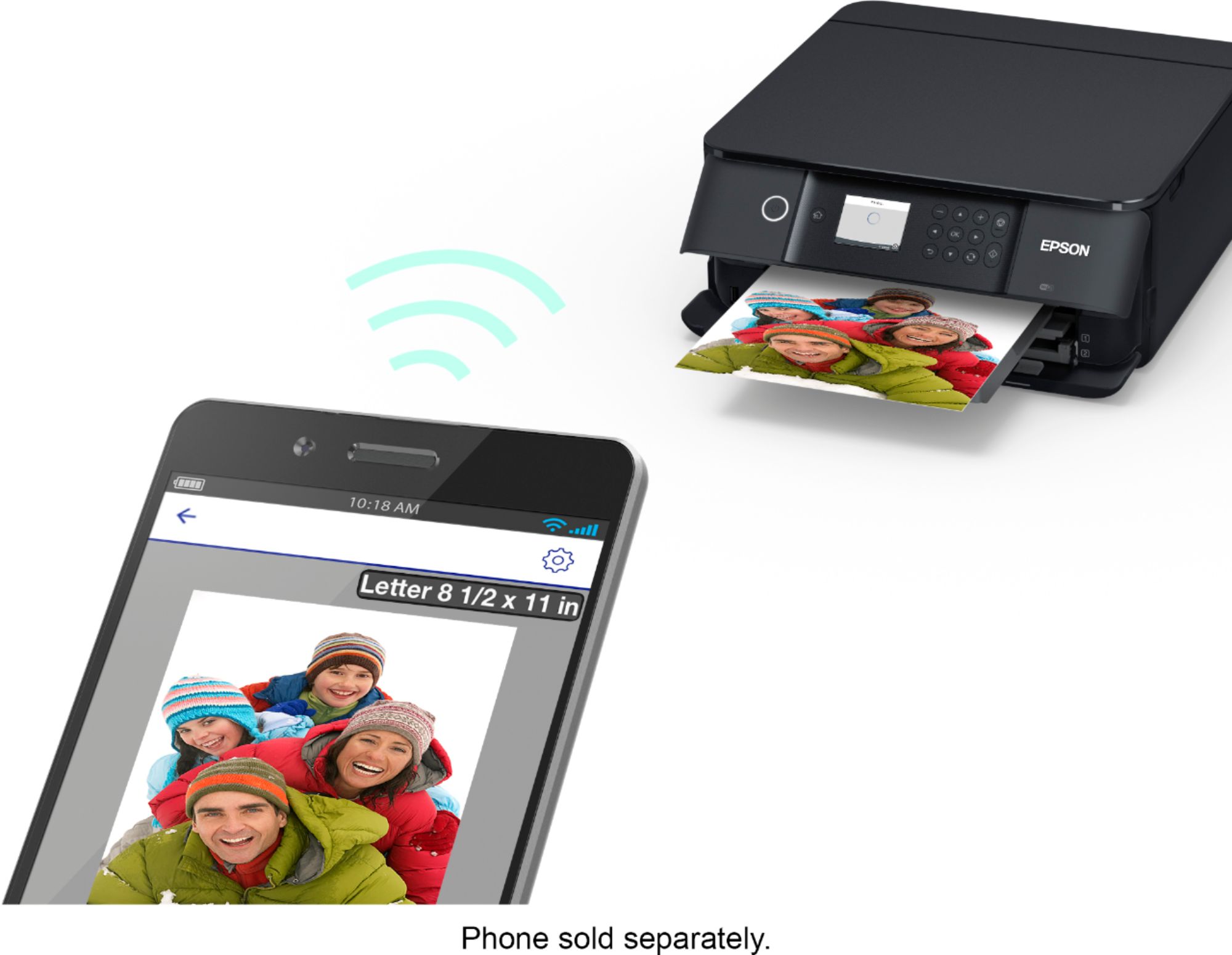
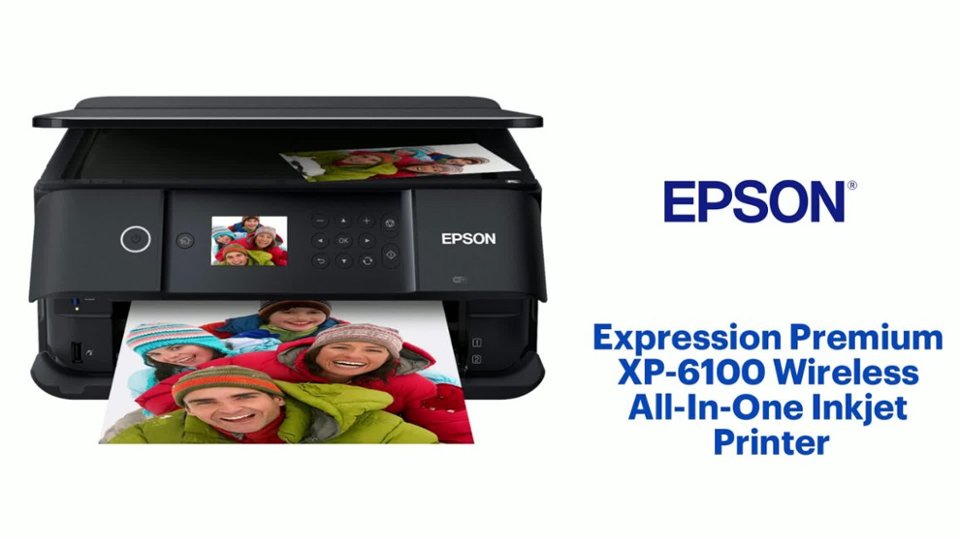
A:AnswerHi Stephendino. Yes, the Expression Premium XP-6100 printer is compatible with both Android and iOS devices. You can use the Epson iPrint app from both devices to operate the printer. Regards, Kevin - The Epson Team.
A:AnswerHi Andynipo7. The Epson Expression Premium XP-6100 is compatible with computers running the Microsoft Windows XP (32-bit, 64-bit) OS. Regards, Bobby - The Epson Team.
A:AnswerHi VIOLETROSE. The Epson Expression Premium XP-6100 can print, scan, and function as a standalone copier. However, this printer was not designed with Faxing capabilities. Regards, Bobby - The Epson Team.
A:AnswerHi Honeybun. The Epson Premium XP-6100 has not been tested on water soluble paper. Additionally, the ink (contained in the Epson 302 and 302XL ink cartridges) for this printer is an aqueous-based solution. Regards, Bobby - The Epson Team.
A:AnswerHi Chloe. No, the Epson Expression Premium XP-6100 was not designed for dye-sublimation printing nor use non-genuine Epson ink cartridges. Regards, Bobby - The Epson Team.
A:AnswerHi. The Epson Expression XP-6100 was designed with one USB 2.0 Type-B port. Additionally, you can use any USB 2.0 (Typ- A to Type-B connectors) cable to connect this printer to a computer. Regards, Bobby - The Epson Team.
A:AnswerHi Inthewoods. Yes, you can load Epson 302XL ink cartridges for all colors, or a mix between high-capacity (302XL) or standard-capacity (302) ink cartridges, in the Expression Premium XP-6000. Regards, Bobby - The Epson Team.
A:AnswerHi Liz. No, The Epson Expression Premium XP-6100 was not designed for dye-sublimation printing nor use non-genuine Epson ink cartridges. Bobby - The Epson Team.
A:AnswerHi la, Sorry, the XP-6100 is not a sublimation printer. It is designed to use only Epson 302 and high-capacity 302XL cartridges. Regards, Mark - The Epson Team.
A:AnswerHi crossbow, Try removing the duplexer cover on the back of your XP-6100. If you look at the back you will see two tabs you can squeeze together and then slide the rear cover off. Look to see if there is any paper stuck inside. Regards, Mark - The Epson Team.
A:AnswerHi bkbl, Yes, you can print on photo paper with the XP-6100. For the best quality, use Epson photo paper. Visit the Epson support site for a list of compatible paper types. Regards, Mark - The Epson Team.