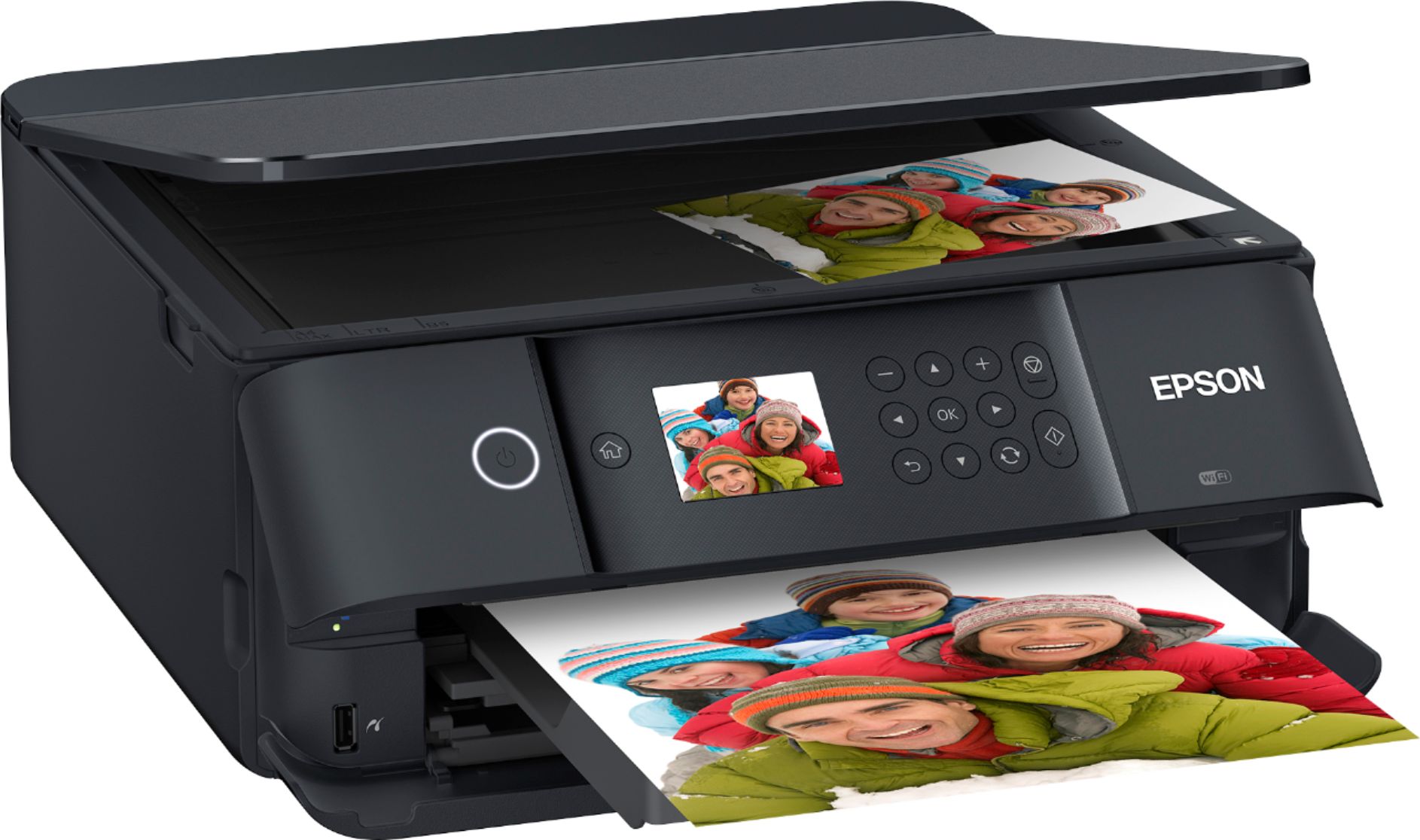
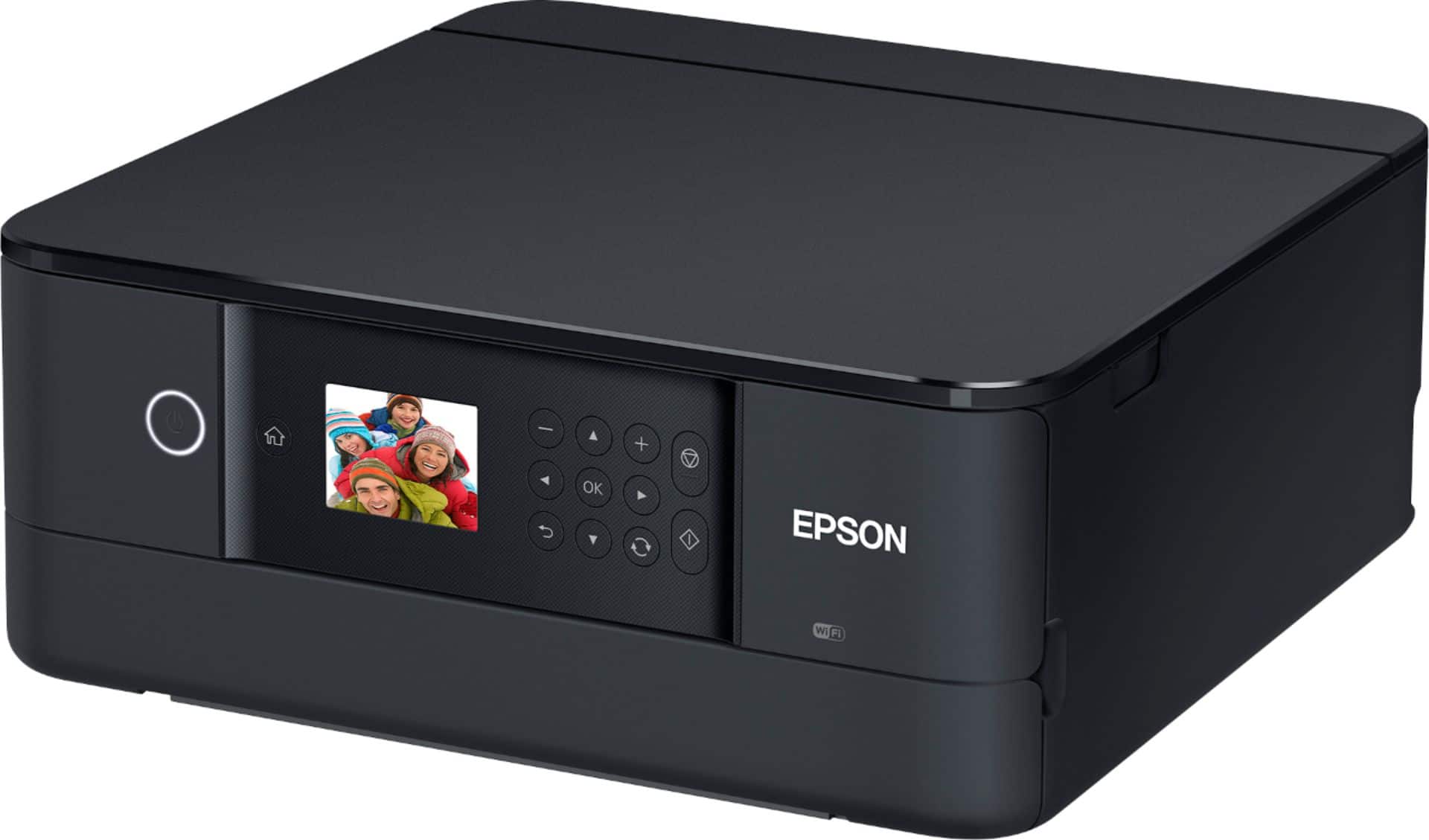
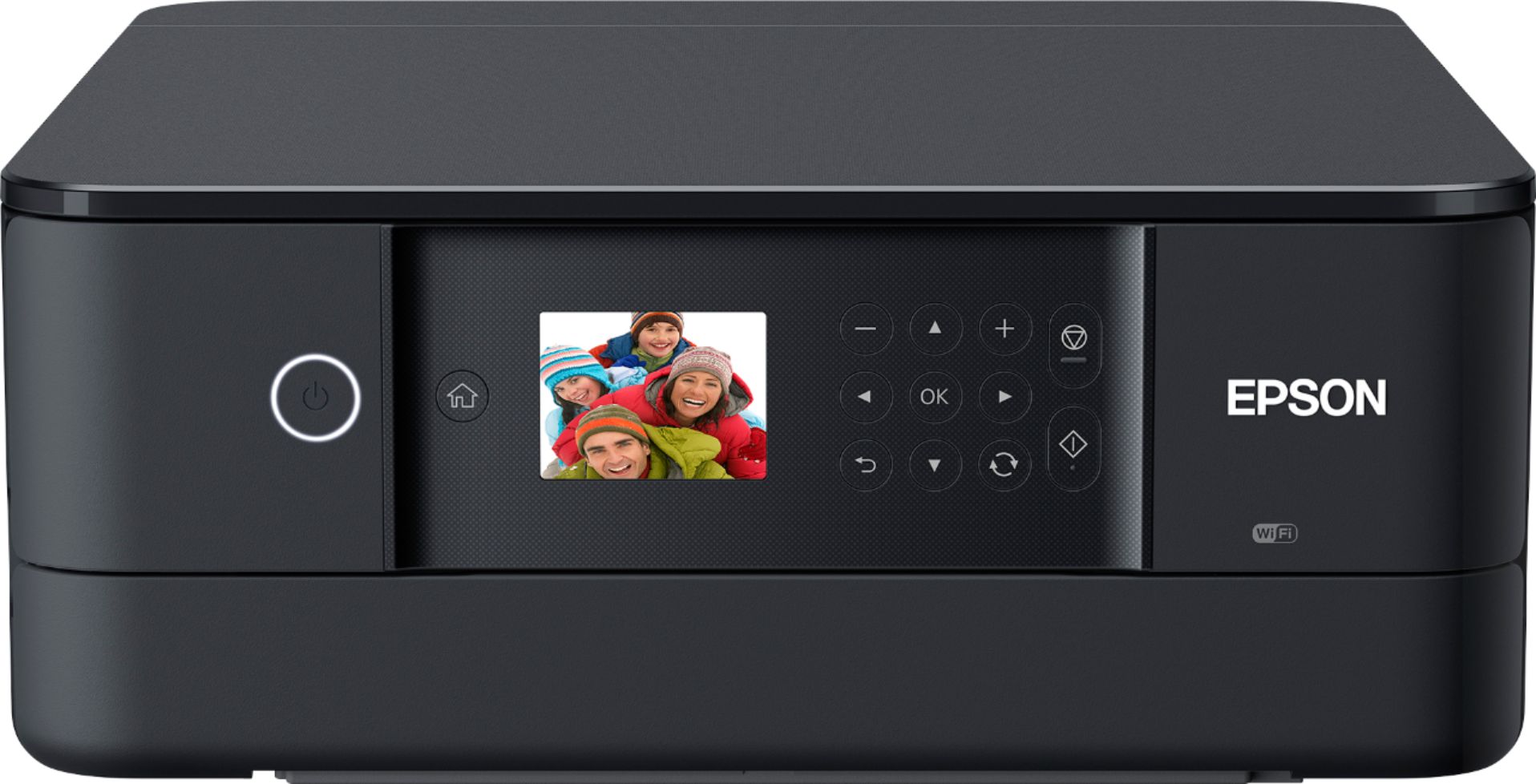
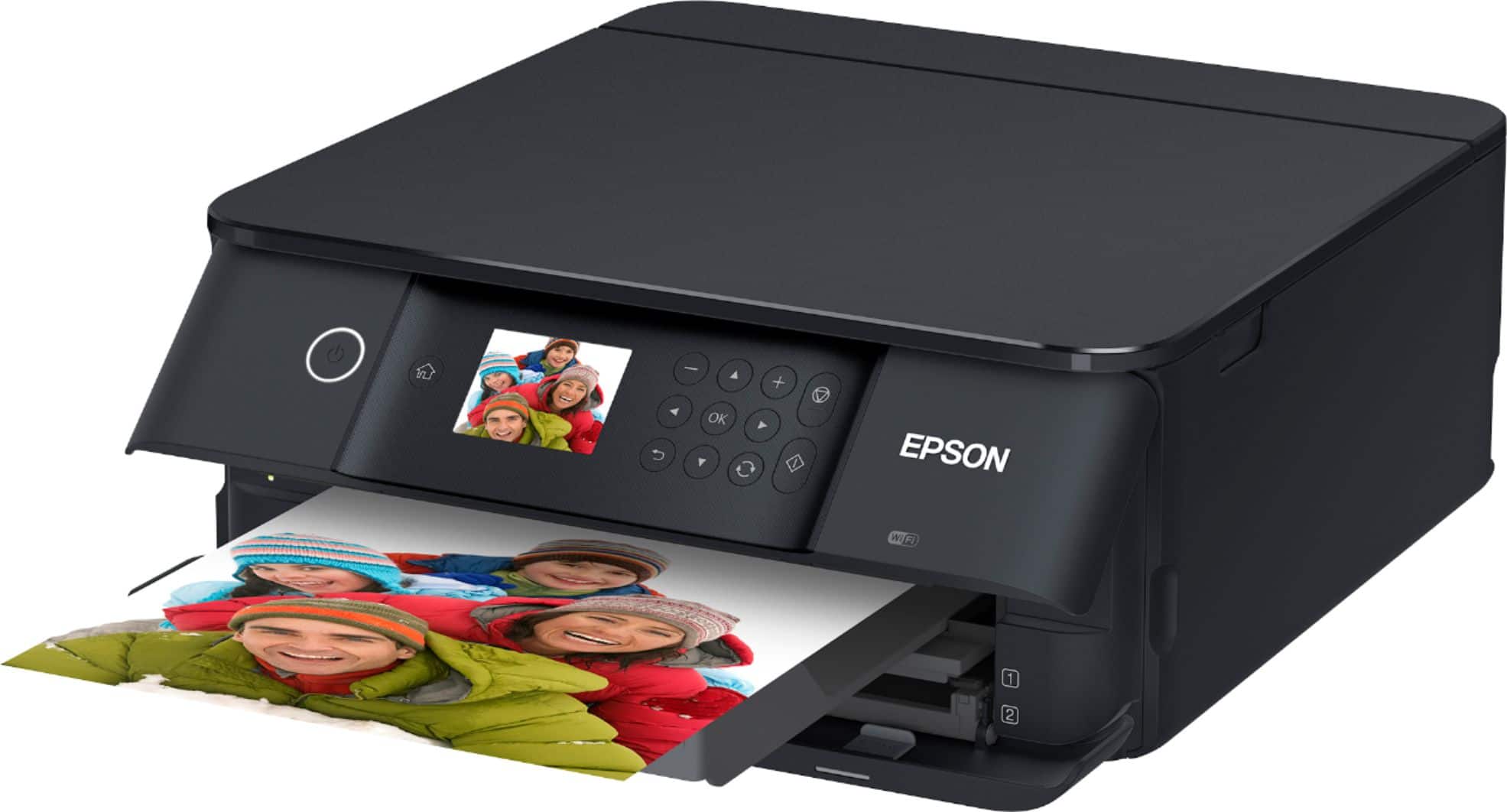
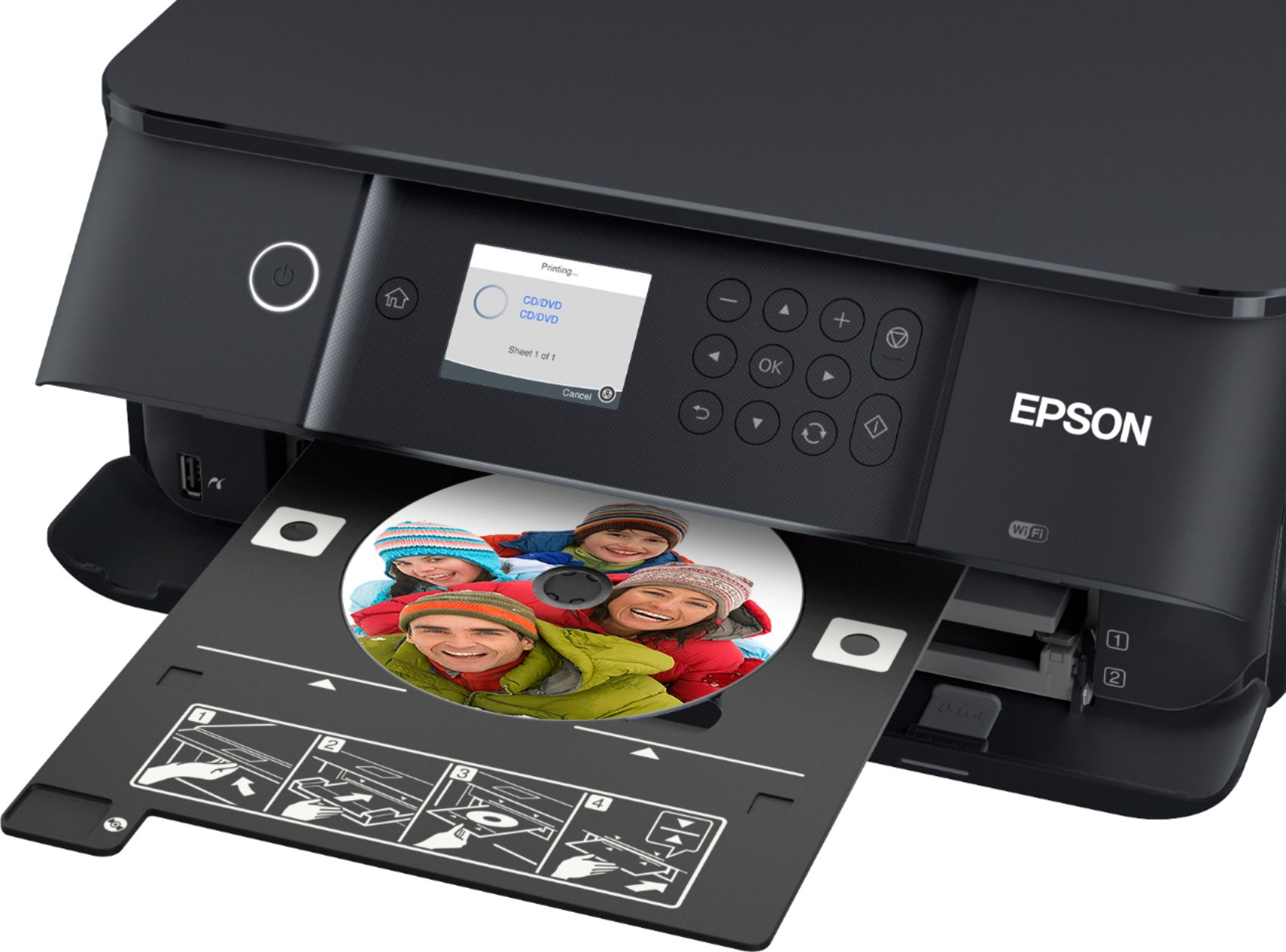
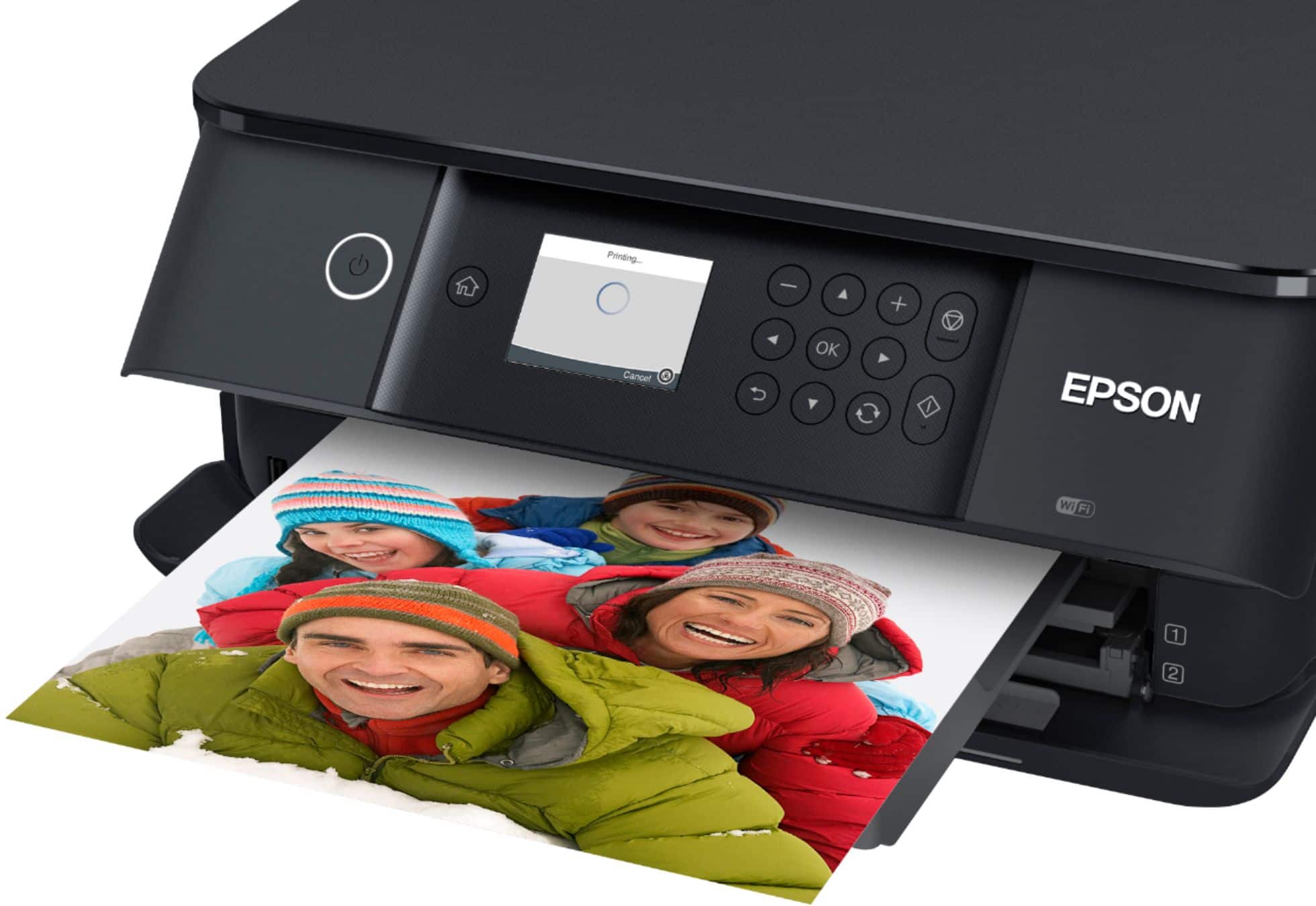
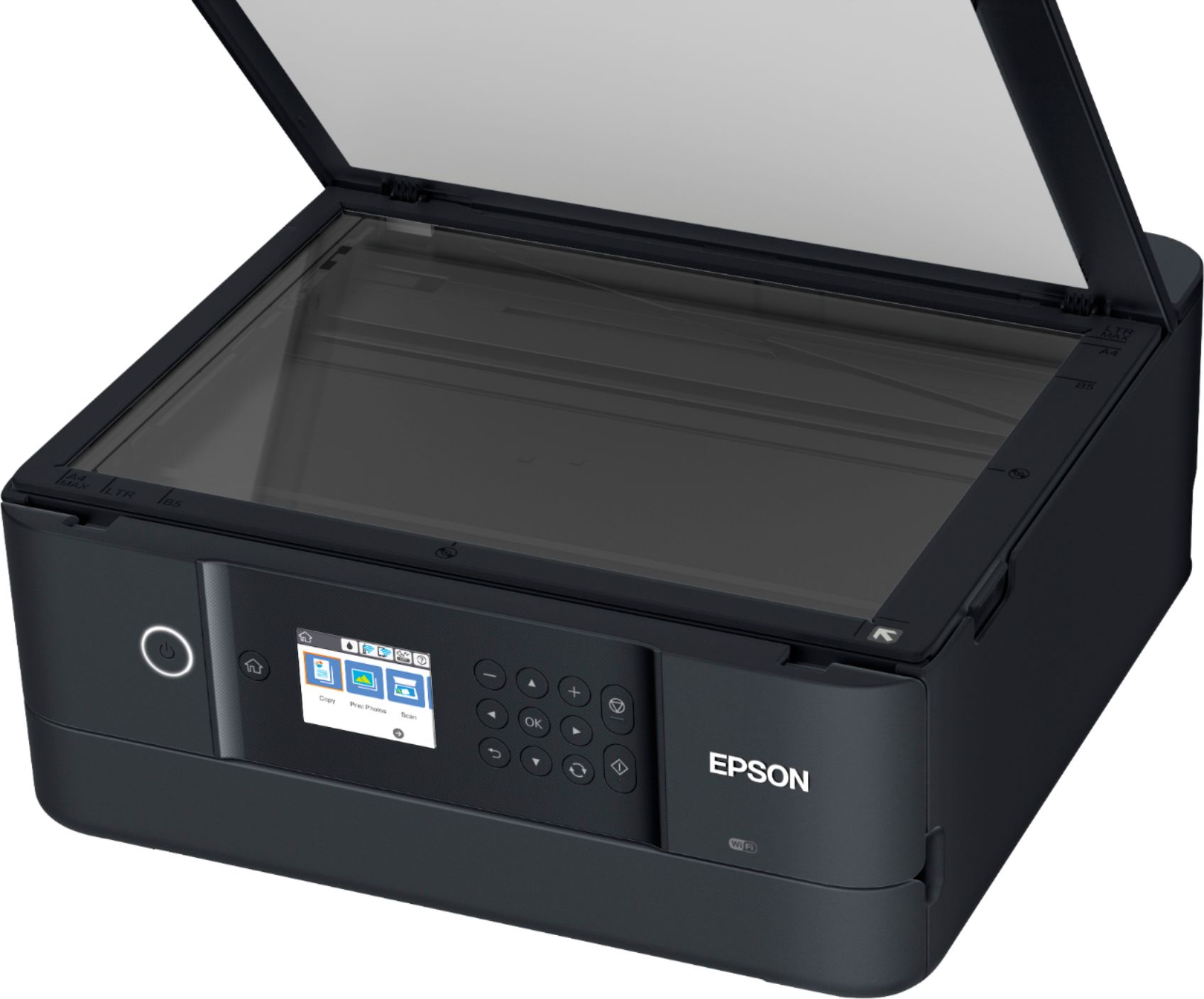
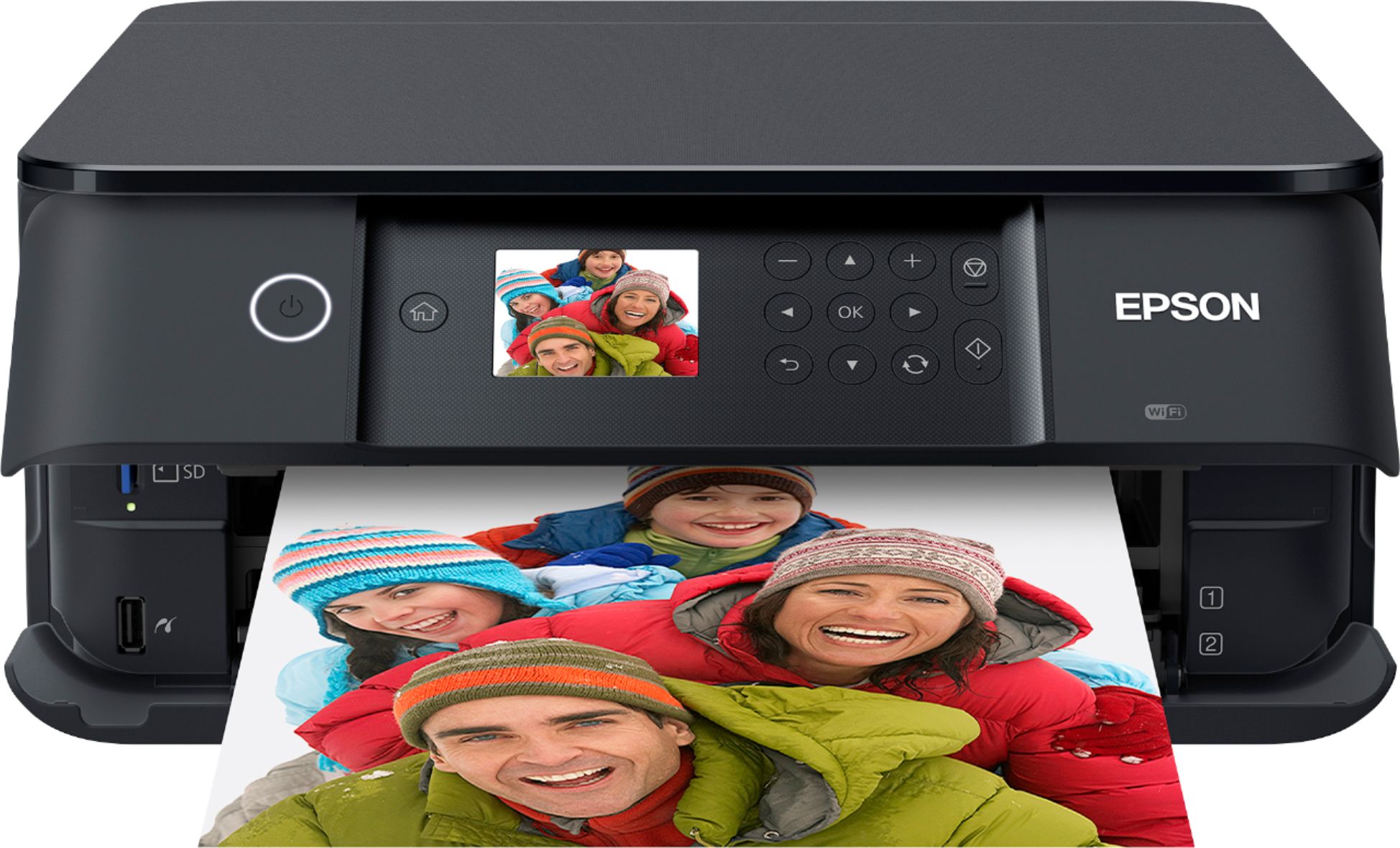
A:AnswerHello. Yes, the XP-6100 is an all-in-one printer that can print and scan to your computer. To get started, please visit our official Epson Support page to download the latest software for the printer. Regards, Kevin - The Epson Team.
A:AnswerHello sciguy. The XP-6100 can be used with a USB cable or Wi-Fi connection. Please visit our official Epson Support page to download the latest printer driver. Regards, Kevin - The Epson Team.
A:AnswerHello Joe. Yes, the XP-6100 includes a memory card slot to use your external memory device. You can use this function to print documents and save scanned files. For more information, please visit our official Epson Support page. Regards, Kevin - The Epson Team.
A:AnswerHello Betsy. Yes, the XP-6100 is an all-in-one inkjet printer compatible with Windows 11. You can download the latest printer driver available on our official Epson Support page. Regards, Kevin - The Epson Team.
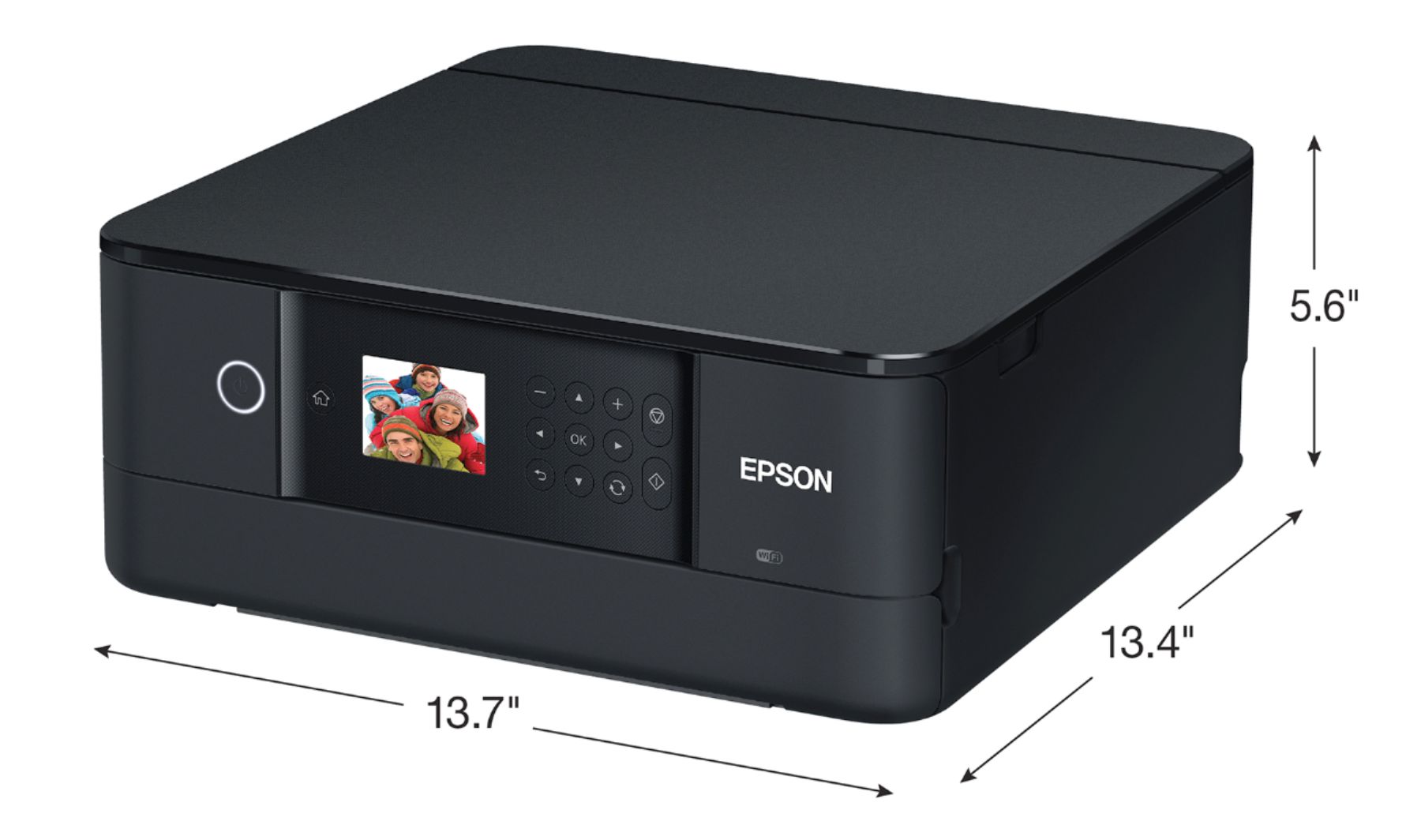
A:AnswerHello.The 19.8" measurement is when the printer is being used with trays extended. The XP-6100 measures 13.4" in depth when stored and not in use. Regards, Kevin - The Epson Team.
A:AnswerHi lj, If you sign up for an Epson Connect account and set up Scan to Cloud, you can send an email from the Expression XP Premium XP-6100 without a connection to a computer. However, the XP-6100 does not have fax capabilities. The WorkForce Pro WF-7840 is a printer/scanner/copier fax machine that is Scan to Cloud capable and it is currently available at Bestbuy.com. (Availability may change.) Regards, Mark - The Epson Team.
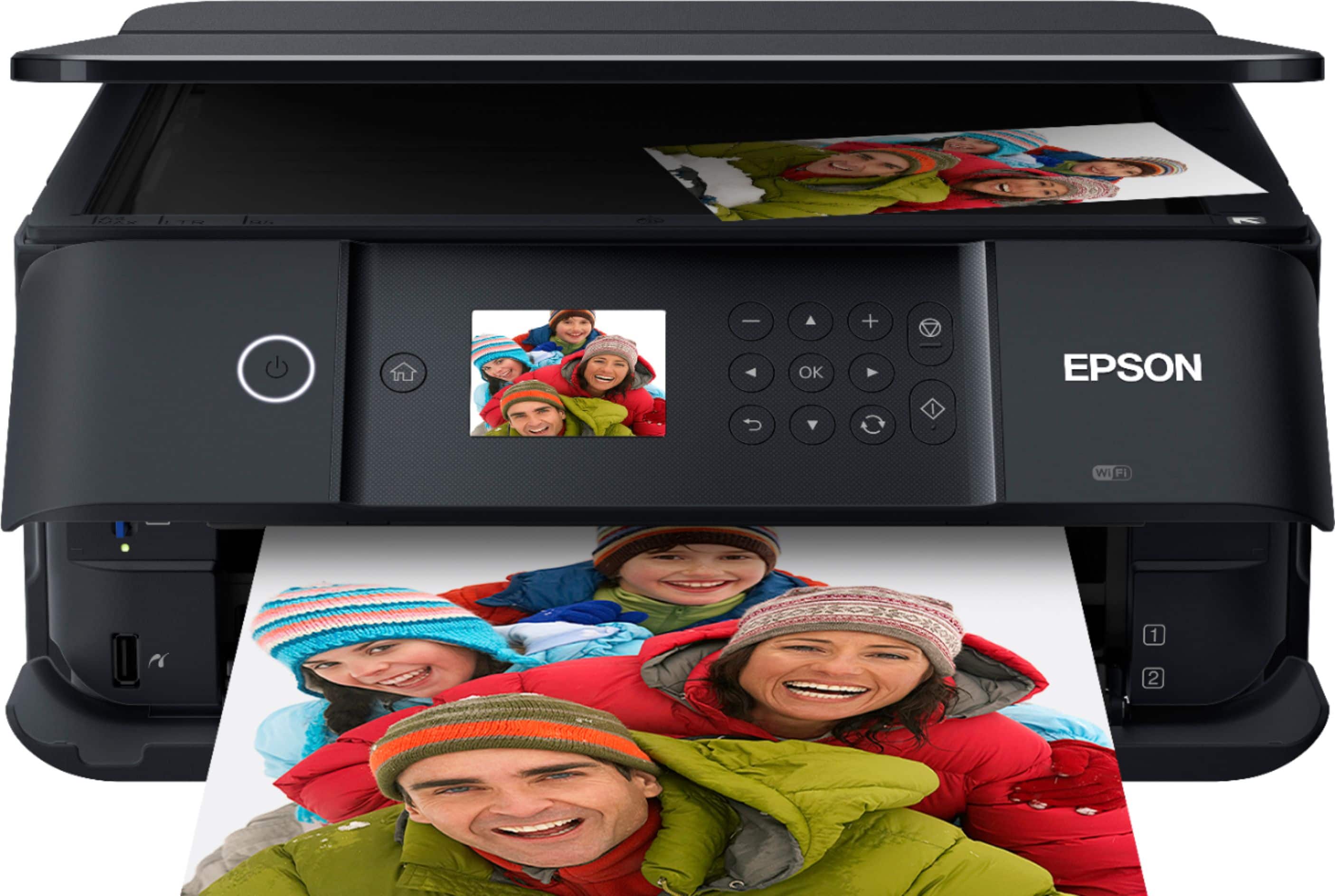
A:AnswerHello. The XP-6100 includes print, copy, and scan features. Unfortunately, the printer does not have fax functionality. Regards, Kevin - The Epson Team.
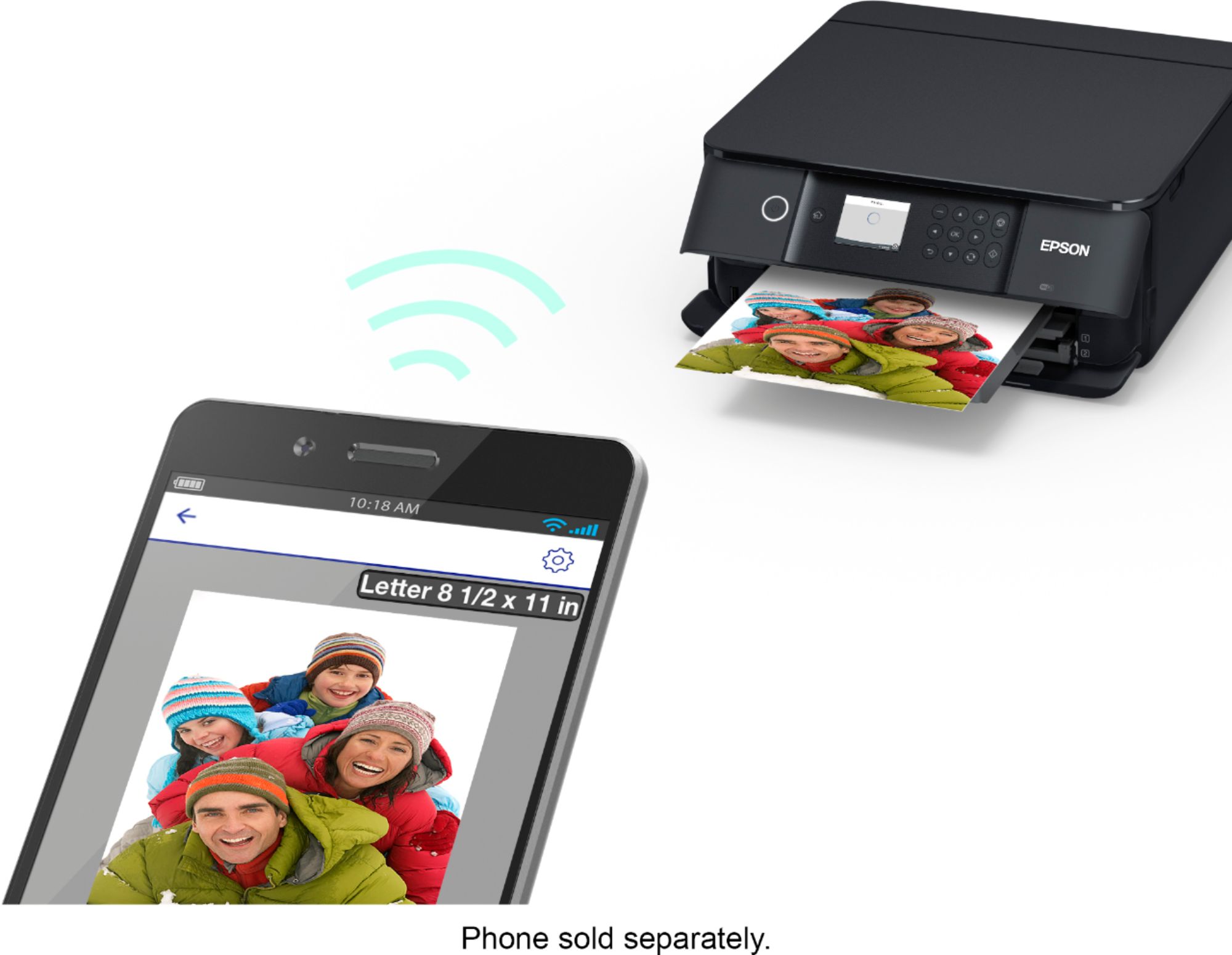
A:AnswerHello. The XP-6100 can be connected wirelessly via Wi-Fi to your Apple iPad. You can set up the device through Airprint, and you can also download the Epson iPrint app from the App Store to use your printer. Please see the User's Guide on the official Epson Support page for more information. Regards, Kevin - The Epson Team.
A:AnswerNot sure about your question. We didn’t have any trouble with setting it up with our internet and I would certainly think that you can set it up on any I internet as long as you have Pass code for it.
A:AnswerHello Perplexed. The XP-6100 doesn't include a USB port for a memory device. We recommend looking at the XP-7100 as it does include this feature. Unfortunately, the printer is currently out of stock on BestBuy's website. Please check their site often for availability. Regards, Kevin - The Epson Team.
A:AnswerHello PrinterGirl. Yes, the XP-6100 can print on various types of photo paper, including glossy and luster. We have only tested Epson brand, and no special ink is needed. Please see the User's Guide on the official Epson Support page to view a list of compatible paper types. Regards, Kevin - The Epson Team.
A:AnswerHello Ashley. The XP-6100 is an All-In-One printer that includes print, copy, and scan features. Unfortunately, the printer does not have fax functionality. Regards, Kevin - The Epson Team.
A:AnswerHello. The XP-6100 can be used on smartphones, tablets, and computers. We recommend downloading the Epson iPrint or Smart Panel app to use the printer if you have a smartphone or tablet. For computers, you can find the latest printer driver for download on our official Epson Support page. Regards, Kevin - The Epson Team.
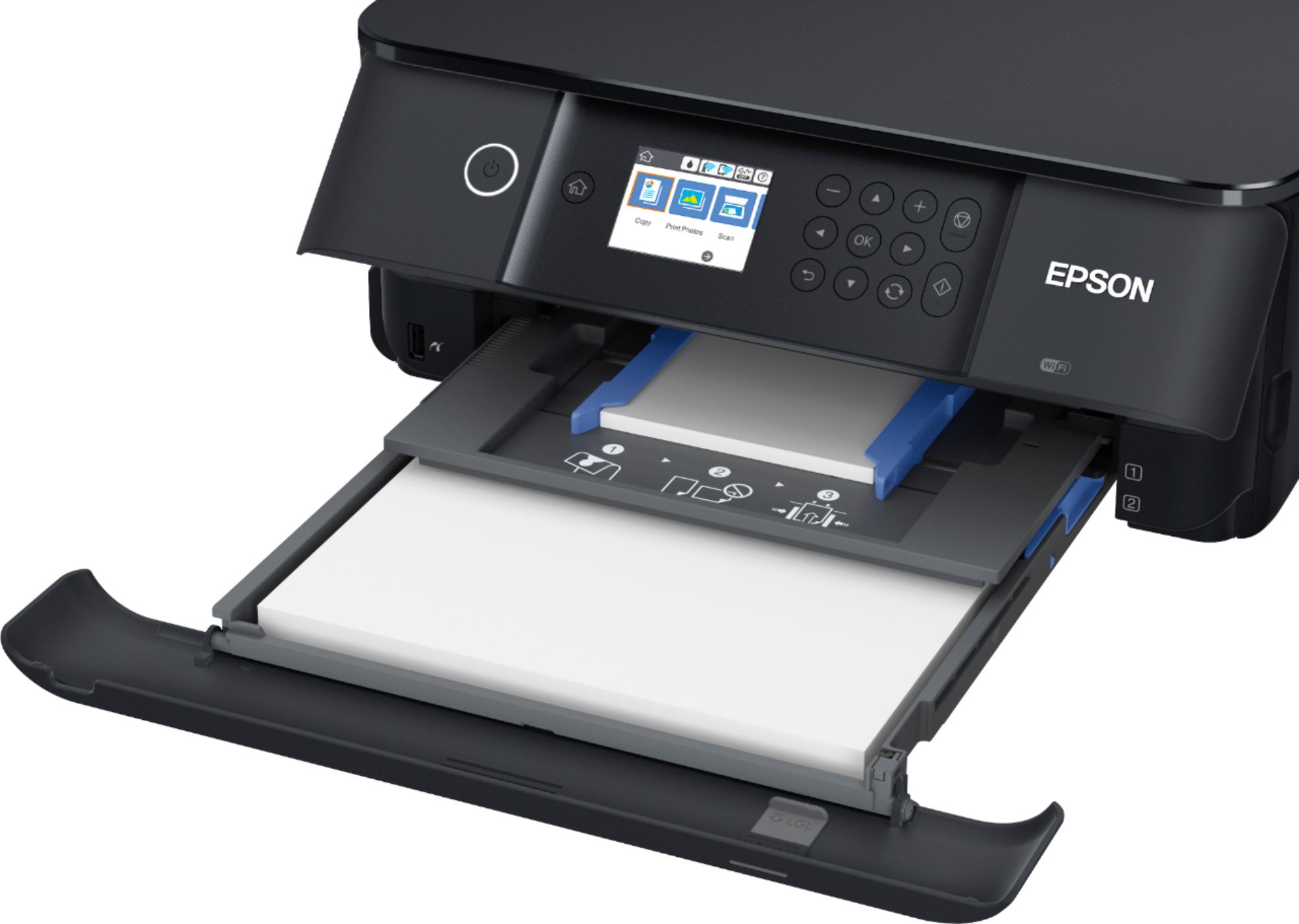
A:AnswerHello LeiBee. The maximum supported paper size on the XP-6100 is 8.5" x 14". Unfortunately, 11" x 14" paper is not supported. Regards, Kevin - The Epson Team.
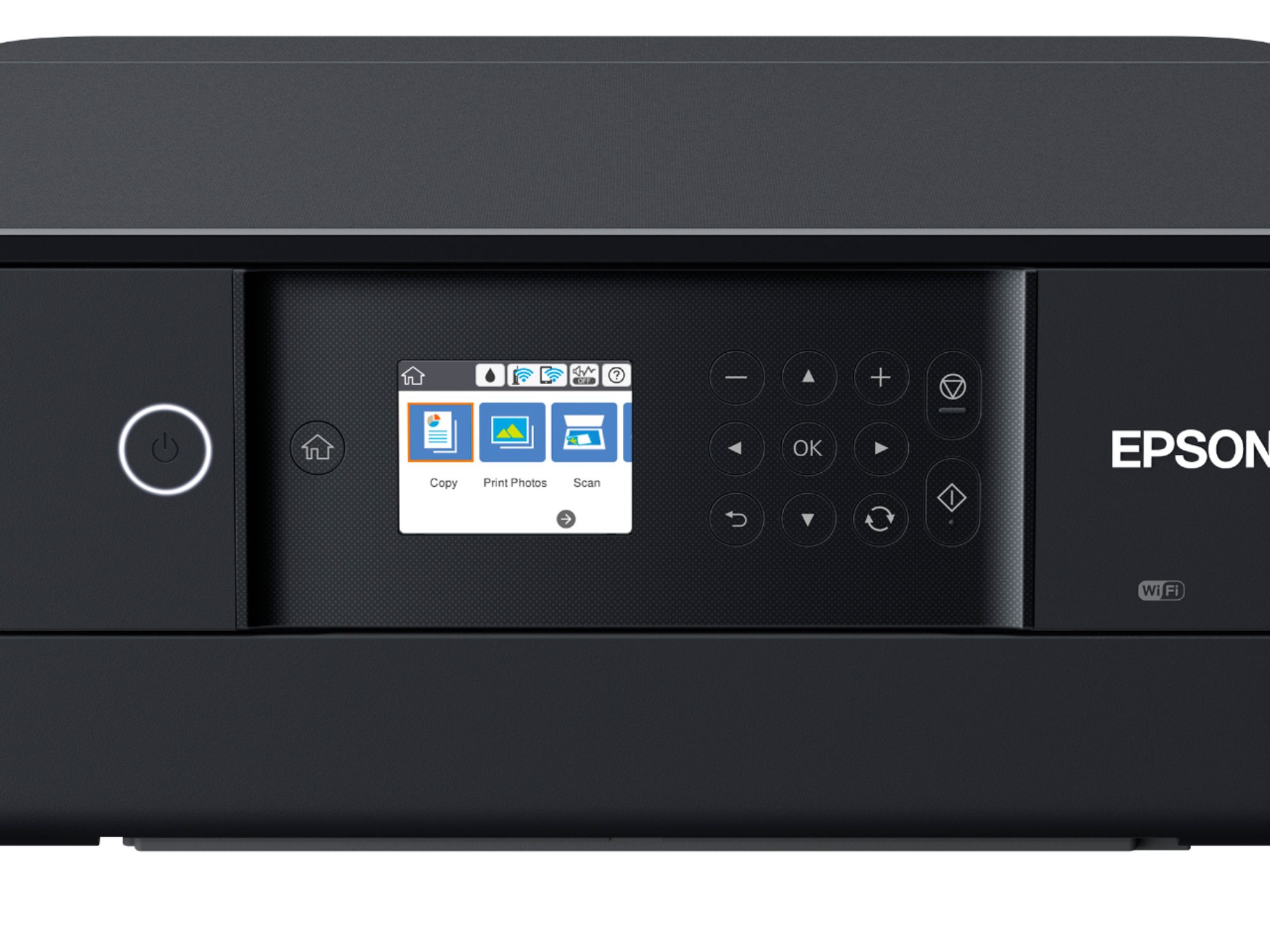
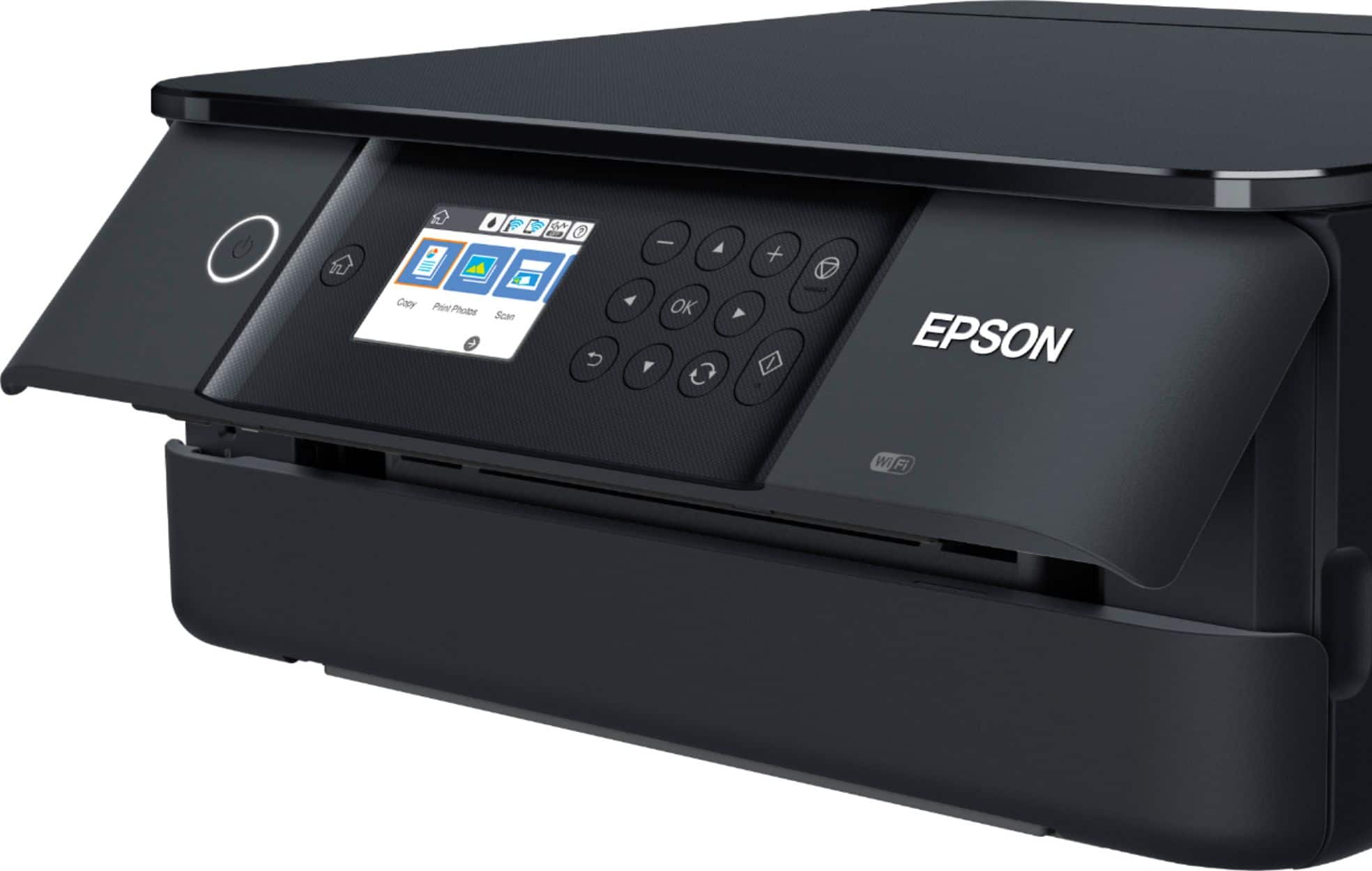
A:AnswerHello Mini. Yes, the XP-6100 can reduce and enlarge copies between 25% up to 400% directly from the control panel. When you're on the copy screen, you can find the option under the basic settings tab. Regards, Kevin - The Epson Team.
A:AnswerHi joe, You can use the Expression Premium XP-6100 with Windows Vista. Download the drivers from the Epson support site for the XP-6100. Regards, Mark - The Epson Team.
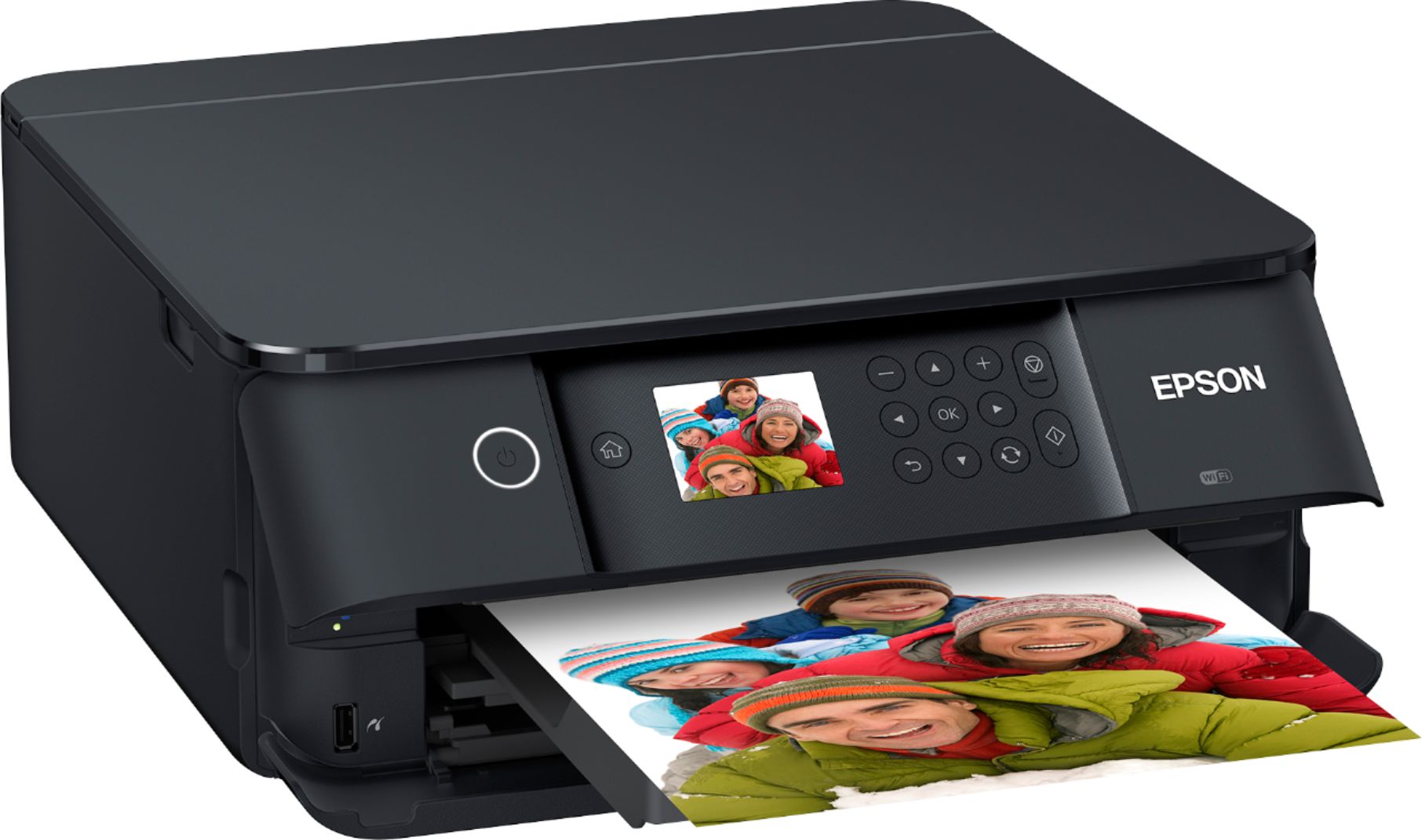
A:AnswerHi Connection, The Expression Premium XP-6100 can be connected using a USB cable. The cable is not included with the printer, but it takes a common USB 2.0 Type-A to Type-B cable like this one from Best Buy: https://www.bestbuy.com/site/best-buy-essentials-6-usb-2-0-to-usb-b-cable-black/6456205.p?skuId=6456205 Regards, Mark - The Epson Team.
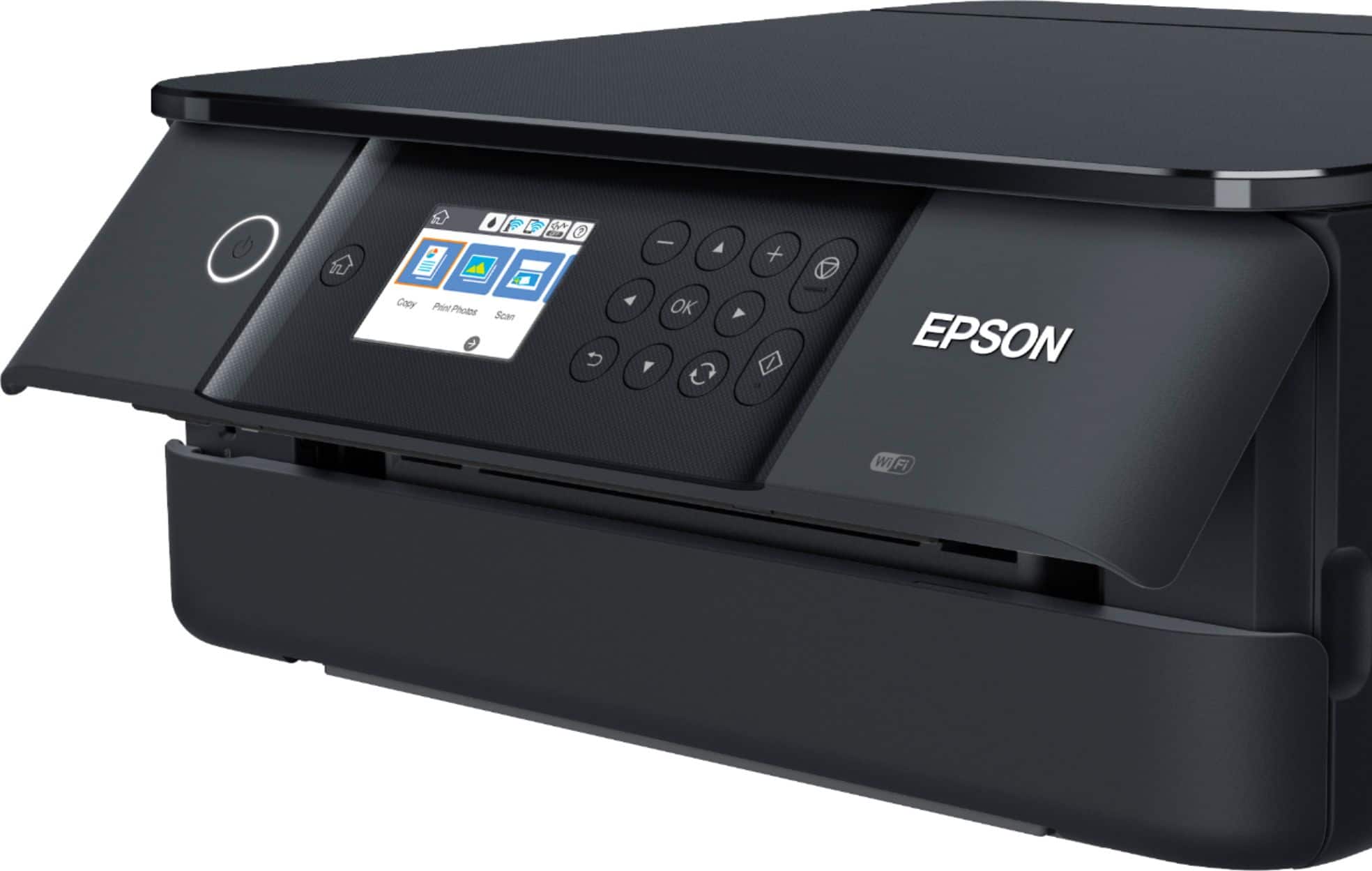
A:AnswerHello LEK. Although the ET-6100 can connect to a 5 GHz router, it can only work on a 2.4GHz band. If your router uses a single network name (SSID) for both the 2.4 GHz and 5 GHz band, we recommend giving each band its own network name (SSID) instead, such as Home Network 2.4 GHz and Home Network 5 GHz. Regards, Syd - The Epson Team.