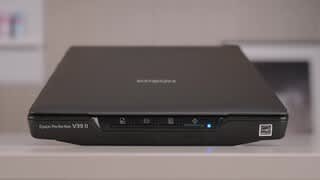
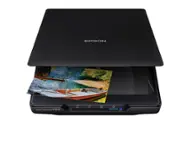
A:AnswerHello Schak. The V39 II Scanner includes Epson ScanSmart software, which has a simple user interface and should be easy to use. Technical support is included for the life of the scanner, so you can always call our Technical Support team by phone if you ever have any questions or need help with the scanner. Regards, Kevin - The Epson Team.
A:AnswerHello Schak. We're sorry to hear that you're having issues with your Epson product. This listing is for an Epson Scanner. It looks like you might be referencing an All-in-One printer. If so, please contact our Technical Support team by phone so we can gather more details and properly assist you. Regards, Kevin - The Epson Team.
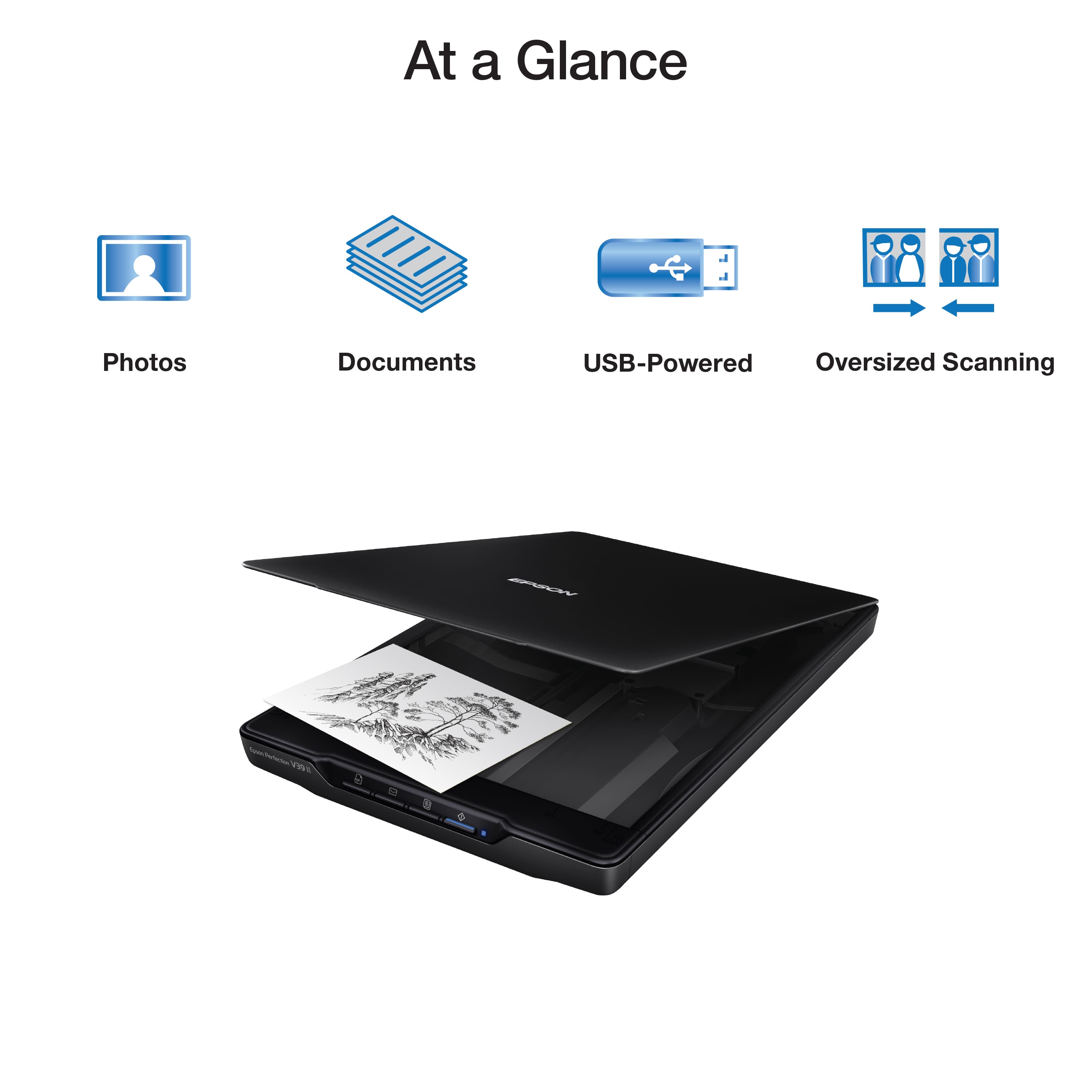
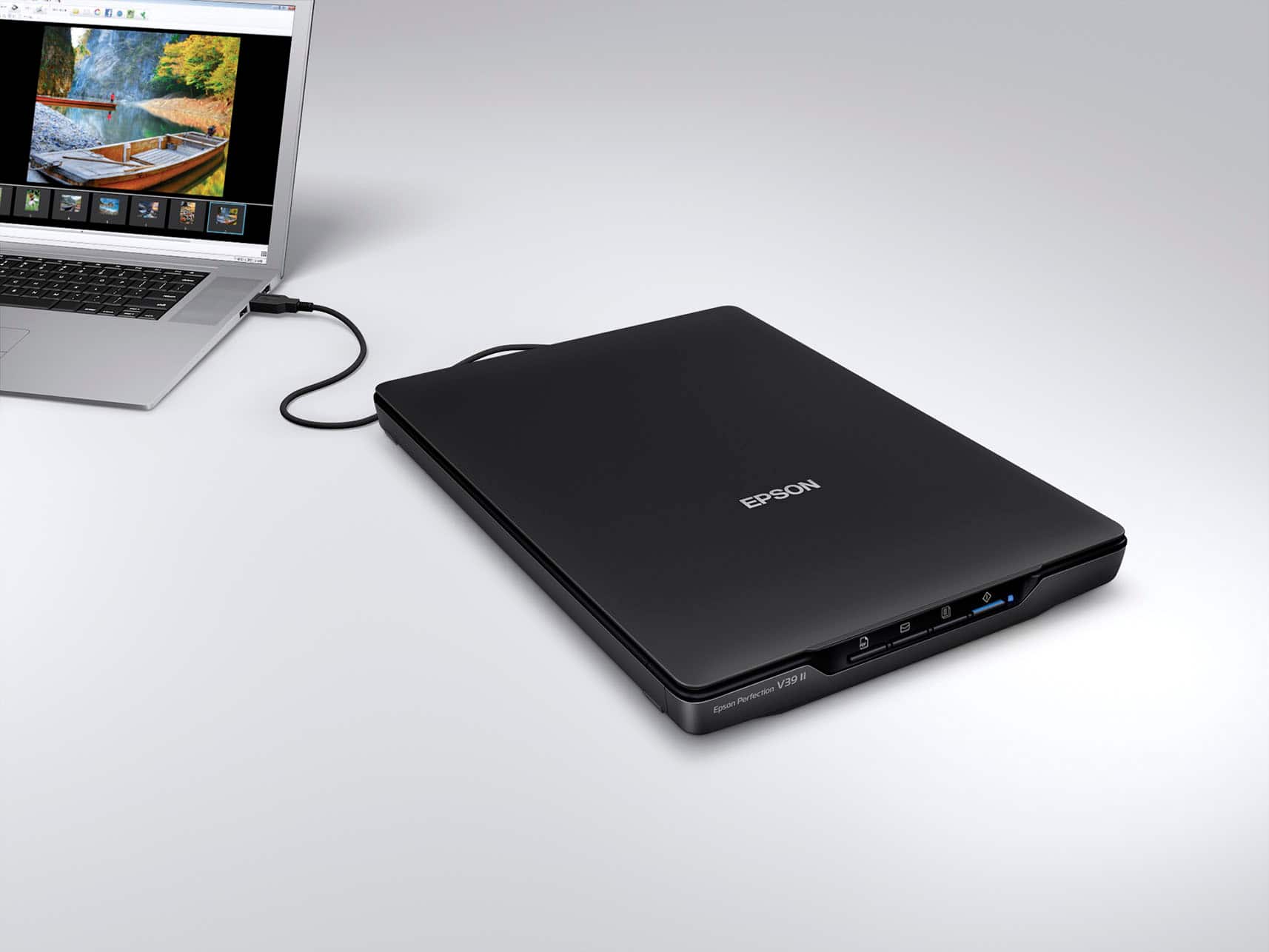
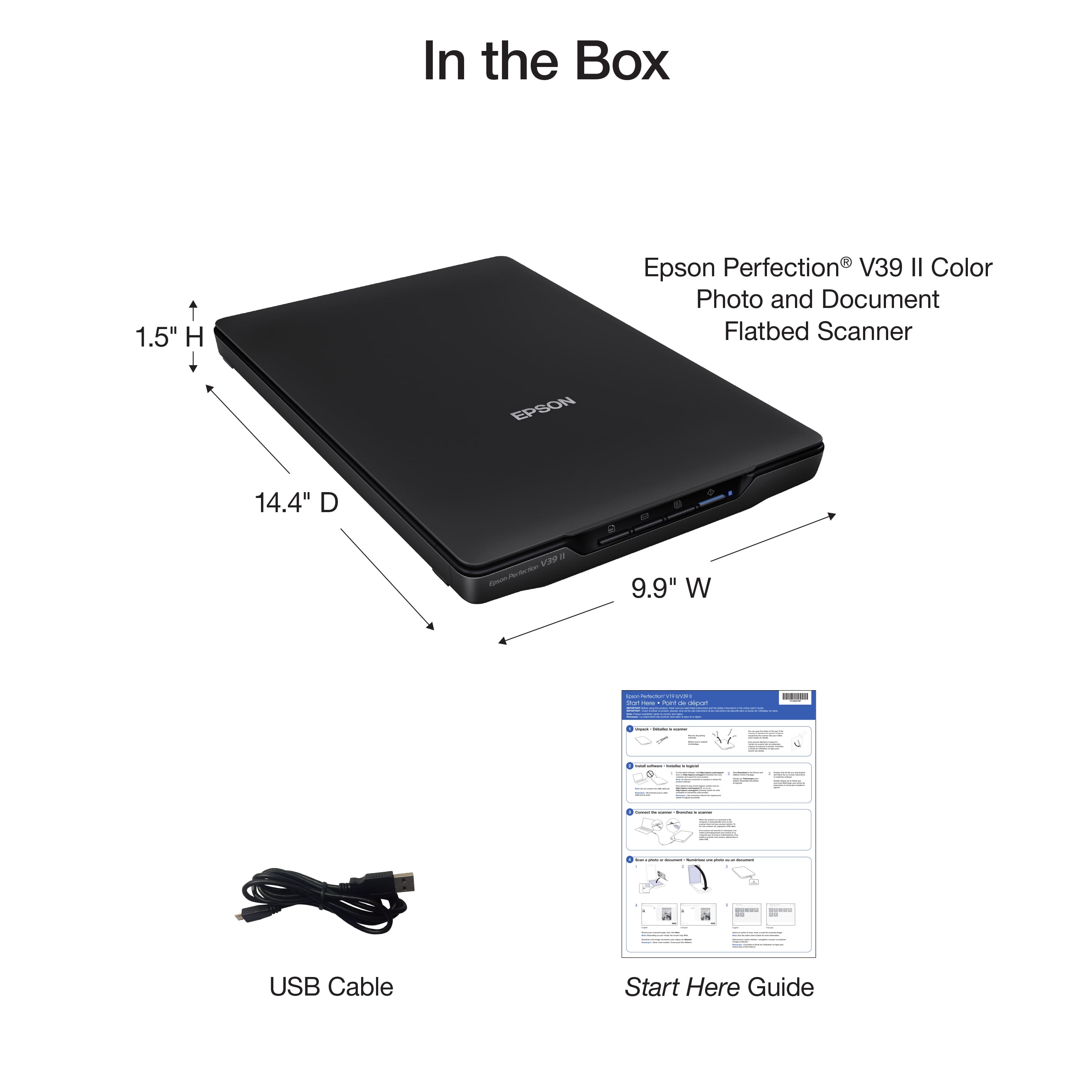
A:AnswerHello Tito. The V39 II Photo Scanner can only be used with a computer via a USB connection. Unfortunately, it does not include a USB port for flash drives. Regards, Kevin - The Epson Team.
A:AnswerIt will scan multiple photos at once. Sometimes it will crop the photos separately. But if you put more than it wants on the glass it will scan them together and then you have to crop one and then scan again. I have tried scanning a bunch at a time and when I do they all stay together. But if you space them out some it will crop them. I just have so many pictures I would really prefer to fill up the glass.....
A:AnswerHello scanguy. When selecting Black-and-White, Grayscale, or Color Mode, you can scan a letter-sized original in approximately 10 seconds at 300 dpi or 30 seconds at 600 dpi. Regards, Kevin - The Epson Team.
A:AnswerHello BG. You can save scanned originals as PDF files with OCR enabled, which allows you to edit text inside the file. If you would like to add text to a photo, it must be done from separate software. Regards, Kevin - The Epson Team.
A:AnswerHello okfineblah. Unfortunately, the V39 is currently not compatible with Chrome OS. The scanners is designed to only work with Microsoft Windows or macOS at this time. Regards, Kevin - The Epson Team.
A:AnswerHello. Yes, the V39 II can save a PDF file with OCR (Optical Character Recognition) enabled, which allows you to edit text. Regards, Kevin - The Epson Team.
A:AnswerHello joan. The V39 II Phone Scanner II will work with Apple computers running macOS 10.9 - 14. If your MacBook Air has a computer is running a compatible version, then you can download the latest scanner driver and software from our official Epson Support page. Regards, Kevin - The Epson Team.
A:AnswerHello Karol. Yes, you can scan multiple pages and save them individually or as a single file when selecting PDF as the file format. Regards, Kevin - The Epson Team.
A:AnswerHello Logan. The V39 II Scanner can only be used with a computer. Unfortunately, it is not a wireless scanner, so it cannot be used with smartphone. Regards, Kevin - The Epson Team.
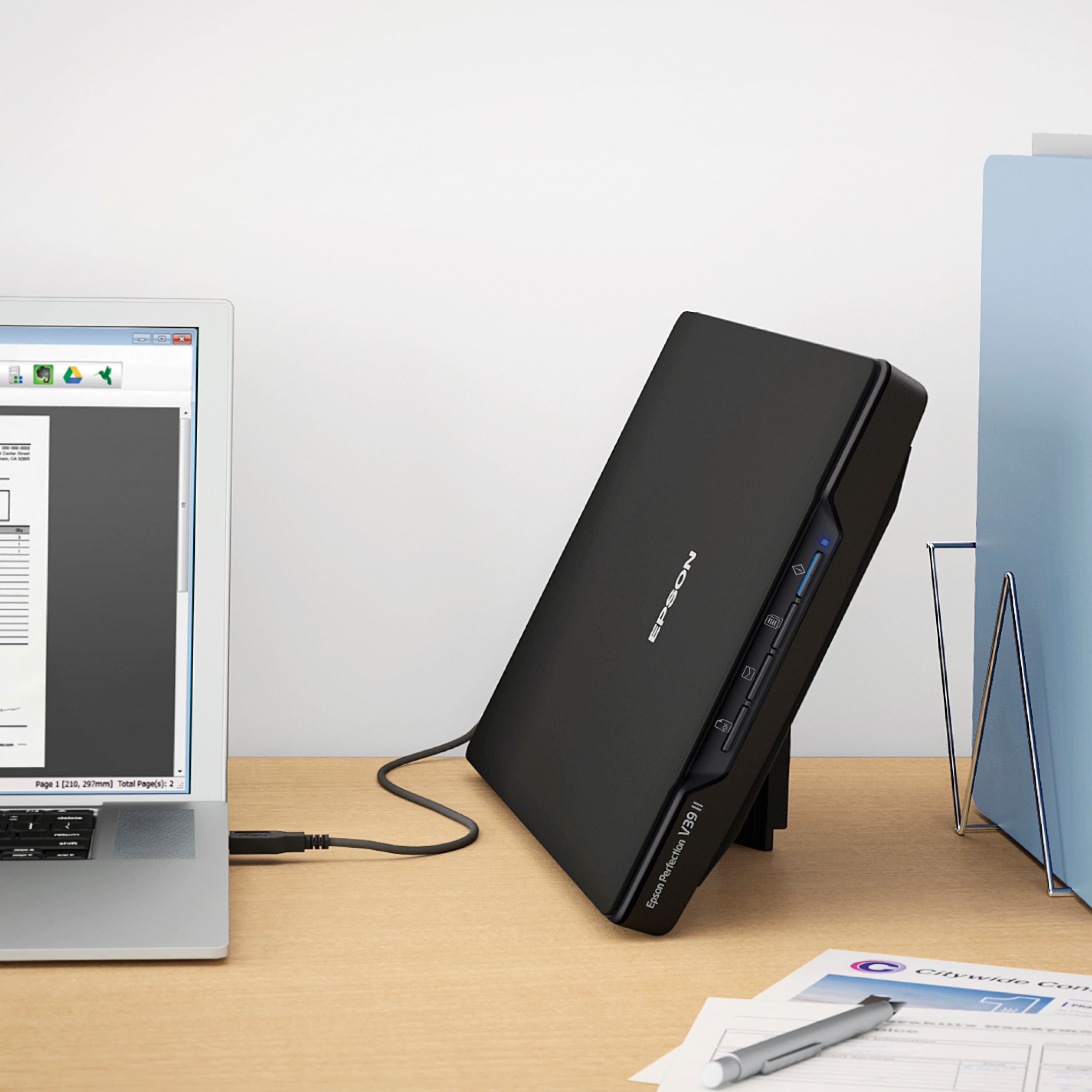
A:AnswerHello cabinetmaker. Yes, you can save multiple pages as a single file when selecting PDF as the file format. The number of pages can vary based on DPI settings, system memory, and document data. Regards, Kevin - The Epson Team.
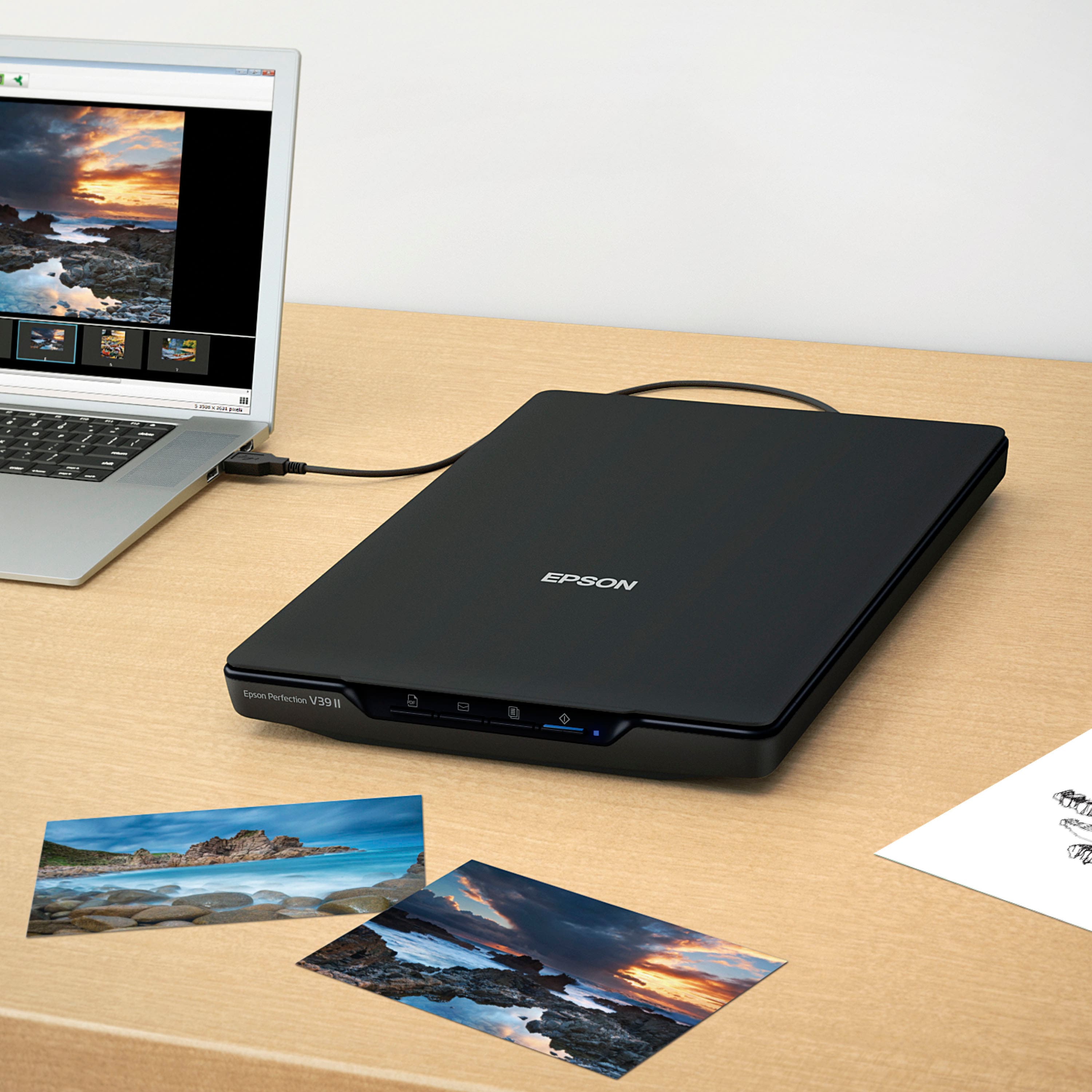
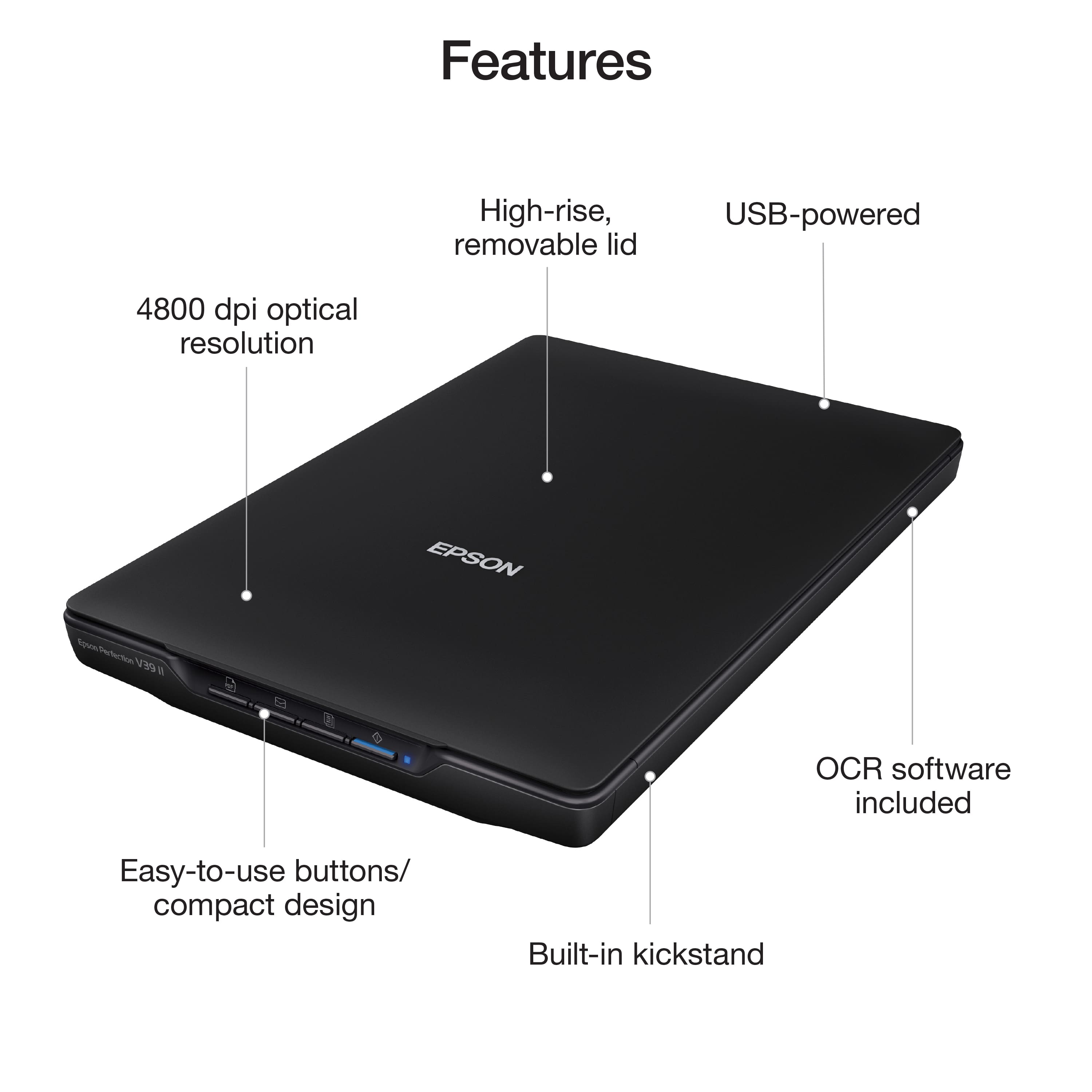
A:AnswerHello David314. The largest percentage supported by the software is 100%. However, if you plan to enlarge a scanned image so you can print it at a larger size, you can increase the resolution from the default resolution set by the Epson Scan software. The highest resolution you can choose is 4800 dpi. Regards, Kevin - The Epson Team.