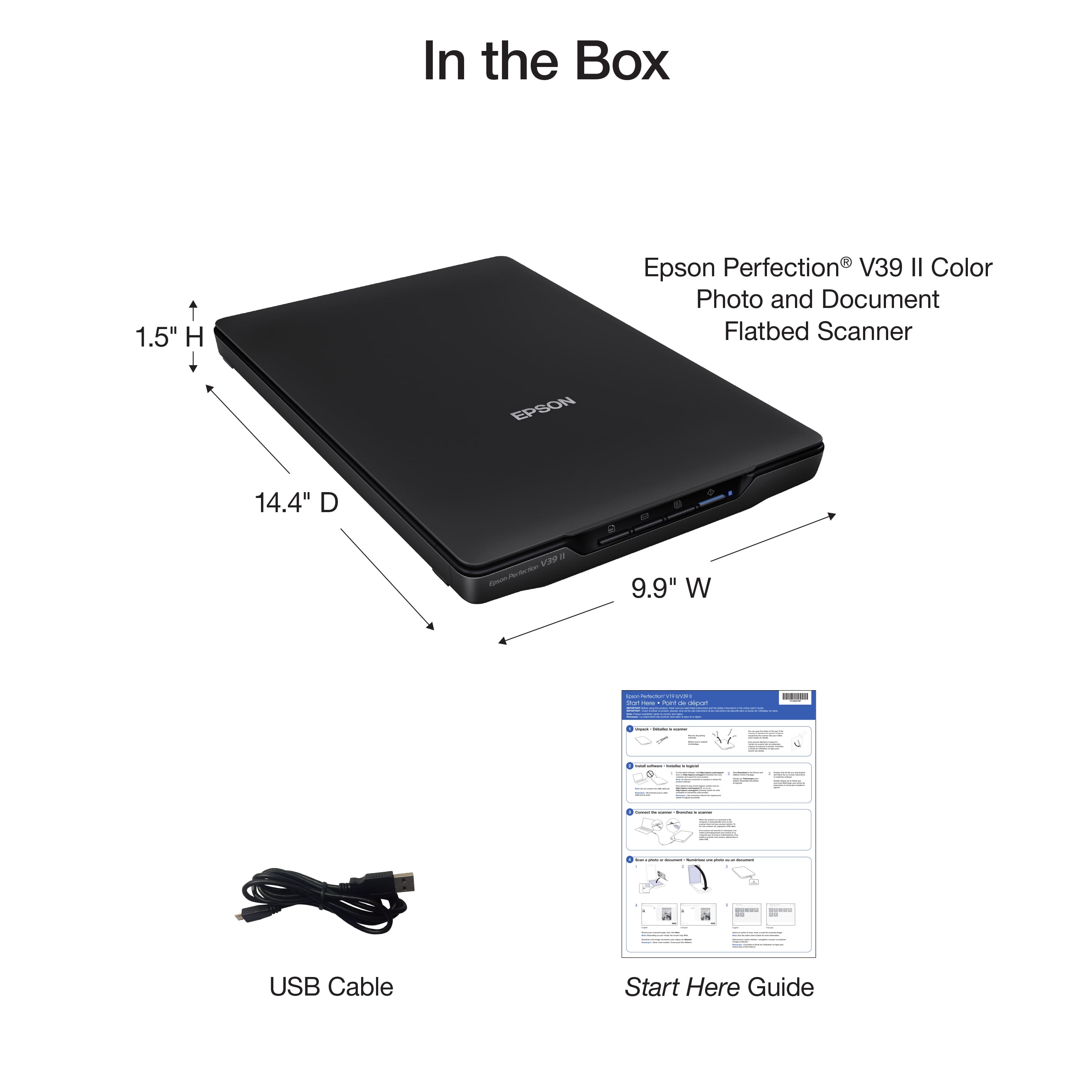
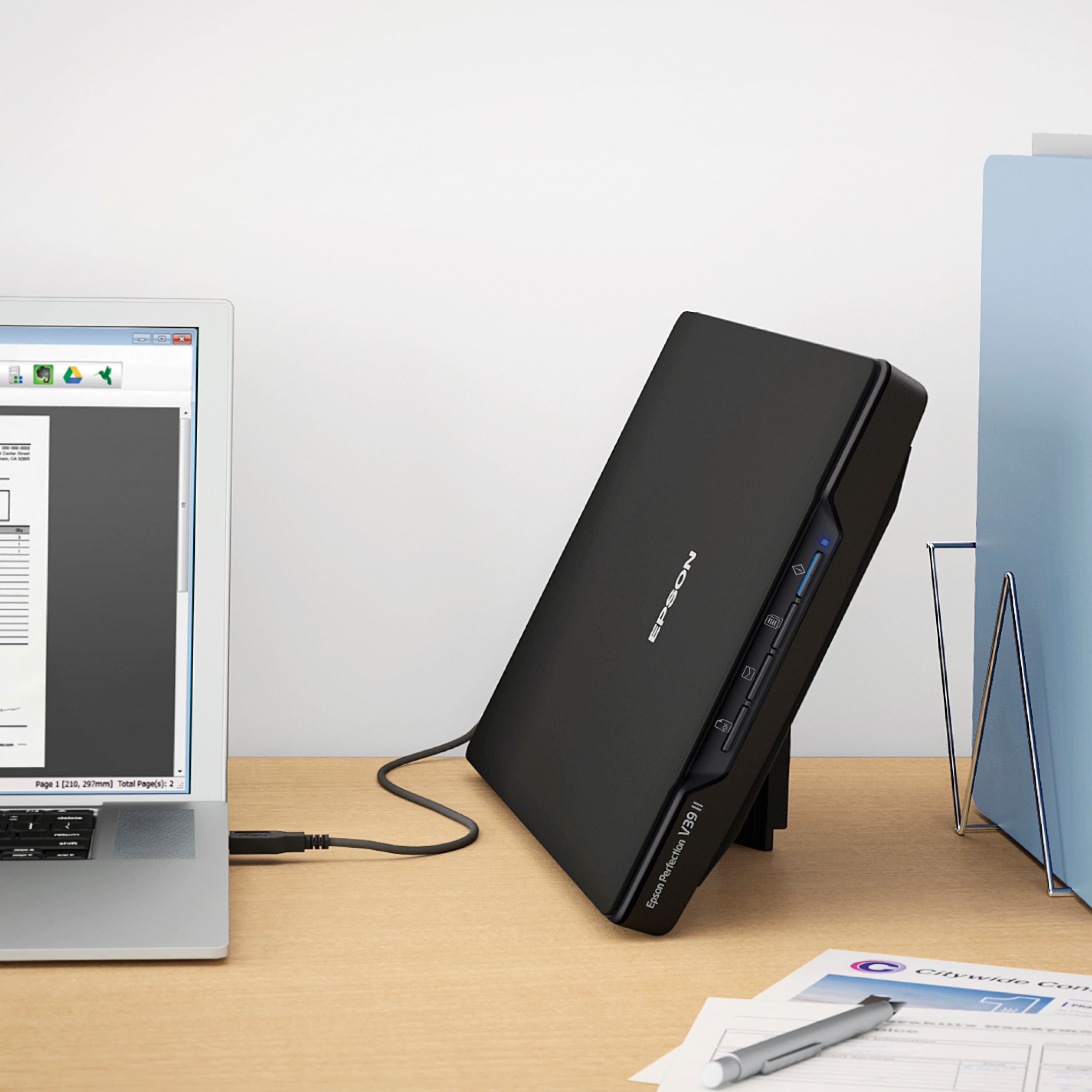
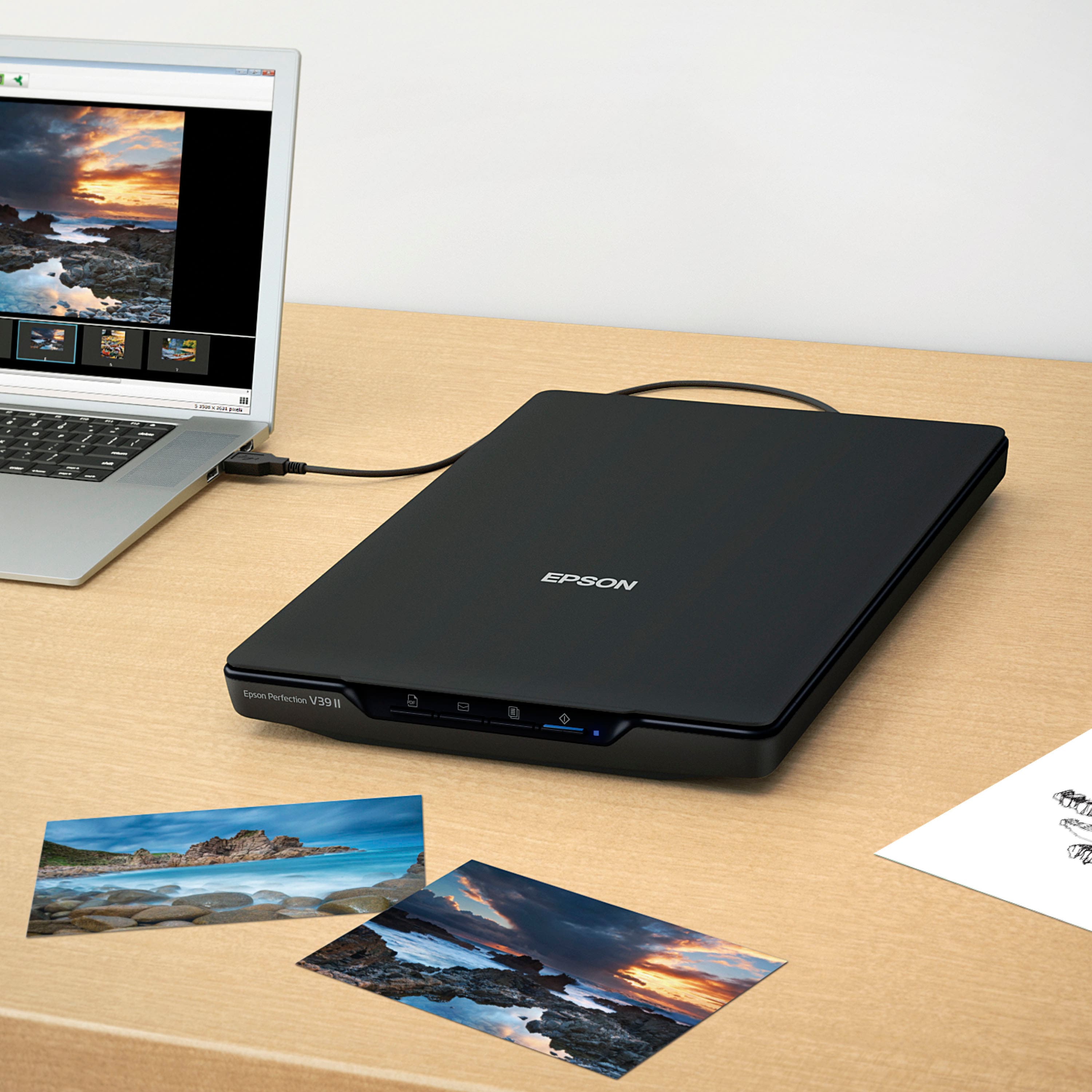
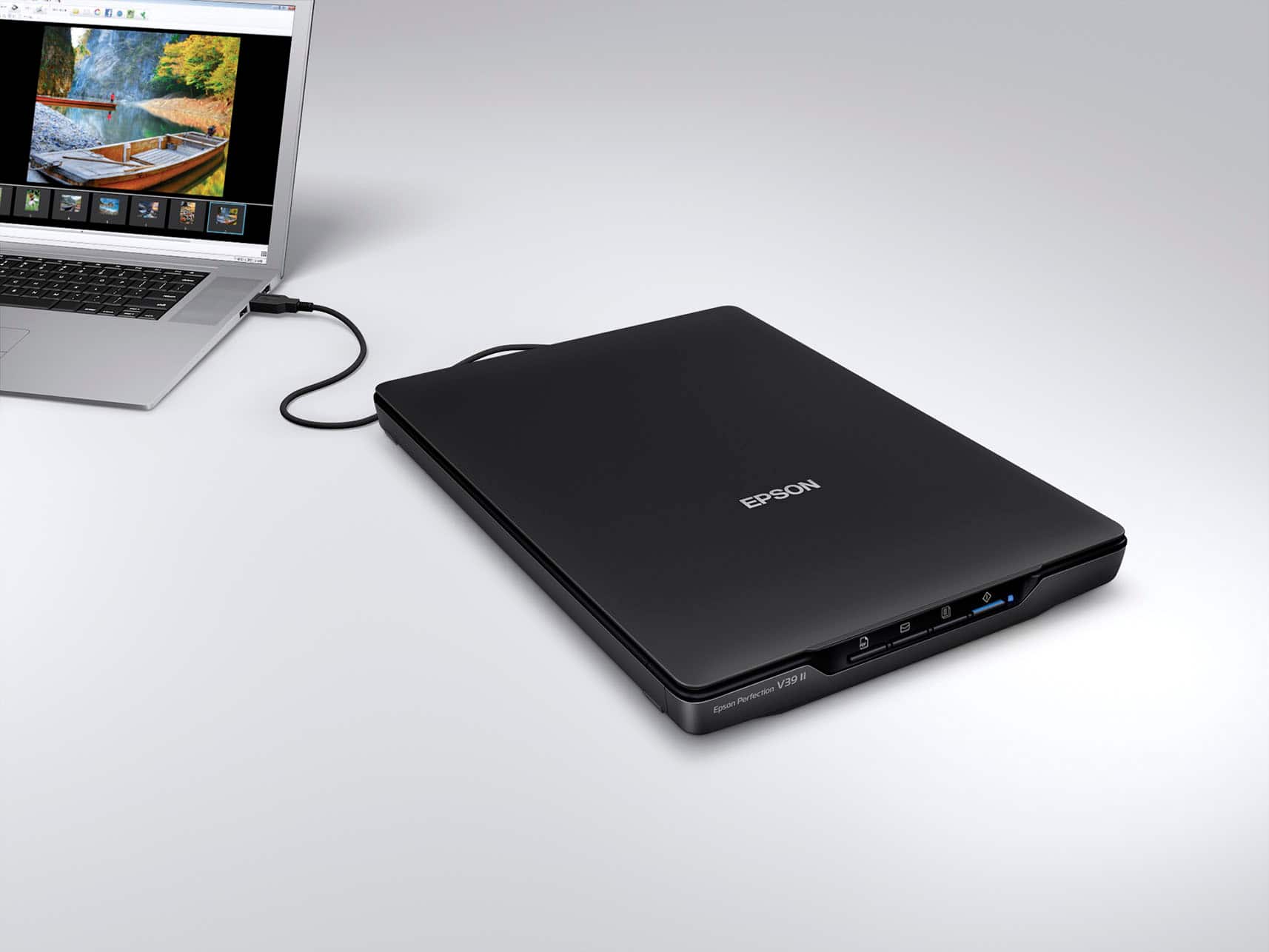
A:AnswerThere is no disc. You plug into your computer with the supplied usb cable and it will automatically install the program on your computer. The scanner is very basic and easy to use.
A:AnswerHello. Unfortunately, the V39 is not ideal for scanning slides. We recommend looking at the V600, which includes a built-in transparency unit that scans slides, negatives, and film in both 35mm and 120mm formats. It is currently in stock on BestBuy's website, but please be aware that inventory can change. Regards, Kevin - The Epson Team.
A:AnswerI have it working fine using a Windows 10 VM running on qemu on the built-in Linux but it is a high-end Chromebook Plus so this might not be possible with more basic Chromebooks. Also got cups working with an old laser printer and can print from Chromium in Linux.
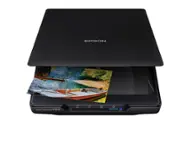
A:AnswerHello Artart. The V39 Photo Scanner can only be used with a computer. Unfortunately, it will not work with an iPad pro. Regards, Kevin - The Epson Team.
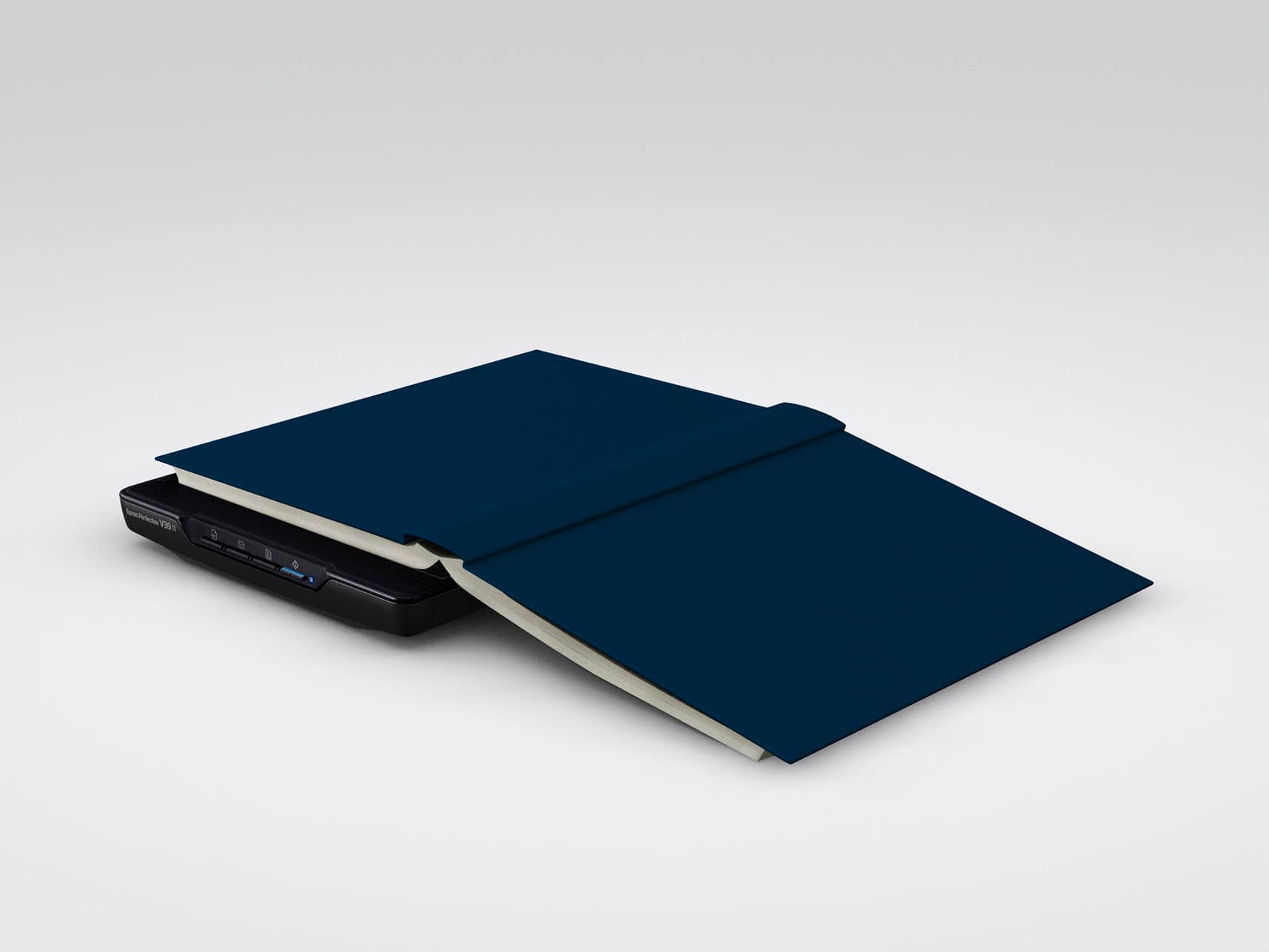
A:AnswerHello Wondering. The V39 has a maximum scan area of 8.5" x 11.7". Unfortunately, any documents larger than that would not work. Regards, Kevin - The Epson Team.
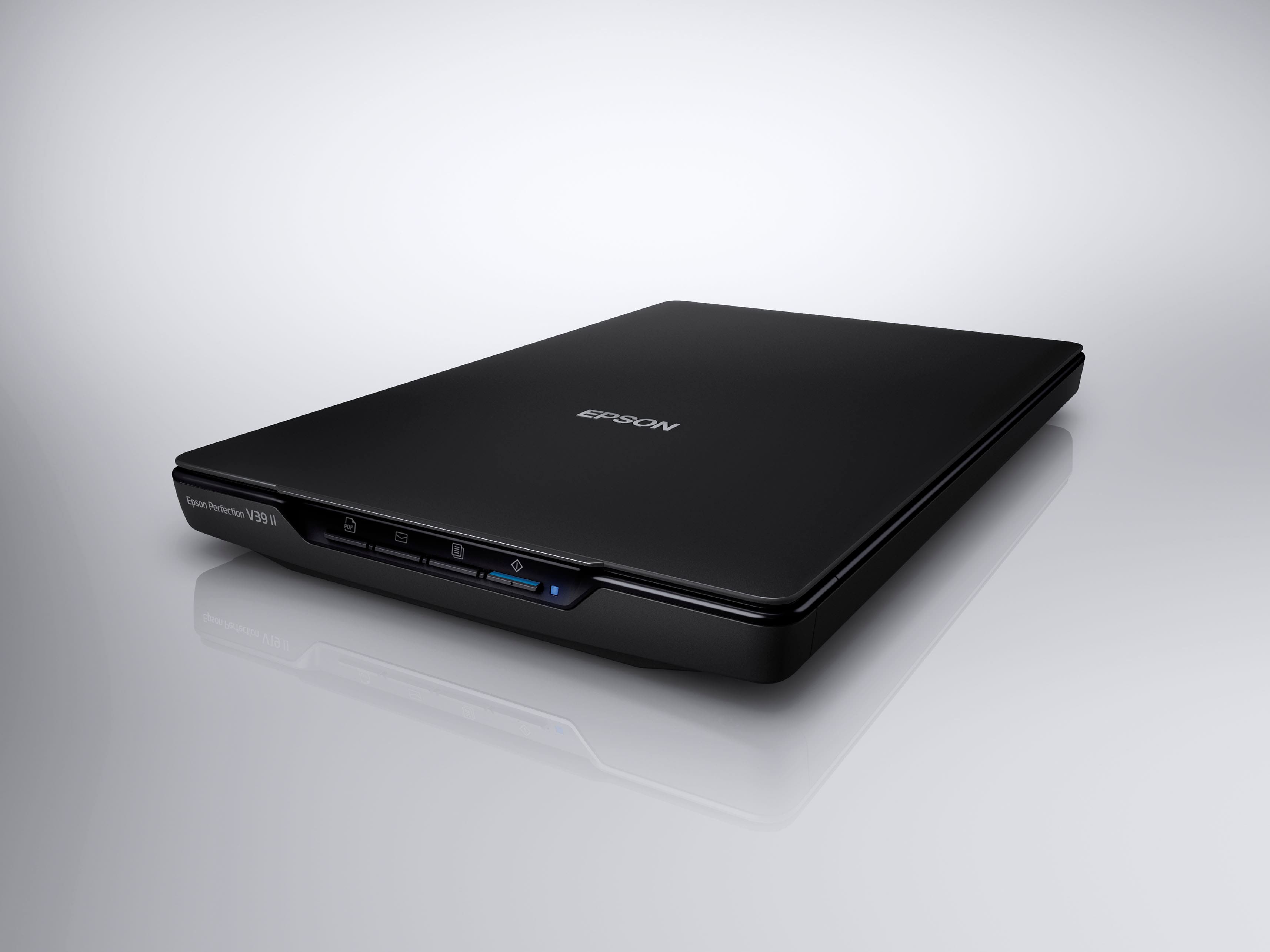
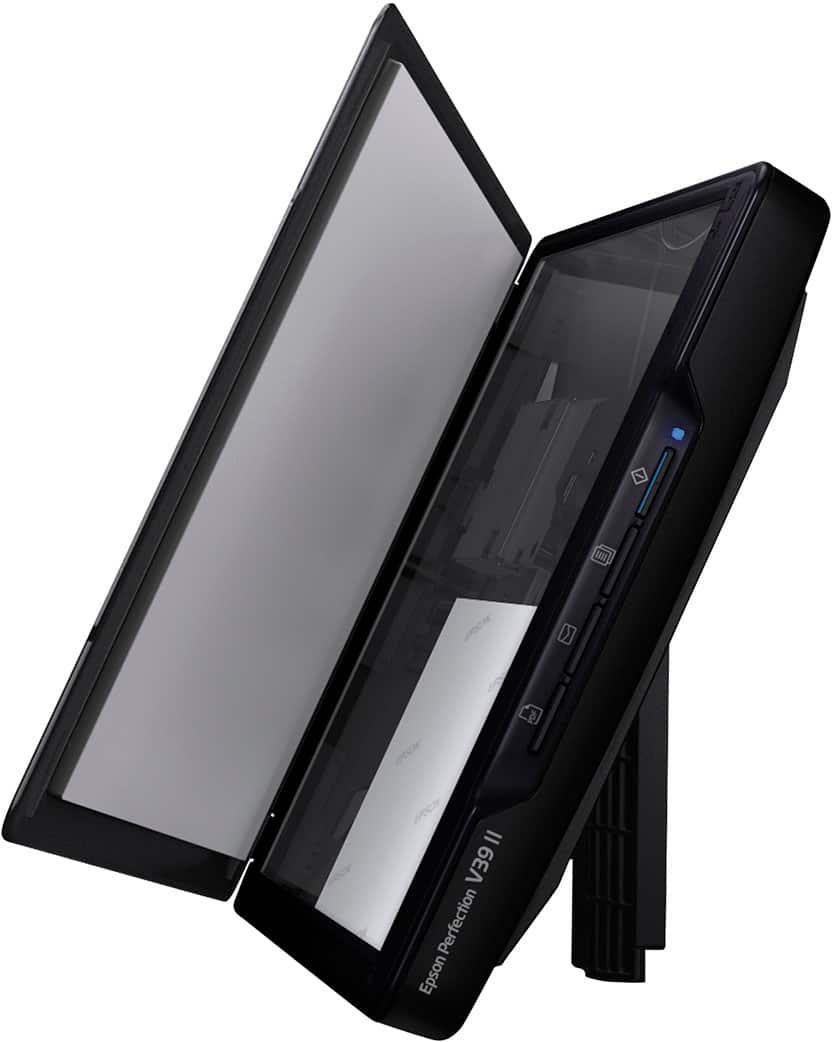
A:AnswerYes. The Email button (2nd from left on the front of your scanner) starts a scan, then opens the email client on your computer and attaches the scanned images to an email.
Note: Epson ScanSmart supports only Outlook or e-mail software that supports MAPI. The following Outlook versions are supported by Epson ScanSmart: Microsoft Outlook 2003/2007/2010/2013/2016/2019/2021 (32-bit). Check the help for your e-mail software to confirm if your software supports MAPI.
Note: Your e-mail app and account settings should be configured before scanning. You must install a MAPI-type e-mail program such as Outlook Express, Windows Live Mail, Entourage, or Mac Mail. Attach to E-mail only supports 32-bit MAPI-compatible mail apps.
Web-based e-mail services such as Gmail are not supported. If you see an error message, your e-mail app may not be compatible and you will need to save the scans and manually attach the file to an e-mail.
1. Make sure your originals are scanned and reviewed.
2. In the Select Action window, click Attach to E-mail.
3. Change the settings as follows:
• The document type and scan date for the file name are automatically detected. You can change them as necessary.
• You can save the scanned image in a variety of formats.
• If you also want to save a copy of the scanned image to your computer, make sure the checkbox is selected and select the folder on your computer in which to save the file.
4. Click Attach to E-mail.
Your e-mail program opens with the file attached to a new e-mail.
Additionally, you can use this link for a PDF of the complete user guide.
https://files.support.epson.com/docid/cpd4/cpd42186.pdf
A:AnswerHello toot. Unfortunately, the V39 is not ideal for scanning slides. We recommend looking at the V600, which includes a built-in transparency unit that scans slides, negatives, and film in both 35mm and 120mm formats. It is currently in stock on BestBuy's website, but please be aware that inventory can change. Regards, Kevin - The Epson Team.
A:AnswerHello LGandme. The V39 Photo Scanner includes Epson Scan software. You can make several enhancements and basic edits within the program. However, the scanner does not include bundled Photoshop software. Regards, Kevin - The Epson Team.
A:AnswerHello Hardware. To confirm compatibility, you want to ensure the desktop's USB port supplies 5V of electricity. If so, then the V39 should work with your computer. Regards, Kevin - The Epson Team.