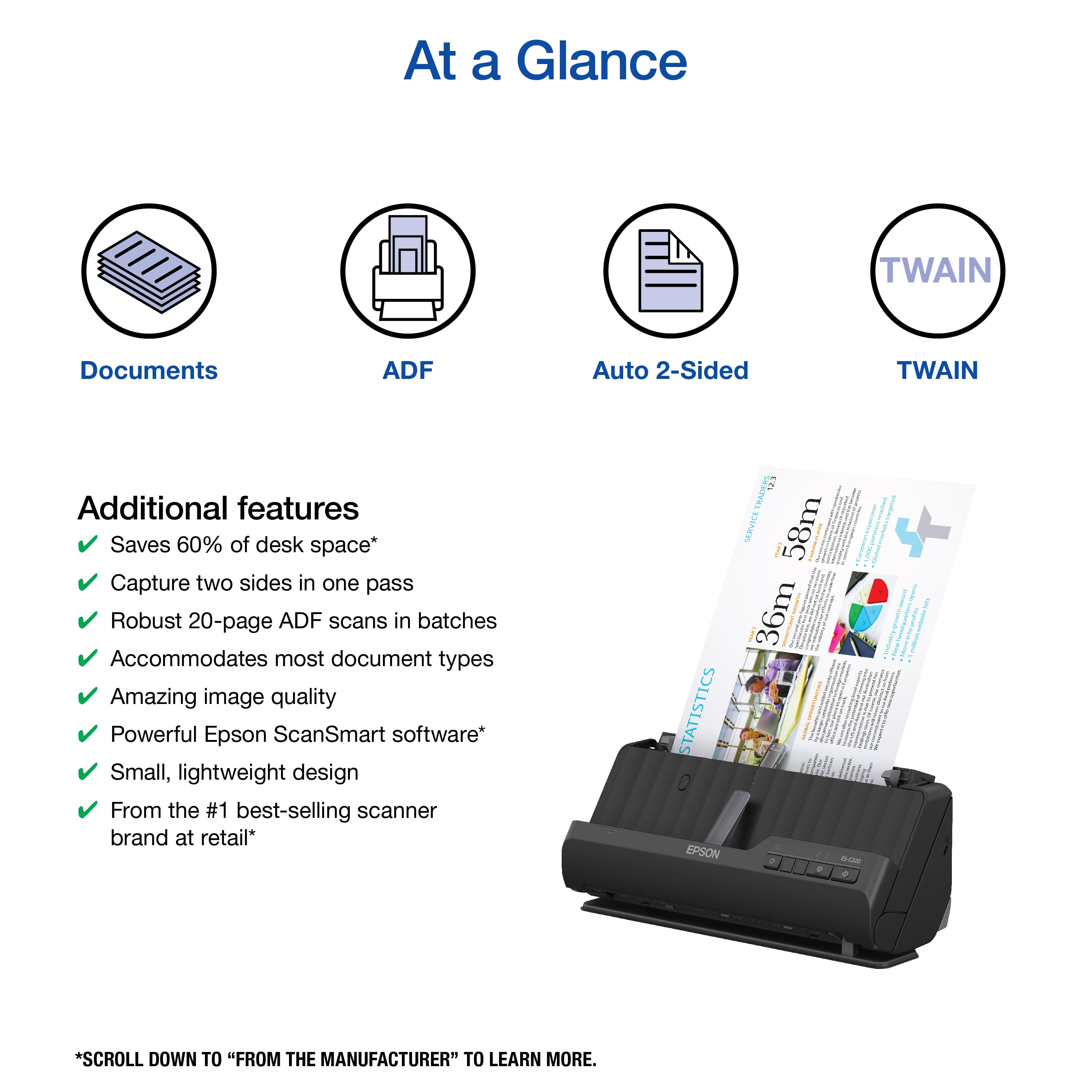
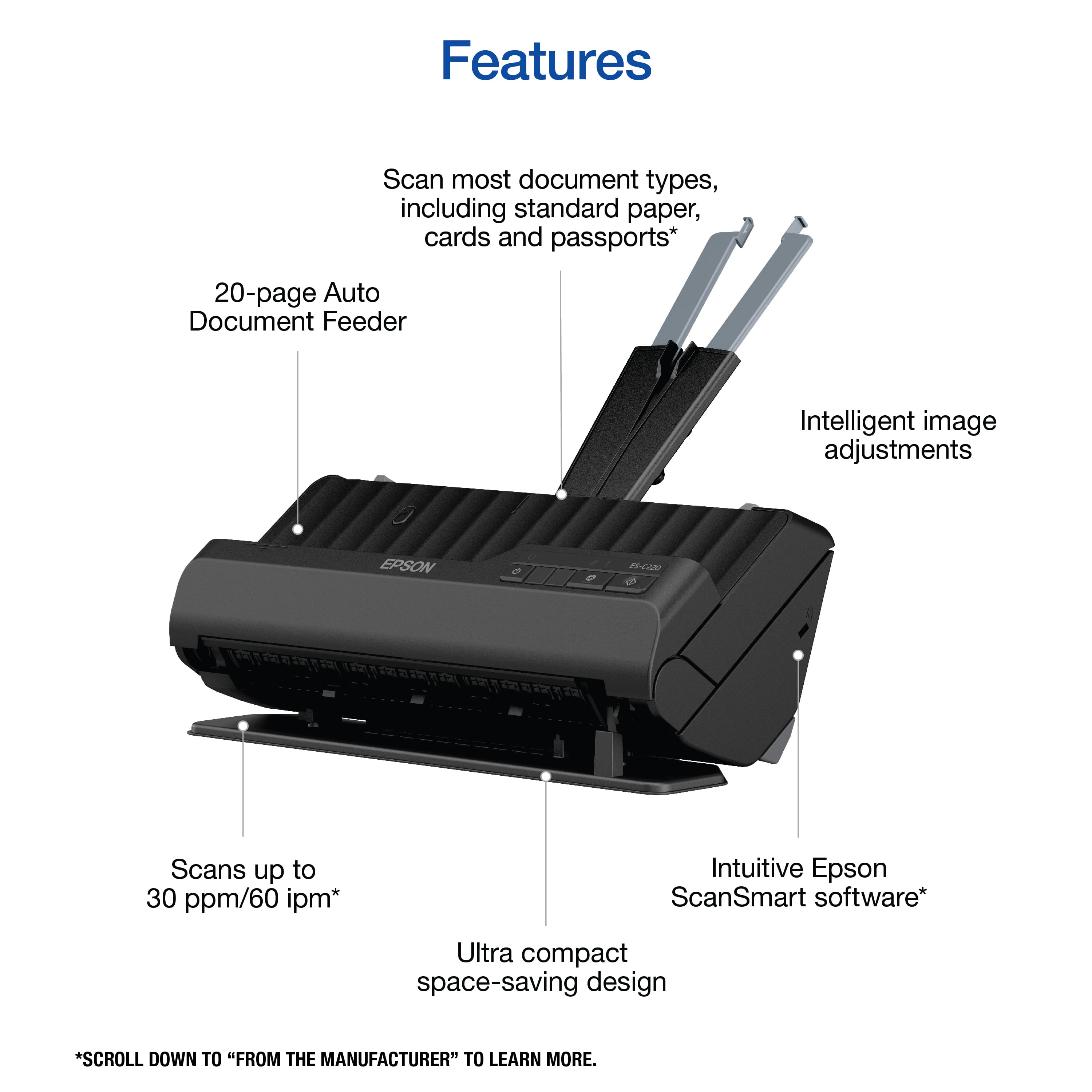
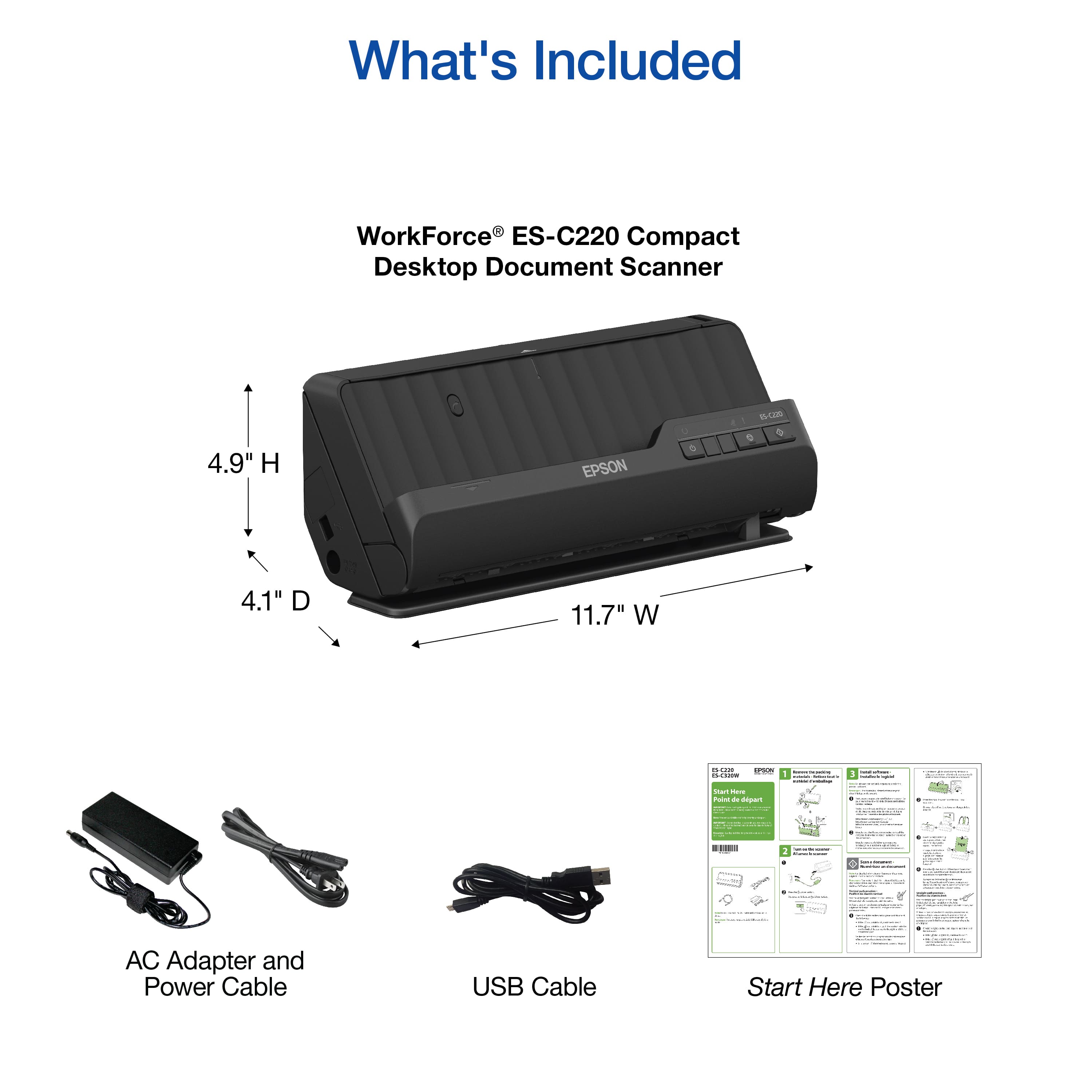
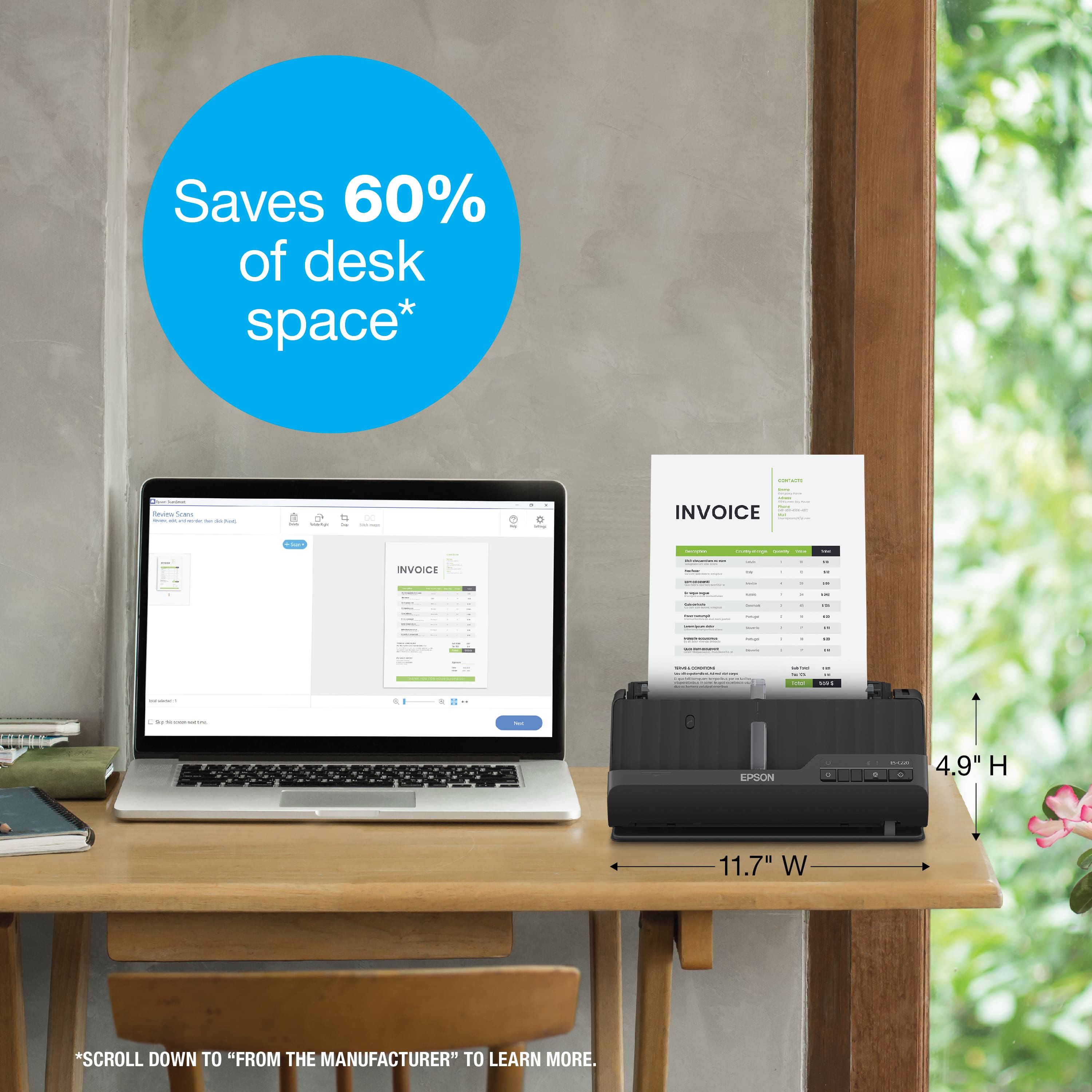
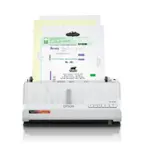
A:AnswerHello Tim. The ES-C220 includes 2-sided scanning and it can only be used via a USB connection. Unfortunately, Wi-Fi functionality is not available on this model. Regards, Kevin - The Epson Team.
A:AnswerHello Billy. The ES-C220 can scan cards up to 2.1 × 3.4 inches in size. However, if you would like to scan sports cards without the risk of damaging them, we recommend looking at our flatbed scanners like the V39 II. Regards, Kevin - The Epson Team.
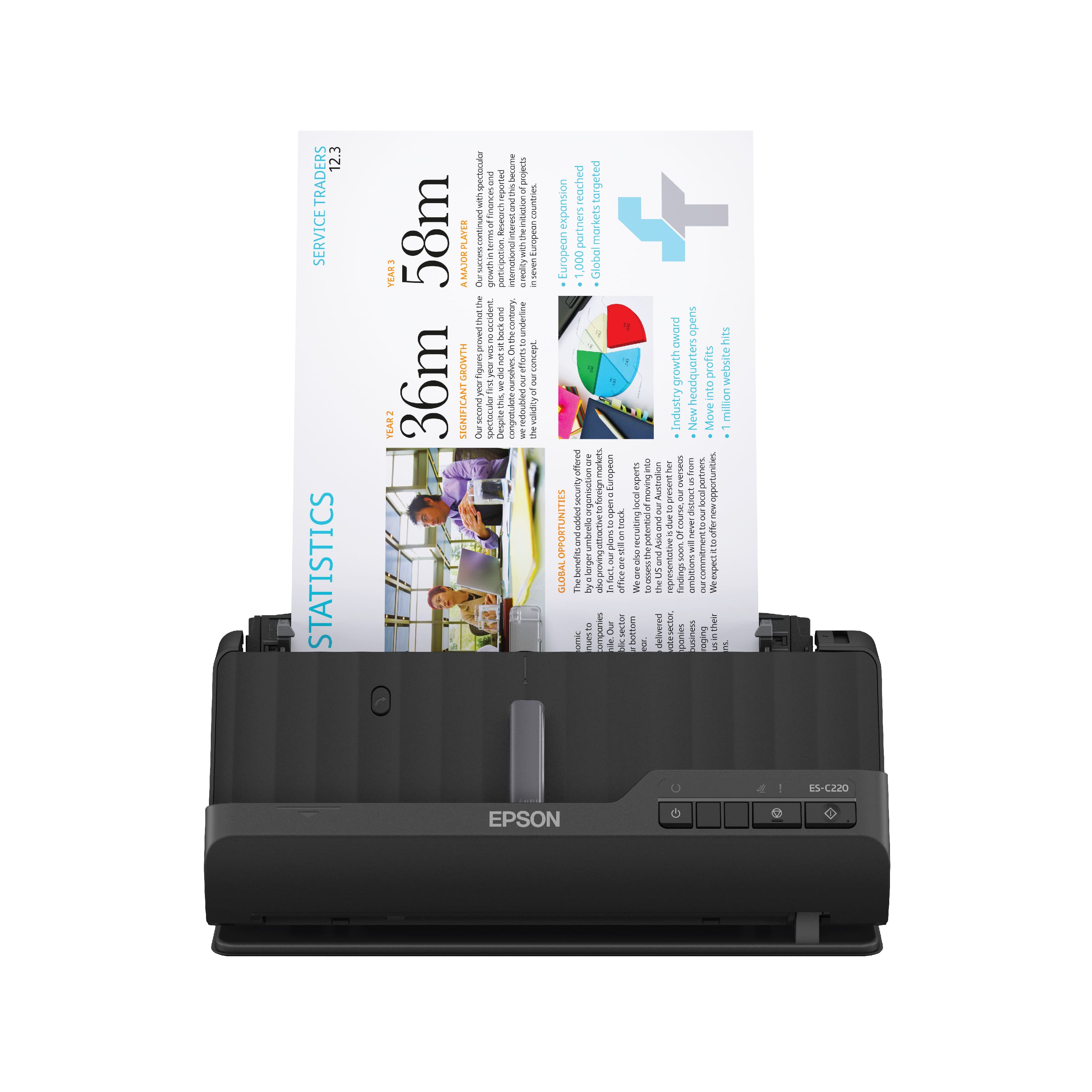
A:AnswerHello. Yes, magazine paper will work, but your results will vary with newspaper. We recommend using a flatbed scanner like the V39 or V600 for newspapers. Regards, Kevin - The Epson Team.

A:AnswerHello nickles. Yes, the ES-C220 can scan photo IDs and plastic cards. They must be 2.1" × 3.3" in size and no more than 0.05 inch (1.24 mm) in thickness. Regards, Kevin - The Epson Team
A:AnswerHello. Yes, the ES-C220 is compatible with Windows 10. You can download the driver from our official Epson Support page. Regards, Kevin - The Epson Team.
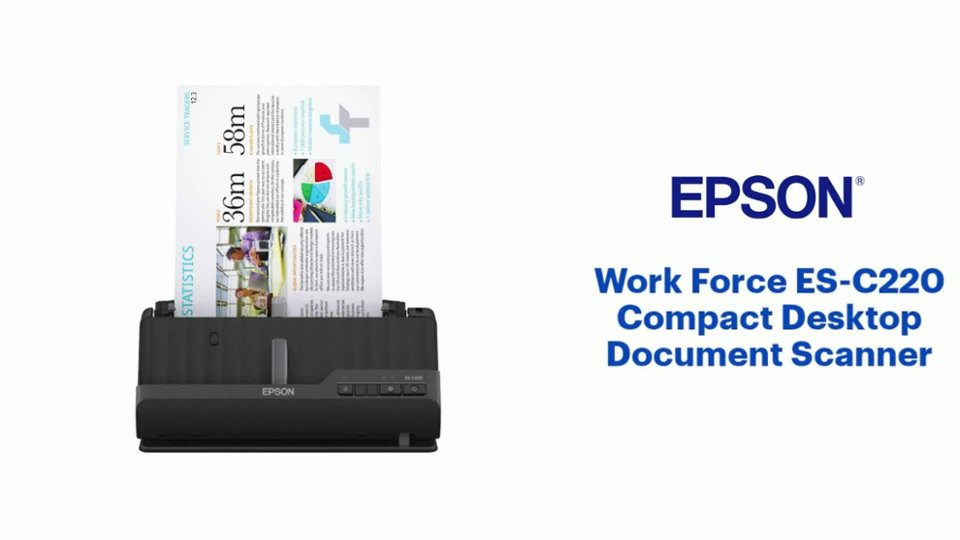
A:AnswerHello Kim. The ES-C220 can only be used with a PC or Mac computer. Unfortunately, it does not a separate port for thumb drives. Regards, Kevin - The Epson Team.