Questions & Answers
- Model:
- C11CH70201
- |
- SKU:
- 6469374
Highly rated by customers for: Print Quality, Ease of use, Overall Performance
$149.99Your price for this item is $149.99
Comp. Value: $279.99
The comparable value price is $279.99
Page Showing 1-20 of 70 questions
Q: QuestionHow fast can I print in black and white?
- A:Answer The printer has a monochrome ISO print speed of 16 pages per minute.
This question and answer was generated by AI based on customer and product data.Q: QuestionWhat is the paper handling capacity of this Epson printer?
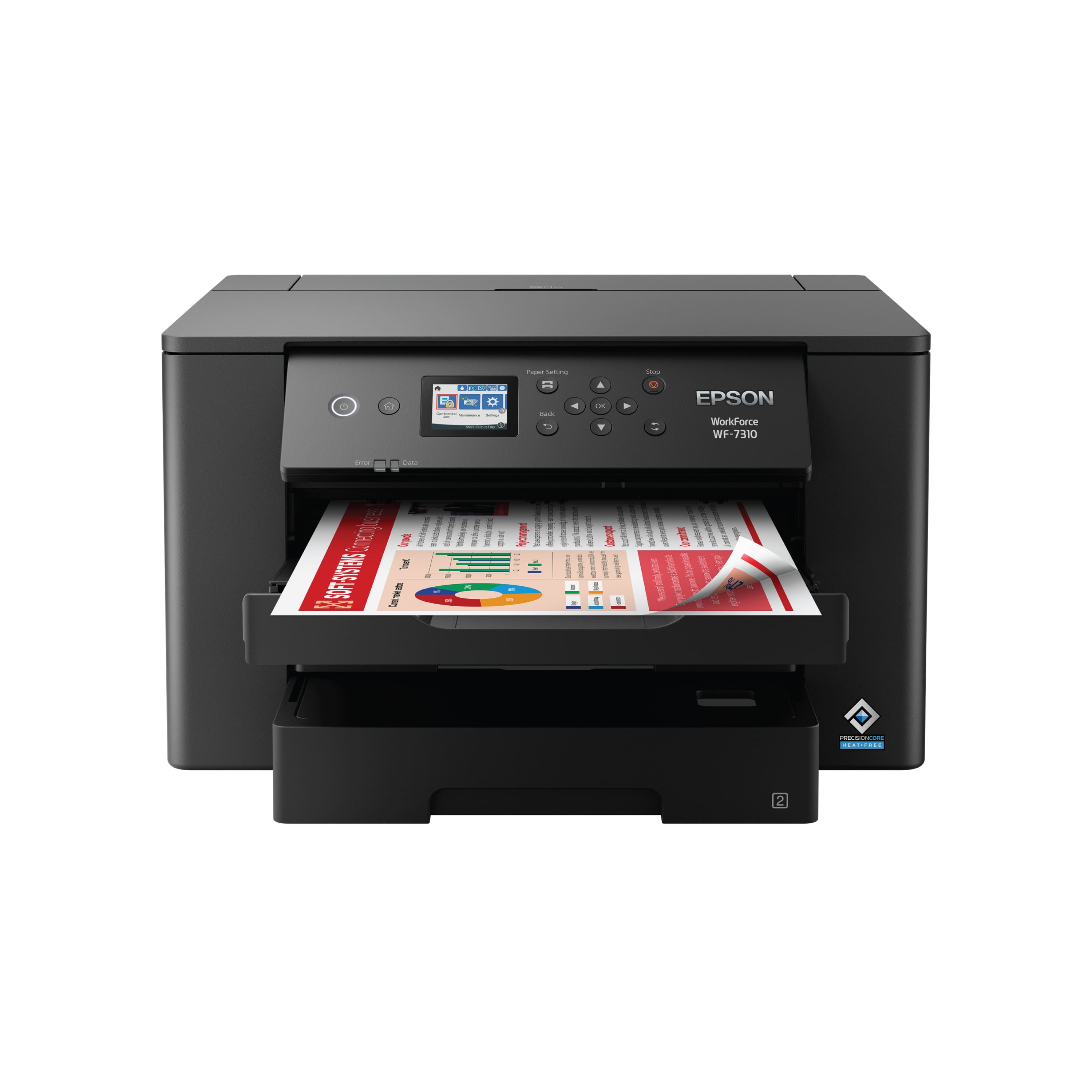
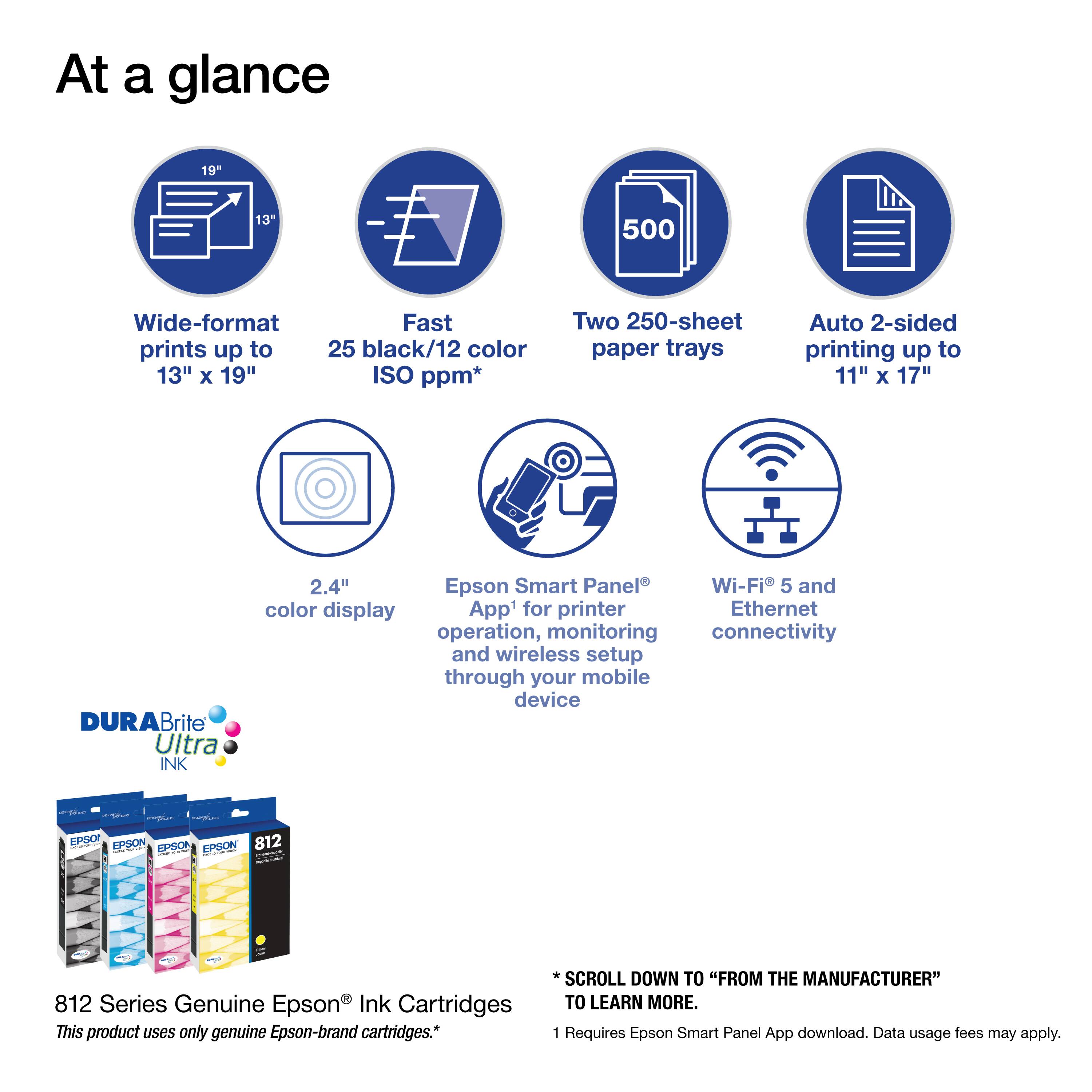
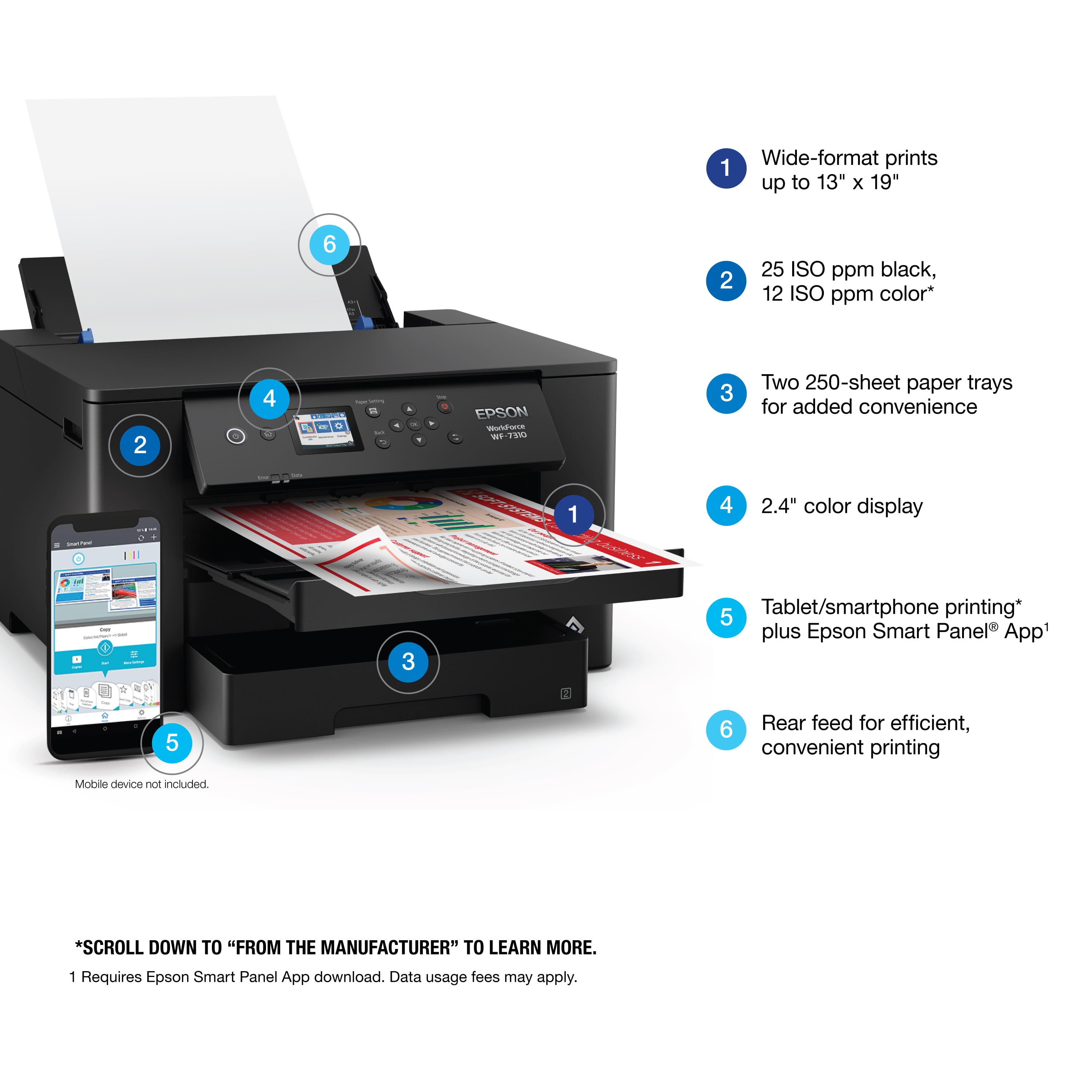
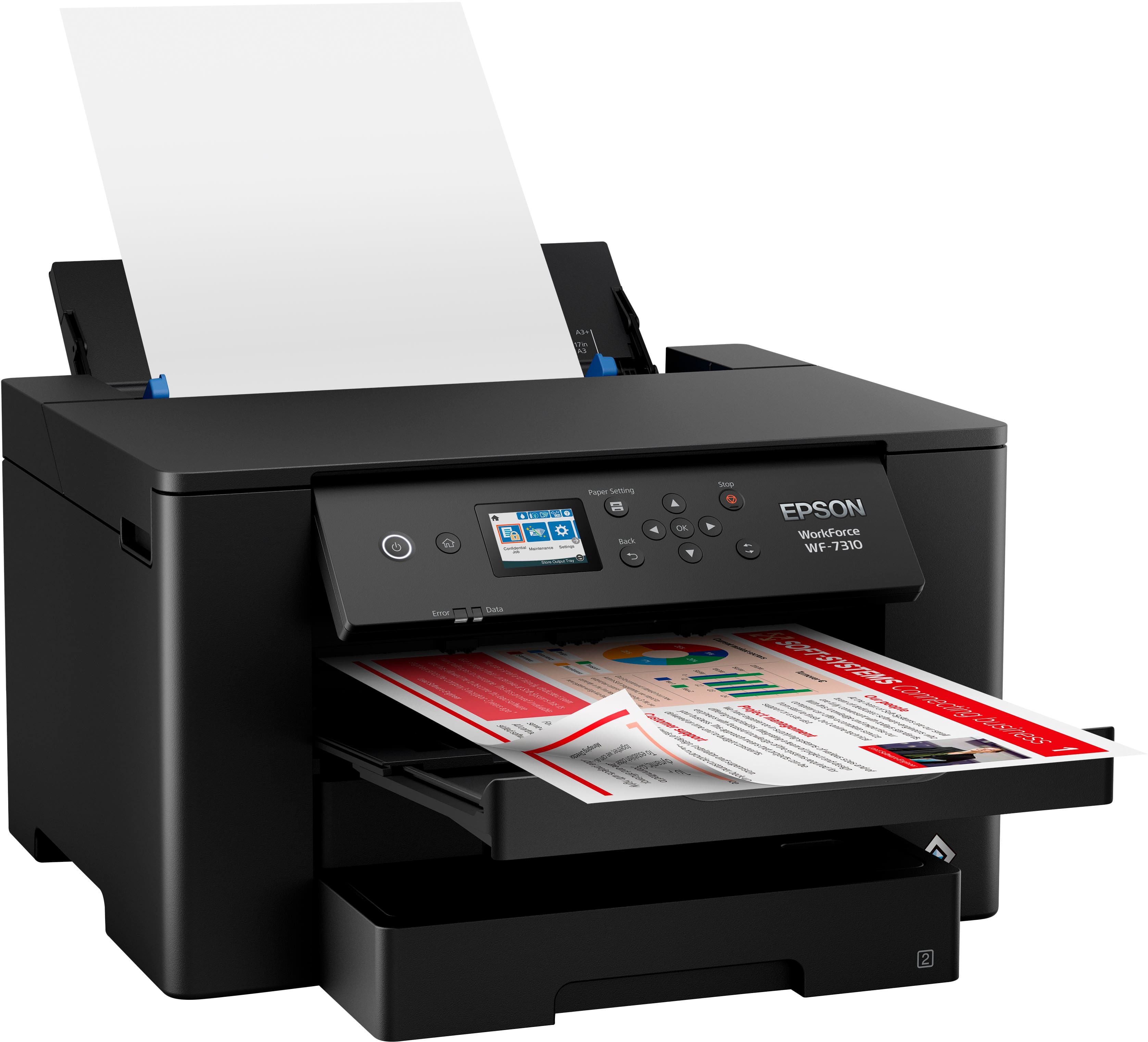
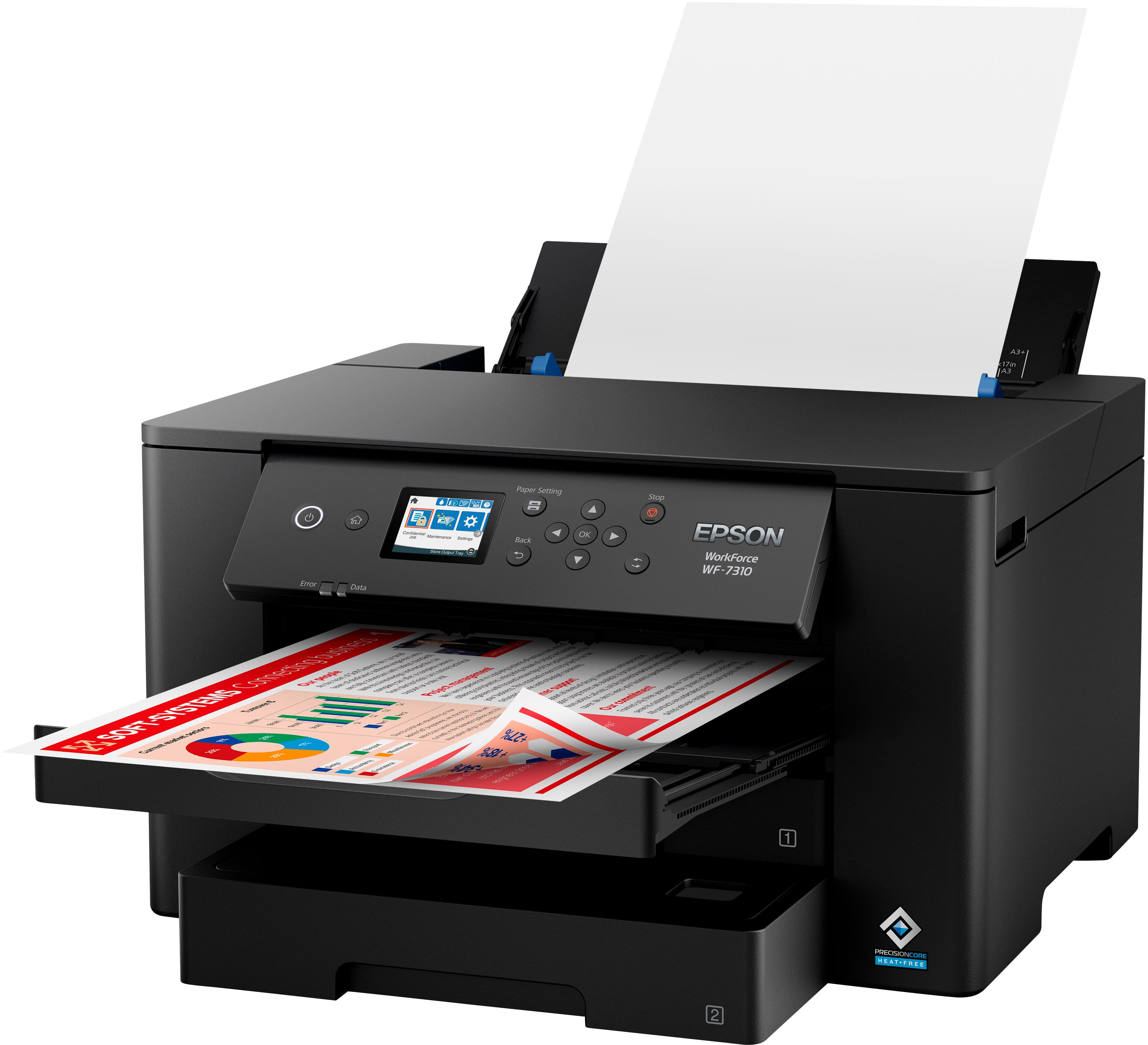
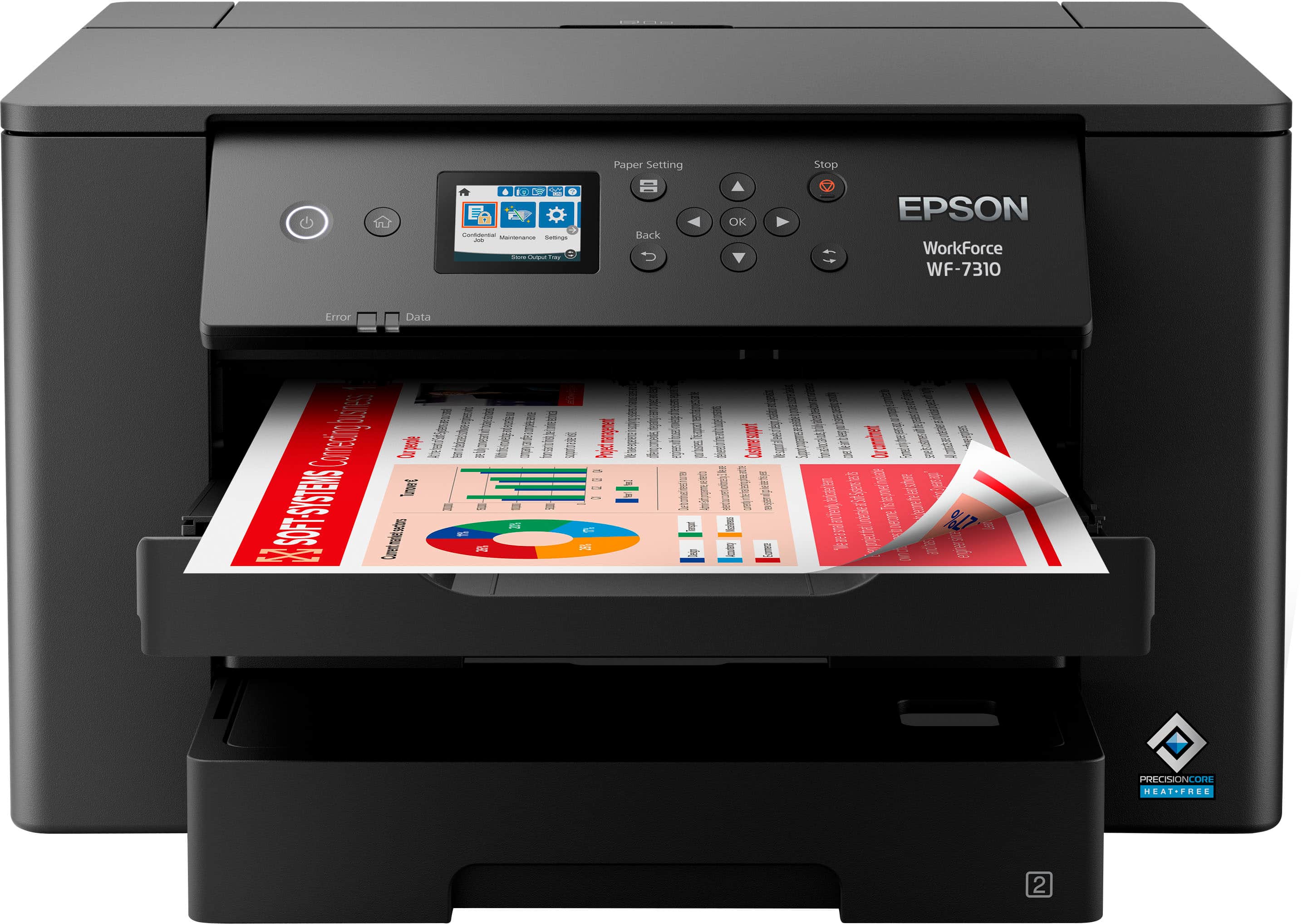
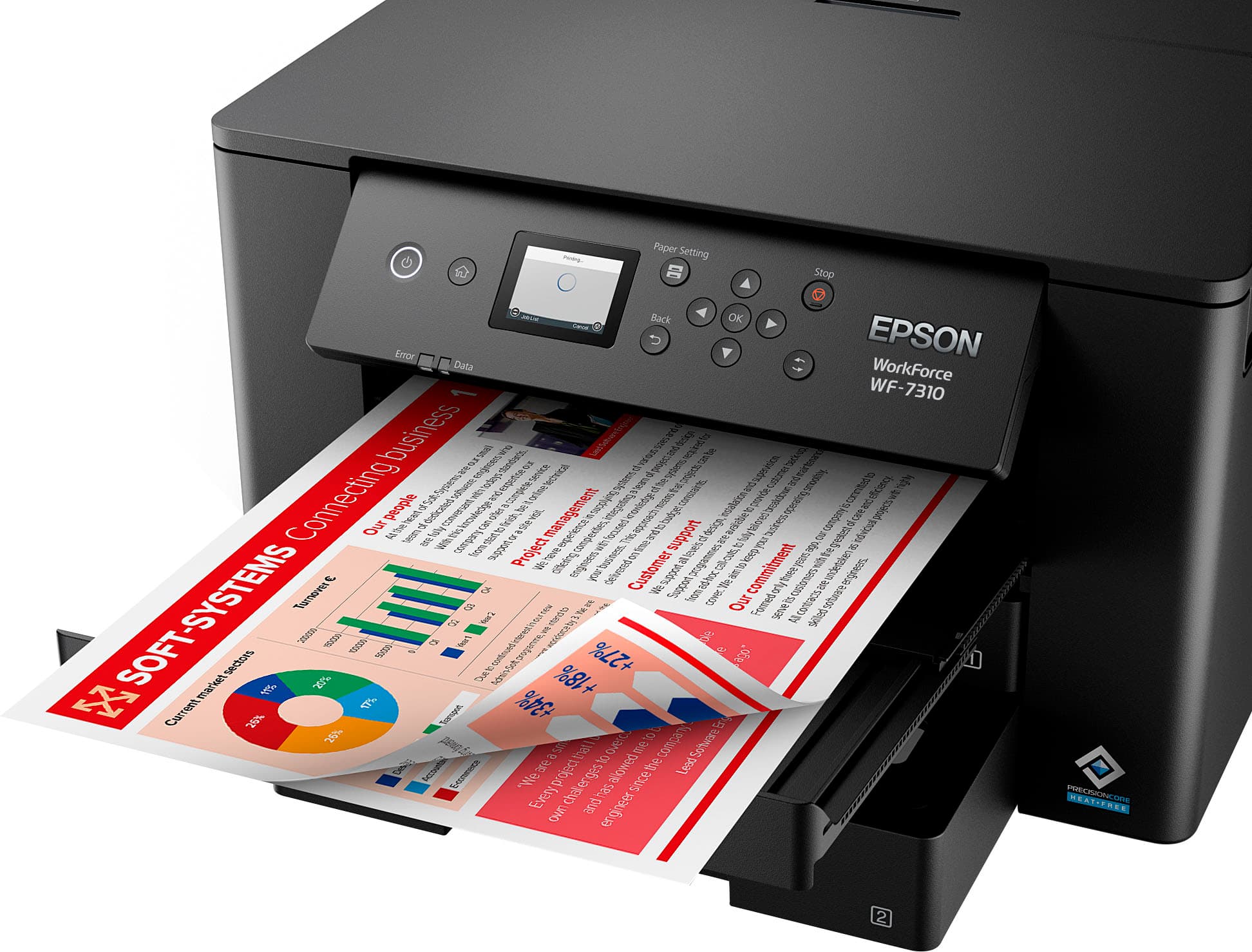
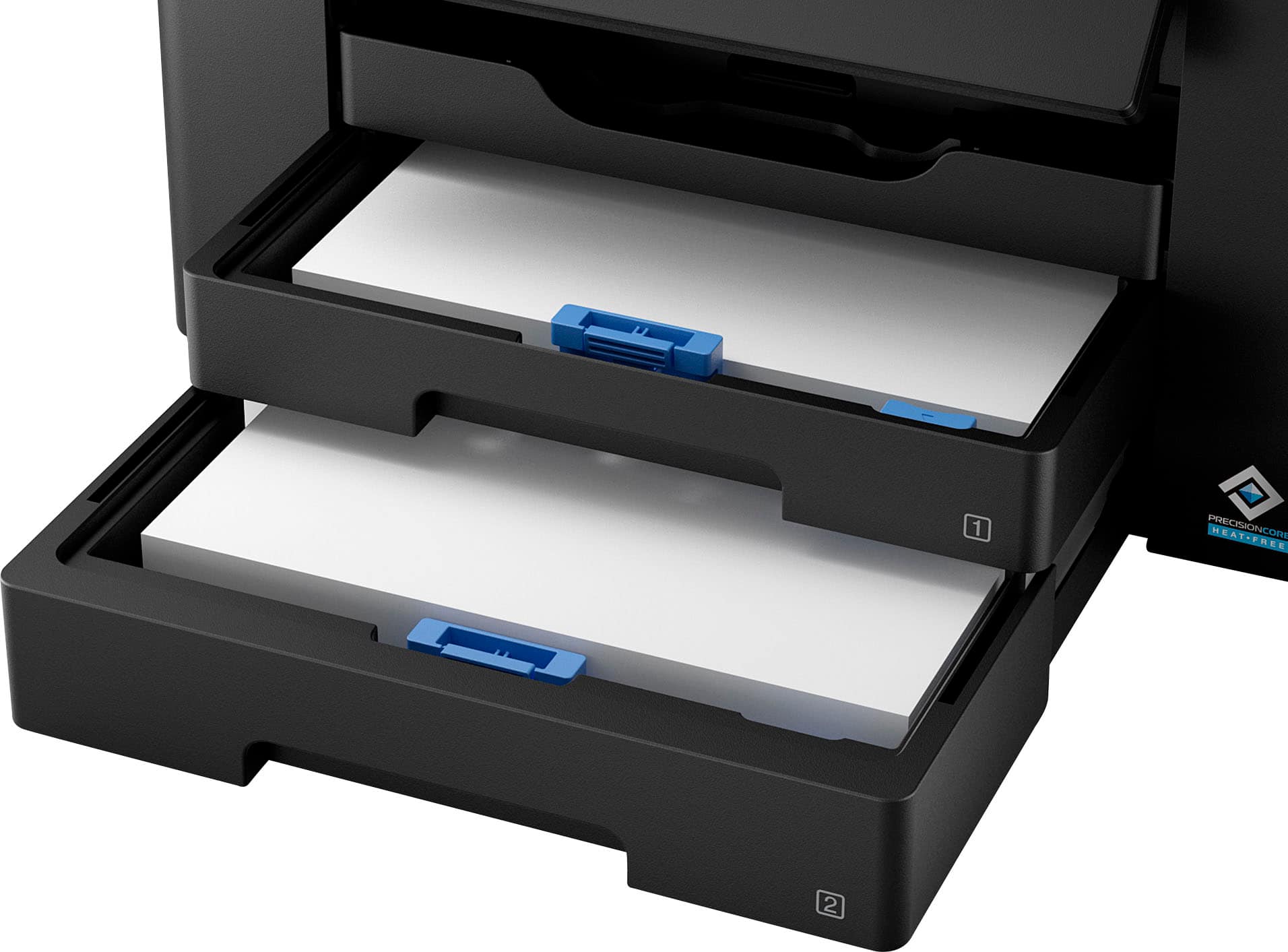
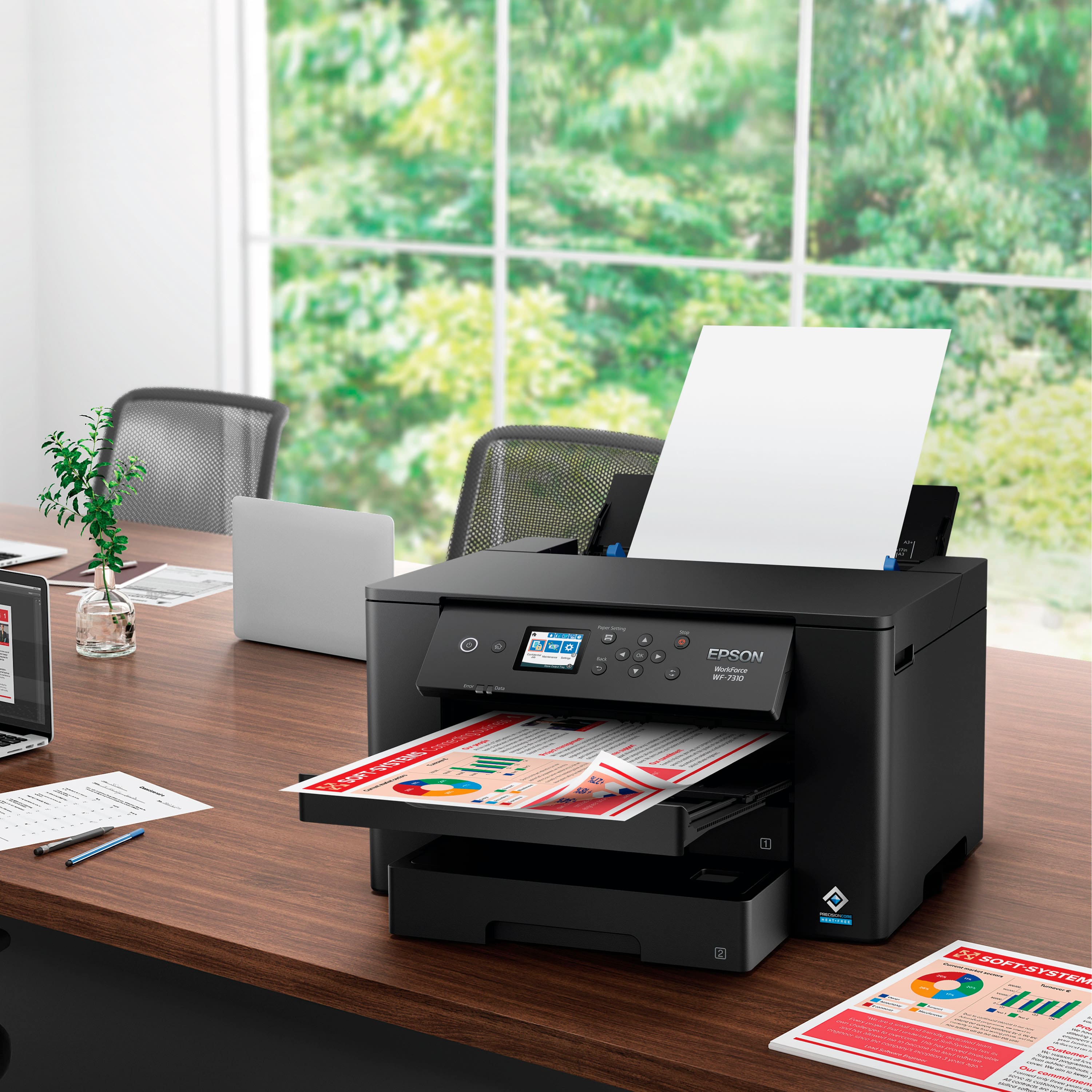
- A:Answer This Epson printer can handle 500 sheets of plain paper with its two 250-sheet trays.
This question and answer was generated by AI based on customer and product data.Q: QuestionDoes this printer offer wireless connectivity?
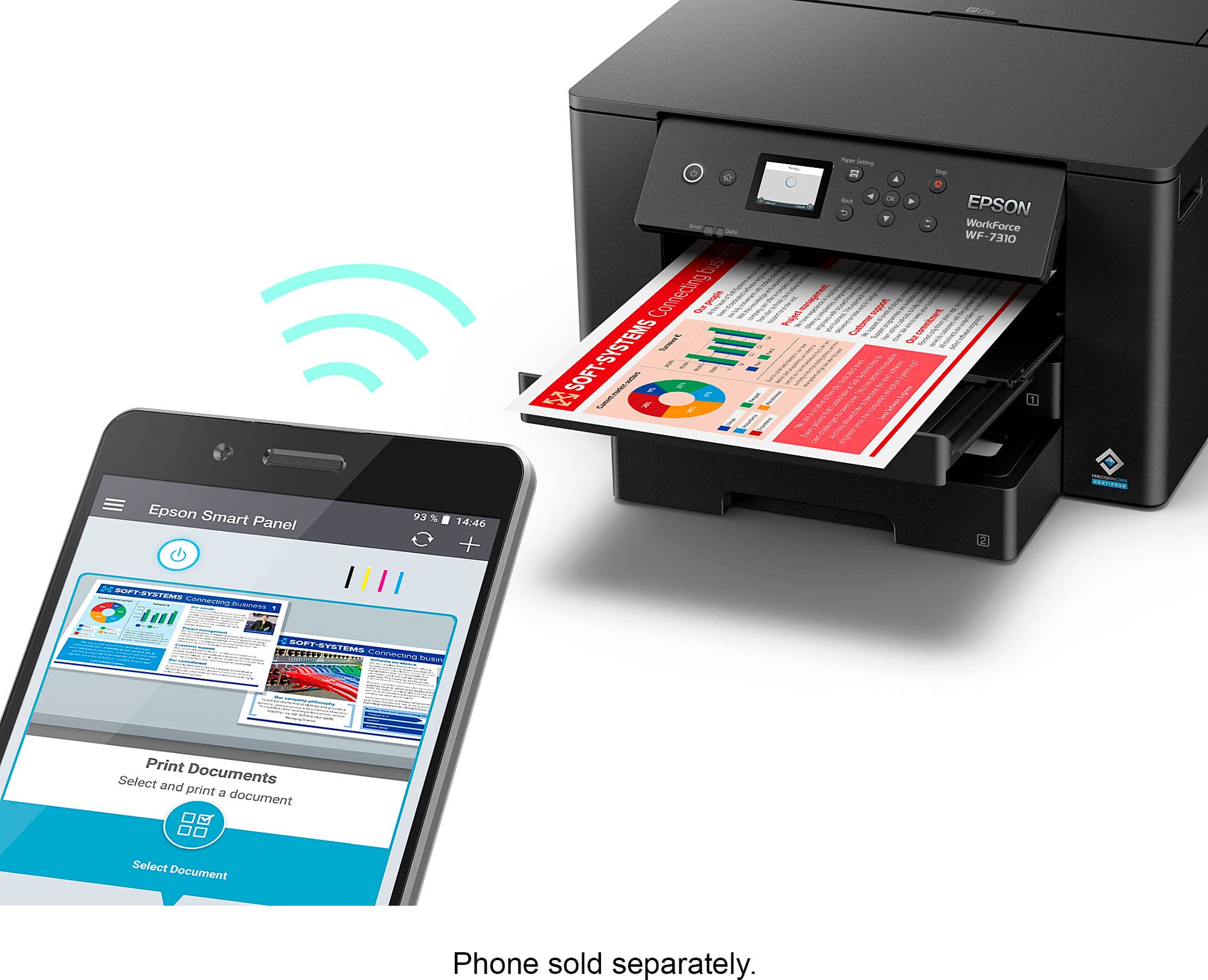
- A:Answer Yes, this model offers complete wireless solutions, including Wi-Fi 5 compatibility and network-free Wi-Fi Direct.
This question and answer was generated by AI based on customer and product data.Q: QuestionWhat is the maximum size paper that the Epson Workforce Pro WF-7310 can print?
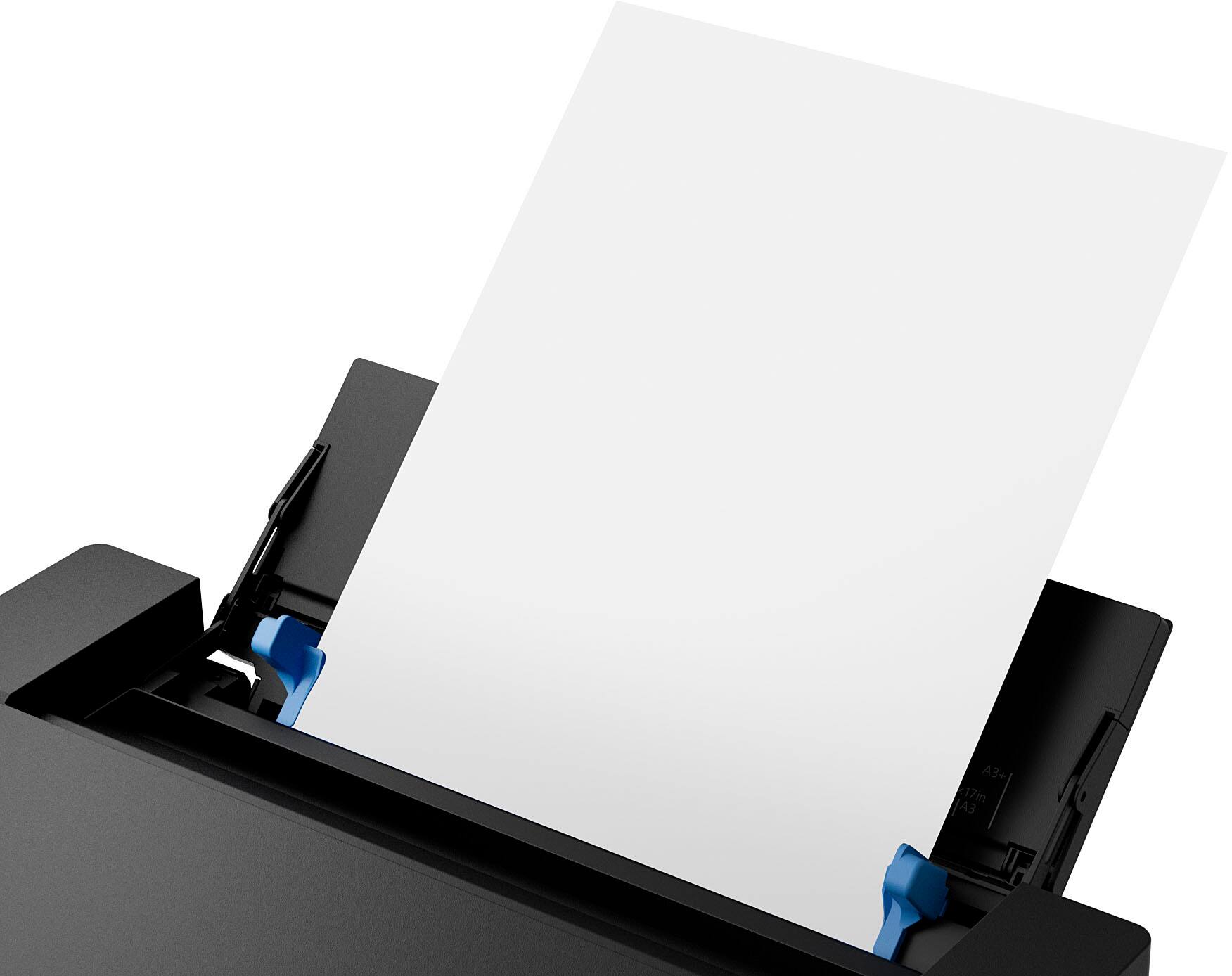
- A:Answer The Workforce Pro WF-7310 can print wide format up to 13 inches by 19 inches.
This question and answer was generated by AI based on customer and product data.Q: QuestionDoes this printer use ink cartridges or ink bottles?
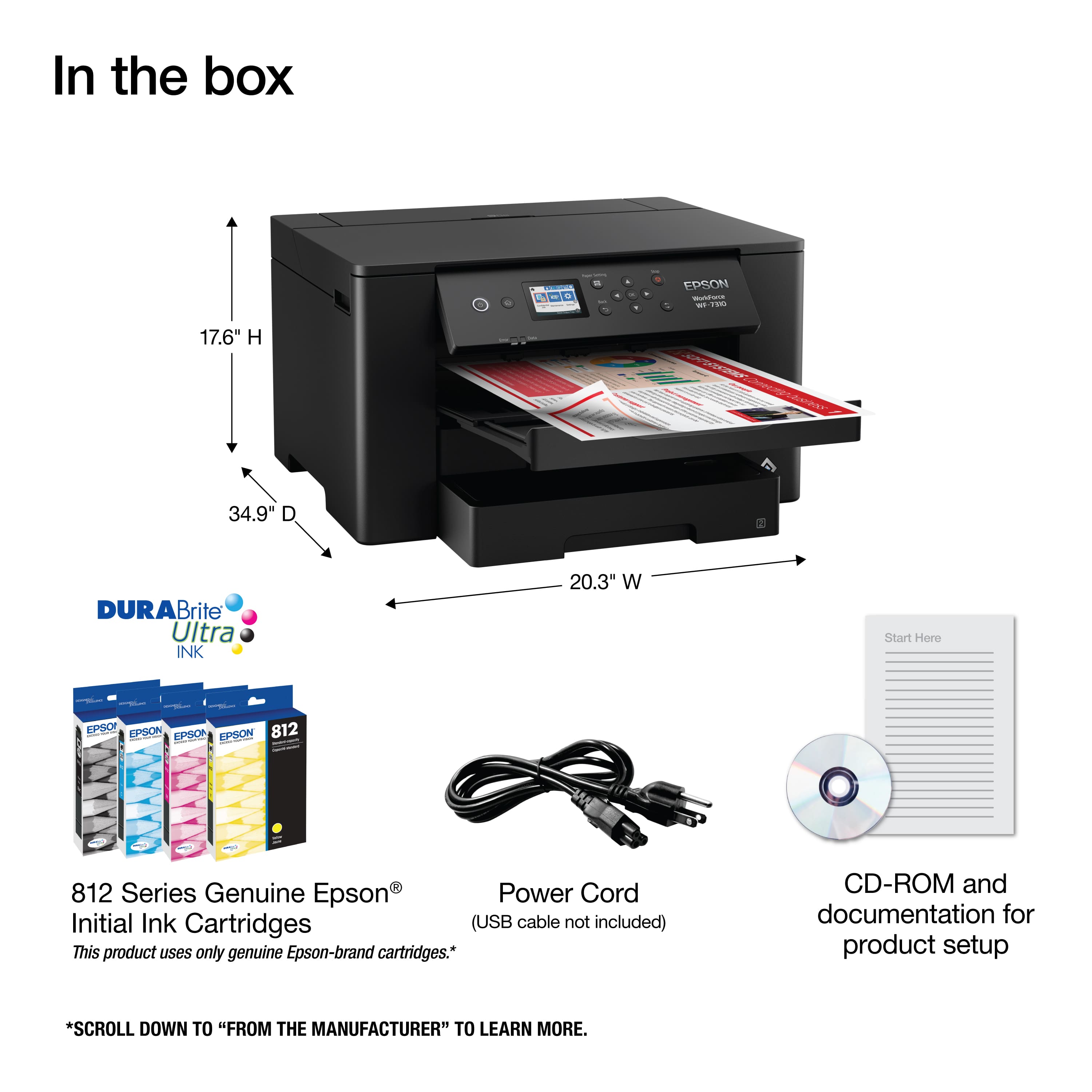
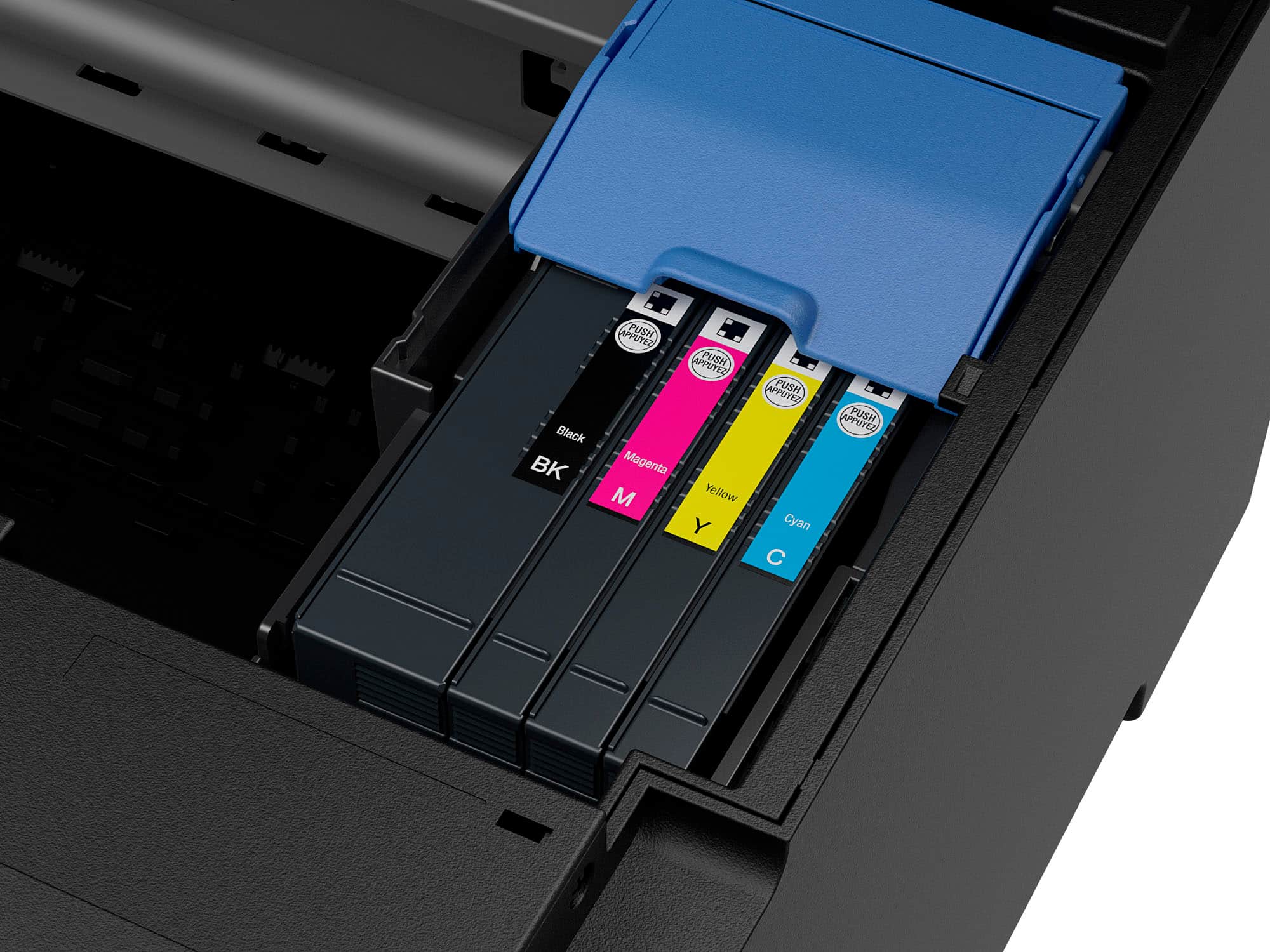
- A:Answer The Epson Workforce Pro WF-7310 uses ink cartridges and is compatible with the Epson T812 cartridges.
This question and answer was generated by AI based on customer and product data.Q: QuestionCan I print double-sided documents automatically with this printer?
- A:Answer Yes, the Epson Workforce Pro WF-7310 supports automatic two-sided printing.
This question and answer was generated by AI based on customer and product data.Q: QuestionWill it print on white 12 x 12 68 lb paper?
Asked by LynneM.
- A:Answer Hi LynneM, The WorkForce Pro WF-7310 should be capable of printing on 12" x 12" 68 lb. paper. We cannot test all third-party media so cannot guarantee print quality. 12" x 12" paper should be fed through the rear feed tray. Prints on that size paper will have a small border all around the edge. Regards, Dylan - The Epson Team.
Answered by Epson

Q: QuestionCan you print #10 business envelopes with this printwer?
Asked by Rick.
- A:Answer Hello Rick. The WF-7310 supports printing on standard No.10 Envelopes (4.1 × 9.5 inches). Regards, Kevin - The Epson Team.
Answered by Epson

Q: QuestionCan I use this with the transfer paper to print images on tee shirts ?
Asked by Cynthia22.
- A:Answer Hello Cynthia22. The WF-7310 works with Epson Iron-on Cool Peel Transfer paper, which can be used with t-shirts. Please note we have not tested other brands of transfer paper with the machine. If you plan to use 3rd party paper, we recommend trying a small batch first to ensure it works properly and has satisfactory image quality. Regards, Kevin - The Epson Team.
Answered by Epson

Q: Questiondoes this printer use pigment inks
Asked by ladyblack6940.
- A:Answer Hello ladyblack6940. Yes, the WF-7310 is designed to work with Epson T812 Ink Cartridges. All four colors are pigment-based inks. Regards, Kevin - The Epson Team.
Answered by Epson

Q: Questioncan you print on construction or cardstock paper on this printer? and print in color?
Asked by p.
- A:Answer Hello p. The WF-7310 can print on cardstock. The heaviest paper we've tested with this machine is Epson Ultra Premium Photo Paper Glossy, which weighs 79 lb. For cardstock, we've used similar Epson paper weighing approximately 44 lb. Please note that these recommendations apply to Epson paper only. You may try cardstock within this weight range from other brands, but results may vary, especially with heavier or non-Epson paper. Regards, Kevin - The Epson Team
Answered by Epson

Q: QuestionDoes this printer fax
Asked by annshears.
- A:Answer Hello Annshears. Unfortunately, the WF-7310 does not have fax functionality. We recommend looking at the WF-4830 for a similar printer with fax features included. Regards, Kevin - The Epson Team.
Answered by Epson

Q: QuestionCan this printer print on transparent inkjet paper?
Asked by Tracy.
- A:Answer Hello Tracy. Unfortunately, printing transparency paper on the WF-7310 is not supported. Regards, Kevin - The Epson Team.
Answered by Epson

Q: Questiondo i have to replace all the colors or can i just buy the black to print
Asked by Ang.
- A:Answer Hello Ang. The WF-7310 requires Cyan, Magenta, Yellow, and Black Ink Cartridges to work. The printer will prompt you to replace a specific color when the Ink Cartridge is expended. Regards, Kevin - The Epson Team.
Answered by Epson

Q: QuestionCan you copy?
Asked by Anonymous.
- A:Answer Hello. Yes, the WF-7310 is an All-in-One printer with print, scan, and copy functionality. Regards, Kevin - The Epson team.
Answered by Epson

Q: QuestionWill this printer print on waterproof inkjet film sheets?
Asked by Tonya11.
- A:Answer Hello Tonya11. Unfortunately, we have not tested waterproof inkjet film sheets on the WF-7310. We recommend contacting the film manufacturer and confirming that they will work with our inkjet printers using pigment-based ink. Regards, Kevin - The Epson Team.
Answered by Epson

Q: QuestionIs this printer for subulation? Are u able to use subulation inks ?
Asked by Cindy.
- A:Answer Hello Cindy. The WF-7310 is not designed for dye-sublimation printing nor the use of non-genuine Epson Ink Cartridges. Using sublimation Ink in this printer can affect warranty coverage and create print head and ink-system issues. Regards, Kevin - The Epson Team.
Answered by Epson

Q: QuestionIs this good for photos?
Asked by Dd.
- A:Answer Hi Dd, The WF-7310 is primarily designed for home and office document printing, but if you use Epson photo or photo matte paper and set it to high quality, the WF-7310 prints good photos. If you want excellent-quality photos, consider a printer from the Epson Expression line. Regards, Kevin - The Epson Team.
Answered by Epson

Q: QuestionDoes the 7310 print borderless?
Asked by Nora.
- A:Answer Hello Nora. Yes, borderless printing is available on the WF-7310. Please note that borderless printing is only available when selecting specific paper types and sizes. For more details, see the "Borderless Paper Type Compatibility" section in the User Guide. Regards, Kevin - The Epson Team.
Answered by Epson

Top Rated
- Black Friday Deal$79.89Your price for this item is $79.89
- Black Friday Deal$49.89Your price for this item is $49.89
- $129.99Your price for this item is $129.99$249.99The comparable value for this item is $249.99
- $64.00Your price for this item is $64.00$140.00The comparable value for this item is $140.00
- $129.89Your price for this item is $129.89$179.89The comparable value for this item is $179.89
- $93.00Your price for this item is $93.00$161.00The comparable value for this item is $161.00
- $119.89Your price for this item is $119.89$179.89The comparable value for this item is $179.89
- $149.99Your price for this item is $149.99$248.99The comparable value for this item is $248.99
- $379.99Your price for this item is $379.99$429.99The comparable value for this item is $429.99
- $349.99Your price for this item is $349.99$439.99The comparable value for this item is $439.99
- $299.99Your price for this item is $299.99$356.99The comparable value for this item is $356.99
- $149.89Your price for this item is $149.89$219.89The comparable value for this item is $219.89
- $129.99Your price for this item is $129.99$159.99The comparable value for this item is $159.99
- $429.99Your price for this item is $429.99$519.99The comparable value for this item is $519.99
- $159.89Your price for this item is $159.89$239.89The comparable value for this item is $239.89
- $349.99Your price for this item is $349.99$419.99The comparable value for this item is $419.99
- $194.99Your price for this item is $194.99