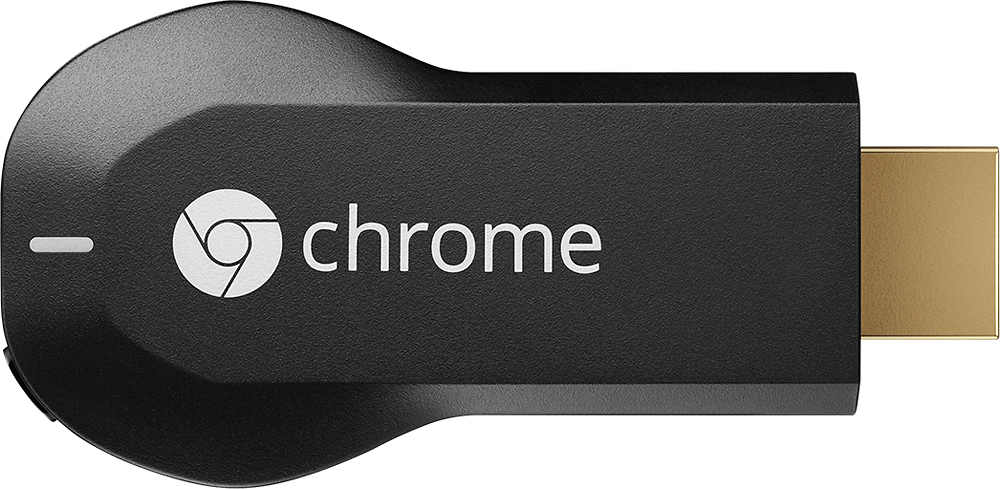
A:Answer It may work but it is a bit tricky. Normally, an HDMI output contains the audio and the video from the PC. In some cases, you can use the sound applet (in the Control Panel) to direct the audio to the PC audio and speakers instead. Then you can listen through headphones, PC built-in speakers or through a cable to a receiver and speakers. On a Windows 7 PC, you look for Hardware and Sound in the Control Panel, selecting Sound and "Manage audio devices." The HDMI output will be selected by default if you plug in an HDMI cable into your laptop, but you should also be able to select Speakers.