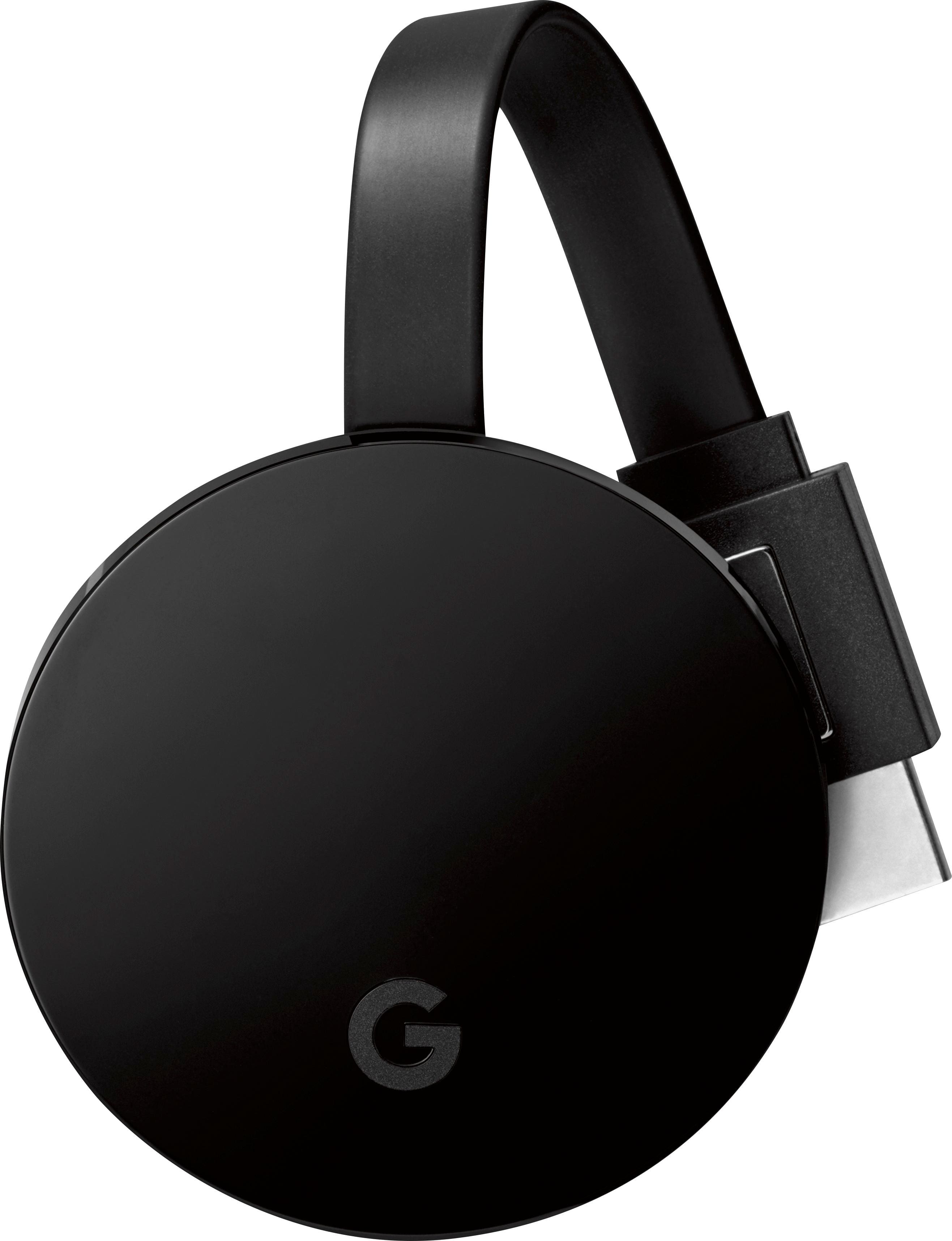
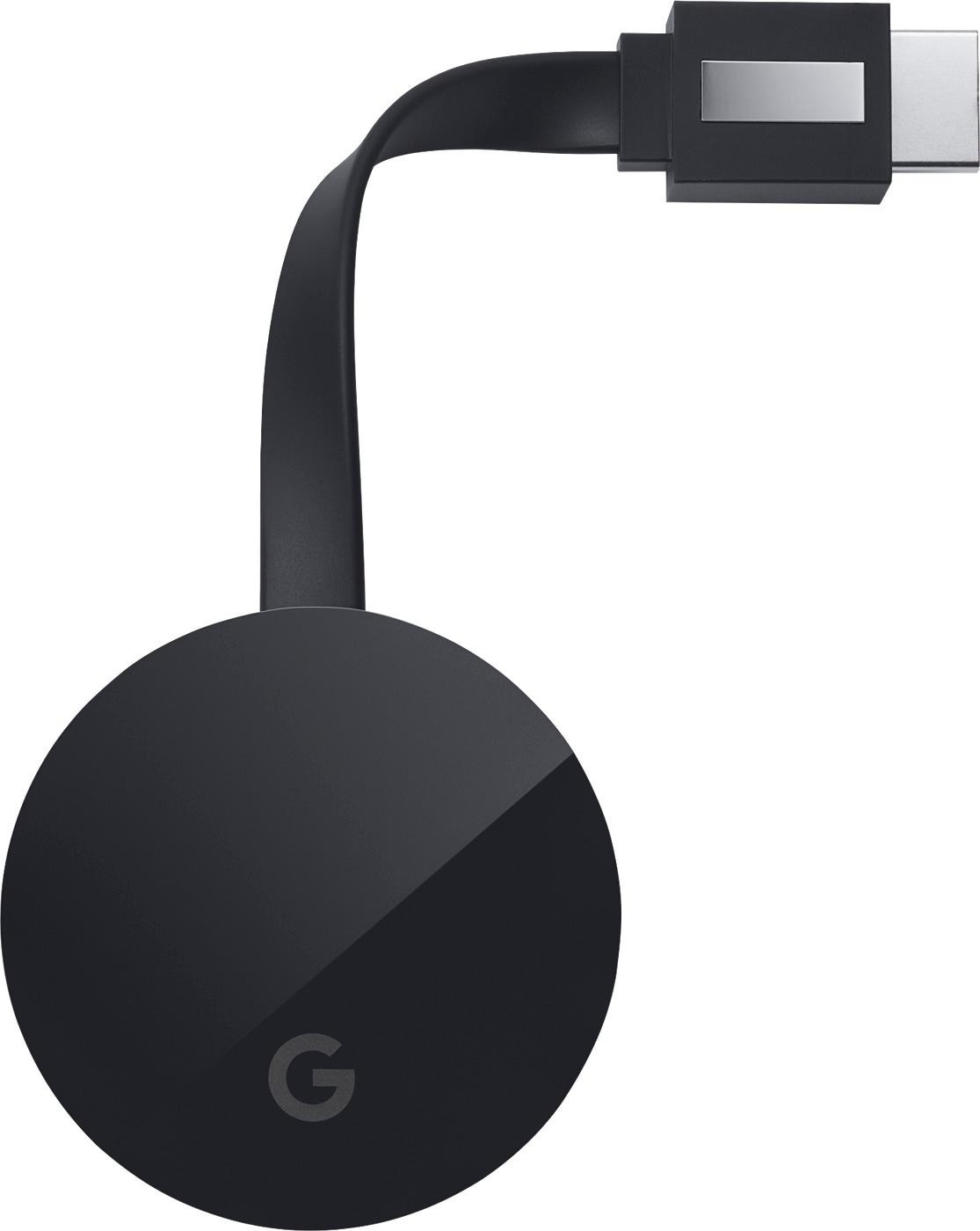
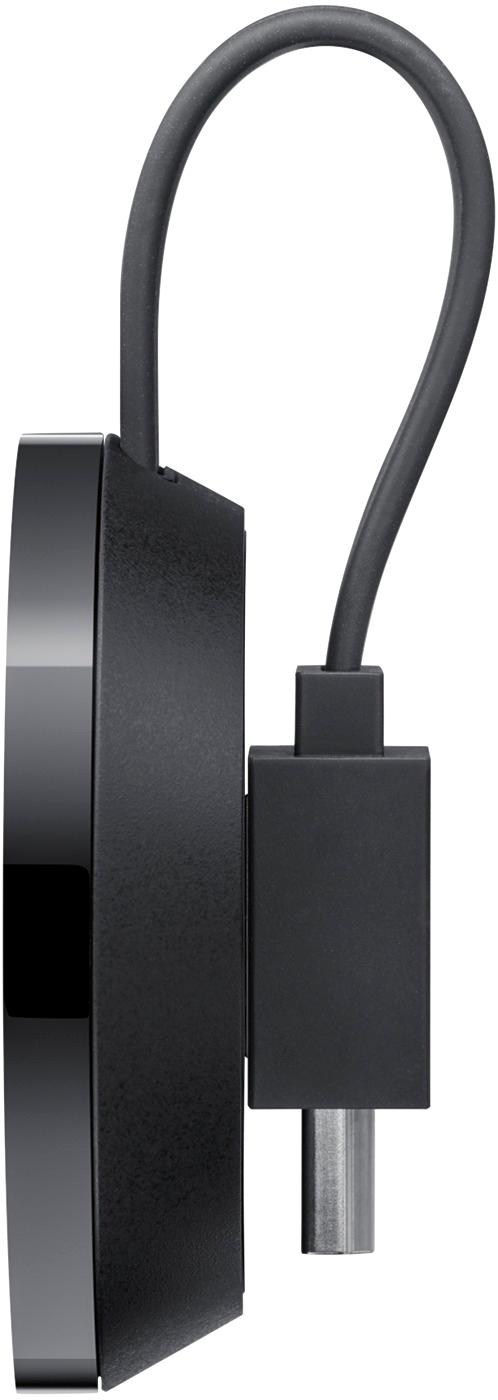
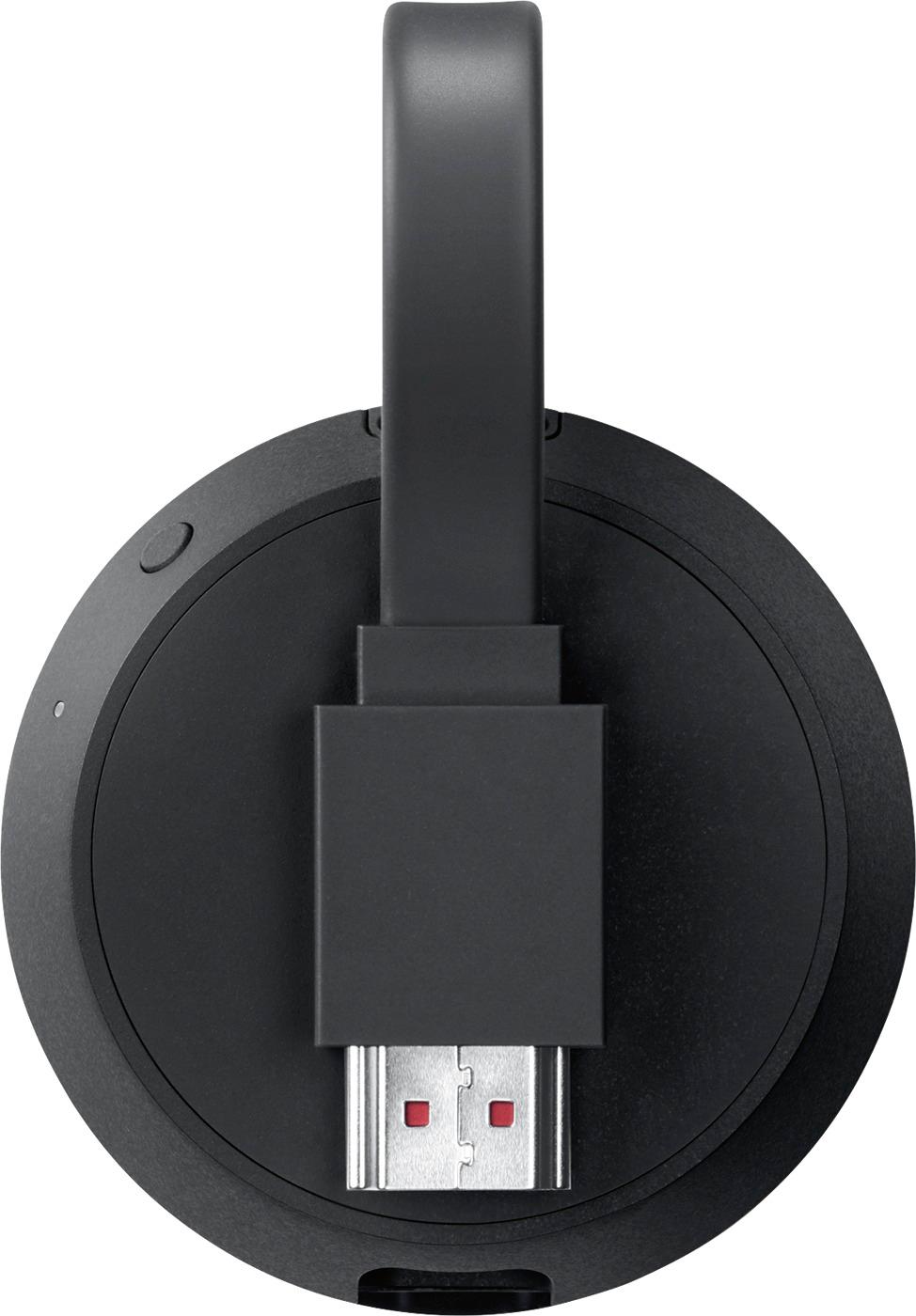
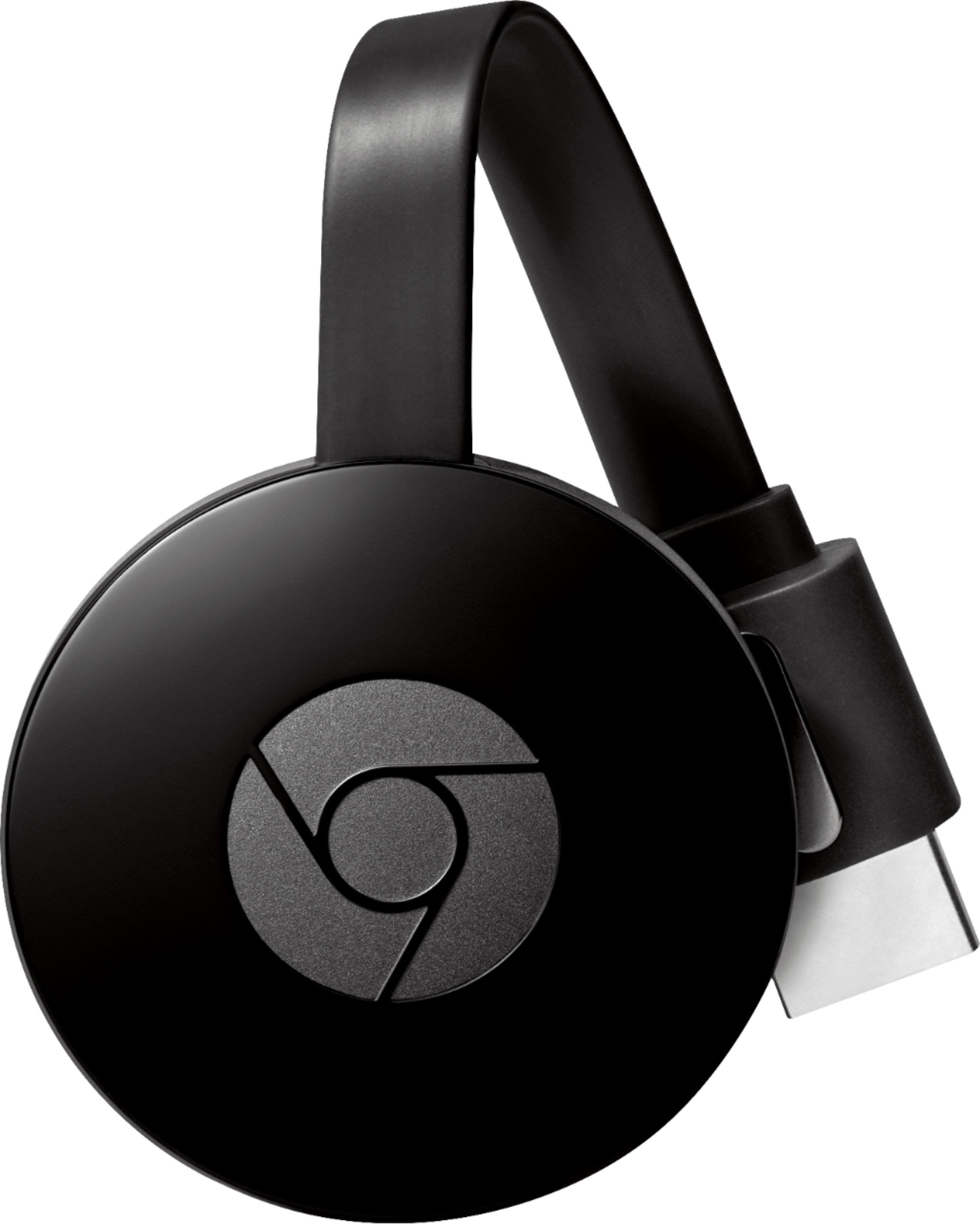
A:Answer Remember there are two methods of streaming to a Chromecast. One laggy and one high performance. The high performance method is via direct stream handoff through YouTube, Netflix, and Google Play Movies phone and other apps when clicking the Cast icon inside the apps. This literally cuts out the middleman of the phone or PC allowing for Chromcast to get direct communication from YouTube or Netflix. The laggy way is by screen mirroring either through pulling down a phone's Android settings menu screen and clicking the Cast icon, or in the Chrome browser on PC when clicking the Cast icon (however if a video is playing in a web page Chrome may do a nice high performance stream handoff to Chromecast, but if browsing or gaming expect lag). Screen mirroring takes more processing power resulting in slowness and dropped frames.
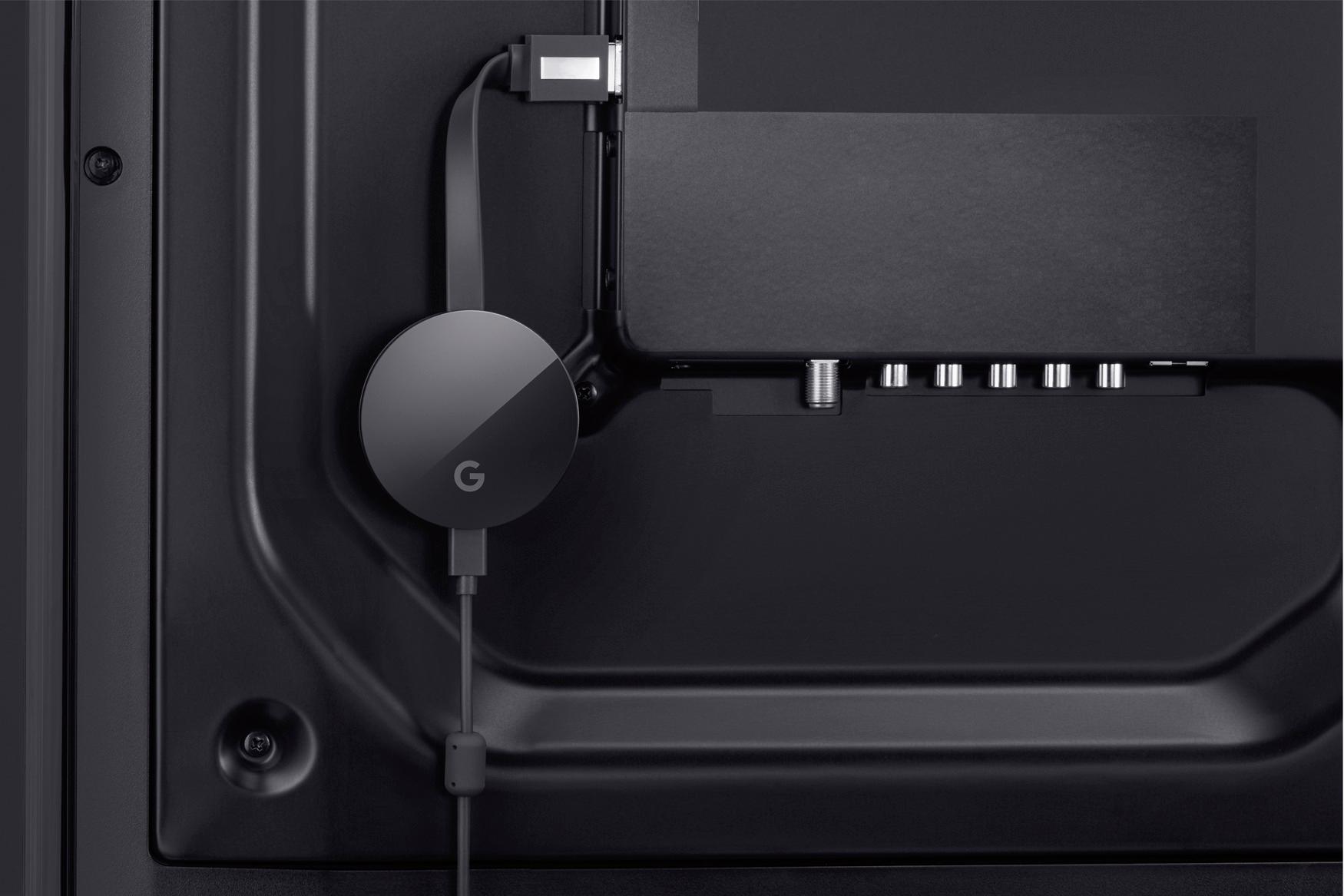
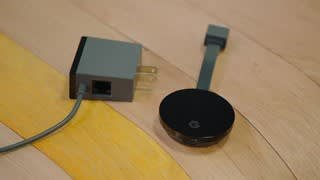
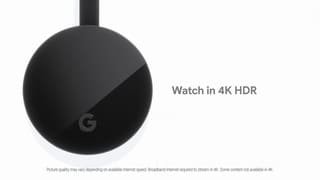
One more note, Chromecast Ultra appears to have a dedicated power supply as opposed to last gen's ability to plug USB into the TV. This may mean higher power usage which could mean higher performance and less lag in general.