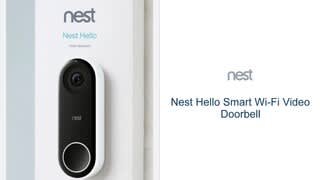
A:AnswerYou can adjust the Activity Zones to only select areas of your view that transmit motion notices, or you can totally stop the motion notifications easily. You have complete control on what the doorbell does, and what notifications it returns.
A:AnswerMany local contractors will install this and connect it for you. But it is very easy for a person who is handy, only took me 20 minutes to install each of the two I have in use. WIFI connection only requires you knowing your router's name and password. Doubt it could be easier.
A:AnswerI dont have Facebook and I have simply installed the App, and signed on to the App for other persons whom I want to have the same access that I do. The app provides easy explanations for adding users.
A:AnswerNest is designed to replace your wired doorbell. To receive full functionality you’d need to install a wired bell. The power for the doorbell is used to run the video camera.
A:AnswerThe only option you have if you do not get cloud storage is you will get photos and you can see live video and talk. You have up to 3 hrs of pictures daily which you can delete when needed. That is how we started. We now have a subscription. You get a 30 day free trial of video when you purchase the product and then when your 30 days are up you get photos.