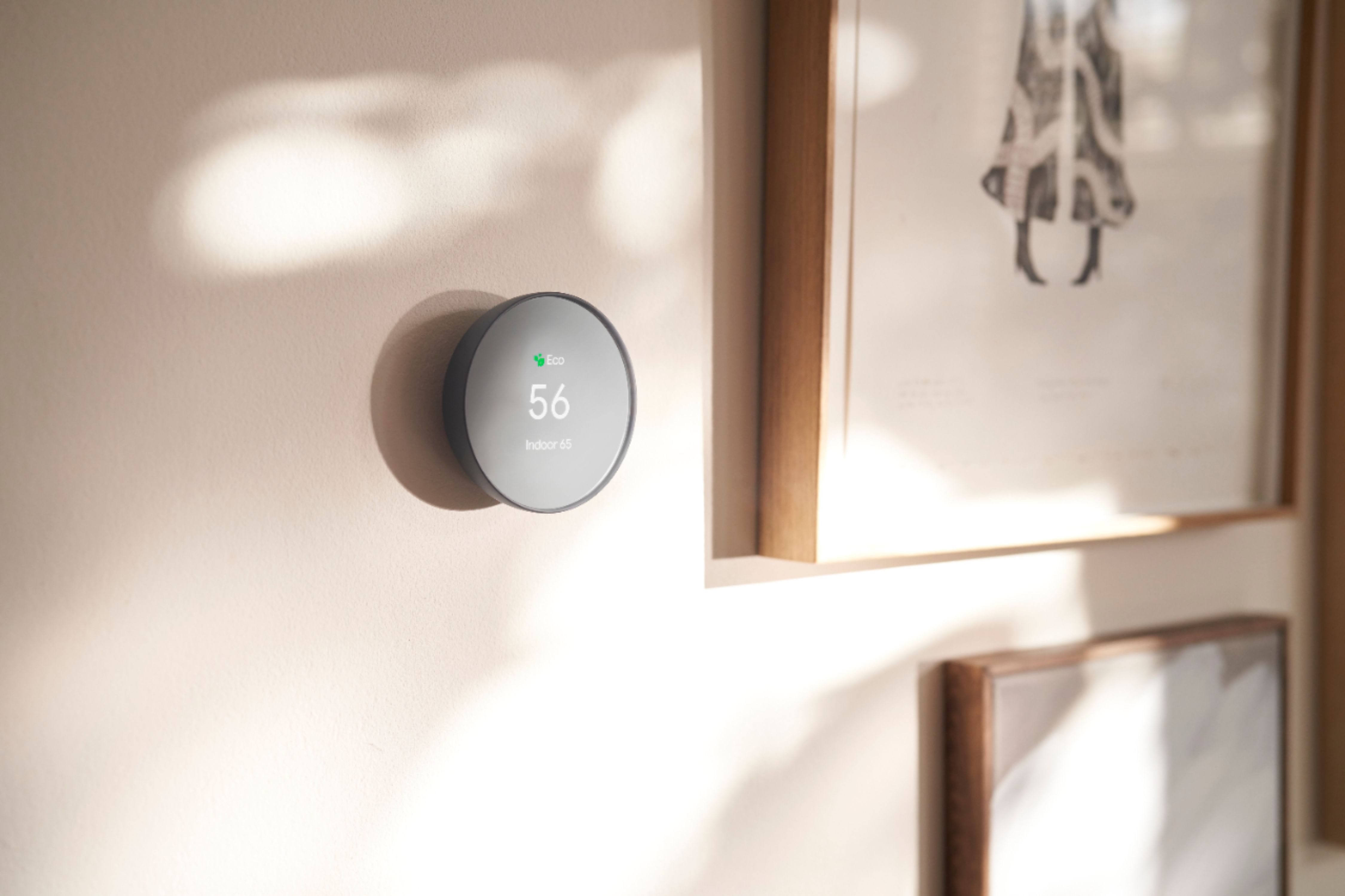
A:AnswerThere can be several reasons why this may be happening. A difference of a couple of degrees is acceptable as your benchmarking temperature on the Nest Thermostat. But greater differences do need attention. Below are some steps that may help you with the issue:
- Restart the thermostat. A restart should be sufficient to re-calibrate them and show an accurate value.
- Nest thermostats in the U.S. and Canada are typically installed on a wall. Check for proximity of the thermostat to: air vents / electrical outlets / appliances / plumbing (hot water pipes) / warm air in the wall behind the thermostat. This may also affect the reading for the temperature.
- Some wireless access points cause the Nest thermostat’s wifi chip to overheat, which affects the thermostat’s detected ambient temperature. We can disconnect the network for 24 hours and monitor the temperature.
If the issue persists, we'd like to take a look at it for further examination, so that we can offer a resolution. Please feel free to reach out our support team here: https://support.google.com/googlenest/gethelp
A:AnswerNest thermostats are designed to work with most 24 V systems. The online Compatibility Checker has full instructions to check if your heating and cooling systems are compatible with Nest thermostats. You can also quickly tell if you have one of these systems without having to use the Compatibility Checker or to look at your thermostat’s wiring here: https://support.google.com/googlenest/answer/9246656
A:AnswerYou can have a schedule and heat or cool wherever you need, the schedule and temperature can be adjusted from Home App but device loses connectivity alot
A:AnswerThere shouldn't be any clicking sound. We suggest contacting our support team so we can assist you and check on your Nest Thermostat. We might need to perform some troubleshooting steps that may help resolve your concern. Reach out to us here anytime: https://support.google.com/googlenest/gethelp
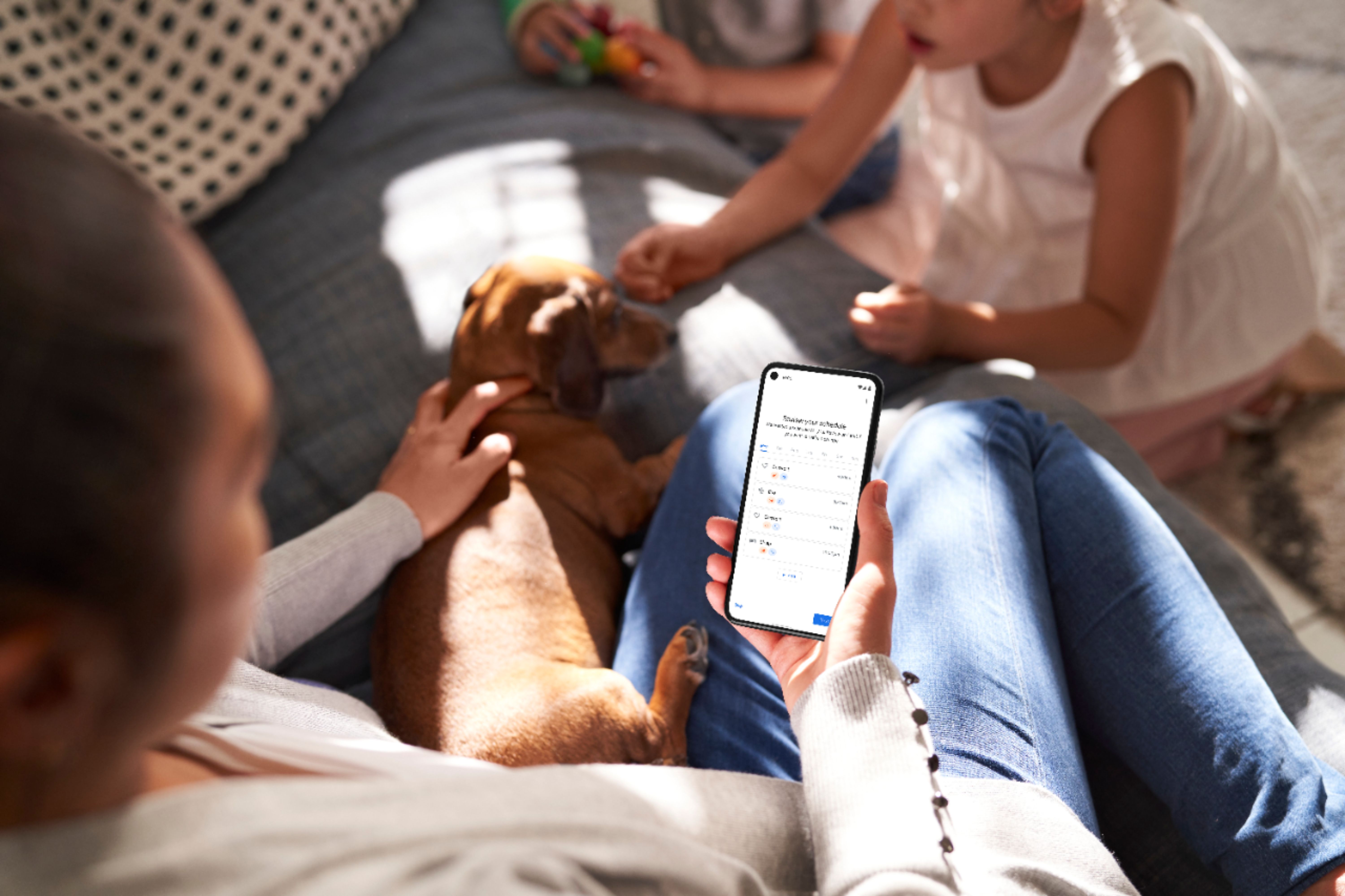
A:AnswerI believe so if you setup routine scheduling. Routine scheduling will let you program certain temps for certain times. It will not change until you manually stop it.
A:AnswerMost 24 V heating and cooling systems are compatible with Nest thermostats, but there are some systems that aren’t compatible. We highly recommend checking your system’s compatibility before purchasing a Nest thermostat with our online Compatibility Checker. Also, you can quickly tell if you have one of these systems without having to use the Compatibility Checker or to look at your thermostat’s wiring. This online help article may help: https://support.google.com/googlenest/answer/9246656
A:AnswerYes, this is 5ghz compatible. That’s why I purchased this product. I have so many devices connected to my 2.4ghz I can’t get it to connect to any other only 2.4ghz devices.
A:AnswerNot sure how much it will save but we enjoy being able to set it from our cell phones. It does seem to be more efficient though. You can set up a schedule for every day of the week so at times when you are not home it will automatically set the temps to what you want them set at.
A:AnswerThe Nest Thermostat works with most 24V heating and cooling systems, including furnaces, air conditioners, boilers, and heat pumps with either forced air or radiant delivery. We suggest using our online compatibility checker first to ensure that your system is compatible with Nest Thermostat. Here’s the link: https://store.google.com/us/widget/compatibility/thermostat
Check this link to learn more about Nest thermostat compatibility: https://support.google.com/googlenest/answer/9246656
You may also contact our support team so we can assist you further. We might need to perform some troubleshooting steps that might help resolve your concern : https://support.google.com/googlenest/gethelp
A:Answerthe google nest is the cheaper and less functional one. i started with the google nest and ended up taking it back for the better one due to functionality or lack there of with the lesser one, i had to keep resynching the google nest one where as the Nest just works period. set it up and bam it works. just spare yourself the trouble and get the better one to begin with.
A:AnswerUnfortunately, Nest Thermostat won’t work with that setup. You can only monitor your Nest Thermostat on the app once it is properly installed, which is connected to your HVAC system, connected to your Wi-Fi network, and successfully added on the app.
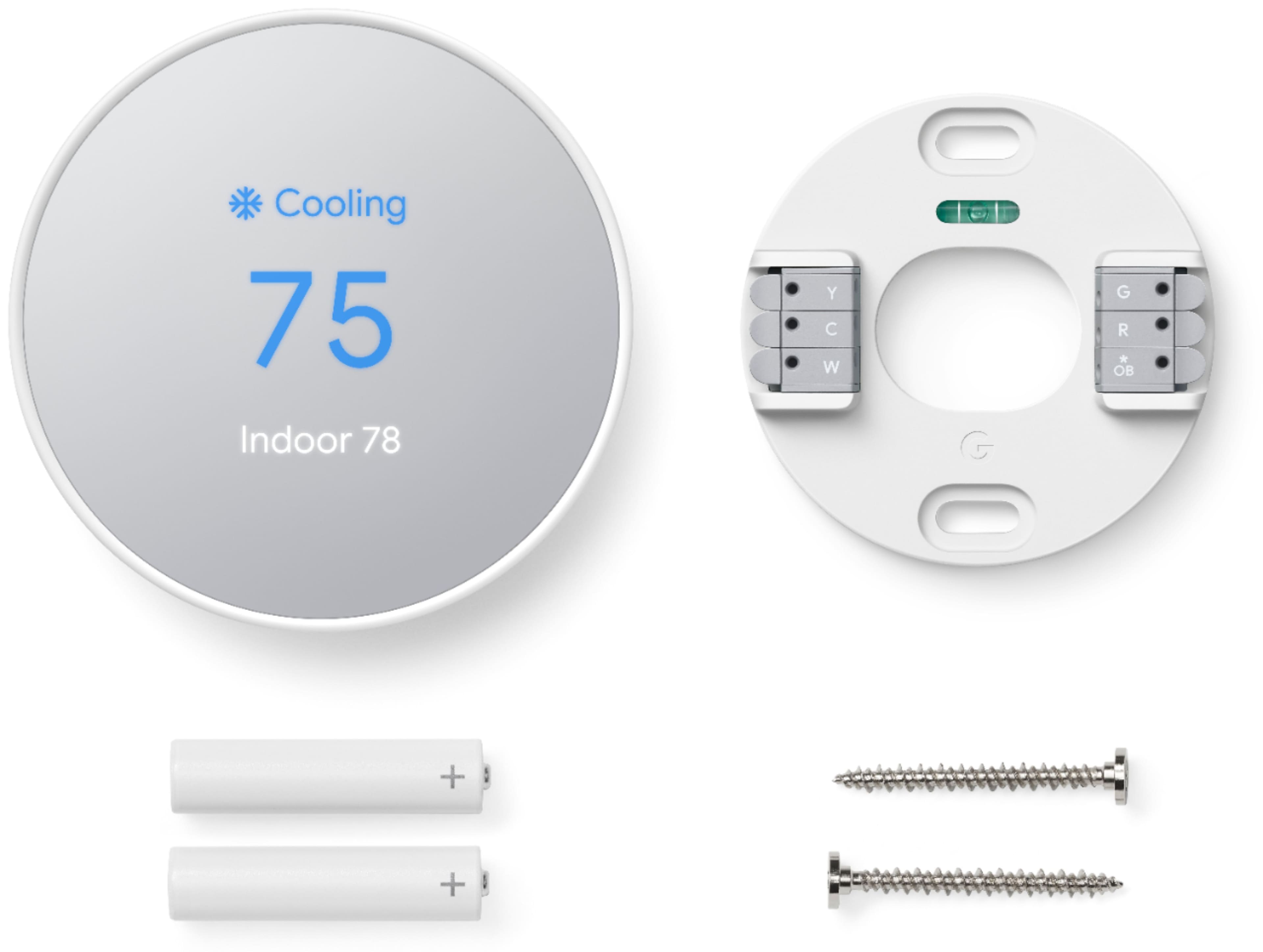
A:AnswerThe C wire supplies the 24V required to run/charge the thermostat. There is some documentation out there that states you can still hook it up to older systems without a C wire but you will have to buy and run a separate transformer wire to put on the C wire line to supply the voltage.
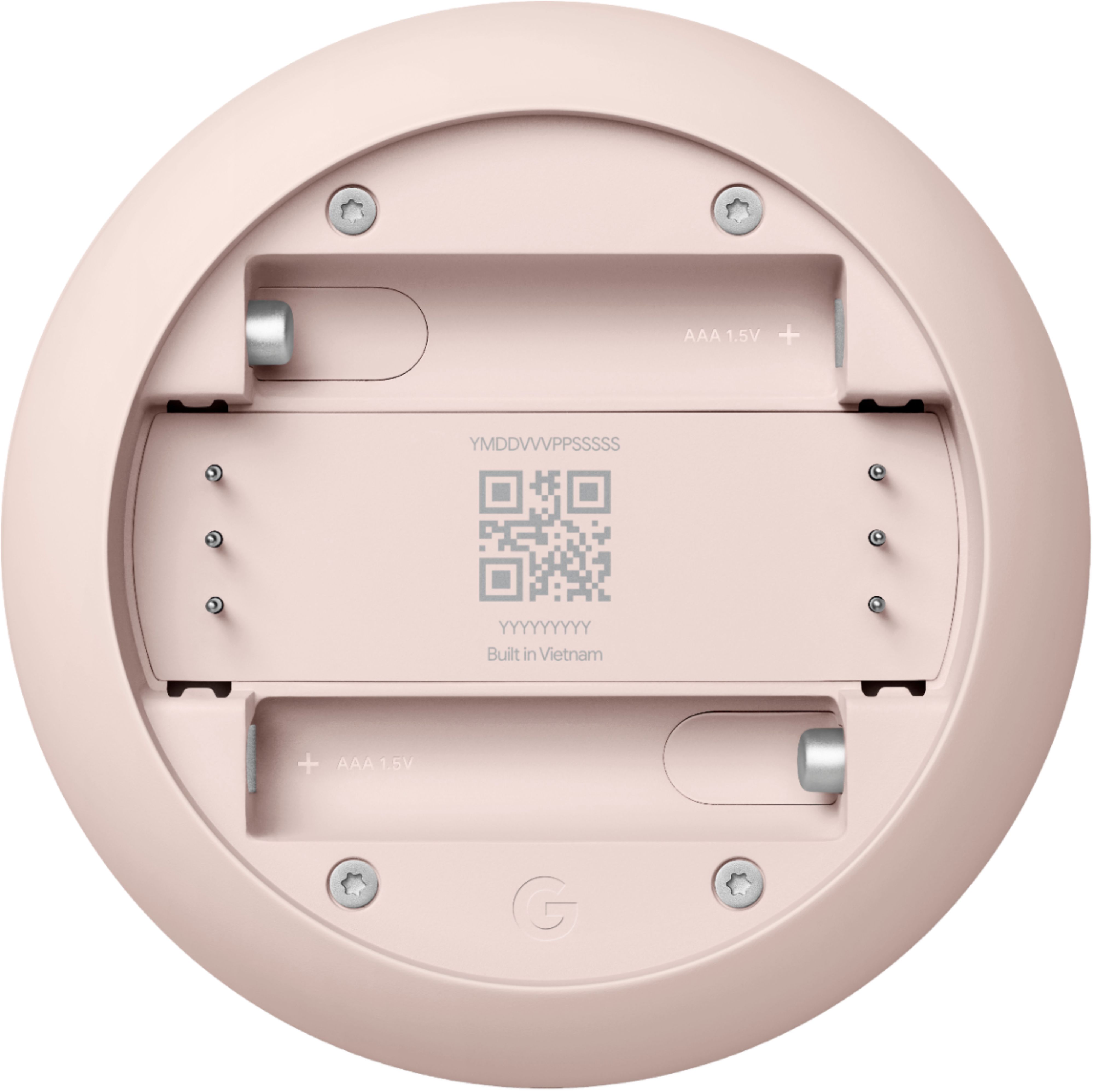
A:AnswerSince the thermostat includes a way to check the battery status (how much charge is left), I doubt they are rechargeable. Maybe you can keep checking the charge to see if it gets improved. Otherwise, I'd ask the Google Support team on their website.