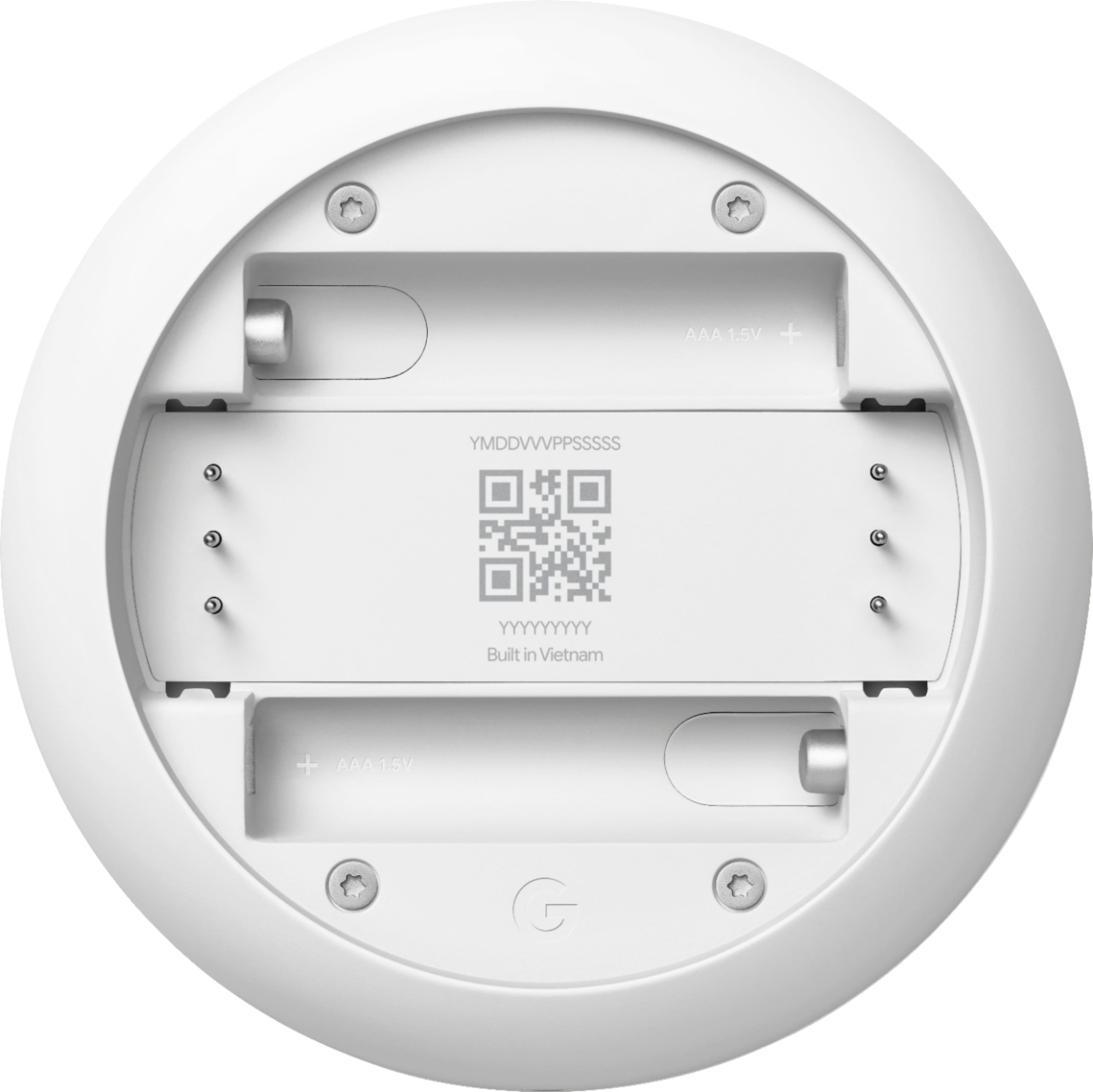
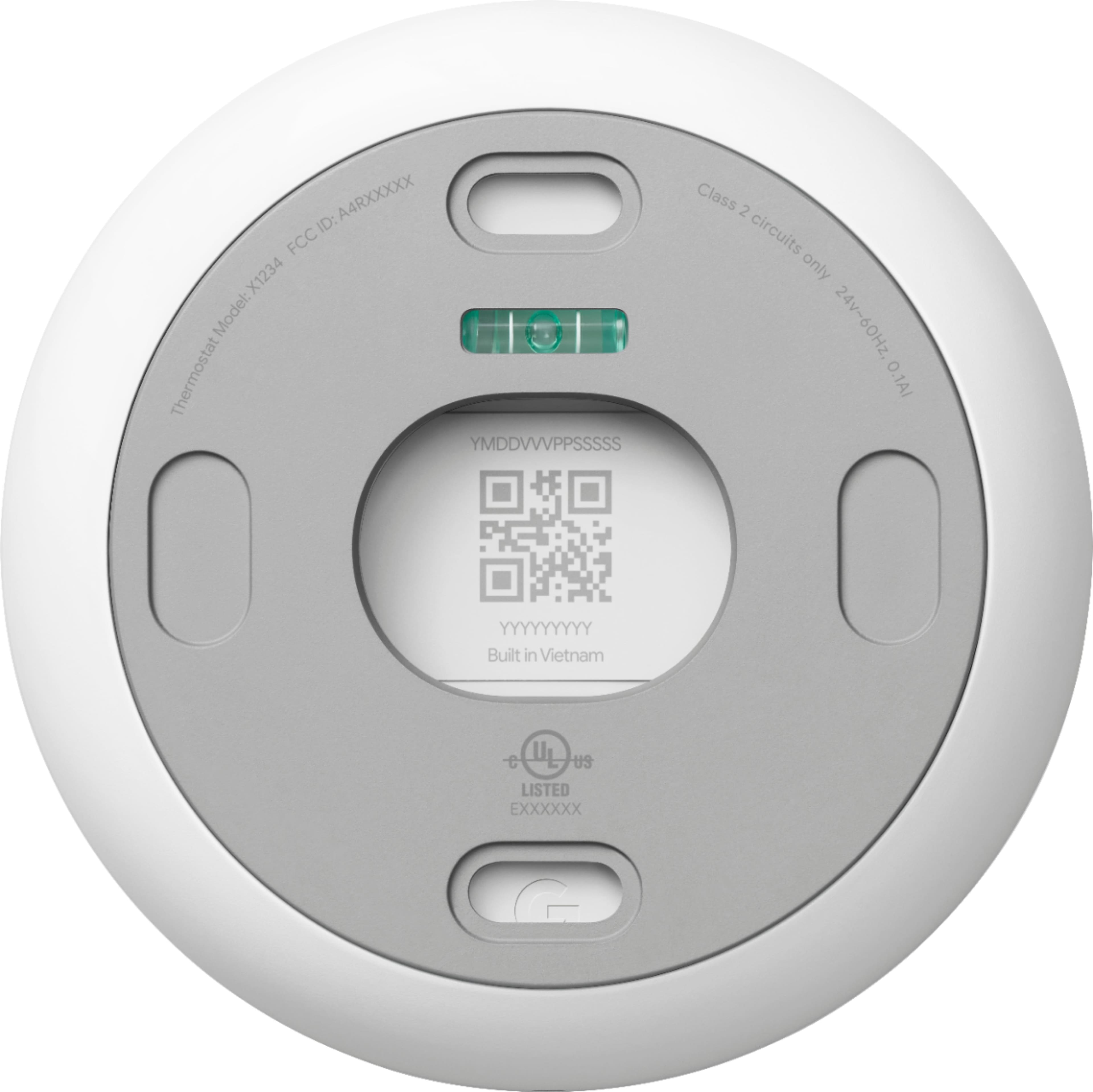
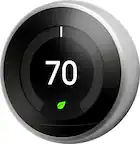
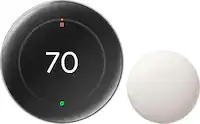
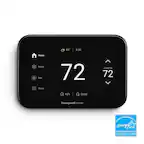
A:AnswerNest Thermostat is a stand-alone device. It doesn't need an "assisting device" to connect to the internet because it has it's own Wi-Fi chip. You can check this link to see Nest Thermostat's tech specs: https://support.google.com/googlenest/answer/9230098
A:AnswerPlease reach out to our support team via Google Nest help page so we can further troubleshoot the humidity sensor issue for your Nest Thermostat here: https://support.google.com/googlenest/gethelp
A:AnswerOnce you have successfully added your Nest Thermostat to the Home app, you can easily control it even when you’re not at home. Take a look at this link for more details: https://support.google.com/googlenest/answer/9249866
We recommend checking your system's compatibility first with the Nest Thermostat. You can use our Compatibility Checker tool on this link to verify if your system is compatible: https://support.google.com/googlenest/answer/9246656 or you may reach out to us for assistance with your new Nest Thermostat here: https://support.google.com/googlenest/gethelp
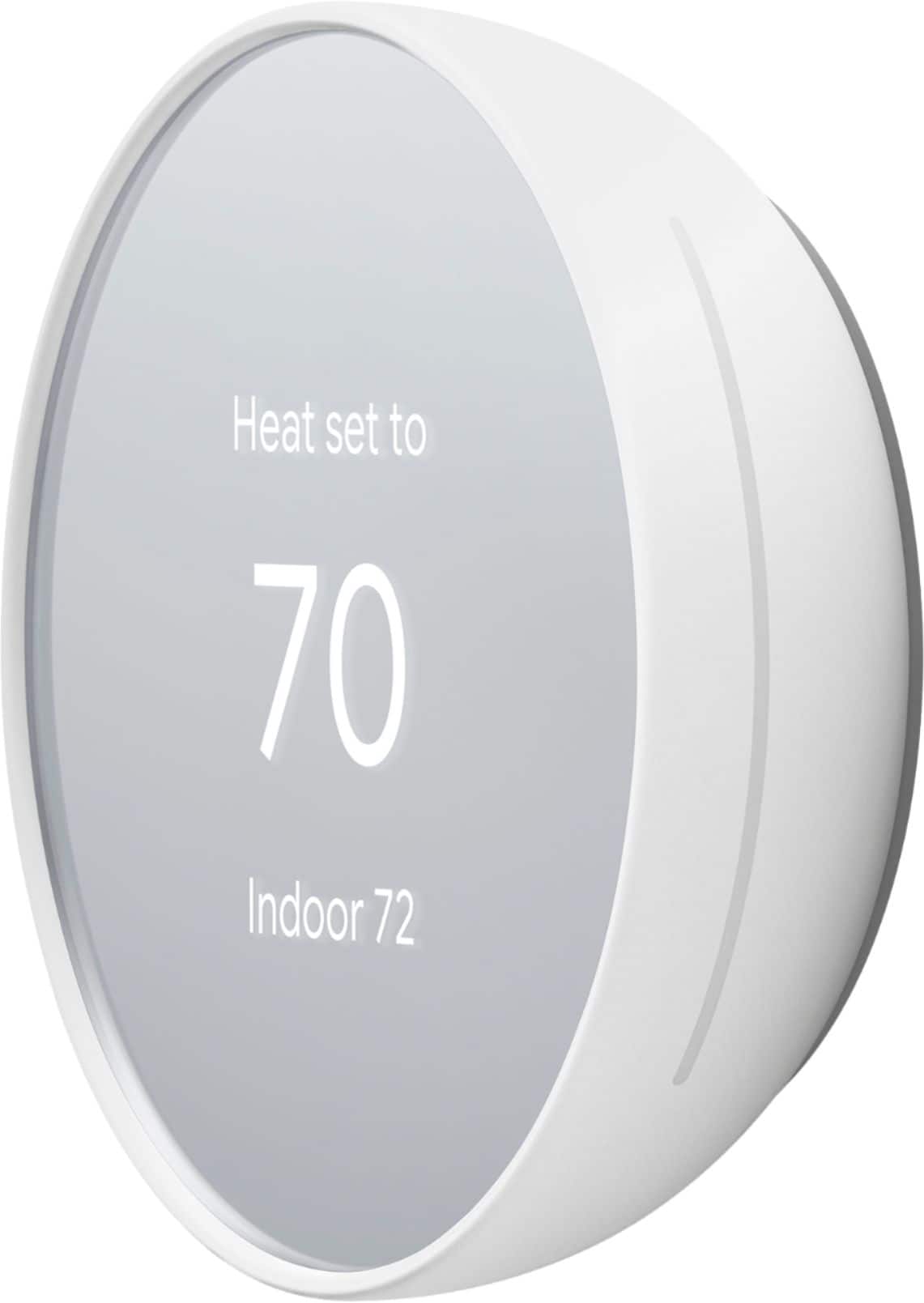
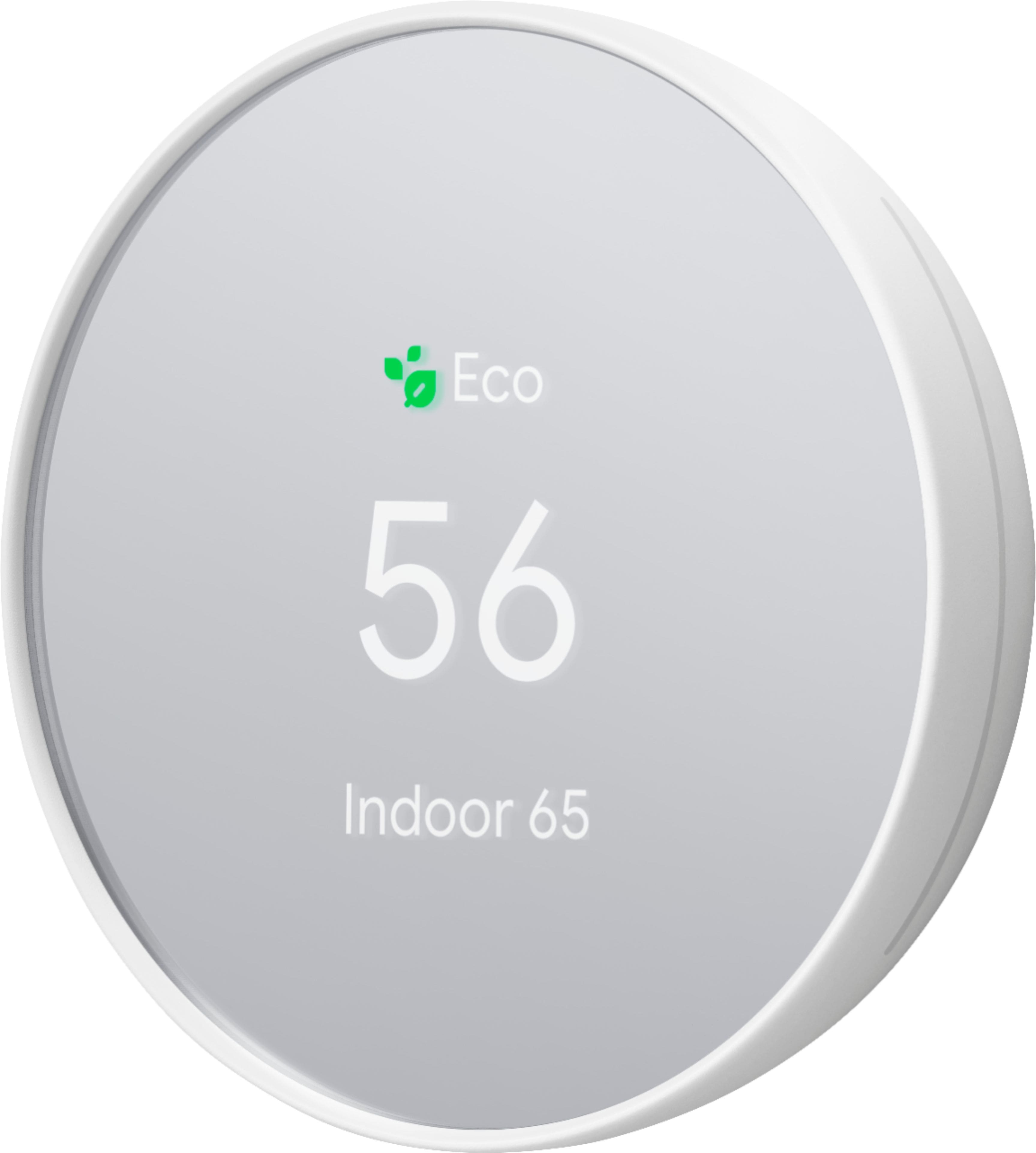
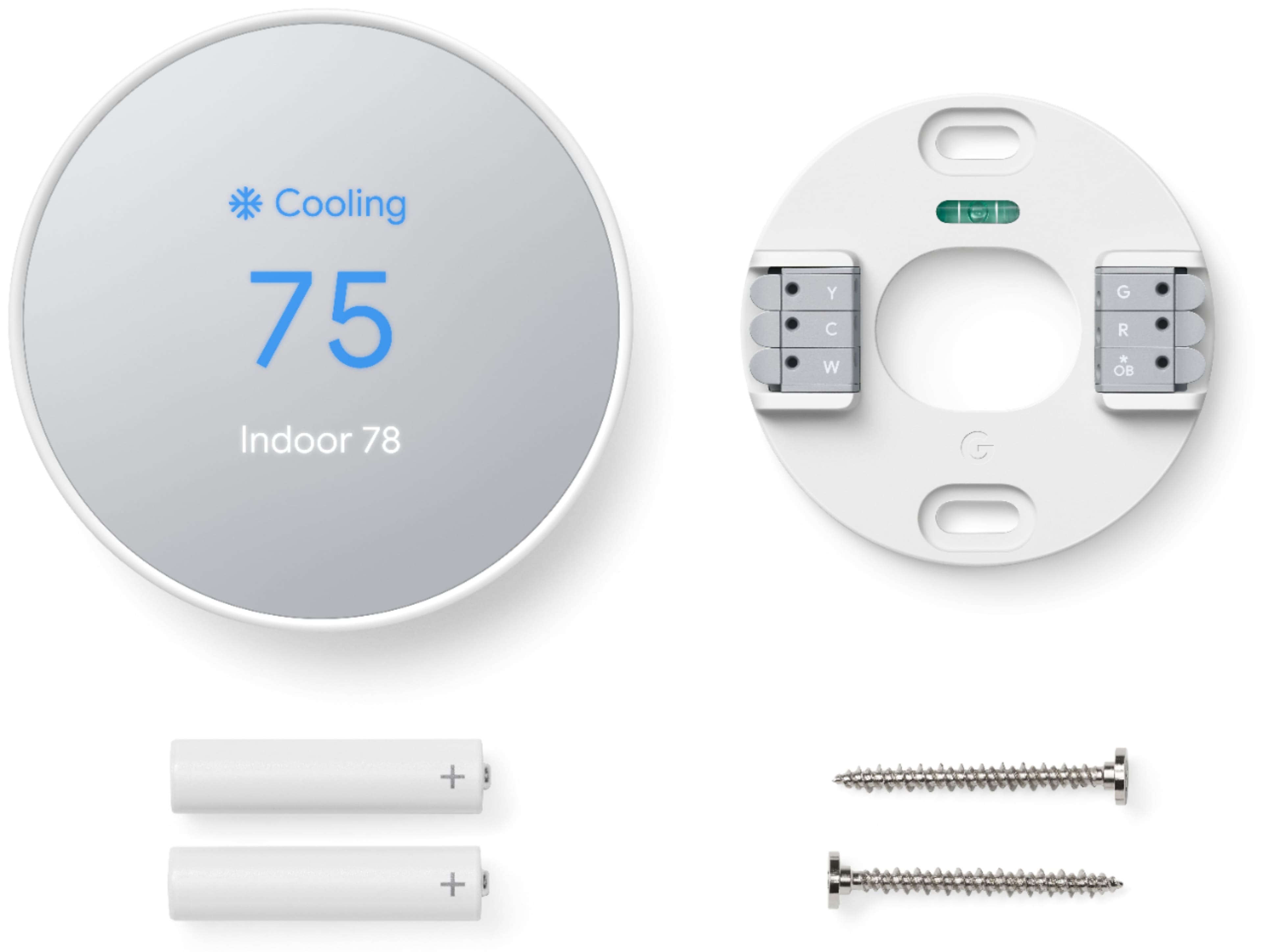
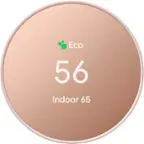
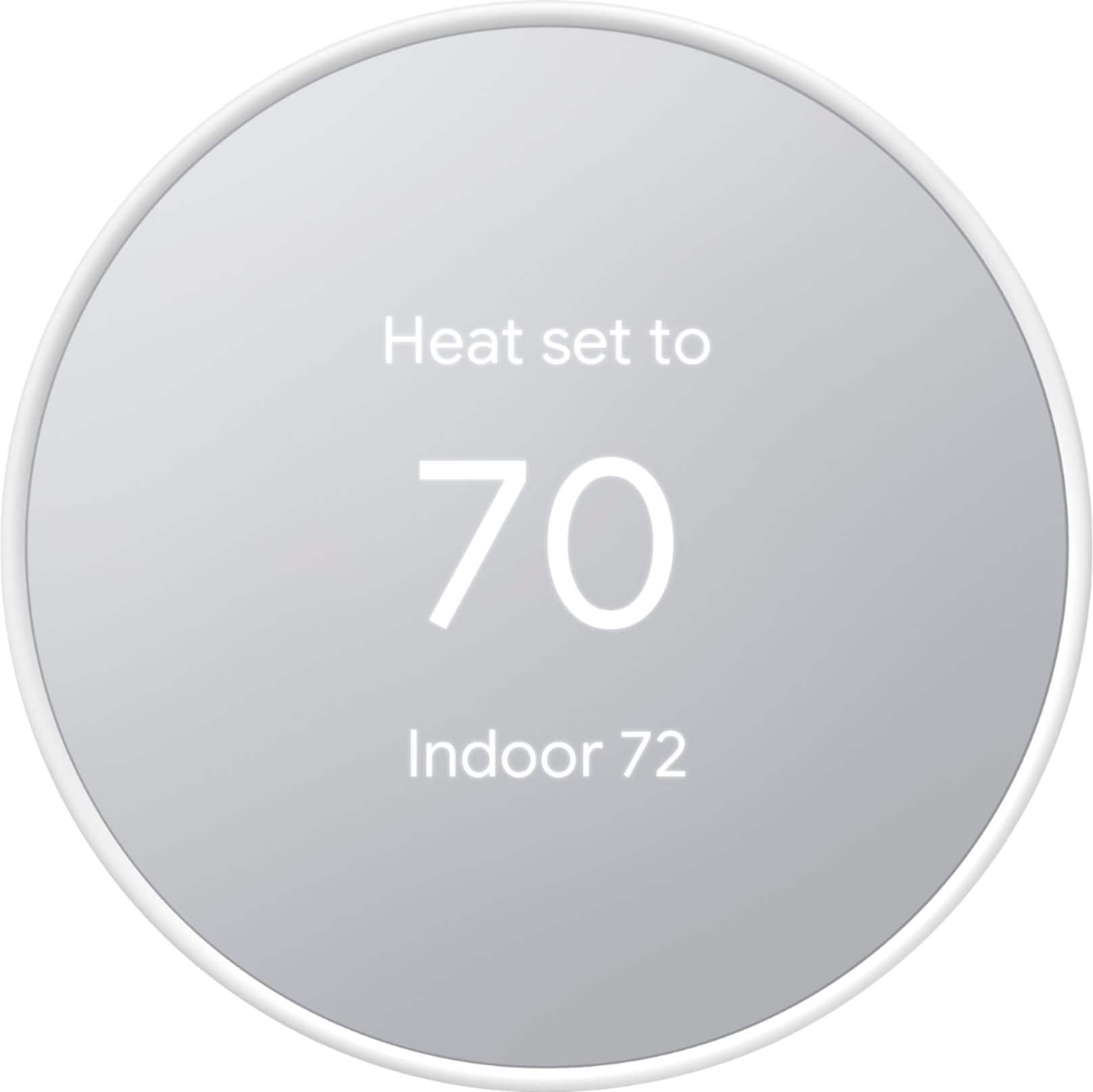
A:AnswerI wish I could help you with this. I just recently purchased this Thermostat for my 85 year old dementia mother and the larger temperature as you stated is the one it is set at and the smaller temperature as you already know is the indoor temperature. I wish it was the other way around and maybe it can be. It's a good question that we might need to ask the Best Buy Geek Squad and if it can't be changed, then maybe we need to be on the Company Board of the creator of this Smart Thermostat because we know what it is like with our elder parents that we love dearly. I purchased this Thermostat to not have a lot of info and to be simple and for my mom not to see a lot of stuff. Also, that I can control from my App to make sure she is comfortable. All my best to you, as we look out for our loved one.
A:AnswerYes. Nest thermostats are compatible with Alexa. You can check the following link for more details on how you can control Nest Thermostat with Alexa: https://support.google.com/googlenest/answer/9325080
A:AnswerNest thermostats are designed to work with most 2-wire 20 - 30V systems. You need to check what the color of the wire is for before you connect it on your Nest Thermostat. We recommend using our Compatibility Checker tool on this link to verify if your system is compatible: https://support.google.com/googlenest/answer/9246656 or you may reach out to us for assistance with your new Nest Thermostat here: https://support.google.com/googlenest/gethelp
A:AnswerYou can control heating and cooling remotely with this device . I think you are correct and will probably need 3 separate units for 3 zones, but I recommend checking with Google/nest tech support to be certain.
Good luck!
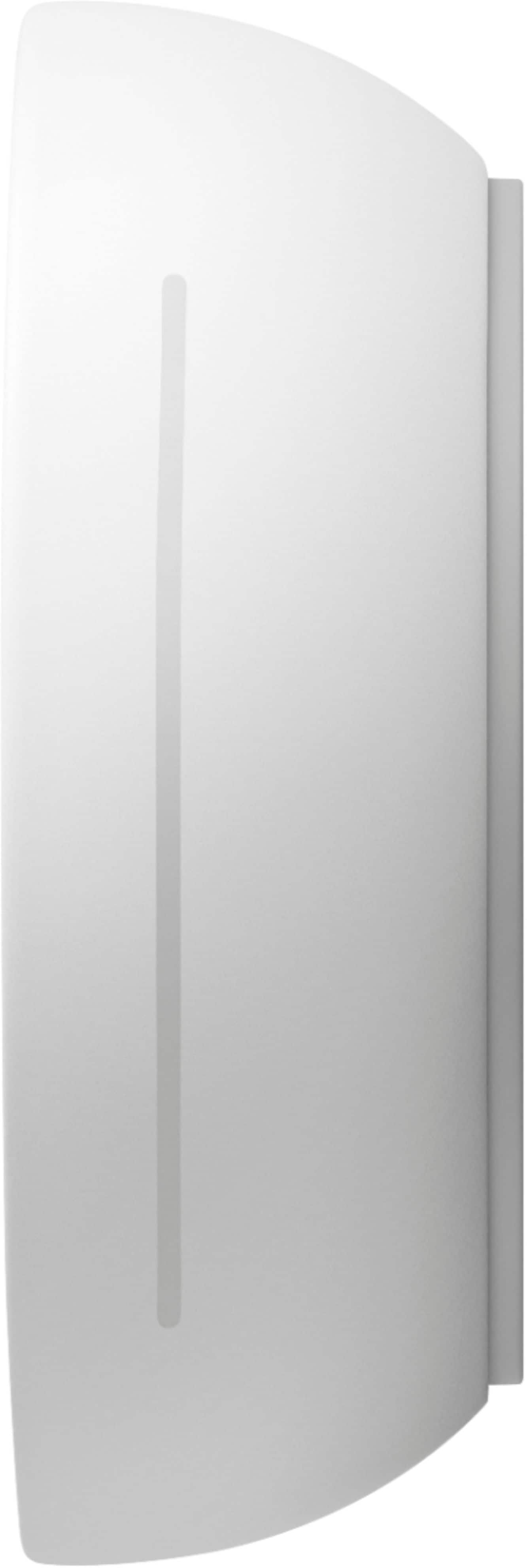
A:AnswerYes but it's not entirely intuitive. There are no buttons. You swipe and tap the right side of the unit to scroll and select from the menu options. It's kind of weird and takes some getting used to.