A:AnswerI have the same issue, I installed it. I thought it was something I messed up. I even checked the wires at the furnace as suggested, everything is correct.
Brian
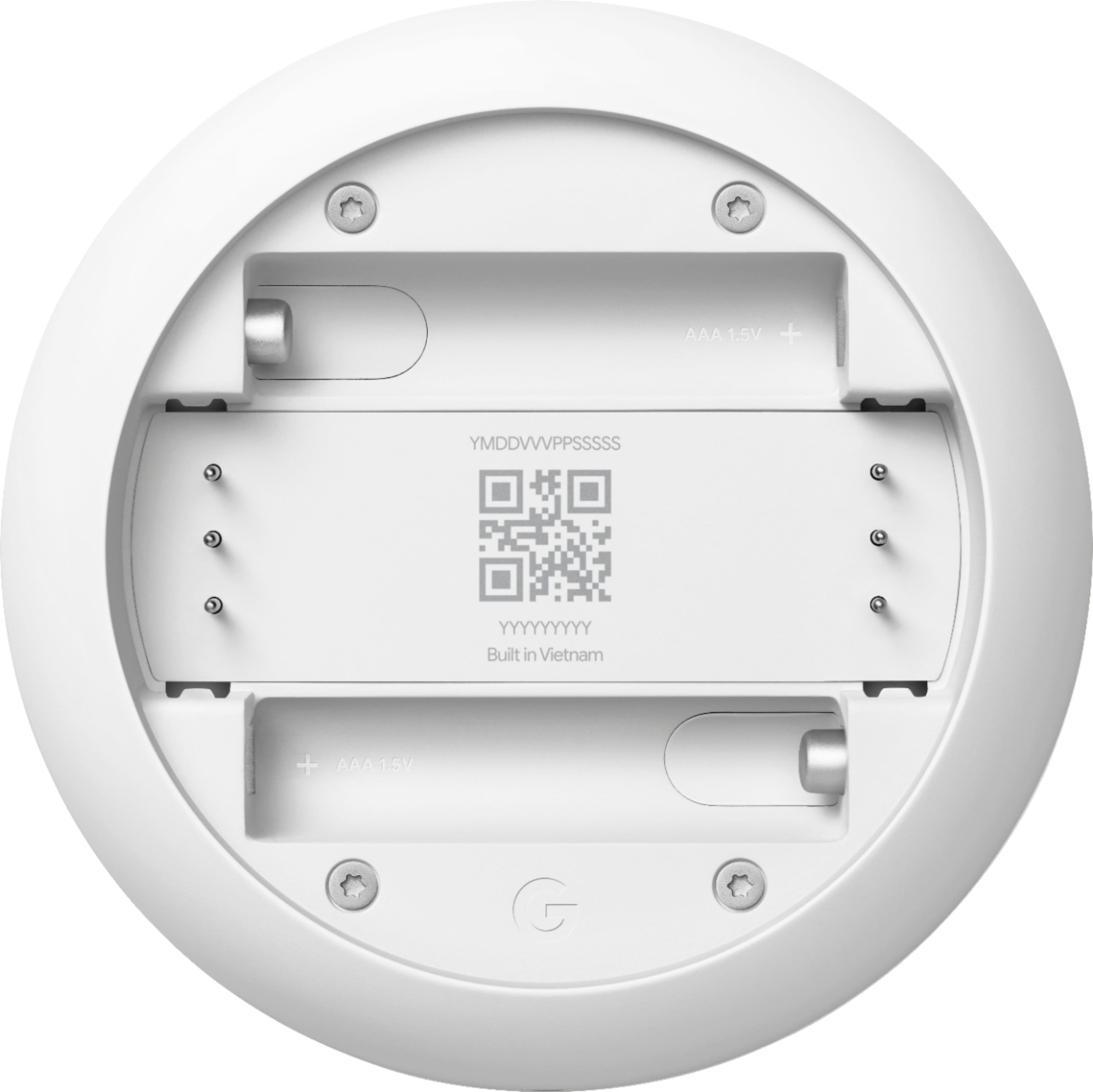
A:AnswerThe batteries are for backup, this thermostat will not work on a millivolt system unless you install a 24 volt AC Transformer and 24 volt AC relay to control your millivolt system... you can look up on the internet a wiring diagram that shows how to hook this up....
A:AnswerNo I don't believe it is. To use that you'll need either the cheaper model E (oddly enough) or learning model. Definitely not this one which I learned after purchase. Not really a let down and can't fault the product if it never claimed that functionality.
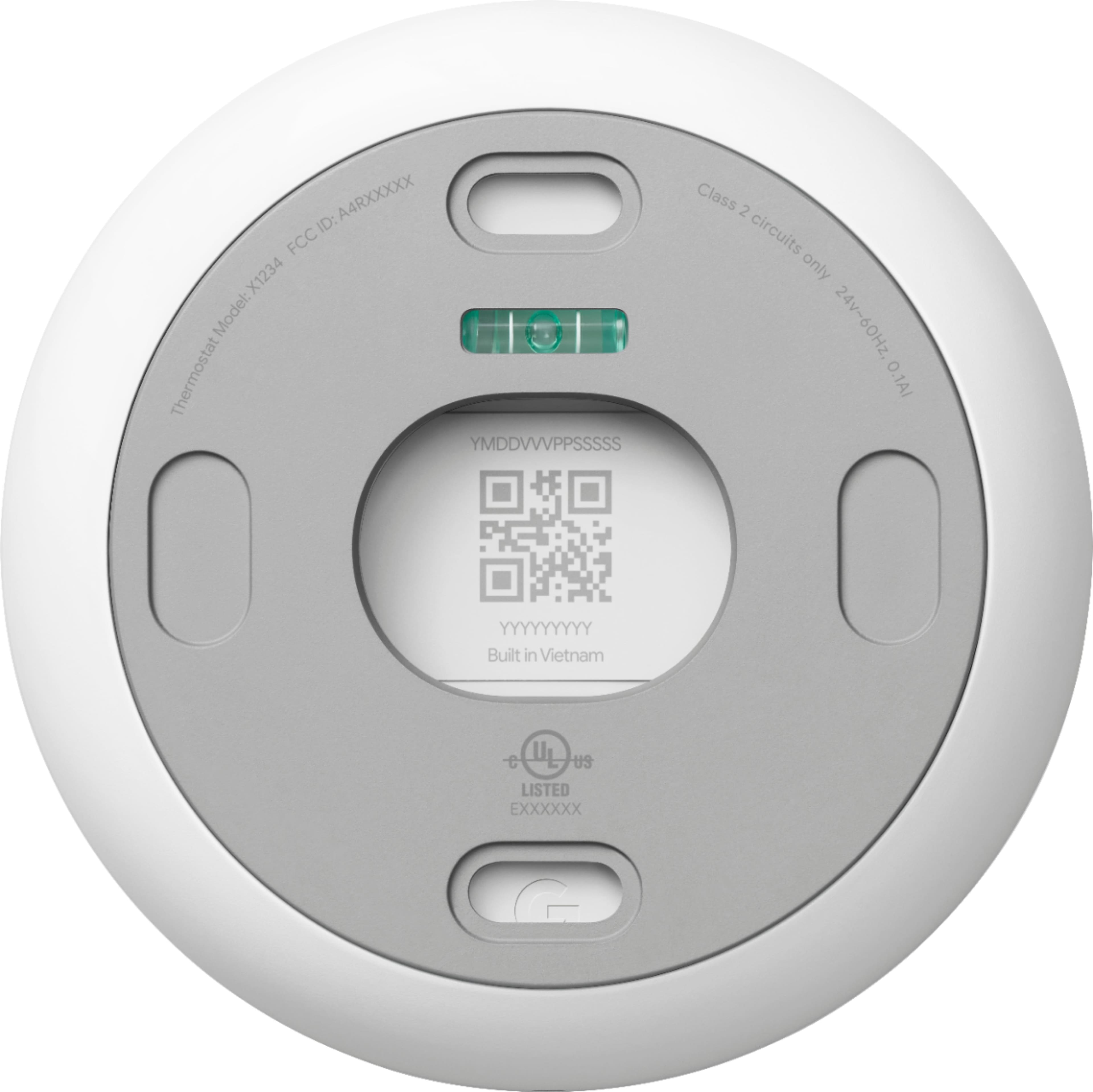
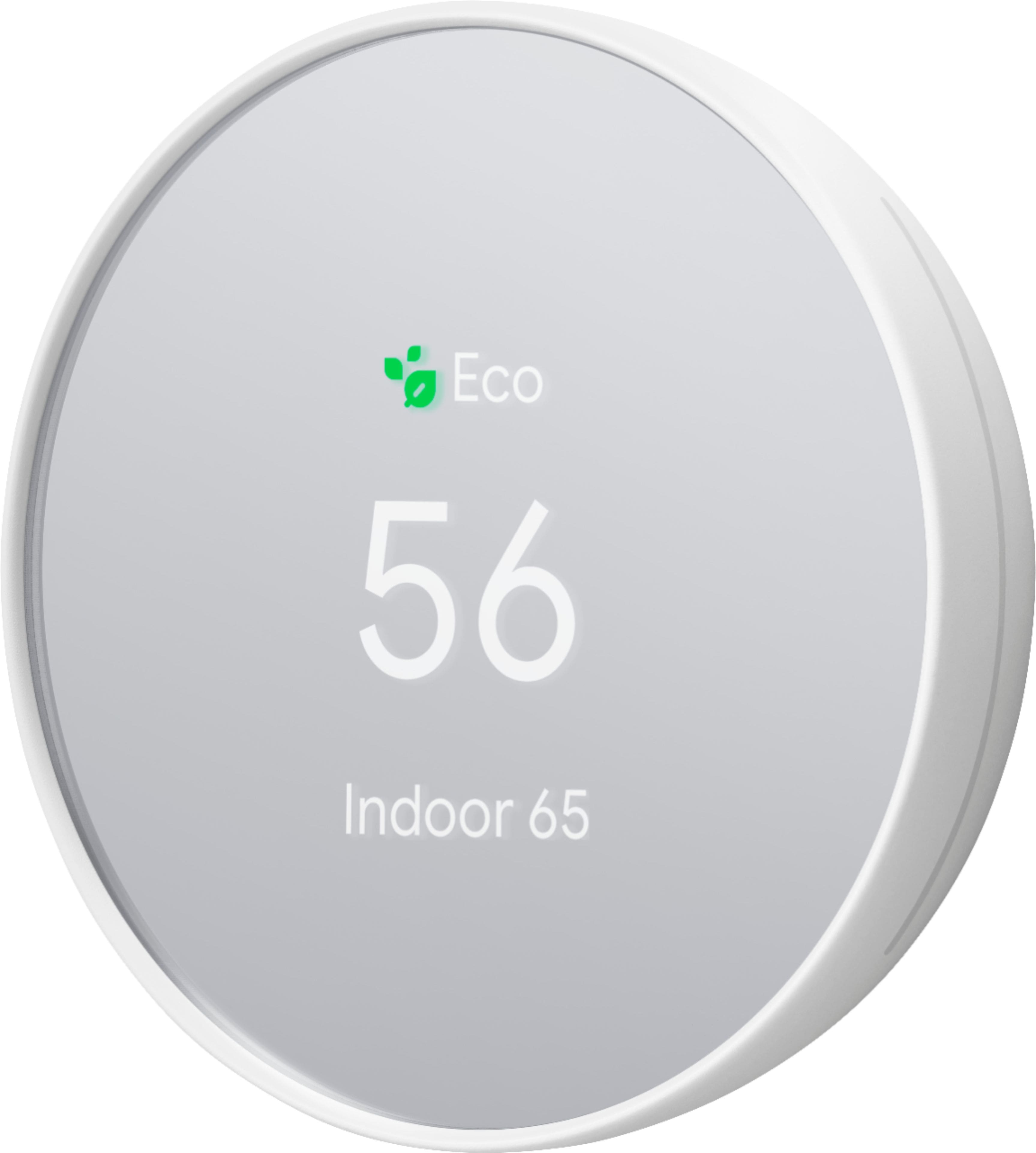
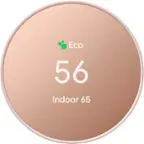
A:AnswerHi there D! The model number for the Nest Thermostat you're referring to is GA01334-US. We recommend contacting Best Buy support as well for more information with this Nest Thermostat model.
A:Answerif your generator is connected in a way to power your furnace then yes, the generator will power nest as the power to the thermostat comes from the furnace itself, however it will likely not connect to wi-fi until power has been restored
A:AnswerYes! We had this same problem. We bought a fancy Honeywell thermostat before returning it because of the C-wire issue. So happy we went with the Google thermostat as it works without a C-wire and has batteries. Very easy instructions to set up no matter what wires your home has.
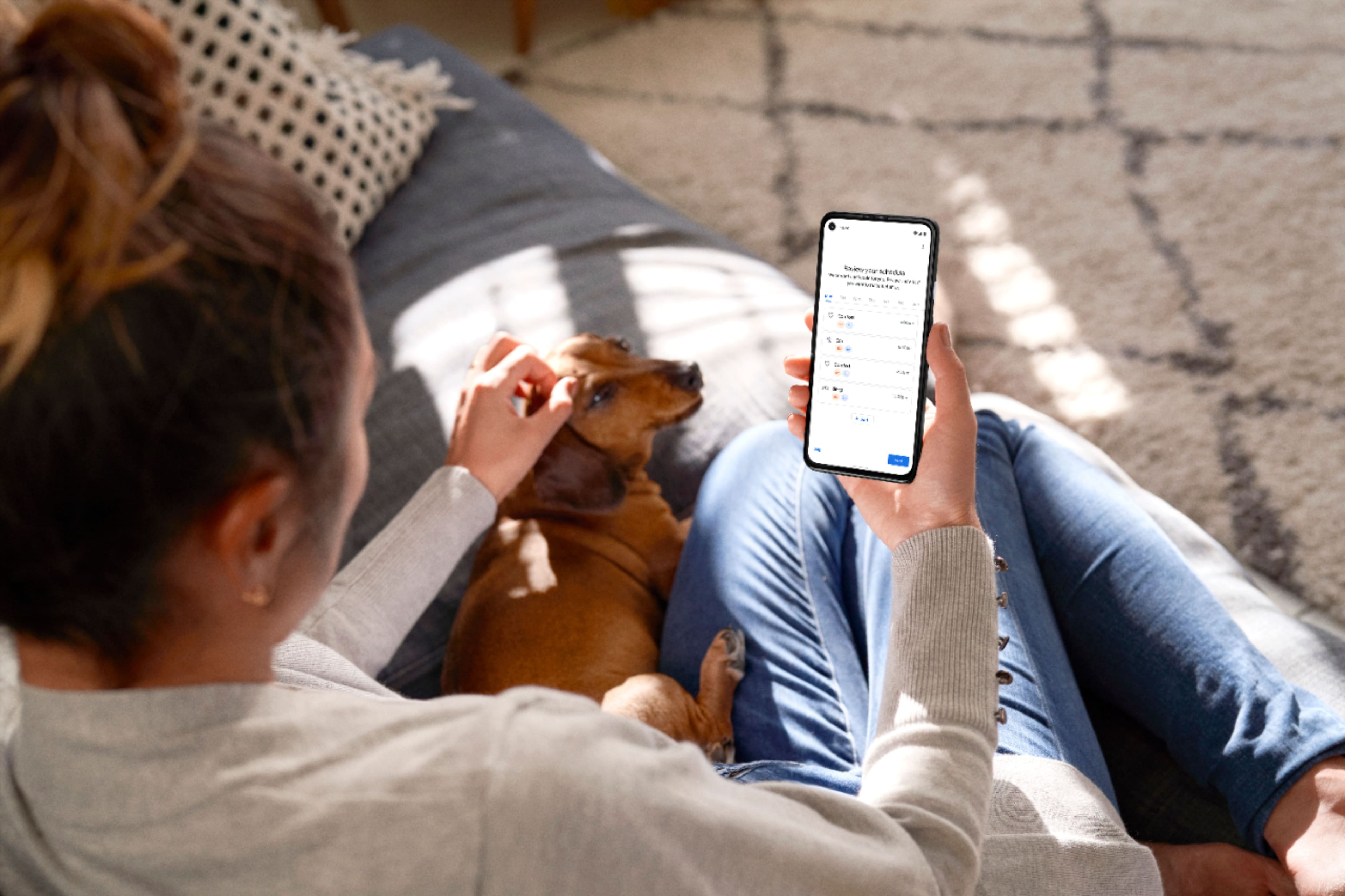
A:AnswerYes. You can program it by day as well as weekend as well as specific times that you’re going to be home and times that you’re going to be away you can set it down to eco-mode went away. If your schedule changes just get on the Google Home app and adjust your temperature ride on the fly.
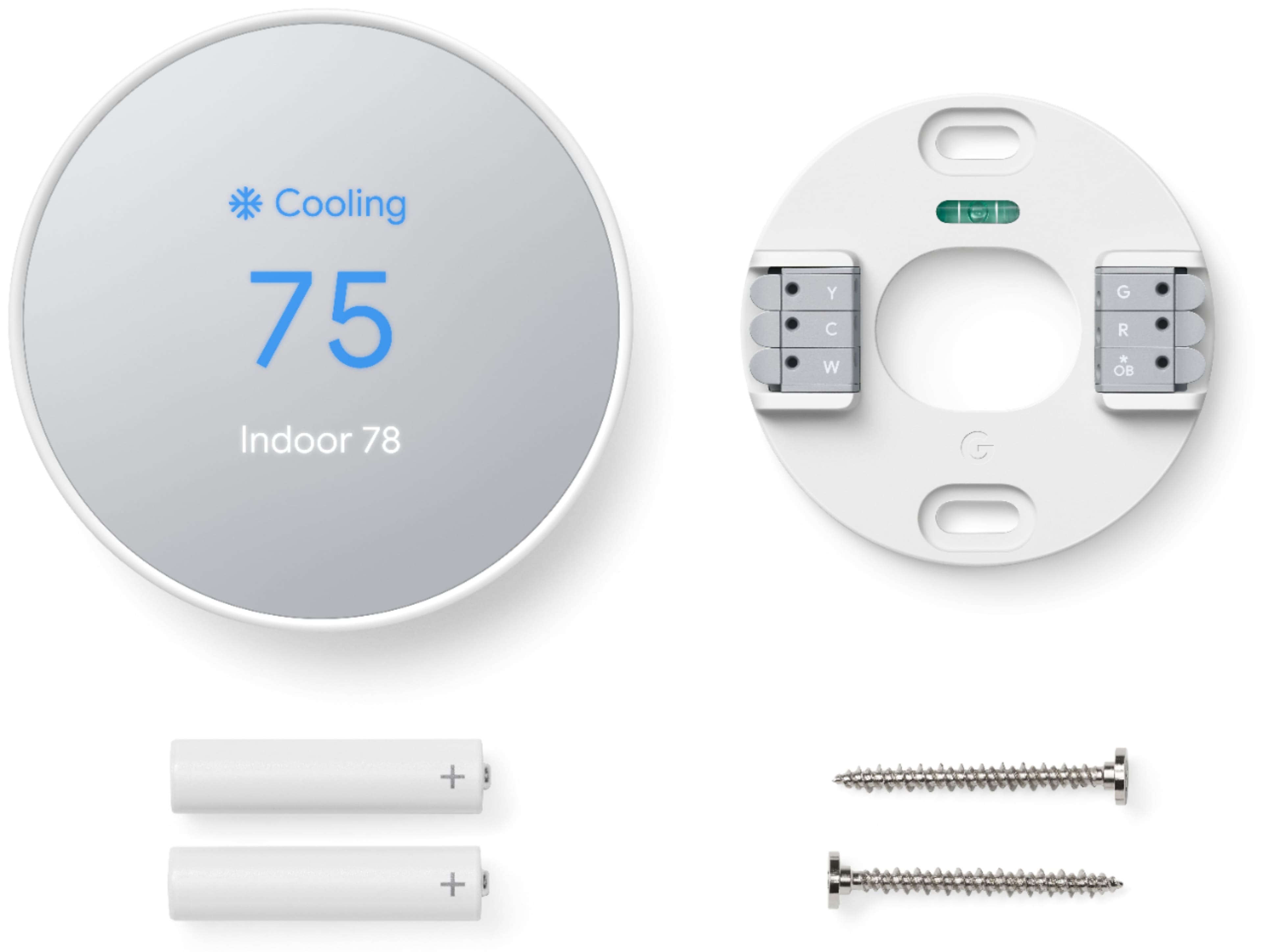
A:AnswerThere is a compatibility check when installing the Thermostat. Go to your Google Home and select set up a new device smart thermostat and it’s going to ask you what your wall wiring looks like. If it meets the criteria, it should work. If you don’t have enough wires, it might not work.
A:AnswerInvest in a multi-volt tester. More or less $15. Test your wires and find one that has 24 millivolts or 120 and 240. Now you know which wire is your common wire. You should be okay from here.
A:AnswerThe thermostat uses the voltage from your system’s wires to keep its internal battery charged, so if the power from your system is insufficient, the thermostat will run on battery for a while but will turn off features like Wi-Fi to preserve battery life before it must turn off completely. And though Nest thermostats would generally work without a common (C) wire, there are some systems that would require a C wire on the new Nest Thermostat like a heat only or cool only systems.
We’d be happy to guide you through troubleshooting procedures if you can visit us anytime here: https://support.google.com/googlenest/gethelp