A:AnswerThe thermostat needs Wifi to utilize any communication. The sensors communicate directly with the thermostat and not through WiFi. If a sensor has a low temperature and the thermostat is offline, you will not receive a notification.
A:AnswerYes. You can choose what sensor the Nest thermostat reads from and it will adjust the temperature accordingly. I have mine set up to read different sensors at different times of the day. Example read the living room sensor during the evening and switch to master bedroom sensor at night while sleeping. I really enjoy the Nest system.
A:AnswerSo I have installed 2 of the 3 so far and I love them. I can manually select the room I want to use to determine how the house is cooled or I can setup a schedule. So at night I have my master bedroom used to control the temperature based on a schedule. But when my son and I will be in the basement for a while I manually choose the basement. It's convenient and easy to install and setup.
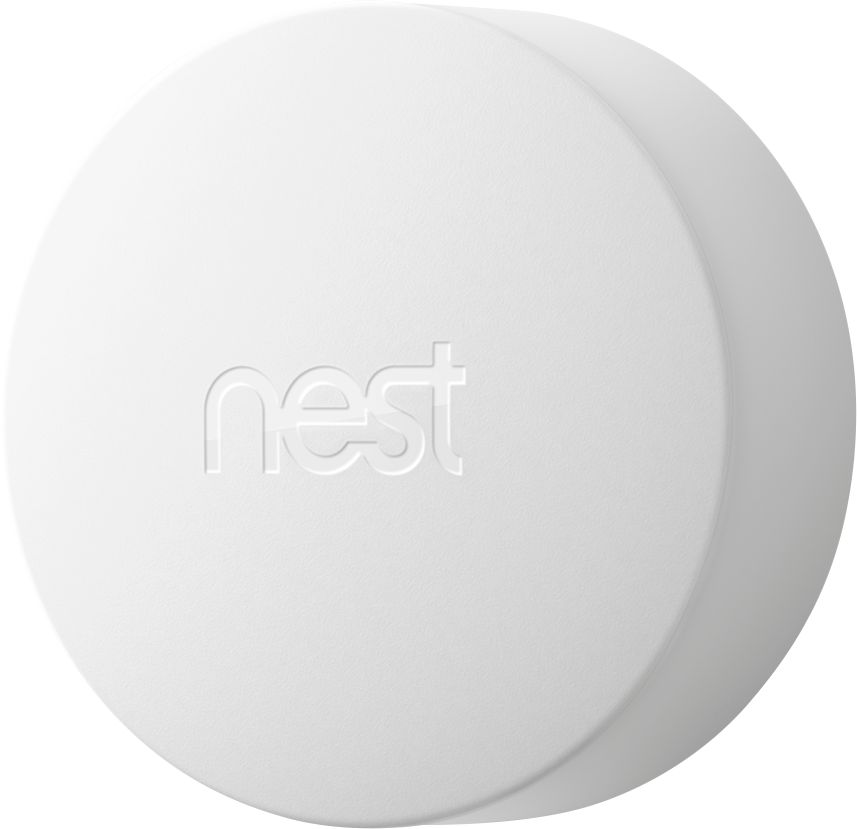
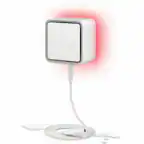
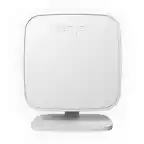
A:AnswerHi, Bmak. Thanks for your interest in our products. No. You can't use a Nest Temperature Sensor without a Nest thermostat. Your temperature sensor reports temperature data directly to a Nest thermostat in the same home.
A:AnswerHello there, Rone4! We appreciate your interest. As of the moment, there are no temperature sensors compatible with the Nest Thermostat. If you have more questions and concerns, we recommend reaching out to our dedicated team of specialists on our Google Help page here: https://support.google.com/googlenest/gethelp
A:AnswerHi there, Albert! Yes, you can change the temperature reading from °F to °C. Using the Nest app, you can follow the steps below:
- Open the Nest app.
- Tap on the thermostat that you want to change the temperature sensor units for.
- Tap on Settings.
- Scroll down and tap on Temperature sensor.
- Tap on Units.
- Select °C.
If you have additional inquiries, please don't hesitate to contact us on our Google Help page here: https://support.google.com/googlenest/gethelp
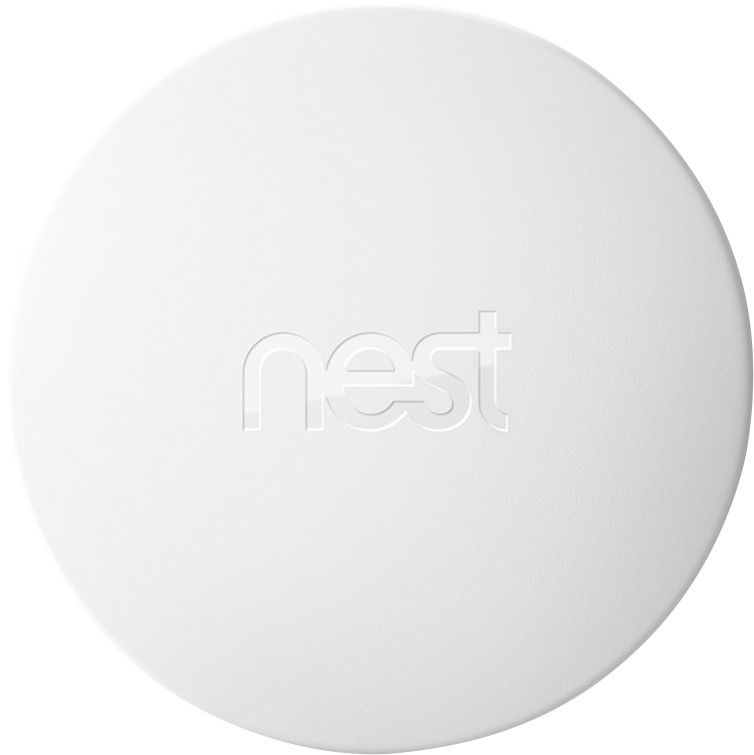
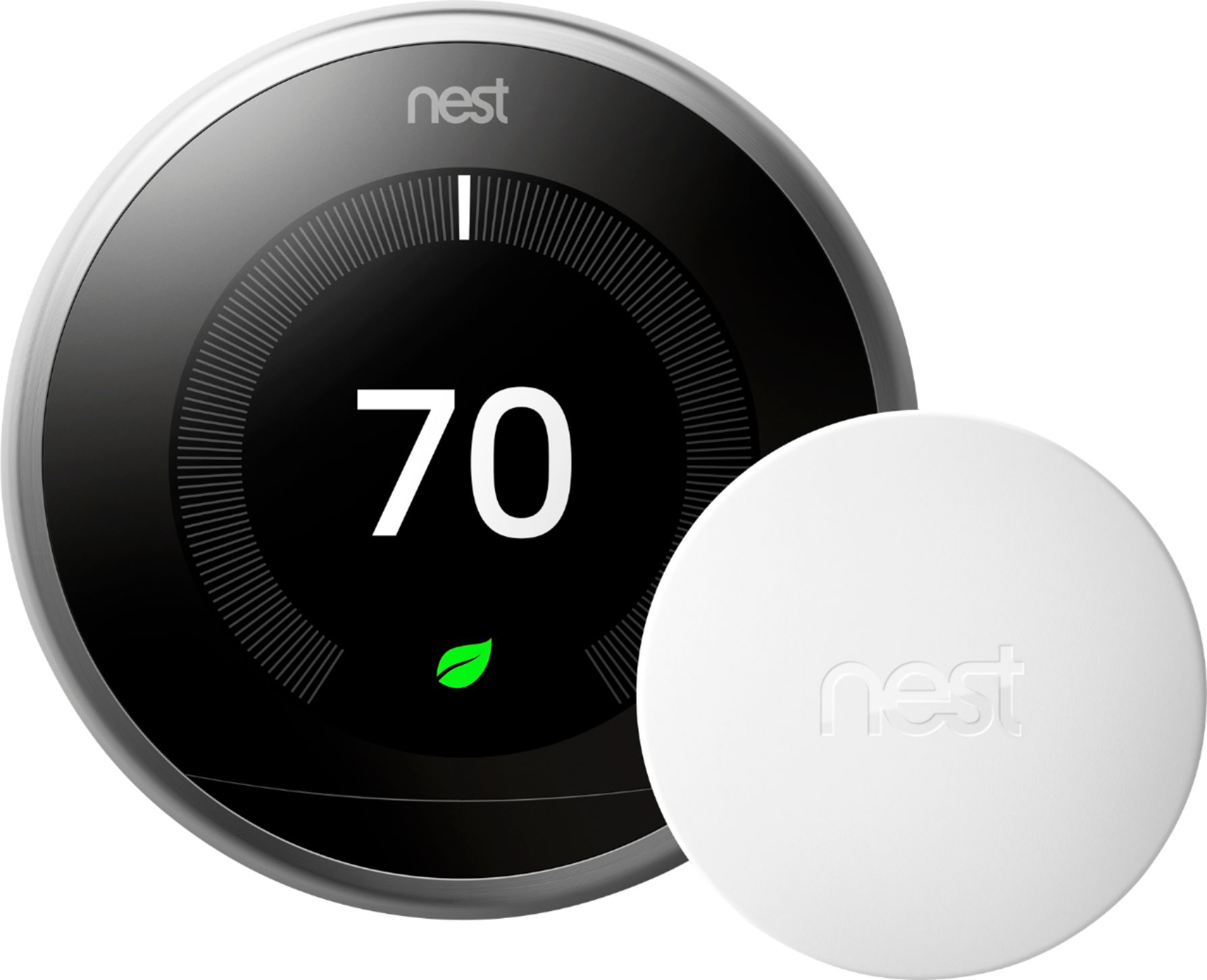
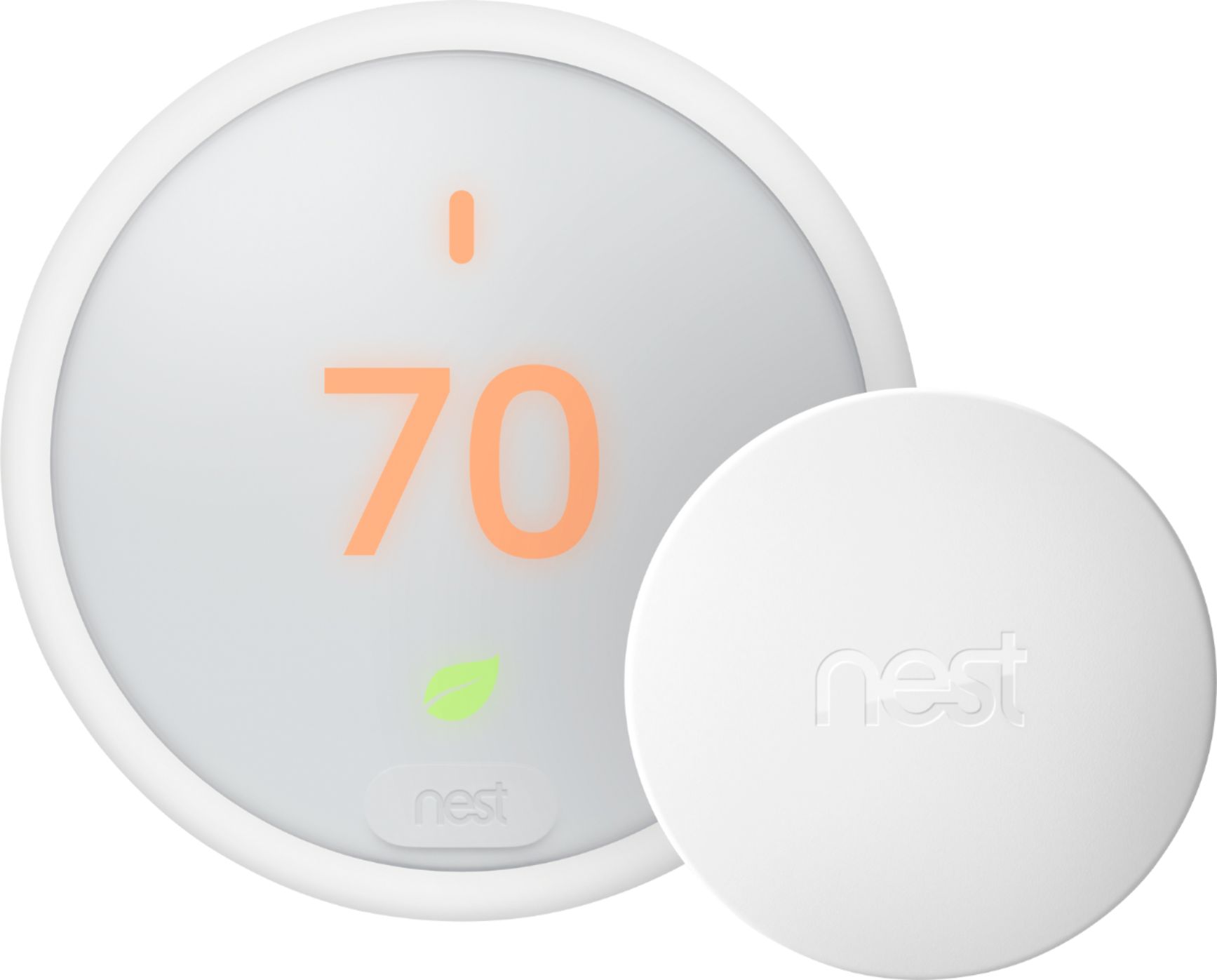
A:AnswerHi there, Jeny! Thanks for your inquiry! The Nest Temperature Sensor can only work when paired with Nest Learning Thermostat (3rd Gen) or Nest Thermostat E using the Nest app. You can check this link for more information: https://support.google.com/googlenest/answer/9248154.
A:AnswerHi there! No, Nest Temperature Sensor is only compatible with Nest Learning Thermostat and Nest Thermostat E. You can visit this link for more information: https://support.google.com/googlenest/answer/9248154
A:AnswerHi Menelaos. Thanks for your inquiry. The Nest Temperature Sensor works with the following thermostats:
- Nest Learning Thermostat, 3rd generation
- Nest Thermostat E
For the following countries:
- United States
- Canada
- Mexico
As long as you purchased your thermostat from a retailer in one of the countries listed above, it should work with the sensor. Thermostats designed for use in other countries, however, are not currently compatible with the sensor. The app will prevent you from adding the sensor to a thermostat designed for use in any other country.
A:AnswerNo you cannot bc is not a smoke or heat alarm. Code is for smoke alarms to protect you and your home. In code you are required to have specific Lu hardwire smoke detectors in every bedroom and every hallway, 12ft from each other in long hallways. The reason why it needs to be hardwire is bc that will be connected to your house electricity and in order for you to live there you will always have electricity allowing them to always work. So you would need either an Electriccian or an alarm company to do it for you. But that’s if you are doing fire to code. If not you can just put your smk detector of choice to have protection. Besides the only time you would be require to have fire to code in your house is when your house needs to have inspection from the town which is required when selling or getting construction done in the house. Good luck
A:AnswerI don’t think so as the sensors don’t have a way to directly connect to your wifi. The thermostat is like the middle man/would be considered the “access point” that connects to your wifi, and the sensors just connect to the thermostat. Hope that helps