Black Friday is hereShop new DoorbustersShop now

Main Content

Questions & Answers

Your price for this item is $24.99
Clearance
The comparable value price is $99.99
Page Showing 1-20 of 136 questions
  • QuestionCan I add this to the three pack that I already have?

    Asked by Mich.

    • Answer Definitely! You can set up a maximum of five Wi-Fi points in a single mesh set up. Here's a link where you can get more information: https://support.google.com/googlenest/answer/7182840?hl=en

      Answered by Nest Support

  • QuestionDoes this device provide internet service to other devices

    Asked by G.

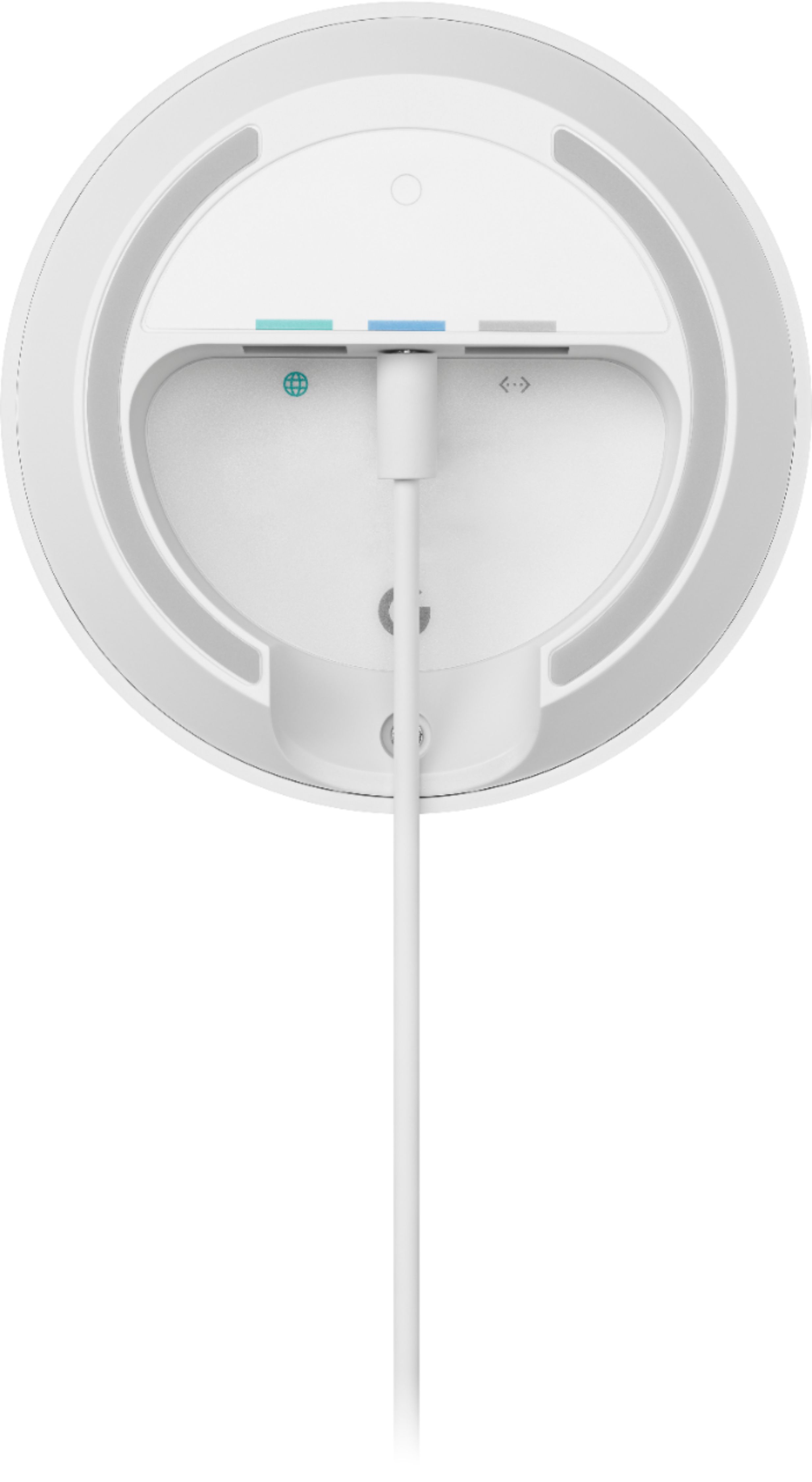
    • Answer Google Wifi is a router that broadcasts Wi-Fi to any Wi-Fi capable devices to connect to the internet. Take note that you'll still need a modem connected to your Google Wifi using an Ethernet cable, to get internet connection from your Internet Service Provider. Take a look at this link for the setup requirements and guide on how to setup: https://support.google.com/wifi/answer/7183148

      Answered by Google Team

  • QuestionDo I need a computer to use this

    Asked by Joanie.

    • Answer No. Google Wifi doesn't need a computer to work. It needs to be plugged into a wall outlet and connected to a modem to get internet connection from your internet service provider (ISP).

      Answered by Google Team

  • QuestionGoogle-Wifi? Please explain under what circumstance would I consider purchasing

    Asked by MaryCatherine.

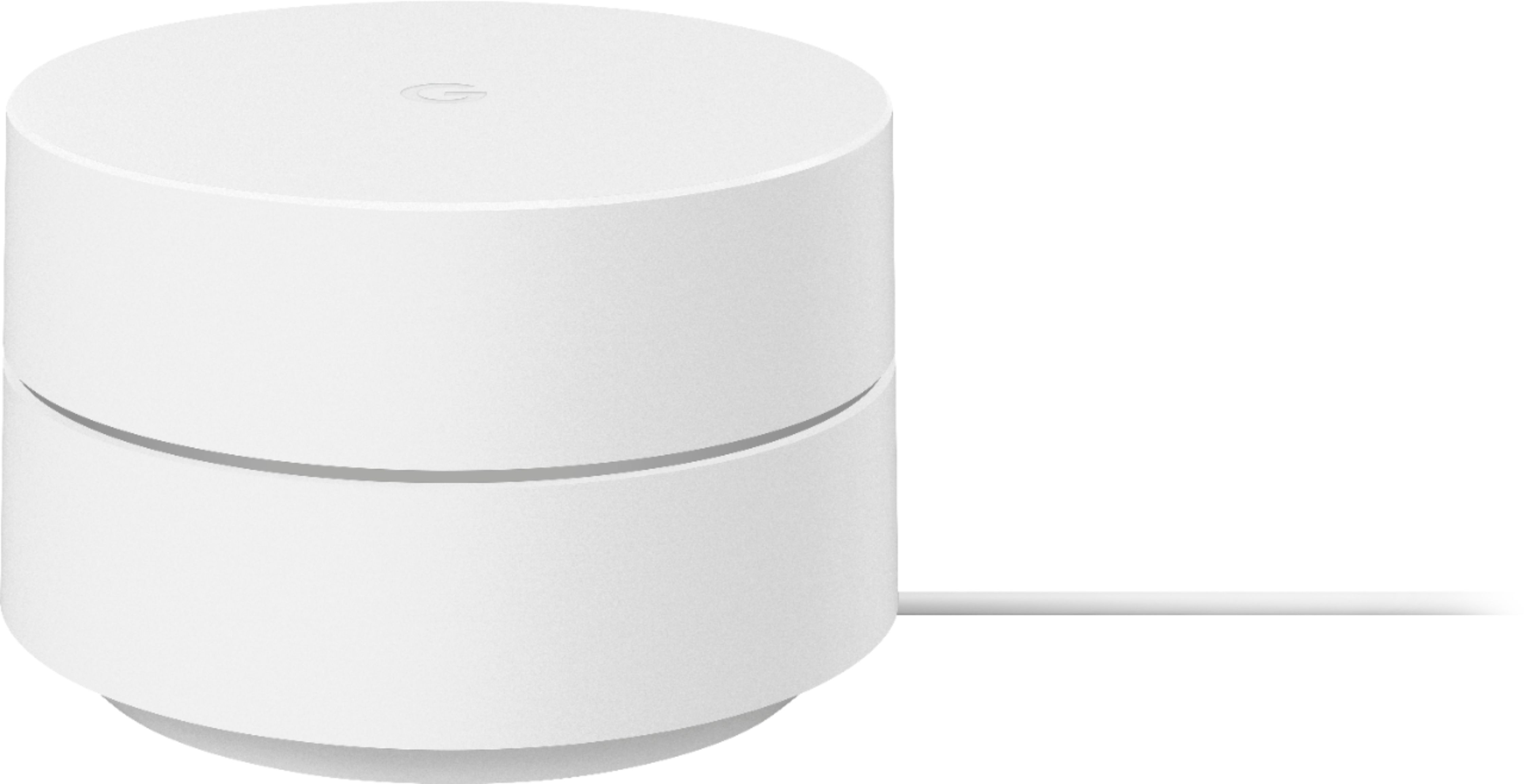
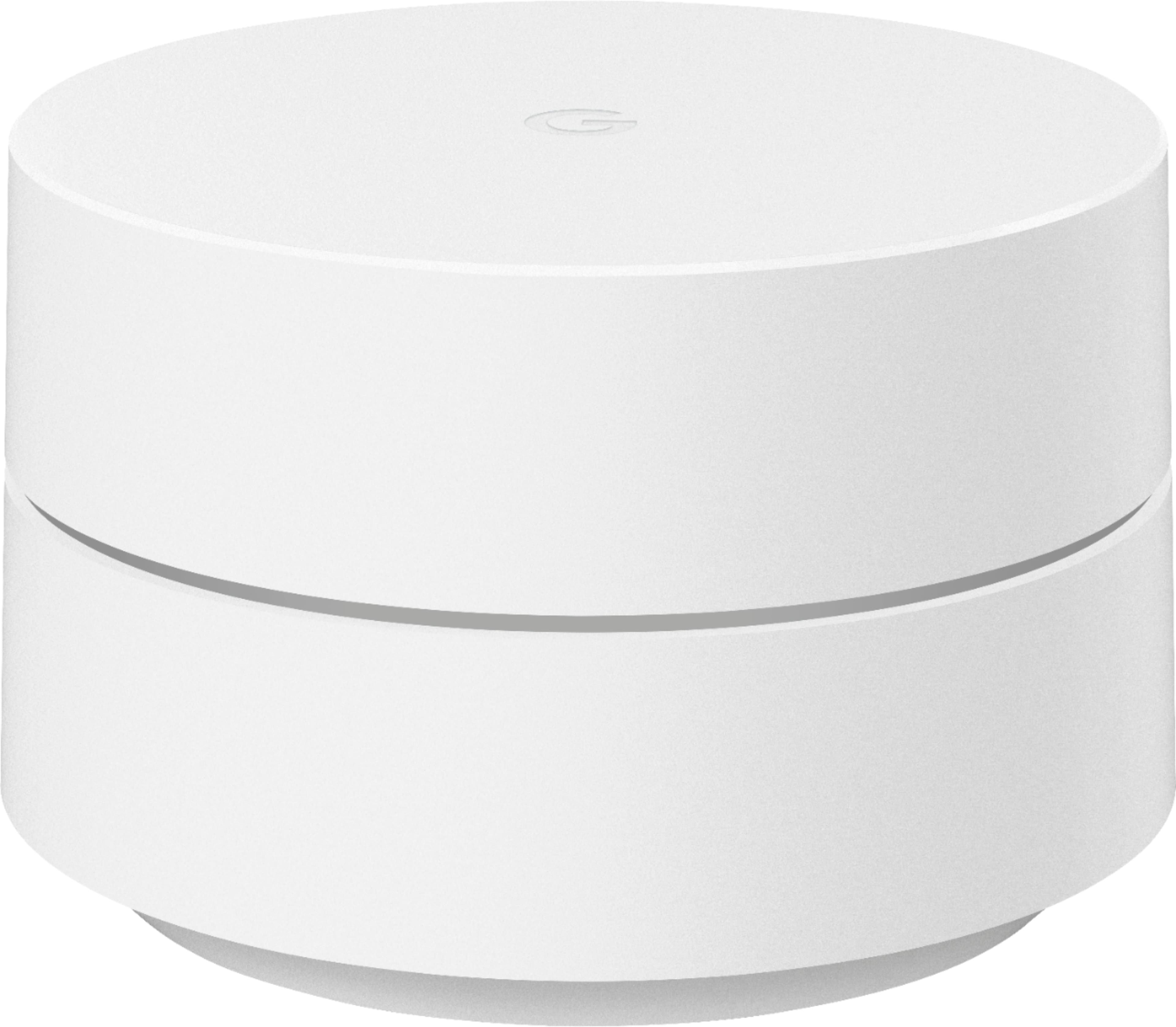
    • Answer Google Wifi (Original or the newer improved version) is a "mesh system" that passes the wifi signal from your present router or modem through an easily installed Google WiFi router that's hardwired using a supplied plug-in cable) into the existing router. Depending on the size (square footage and layout) of your house or apartment, more Google WiFi "points" are spread through the house and connect to the primary via WiFi, spreading a strong WiFi signal throughout the area. The points only require an electrical outlet. Using a smartphone, the whole system can be set up very quickly without professional assistance and can be expanded by adding points later if you want to start smaller. We have 4 "points' and the Google router spread over three floors and about 4000 square feet with strong signals throughout including the rear deck, front yard, and driveway area. I tried various other routers and WiFi "extenders" which never seemed to work very well (or, in the case of extenders,, for very long). This is system has been working well for several years now and I just added an additional point for my wife's office area in a far corner of the house to improve that signal. It was as simple as plugging it in and pushing the "add" button in the smartphone software. There are two Google systems now, but they are interchangeable. The new "routers" are more powerful than the original, so you may not need as many points to connect everything. Don't hesitate. If you have signal issues in your home or apartment, this system will most likely fix that issue for you and you shouldn't need any help installing it yourself.
      Answered by RickB

  • QuestionI already have three Google wifi model AC-1304 that I bought in 2019. Can I add one of these GA02430-US to the other three I have for additional coverage? Just want to make sure this new model is compatible with the other ones I already have.

    Asked by IssacO.

    • Answer Absolutely! Google Wifi is compatible with both Google Wifi and Nest Wifi devices to create a Wi-Fi mesh setup. You can add more Google Wifi devices to your existing Google Wifi mesh system. We recommend a maximum of 6 Wifi points in a single mesh setup including the primary router.

      Answered by Google Team

  • QuestionWill this work with Spectrum

    Asked by Susana.

    • Answer Google Wifi works with most internet service provider, including Spectrum. You can connect it directly to your modem with the Ethernet cable to set it up and broadcast your Wi-Fi network. Take a look at this link for the setup requirements and guide on how to setup: https://support.google.com/wifi/answer/7183148

      Answered by Google Team

  • QuestionCan this be used by itself with an existing cable company router?

    Asked by Taylor.

    • Answer Google Wifi can't really work with 3rd party routers like your existing router since it will create a double NAT scenario that can cause connectivity issues. You can only use Google Wifi and Nest Wifi Routers/Points together to create a Wi-Fi mesh network. If you're using a modem/router combo, we recommend putting it in Bridge mode and disable its Wi-Fi functionality so you can set up Google Wifi as your primary point directly connected to your modem via the WAN port using an Ethernet cable. You may then set up the other Google Wifi Points as secondary points to your primary or hardwire them directly. You can read more on Bridge mode and Double NAT here: https://support.google.com/wifi/answer/6240987

      Answered by Google Team

  • Questionwill this transmit to outdoor cameras and what would max range be. thanks

    Asked by Anonymous.

    • Answer If you go to location where you are planning to install camera, see if your phone get wi-fi signal. If you do you are good and if you add another wi-fi somewhat close to the camera, it will get stronger signal and help with recording

      Answered by Unknown

  • QuestionWill this make my current system run faster?

    Asked by speed.

    • Answer Internet speed and reception depend on the modem and internet service provided by your service provider (ISP). Google Wifi can help distribute the full speed it receives from your modem with its faster processor, and positioning of Google Wifi router in your home may help minimize obstructions.

      Answered by Google Team

  • QuestionSo what is the average upload and download speed?

    Asked by MJC.

    • Answer Upload and Download speed is determined by the plan you have purchased from your Internet Service Provider (ISP.) Some plans are limited to 10 Mbps, while others can go all the way up to 1000 Mbps. Google Wifi is capable of up to 300 Mbps @ 2.4GHz and 867 Mbps @ 5GHz. Check tech specs here: https://support.google.com/wifi/answer/6280668

      Answered by Google Team

  • QuestionCan I choose 5G or 2G?

    Asked by Dee.

    • Answer No. Google Wifi network uses the same name for both the 2.4 and 5 GHz bands. Both radio bands are active simultaneously. Your devices (e.g phone, laptop, etc) that support both 2.4 GHz and 5 GHz will automatically use the band that will deliver the best performance based on different factors like signal strength, and guidance from the mesh Wi-Fi system. Take a look at this link for more info: https://support.google.com/googlenest/answer/6293481

      Answered by Google Team

  • QuestionDoes it work with a Chromebook, or does a driver need to be installed?

    Asked by RB.

    • Answer I have a chromebook and it works fine, no driver needed.

      Answered by Syed

  • QuestionWould one of these be enough to provide consistent Wifi for a smart TV located at the top of stairs of a small duplex apartment?

    Asked by Matko.

    • Answer It would be.

      Answered by Bozo

  • QuestionI currently have a Nest WiFi router. Can I buy one of these and use it as a wireless point to extend the WiFi in my home? Just want to make sure the Nest and google versions work together and this router can also be used as an access point.

    Asked by Devin.

    • Answer Absolutely! Nest Wifi and Google Wifi devices are compatible to create a mesh system. We recommend a maximum of 6 Wifi points in a single mesh setup including the primary router.

      Answered by Google Team

  • QuestionIs this a wi fi extender? Is this a wi fi booster? Can the voice and listening capabilities be turned off? Will my internet speed be increased?

    Asked by MeTLee.

    • Answer Its a router and extender it creates a mesh network so the extended network doesn't lose speed. It doesn't have voice or listeni1ng features like the Google home/nest It can not increase your base speed in most situations but it will bring out the best potential up to 400 mbps

      Answered by Ice2frost

  • QuestionCan I download the app to my PC intead of my android?

    Asked by ElmerFudd.

    • Answer Unfortunately, Wifi app is only available for download using phone or tablet (iOS/Android).

      Answered by Google Team

  • QuestionWill this work with broadband internet?

    Asked by Megs.

    • Answer Yes it will

      Answered by Jonny

  • QuestionI have a Netgear cable modem WiFi router combo which I have in a designated place in my home (out of sight). Can I buy one Google WiFi router and place it next to my TV, without any wired connection to the Netgear cable modem?

    Asked by SlipperyPete.

    • Answer No, the first one must be hardwired in. After that a max of 4 can be added via wifi.

      Answered by Anonymous

  • QuestionI have a device that requires 2.4ghz internet. Will this allow my device to connect to 2.4ghz

    Asked by Abby.

    • Answer Hi there, Abby. Thanks for asking about Google Wifi. Yes, your device will be able to connect to the Google Wifi network. While Google Wifi uses a single network name for both the 2.4 GHz and 5 GHz bands, it can automatically steer your devices to the appropriate band based on their capabilities and needs. If you have additional inquiries, please don't hesitate to contact us on our Google Nest Help page here: https://support.google.com/googlenest/gethelp

      Answered by Google Team

  • QuestionI just moved into a townhome with apartnet internet modem. Will this work with that modem?

    Asked by Matias.

    • Answer Hey there, Matias! Thanks for your inquiry! The Google Wifi is compatible with most modems and most internet service providers (ISP). If your modem is a modem/router combo, we recommend disabling the Wi-Fi functionality of the combo or putting it in Bridge mode to avoid Double NAT as it may cause connectivity issues. If additional help is needed, let us know by visiting us here: https://support.google.com/googlenest/gethelp

      Answered by Google Team