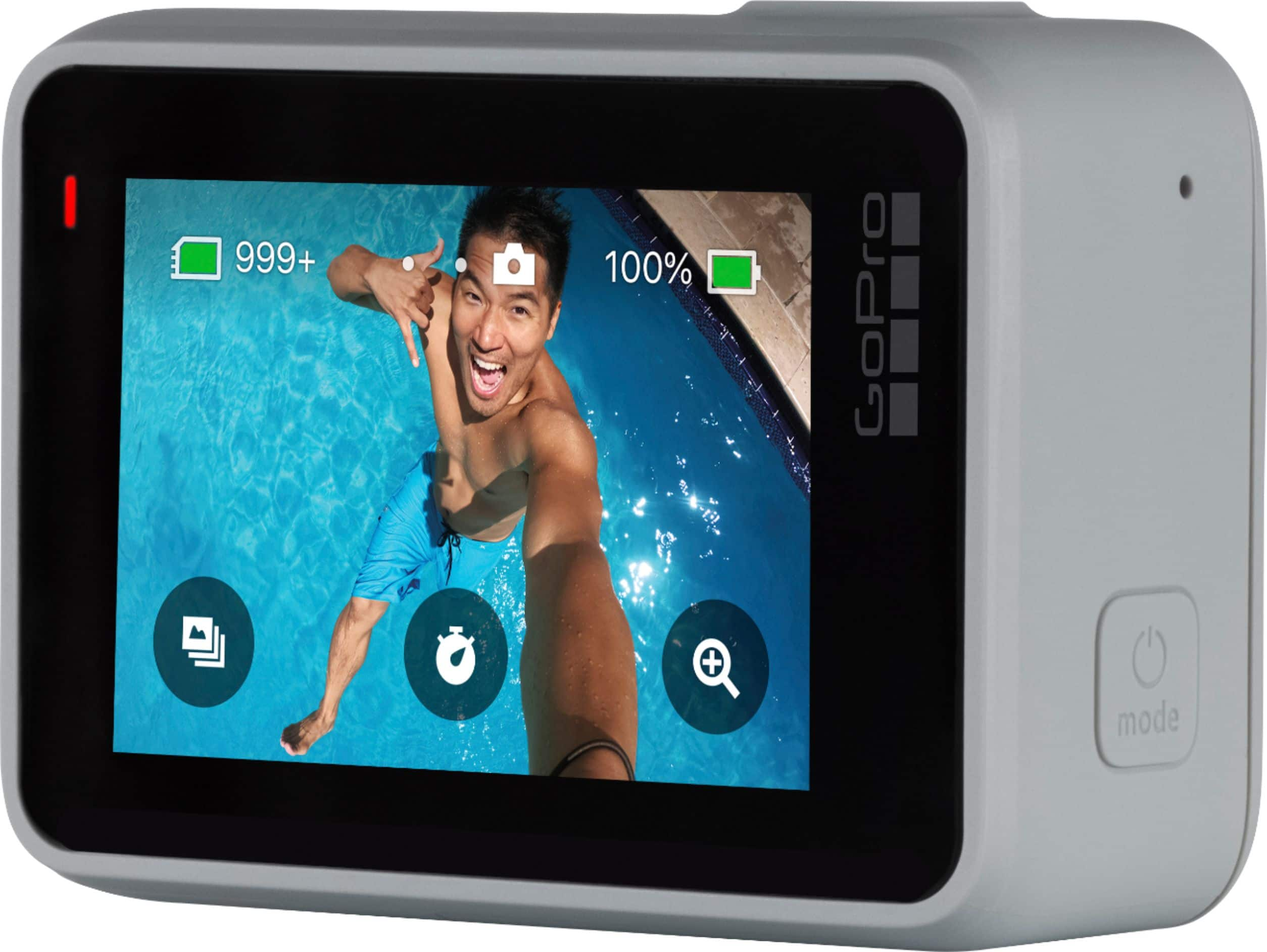
A:AnswerThe HERO7 Silver does not have a port for an external mic. If you are looking to connect an external mic, you'll want to use the HERO8 Black along with the new Media Mod, or the HERO7 Black along with our Pro 3.5mm Mic Adapter.
A:AnswerThe battery in the HERO7 Silver is not removable. Depending on what settings you choose, it should give you between about 106 minutes and 146 minutes of recording time.
A:AnswerWhen on the camera mode, there is a very easy a visible button on screen to switch from 4K, to whatever your desired setting is. But out of the box it does not record in 4k
A:AnswerYou can view the content on your GoPro by pairing the GoPro to the GoPro app on your phone. As you go through the pairing process, your phone should recognize the camera's wifi signal as a new wifi option that you can pair with.
A:AnswerThis camera comes with a USB charging cable, frame, and two sticky (double-sided tape) bases; one curved (for mounting on top of a helmet), and one flat. I highly recommend purchasing an accessory kit like this one:
https://www.bestbuy.com/site/insignia-essential-accessory-kit-for-gopro-action-camera/5321100.p?skuId=5321100
Please note: the camera does not come with a memory card.
I hope this answer helps.
Happy fishing
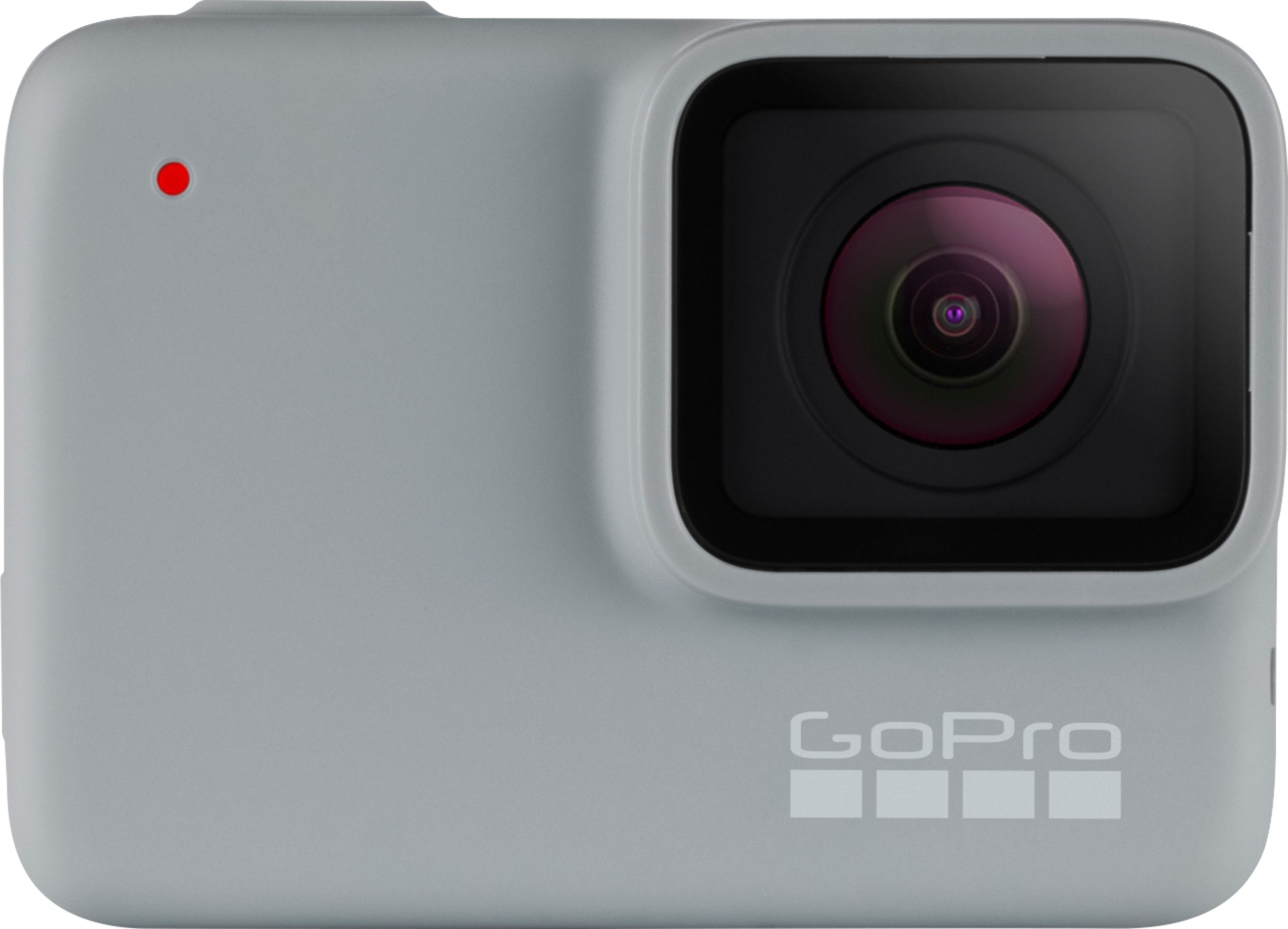
A:AnswerThe HERO7 Silver does shoot in 60 frames/second in 1440p mode. If you shoot at that frame rate, you could slow the video down by half. For more slow-mo options, you'll want to look at the HERO7 Black or the HERO8 Black.
A:AnswerBest one I’ve used is Adobe Premiere Pro. It is at a cost, but there is a free trial. It can be a little inundating with all the buttons but a few tutorial videos can help when your looking for something specific. Second option is for apple devices, iMovie is good but lacks the extra technical abilities that APP has
A:AnswerThe feature is called video stabilization and yes the hero 7 silver and black both have it. The black has a more advanced version called hypersmooth but the silver works very well also.