Questions & Answers
- Model:
- RTH6580WF
- |
- SKU:
- 2002019
Q: QuestionHave rth6500 great for number of years. Cable company in NJ changed out modem/gateway for internet. thermostat cannot connect with wifi? Honeywell support say problem new modem runs at 5.0 meg. comcast says modem run 2.4 and 5.0 ?
Asked by john.
- A:Answer Hi john, this thermostat requires a 2.4 GHz only network. If you have a 2.4 network available we will be happy to guide you connecting to it. Our team is available 7 days a week at (800) 633-3991 or through private message at our Honeywell Home Facebook account. - Maria
Answered by Resideo Team
Q: QuestionWhy is my heater blowing cold air? I hold the temperature at 68 and never change, but this week it goes down to 63 during the night, and it goes up to 65 even though it is on hold at 68. Tell me what should I do so it stays hold at 68. Thanks.
Asked by Dusty.
- A:Answer Hi, we first suggest confirming the system type is correct from the setup menu. When the system is blowing cool air in heat mode this typically occurs with heat pump applications when the system type isn't set for the correct application. If you have a heat pump and the unit is programed for a heat pump and you continue to get cool air in heat mode change the reversing valve setting from the setup menu. You can set a permanent hold by first changing the setting then press hold. Please feel free to get in touch with us for support at 800-633-3991.
Answered by Resideo Team
Q: QuestionReprogram schedule
Asked by Anonymous.
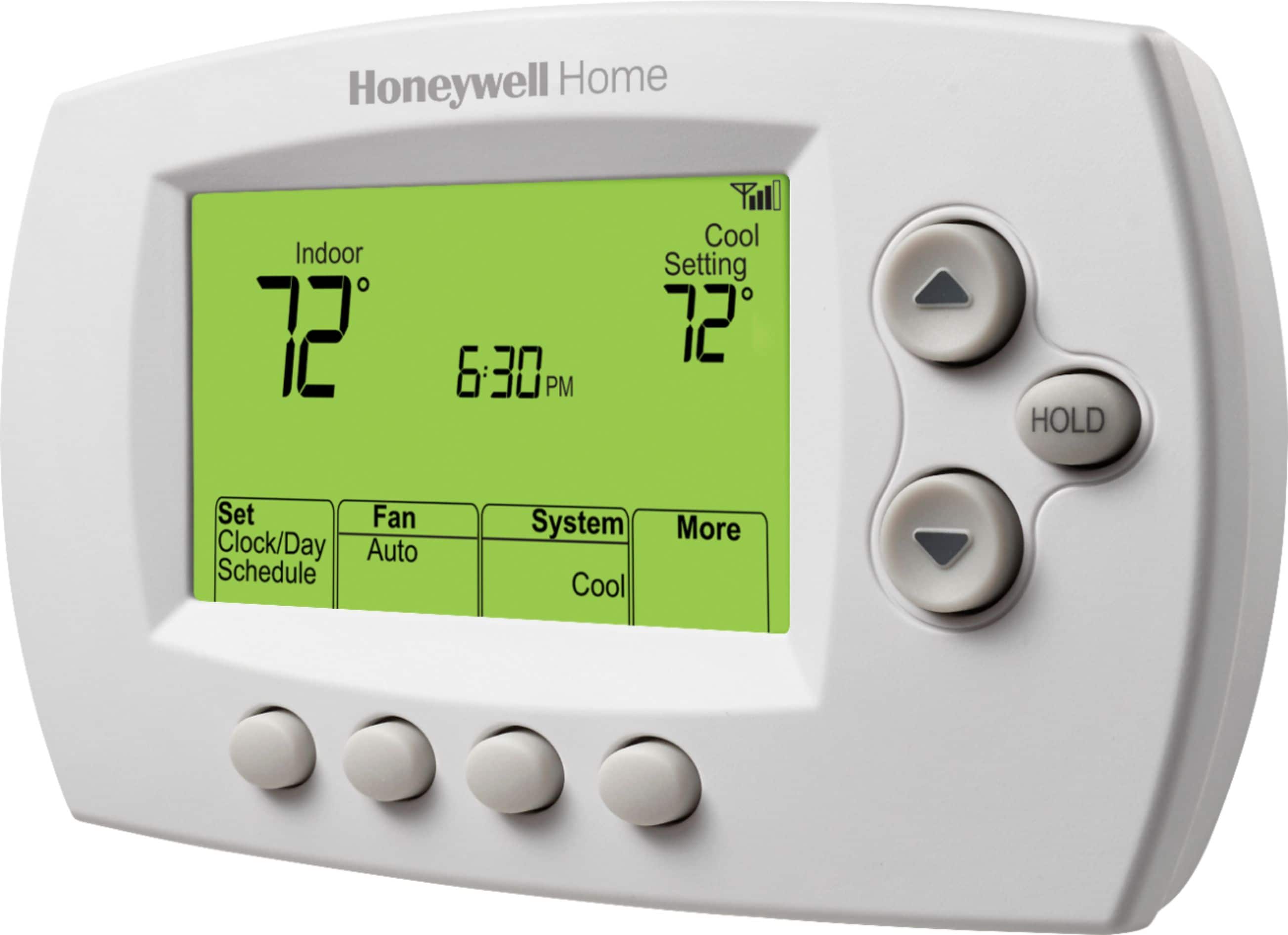
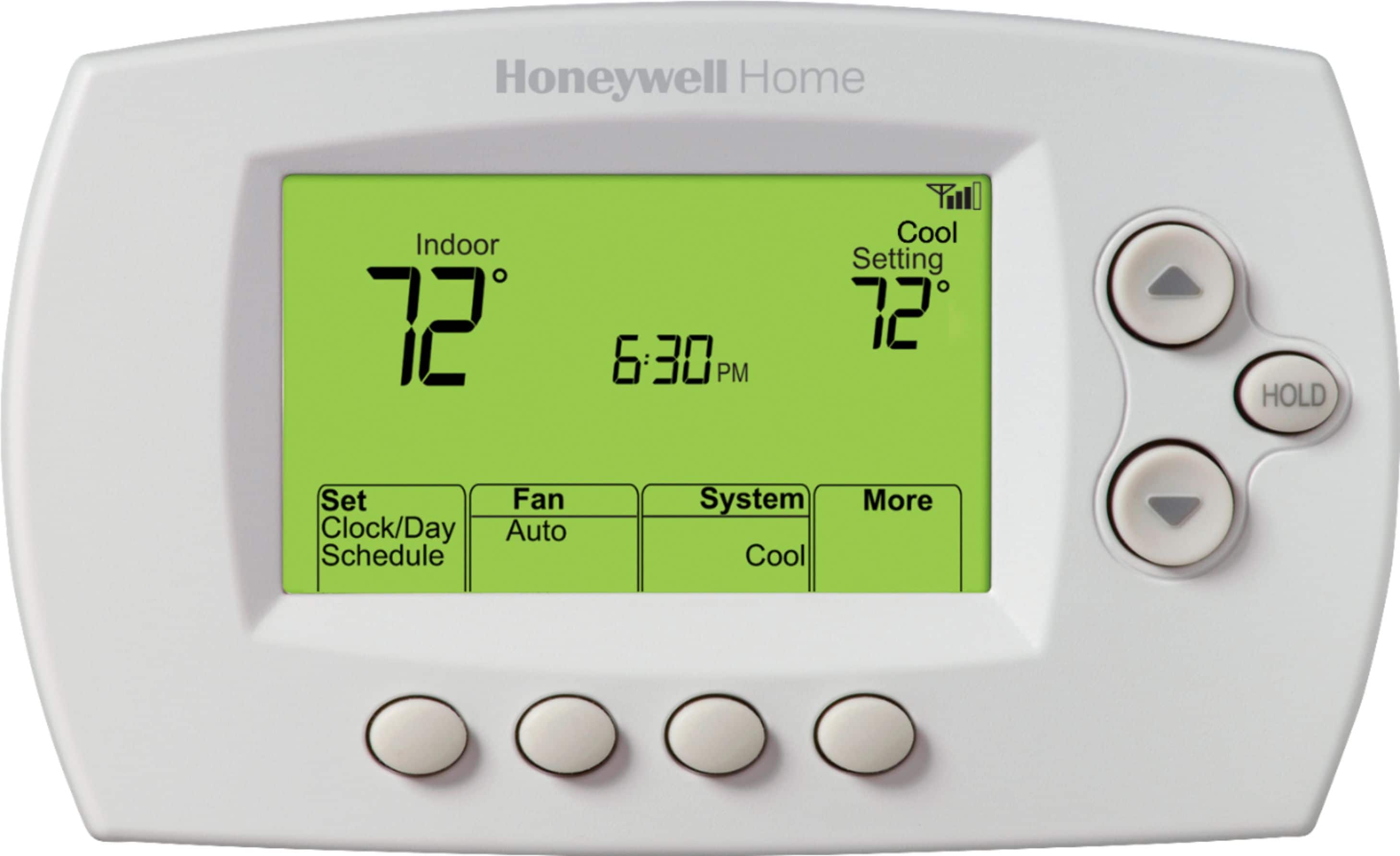
- A:Answer Hi, thank you for your question. To edit the schedule, please press 'Set Clock/Day/Schedule', then 'Set Schedule'. Press Up or Down button to set your Monday (Mon) Wake time and press Next. Press Up or Down button to set the temperature for this period and press Next. Set time and temperature for the next time period (Leave), repeat for each time period. Press Next to set time periods for the next day. Repeat the instructions for each day and press Done to save and exit. - Maria
Answered by Resideo Team
Q: QuestionWhat size battery for this unit ?
Asked by Anonymous.
- A:Answer Hi, this model doesn't use batteries. The unit is powered by the C-wire connected to your system. -Joey
Answered by Resideo Team
Q: QuestionHow can I program to hold a temperature
Asked by John.
- A:Answer Hi John, thank you for your question. While the thermostat is running the schedule you can override it by using the Up/Down button to change the set temperature, this will hold the temperature temporarily. To hold the temperature permanently, change the setpoint and then press the 'Hold' button. Press 'Cancel' to resume the schedule. - Maria
Answered by Resideo Team
Q: QuestionDoes it make a clicking noise when it turns on my AC?
Asked by CGB1.
- A:Answer Hi CGB1, this thermostat does make a clicking sound when closing the circuit to make a call for heat or cool. - Maria
Answered by Resideo Team
Q: QuestionHow do you change the batteries. My screen is blank
Asked by Margie.
- A:Answer Hi, this model doesn't have batteries. Typically if the screen is blank this indicates the unit is not getting power from the system, you can determine this by checking the continuity between the wire connected to the C terminal and other terminals. -Joey
Answered by Resideo Team
Q: QuestionIs this compatible with rth8500d"?
Asked by Donnell.
- A:Answer Hi Donnell, thank you for your question. We will be happy to help verifying the compatibility of this thermostat and your system, we need to know how many total wires you have and which terminals are being used on your current thermostat. Feel free to reach out to our team at (800) 633-3991 or send us a Private Message at our Honeywell Home Facebook account. - Maria
Answered by Resideo Team
Q: QuestionCan I replace my honeywell TH8320U1008 with this? My old unit was battery operated.
Asked by honeywell.
- A:Answer Hi, thanks for the question. This will depend on the wiring. This model requires a C-wire to power the unit, you can determine this by checking if the current thermostat has a wire connected to the C-terminal. -Joey
Answered by Resideo Team
Q: QuestionAfter a power outage , what does the unit reset to
Asked by Meme.
- A:Answer Hi Meme, this is a very good question. This thermostat stores the set point, schedule and configuration information indefinitely. Once power is back it will continue running the schedule or using the setpoint that it had before the outage. - Maria
Answered by Resideo Team
Q: QuestionCan the thermostat be used by iPhone?
Asked by Peg.
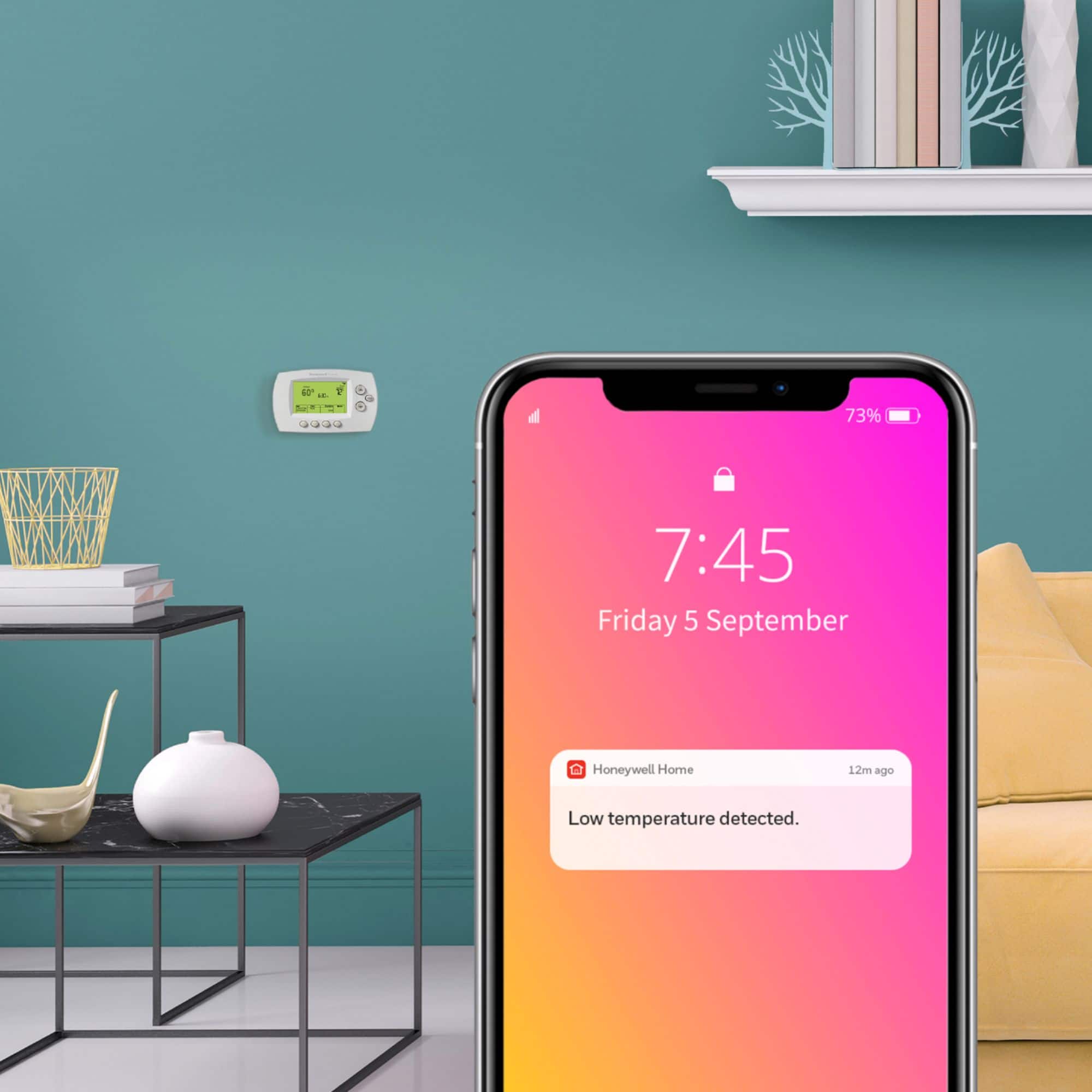
- A:Answer Yes. You have to download the app. I got this thermostat for my dad, and he loves that he can check the temperature and adjust the temp from his iPhone.
Answered by payes97
Q: QuestionDoes this thermostat require a separate trim kit when replacing a different and older non-smart thermostat?
Asked by esq007007.
- A:Answer Hi esq007007, thank you for reaching out. There is no special kit required, we just have to verify the compatibility of the thermostat and your system and verify that you have a C wire available. Please feel free to contact our tech support team at (800) 633-3991 or send us a Private Message to our Honeywell Home Facebook account. - Maria
Answered by Resideo Team
Q: QuestionDoes Best Buy install Best Buy purchased thermoststs?
Asked by CharlesD.
- A:Answer When I bought this thermostat it came with free installation. It wasn't an employee of Best Buy that did the installation but one of their partner companies. The guy who installed it was nice, but he did not seem to know what he was doing. He crossed two wires (fan and heat) so when it called for heat, the fan ran constantly. Had to call a heating company here in my town the next day, did not take them long to figure it out. My free installation cost almost $100.
Answered by payes97
Q: QuestionHello, Does this thermostat include battery back-up, so if power goes out the clock and setting will be retained?
Asked by thermostat.
- A:Answer Yes
Answered by ClayT
Q: Questioncan this thermostat controlled by third party without my knoledge
Asked by jpn.
- A:Answer Hi jpn, thanks for reaching out! The RTH6580WF thermostat can be controlled remotely once connected to Wi-Fi and registered to your My Total Connect Comfort account. If you'd like to confirm the thermostat is registered at your account, please reach out over Facebook via private message under Honeywell Home.— Charlie
Answered by Resideo Team
Q: QuestionCompatible with Fan Coil Unit?
Asked by Baba.
- A:Answer Hi Baba, this model is not compatible with fan coil applications. -Joey
Answered by Resideo Team
Q: Questiondoes this thermostat require a C wire?
Asked by JimF.
- A:Answer Our wifi thermostats do require a C-wire, if you have at least four wires going to the thermostat you can use the wire saver module (CWIREADPTR4001). -Joey
Answered by Resideo Team
Q: QuestionIf I overide the temp will it automatically go back to programmed settings next programmed set time.
Asked by Anonymous.
- A:Answer Yes, pressing the up or down buttons while the thermostat is following a schedule will temporarily override the schedule. The new temperature will be maintained only until the next programmed time period begins. Hope this helps! -Jerry
Answered by Resideo Team
Q: Questionwhat are the programming steps?
Asked by harry.
- A:Answer Hi Harry, programming steps should be in your manual. If you ever have any questions, please feel free to reach out to us on Facebook/Twitter with a private message. We look forward to hearing from you soon. -Jim
Answered by Resideo Team
Q: QuestionIs this thermostat easy to install?
Asked by PattieG.
- A:Answer Hi PattieG, the thermostat should be relatively easy to install however if you're not comfortable with this we recommend reaching out to a professional contractor for installation. -Jim
Answered by Resideo Team
Most-viewed items
- $229.99Your price for this item is $229.99$279.99The comparable value for this item is $279.99
- $89.99Your price for this item is $89.99$129.99The comparable value for this item is $129.99
- $130.99Your price for this item is $130.99$179.99The comparable value for this item is $179.99
- $259.99Your price for this item is $259.99
- $199.99Your price for this item is $199.99
- Clearance$65.99Your price for this item is $65.99
- $179.00Your price for this item is $179.00$249.99The comparable value for this item is $249.99
- $139.99Your price for this item is $139.99
- Clearance$21.99Your price for this item is $21.99
- $169.00Your price for this item is $169.00$209.99The comparable value for this item is $209.99
- $79.99Your price for this item is $79.99
- $189.99Your price for this item is $189.99
- $14.99Your price for this item is $14.99
- $79.99Your price for this item is $79.99
- $24.99Your price for this item is $24.99
- $139.99Your price for this item is $139.99
- $14.99Your price for this item is $14.99
- $138.47Your price for this item is $138.47
- $159.99Your price for this item is $159.99
- $49.99Your price for this item is $49.99