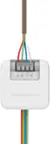
A:AnswerI am not sure of the color of the wire because I ask my a/c guy if I had a c wire before I got a new thermostat. The problem I had was the c wire the extra wire was after connection still no power so still had to call my a/c guy. The problem was the c wire was not connected inside the unit.
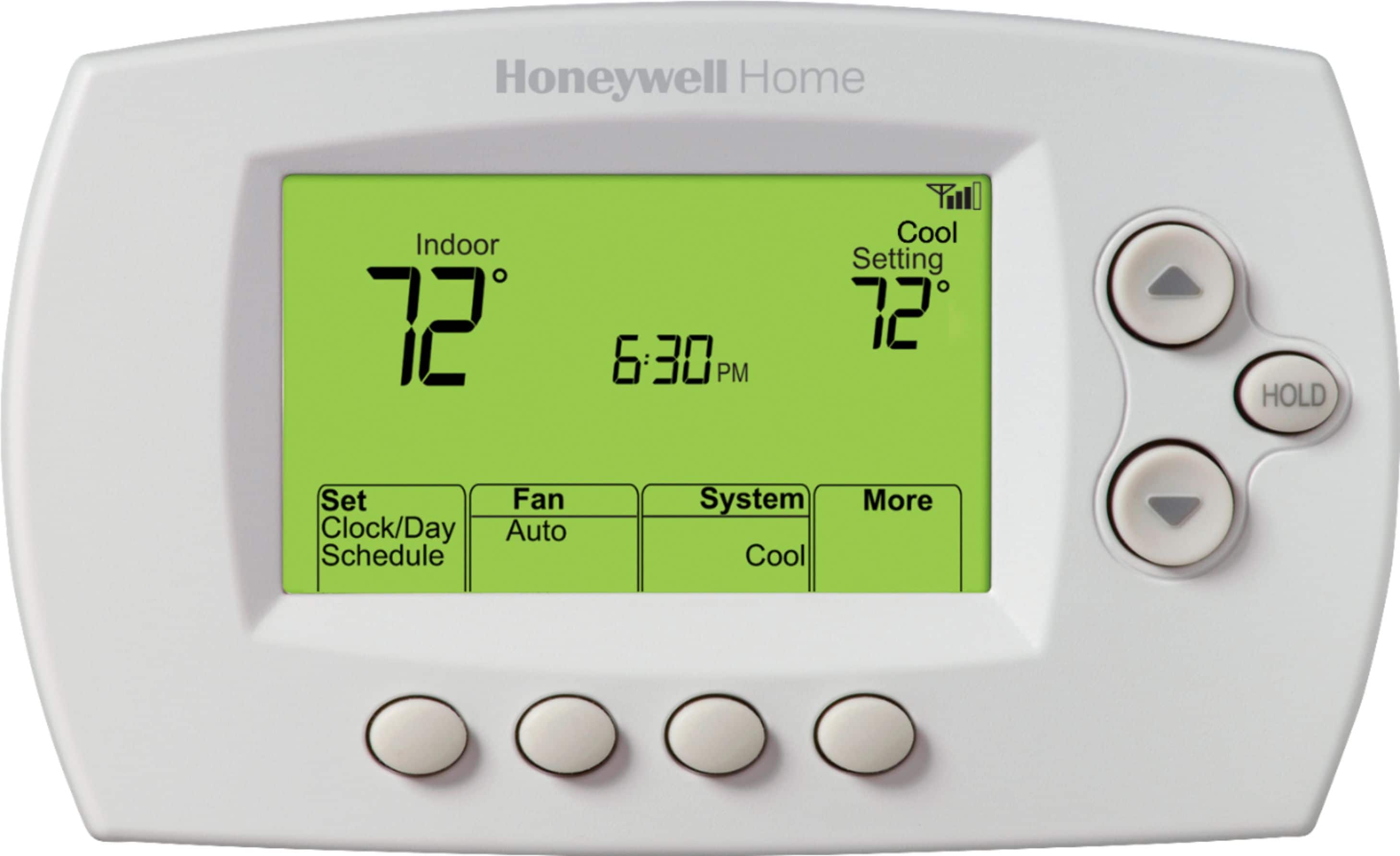
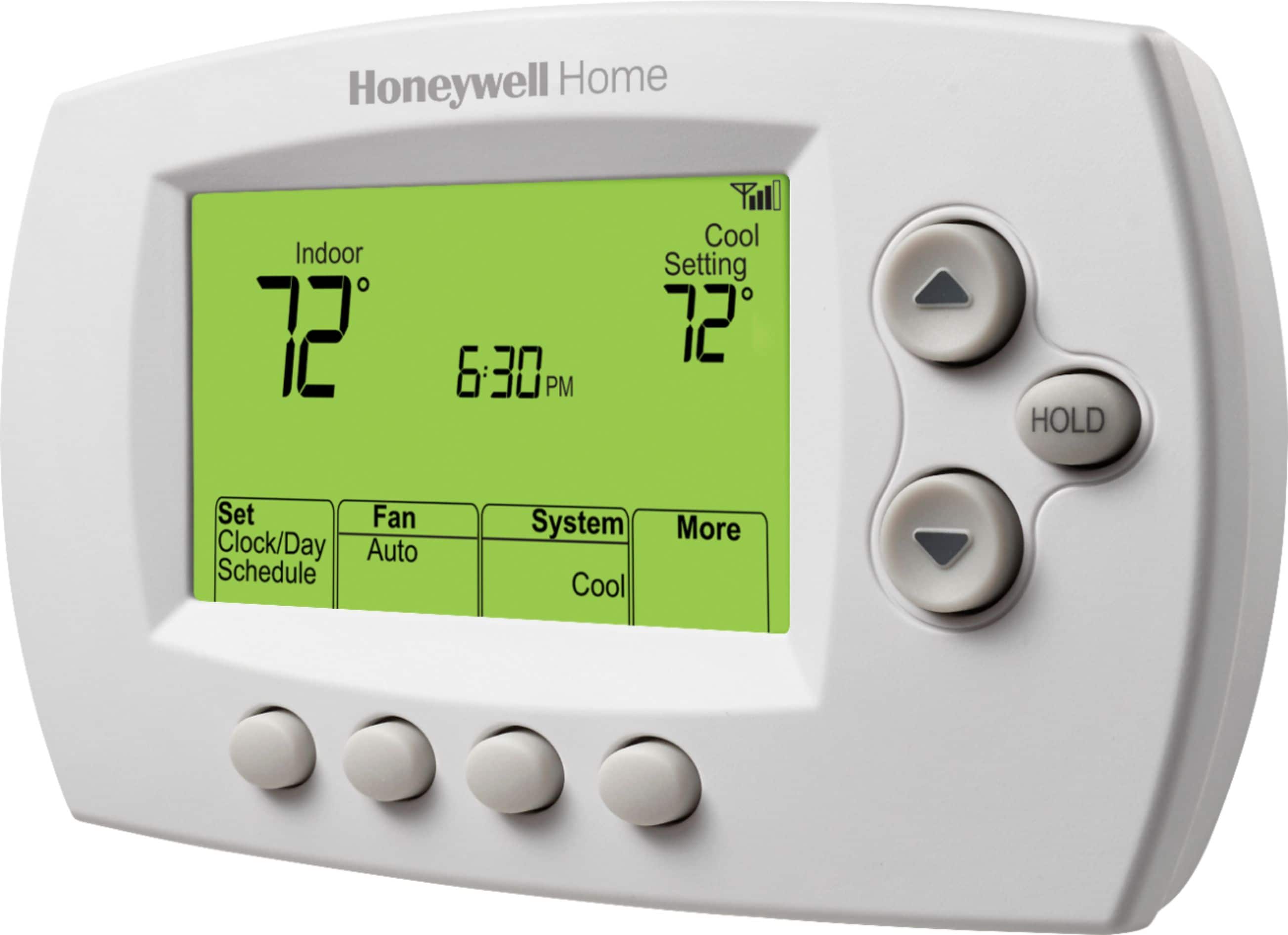
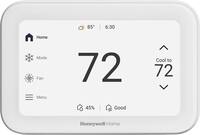
A:AnswerHold is mean the temperature same all the time (temperature you set. Example you set 72 or 74 degrees). Hold can get off until you set schedule for temperature, example: you set 70 degrees at 8:00am to 5:00pm to leave the house go to work and 74 degrees at 5:00pm to midnight and whatever degrees you want to set from midnight to 8:00am. I hope understand and try it.
A:AnswerTo connect the wifi thermostat to your home internet network You just to follow the instructions that come with the unit. If you have a problem call the Honeywell Customer Service #; they are very helpful and will help get your wifi thermostat connected. I have installed this thermostat in both our homes and they work great!
A:AnswerI’d suggest contacting the Honeywell Customer Service folks; it is a live conversation and they are very helpful. I would think they can answer your temperature setting question.