Questions & Answers
- Model:
- 527SH
- |
- SKU:
- 10938551
$194.39Your price for this item is $194.39
Comp. Value: $229.99
The comparable value price is $229.99
Page Showing 81-85 of 85 questions
Q: QuestionDoes this monitor have speakers built into it or do I have to buy my own separate speakers to be able to hear noise?
Asked by Kris.
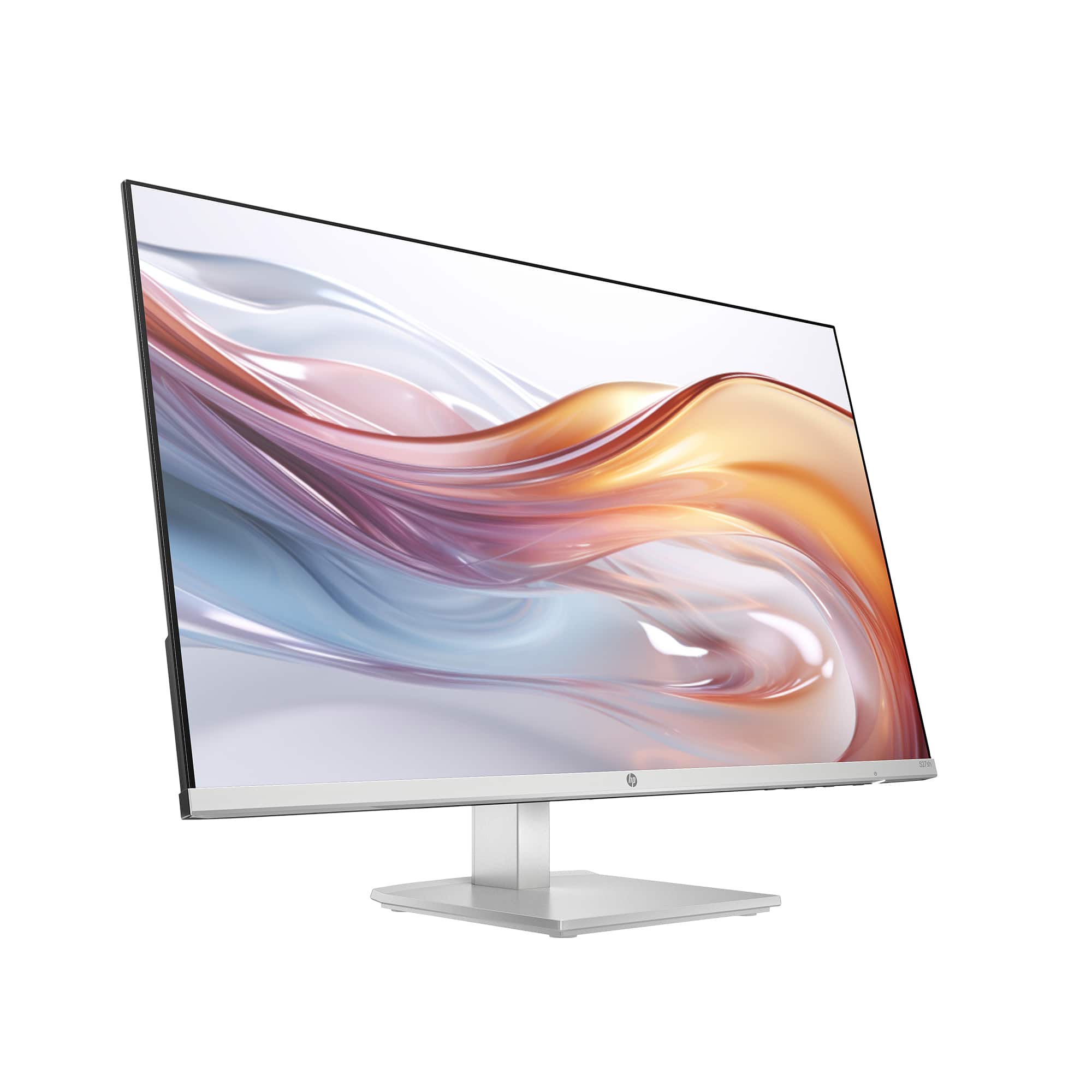
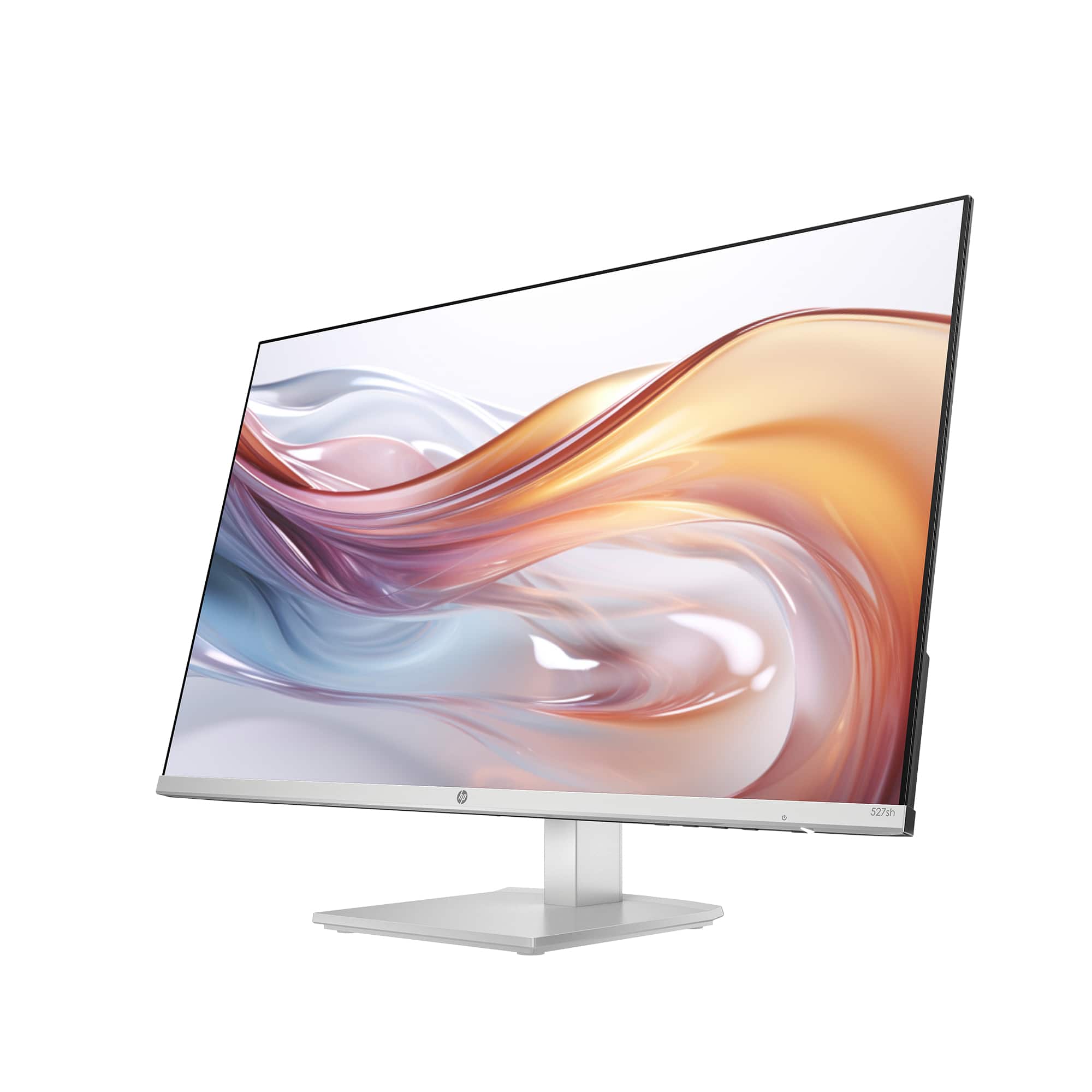
- A:Answer Hello and thank you for asking. Per the HP Datasheet for the HP 527sh monitor, it does not have speakers built into the monitor. You will need to separately purchase speakers if you do not already have them.
Answered by HP Team

Q: QuestionI have this connected to my iMac via a hdmi to usb-c cable. I've tried adjusting the settings both from my Mac and with the buttons on the monitor. The quality still looks really bad. Is this a problem with the cable connection? Anything else I can try?
Asked by Jenny.
- A:Answer Hi, I am having the same issue, the quality of text is dreadful, very blurred . Adjusting the color and brightness. sharpness etc does not help. Did the geek squad help with your issue at all?
Answered by Anonymous
Q: QuestionWhat is the range in height of monitor and stand fully compressed to fully extended?
Asked by Annie.
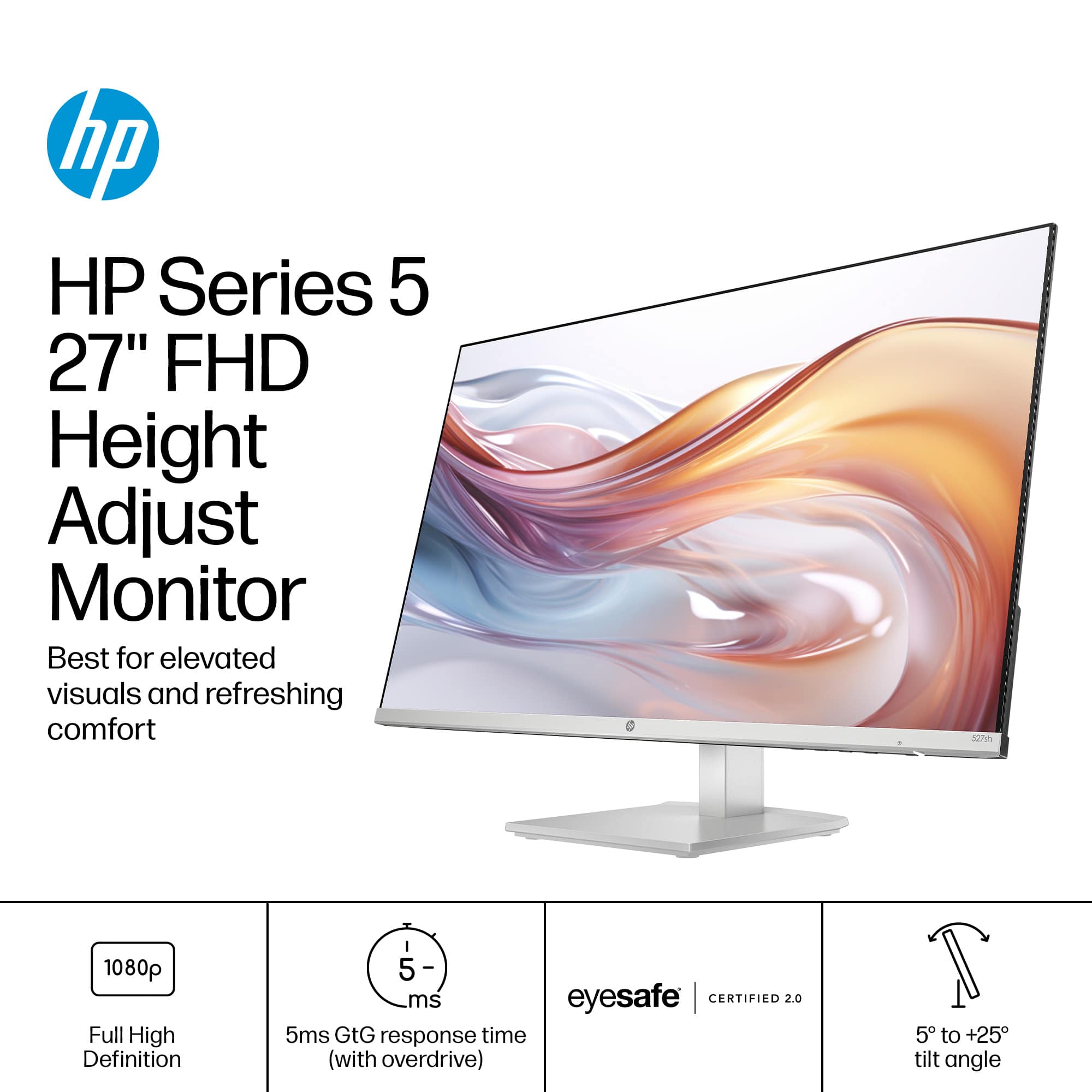
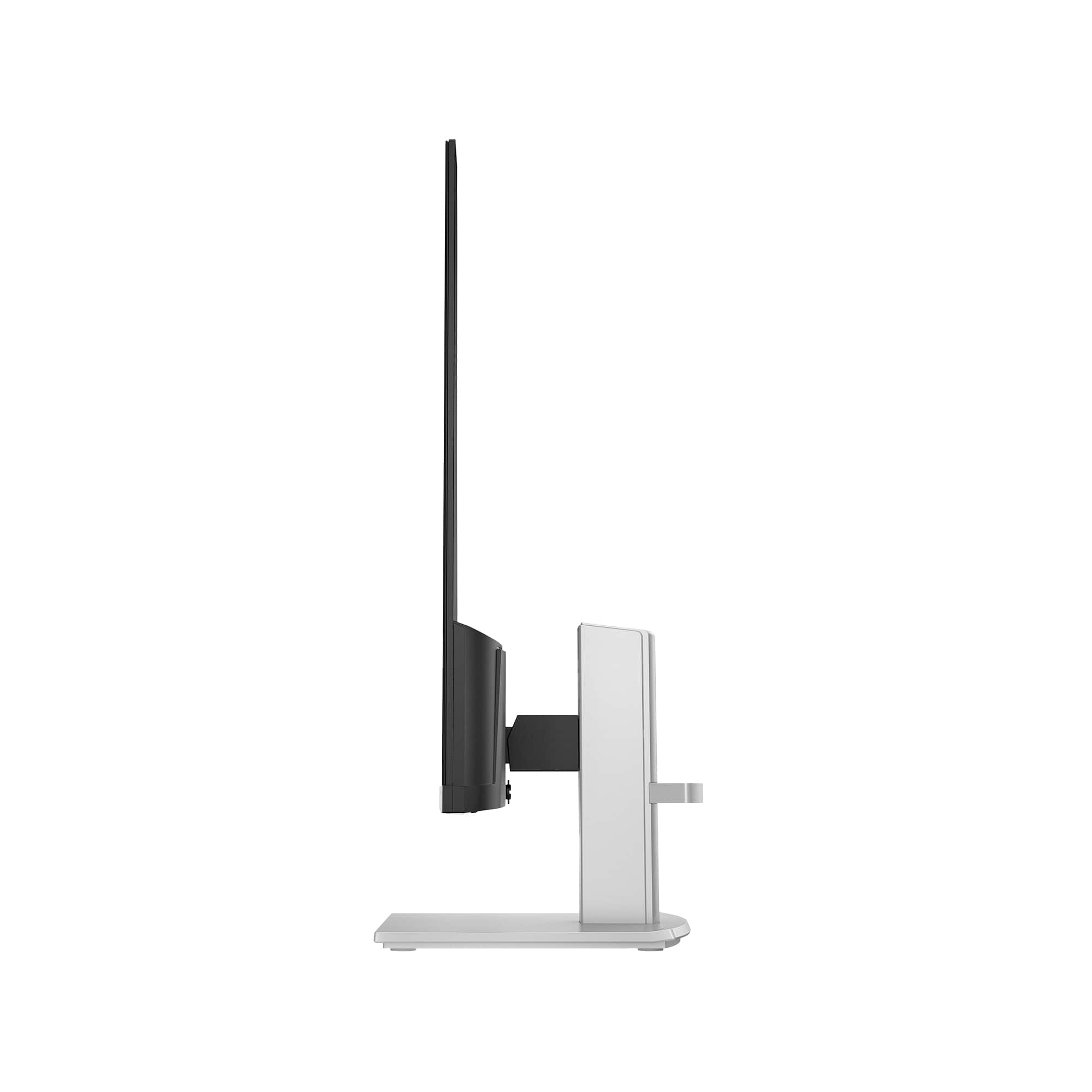
- A:Answer Annie, thank you for your question about this HP monitor. The height adjustment range on this HP Series 5 27 inch FHD Height Adjust Monitor - 527sh is 100 mm or 3.94 inches.
Answered by HP Team

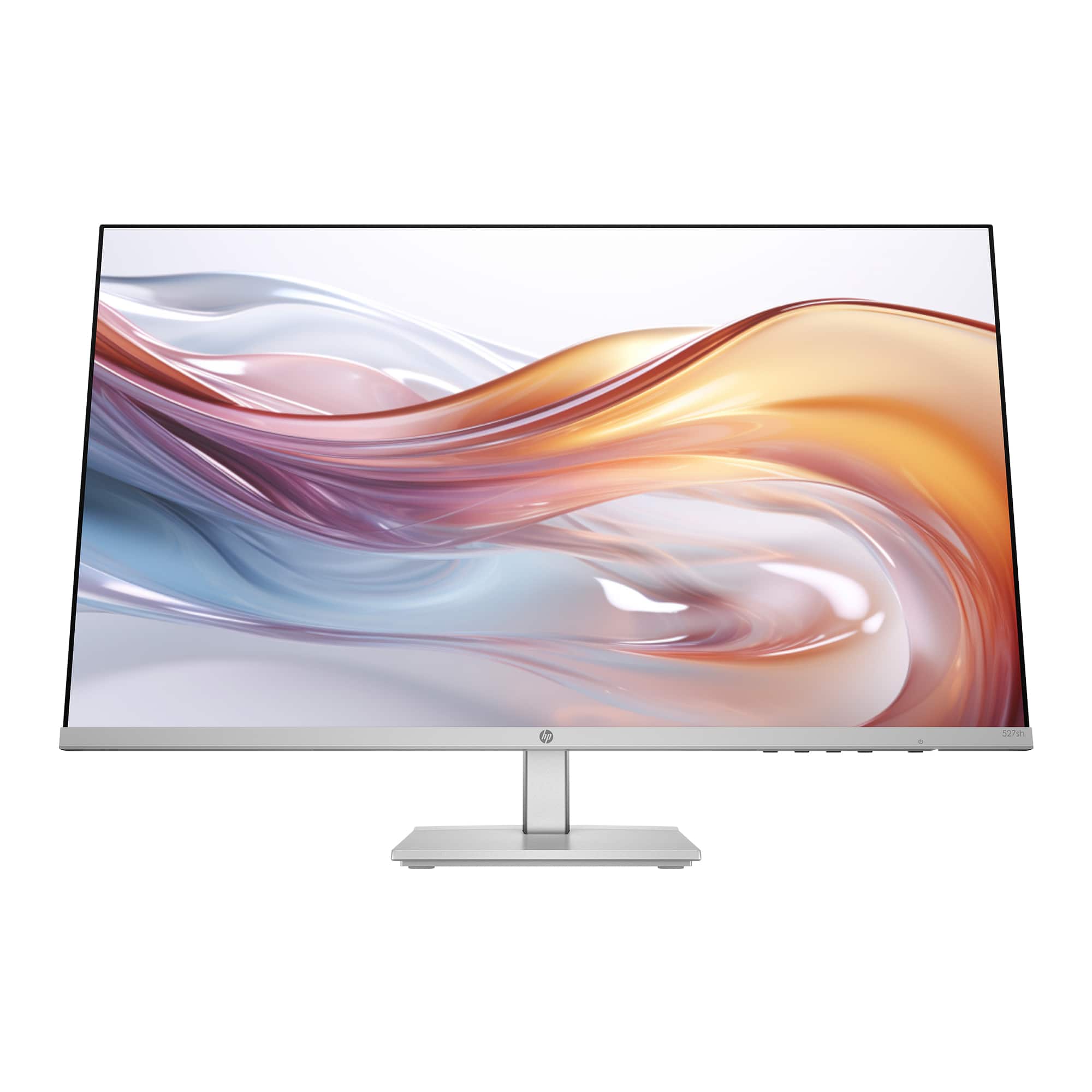
Q: QuestionWhat are the four small buttons (next to the power button) for on the bottom edge of the monitor???? I can't find this information anywhere.
Asked by Reds.
- A:Answer Thank you for your question. The four small buttons next to the power button on the bottom edge of the HP 527SH monitor are the on-screen controls.Here’s what each button typically does: Management Button: This button allows you to manage the monitor settings.Information Button: This button provides information about the monitor such as model number, serial number, and current display settings.Exit Button: This button allows you to exit the on-screen menu or go back to the previous menu..Input Button: This button allows you to switch between different input sources if your monitor is connected to multiple devices.
Answered by HP Team

Q: QuestionWhat Vesa mount adapter can I use I do not see any for the series 5 527sh monitor
Asked by Anonymous.
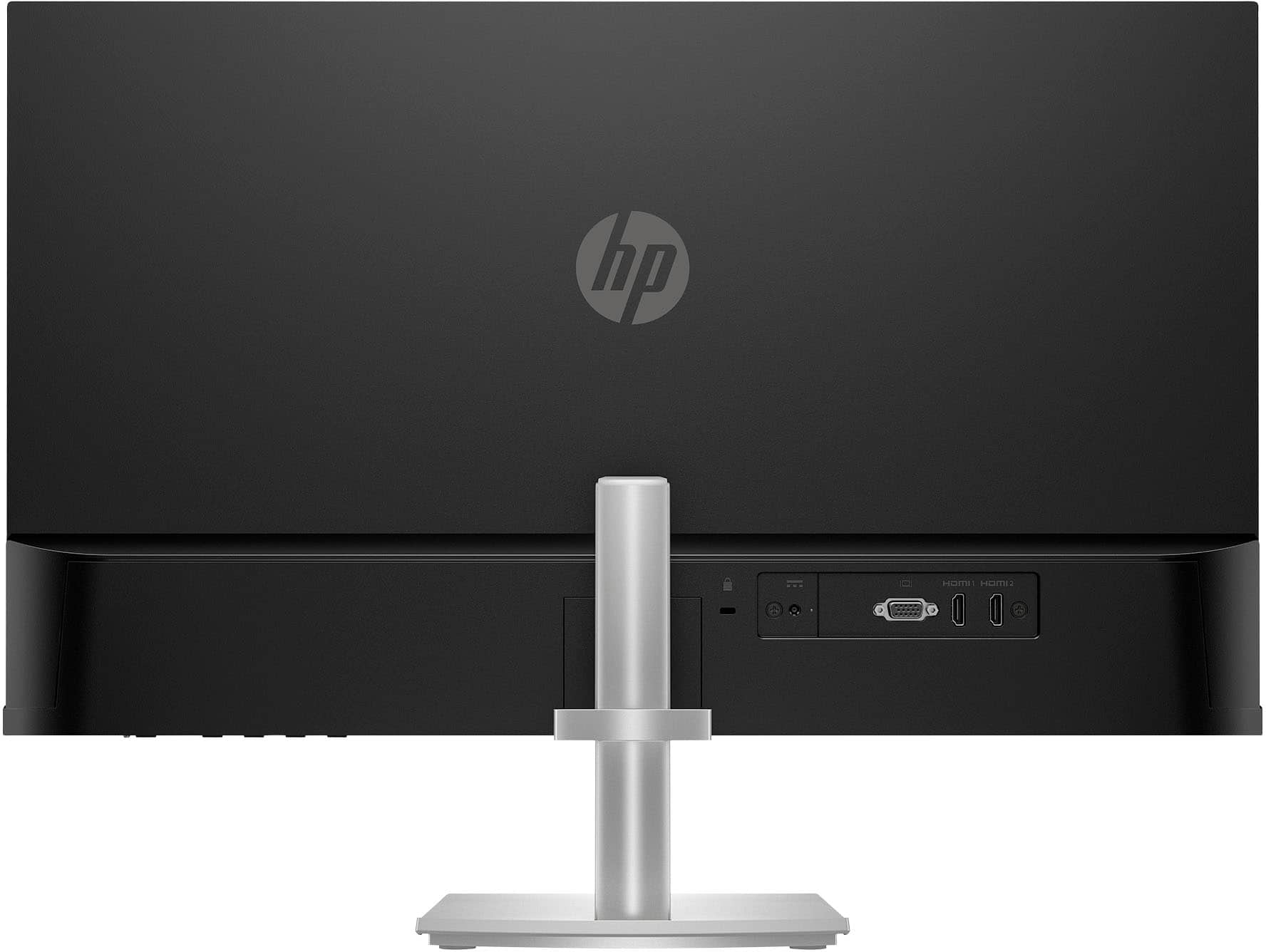
- A:Answer Thank you for the question. The HP 527SH monitor is not VESA mount compatible.
Answered by HP Team

Best-selling monitors
- $119.99Your price for this item is $119.99
- $159.99Your price for this item is $159.99$199.99The comparable value for this item is $199.99
- $99.99Your price for this item is $99.99$149.99The comparable value for this item is $149.99
- $279.99Your price for this item is $279.99$349.99The comparable value for this item is $349.99
- $104.99Your price for this item is $104.99$249.99The comparable value for this item is $249.99
- $69.99Your price for this item is $69.99$159.99The comparable value for this item is $159.99
- $99.99Your price for this item is $99.99$119.99The comparable value for this item is $119.99
- $149.99Your price for this item is $149.99$189.99The comparable value for this item is $189.99
- $209.99Your price for this item is $209.99$299.99The comparable value for this item is $299.99
- $169.99Your price for this item is $169.99
- $149.99Your price for this item is $149.99
- $369.99Your price for this item is $369.99
- $134.99Your price for this item is $134.99
- $119.74Your price for this item is $119.74$139.99The comparable value for this item is $139.99
- $169.99Your price for this item is $169.99
- $299.99Your price for this item is $299.99$379.99The comparable value for this item is $379.99
- $279.99Your price for this item is $279.99
- $109.99Your price for this item is $109.99$149.99The comparable value for this item is $149.99
- $99.99Your price for this item is $99.99