A:AnswerYes you can scan using the HP Smart app or the HP Scanning software. Here is the User Guide for the DeskJet 2725. Scanning is explained beginning on page 61. You can save scans on the computer on in the cloud, or you can scan to email. Scans would need to be launched from your Computer, Smartphone, or Tablet.
A:AnswerEnvelope printing is iffy. First of all, you can only print #10 - or "business size" envelopes. It won't do 6-3/4" personal size at all. And even on the #10, the text is broken and the letters are often jagged and split. If you need to do more than an occasional envelope, this printer is not for you.
A:AnswerThank you for the question. Ideally, you want to connect the printer to the wall receptacle. But you can use a good quality power strip if you cannot locate the printer closer to the wall outlet.
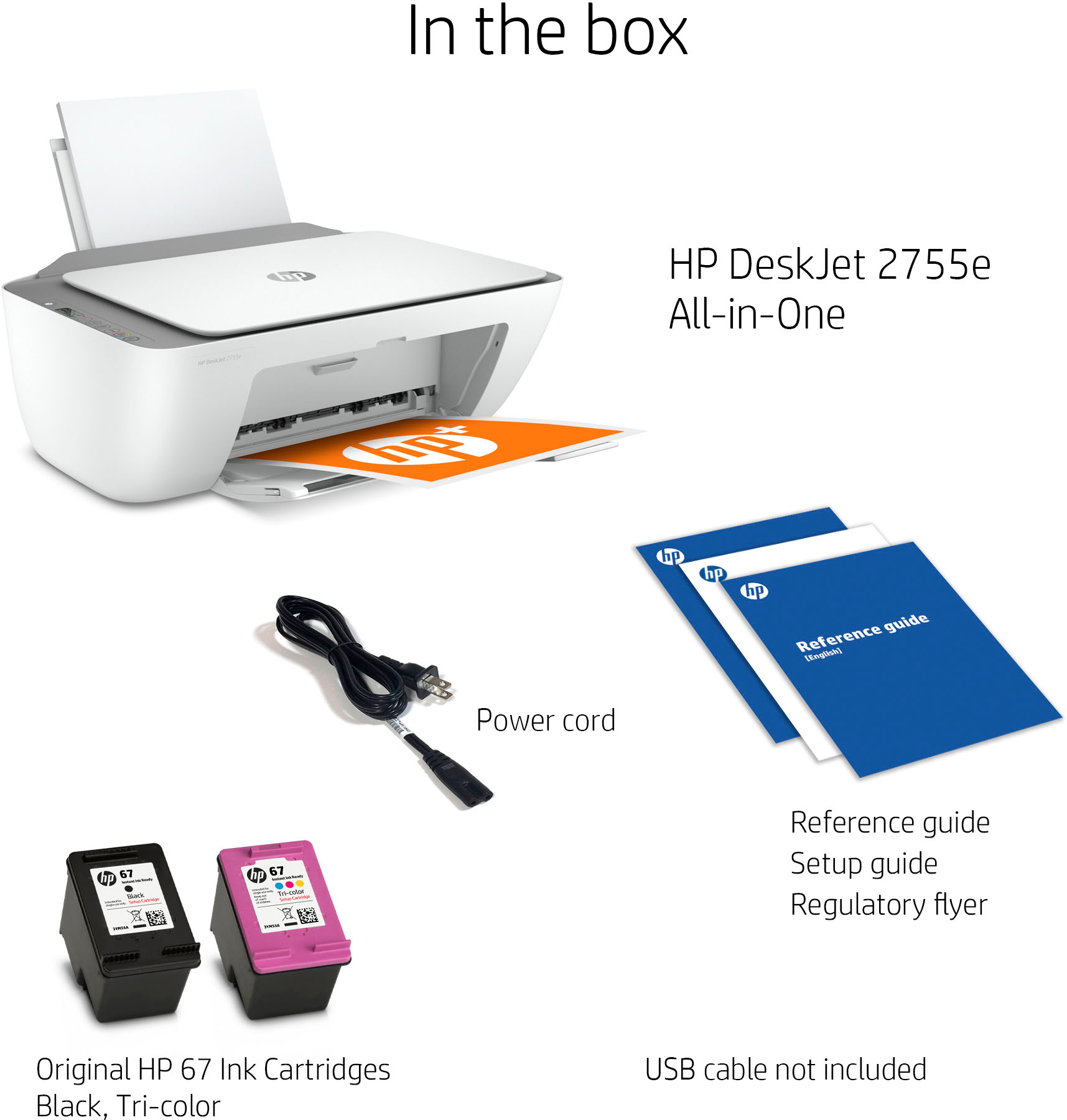
A:AnswerThe Deskjet 2755e uses the 67 ink cartridges. The 67 black will yield up to 120 pages and the 67 tri-color will yield up to 100 pages The 67XL black will yield up to 240 pages and the 67XL tri-color will yield up to 200 pages. The printer comes with the 67 standard yield ink cartridges.
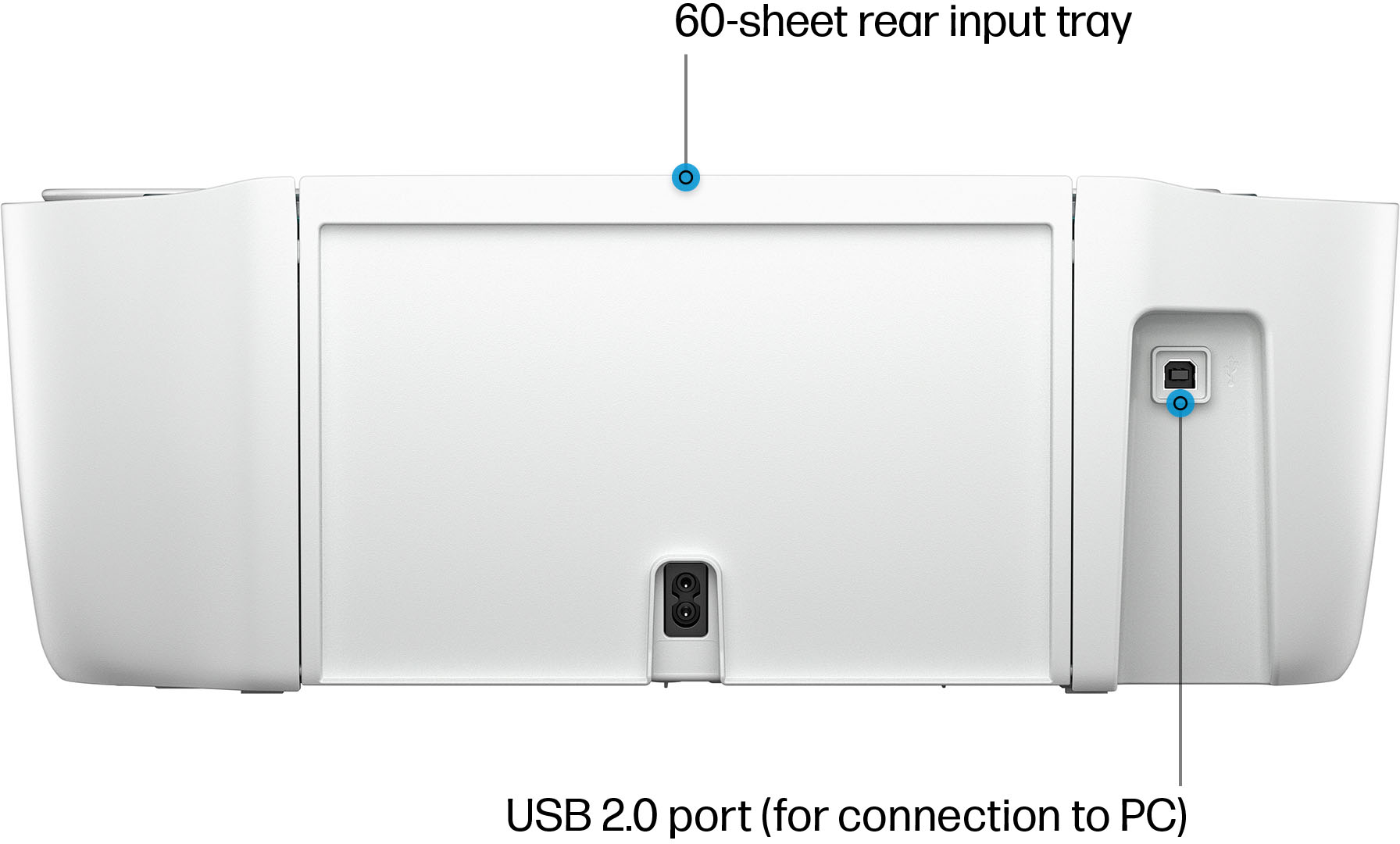
A:AnswerHello. Thanks for your question. For power, you would need to plug this HP Deskjet 2755e printer into the power outlet. If you want to print from you computer, you would need to set up this printer with either a wireless or USB connection. We recommend using the HP Smart app. If you choose to use the USB connection, we recommend purchasing a USB A to B 2.0 cable if you don't have one.
A:AnswerUnfortunately, the HP 61 ink cartridge is not interchangeable. I had an abundance of HP 61 cartridges when my printer broke down & was a bit disappointed that I could not use them.
A:AnswerThank you for your question, Tootsie! This printer is recommended for printing up to 100 pages per month and it has a flatbed scanner for scanning one page at a time. We have other models for higher volume printing and scanning multiple pages at once, such as the 6455e and 8025e. To determine whether your Chromebook is compatible with our printers, first open your Google Play store and then search for the HP Smart app. If you can download that app, then you will be able to connect to our printers.
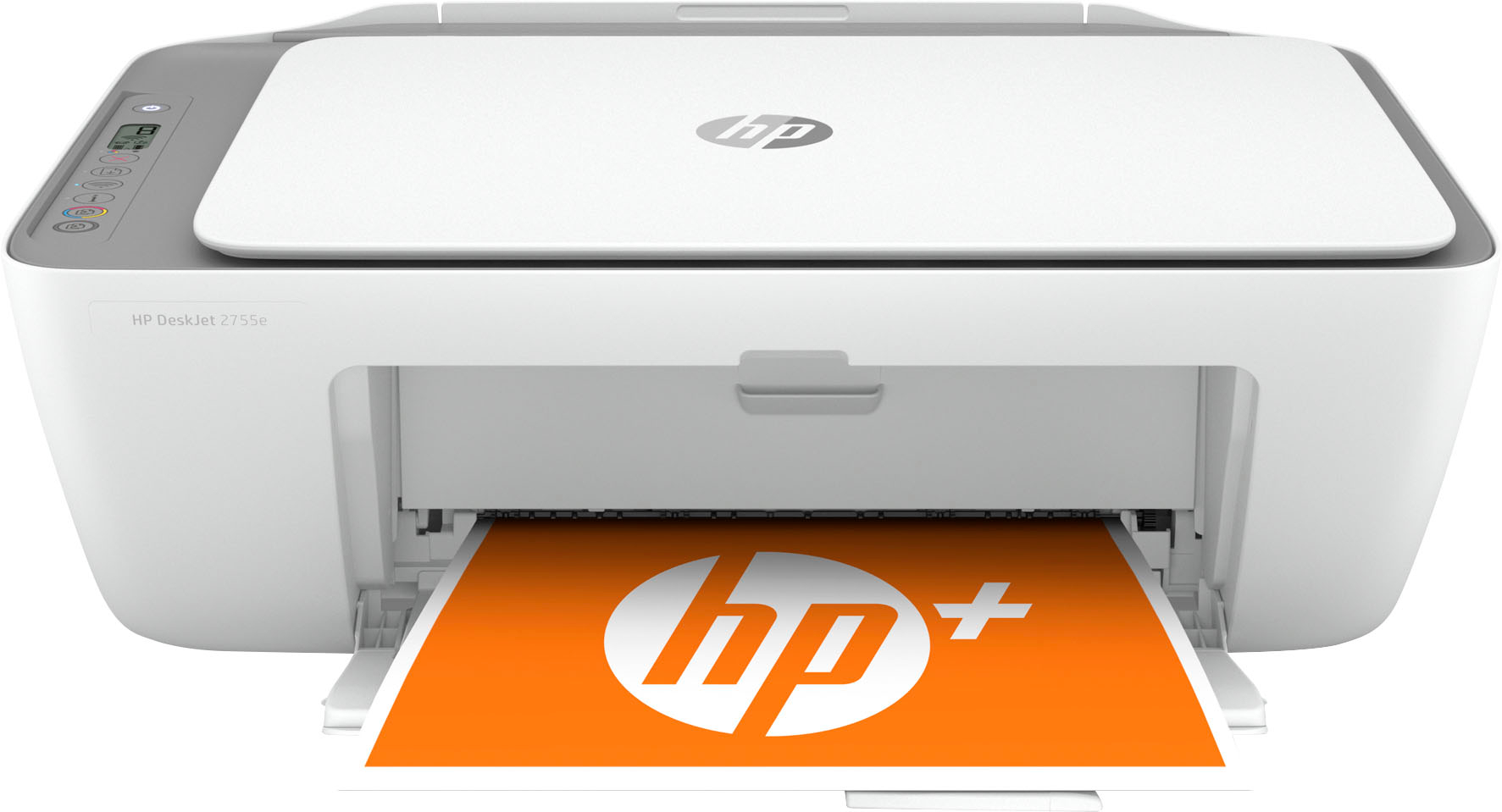
A:AnswerHi Patty, thank you for the question. The DeskJet 2755e will print photos, but it does not support borderless prints like the Envy Inspire 7255e. See it here: https://www.bestbuy.com/site/hp-envy-inspire-7255e-wireless-all-in-one-inkjet-photo-printer-with-6-months-of-instant-ink-included-with-hp-white-sandstone/6492187.p?skuId=6492187
A:AnswerYou can use WiFi direct. This does not require a WiFi network. Your phones built-in WiFi can connect directly to the printers WiFi. No network required.