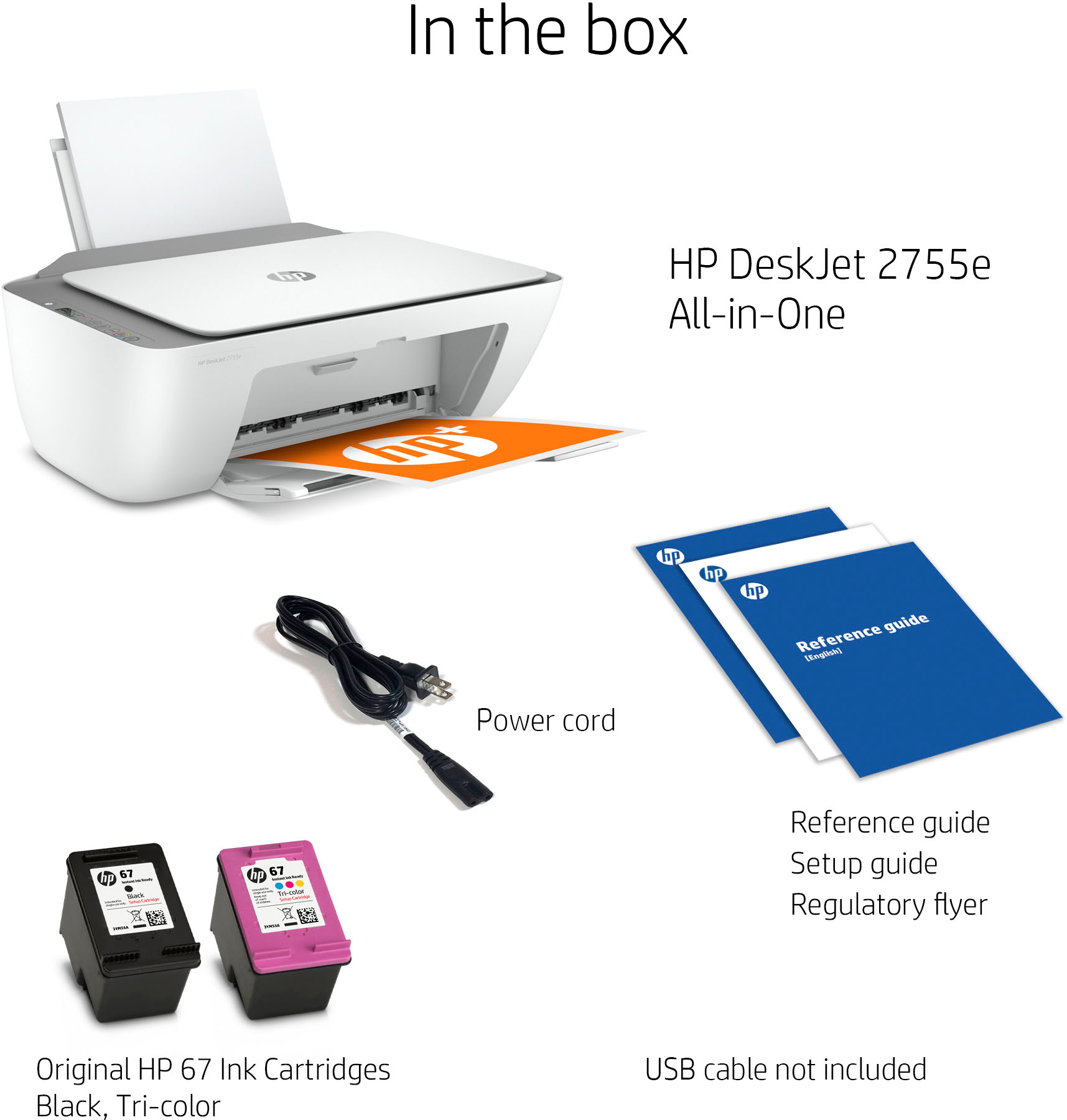
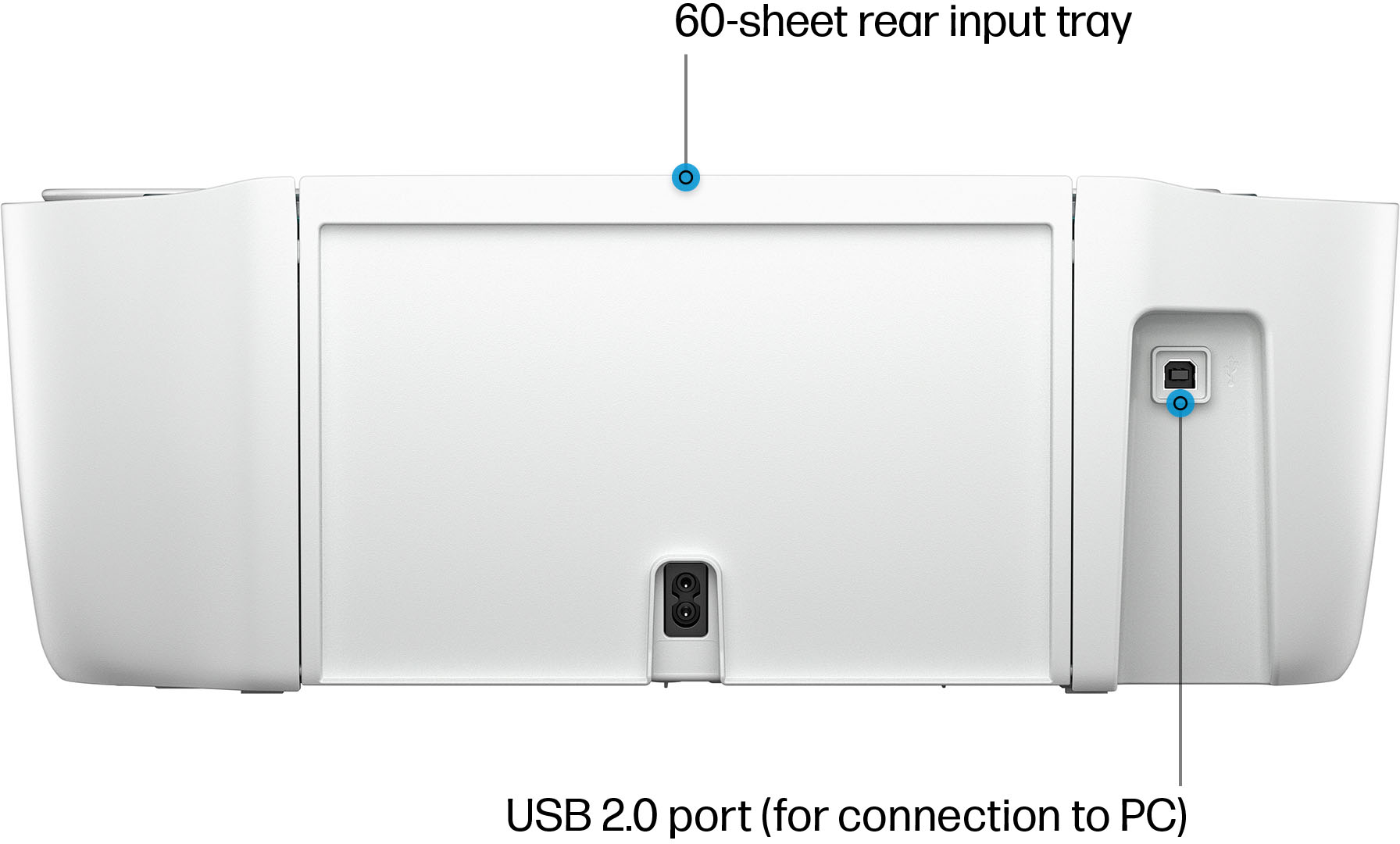
A:AnswerThank you for your question! This printer does not connect to a landline to send/receive faxes, but part of HP+ is a feature called Mobile Fax which allows you to send faxes electronically through the HP Smart app.
A:AnswerHi Brooke! No this cannot. The only printer that can do that is the OfficeJet Pro 7740 printer.
https://www.bestbuy.com/site/hp-officejet-pro-7740-wireless-all-in-one-inkjet-printer-white/5536900.p?skuId=5536900
A:AnswerThanks for your question. No, the HP 67 or HP 67XL cartridges that work in this printer are not refillable. If you are concerned about the cost of ink, I would suggest that you consider the HP Instant Ink program. This is where you pay for the pages printed per month, not ink. A popular plan is $2.99 per month for 50 pages. Your printer notifies HP to sent you ink before you need it, and it is shipped to your front door.
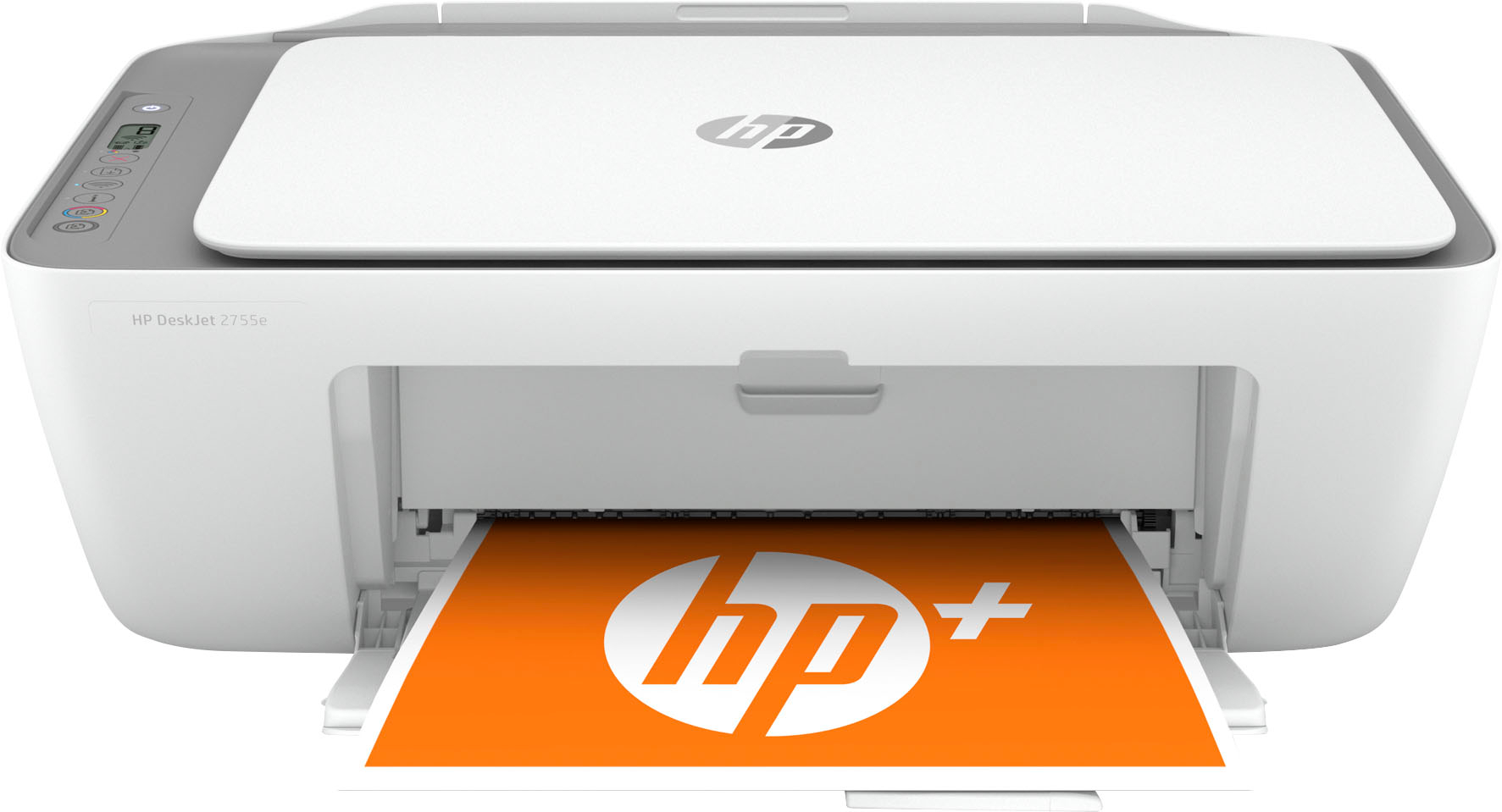
A:AnswerHello, yes HP printers are compatible with Android operating systems on mobile, tablet, and laptop devices. Thank you for being an HP customer.
A:AnswerHello! Yes, the HP DeskJet 2755 can print on many different paper types. To print on stickers, ensure that the paper meets the following weight requirements: Letter: 16 to 32 lb; HP envelopes: 20 to 24 lb; HP cards: up to 110 lb; HP 4 x 6 inch photo paper: up to 145 lb.
A:AnswerHi Dave. Yes, you can use this HP Deskjet 2755 printer as a standalone copier without connecting it to any device like a computer or smartphone.
A:AnswerThe dimensions for the HP Deskjet 2755 printer are (W x D x H): 16.7 x 21.5 x 9.8 inches (Output Extension fully out). And without the output extension fully out: (W x D x H)
16.7 x 11.97 x 6.06 inches.
A:AnswerThe print resolution of this printer as follows:
Print quality black (best)
Up to 1200 x 1200 rendered dpi;
Print quality color (best)
Up to 4800 x 1200 optimized dpi color (when printing from a computer on selected HP photo papers and 1200 input dpi)