Black Friday is hereShop new DoorbustersShop now

Skip to content
Gift Ideas
26 Cypress St
Williston, VT 05495
Open until 9 pm
Find Another Store
Main Content

Questions & Answers

Page Showing 1-20 of 25 questions
  • QuestionTRYING TO COMPARE THE ENVEY 5660 TO THE ENVEY 5663- WHAT ARE THE DIFFERANCES? I KNOW THE 5660 HAS A 4 X 6 PHOTO PAPER TRAY, SOEM OTHER MODELS HAVE AN ADJUSTABLE PHOTO TRAY- DOES THE 5663?

    Asked by PKAPP.

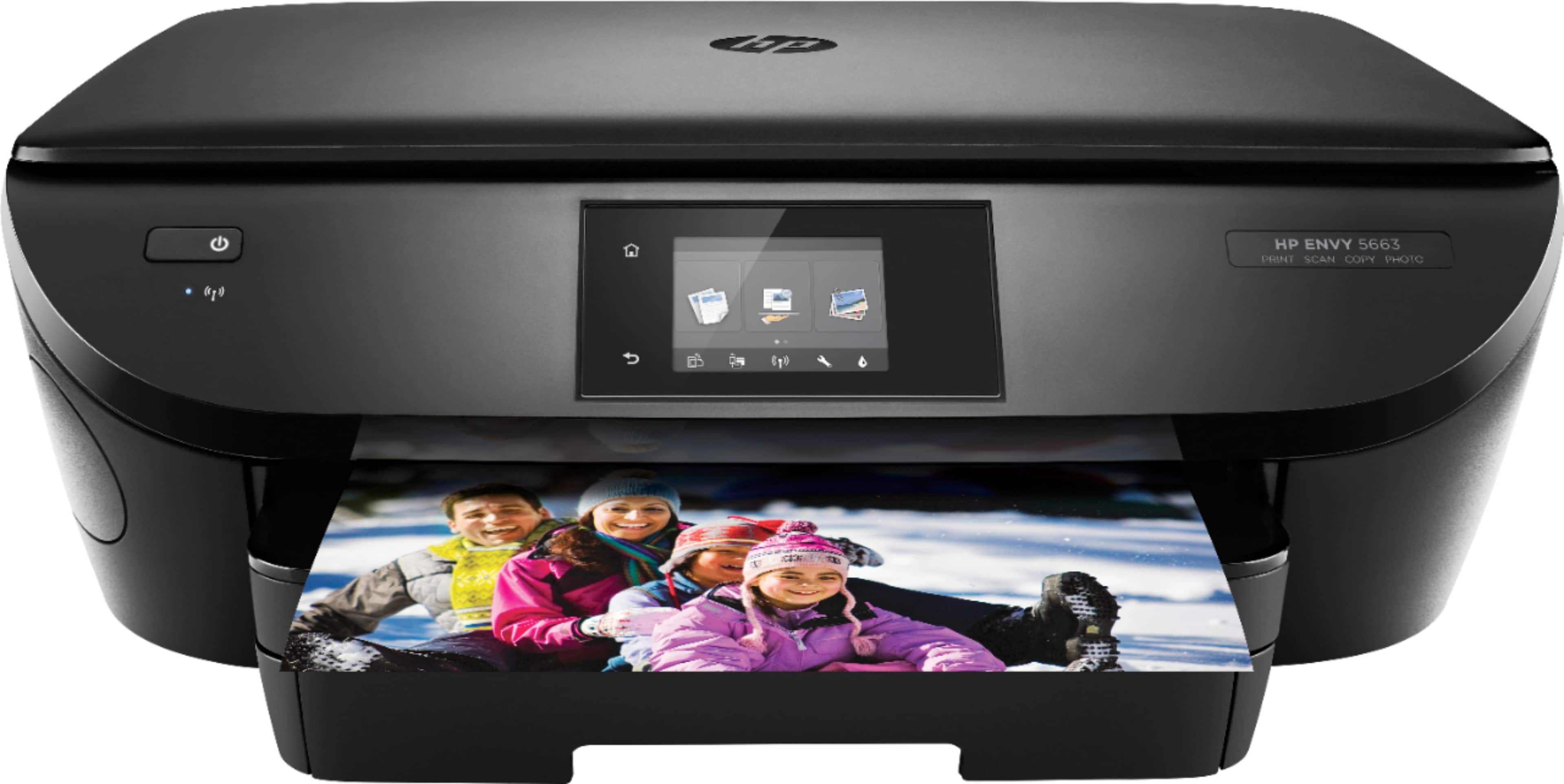
    • Answer HP web page for the 5660 states: "Paper sizes supported: Letter, legal, 4x6 in, 5x7 in, 8x10 in, No. 10 envelopes." Under the specifications, Supported Paper Sizes" is stated: Letter, legal, 4" x 6", 5" x 7", 8" x 10", #10 envelopes, 3" x 5" to 8.5" x 14" Note: HP says that the 5660 and 5663 are the same, latter is model number for their retailers such as Best Buy. So, I would assume what is stated for 5660 applies to 5663.
      Answered by Anonymous

  • QuestionWhat do they mean when they say "Maximum Document Width is 5"? Is that right?! Also, is the input tray and the output tray both in the front?

    Asked by Jeannie.

    • Answer I've now tried it out for a couple of weeks and it works great (Win 10 on desktop and laptop). The photo tray is not adjustable and only holds 4 x 6" paper. I've used it (printing from a file on computer), and the print quality was not great, but I save most pics with low megapixels The paper tray (8.5 x 11"), prints photos or documents of any width up to 8.5", including envelopes, and using varying size stock - the sliding side guides are adjustable. The front of the paper tray will fold down, so longer sheets will fit (8 x 14"); however for copying or scanning, the glass document viewer is only about 8 x 12". You could print a 14" document from a file. Note there is no document feeder for scanning, copying multiple pages. The HP Envy 7640 has the document feeder and is virtually the same machine for an added $50. The HP Printer Assistant allows scanning features in addition to the "Touch Screen" for example to scan multiple pages into one document (PDF or JPEG). The enclosed paper tray is dust free and the printer has a streamlined appearance. However, the strange little paper holder that "pops out" when printing is flimsy, exposed, and possibly easily damaged. Also, it's something to malfunction compared to a simple slide out tray to hold the printed sheets.

      Answered by Anonymous

  • Questionwill this printer print 4 x 6 borderless photos HP Envy 65663 wireless

    Asked by string460715.

    • Answer I have tried some of the features and printed both a 4x6 color and black and white using the Photo paper tray, which only accommodates 4x6 paper. The 8x10 paper bed is adjustable and will also print on photo paper of many sizes. The quality of the samples I printed were not great (like photos printed at Walgreens). Maybe my camera megapixel setting was the problem..

      Answered by RichA

  • QuestionWill this work on laptop HP Chrombook ?

    Asked by Vince.

    • Answer The printer has the following capabilities so you should be able to print from Chromebook. HP All-in-One Printer Remote app1 HP ePrint HP ePrint app Apple AirPrint HP Print Service Plugin for Android devices HP Print Service Plugin for Kindle devices Google Cloud Print HP Print for Chrome Mopria Samsung Print Service Plugin Wi-Fi Direct Windows 10 Mobile

      Answered by McBuffalo

  • QuestionDo I need a hard drive to operate this device? or can I still use it with my iPad in a hot spot area without a modem ?

    Asked by Bob.

    • Answer I googled and found the following: " It's already in the OS on your machine. Make sure your printer is connected to the same network as your iOS device or Mac. Then select the AirPrint printer from your favorite app and you're ready to print. On your iPad, iPhone, iPod Touch, or Mac computer and select the Print option in any program. You'd then see a list of AirPrint-compatible printers on your local network." "AirPrint is a mobile printing solution included with the Apple iOS v4.2 and later mobile operating systems. iPad, iPhone, and iPod touch users can print wirelessly to any ePrint-enabled HP printer that is connected to the same local wireless network. Most HP printers released in 2010 and later support AirPrint."

      Answered by RichA

  • QuestionHi - I need a wireless printer that I can use with my MacBook Pro and my Dell Laptop w/ Windows 10. With this printer work with both operating systems?

    Asked by Today.

    • Answer Yes, this is compatible with both Windows and Mac operating systems.

      Answered by FeyBBY

  • QuestionIs this a color printer or can I put Colorful ink inside the printer.

    Asked by Andrew.

    • Answer Yes, it is a color printer. In fact it is a very nice printer. I like it very much. I use it much more than I thought I would and it is so convenient.

      Answered by Coke51

  • QuestionWould I be able to print professional headshots with this printer? going to a professional print house is expensive.

    Asked by jay.

    • Answer Its resolution is good enough but you'll want to get high quality paper.

      Answered by IkeB

  • QuestionWhat kind of USB cable do I need to get, to install this printer to my PC with a USB cable?

    Asked by yimbe0314.

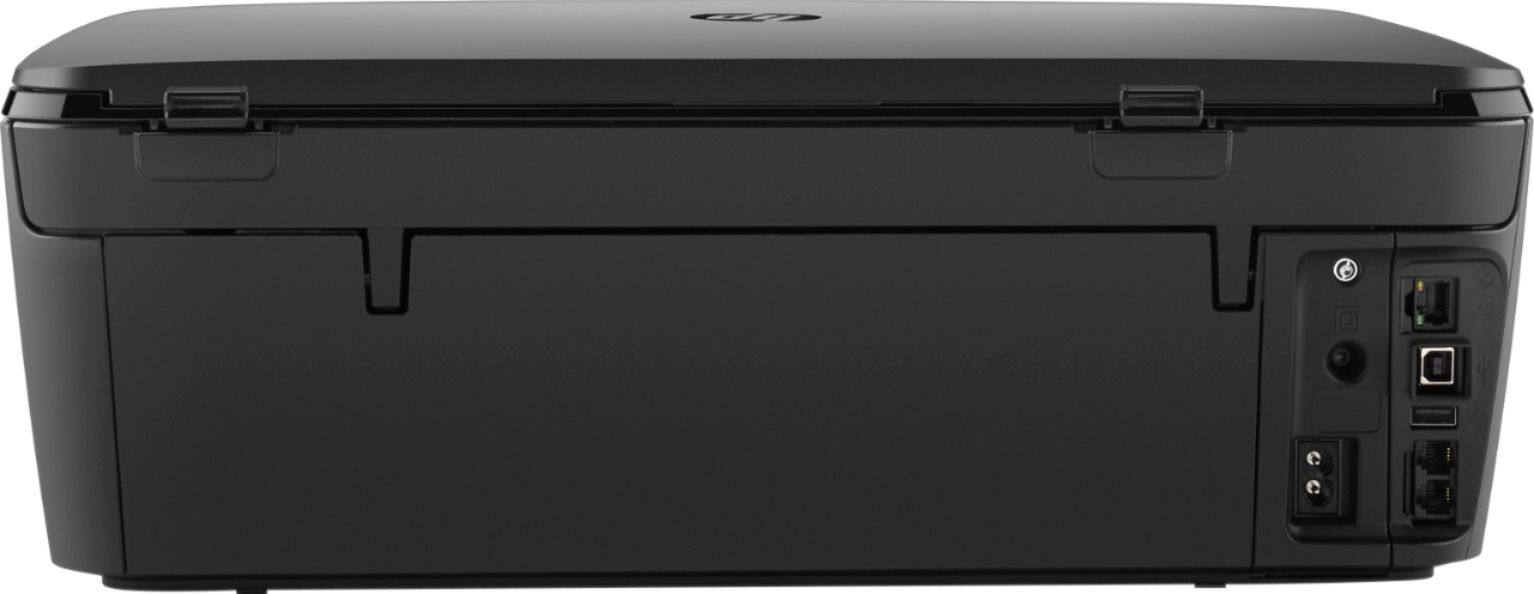
    • Answer Again, google for all types of cables, connectors (ends), brands, and quality/price. Be sure to look at the reviews. Some are cheaply made. Some have gold plated connectors. This printer needs a " USB 2.0 A-Male-to-B-Male printer cable." Prices as low as $5 for a 6-foot; to $22 for a 10-foot Gold Plated The one that came boxed with my original HP printer is a Belkin 10-foot and has lasted for years. I find by googling, cables are available that connect your I-pad, your I-phone, etc. directly to this printer with a USB mini cable like the one pictured below. [4-pin type A USB 2.0 female first end to 5-pin Type B Micro-USB 2.0 male second end]

      Answered by RichA

  • QuestionWhat model is closest to the Envy 5660

    Asked by 7789.

  • QuestionIf color cartridge runs out, will it allow you to print in just black?

    Asked by Drika.

    • Answer Answer by "HP Team" in 2015: "You do not need to replace the cartridges until print quality becomes unacceptable. If one ink cartridge is causing problems or is low, you can remove it and use the single-cartridge mode to operate the HP ENVY 5660 series with only one cartridge"

      Answered by RichA

  • QuestionCan this printer be installed without the disk ? My laptop does not have a cd rom drive for disks.

    Asked by installation.

    • Answer Yes, on the front you find: Setup > Network Setup > Wireless Settings > Wireless Setup Wizard. But is that only to connect the printer to the modem? I don't remember what I did initially - I set up using the 123.HP.com site. Possibly it had some button to push to access 123.HP.com? I have no idea. Installation includes downloading software onto your computer. So, working from your laptop, open the link to 123.HP.com. That downloads the most current software, specifically for your computer. It walks you through the process. It works pretty well. In fact it says, the recommended process is to initialize the printer itself using a phone, which you may try. I did not; I did it separately for desktop and for laptop, upon initial use. I see nothing or know of nothing on the front of the PRINTER itself that will download the required software onto your computer.

      Answered by RichA

  • Questiondoes this printer have a card slot

    Asked by amylou.

    • Answer Behind the swivel cover in the lower left of the front of the printer. It is labeled "SD" and about 1 inch long.

      Answered by RichA

  • QuestionI have a macbook pro running OS X El Capitan. Can I scan photos and send directly to my laptop? Also are the replacement cartridges expensive?

    Asked by Eileen01.

    • Answer It does that with Win 10, and the specs say it's compatible with Mac OS 10. CAUTION: It's possible the OX X El Capitan is not compatible. Ask HP. Ink costs are: HP 62 for $13 (on Amazon) compared to $35 for the XL. Specs say the HP 62 prints 200 copies, while the XL prints 600. So the cost per copy is the same. With Amazon prime, shipping is free. Walmart's prices are similar to Amazon.

      Answered by RichA

  • QuestionI have a dell inspiron 3521 with windows 10 home. will this work with this printer???

    Asked by Anonymous.

    • Answer To email remotely to the printer, the printer needs to be turned on. So yes, if someone is there and turned it on, they will receive your email.

      Answered by RichA

  • QuestionDoes the HP - ENVY 5663 Printer support the Auto - Off feature?

    Asked by NinjaOne.

    • Answer It will automatically power down after a period of time.

      Answered by RichA

  • QuestionIs this printer comparable with my HP Pavillion computer, windows 8 ?

    Asked by Dorothy.

    • Answer Absolutely.

      Answered by JimmyD

  • QuestionWhy hasn't HP bothered to answer any of these questions? Will you get the same attention when you need service after purchasing?

    Asked by bout3fidy.

    • Answer I'm not 100% sure HP even is aware of these questions. As a consumer and verified buyer by Best Buy, I am requested to answer product questions but I doubt they are copied directly to HP to answer. I have been please with my HP printer though!

      Answered by WkendWarrior

  • QuestionCAN IT FAXS

    Asked by Anonymous.

    • Answer No, it does not have any faxing capabilities. It's a printer, copier and scanner only.

      Answered by mimilee

  • QuestionDoes the printer come with ink cartridges? What is the number of the HP ink cartridges it uses? What type of warranty/guarantee does the printer have?

    Asked by NCT.

    • Answer It does come with low volume ink cartridges. It uses HP 62 ink. You also get 3 free months of their instant ink. It is a subscription through HP and they send you the ink when it is low. They have many different plans with different prices. Warranty is for 1 year from purchase and you can purchase extended warranties.

      Answered by McBuffalo













