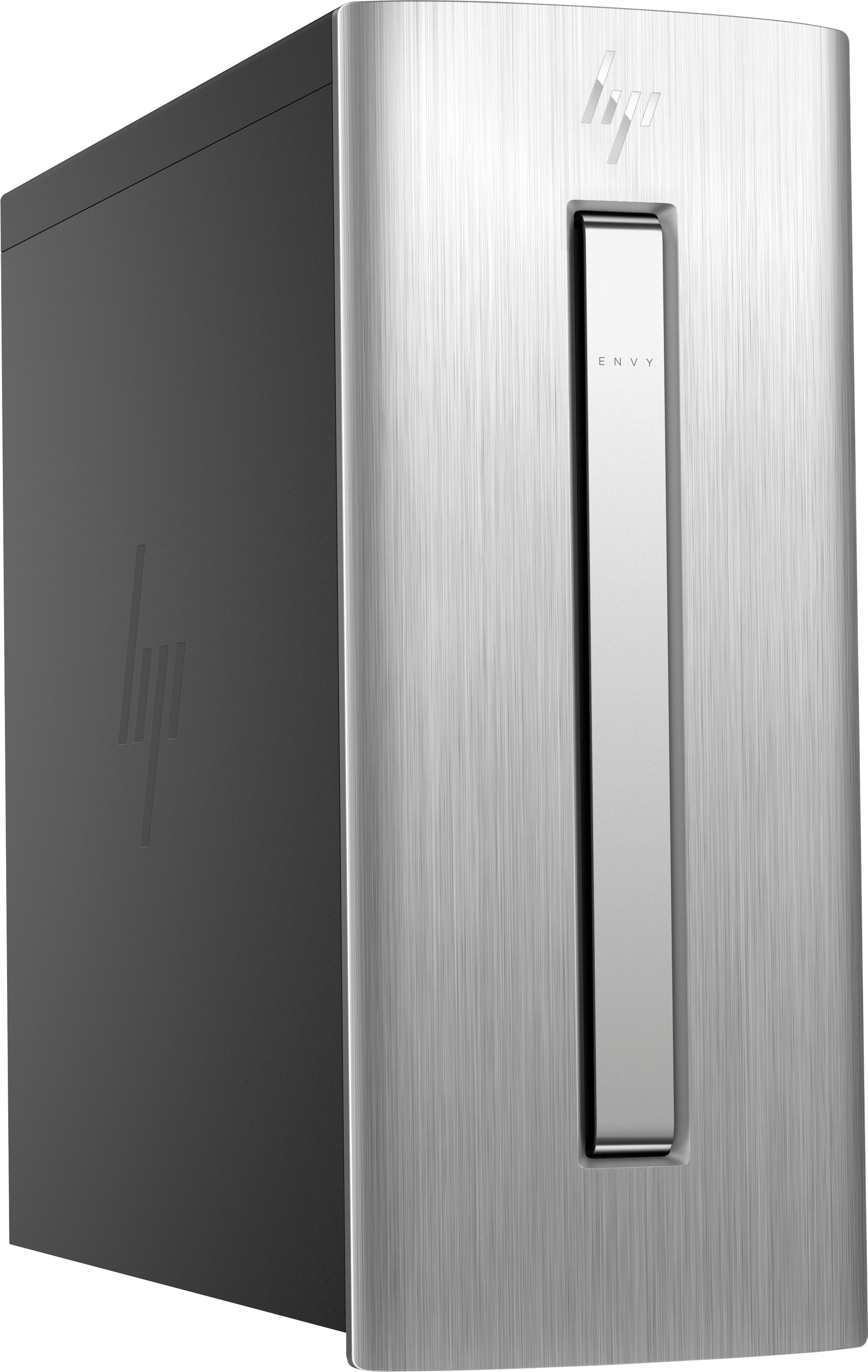
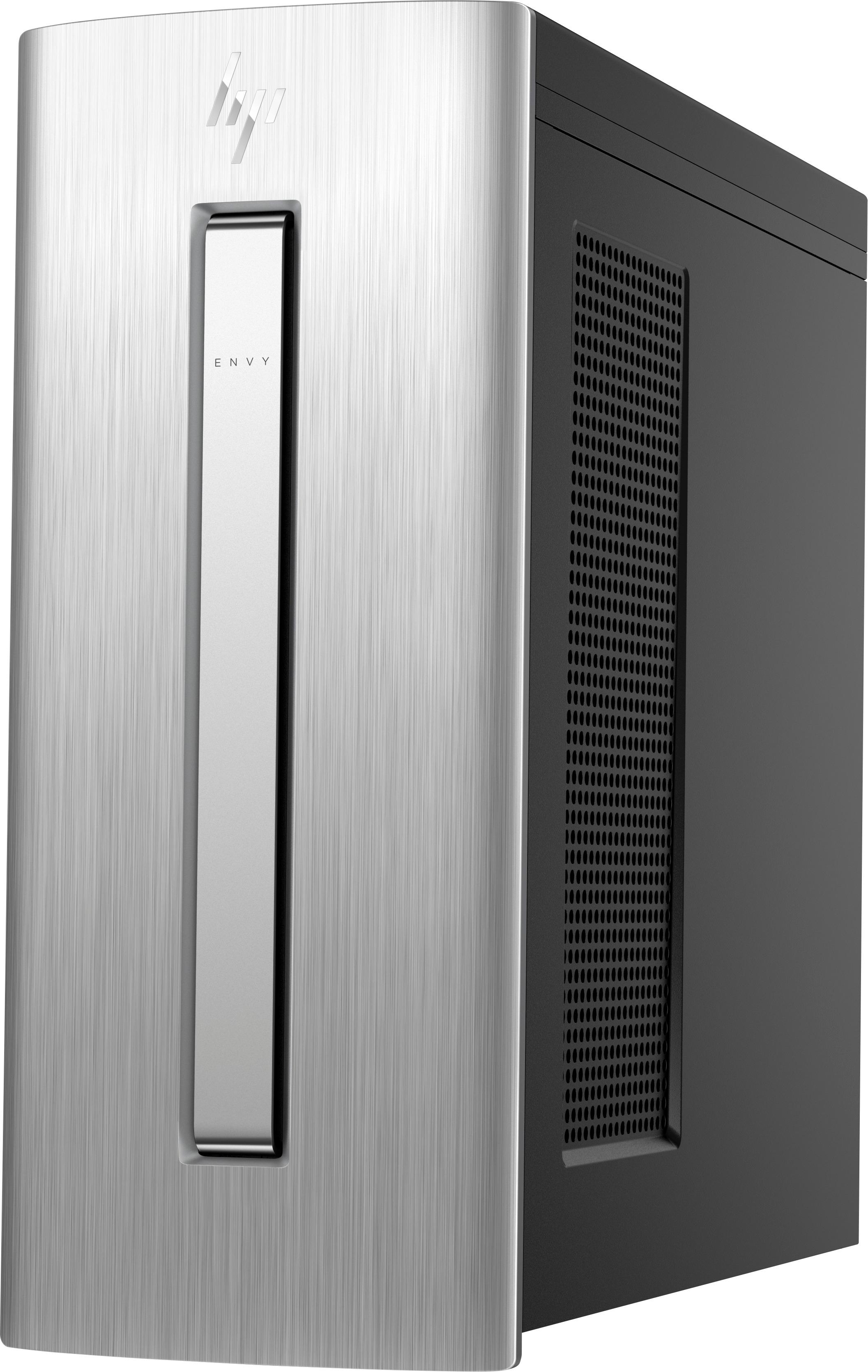
A:AnswerI had to purchase the VGA for my monitor. It connects to your monitor cord which then connects to the computer through the HDMI end of the VGA.
A:AnswerYes I actually have a razor keyboard and use it with this computer. Works fine. And i have a logitech g602 wireless mouse, and that works fine too. Had it for 4 months never had to replace any batteries
A:AnswerI upgraded by simply going to the Microsoft Store (accessible from the START menu). The cost is $99 plus tax. The change / upgrade after the purchase only takes a few minutes after a medium size download from Microsoft. Please reference the Microsoft support article at https://support.microsoft.com/en-us/help/12384/windows-10-upgrading-home-to-pro
A:AnswerYes, there are two separate drives. More importantly the User area (and all the associated libraries) MUST stay on the smaller SSD drive. The larger 1TB drive just sticks off to the side. You can manually copy things back and forth, but you can't put your User area on the larger drive. (As per HP Level Two Support on ticket 5009365447)
A:AnswerOpen bay to physically place a third drive into: Yes.
Mainboard socket to control a third drive: NO!
While you can seat another (total of 3 SATA sized) drive inside the case, only one Optical (DVD/CD) and two SATA drives can be controlled by the mainboard.
A:AnswerYes, though I would upgrade the Power Media Player to the Cyberlink DVD17 Ultra for professional video editing. Also, when you upgrade on Cyberlink's homepage, download their free video editing supplementary programs: Power2Go11, Screen Recorder, PhotoDirector5(or purchase PhotoDirector8), and WaveEditor2
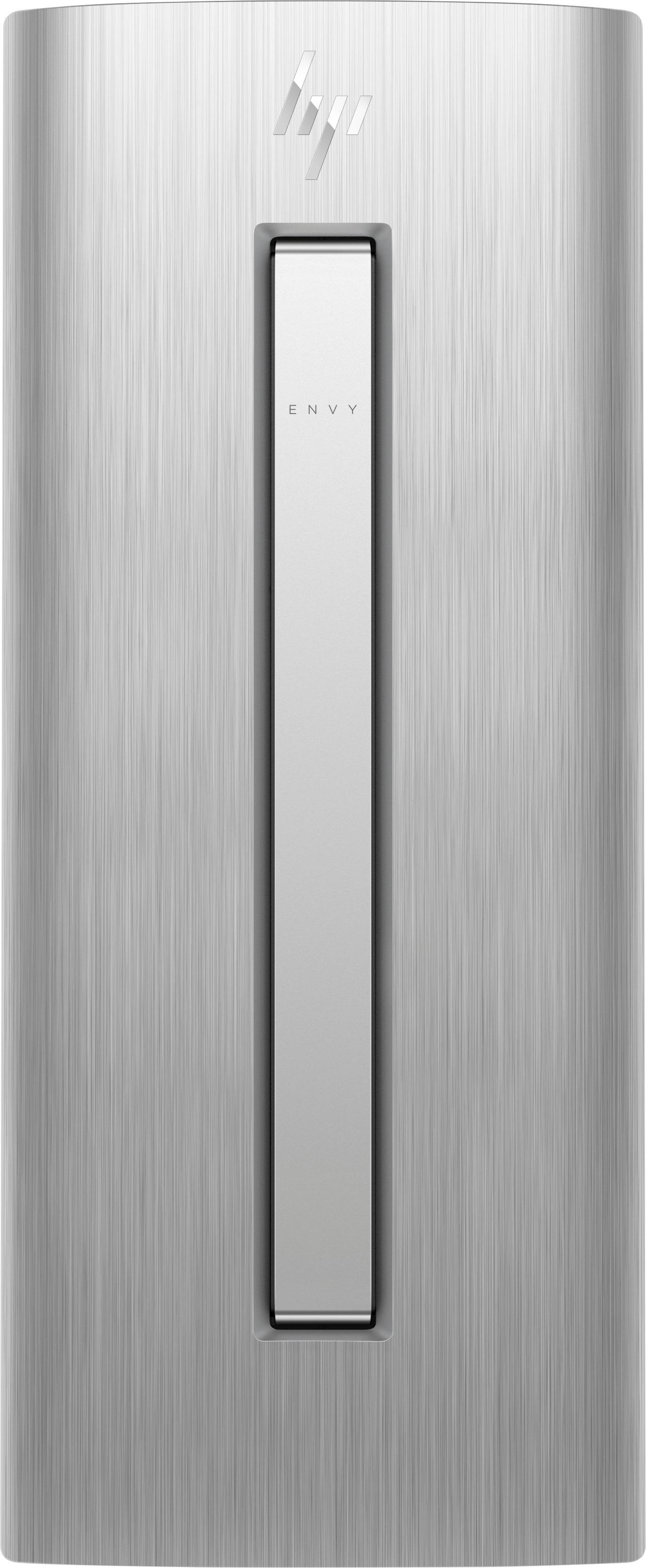
A:AnswerWindows 10 is installed on SSD. It is recommended to prepare a recovery media (a set of DVDs), so if the hard drive fails, you would be able to boot from the DVD and either run diagnostics, or restore/recover the operating system and system files. HP has a utility to create the recovery media (included with the desktop); and Windows 10 has a couple of methods of its own to do the same (to create a bootable DVD or memory stick).
A:AnswerBest Buy will match competitor promotions. Get a shopping app like ShopSavvy and scan the barcode, find the lowest price, present at checkout for maximum savings. Works at lots of stores.
A:AnswerYou would need to add a dedicated GPU like an RX 580 or GTX1060 as a good mid-high range. You may also need to upgrade the Power Supply as well.
A:AnswerThat is a very difficult problem to diagnose without having the computer available on which to work. If it is a recent purchase, and likely under warranty, you should really take it into the Best Buy store and have one of the Geek Squad folks check out the problem. It's possible the computer was set up incorrectly by you, (or a previous user, if it was purchased as ab "open-box" unit) as to the native language it expects to use, thus giving you incorrect character, when typed.
A:AnswerThank you for reaching out. If the key is correct it will connect. Have you tried forgetting the wifi on another device in your house (like a phone or tablet) and reconnecting using the password you are trying on your computer?
A:AnswerYou can go to settings, system, storage, change where new content is saved. There you can select which drive new files and content will be saved and stored. Hope this helps.
A:AnswerThe speed is monitored/adjusted internally. Unless you are able to monitor the speed with some device, I don't think you would notice any change/benefit from the faster or slower speed. The solid state hard drive is very fast and much of speed perception is related to how fast programs load. If you are gaming, though, I would suggest you purchase the fastest CPU you can afford along with a high-end graphics card.