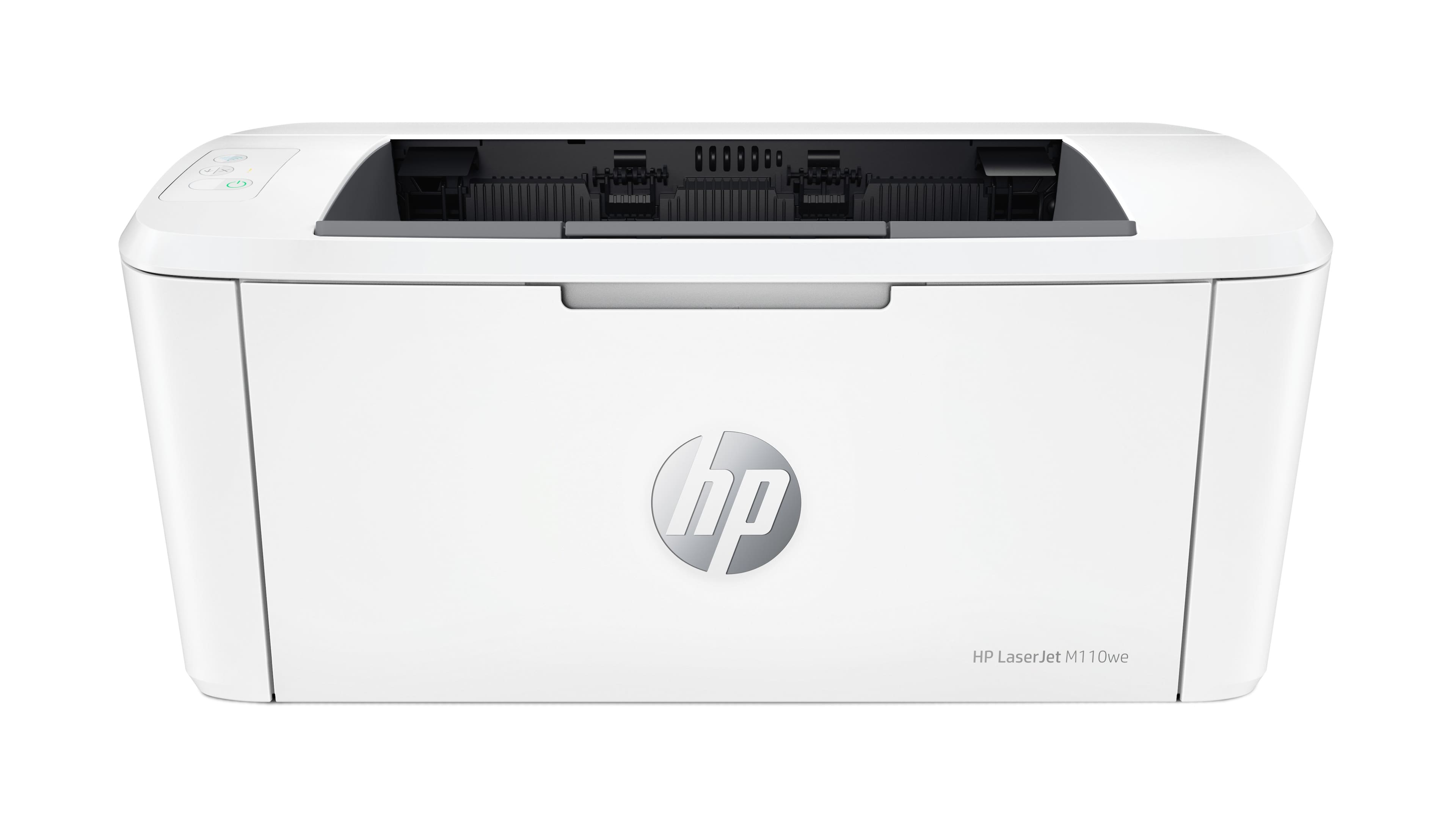
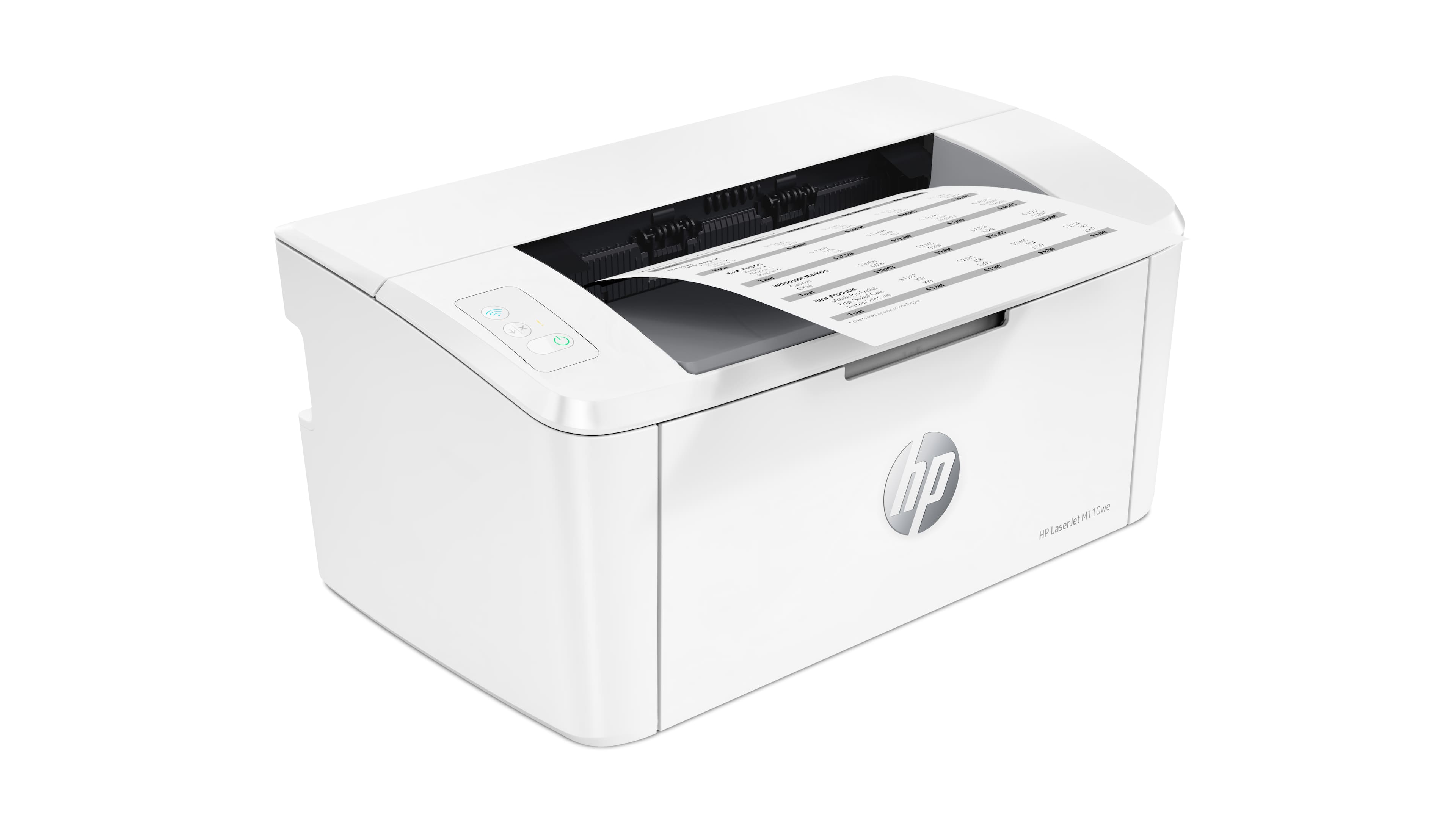
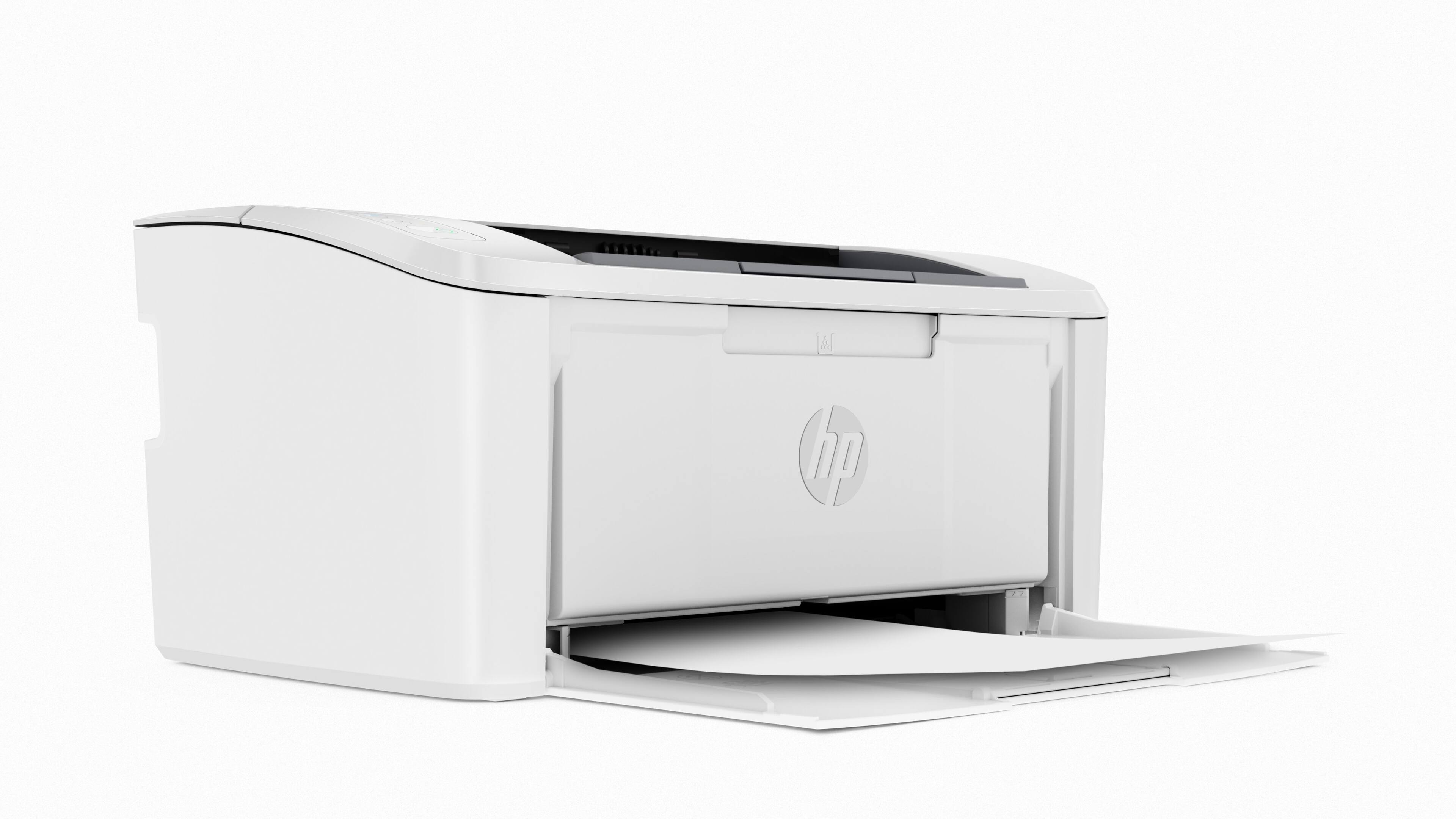
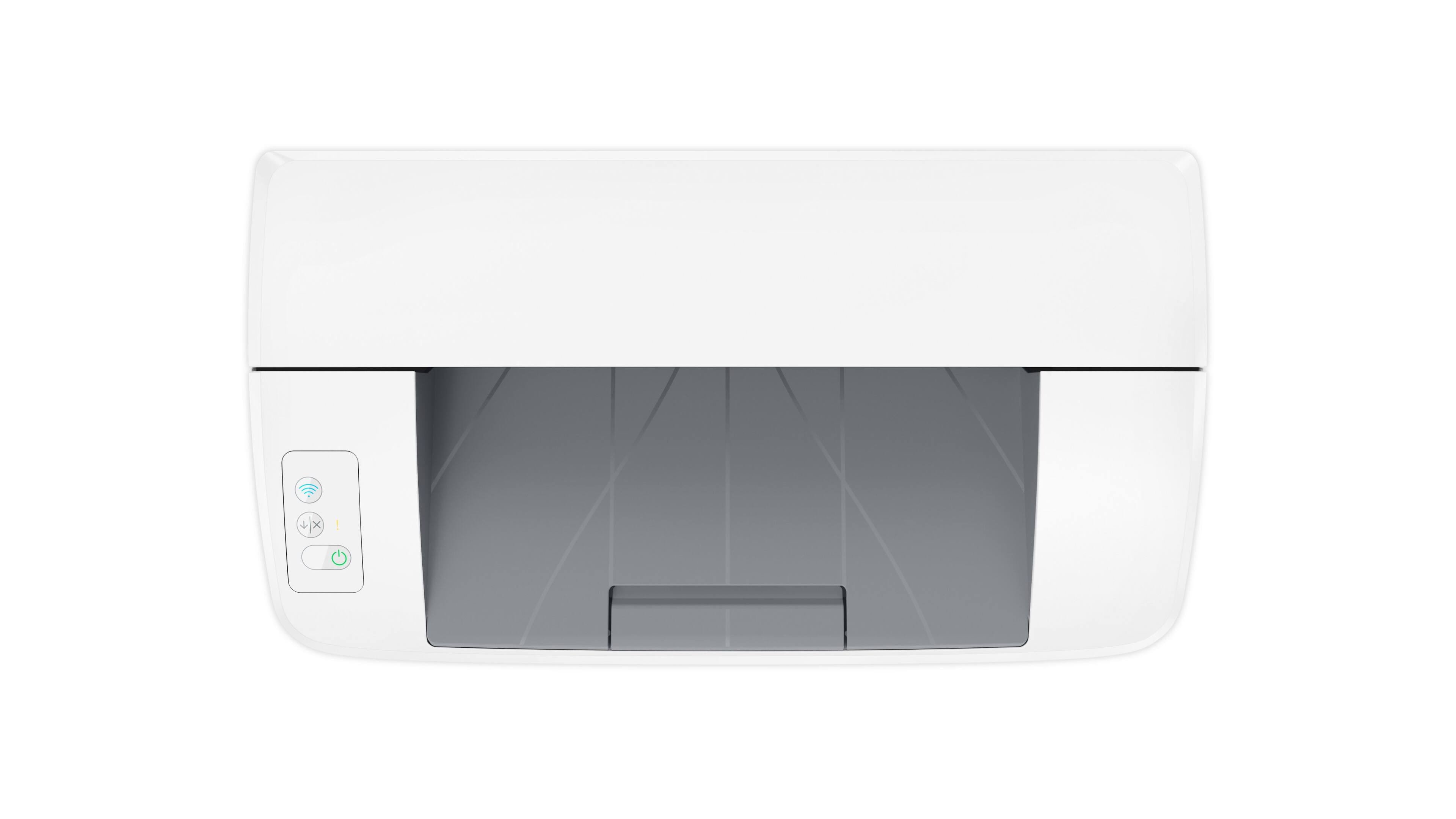
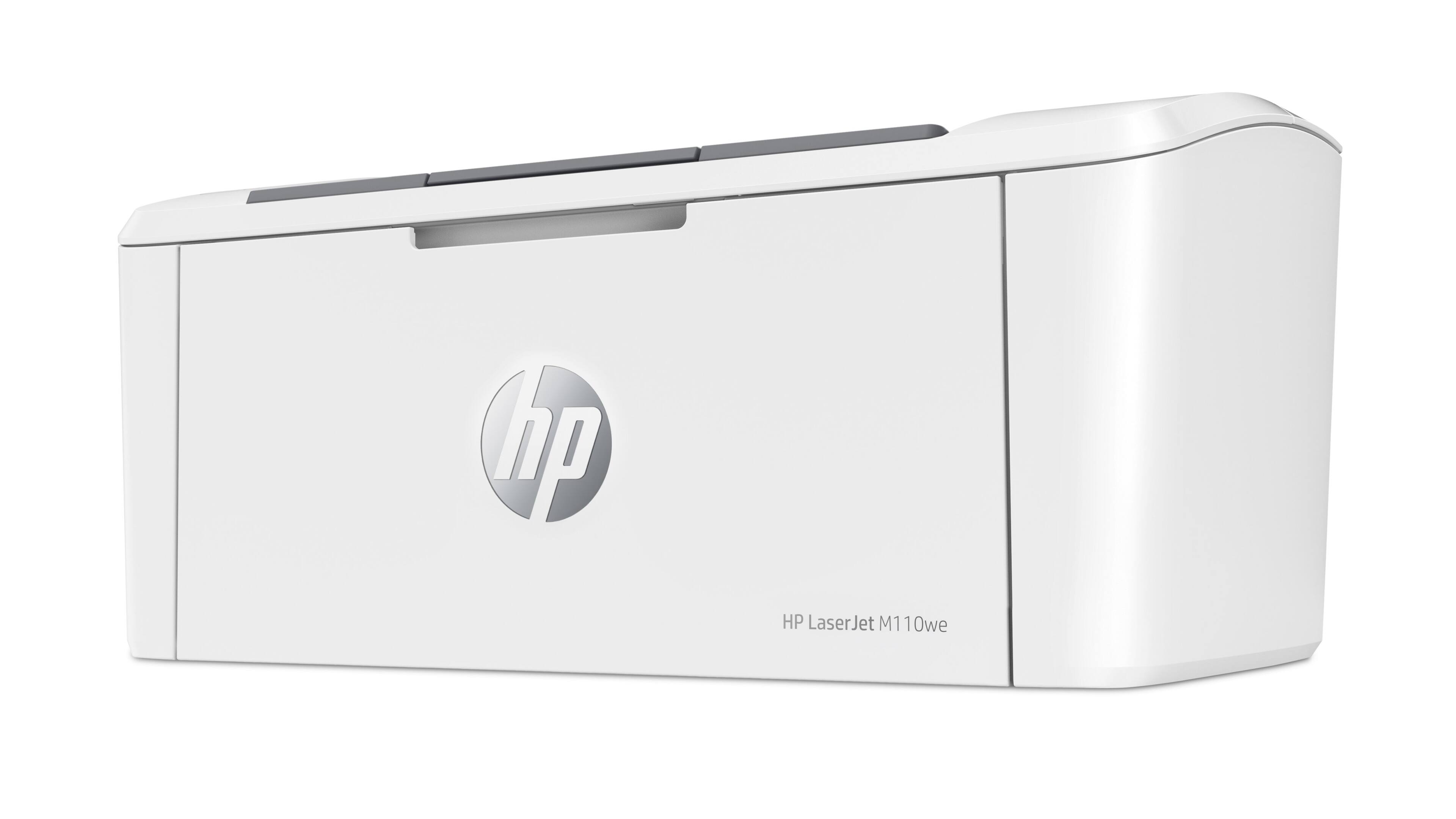
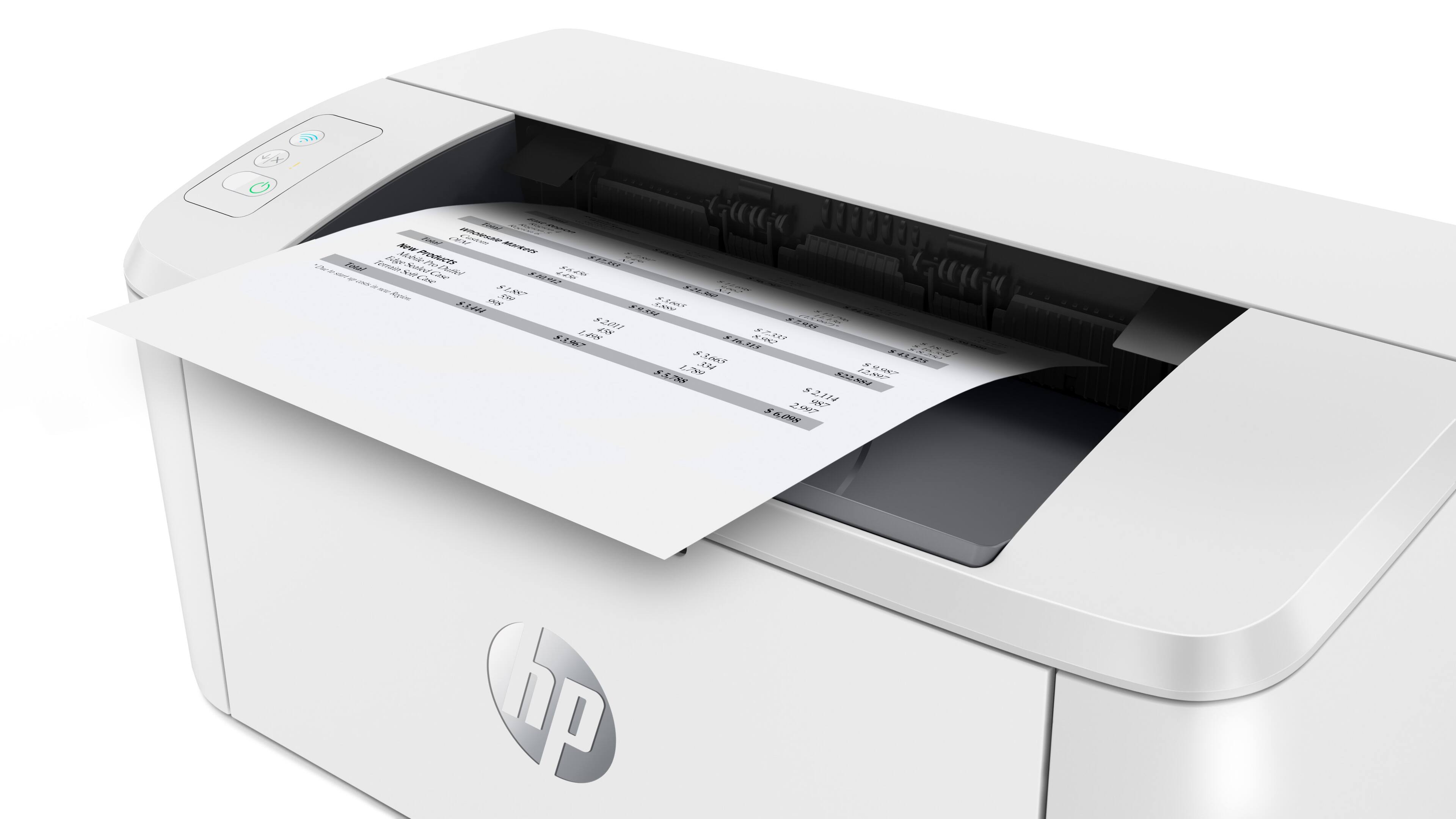
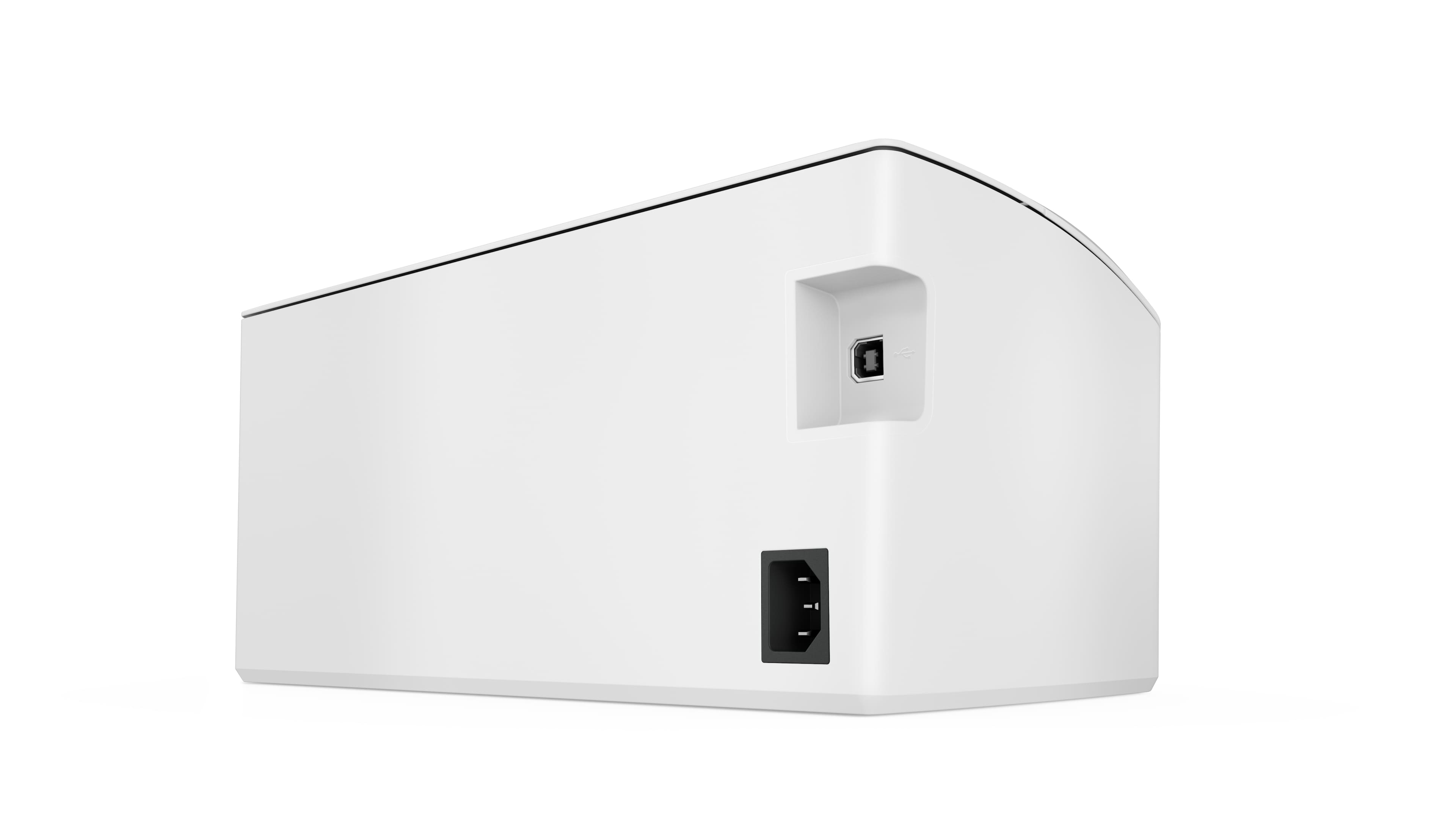
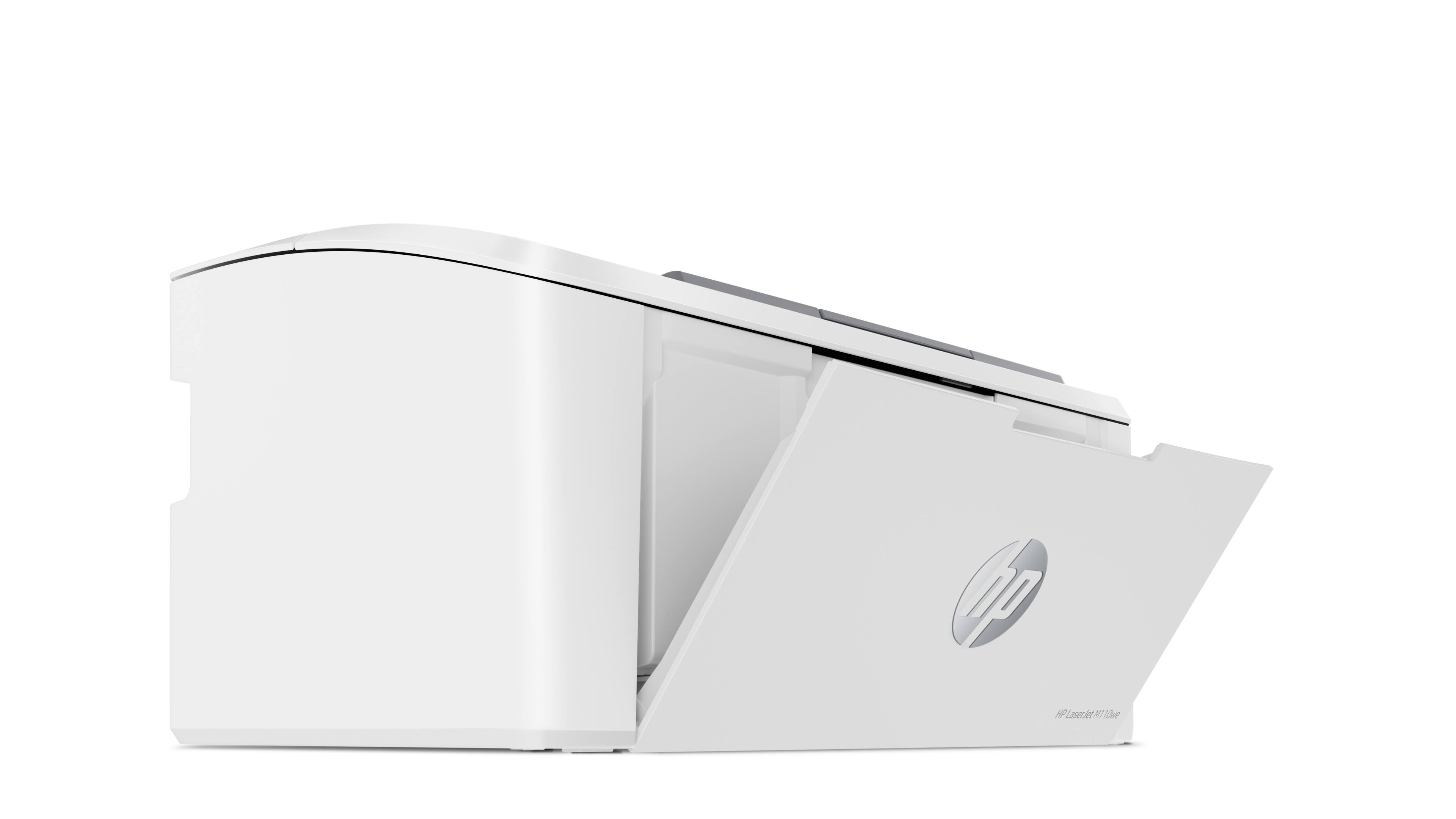
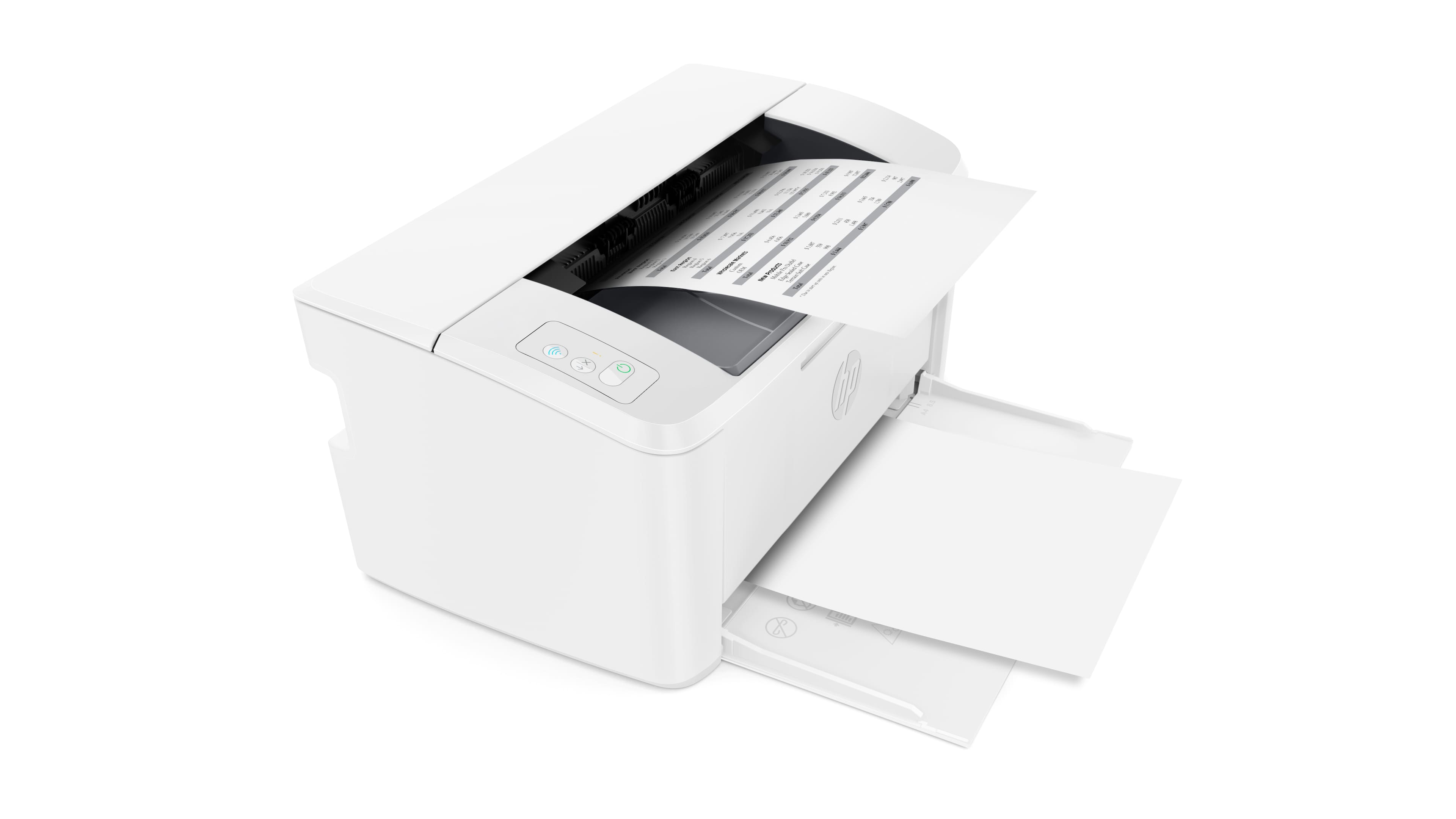
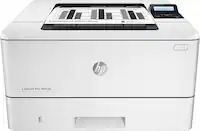
A:AnswerThe LaserJet M110we is a printer only and does not have copying capabilities. With the HP Smart App, you can edit the size of an image prior to printing.
A:AnswerWe only print to this printer using WI-FI from a PC. I am not a tech expert but I believe this is WI-FI direct. The printer also comes with Apple Print, which we use as well with the iPad.
A:AnswerTurn the bluetooth on on your device and follow the prompts. Very easy
Once you set up your account there is a level detector for the ink, and they will send your cartridges before you get too low.
A:AnswerIt uses toner cartridges. However, there is no copier/scanner. The HP app does allow for phone scanning and printing via WiFi. This is simply a plain black and white laser printer. All fax, copying functions are via the app.