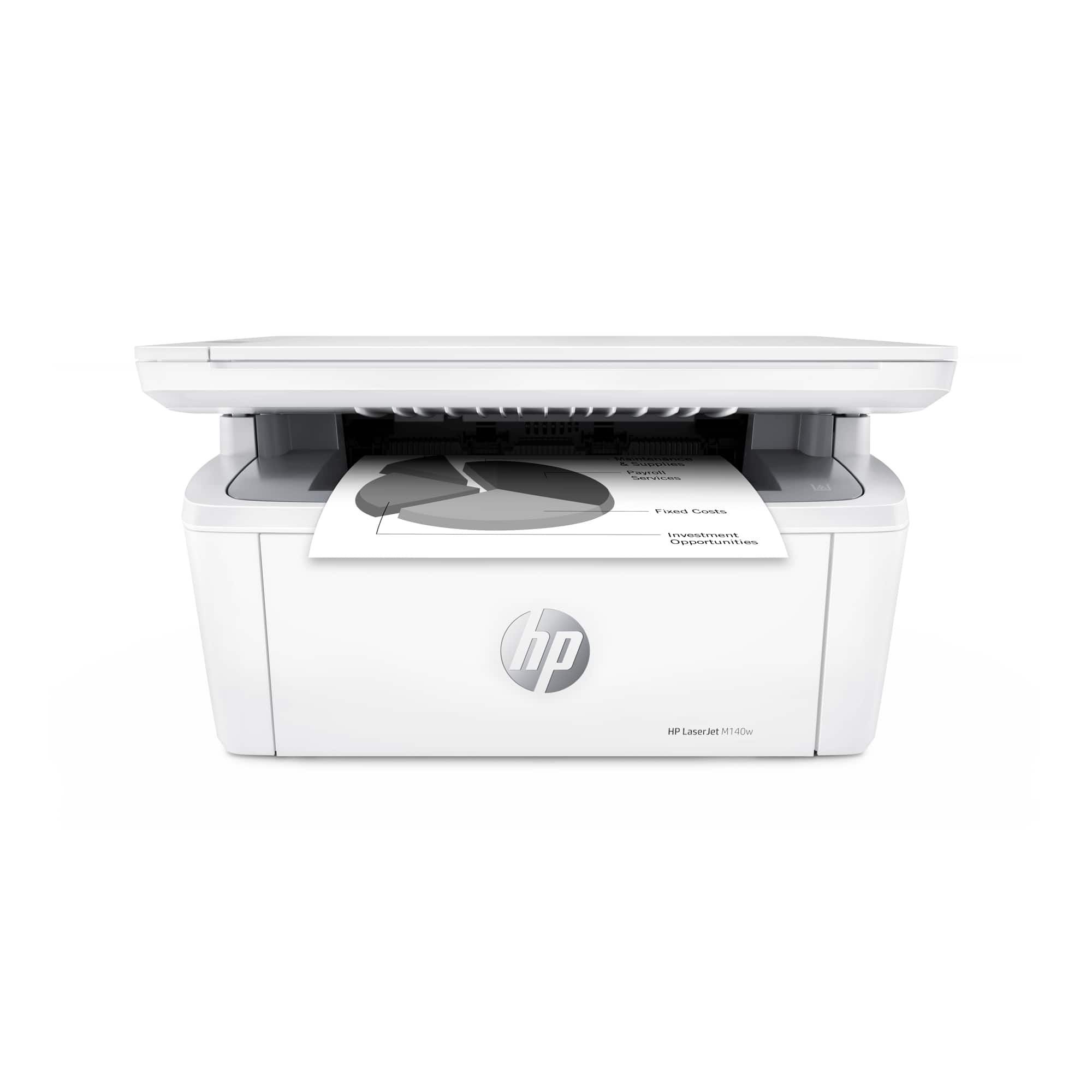
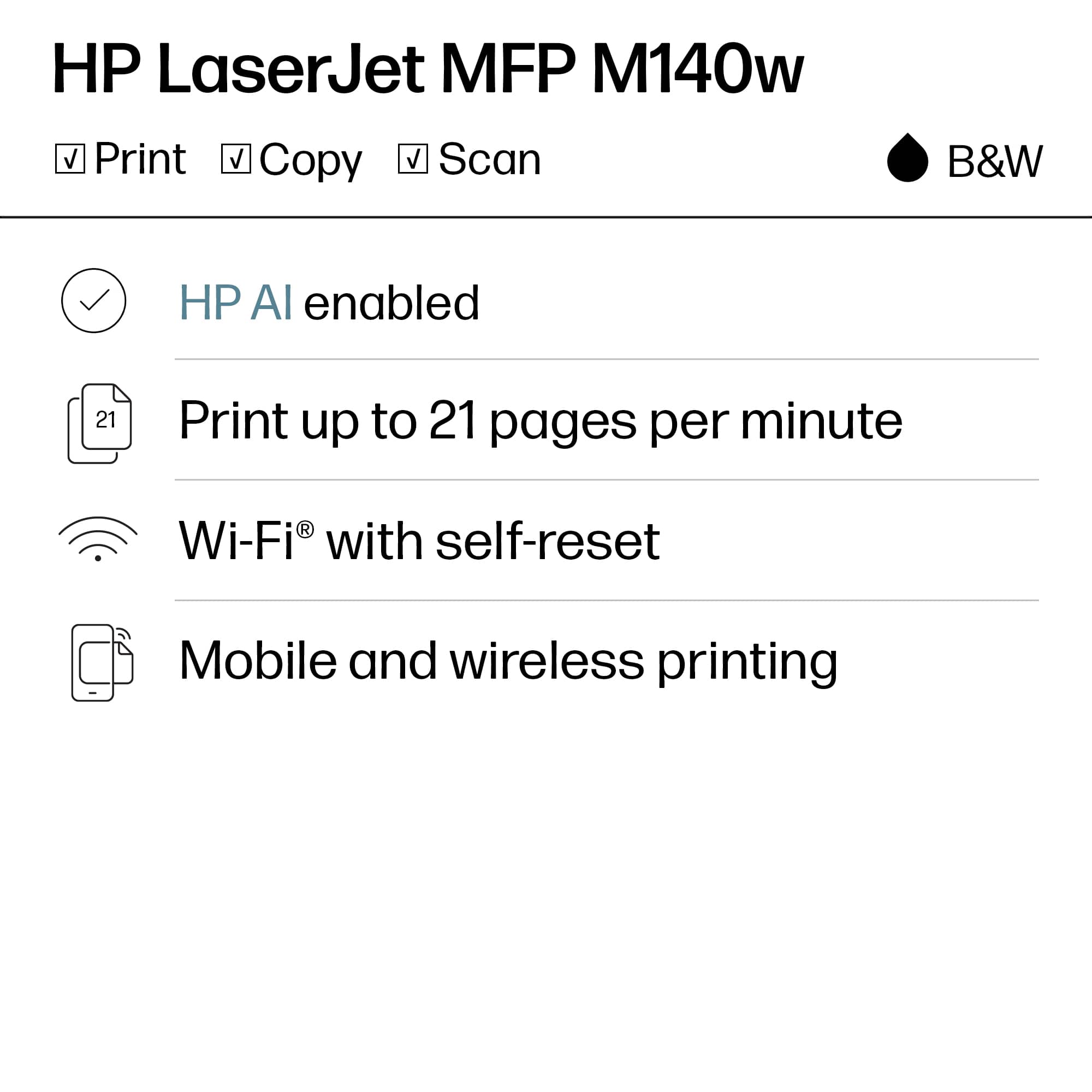
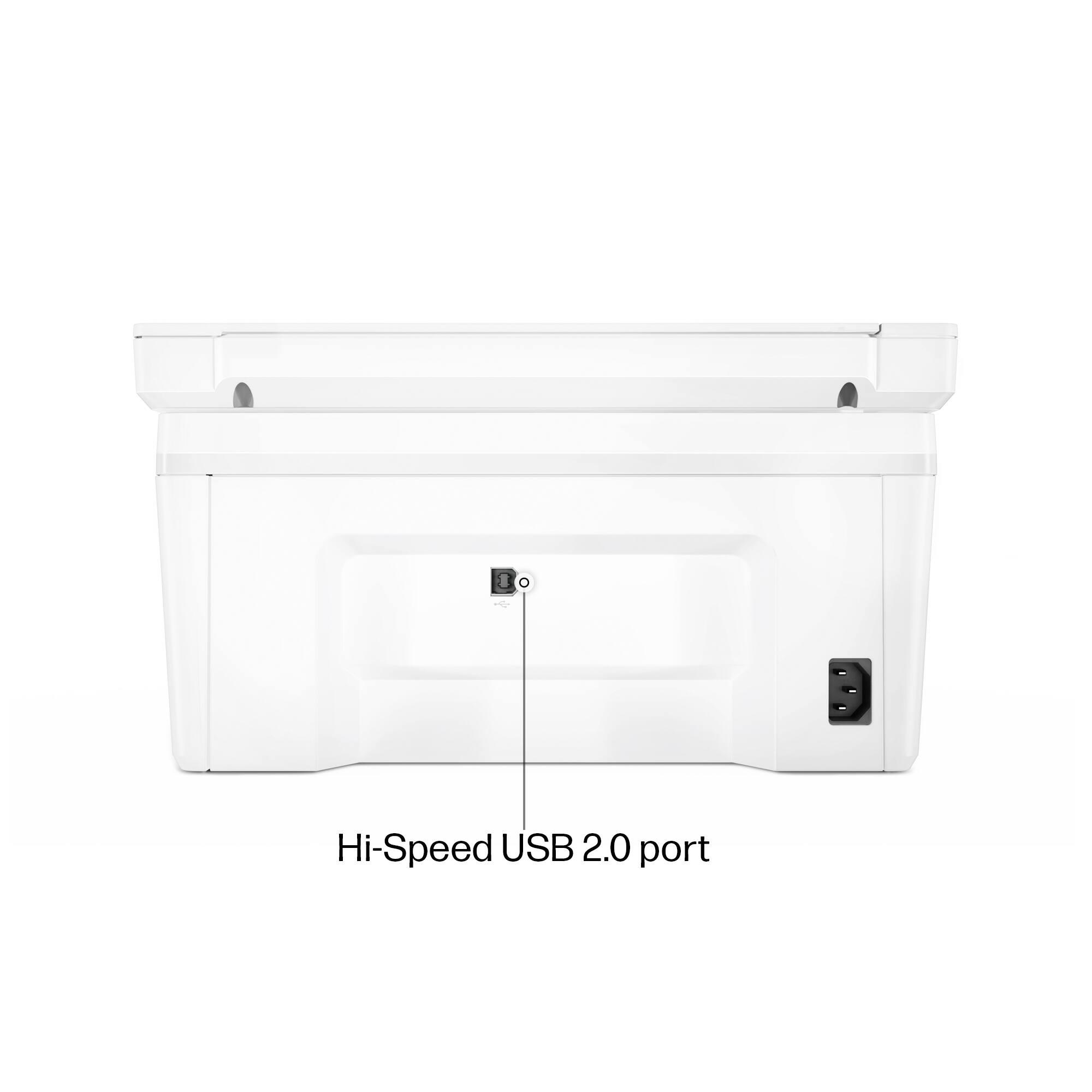
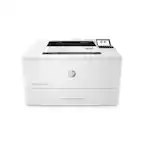
A:AnswerHello and thanks for asking. The HP LaserJet MFP M140w supports a maximum paper size of legal (8-1/2"x14") paper. Also, it does not support Postscript.
A:AnswerBasically not much different on the printer functionality except specific apps you are using. Any questions go to their websites if you have problems.
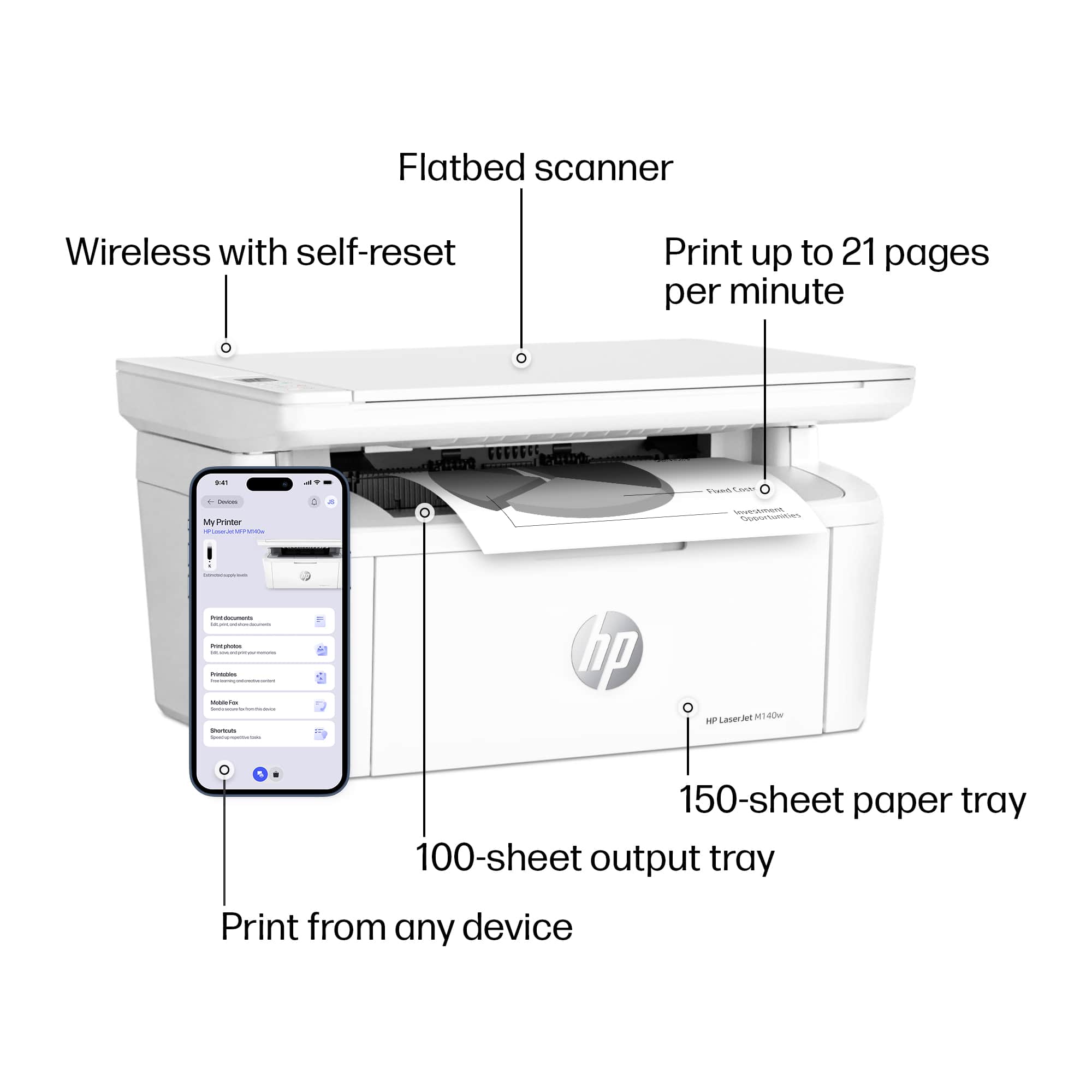
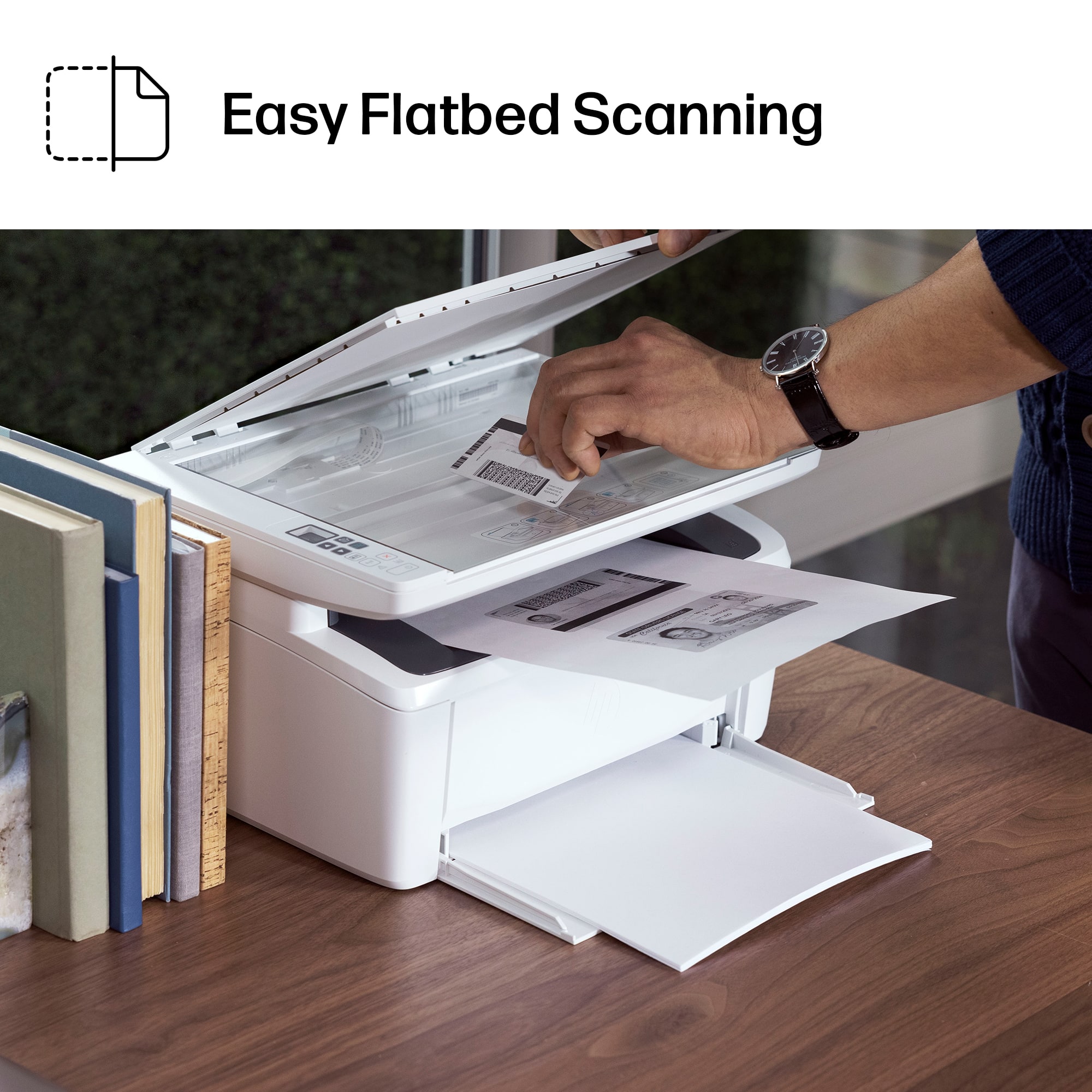
A:AnswerThank you for the question. After placing the original document face down on the scan bed and press the copy button. You can find helpful information when you download the User Manual from HP Support.
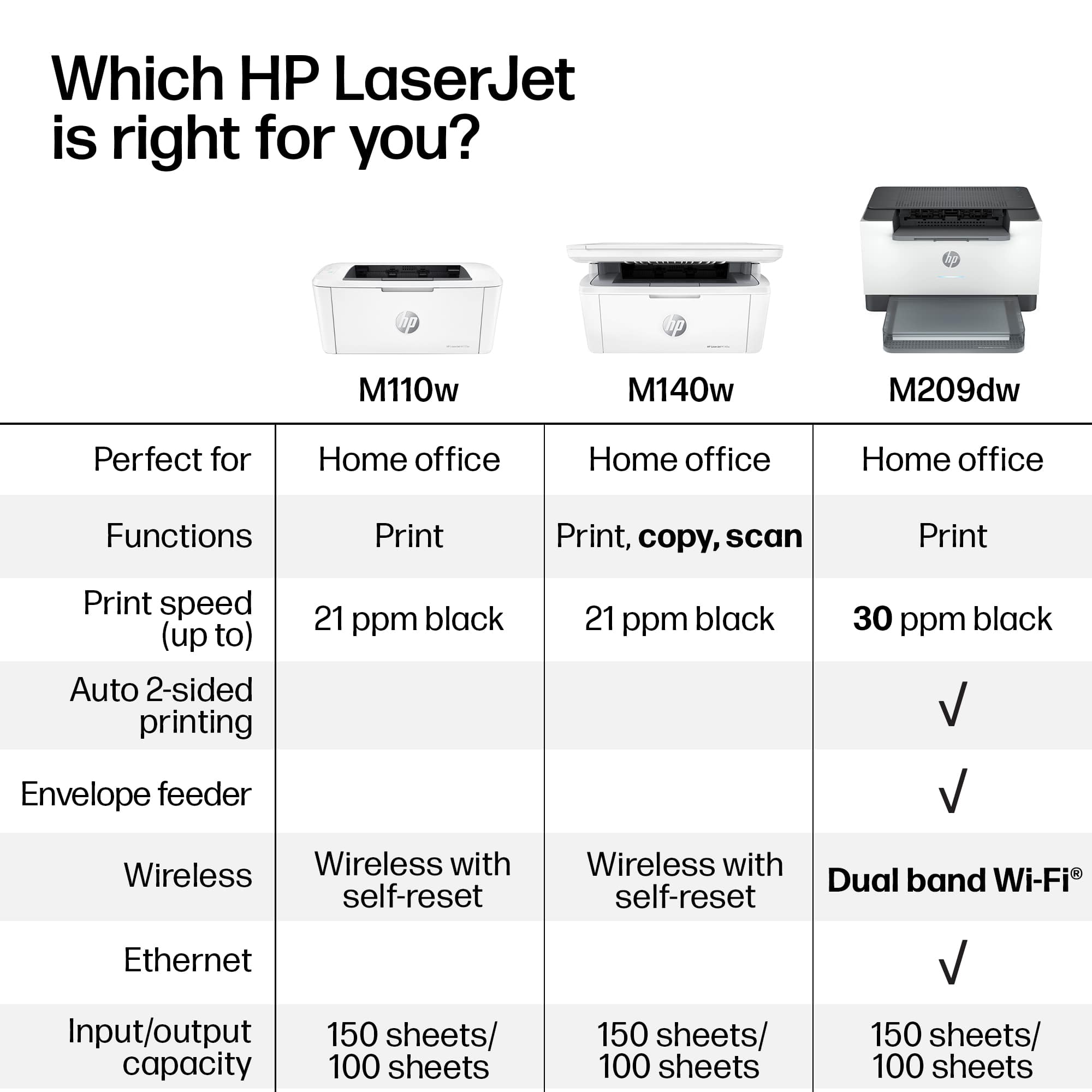
A:AnswerIt prints double sided manually.... you set it to 2-paage, but after the first page, you have to take out the paper, flip it over, and re-insert it into the paper tray.
A:AnswerNot directly. You could use something like a dock that the printer would be connected to and then use the USB-C connection on the docking station to connect to the lightning port.