A:AnswerThank you for your interest in HP printers for your crafts! You can print onto transfer paper with this printer. Make sure that the transfer paper is made for inkjet printers, which will be stated right on the packaging.
A:AnswerI’m unsure what u mean, but from having multiple printers I can say just be easy and handle with care. Allow the printer to do the rest & Enjoy I admire the 2sided printed saves a lot of paper. I did just purchase it never used it u til last week so we’re both still learning.
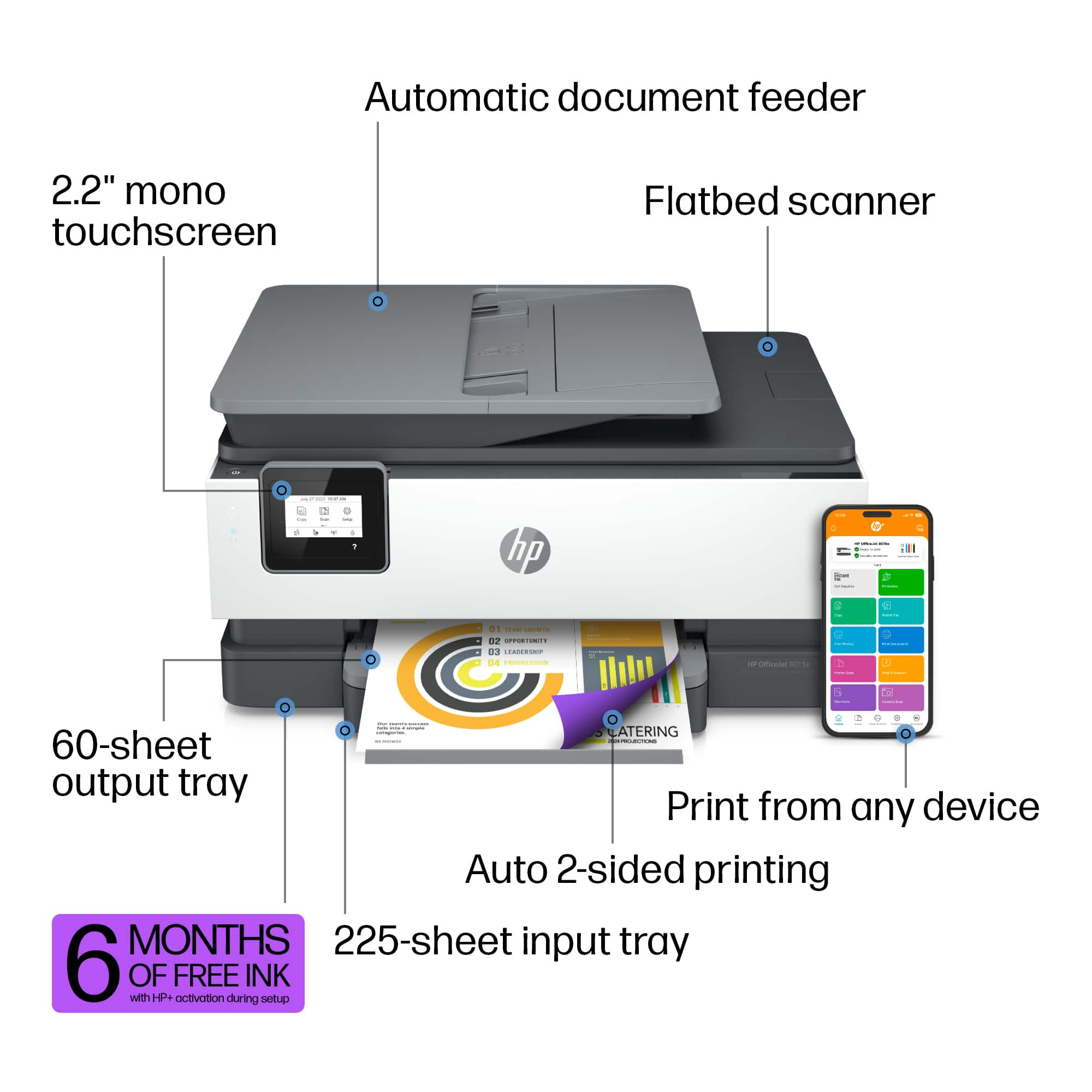
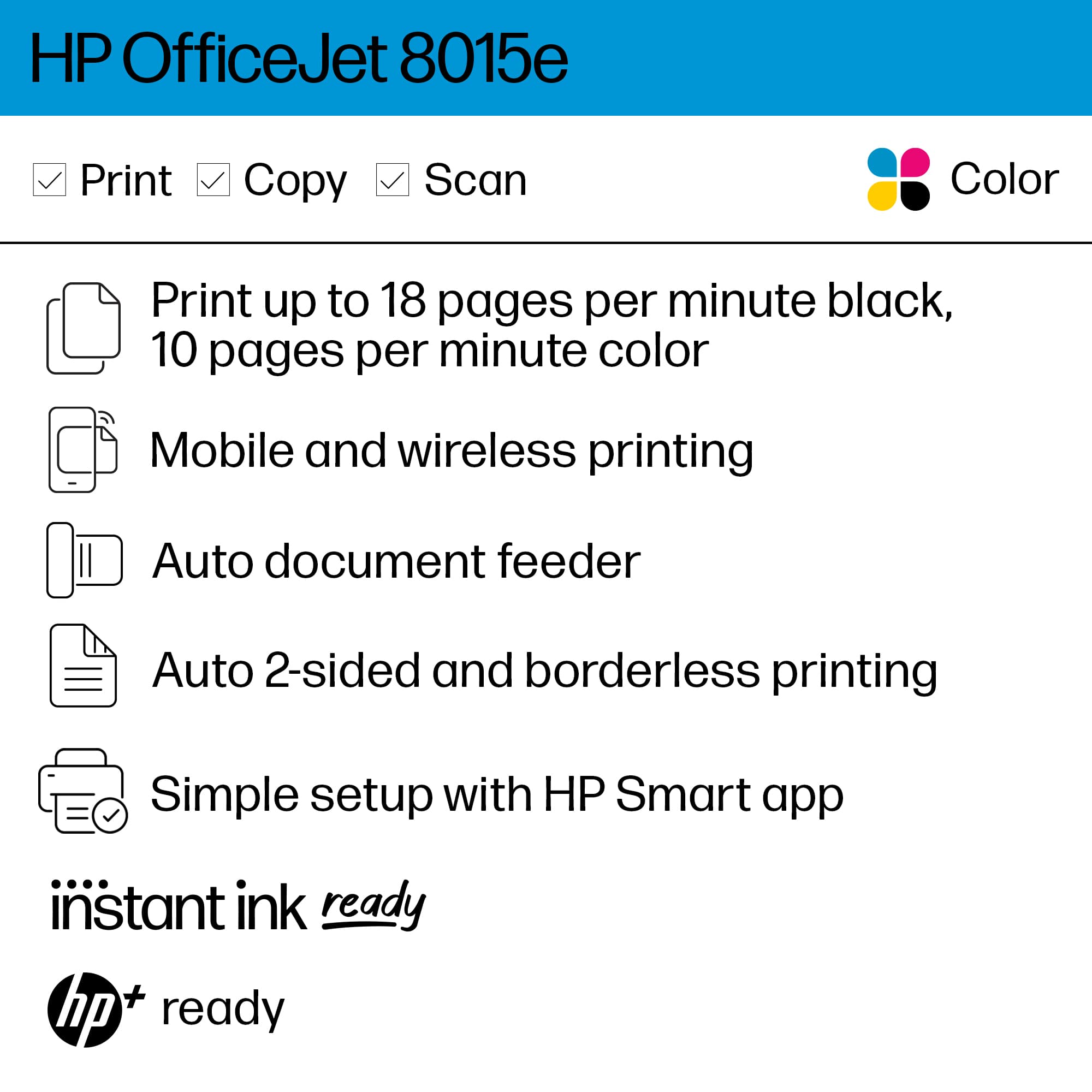
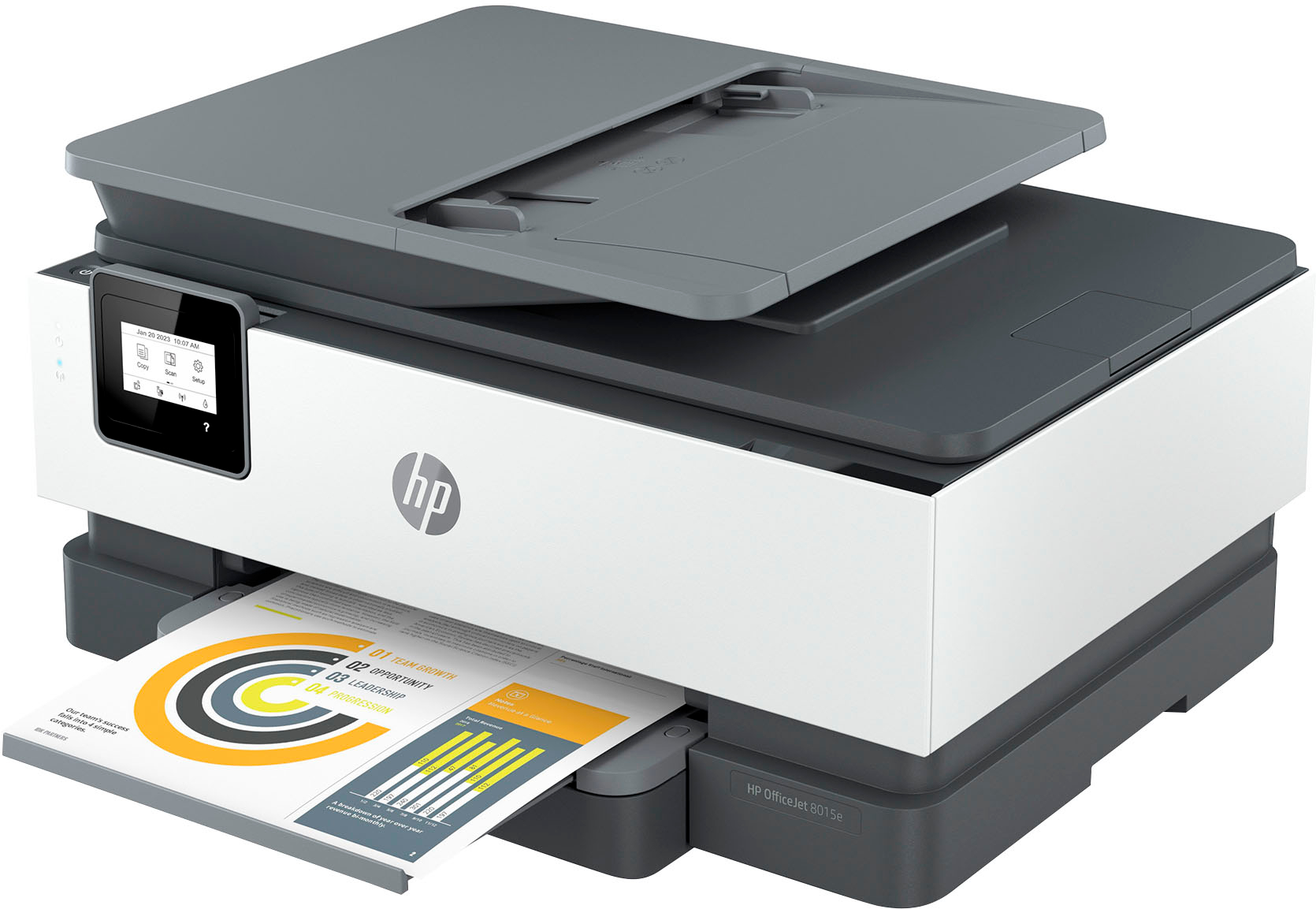
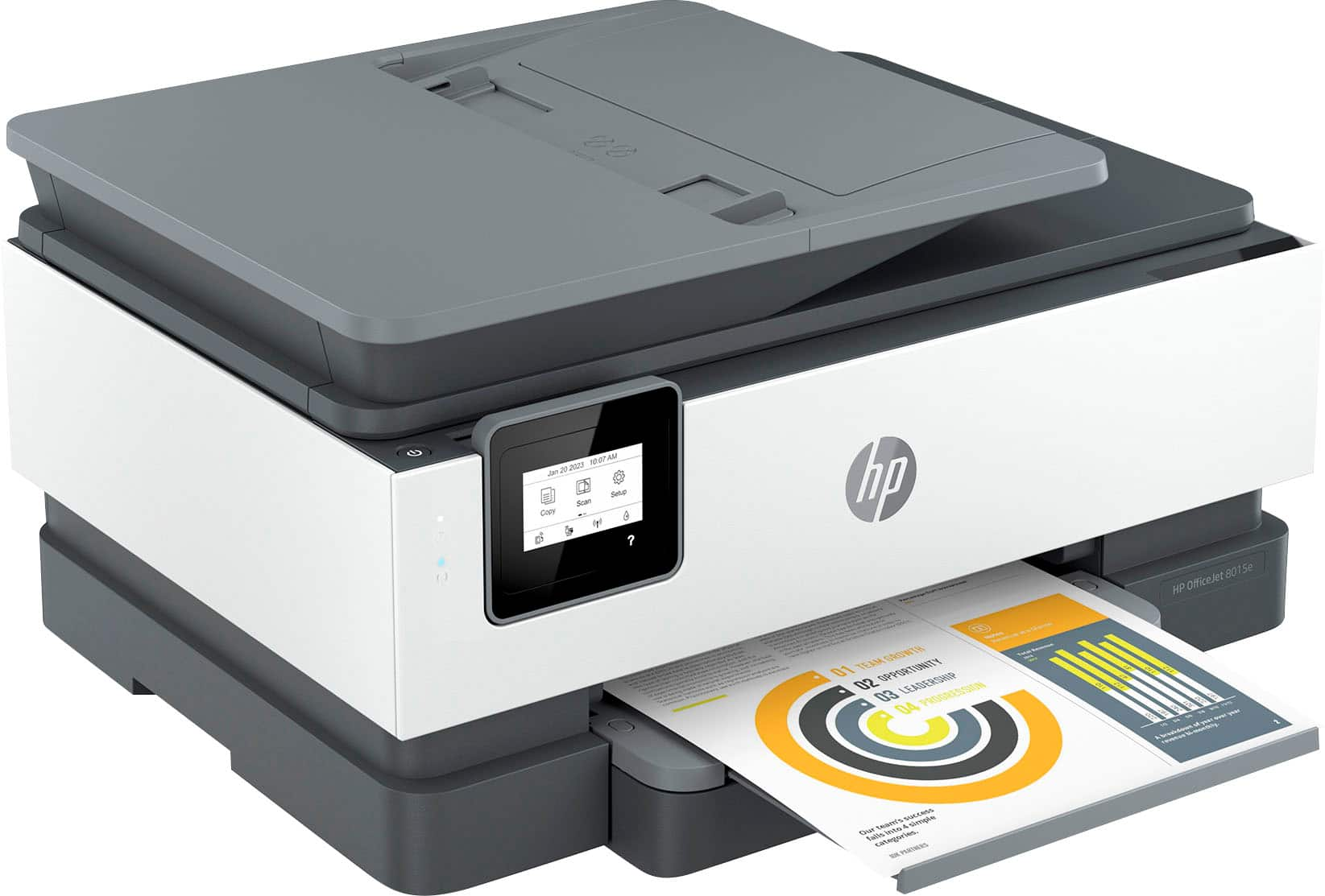
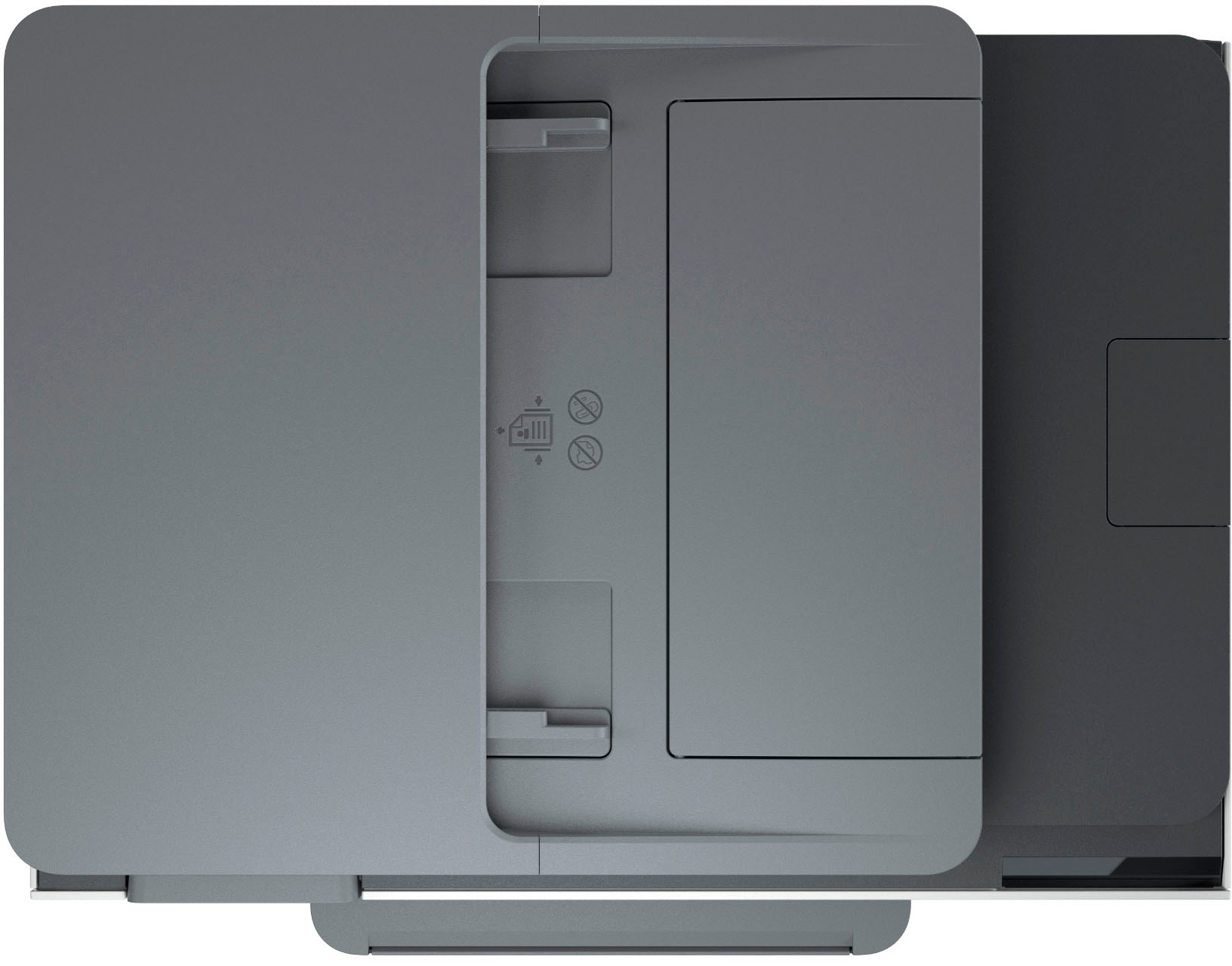
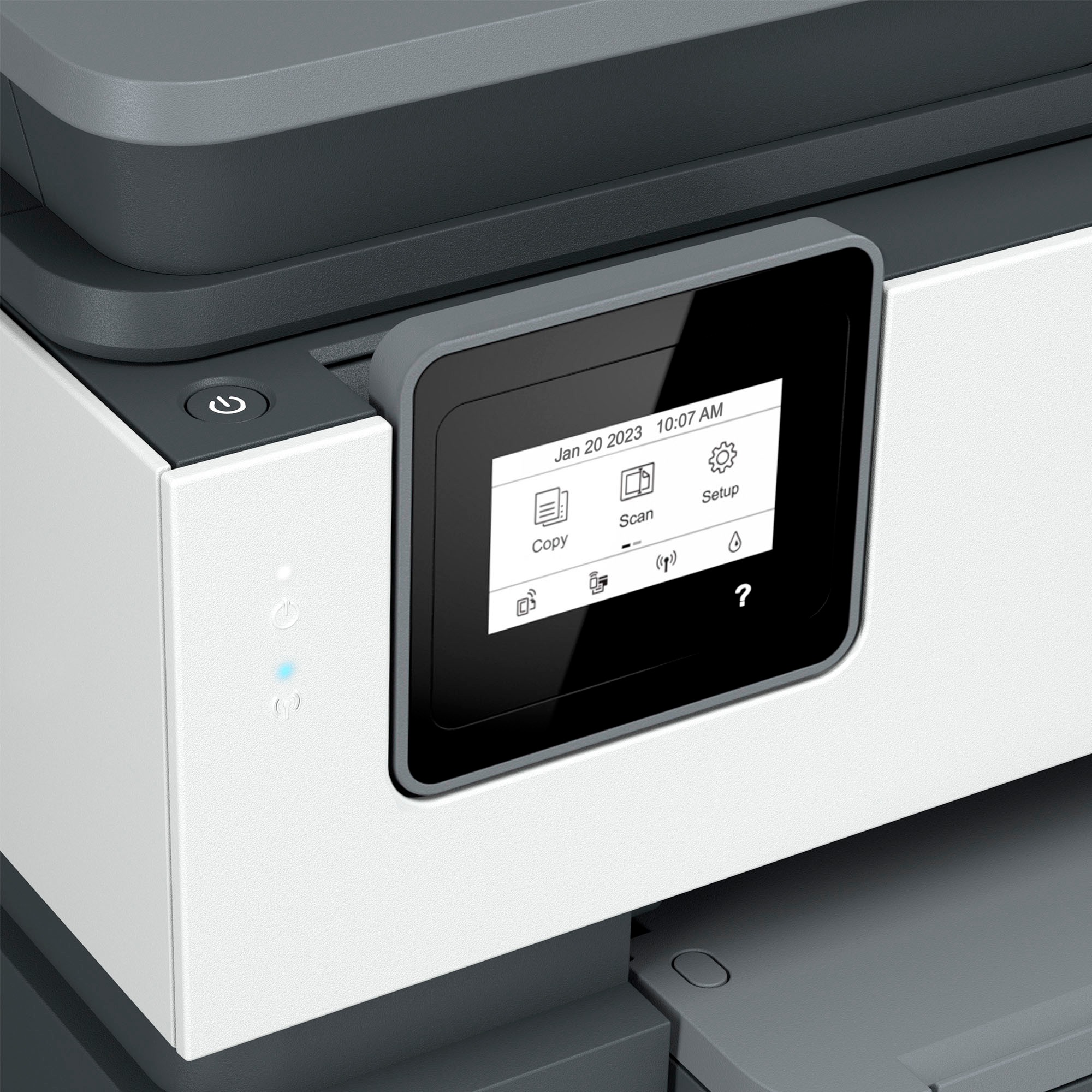
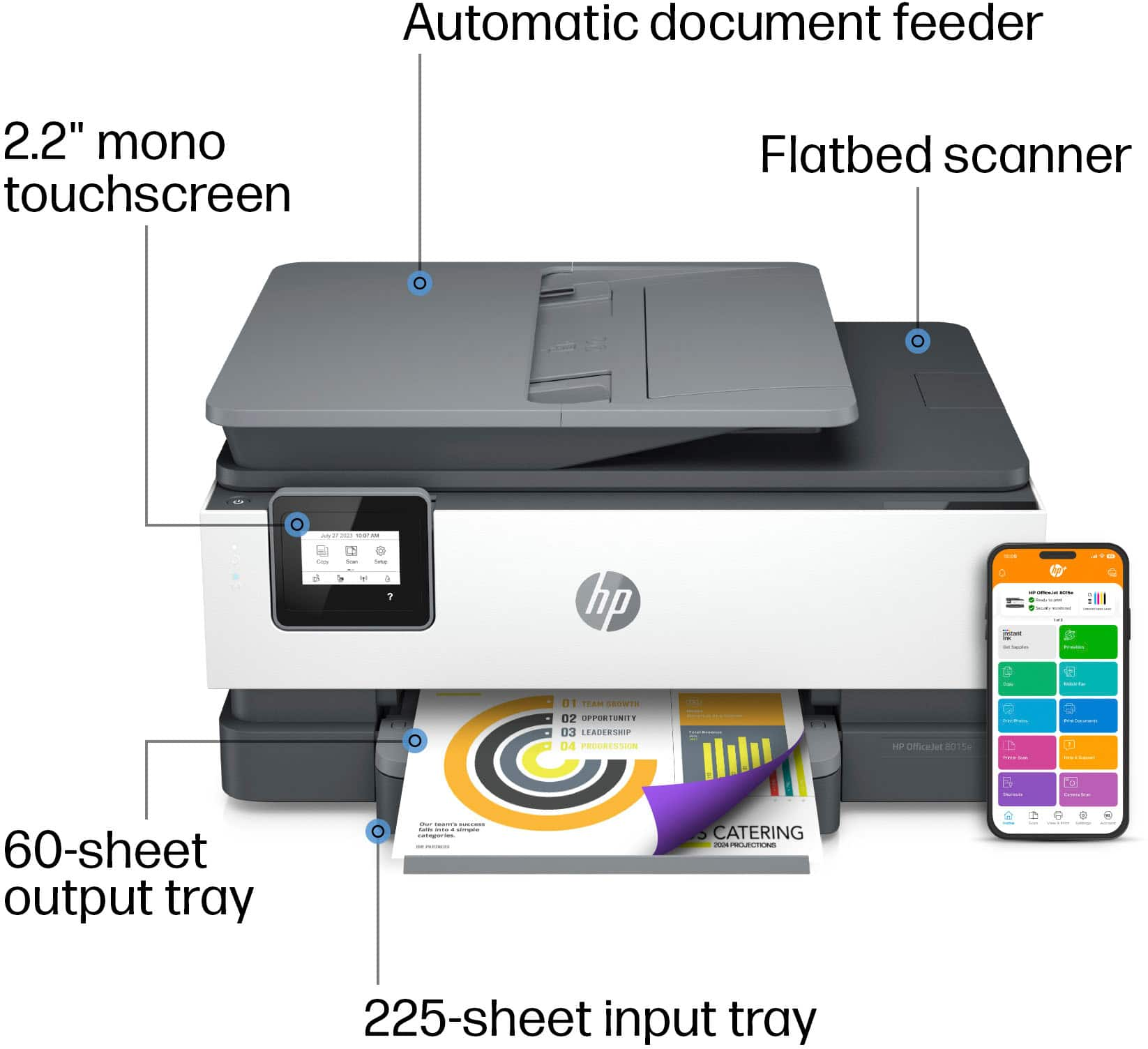
A:AnswerThank you for your question. Yes, the Officejet 8015e printer can make copies from the flatbed scanner, and can also copy up to 35 pages from the auto document feeder.
A:AnswerThank you for reaching out! The HP OfficeJet 8015e has the ability to scan documents to a PDF to be sent to your device which can then be forwarded on via e-mail but does not possess the to scan directly to an outgoing e-mail.
A:AnswerThank you for your question. No, the Officejet 8015e printer will not print in black only if one or more of the color cartridges are out of ink.
A:AnswerThank you for the question. The OfficeJet Pro 8015e has an image scaling or enlargement range of 25 to 400%. Most HP printers have that capability, either from the command screen or, with models not having a command screen, using the free HP Smart App.
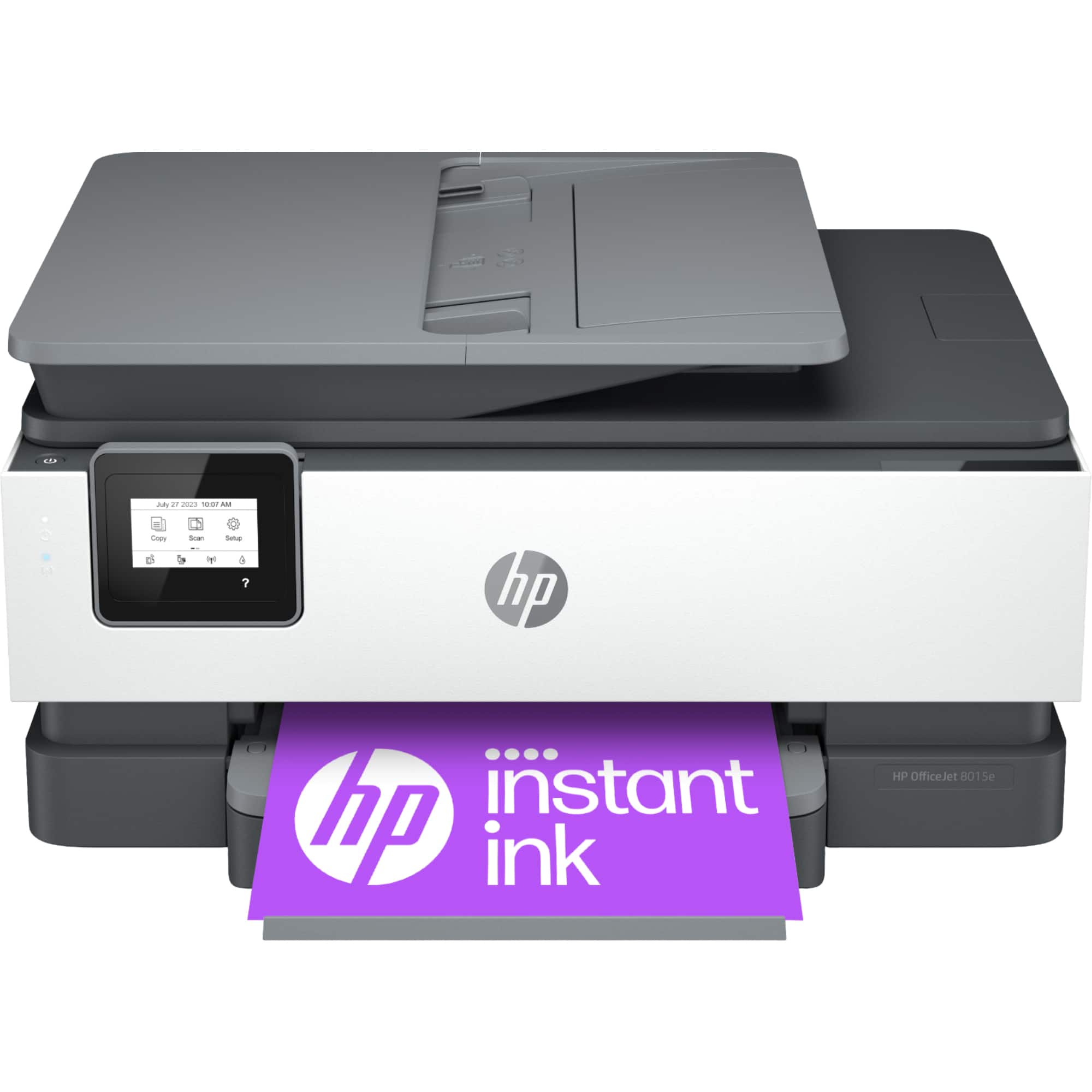
A:AnswerHello Ken and thank you for asking. The HP OfficeJet 8015e does not have the ability to print via Bluetooth, but you can print to it from your phone via wireless using Wi-Fi (if you are on the same wireless network as the printer) or via the Wi-Fi Direct mode on the printer.