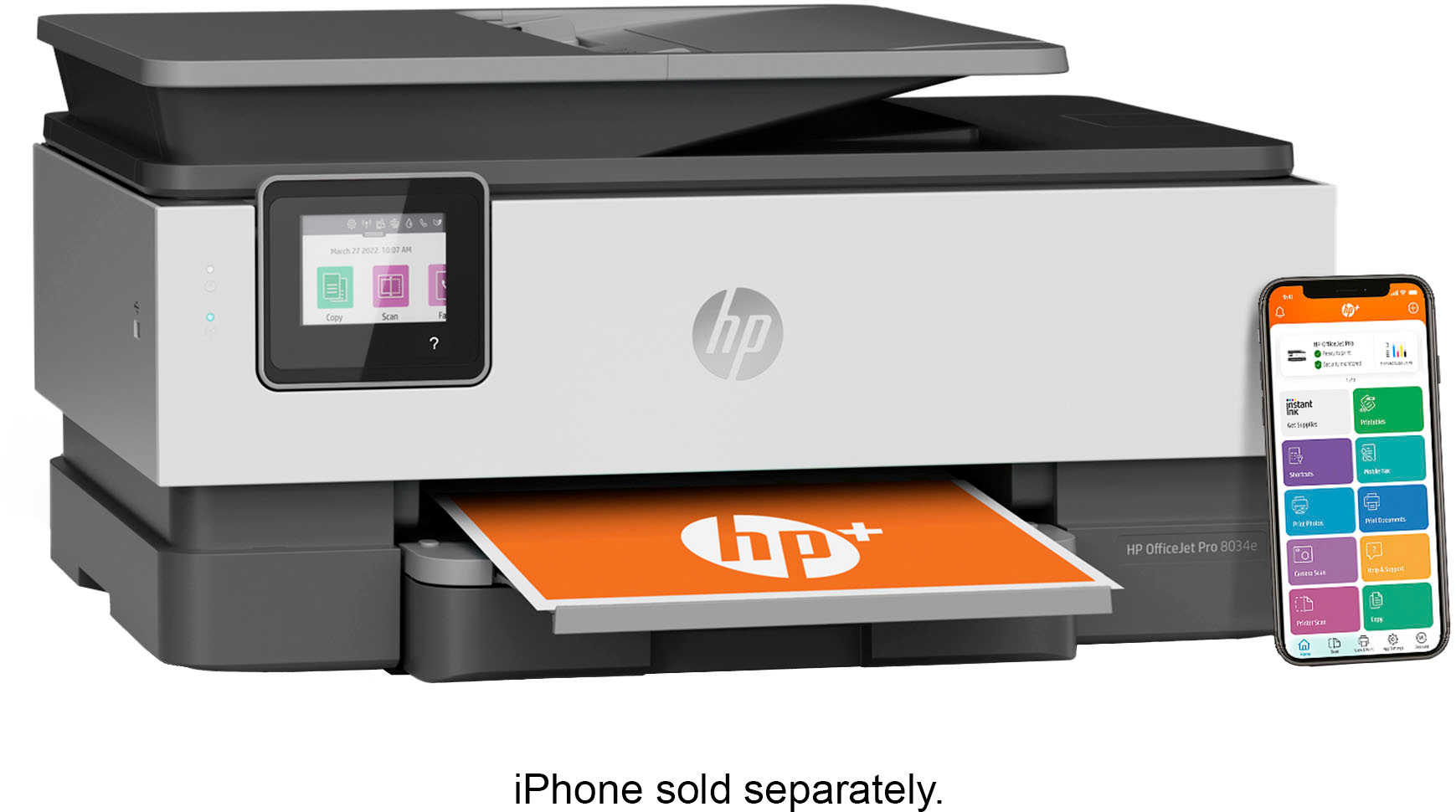
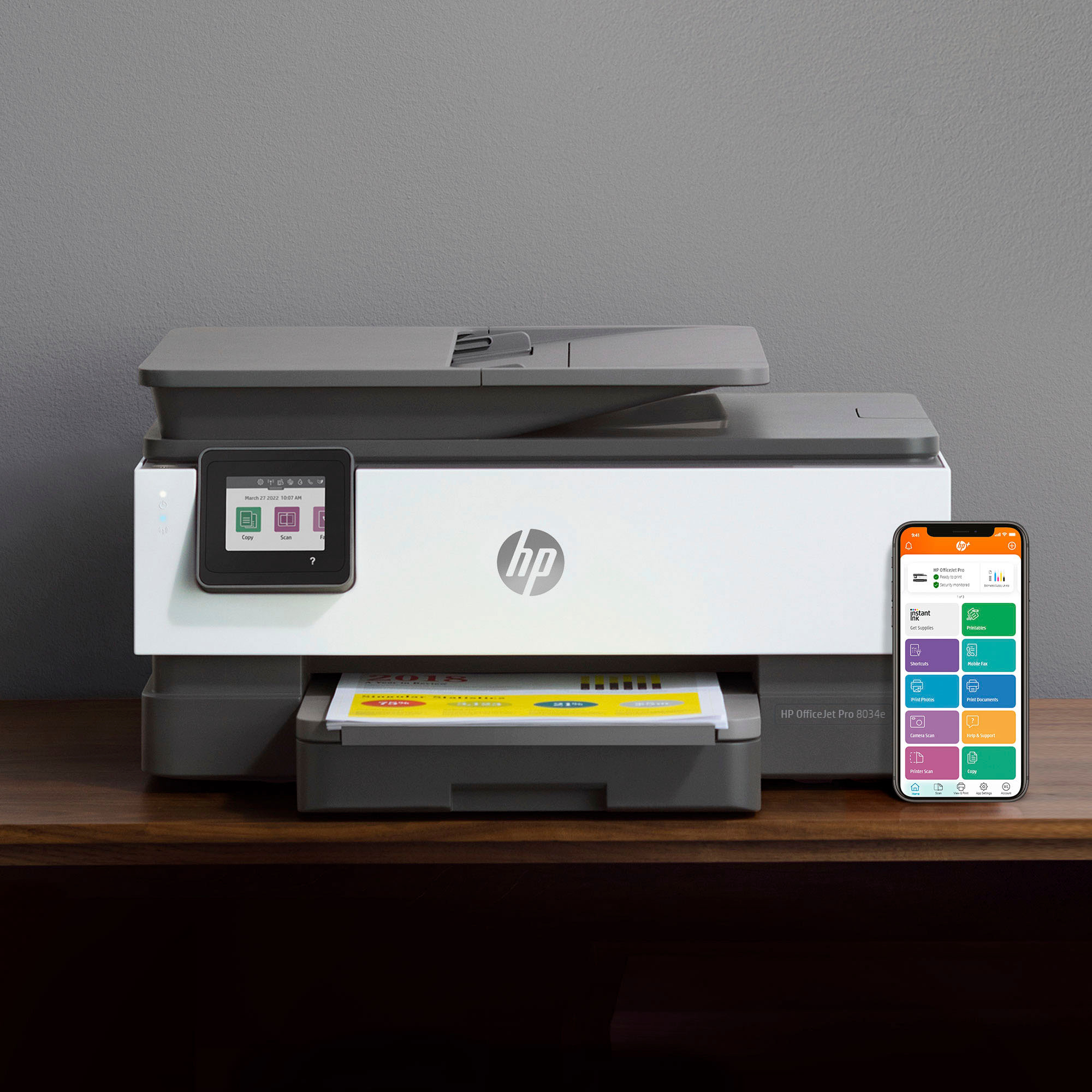
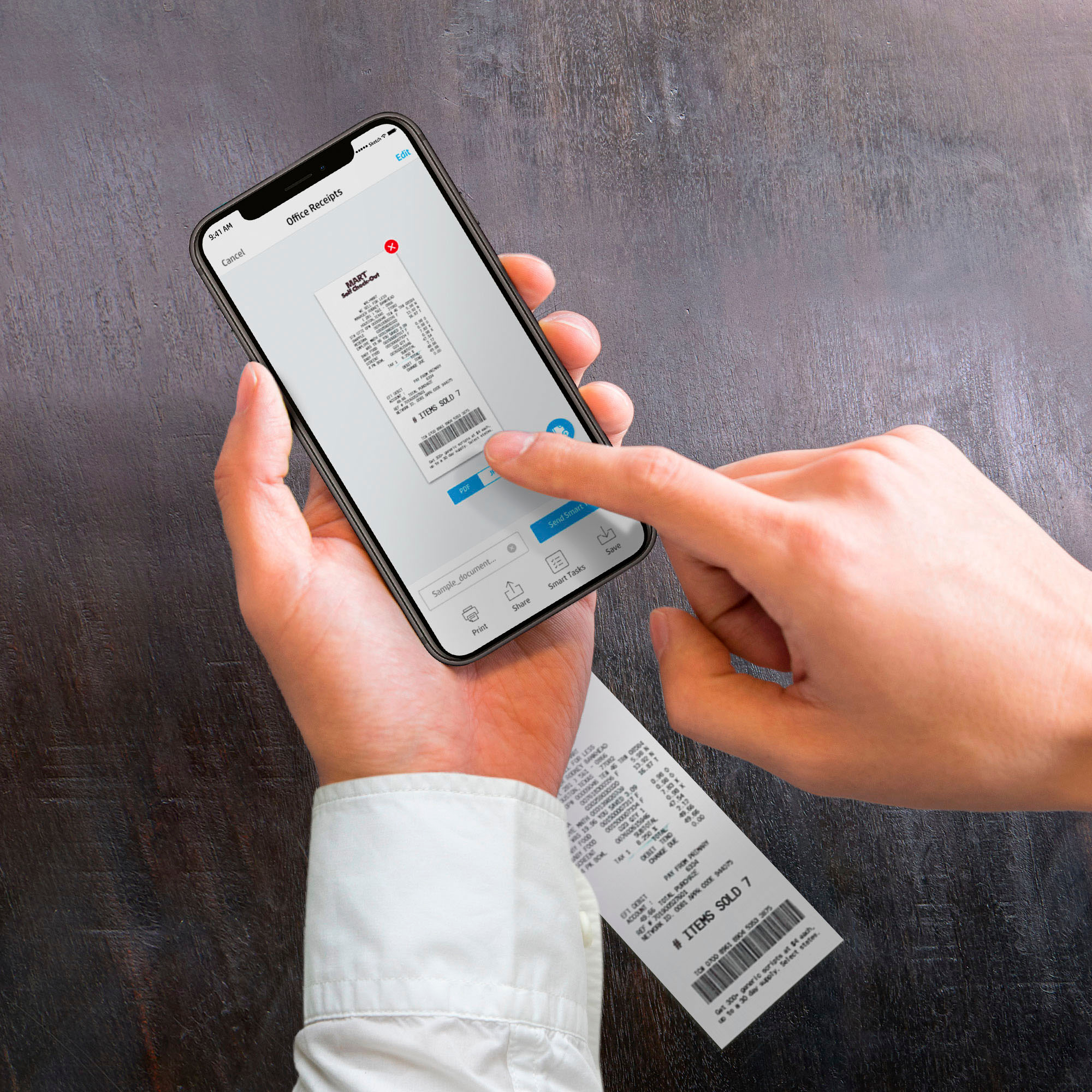
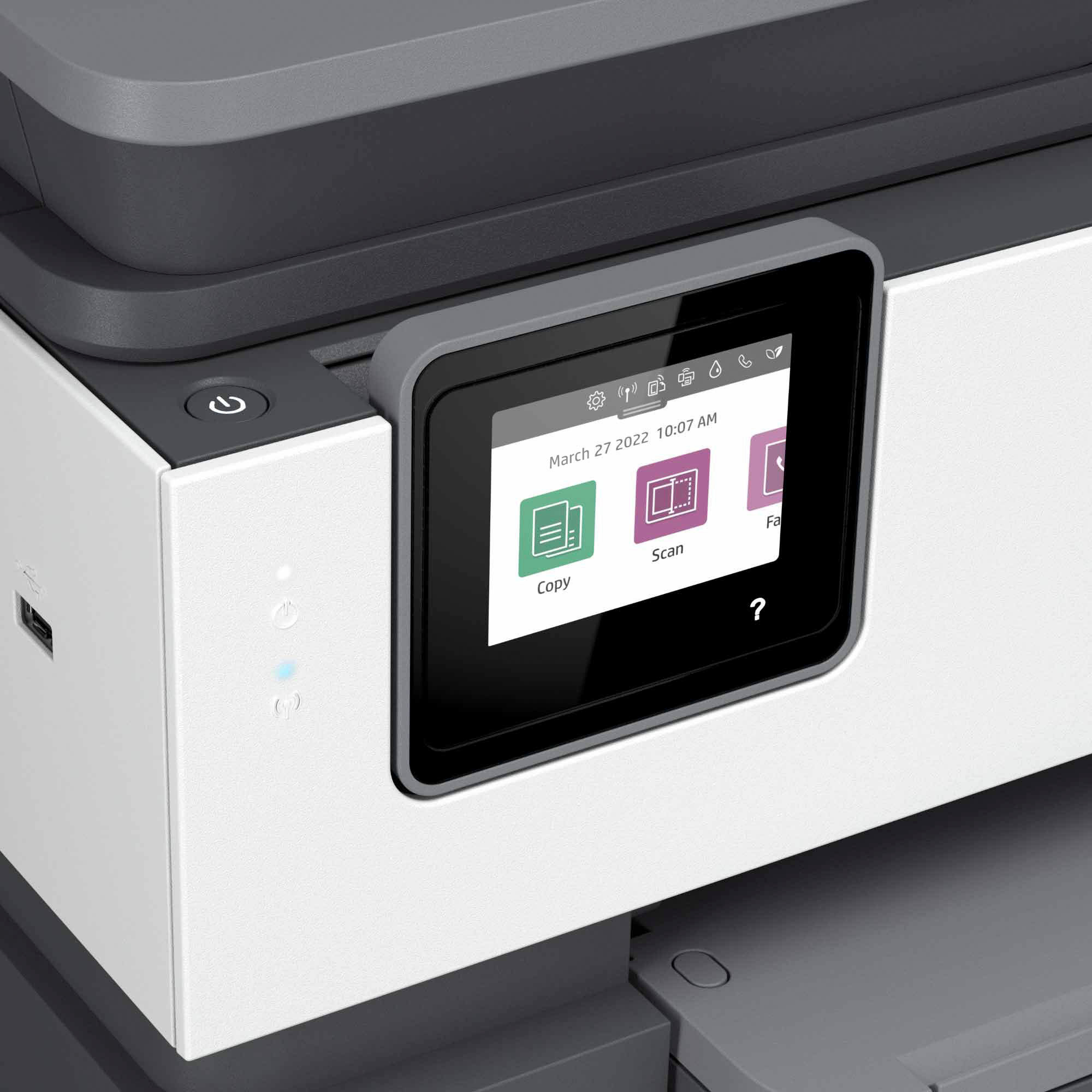
A:AnswerYes. You have 2 options to fax. One, you can fax with a phone line, or option 2 download the HP Smart App (it’s FREE) and use the mobile fax feature.
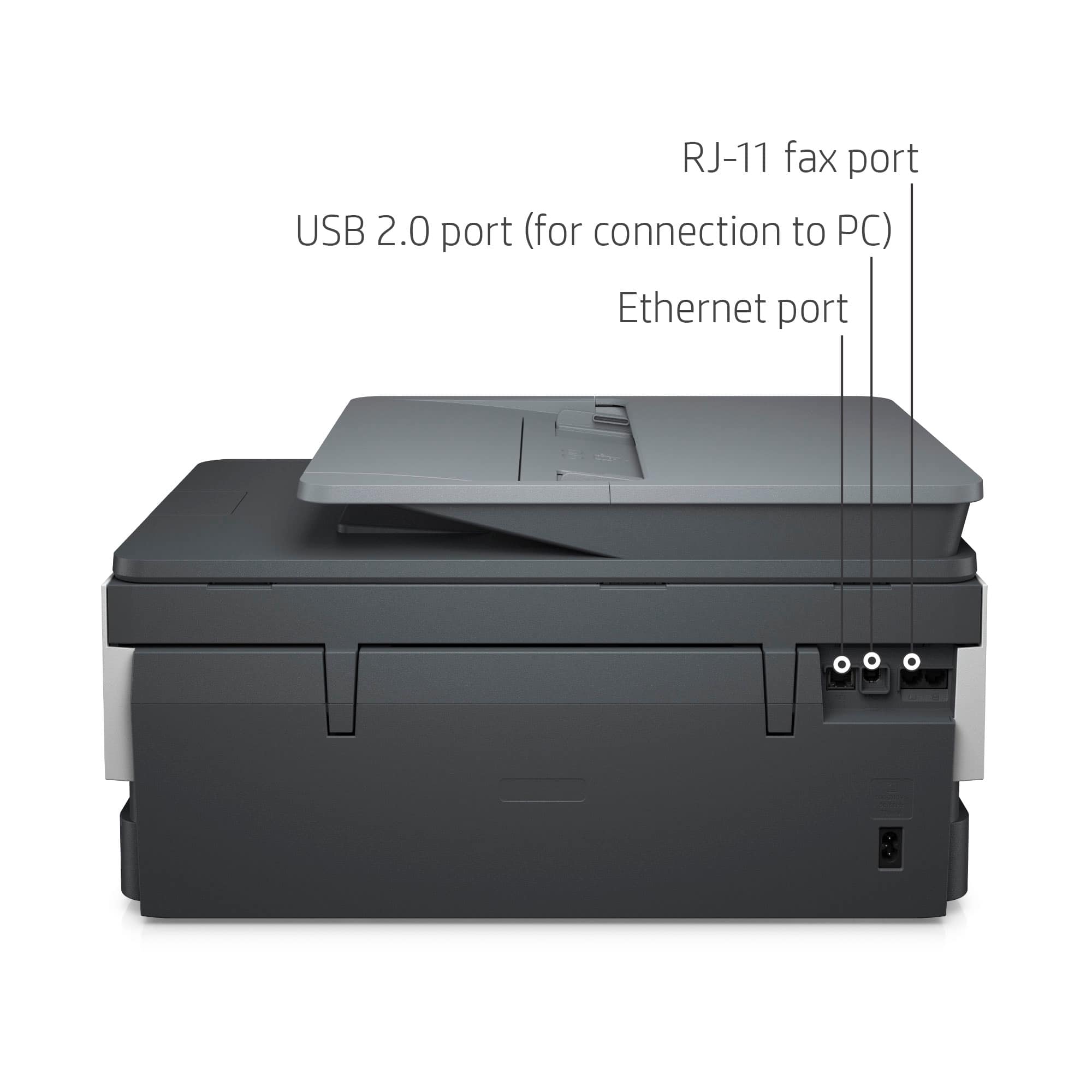
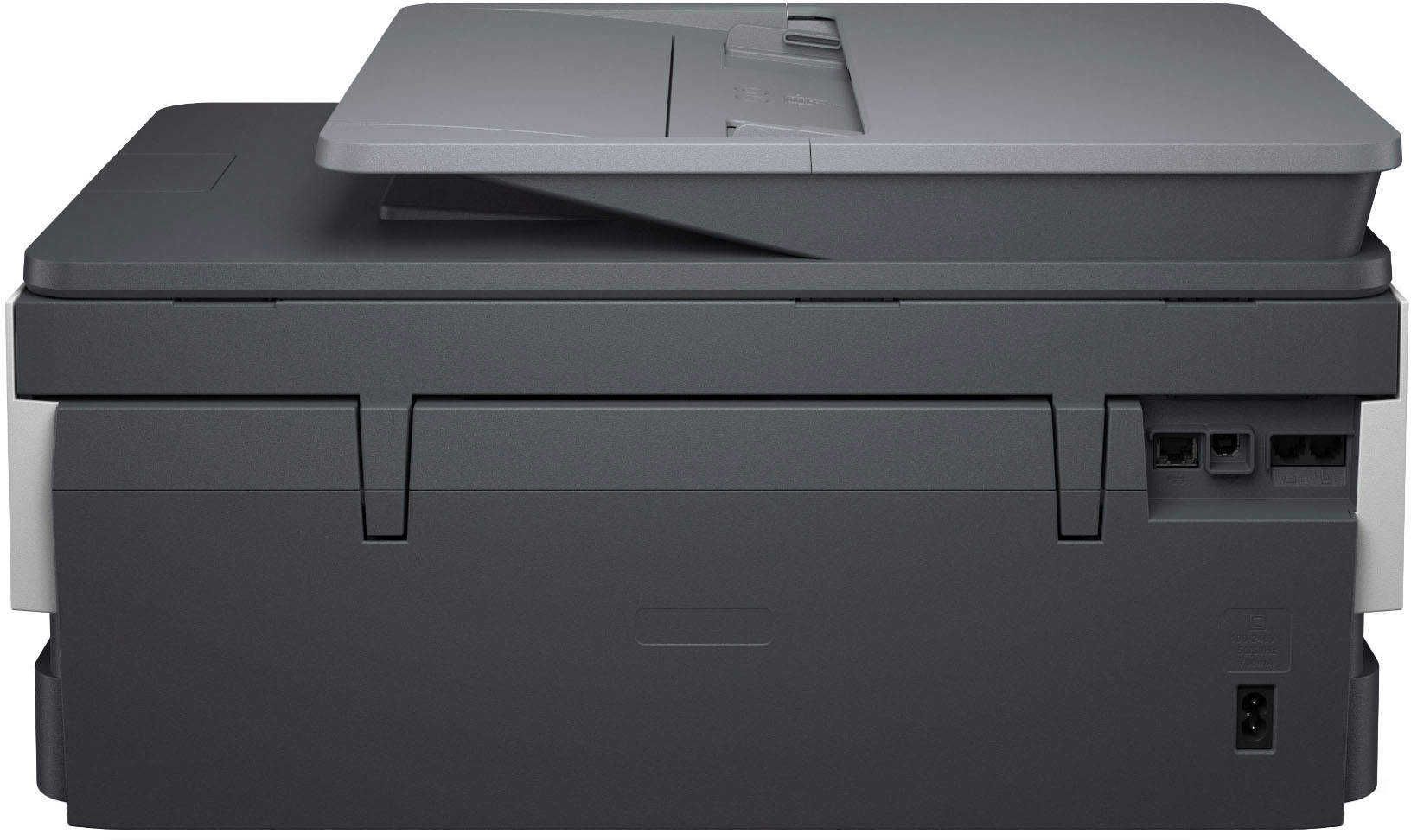
A:AnswerHello. Thanks for your question. Yes, you can use a USB A to B 2.0 cable to connect this HP Officejet Pro 8034e printer to your computer. The USB cable is not included.
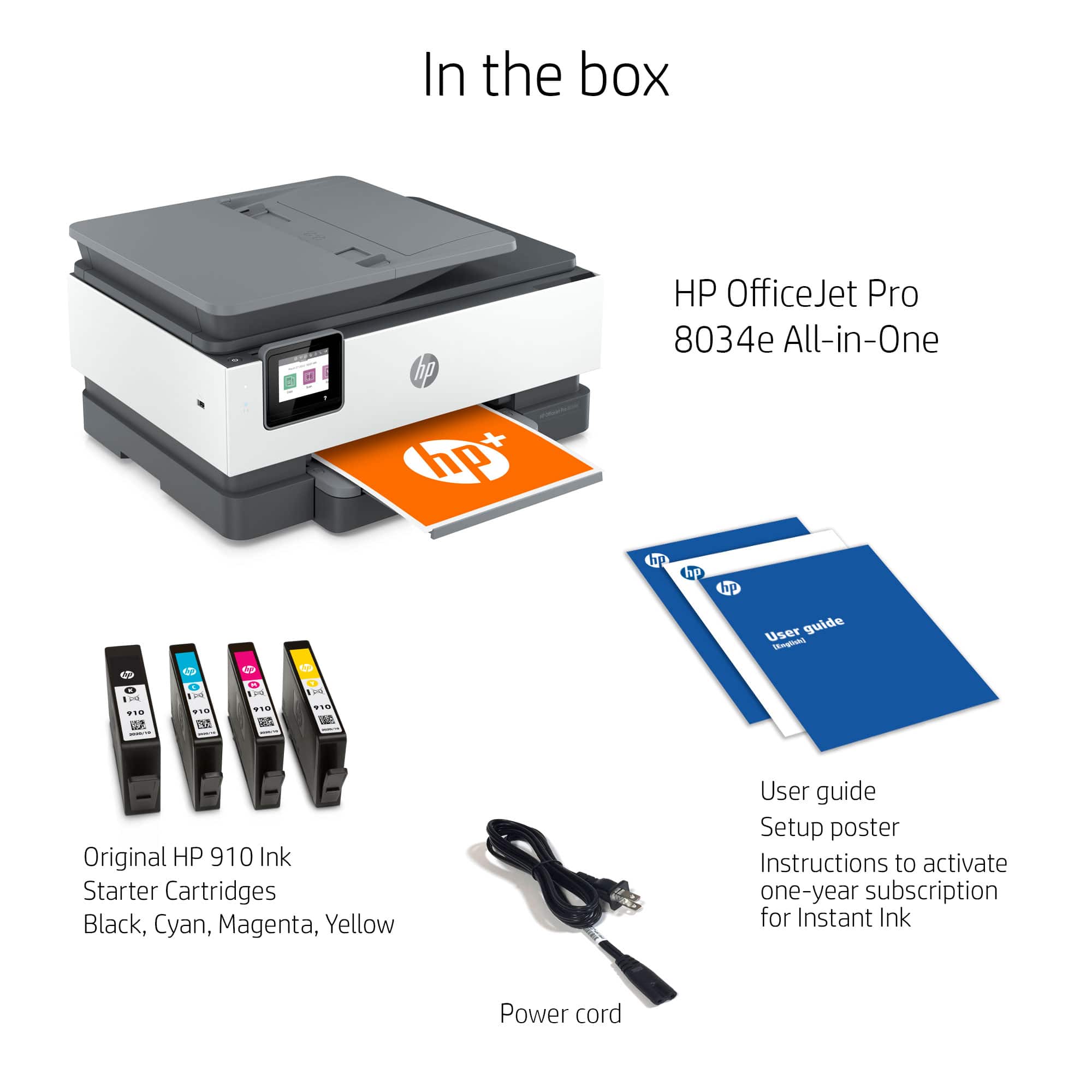
A:AnswerMy printer came with an electric cord but not a cord to connect to a landline outlet for the FAX feature. I saved the previous cord for the phone line and use it now.
A:AnswerGood morning my new HP is working perfectly with my Apple iPhone I am able to send work projects to it via Bluetooth seems seamless have not done any envelopes yet but I’m sure all we need to do is hit the other buttons good luck
A:AnswerThank you for the question. The OfficeJet Pro 8034e supports media weights 60 to 105 g/m² (plain paper); 220 to 280 g/m² (photo); 75 to 90 g/m² (envelope); and 163 to 200 g/m² (card).
A:AnswerThank you for the question. The free ink offer will be presented to you while setting up the printer. Use the free HP Smart App and follow the on-screen directions to redeem the offer. If you need additional help, please reach out to HP Support. Thank you for being an HP customer. Enjoy your new printer!