Winter SaleEnds 1/19. Limited quantities. No rainchecks.Shop now

Main Content

Questions & Answers

Page Showing 81-90 of 90 questions
  • QuestionDoes this automatically print double-sided?

    Asked by Tayler.

    • Answer Yes, this printer has a setting which allows it to automatically print on both sides of the same paper.

      Answered by Peaceful

  • QuestionIs this printer compatible with Chromebook?

    Asked by bridget.

    • Answer Yes it has Google Cloud Print.

      Answered by LMan

  • Questioncan it use a 564xl ink cartage?

    Asked by bobbyjoe.

    • Answer Don't know, I have only used the 240 Series cartridges.

      Answered by EF27

  • QuestionCAN I PRINT FROM A MEMORY CARD AND A IPHONE??

    Asked by Anonymous.

    • Answer Yes you can print from IPhone and Android based phones. Not sure about memory card.

      Answered by Tasha

  • QuestionHow to print in color

    Asked by Dmac.

    • Answer There is a setting which allows you to print in color.

      Answered by Peaceful

  • QuestionWhat ink cartridge does this use?

    Asked by Anonymous.

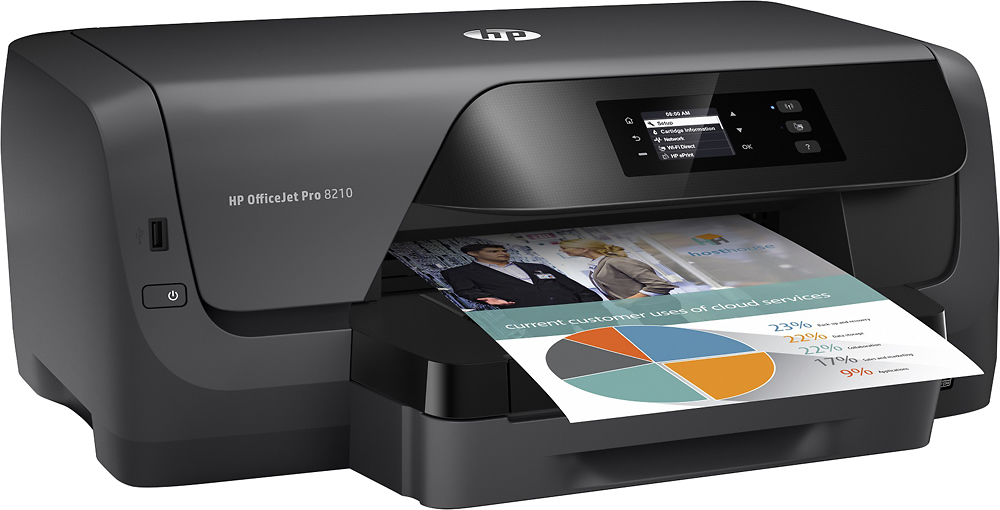
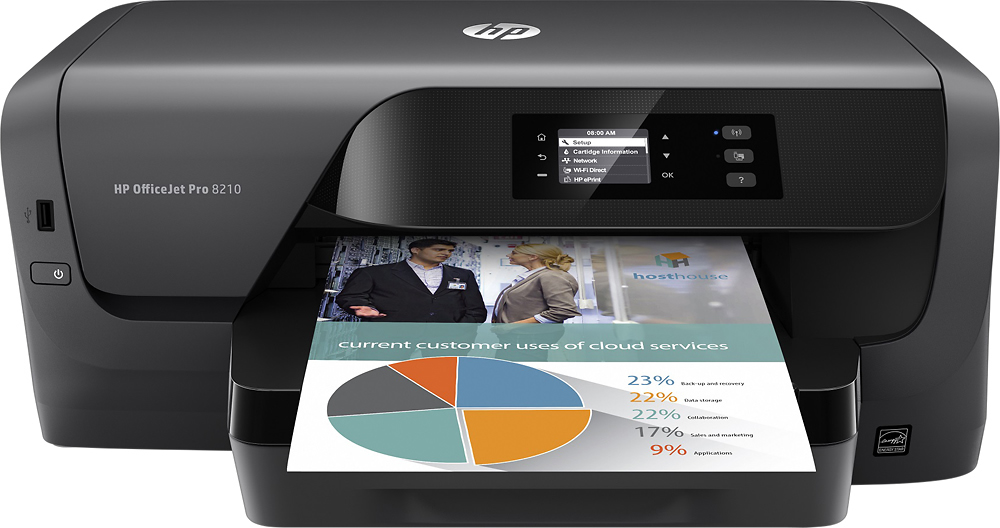
    • Answer The HP OfficeJet Pro 8210 takes 4 number 952 cartridges, ie. Black, Magenta, Cyan and Yellow.

      Answered by Truman

  • QuestionDoes it allow scanning and sending to files or emails

    Asked by Nedra.

    • Answer This printer does not scan. Sorry, I do not know if the printer can send to files or emails. If you contact Best Buy's tech, I am sure that they can answer your questions.

      Answered by Peaceful

  • QuestionDoes this fax?

    Asked by She.

    • Answer No. However they do carry several that do.

      Answered by CoKkoB

  • QuestionIs this also a fax

    Asked by Anonymous.

    • Answer It does not fax!

      Answered by nonono

  • QuestionMy 8210 did not come with a software CD. It was not included as advertised. How can I get a software CD? (Have to have a CD - there can be no internet connection on the PC where this printer will be installed.)

    Asked by mike.

    • Answer Actually, one cannot set up the printer by visiting https://support.hp.com: The software downloads require an internet connection, and as I stated in my original post there can be no internet connection on the PC where this printer was to be installed (there can be no connection because it is not allowed by the company). Nor does downloading the software first to a USB drive then to the PC work - the installer runs but then reports the files are corrupt. From what I have been able to gather from this experience is that HP demands access to all PC's where an HP printer is installed -access to all files, apps, data, etc.- and if there is no access an HP printer(s) cannot be installed. Since my company classifies this type of data harvesting as industrial espionage, I have a printer than cannot be installed. There is apparently no solution to this problem, but thank you for your time.
      Answered by mike