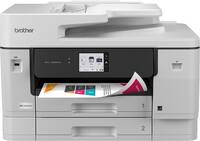
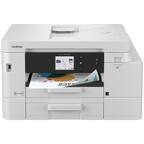
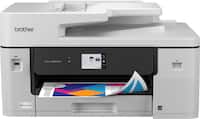
A:AnswerYou can use either the "smart app" (which I hate), or physically on the printer screen.
Adjust the guides, and change Your paper in the tray first.
Then go to copy settings, tray selections, then paper size ... see pics below.
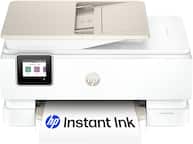
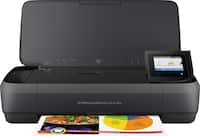
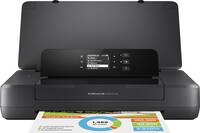
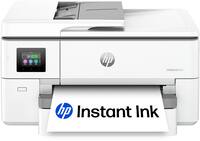
A:AnswerI would recommend HP's higher quality photo smart printer. That was the last printer I had. I selected this one because of the amount of copying and scanning I do. I hardly ever used it for photos. The one I had worker great for the photos that printed 5x7 and smaller. The larger prints I'd encourage you to go to a more professional place to have copies made.