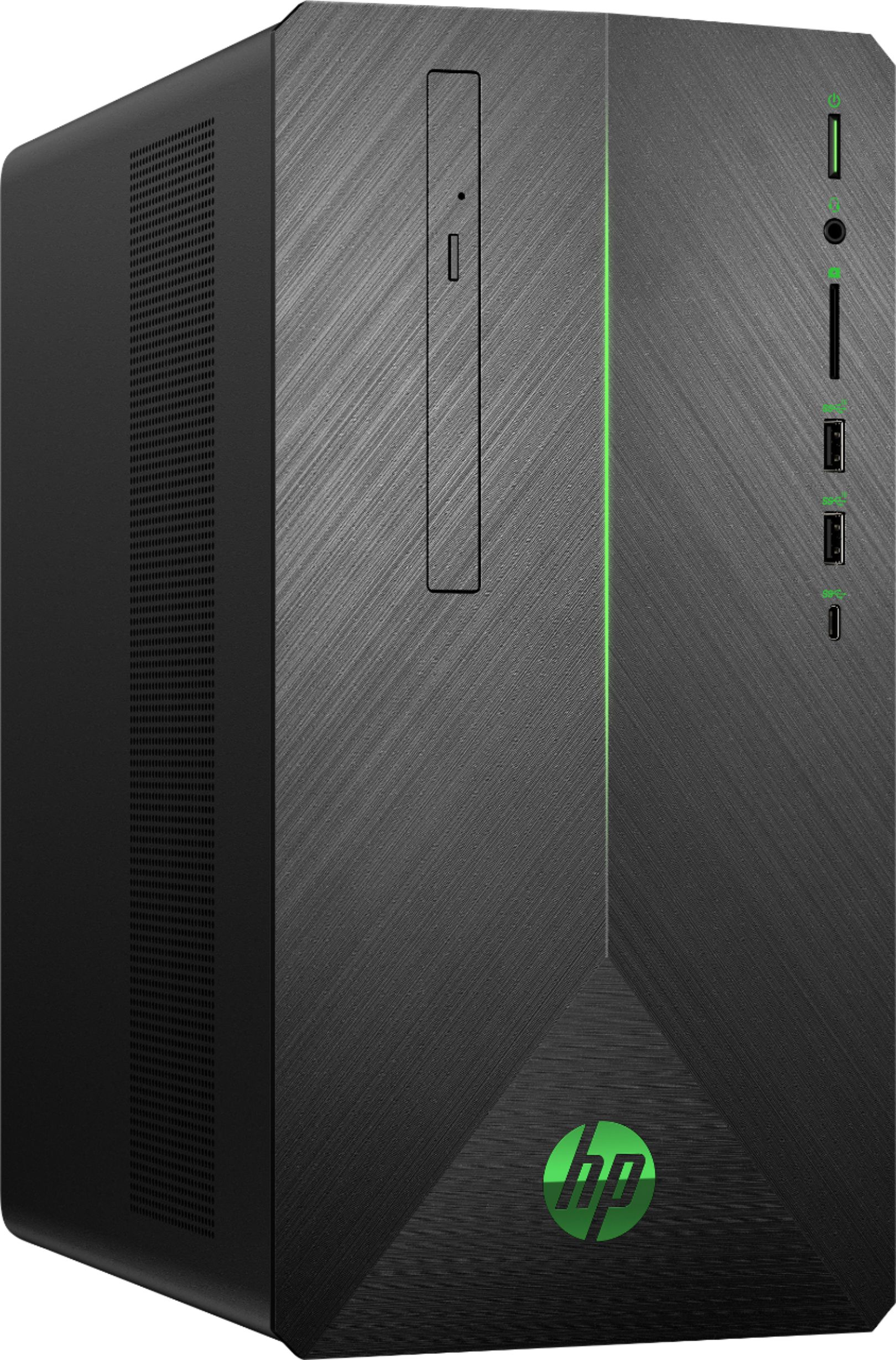
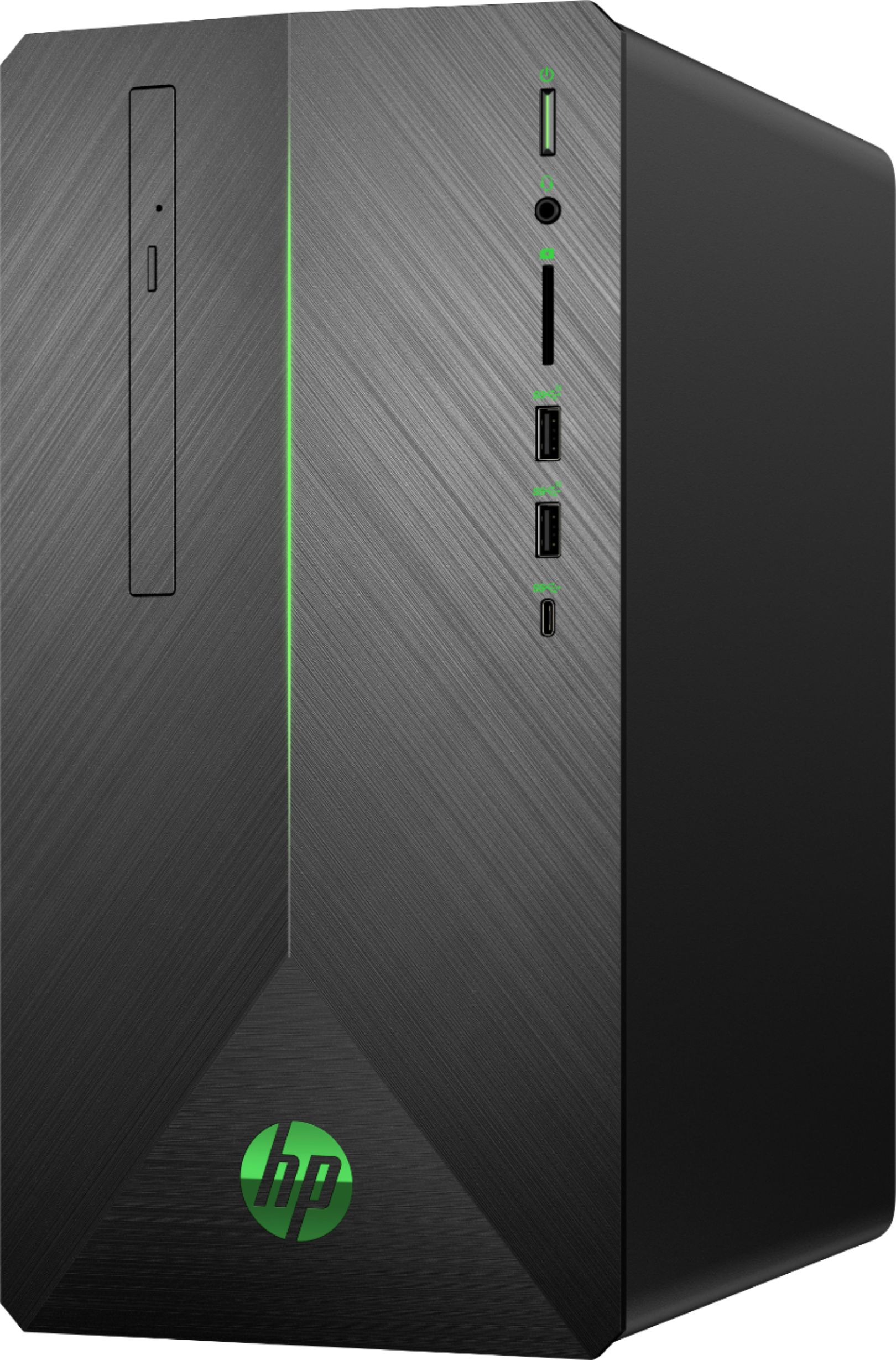
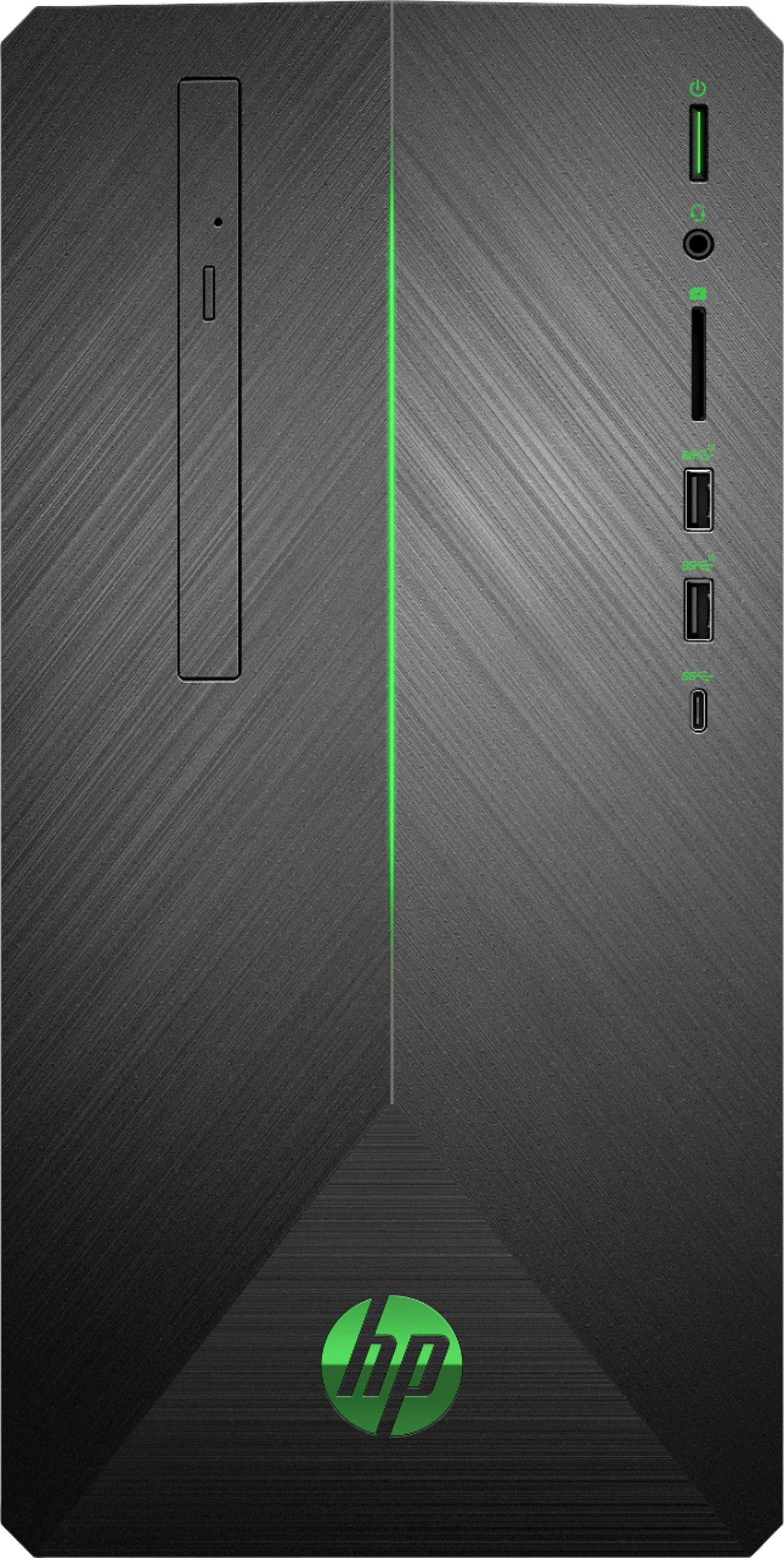
A:AnswerThis model has a 400W power supply; while it may be possible to swap to a NVIDIA graphics card, sticking with an AMD card will provide better performance and consistency in gameplay.
A:Answerit has a 400 Watt PSU.
Internal 400 W PSU
400 W SFF (Platinum) Full range 115V/230V
92% efficiency
https://support.hp.com/us-en/document/c06124756
A:AnswerI ended up returning this unit. The fan is not supposed to run constantly like it did and be so loud. It also crashed doing an update. Guess I got a bad one. New one is whisper quiet, no problems so far.
A:AnswerHey Charlie, once you purchase the qualified AMD item you will get an email from Best Buy with a voucher code you can redeem directly on the AMD website. Instruct and links will be included in the email.
A:AnswerFor gaming and programming purposes we tend to recommend matched pairs of memory (8+8, or 16+16), though this is entirely up to you. If you'd like you can add a 16G to the originally installed 8G.
A:AnswerWhile it is likely that the desktop will operate normally on its side, we don't traditionally recommend doing this given the configuration of the hardware and the vents/fans for cooling.
A:AnswerThe response does not give enough info. 288 pin DDR4 2400. OK, what is the latency? Voltage? My understanding is that the RAM should match. Not knowing the complete info prevents me from buying 1 stick. I guess I could buy 2 matching sticks and mail the other to HP since they are so secretive.
A:AnswerThe HDMI port on the motherboard which is not accessible is for the integrated graphics from the Ryzen processor. You always want to run your monitors off the GPU ports, which include an HDMI port. The motherboard port is blocked off simply to prevent any confusion as to which ports are for the GPU.
A:AnswerYes, that's more than enough space for the OS and to install several additional programs. For best results, use the HDD to store your files, not the SSD.