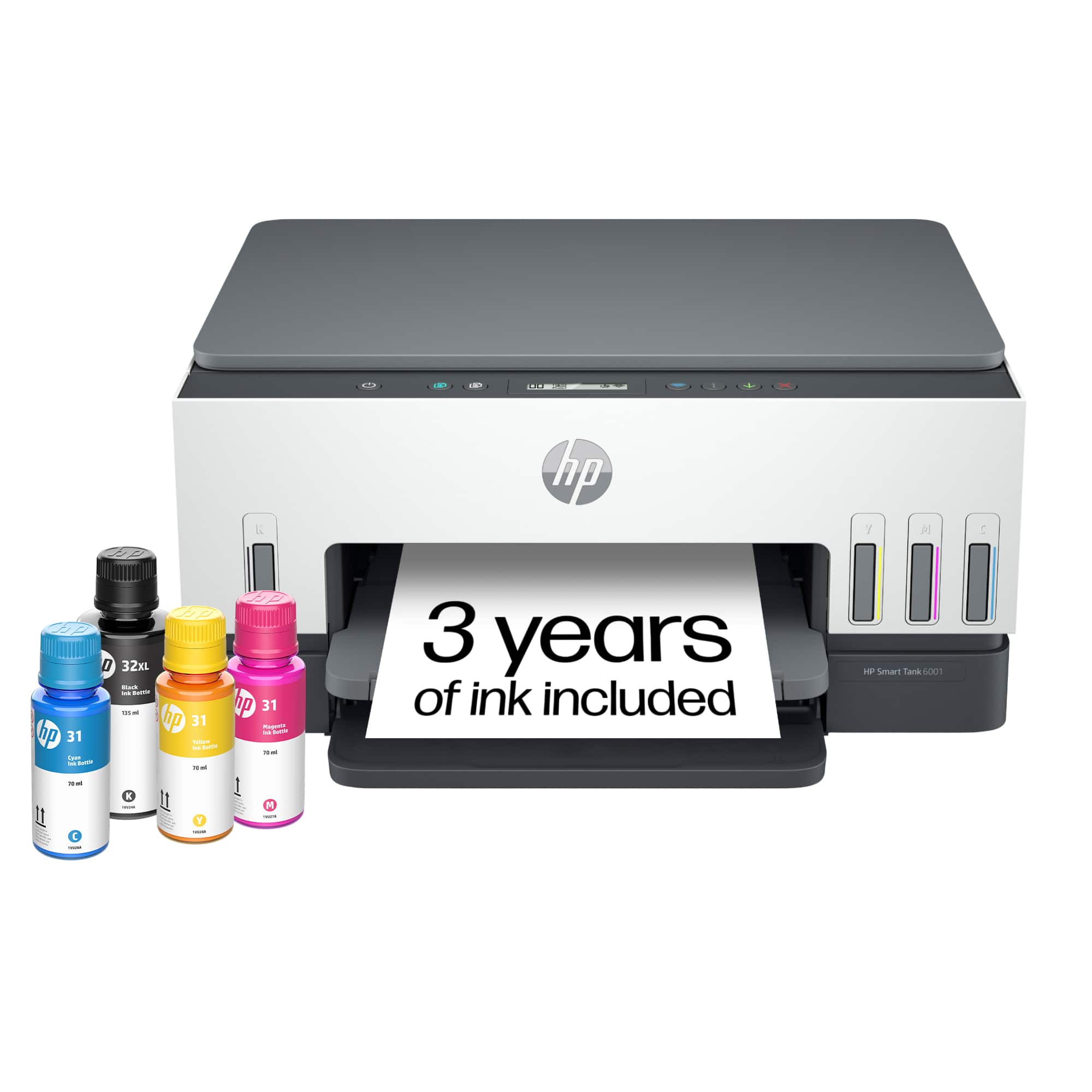
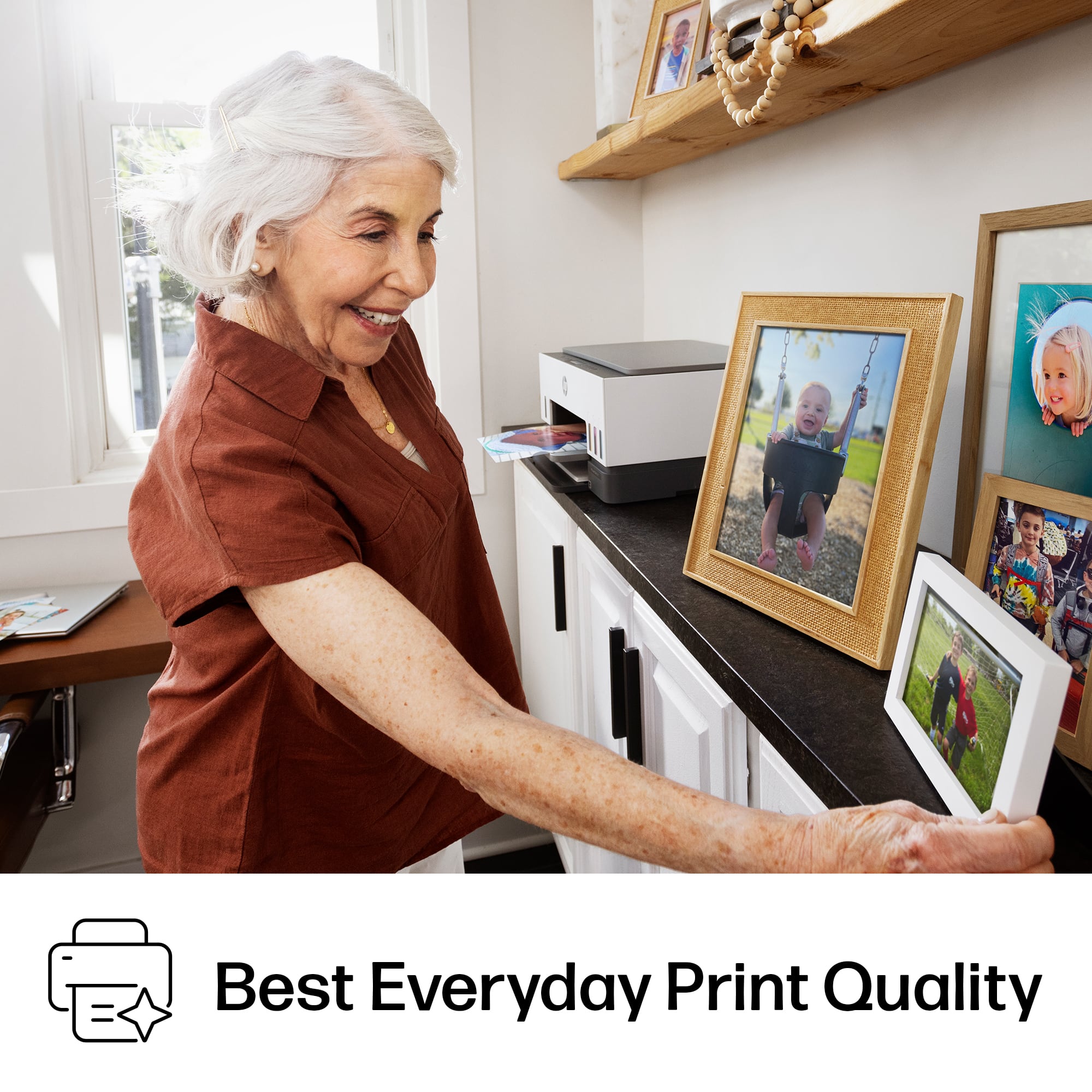
A:AnswerQuality photos are base on the type of paper you use and the editing procedure applied. I printed several pictures and have no issue with quality. Do to the HP photo paper I purchased at staples.
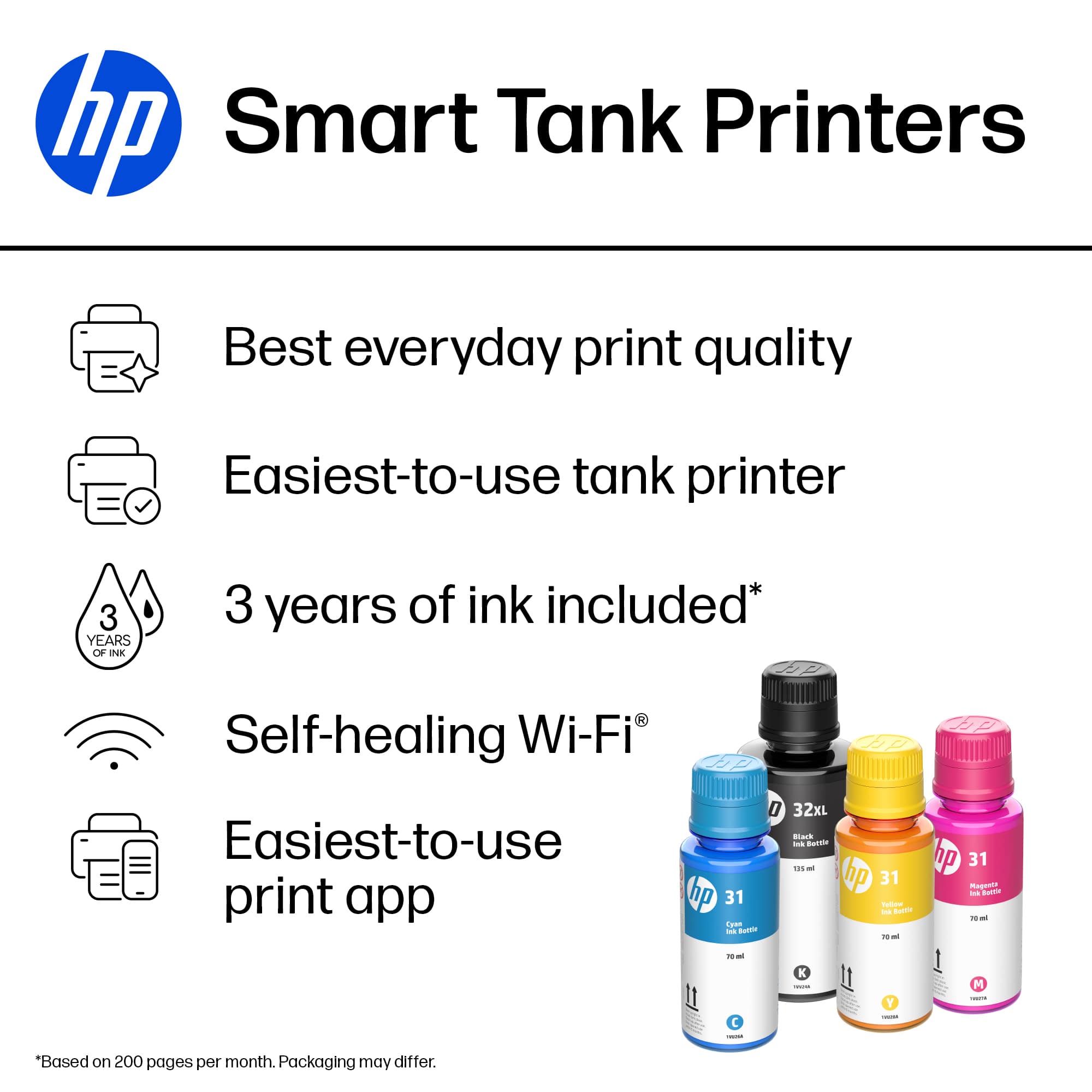
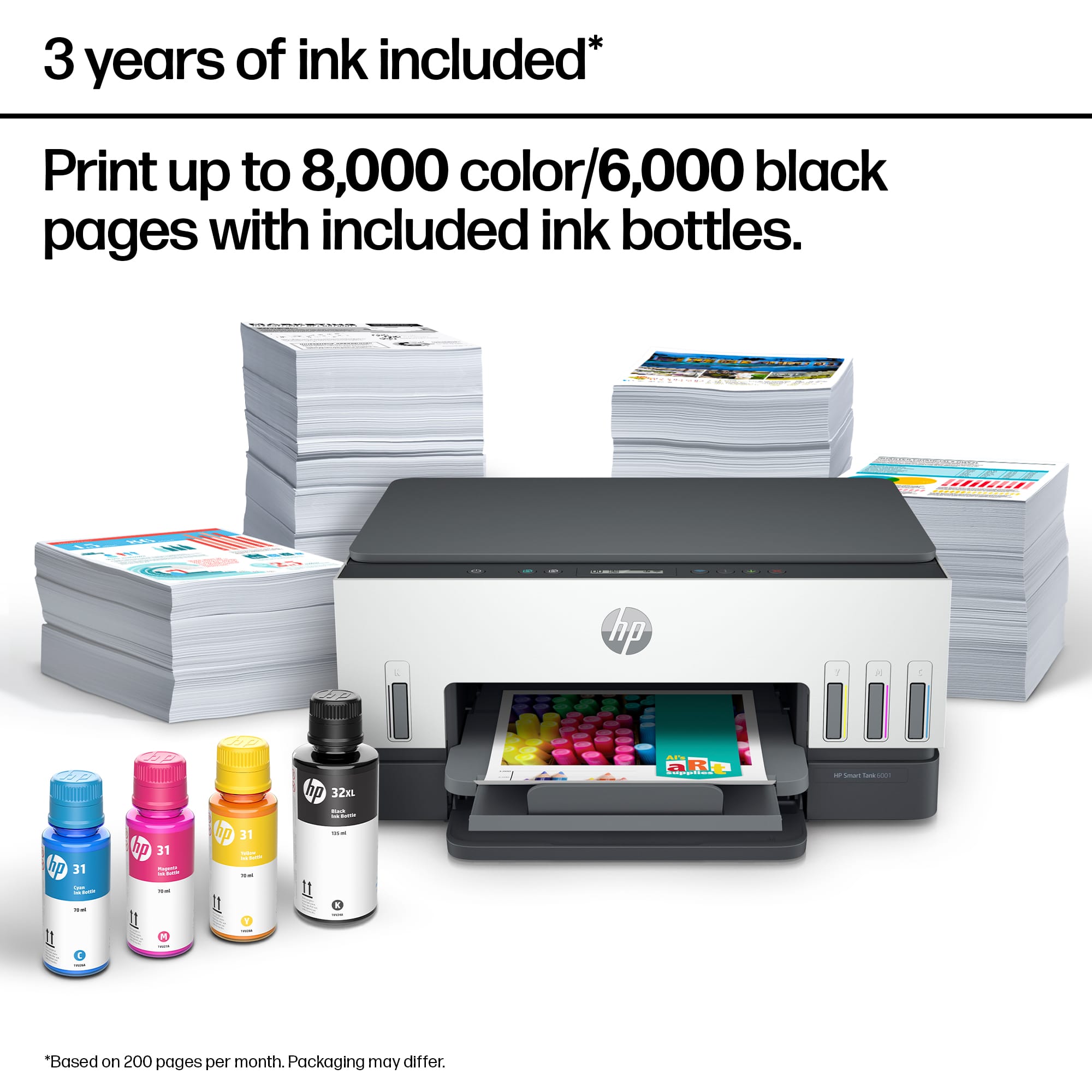
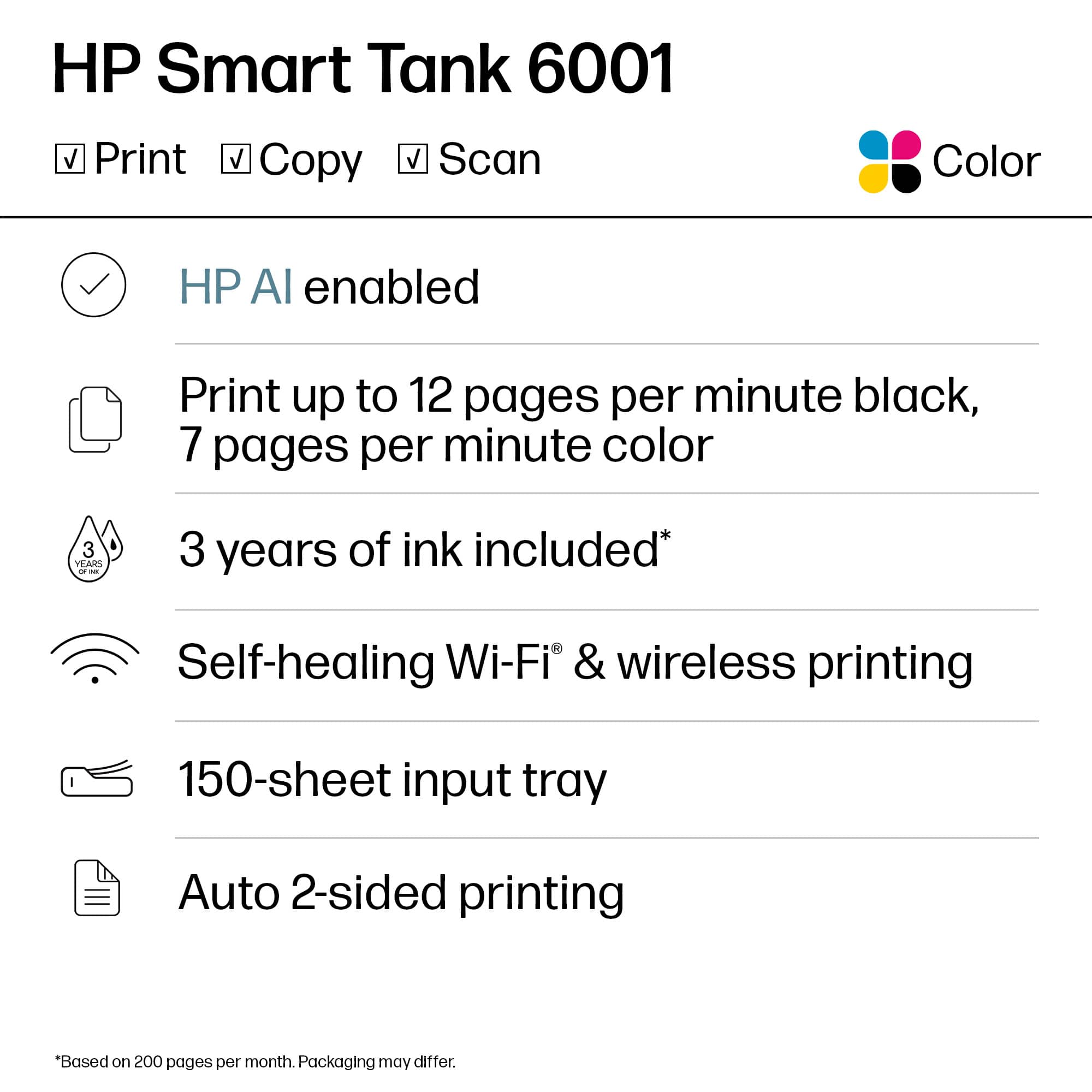
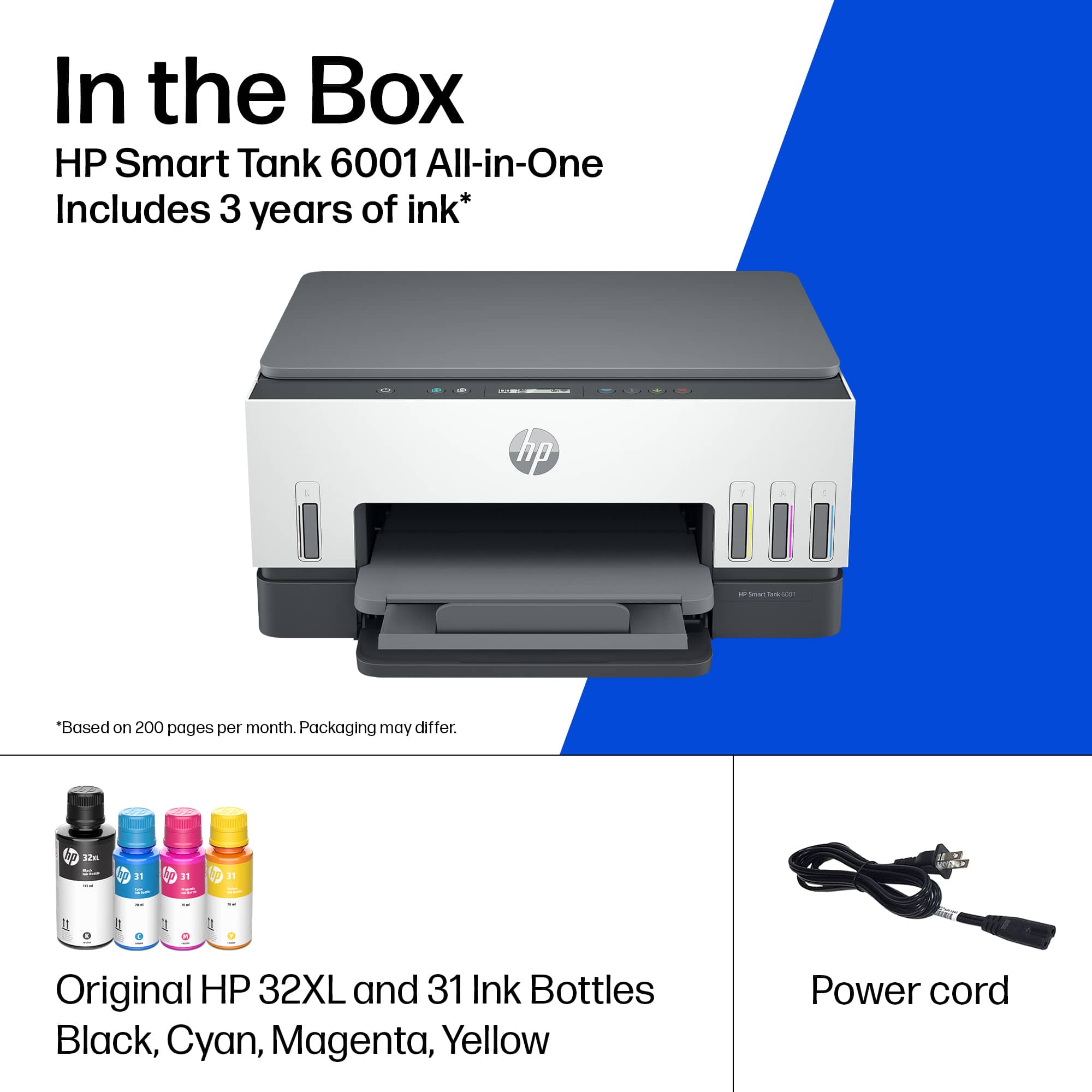
A:AnswerThank you for the question. The amount of pages is not a guarantee. The disclaimer indicates that 2 years of printing is based upon 200 pages per month of HP Smart Tank customers’ usage. Actual yield varies considerably based on content of printed pages and other factors. Average based on ISO/IEC 24711 or HP testing methodology and continuous printing. The HP Global Warranty addresses parts and labor in the unlikely event that the printer fails.
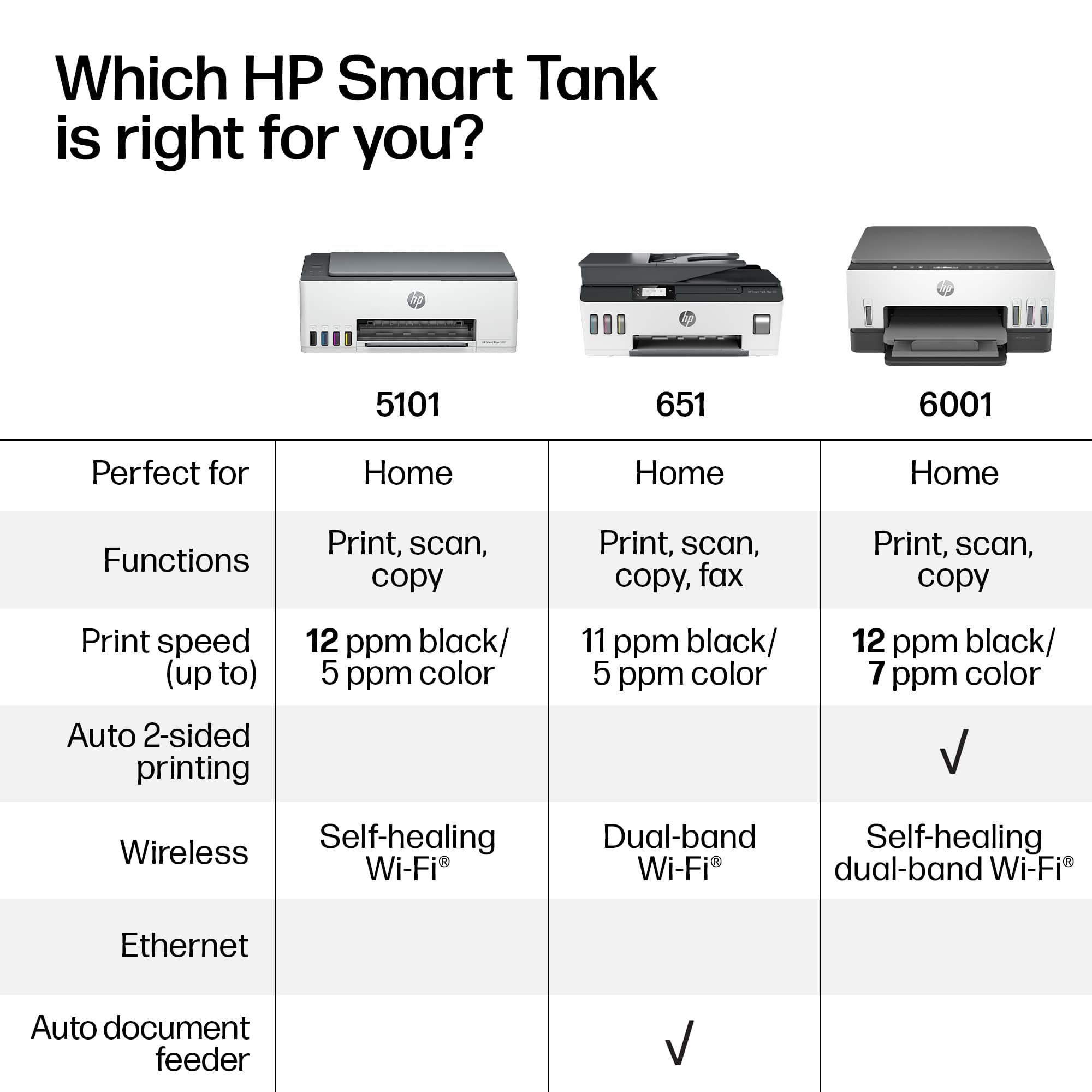
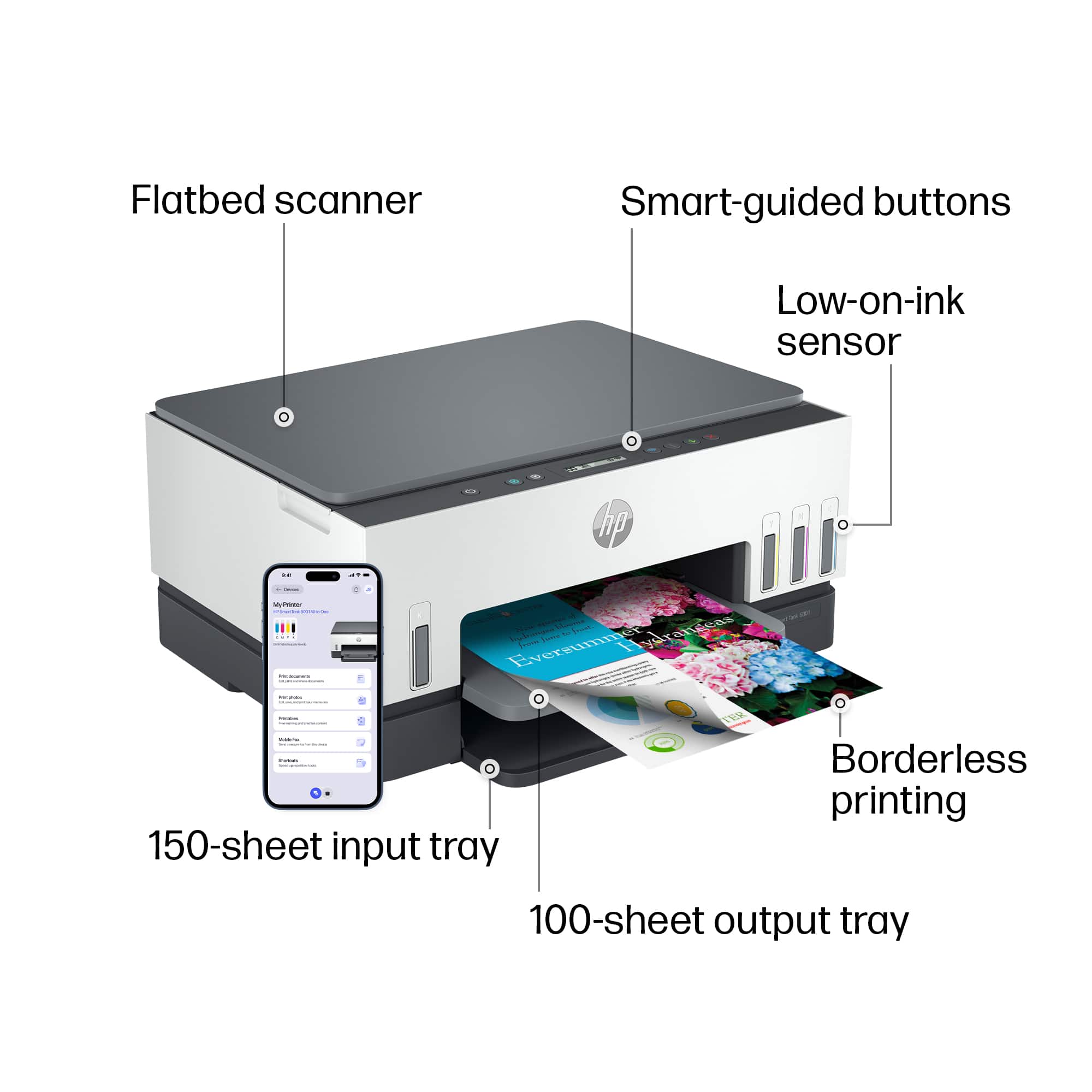
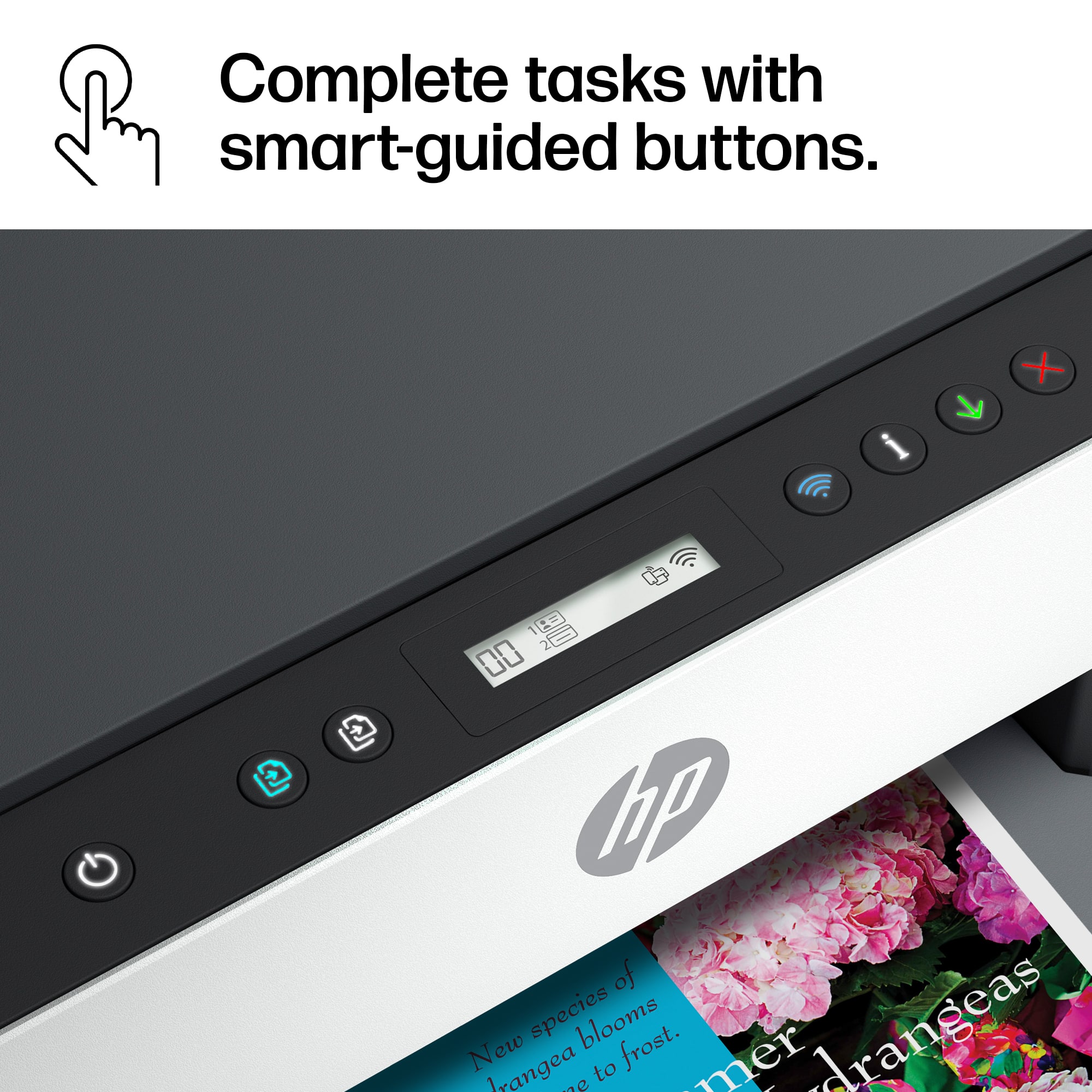
A:AnswerFor double-sided printing, you will want to select the duplex or double-sided option in the print or page settings of the software you are printing from. Here is a link to the user manual for this printer. It has the descriptions and functions of the buttons. http://h10032.www1.hp.com/ctg/Manual/c07762999.pdf