A:AnswerAs for Omen gaming hub you don't need it as that mode is for older cards apparently. I copy/pasted below info taken from HP's volunteers but it's accurate.
From me though about alternatives, and IF you have the 8 gb version, BUY ANOTHER 8 GB!!!! Save up, borrow, whatever ya gotta do but that's the first thing you'll wanna do. They can be found for very cheap. Just make sure to match the sticks.
I've the exact model and sitting right now with ONE browser open I'm using 7.1 Gbs. What this means is in an 8gb machine Windows has to cut-out and worse constantly Swap-in/Swap-out stuff from memory just to run itself BEFORE you even open up your game. With another 8 gigs (or more) you get all that extra headway so everything can relax, and therefore dedicate more compute cycles to your games.
To do that, either open the bottom of your case (youtube a tut if needed, it's VERY SIMPLE just go slow) and litterly copy what they say on the RAM, in fact grab a UPC code scanner app if your phone doesn't already and usually you can copy paste those numbers off the bar code into google. Worst case type into Crucial.com your exact PC model and they usually have the right configuration of whats in your machine.
Omen laptops with hardware configurations that utilize a 200w or larger power adapter, will have Performance Mode.
Laptops whose power demands that are lower that 200w, do not require Performance mode.
Example: GPU's 1660ti, 1060/2060, 1070/2070 are included with 200w configurations and would have Performance Mode available. Lower demanding configurations with a 1050,
A:AnswerHello and thank you for the question. This laptop can utilize up to 16 GB DDR5-4800 MHz RAM (2 x 8 GB). While it is possible to upgrade the RAM on a Laptop yourself, we recommend that upgrades be performed by the IT professionals here at Best Buy's Geek Squad to avoid installation complications. To find out the cost of the upgrade, we suggest contacting your local Geek Squad representatives.
A:AnswerThank you for the question. This Victus laptop includes a 30-day free trial of McAfee Live Safe, after which you can subscribe for continued use. Windows Defender is built into Windows. Windows Defender is a good basic virus protection software. You may not find everything you want if you are extremely security-focused. A third-party antivirus or anti-malware software will likely find threats that Windows Defender may miss.
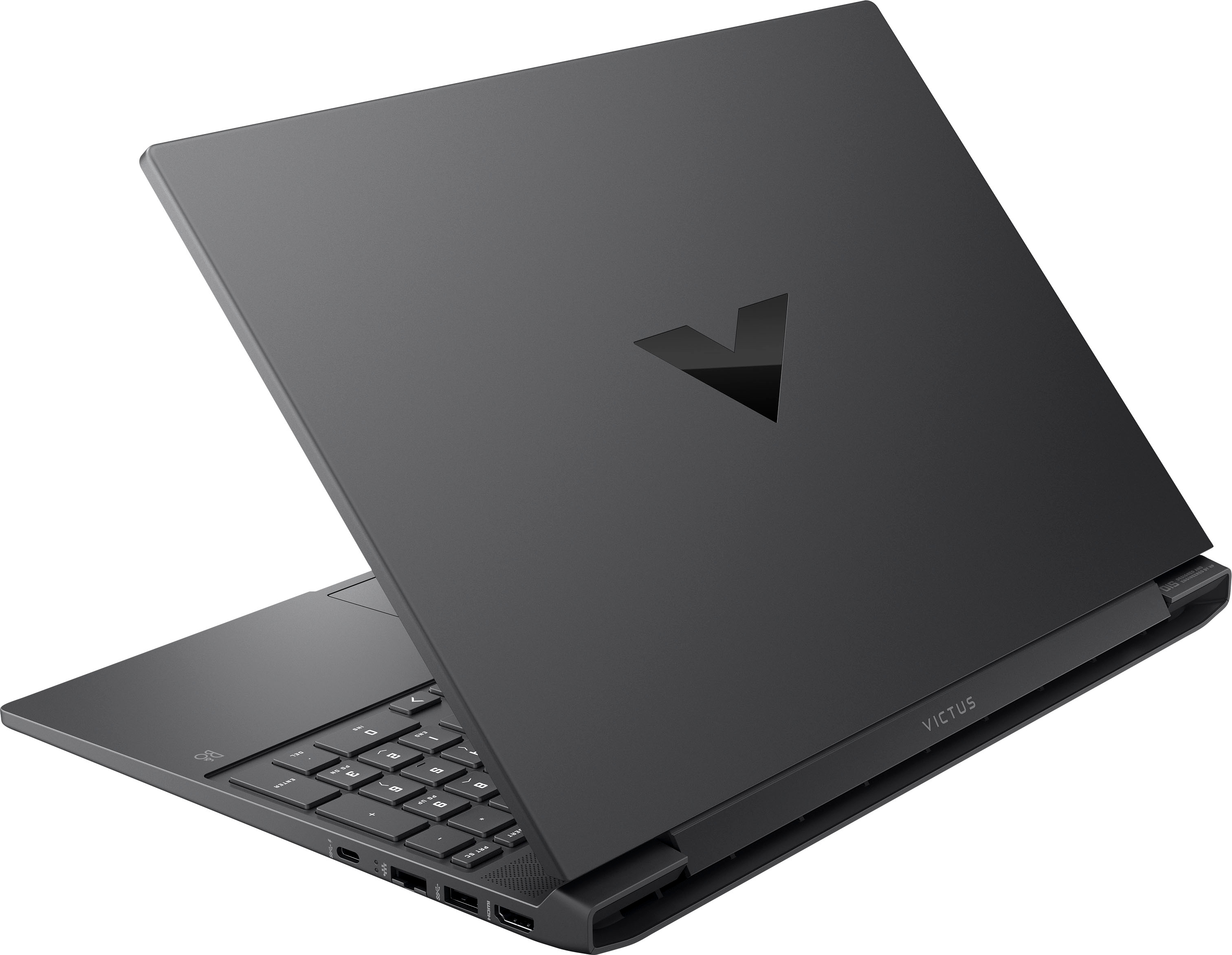
A:AnswerThank you for your question. The RAM in the HP Victus 15-fb1013dx Gaming Laptop is manufactured by Samsung. The laptop comes installed with 8GB of DDR5 PC5-38400 4800MHz Non-ECC SODIMM memory.
A:AnswerThank you for the question. You'd need to match the new RAM (manufacturer) with the 8GB already installed or switch that one out. You want both to match. Every manufacturer of RAM will use different memory controllers, materials, PCBs, and circuits. Mixing brands can sometimes lead to conflicts where a system crashes or fails to boot. The manufacturer will have tested RAM kits of the same brand to ensure they can work harmoniously. Corsair would be a good choice: https://www.bestbuy.com/site/corsair-vengeance-16gb-1pk-16gb-4800mhz-ddr5-c40-sodimm-laptop-memory-black/6516932.p?skuId=6516932
A:AnswerTom, thank you for your question about this HP Victus gaming laptop! You can upgrade both the memory and the SSD on this. The memory supports up to 16GB DDR5-4800 memory in a 2x8GB configuration. Additionally, you can change out the SSD with any type of M.2 2280 NvME drive.
A:AnswerI am sorry to hear about your experience with this Victus. You can ask for HP part number N13310-001 for the touchpad that goes with this model of laptop. You can also have Geek Squad change the touchpad for you, since Best Buy is an authorized HP service provider.
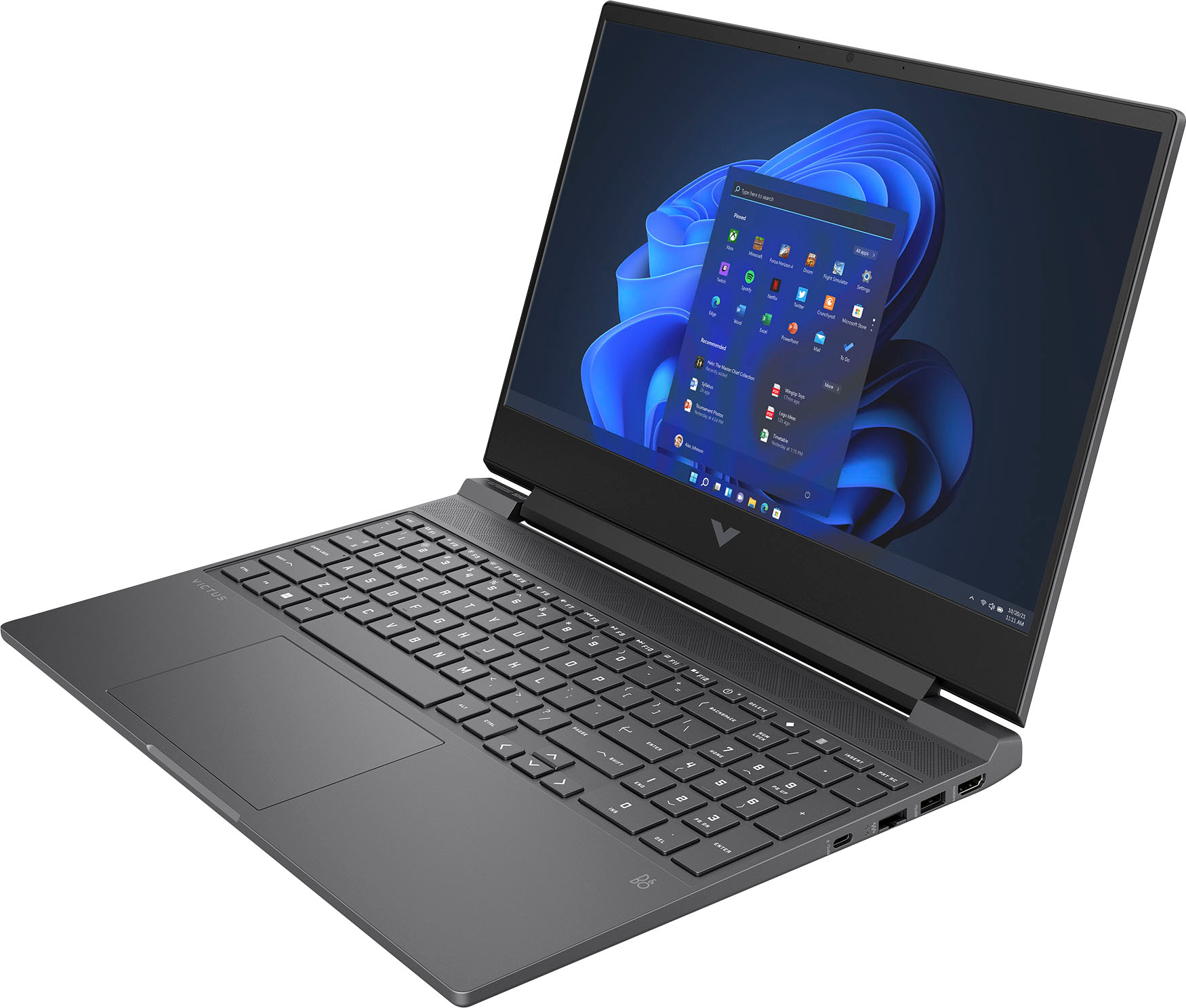
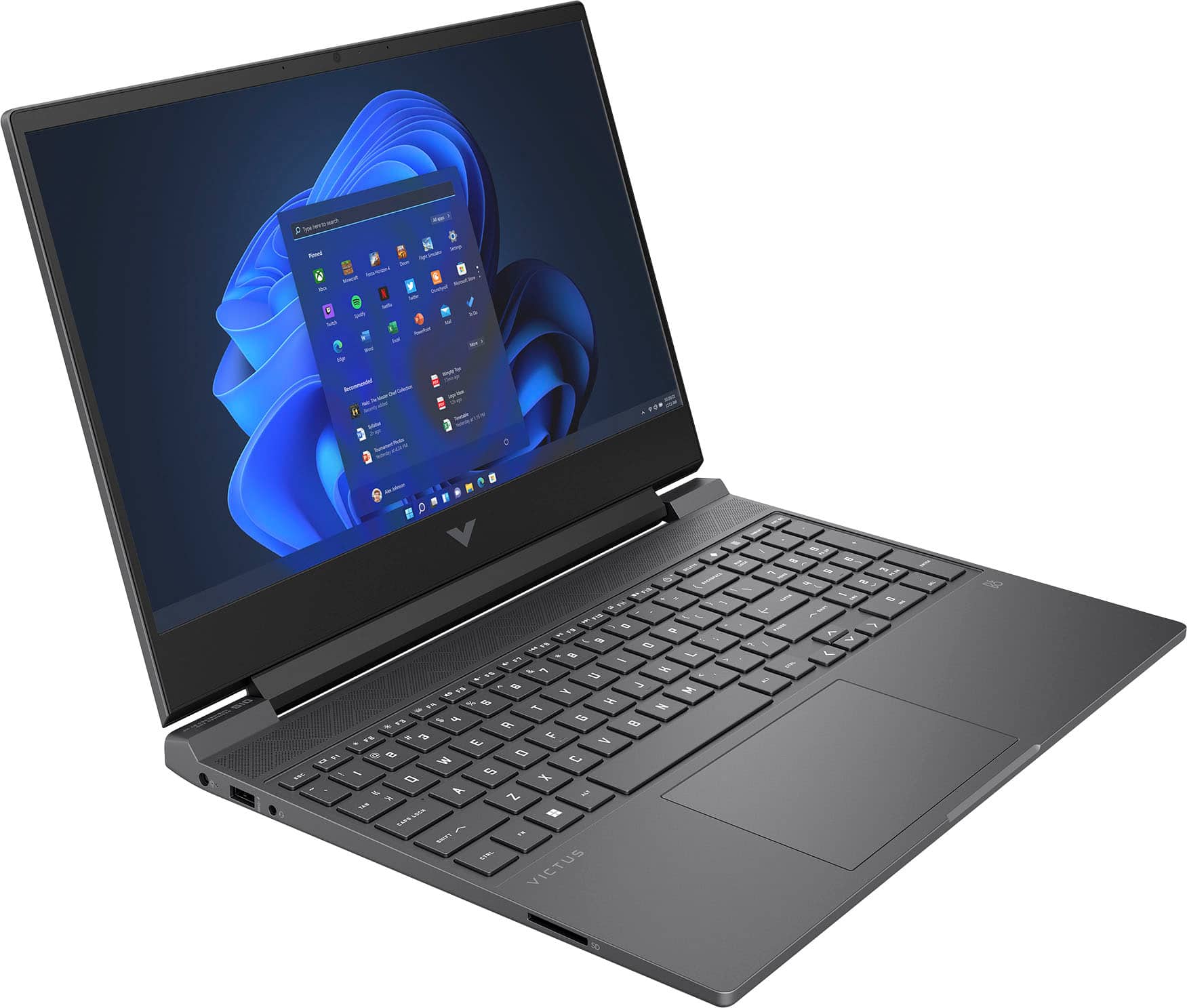
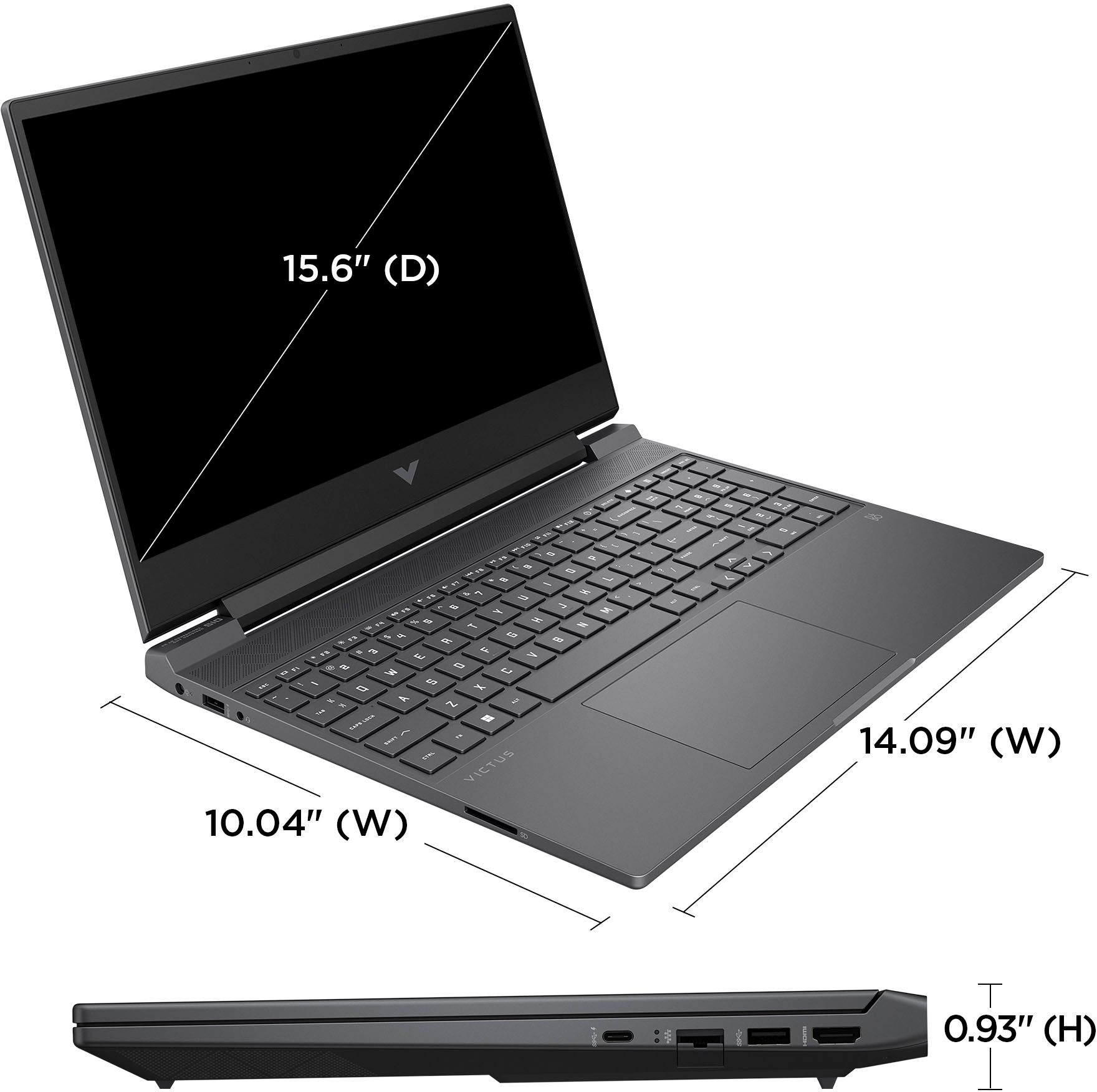
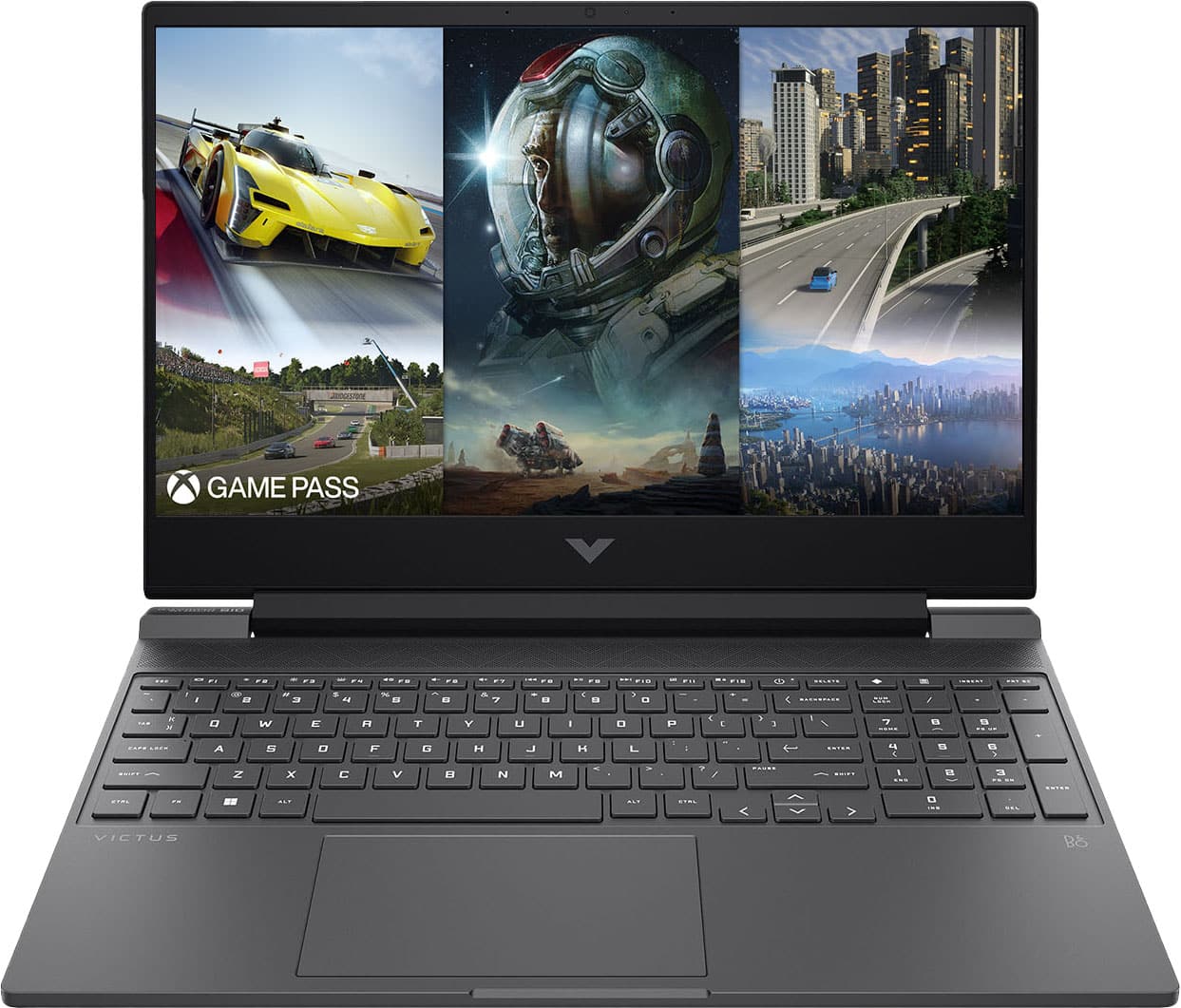
A:AnswerHello there. Thank you for your question! This HP Victus 15-fb1013dx laptop will feature a 15.6" diagonal FHD (1920 x 1080) 144 Hz IPS display with 250 nits of brightness and with a color gamut of 45% NTSC.
A:AnswerYeah man this is my daily driver for VR. Btw it's better to use a cord when you have bad Internet so make sure u pick up a USB c cable that's meant for VR and that's long enough I have chosen a 20 ft cable
A:AnswerHello and thank you for your question. This HP Victus 15-fb1013dxSKU laptops is compatible with the Intel AX210 WiFi 6E Adapter. I do recommend going to Best Buy's Geek Squad for further assistance.
A:AnswerAbsolutely. You can do Bluetooth or plug in one of those little USB dongles or both at once or multiples of both at once. You can plug in as many as you could ever need as a single person.