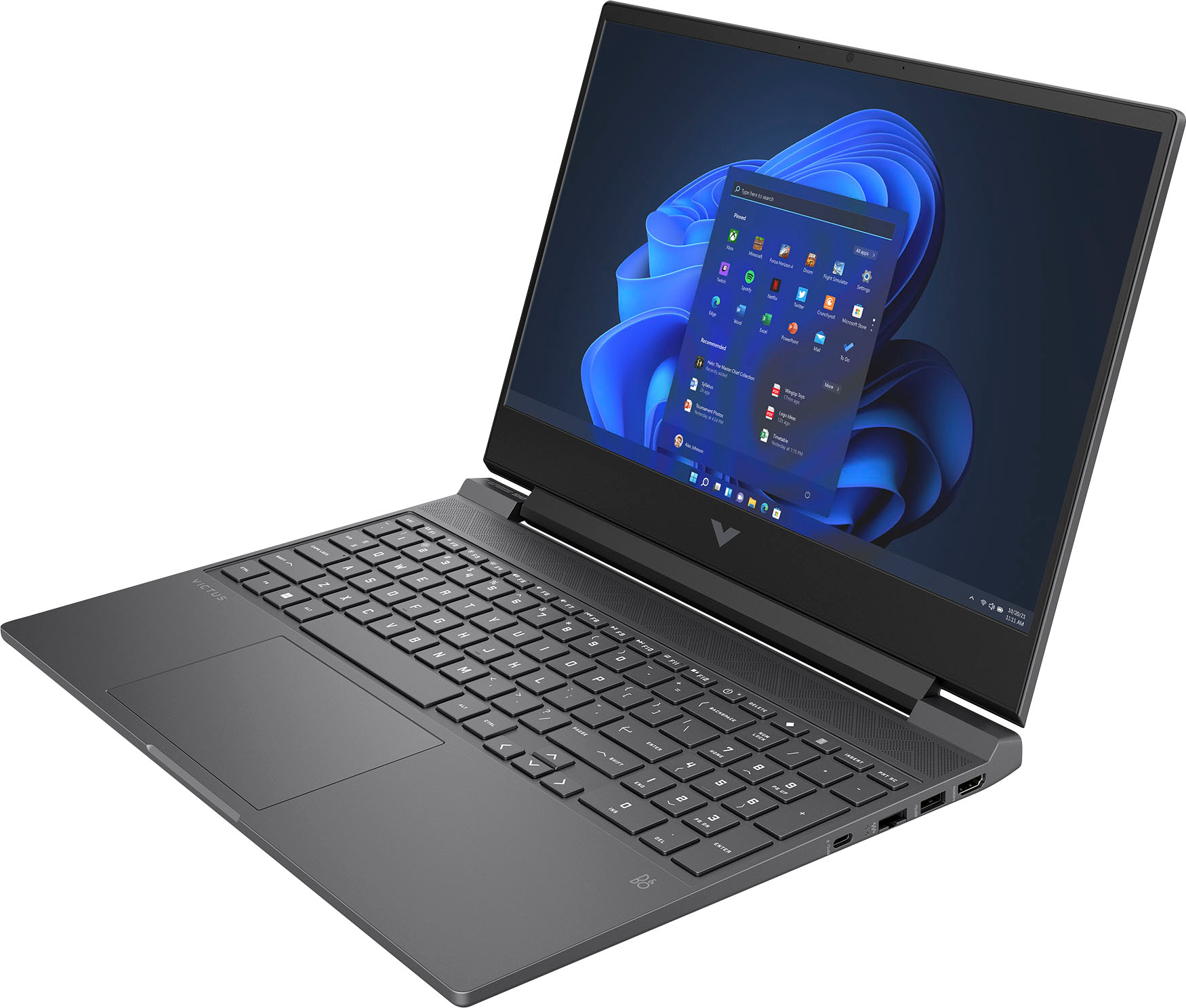
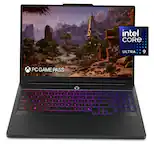
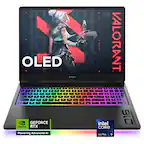
A:AnswerThank you for the question. The Victus 15-fb1013dx gaming laptop has one M.2 SSD. If you want more capacity, you can remove it and add a 1TB or 2TB SSD. We recommend that this be done by a professional technician.
A:AnswerHello. Thanks for your question. The HP Victus Gaming Laptop 15-fb1013dx has one M.2 SSD slot. If you need more storage, you'll have to replace the existing 512 GB PCIe Gen4 NVMe TLC M.2 SSD with one that has a larger capacity.
A:AnswerWill need to check your documentation to see what type of ssd is compatible with your system. There are two types of m.2 drives which is nvme and sata there pinned different, you can also visit the hp website and they have tools you can download and help you check what type, I find Samsung is good because they have a cloning software which is good, should still back up when performing this upgrade and 2 Terabytes should be good.
A:AnswerCan you elaborate more on the issue with charging, it could be a loose connection on the inside of the laptop, the charging port is soldered to the motherboard, may need to file a warranty claim if it’s still covered, the tech would come out to your location or you can send it off for them to check it out further through HP and if the charging port is bad then they would replace the motherboard for you. Also depending if you bought more protection through Best Buy then going through them would be the best bet to see what the Geek Squad recommends.
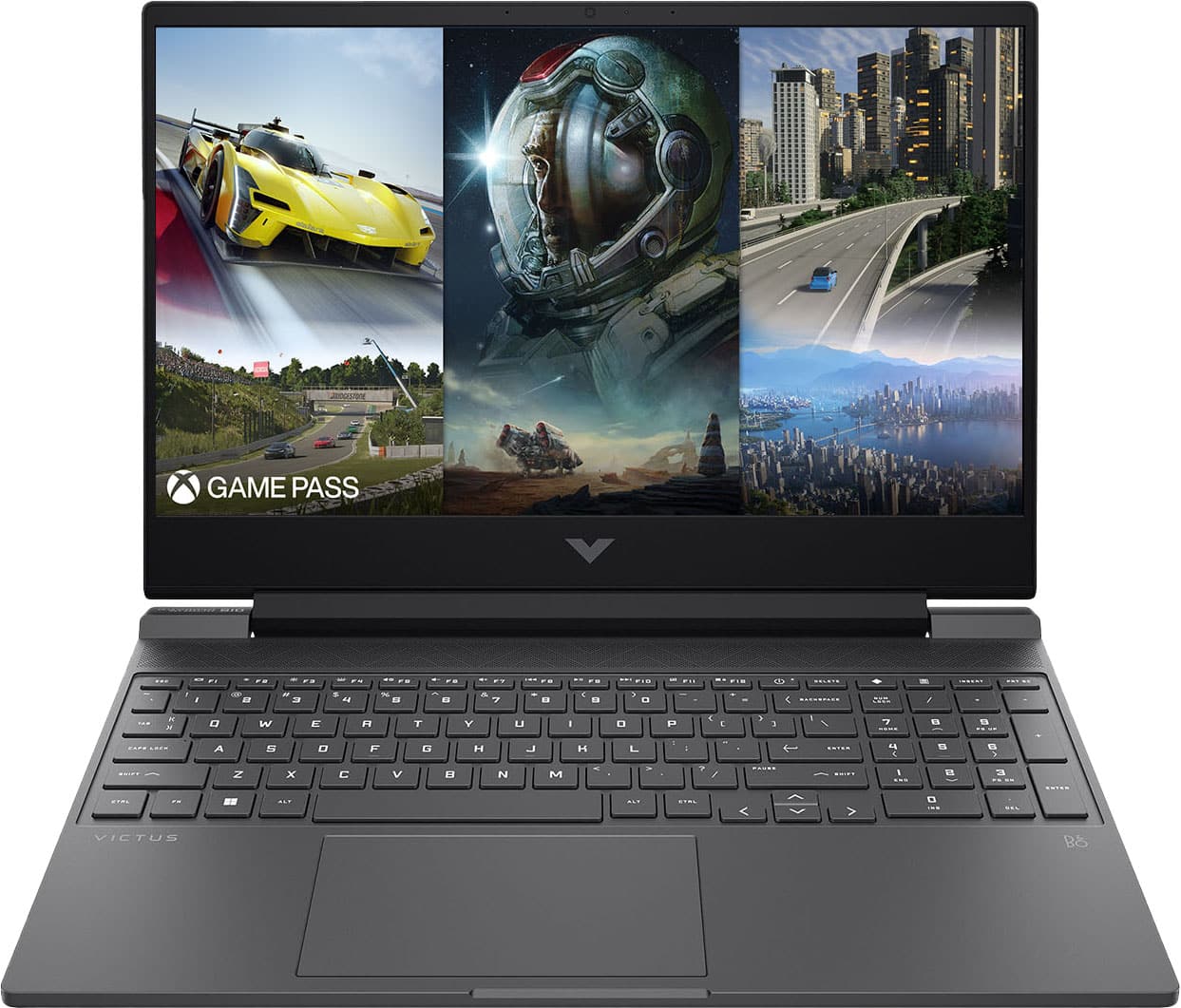
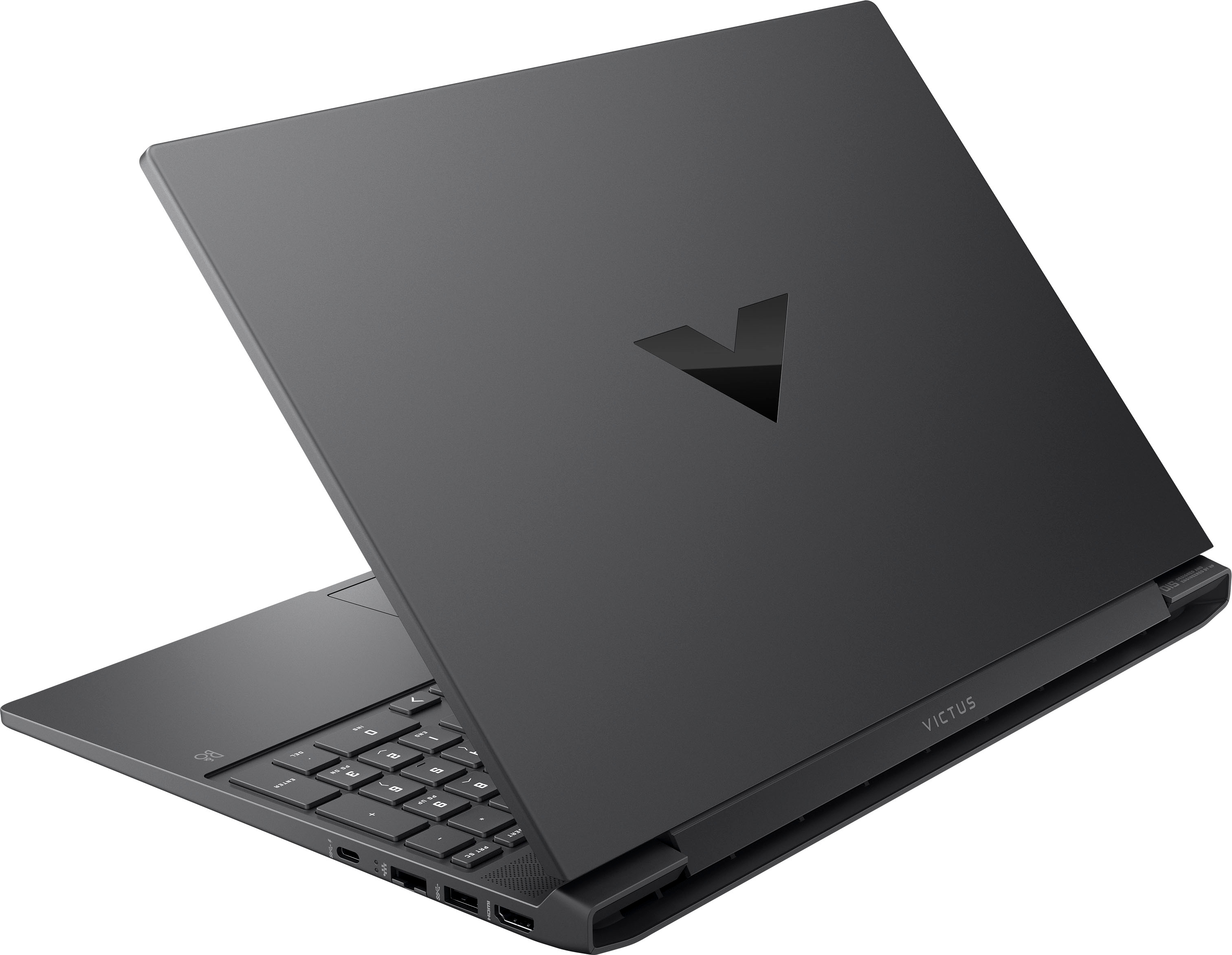
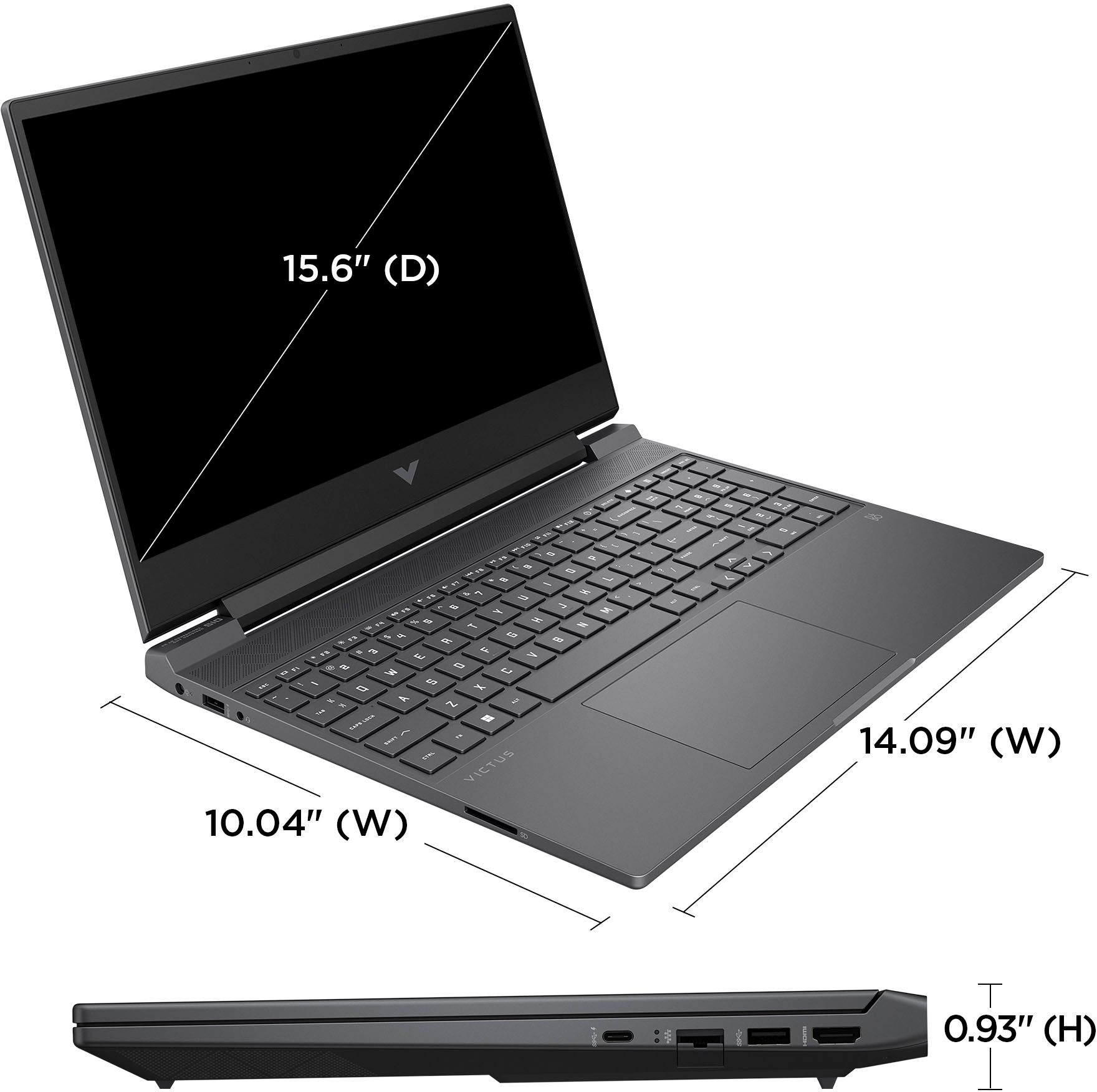
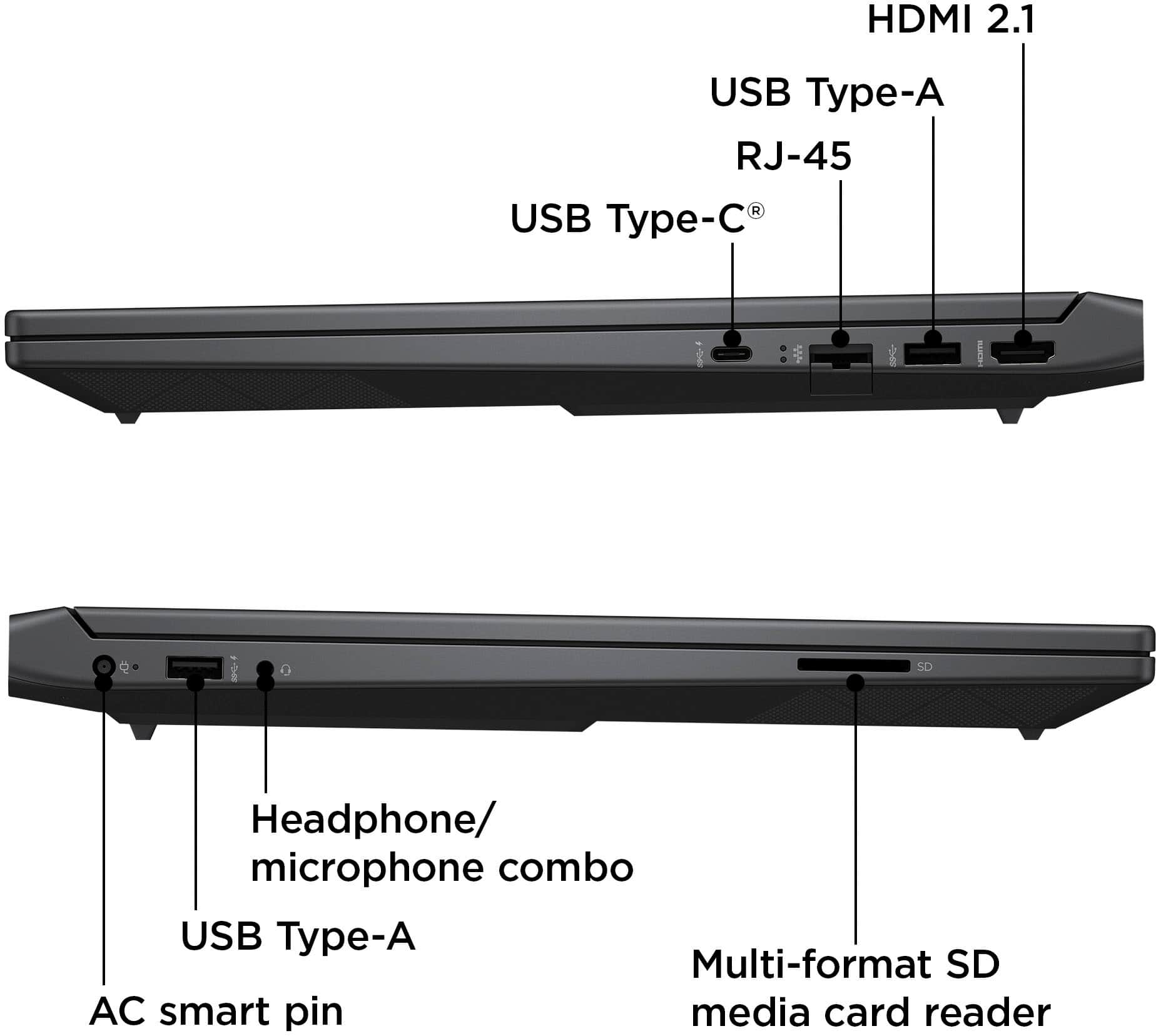
A:AnswerThank you for the question. The SuperSpeed USB Type-C® port on the Victus 15-fb1013dx has a 5Gbps signaling rate. It supports DisplayPort™ 1.4 and HP Sleep and Charge. It's 5 V 900 mA ,4.5 W, and can support up to 15W.
A:AnswerThank you for your question about the sales dates of this HP Victus laptop. You can set up a Best Buy account, add this computer to your wishlist, then you will receive notifications what it goes back on sale.
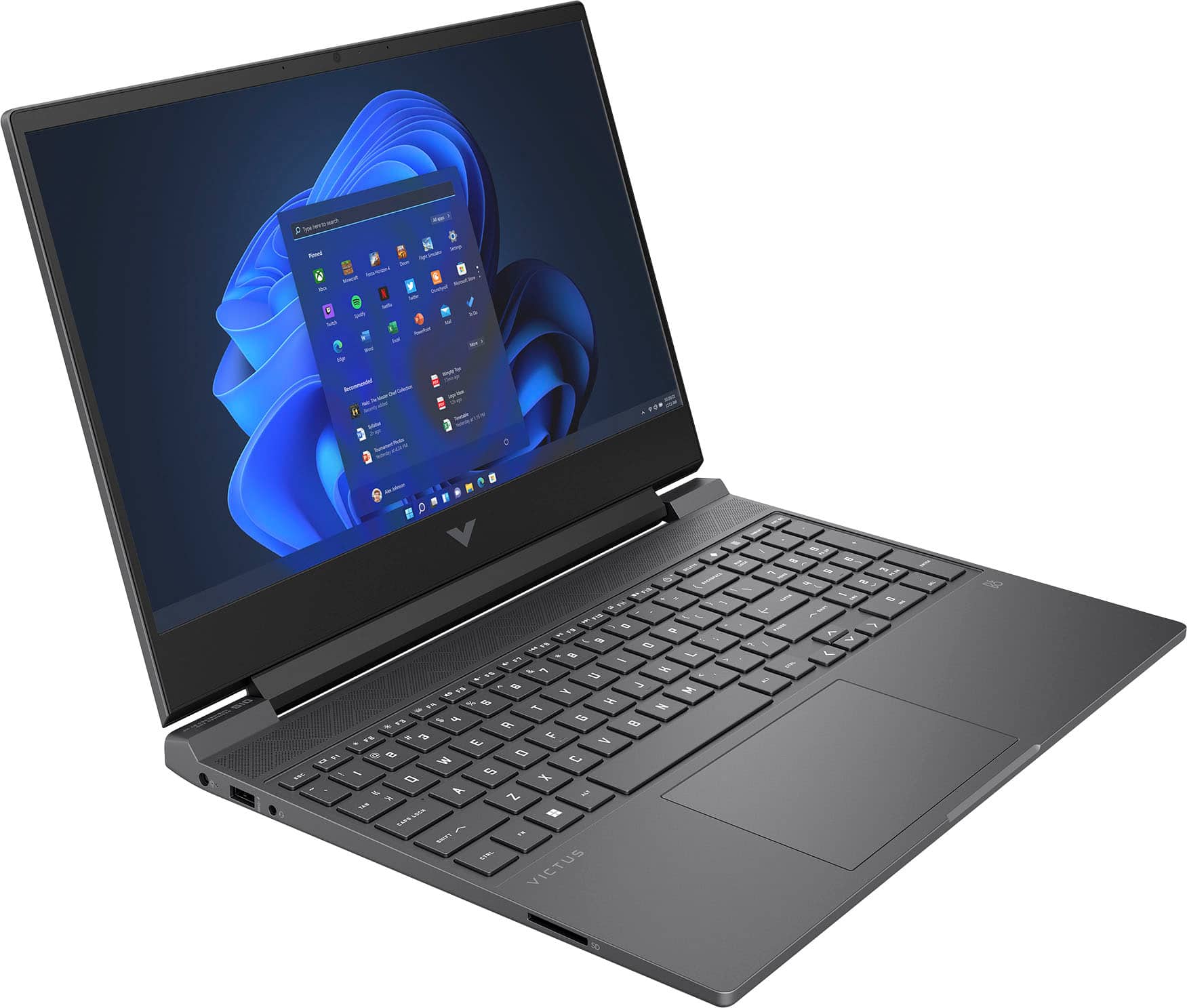
A:AnswerAs far as I have discovered; this version of the model only has white back lighting built into it. Other models seem to have different colors. There is software built into the laptop to test if the hardware is compatible with other backlighting. Look into the software enabled on you laptop to see if you have other lighting options.