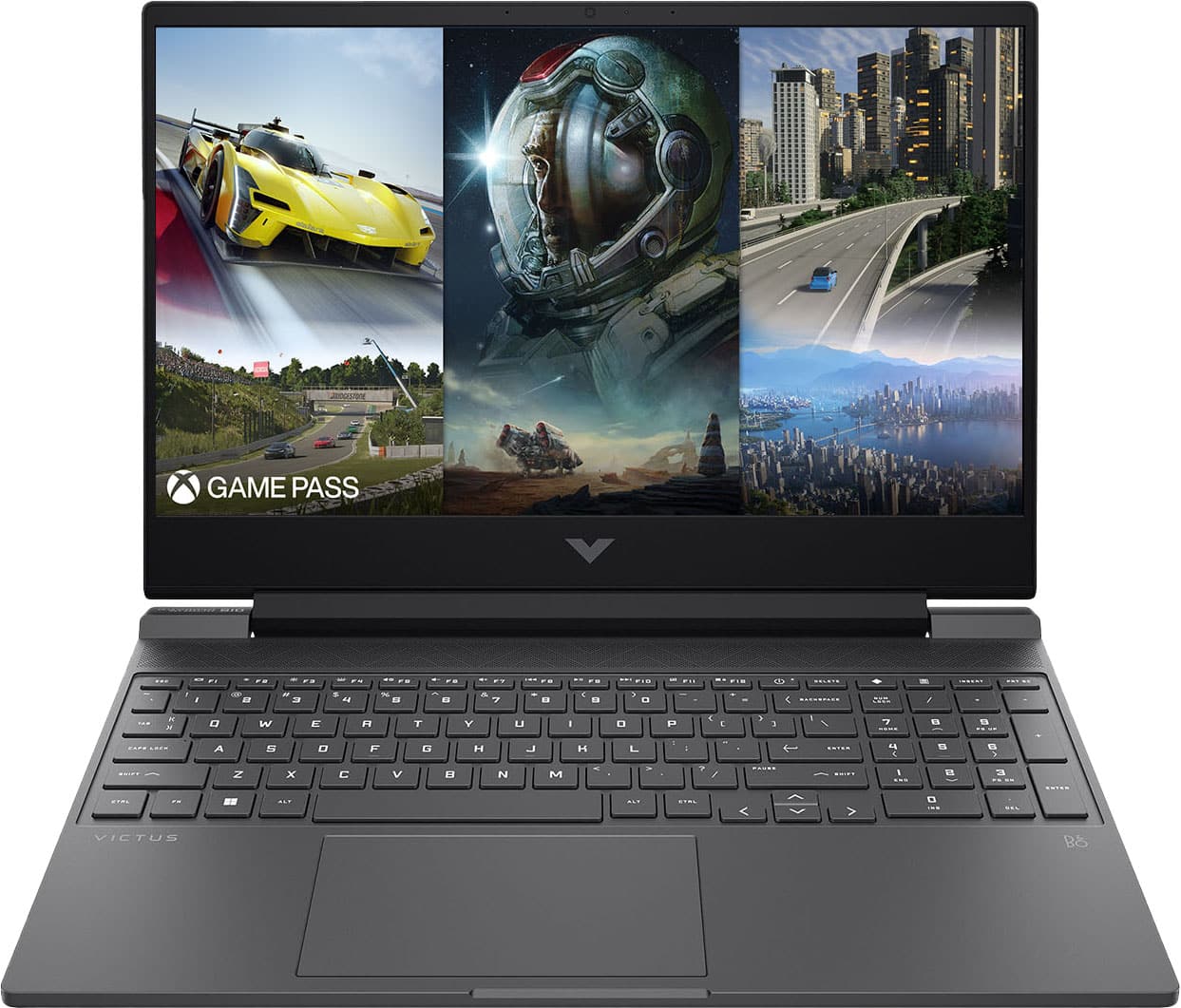
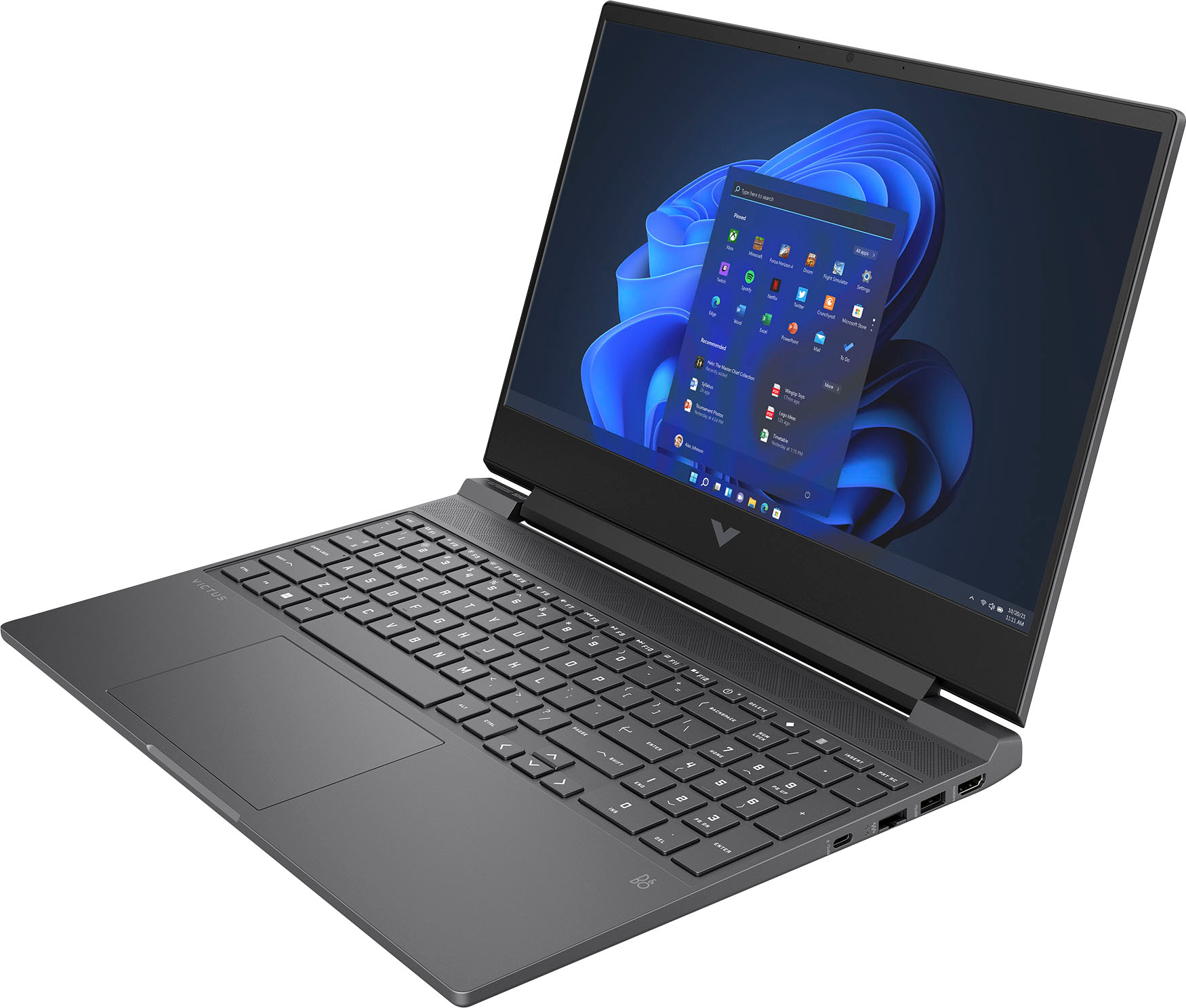
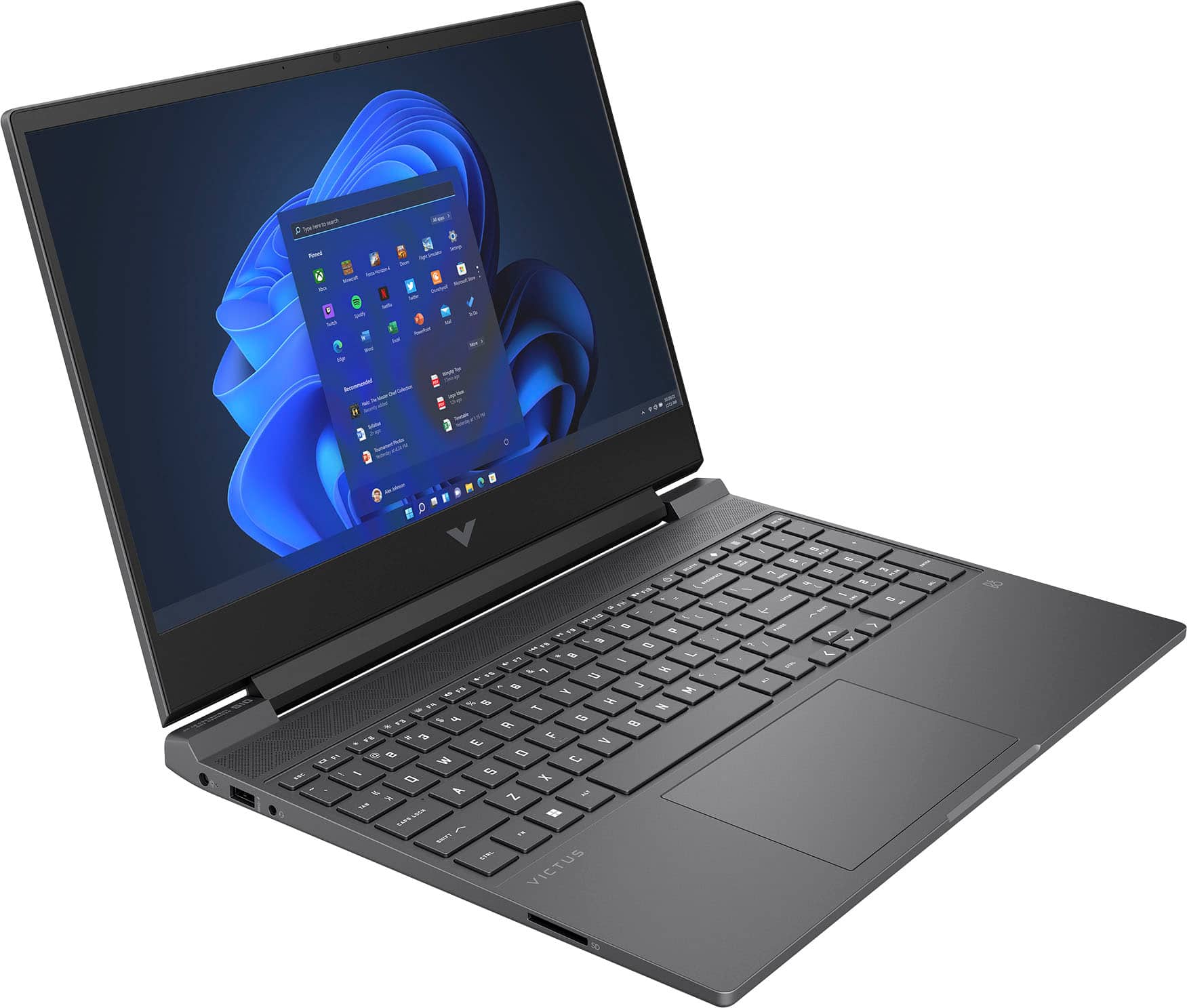
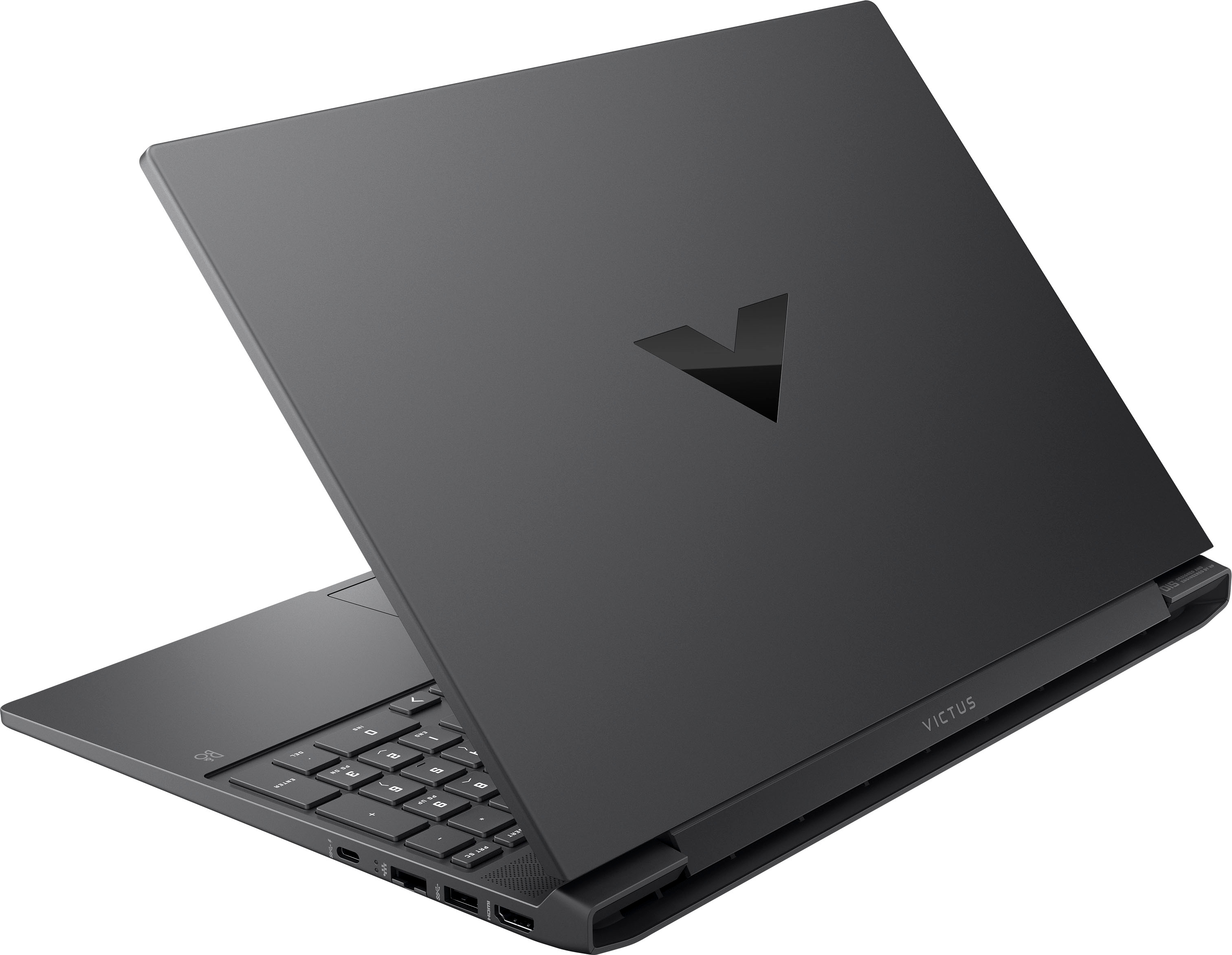
A:AnswerThank you for the question. Apologies, the Victus 15-fb1013dx Gaming Laptop has neither a fingerprint reader nor an IR camera (required for facial recognition).
A:AnswerHi Dylan! Thank you for your question. As system requirements for software is constantly changing, we are unable to answer questions about software compatibility or performance. What is compatible today may not be in the future. Please check the software manufacturer's website for the most current minimum and recommended requirements.
A:AnswerThis Victus Gaming Laptop does not meet the system requirements to run Avatar: Frontiers of Pandora. That game recommends that the computer has 16GB of RAM and the NVIDIA GeForce RTX 3060 Ti or better GPU.
A:AnswerThank you for the question. For any software, you will want to look at the system requirements from the developer's website and make sure this meets the specifications for the settings you would like to use. Updates can change those requirements and that can affect what settings you use or impact if you can run it at all.
A:AnswerThank you for your question regarding the HP - Victus 15.6" Gaming Laptop 15-fb1013dx. For any software, you would want to check the system requirements from the publisher's website and make sure the device you want to run it on meets the requirements for the setting you would like to use. Updates can change the requirements which can impact what settings you run it on or if you can run it at all. For software that always require online or for sections that are online, your connection type and speed can also affect how well it runs.
A:AnswerHello Jessica and thank you for asking. The HP Victus 15-fd1013dx exceeds the minimum and recommend system requirements for Valorant, so it can play the game.
A:AnswerHP Victus 15-fb1013dx Gaming Laptop supports up to 64GB of DDR5 RAM1. You can upgrade your existing 8GB of DDR5 RAM (@ 4800MHz) to a higher capacity and speed, such as 16GB or 32GB of DDR5 RAM (@ 5600MHz). However, you may need to check the compatibility and availability of the RAM module. I hope this helps.
A:AnswerThank you for the question. This laptop exceeds the minimum requirements for Blunder. Unity versions 15.3 and later have been qualified to work with Windows 11.
A:AnswerThank you for the question. Yes, this laptop exceeds the specifications for the listed apps. Unity versions 15.3 and later have been qualified to work with Windows 11.
A:AnswerThank you for the question. To which screws are you referring? For the base enclosure of the Victus 15-fb1013dx, you'll need a Phillips Head screwdriver. See the HP Support video on YouTube for more disassembly instructions. https://www.youtube.com/watch?v=CWquvV6ZX2w.