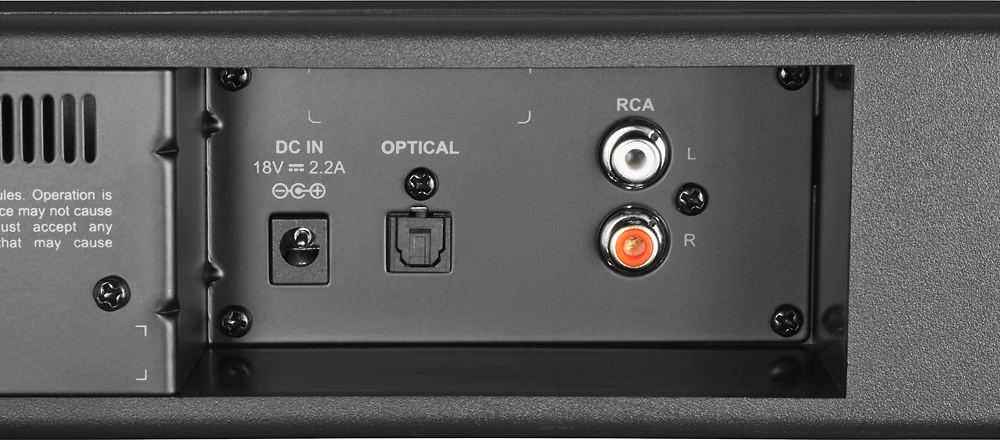
A:AnswerOptical cable needs to be purchased separately. Be sure to avoid optical cables that are packaged in such a way as to include bends of 90 degrees instead of the cable being coiled into a circle. Fiber optic cables that get "bent" can break on the inside and then not pass light very well.
A:AnswerYou are able to connect your TV and other devices to the soundbar. With this soundbar you can connect devices with a digital optical cable, red/white RCA connections or Bluetooth.
A:AnswerSeems to be a problem with this product. It cannot handle any volume level other than Grandma low. Turn it up & the Sub cuts off & on over & over. This is why I returned mine!
A:AnswerI cranked it listening to Pandora and i was quite surprised for a soundbar how loud it could get without distortion. I wouldn't say theatre quality but definitely louder than your stock TV
A:AnswerNot sure they sell the remote itself but I have 2 of those sound bars and I have one working with a sideclick for the roku and 1 with a universal remote.
A:AnswerThis is one of the most basic setups offered but as long as your tv has a optical port or HDMI ports it can process the sound coming out of your tv. I personally dont know the benefit of a wifi enabled sound bar but you should be safe with this one
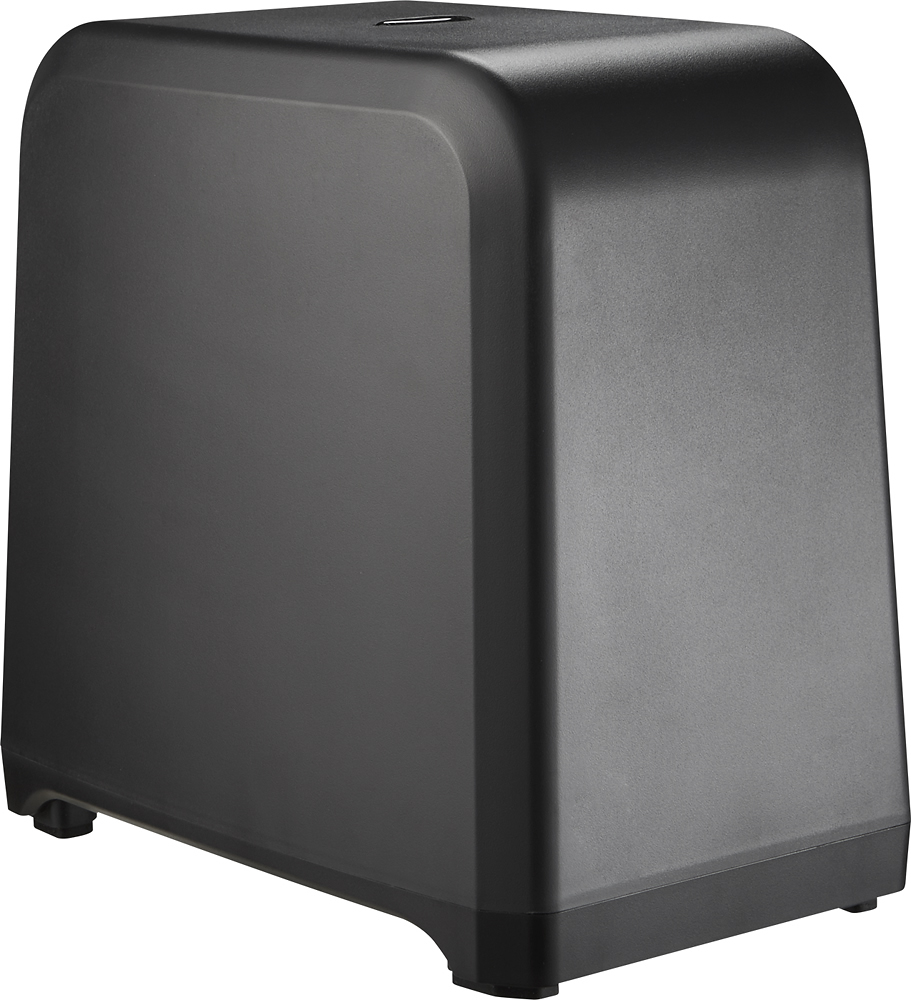
A:AnswerThere would be a substantial lose of sound quality by not using the subwoofer. The bar speakers could stand on their own but the subwoofer gives dimension. The sound bar transmits well wirelessly to the subwoofer, and there are three levels of preprogramed bass depth, plus some minor other adjustment capability. The product as a package is a real good value for improved TV sound quality.
A:AnswerWell i have an insignia TV.. and older model and once i turn on the TV... soundbar automatically turns on aswell and tunes with the volume and remote.. so from what I see at my home... the answer is yes
A:AnswerI had a similar issue and swapped the battery is well I looked inside the remote and saw that the prongs were not making proper contact with the battery and so I messed with the prongs made the proper contact and now the remote works fine
A:AnswerI would recommend reaching out to team for assistance in troubleshooting this issue. They can be reached at http://www.insigniaproducts.com/contact-us.html.
A:AnswerWithout anytype of output there is no way to send the signal to this Soundbar...you sure there is no outputs? not even a headphone jack?
if has a headphone jack atleast, you use the headphone to rca adapter and it will give the Soundbar input from the tv. hope this helps.