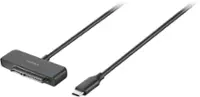
A:AnswerSounds like the drive is faulty. You might try attaching it directly to an eSATA port, or by using a USB-to-SATA cable (the kind that comes with an external storage drive like a WD My Passport or similar). Otherwise, take it to a computer repair shop and ask someone to verify it's working.
A:AnswerI do not know.I purchased it to transfer pictures from the hard drive from my old computer that will not boot up so I got a new computer and am in the process of transfering the pics instead of paying 100 dollars for someone else to do it
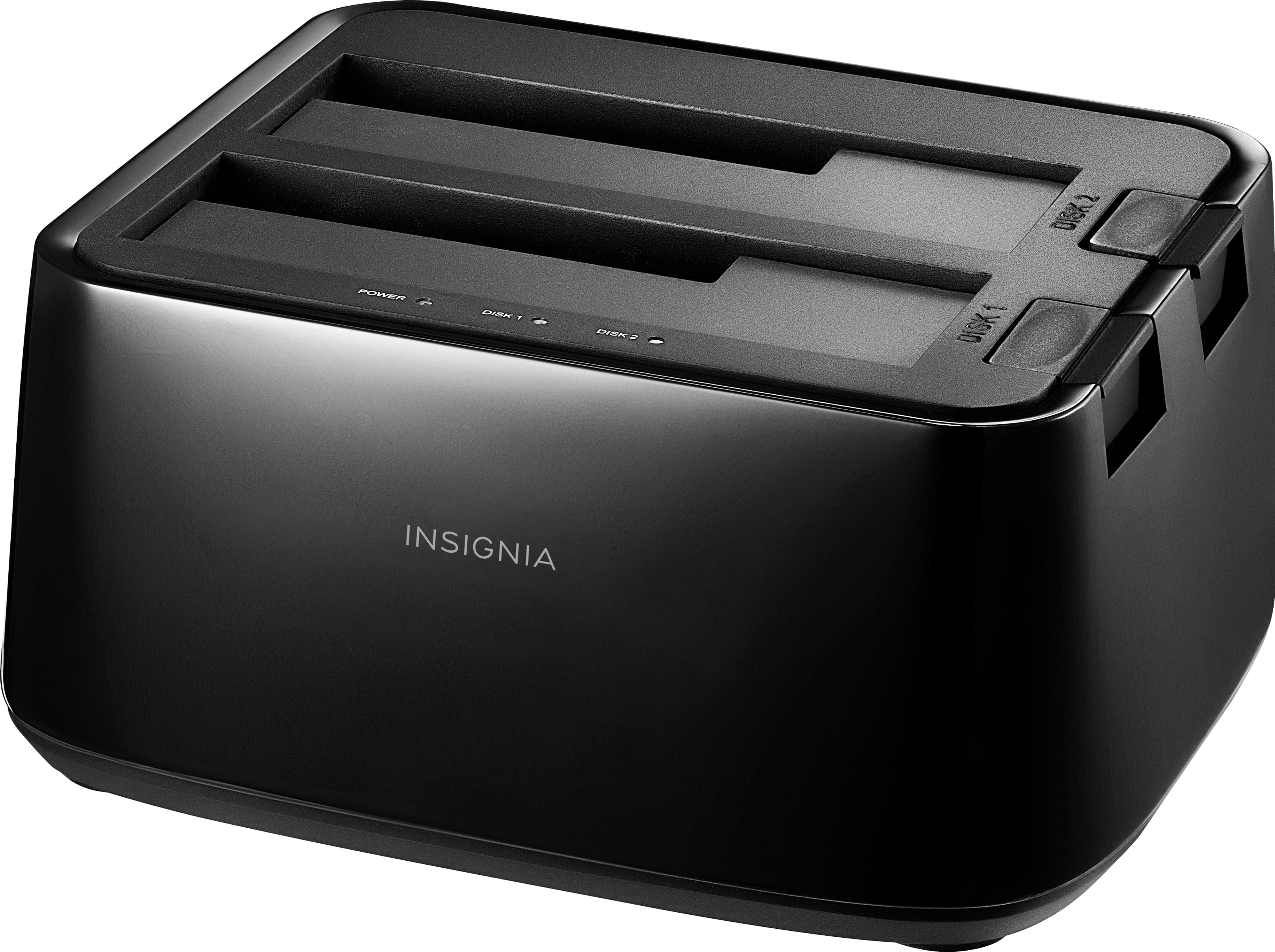
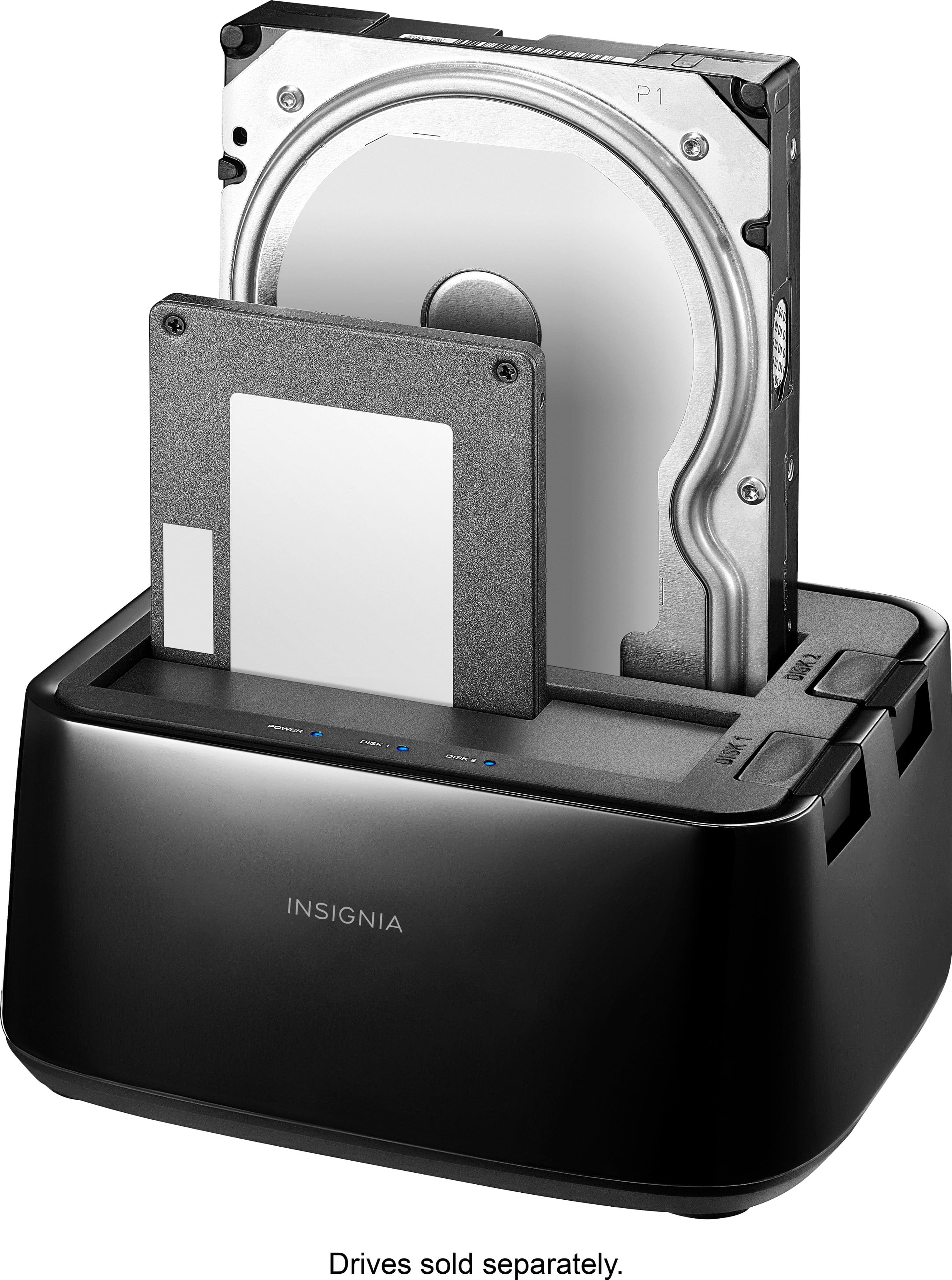
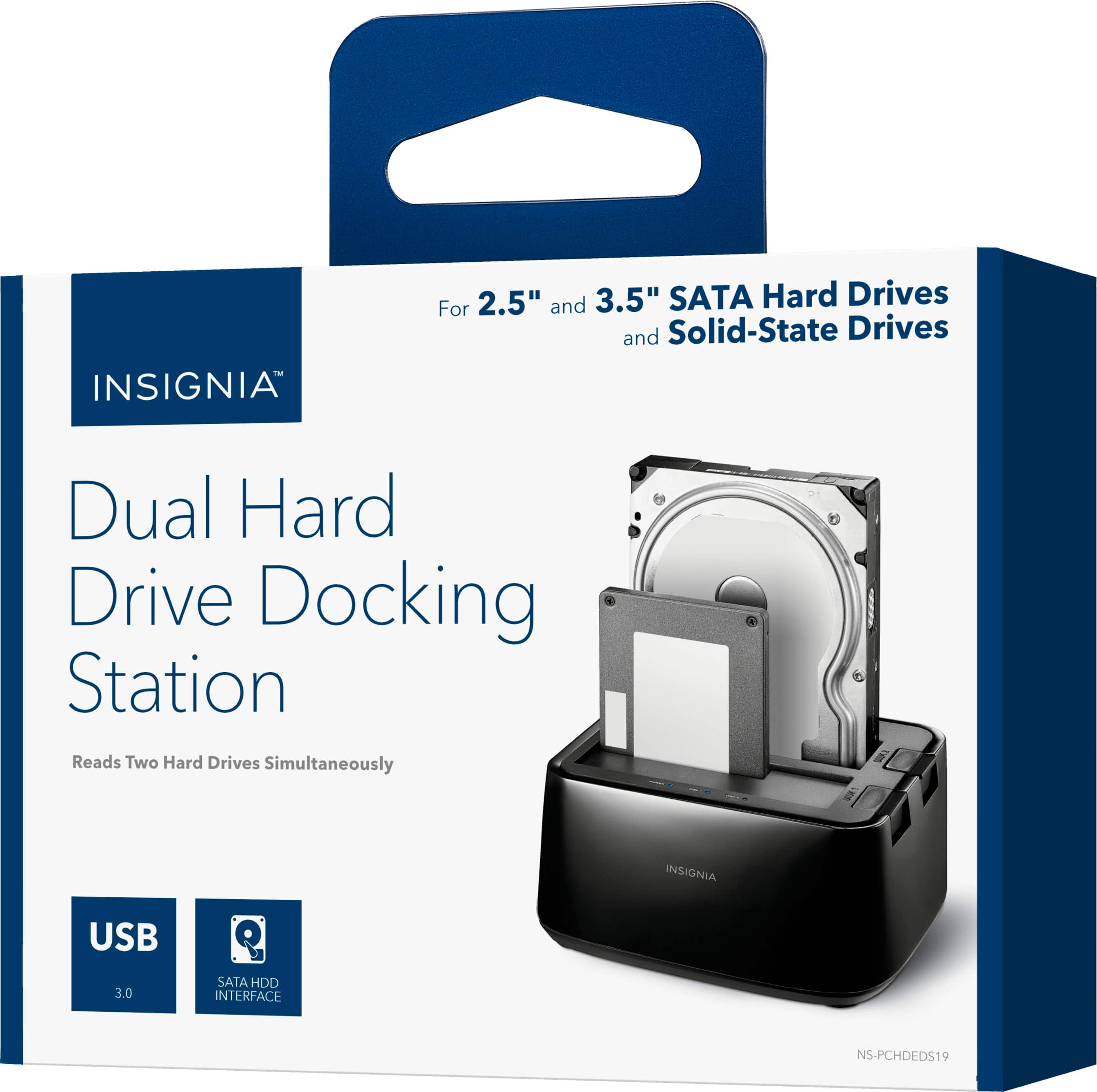
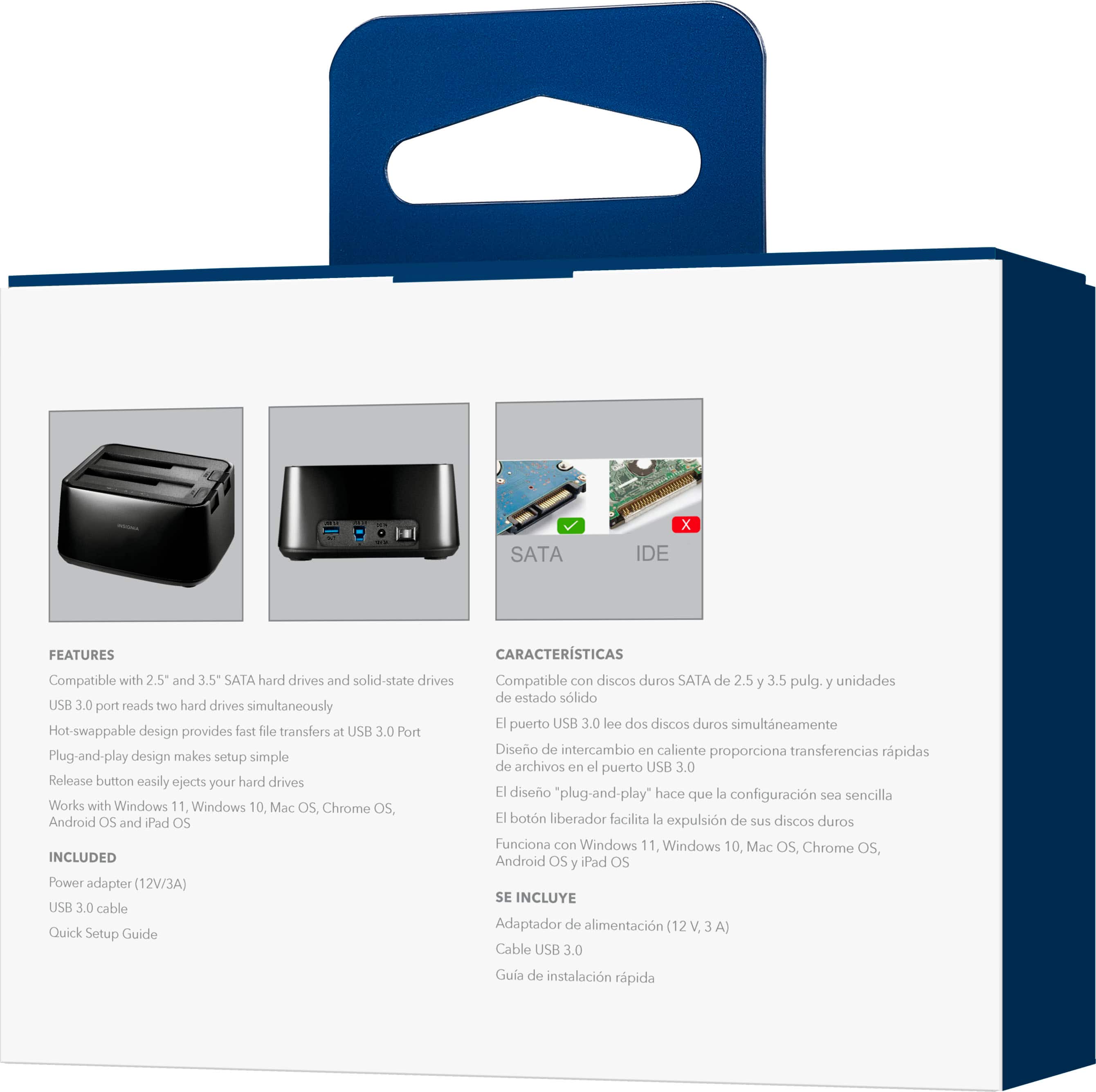
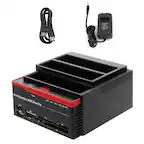
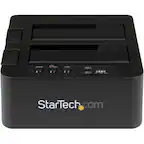
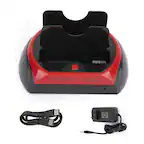
A:AnswerThse docking station slots have SATA connectors. You can plug in either HDD's or SSD's with SATA connectors. I don't know about other vendors, but I took a Western Digital, "My Book" and removed the internal SATA drive from the housing. Works in this dock like any other SATA drive.
A:AnswerWorks fine with ps4 I got this for loading software on game consoles have had no issues with reloading drives. Just make sure formatted properly and put in proper file. Works perfectly when backing up games on multiple drives.
A:AnswerIt will allow your system to save and play games from it I would suggest solid state drives only due to speed issues and load times. As well as xbox not being able to use a drive of that size currently and it would be a waste.