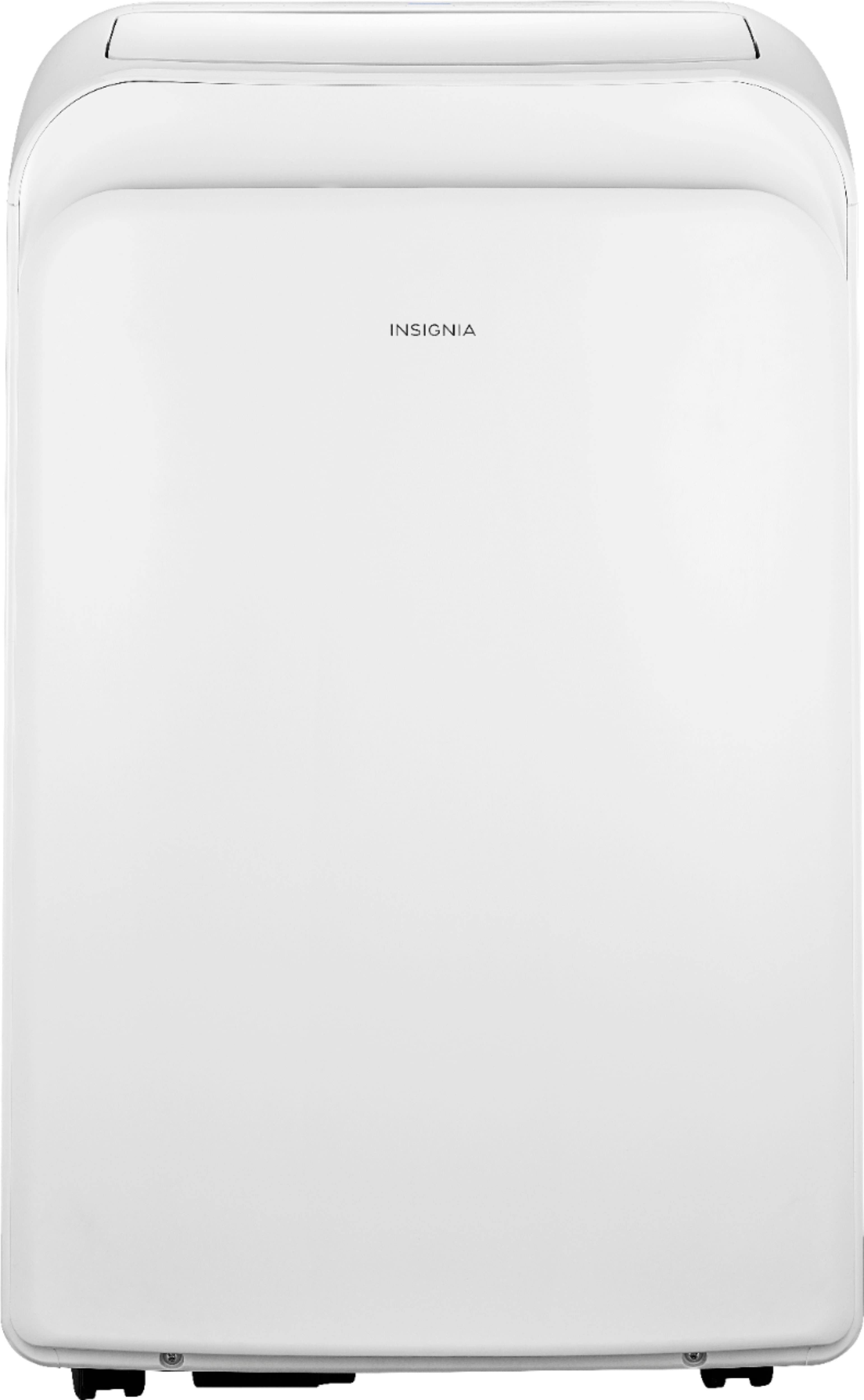
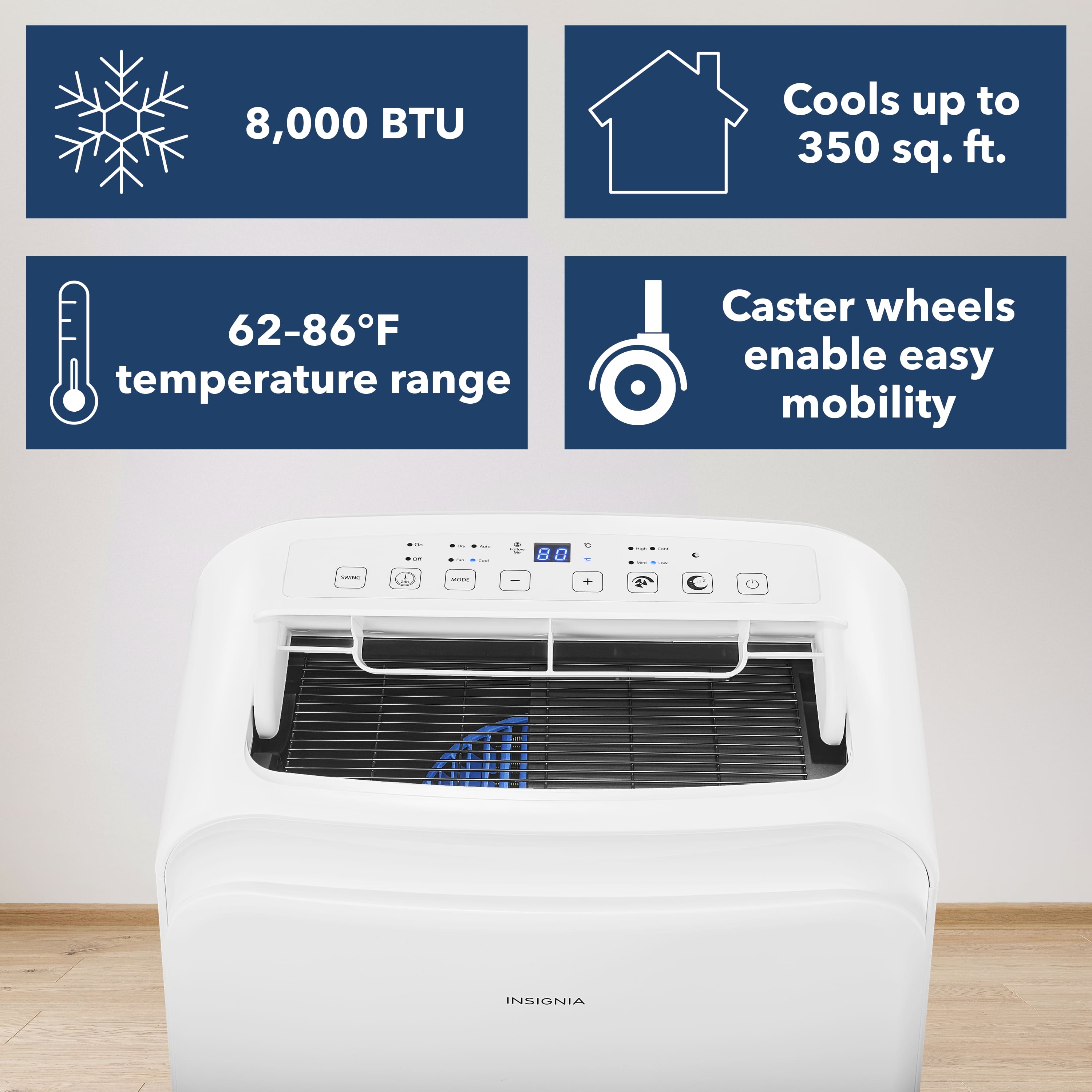
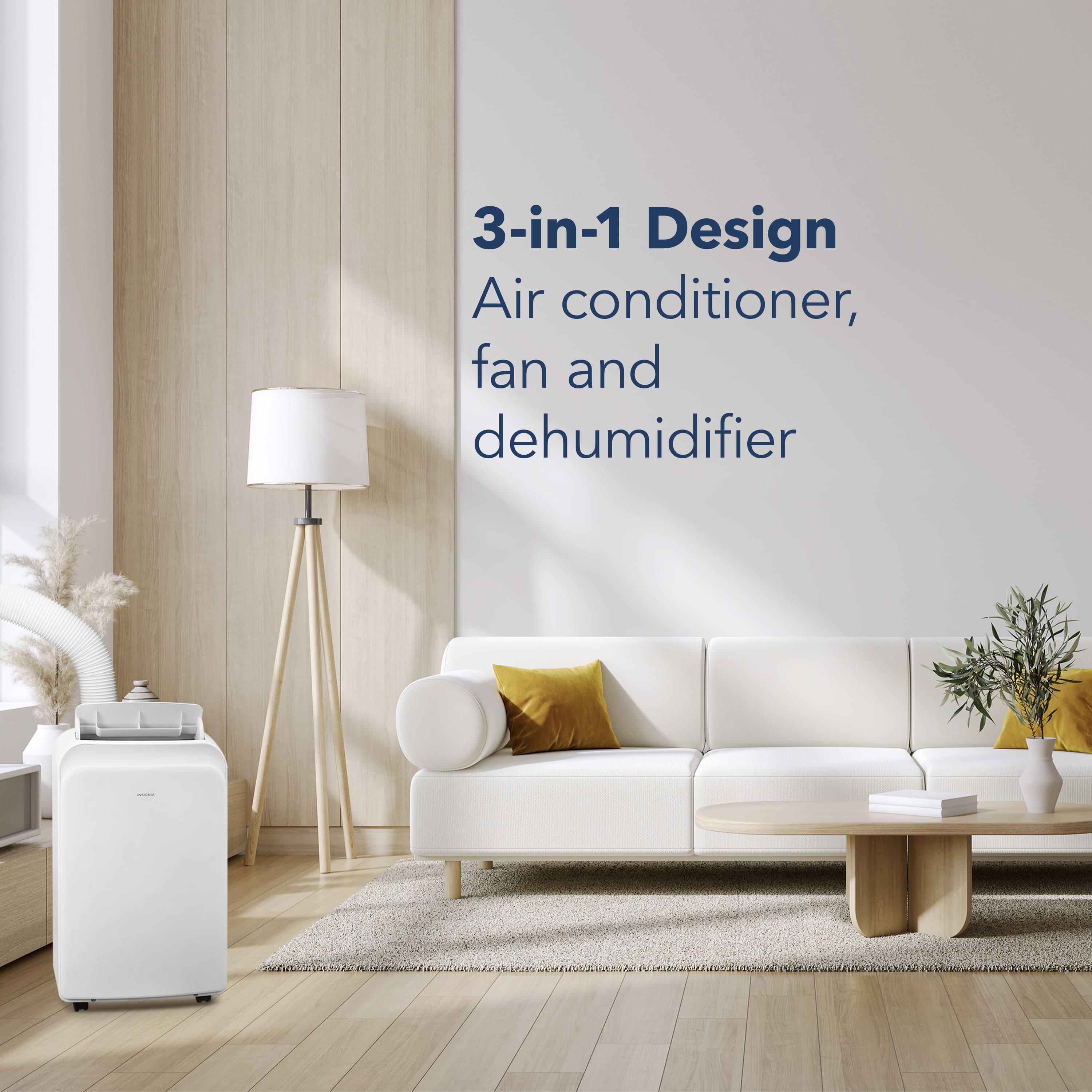
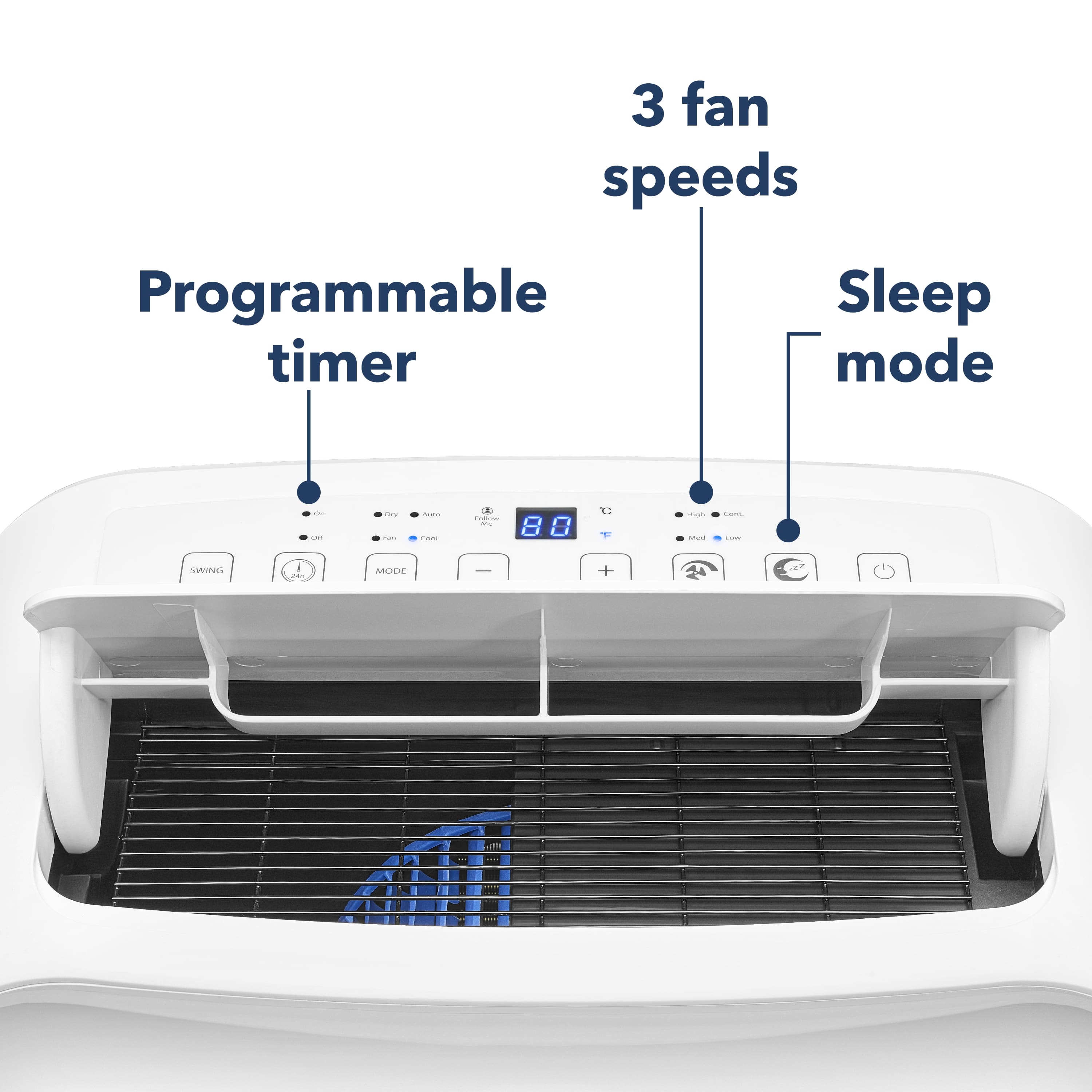
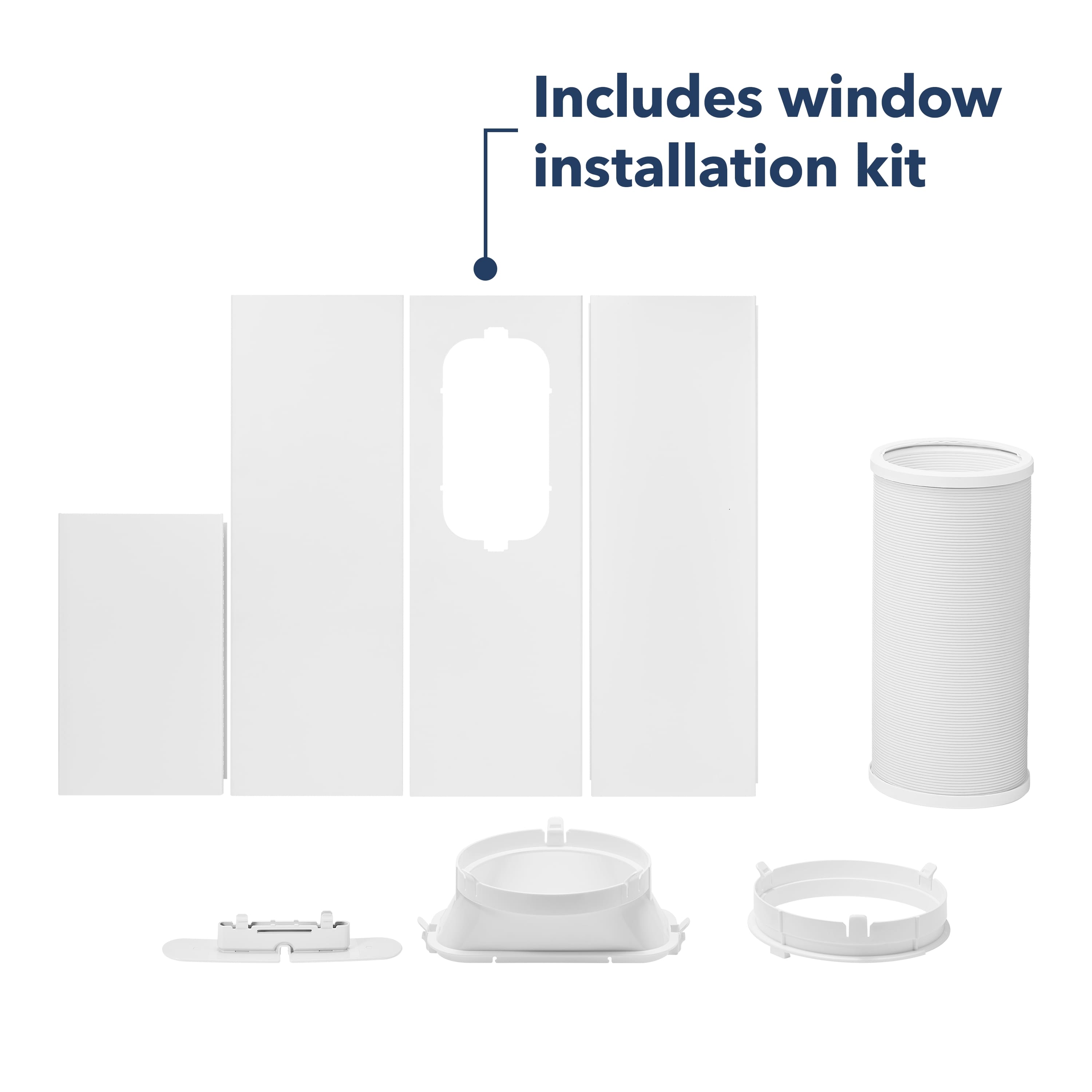
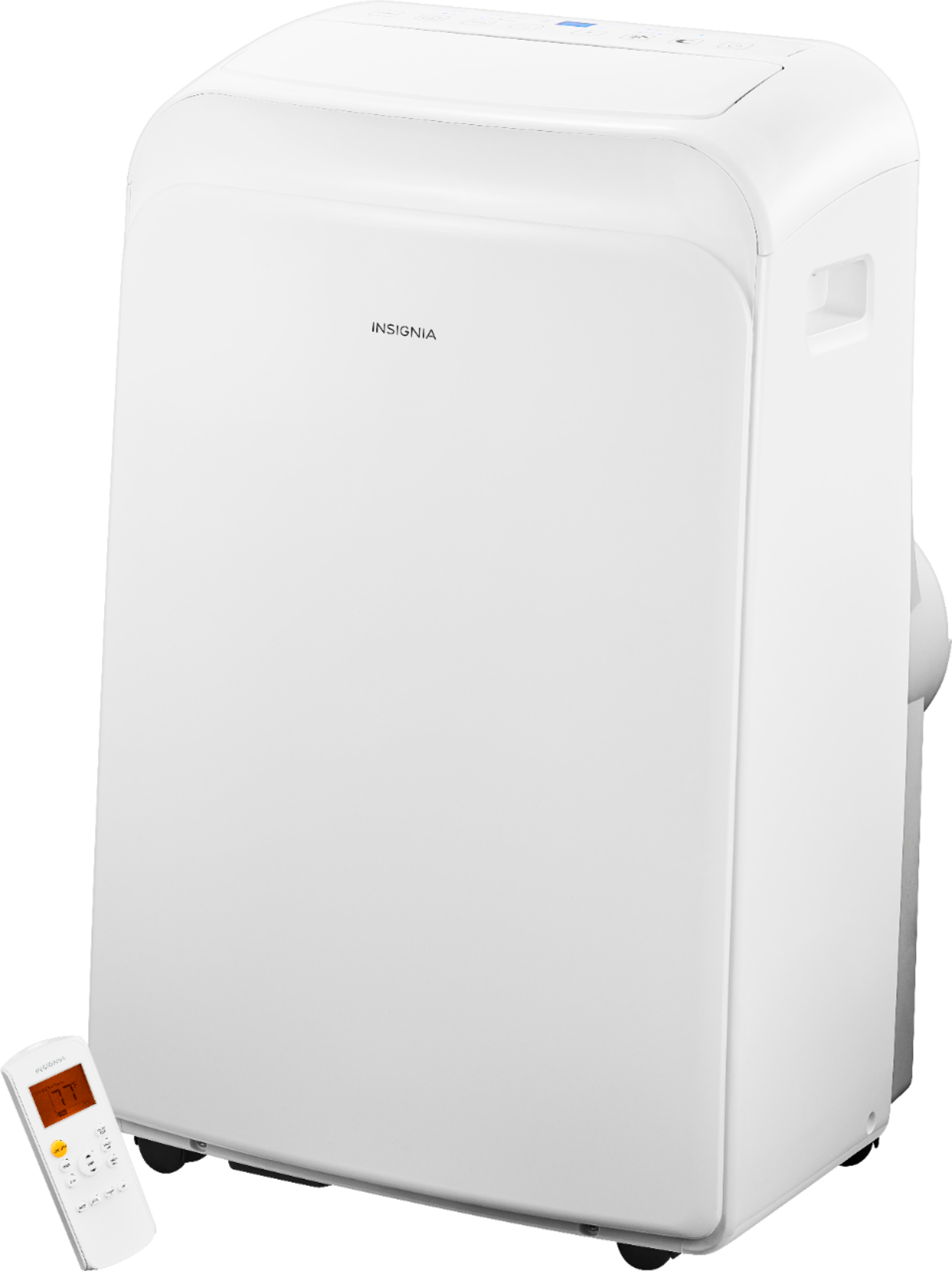
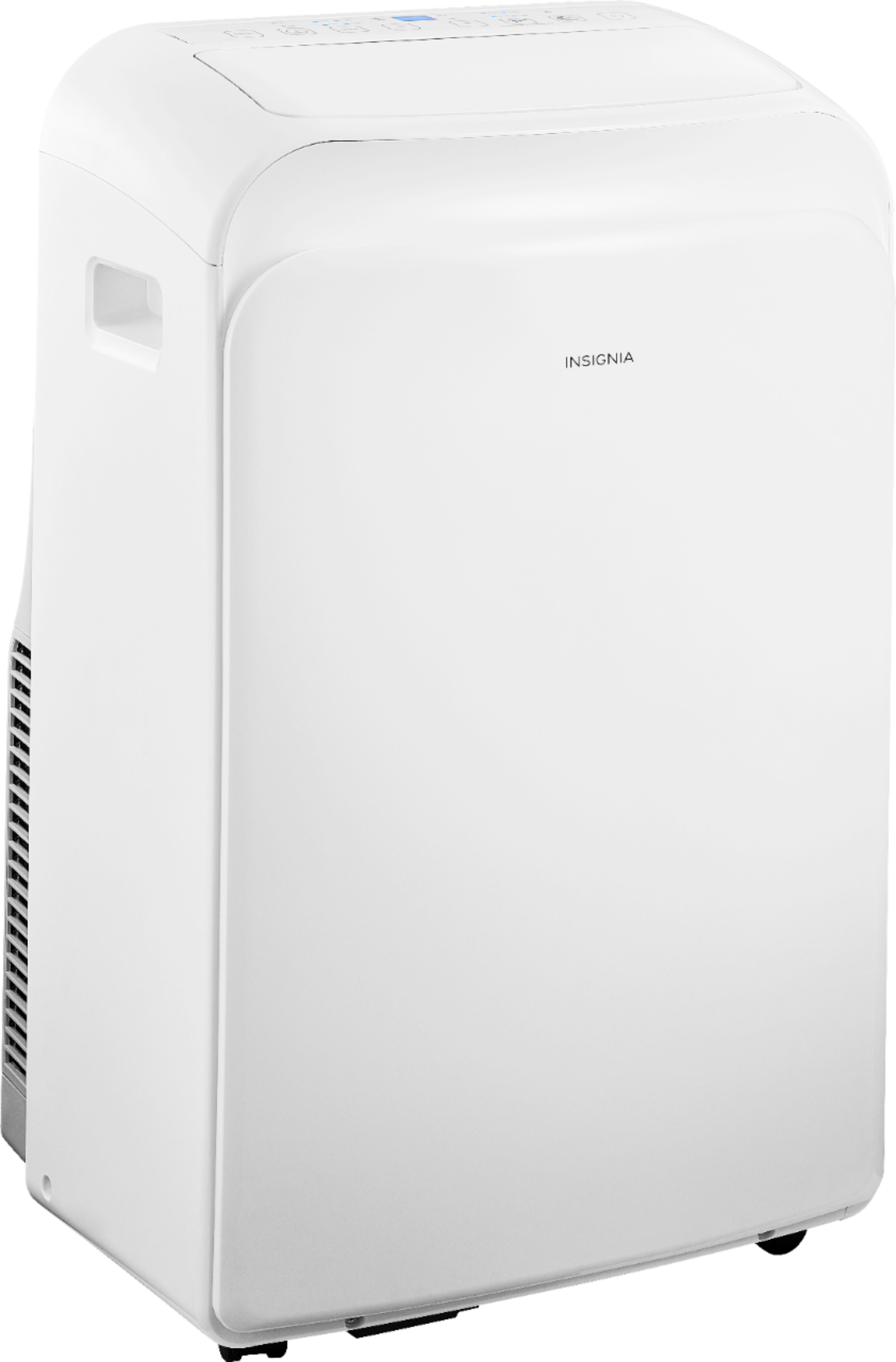
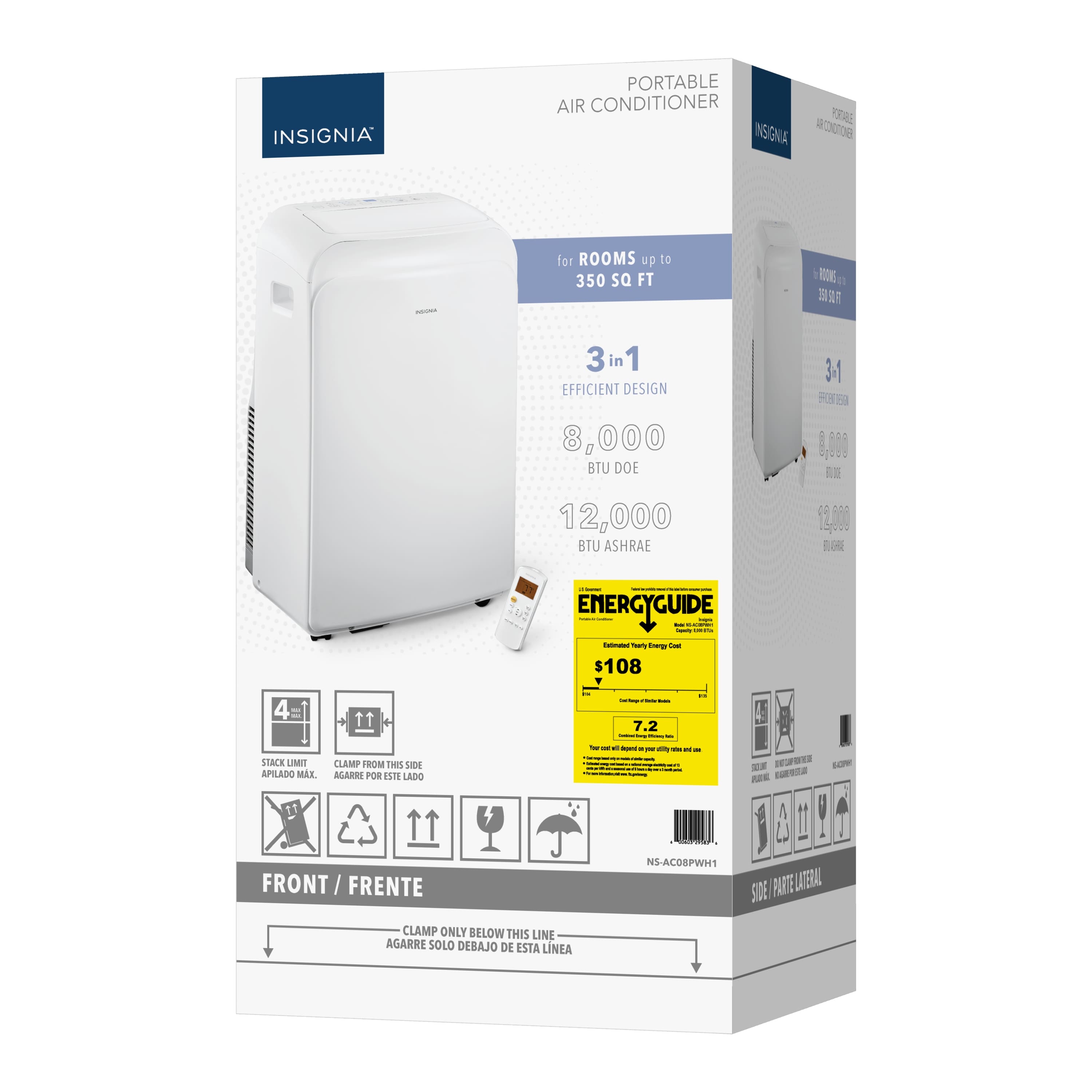
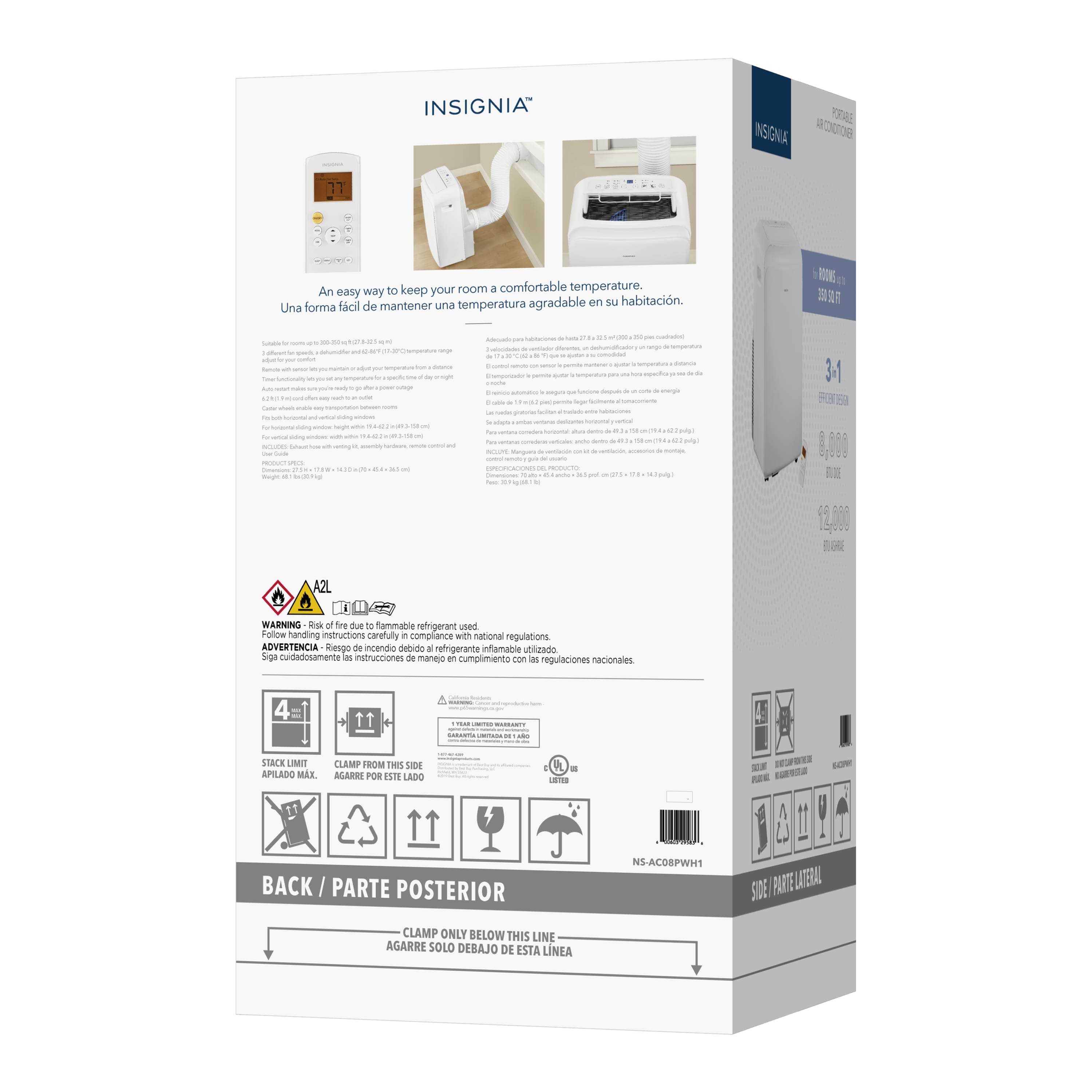
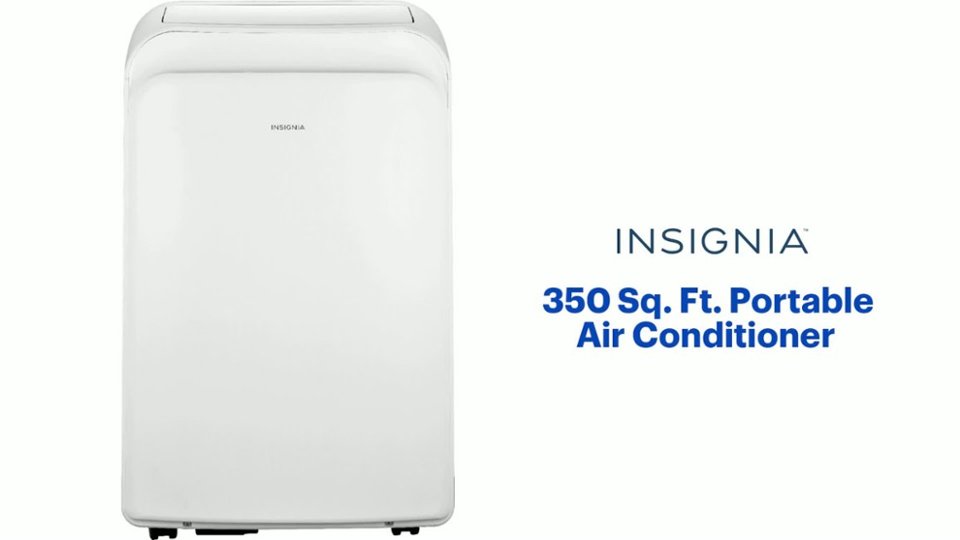
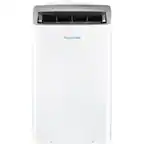
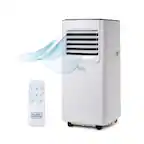
A:Answer Hello, thank you for your question. Yes, you can purchase a replacement hose kit for your Insignia 8,000 BTU Portable Air Conditioner. To make sure you receive the correct part, you can directly contact Insignia Support at 1‑877‑467‑4289. Once you reach them, they can confirm the exact replacement kit for your model and either help you place the order or provide the correct part number so you can purchase it. Sudeep | Insignia