
Black Friday is hereNew Doorbusters added. Ends 11/29.Shop now

Main Content

Questions & Answers

Your price for this item is $189.99
The comparable value price is $349.99
Page Showing 1-20 of 133 questions
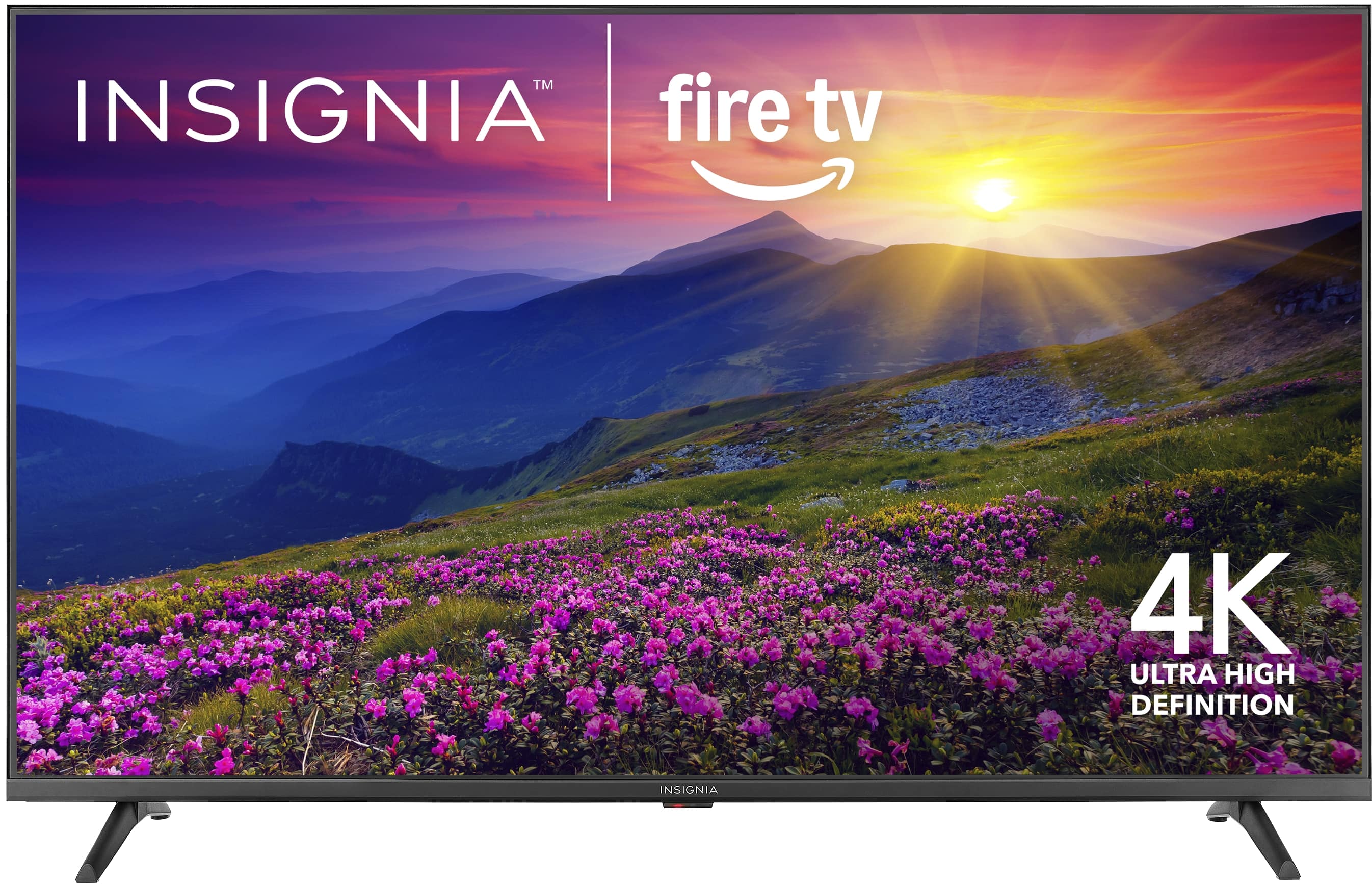
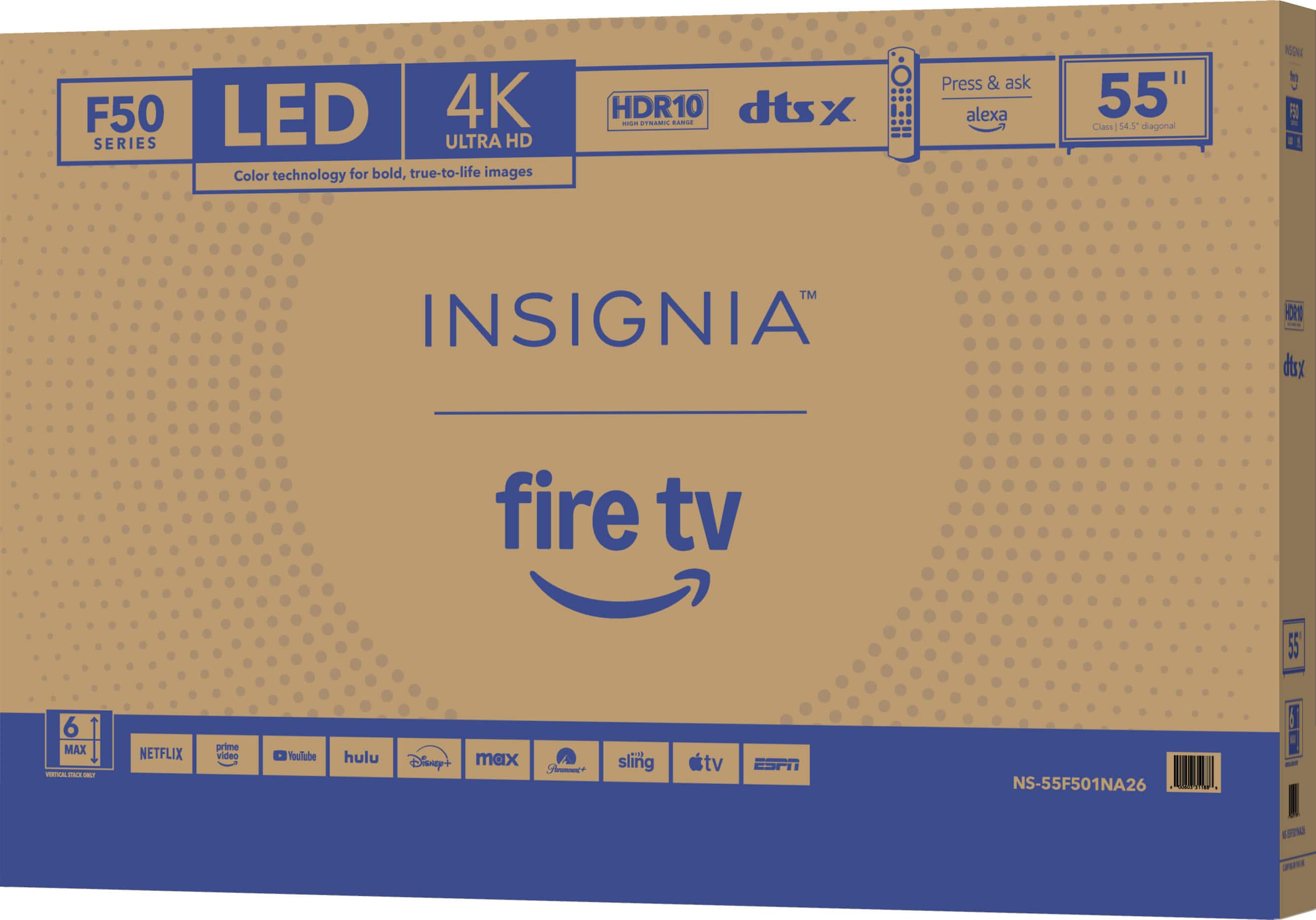
  • QuestionWhat is the resolution of this TV?

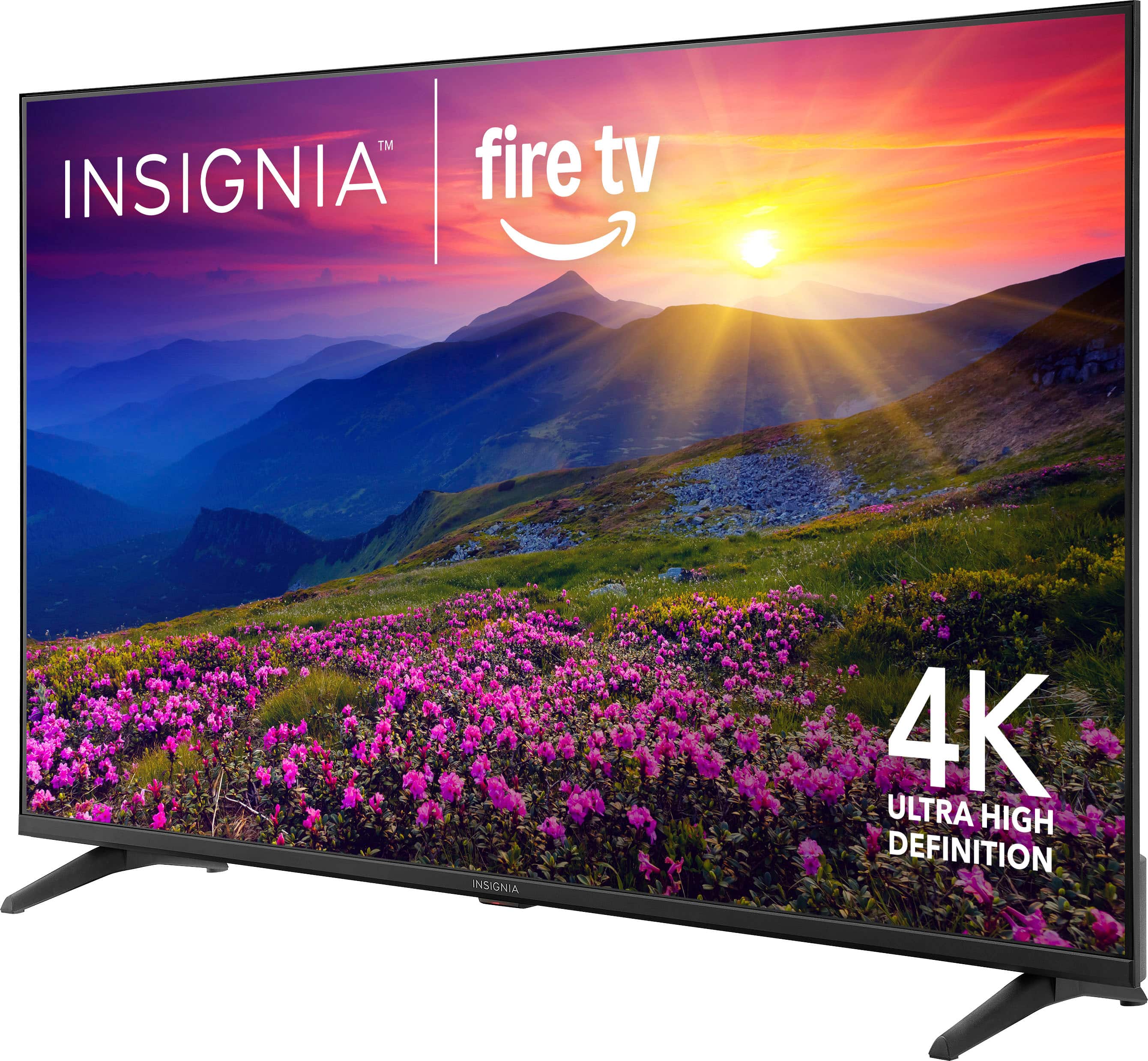
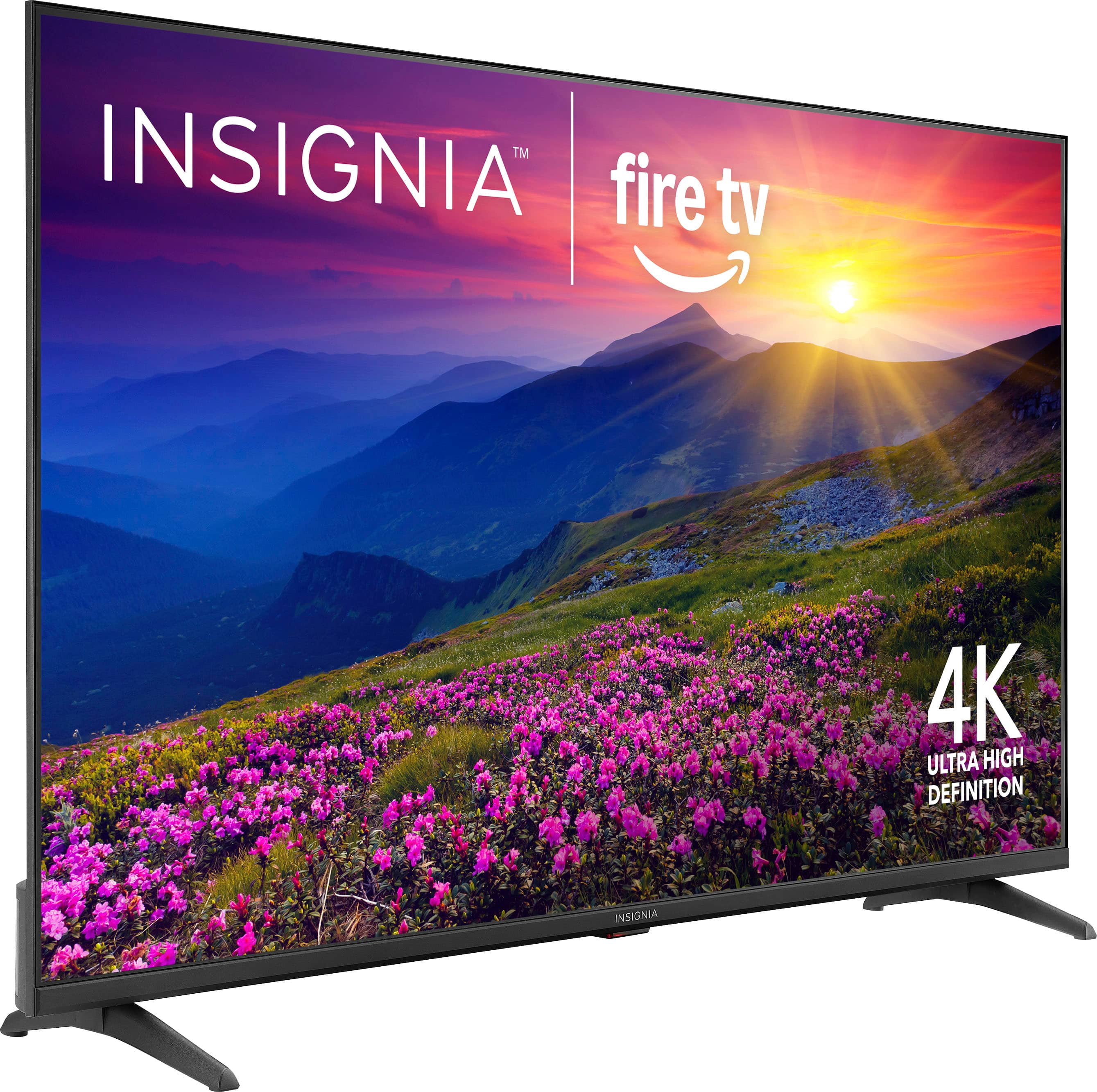
    • Answer This TV has a 4K Ultra HD (2160p) resolution.
    This question and answer was generated by AI based on customer and product data.

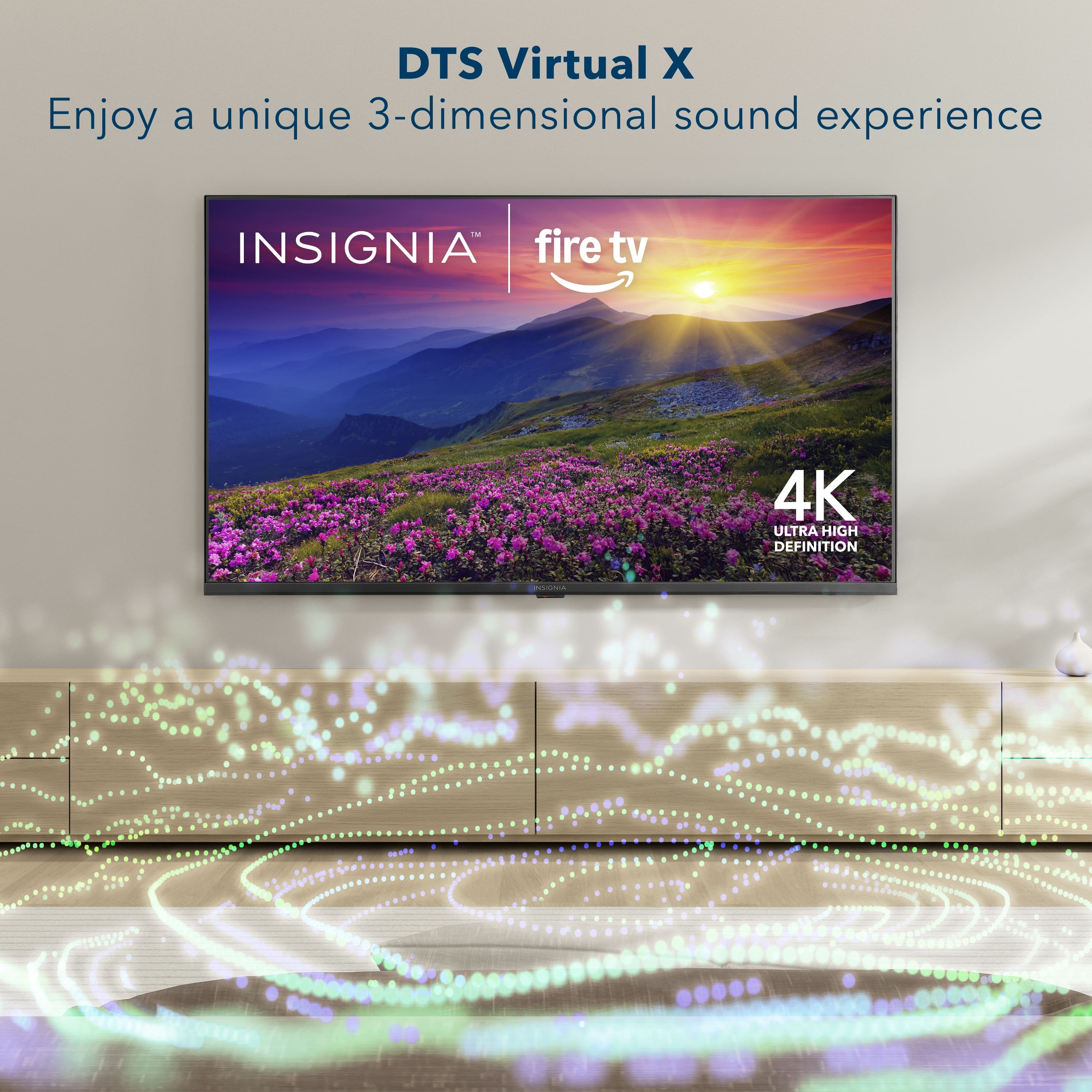
  • QuestionWhat does DTS Virtual:X add to the TV's audio?

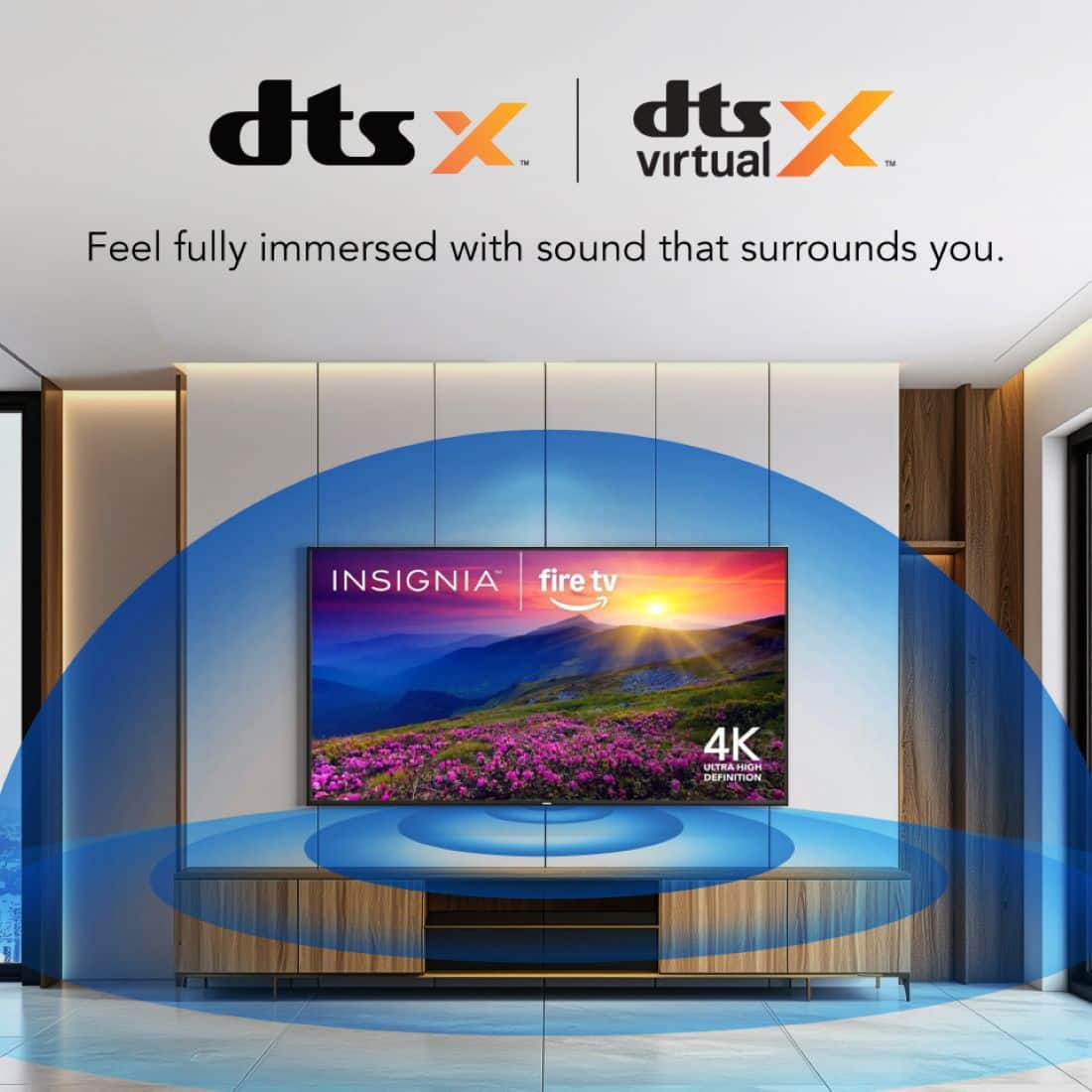
    • Answer DTS Virtual:X adds height and surround audio to your entertainment, delivering sound all around you.
    This question and answer was generated by AI based on customer and product data.

  • QuestionDoes this TV support HDMI eARC?

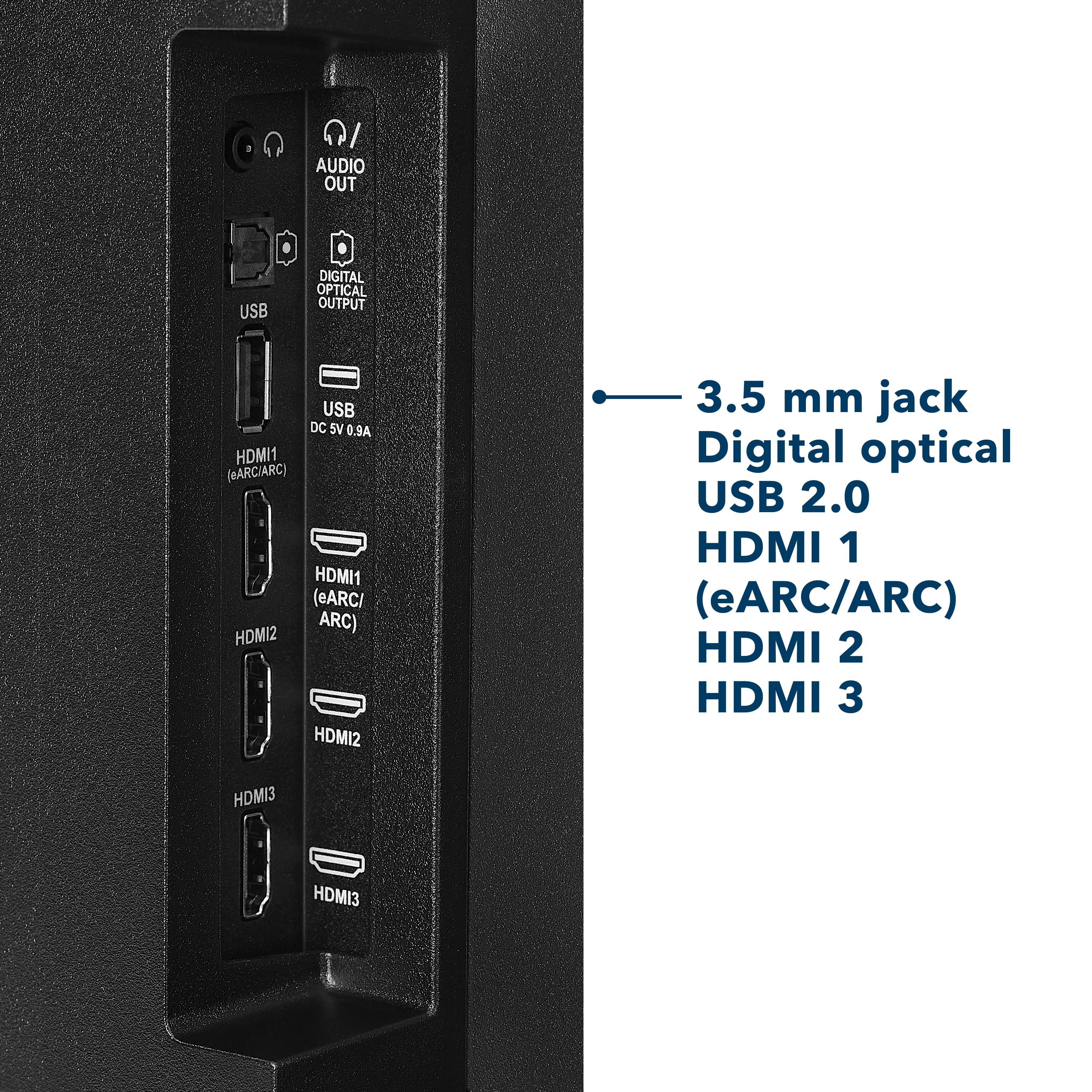
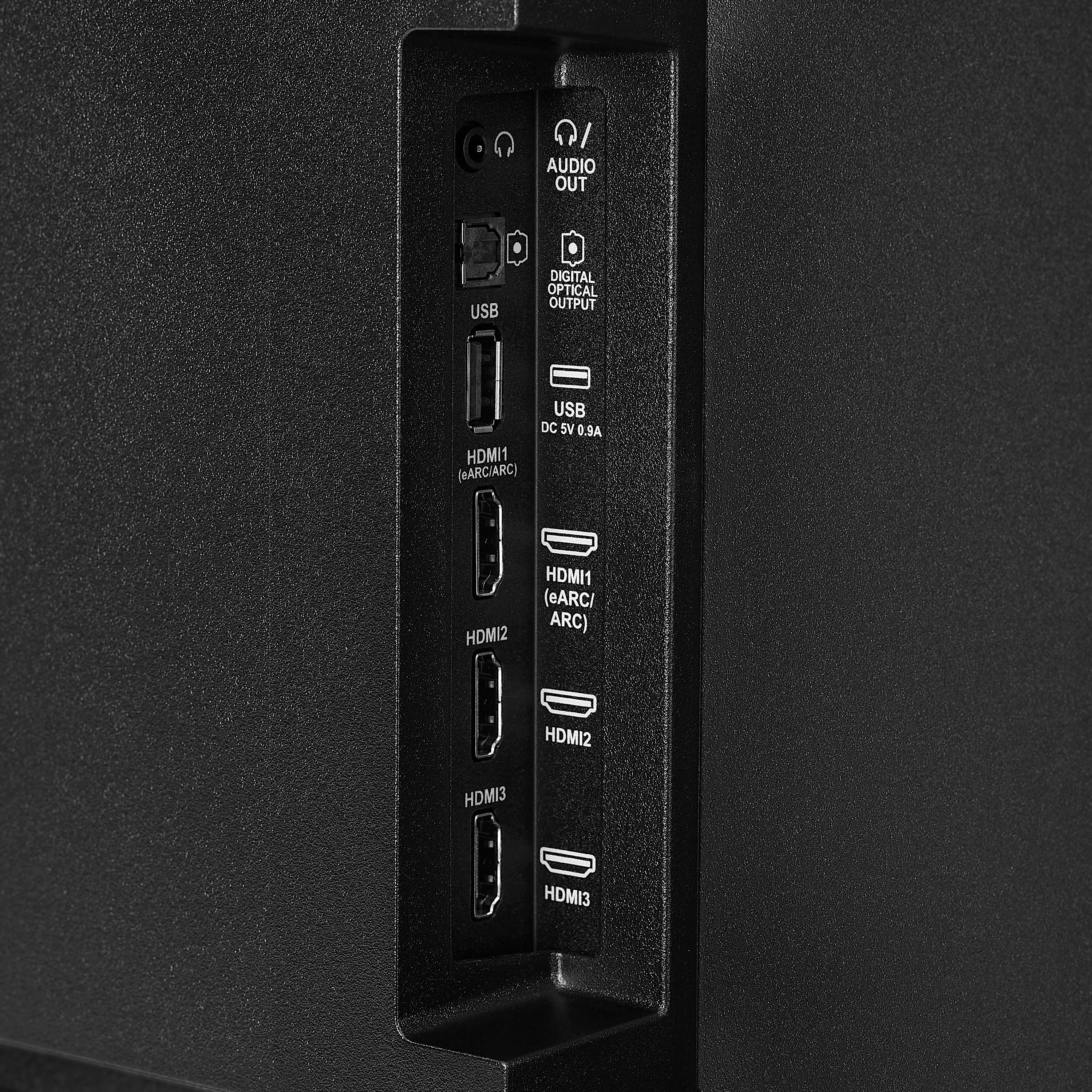
    • Answer Yes, this TV supports HDMI eARC, allowing for high-quality audio transmission.
    This question and answer was generated by AI based on customer and product data.

  • QuestionDoes this TV have HDR?

    • Answer Yes, this TV supports High Dynamic Range (HDR10).
    This question and answer was generated by AI based on customer and product data.

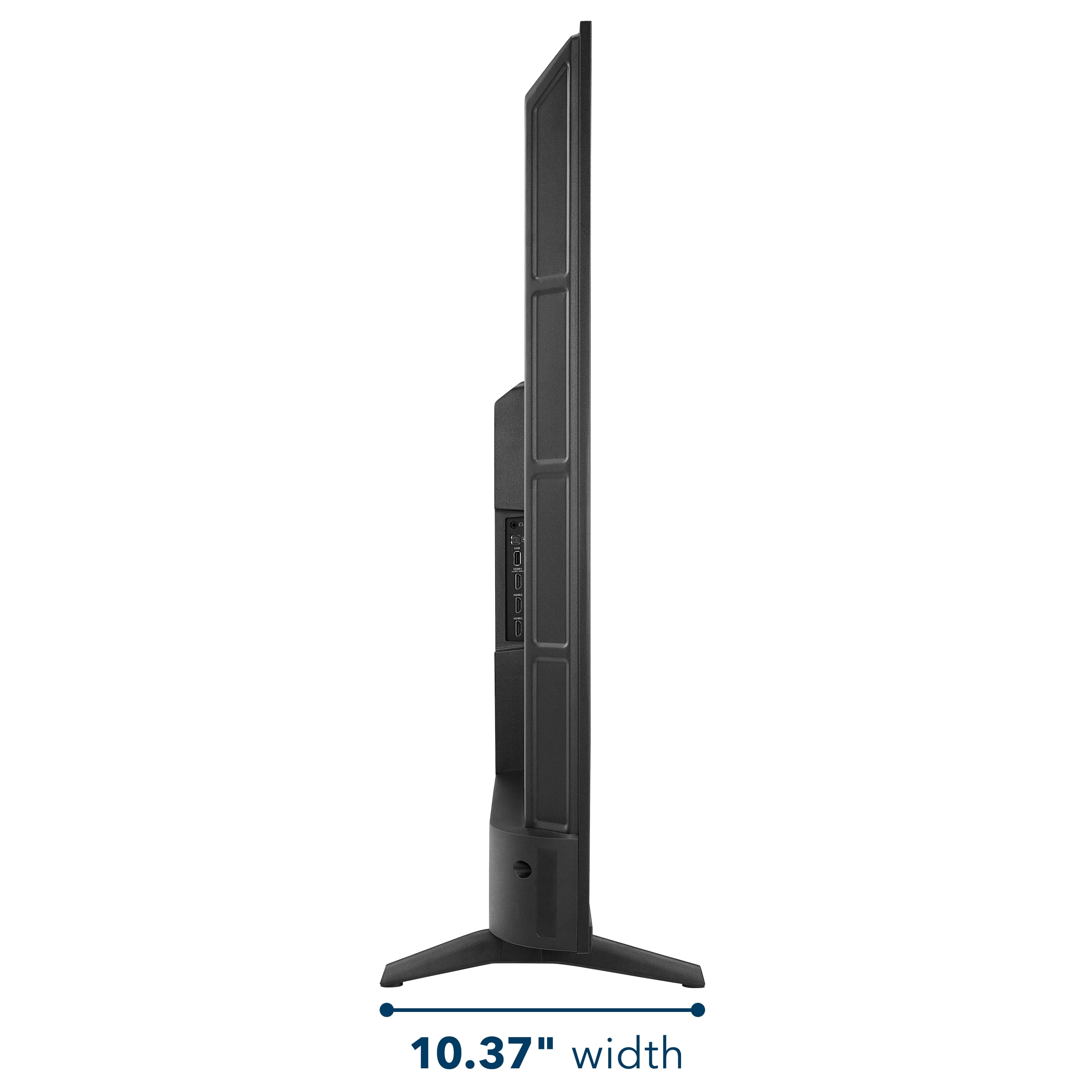
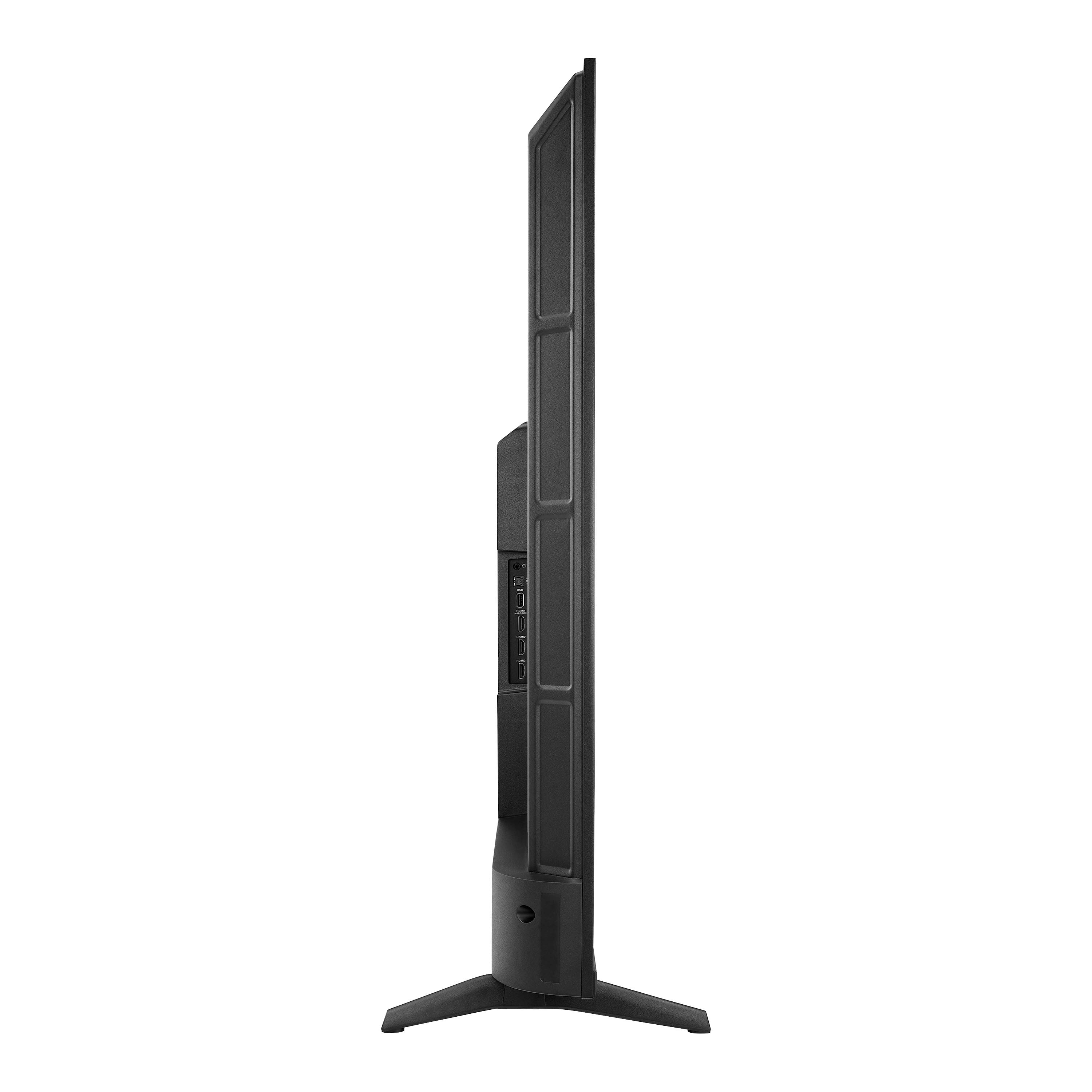
  • QuestionHow many HDMI ports does the TV have?

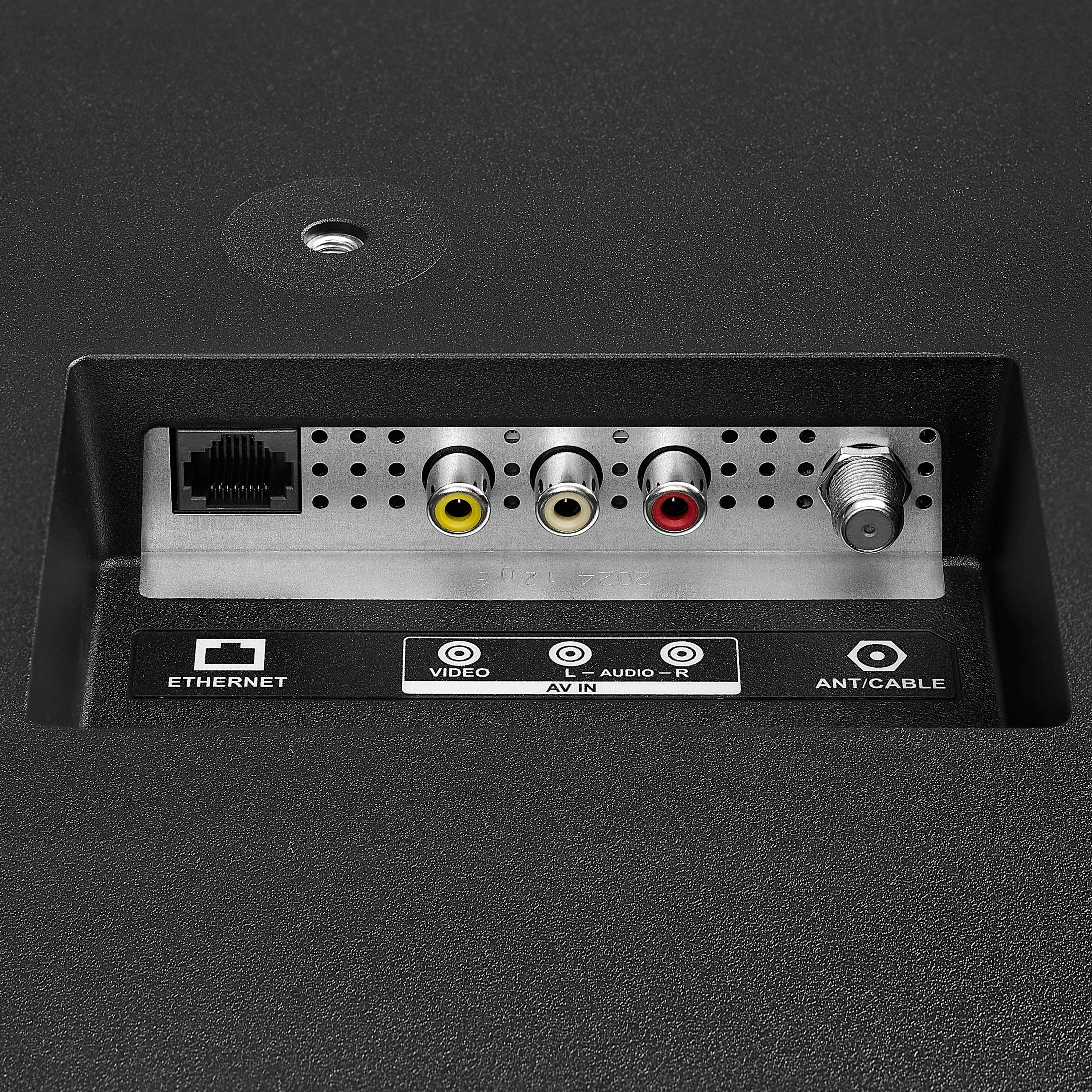
    • Answer The TV has 3 HDMI ports.
    This question and answer was generated by AI based on customer and product data.

  • QuestionWhat type of audio technology does this TV use?

    • Answer This TV uses DTS Virtual-X Sound technology to create a 3D sound experience.
    This question and answer was generated by AI based on customer and product data.

  • QuestionCan I use voice control with this TV?

    • Answer Yes, you can use Alexa voice control with the included remote.
    This question and answer was generated by AI based on customer and product data.

  • QuestionCan I hook TV up to verizon

    Asked by Anonymous.

    • Answer Yes, you can connect your Insignia™ 55" Class F50 Series LED 4K UHD Smart Fire TV to Verizon services, depending on what you're using. If you're using Verizon Fios TV, simply connect the Fios set-top box to your TV using an HDMI cable, then use your TV remote to switch to the correct HDMI input. While the Fios TV app is available on some devices, it may not be natively supported on Fire TV. If you're using Verizon 5G Home Internet or Fios Internet, you can connect your TV to your Verizon-provided Wi-Fi network. Once connected, you’ll be able to stream content using built-in apps like Netflix, Prime Video, and YouTube. Let me know if you’d like step-by-step help setting up your TV with Verizon or checking the availability of the Fios TV app on Fire TV. — Shiela | Insignia Support

      Answered by InsigniaCustomerSupport

  • QuestionI typed in outdoor tv. Is this an outdoor? If not, do you have any

    Asked by Mike.

    • Answer Outdoor Tv is a scam. This under $200 tv will last years and when it breaks you can get a new one, and still be $1000s cheaper.

      Answered by user950584

  • QuestionWhat are the specs for the built in Fire TV. I had a Fire TV Max stick and was wondering if I should continue to use that rather than the built in Fire TV.

    Asked by Brian.

    • Answer Hi Brian! The Insignia 55" Class F50 Series LED 4K UHD Smart Fire TV comes with a 4K (2160p) resolution, HDR10 support, and a 60Hz refresh rate. It runs Amazon Fire TV, meaning it has built-in access to streaming services like Netflix, Prime Video, YouTube, and more. It also features Amazon Alexa voice control, three HDMI inputs, and DTS Virtual-X sound for immersive audio. Your Fire TV Stick 4K Max, on the other hand, offers Wi-Fi 6E support, Dolby Vision, HDR10+, and HLG, along with Dolby Atmos audio. It’s designed for fast performance and smooth streaming, especially if you have a Wi-Fi 6E router. If your built-in Fire TV meets your needs, you might not need the Fire TV Stick 4K Max. However, if you want better HDR support, Dolby Vision, and Wi-Fi 6E for faster streaming, keeping the Fire TV Stick 4K Max plugged in could be a good idea. It depends on your network setup and viewing preferences! Tine | Insignia Products

      Answered by InsigniaCustomerSupport

  • QuestionDoes this tv have web browser ?

    Asked by Messo.

    • Answer a basic one, but yes. It has.

      Answered by MarioW

  • QuestionWhat are the stand dimensions?

    Asked by Jonagold4.

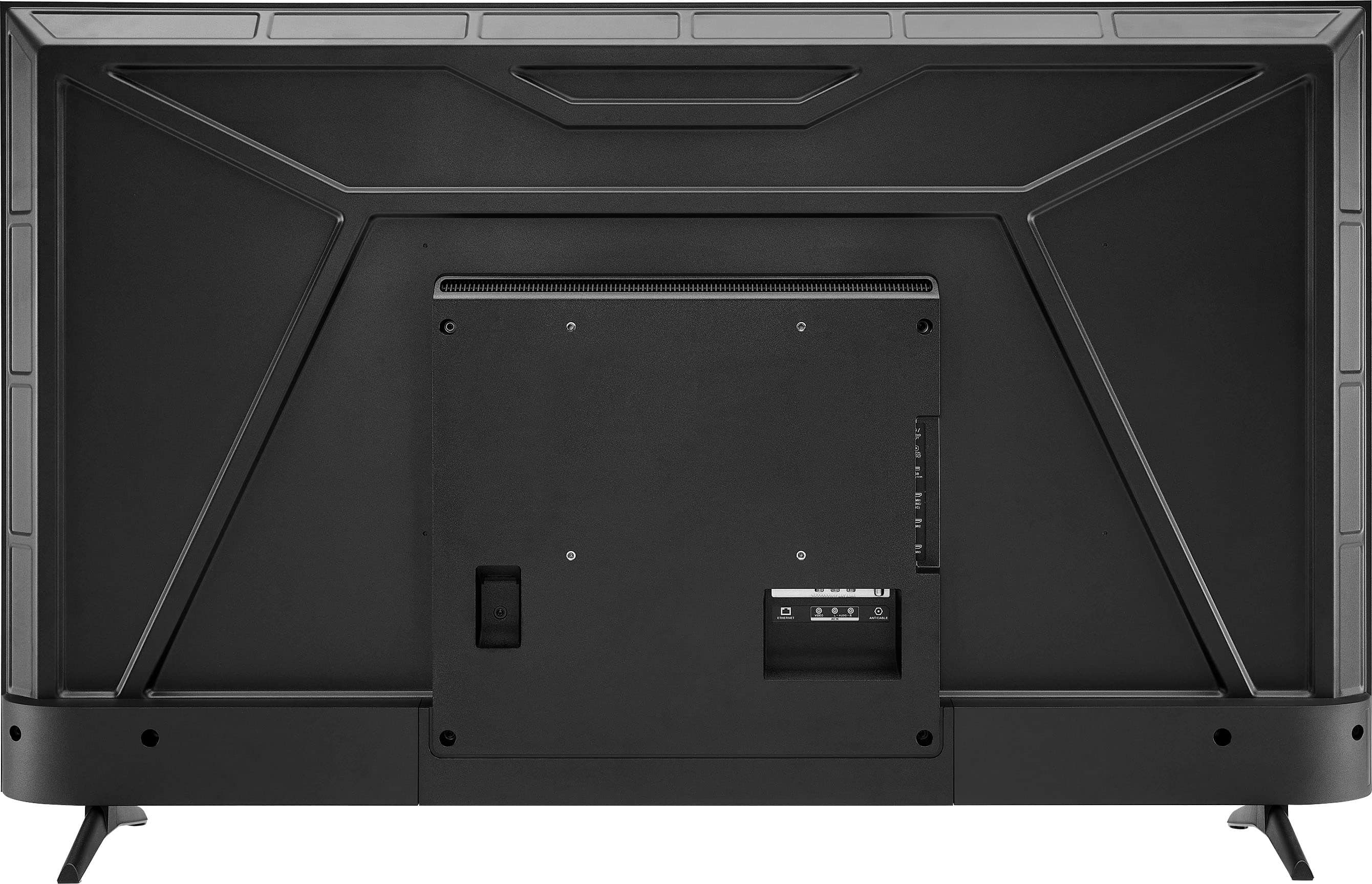
    • Answer Hi there! The stand dimensions for the Insignia™ 55" Class F50 Series LED 4K UHD Smart Fire TV (model NS-55F501NA26) are approximately: Width (between the legs when installed in the product): 41.2 inches Depth (front to back): 10.4 inches Height of the stand with the product: 1.8 inches. |Angelica| Insignia Products|

      Answered by InsigniaCustomerSupport

  • QuestionWhat formats does this TV read via USB?

    Asked by Anonymous.

    • Answer Hi! The Insignia™ 55" Class F50 Series 4K UHD Smart Fire TV supports USB playback for common file formats including MP4, MKV, AVI, and MOV for video; MP3, AAC, and WAV for audio; and JPEG, PNG, and BMP for images. For best results, use a USB drive formatted in FAT32 or exFAT. Jeth|Insignia Support.

      Answered by InsigniaCustomerSupport

  • QuestionCan the remote work as standard push button function or just voice-activated

    Asked by Anonymous.

    • Answer Both

      Answered by SueW

  • QuestionDoes this TV have a Picture Flip option?

    Asked by Travdad.

    • Answer Yes

      Answered by Ethel

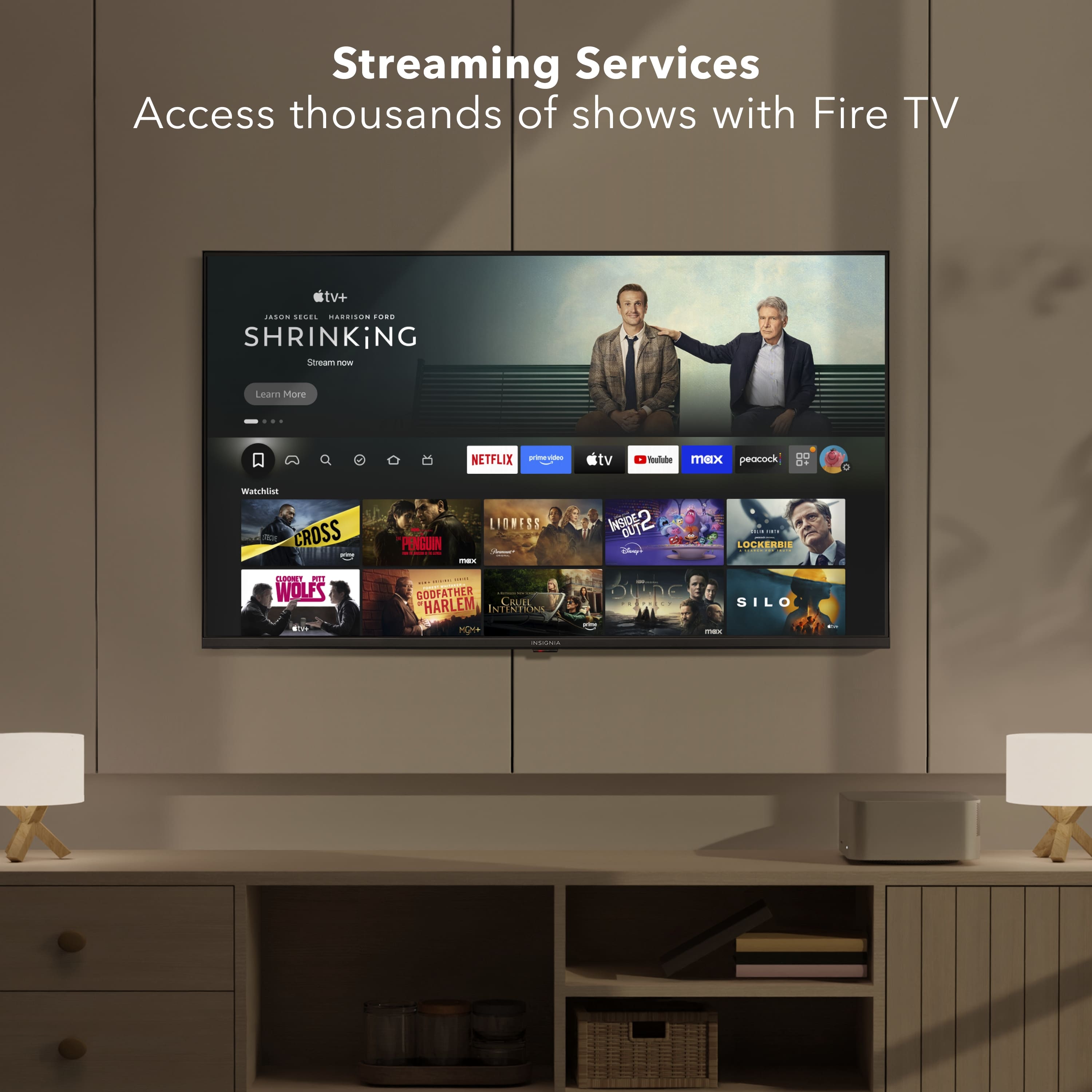
  • QuestionCan I watch YouTube TV on this TV? Does it have the app?

    Asked by Dagan.

    • Answer Yes it comes with the You tube app already installed

      Answered by WayneW

  • QuestionDoes the tuner support 3.0 astc transmission?

    Asked by Anonymous.

    • Answer No. Few TVs have that feature.

      Answered by RAY33

  • Questionmay this smart tv also be used as a computer monitor?

    Asked by lisa.

    • Answer Yes, you can duplicate or even extend your display. I have a macbook, but not sure about other computers

      Answered by Daniel

  • QuestionDoes this tv have hdmi cec?

    Asked by Mike.

    • Answer Thank you for your inquiry! Yes, the Insignia™ 55" Class F50 Series LED 4K UHD Smart Fire TV does support HDMI CEC (Consumer Electronics Control). This feature allows you to control connected HDMI devices—like Blu-ray players, soundbars, or game consoles—using the TV’s remote. On Fire TVs, this feature is typically labeled as HDMI-CEC Device Control and can be enabled or disabled in the settings menu. Keith | Insignia Support

      Answered by InsigniaCustomerSupport

  • QuestionCan you add sound bar

    Asked by Anonymous.

    • Answer Hi there! Yes, you can absolutely add a sound bar to the Insignia™ 55" Class F50 Series LED 4K UHD Smart Fire TV. |Angelica| Insignia Products|

      Answered by InsigniaCustomerSupport













