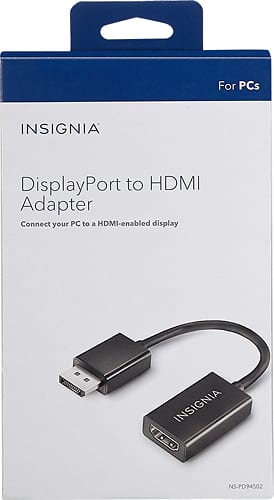
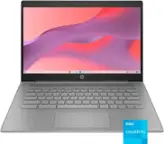
A:AnswerThis PC integrated graphics card does not come with the ability to use a DisplayPort or HDMI In order to see what you're requesting you will need to purchase an additional adapter such as this one
https://www.bestbuy.com/site/j5create-usb-a-to-vga-adapter-black-white/8755865.p?skuId=8755865
This will allow you to extend your monitor
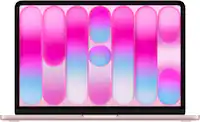
A:AnswerAs far as I know you can’t. This adapter is for output from a display port to an external monitor. The display port on your Mac is not an input.
A:AnswerYes; you'll have to use the video display settings to recognize the two monitors and choose the display setting you want, if it's in Windows, you'll choose the "extended desktop" setting, and it will let you select which one is the primary monitor where your desktop icons load.
A:AnswerYou can use this to connect any device that has a data port but you need an HDMI , Just plug in the data prt side and your standard HDMI and your good to go
A:AnswerYou may need an app to output the signal from your iPhone to a tv either by cable or Bluetooth or by using a wifi connection thru Apple TV or some other airplay device.
A:AnswerYes. the adaptor will plug in to your 980 card, (check that the adaptor inserts all the way in, mine didn't on the same video card) and your HDMI cable from your monitor will plug into the other end of the adaptor.
A:AnswerSorry, nope, adapters won't do anything as you would still need to use the TV's HDMI port as input port, the USD port on the TV don't take video signal so an adapter would be useless
A:AnswerYour laptop will have at least one display out. You need to determine what type of output port that is. It can be a mini version of hdmi, a dvi, a vga or their full size equivalents. Some laptops have a proprietary output, which you may have to get a converter from the maker of your laptop. As long as your TV (or monitor) has a signal in for hdmi, or PC, you can find cables to display your computer screen to the TV.
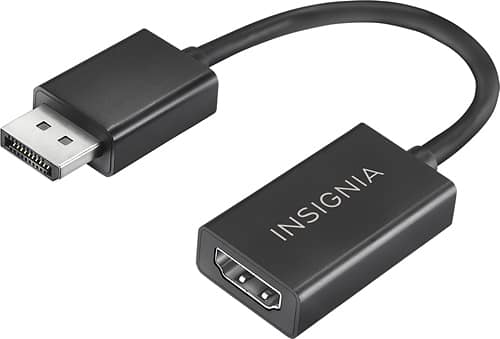
A:AnswerNo, because this is not an HDMI extender but a conversion tool to go from a DisplayPort to an HDMI. Sounds like you would need an HDMI to HDMI extender/adapter.