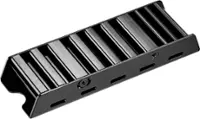
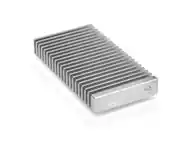
A:AnswerNo, I know of only one drive that might need one and even then it’s likely a gimmick. Ultimately it’s a piece of metal that is well like this piece of metal (MSCI spatium m480). I have a Hynix platinum and wd black 8509. Both are fine and are doing 7300Mbits/sec
A:AnswerNot sure about the fit, that cover is removable and I have never seen an ssd actually need graohene and passive cooling. It just looks cool. I have drives of similar tier that don’t get anywhere near hot enough to damage nand
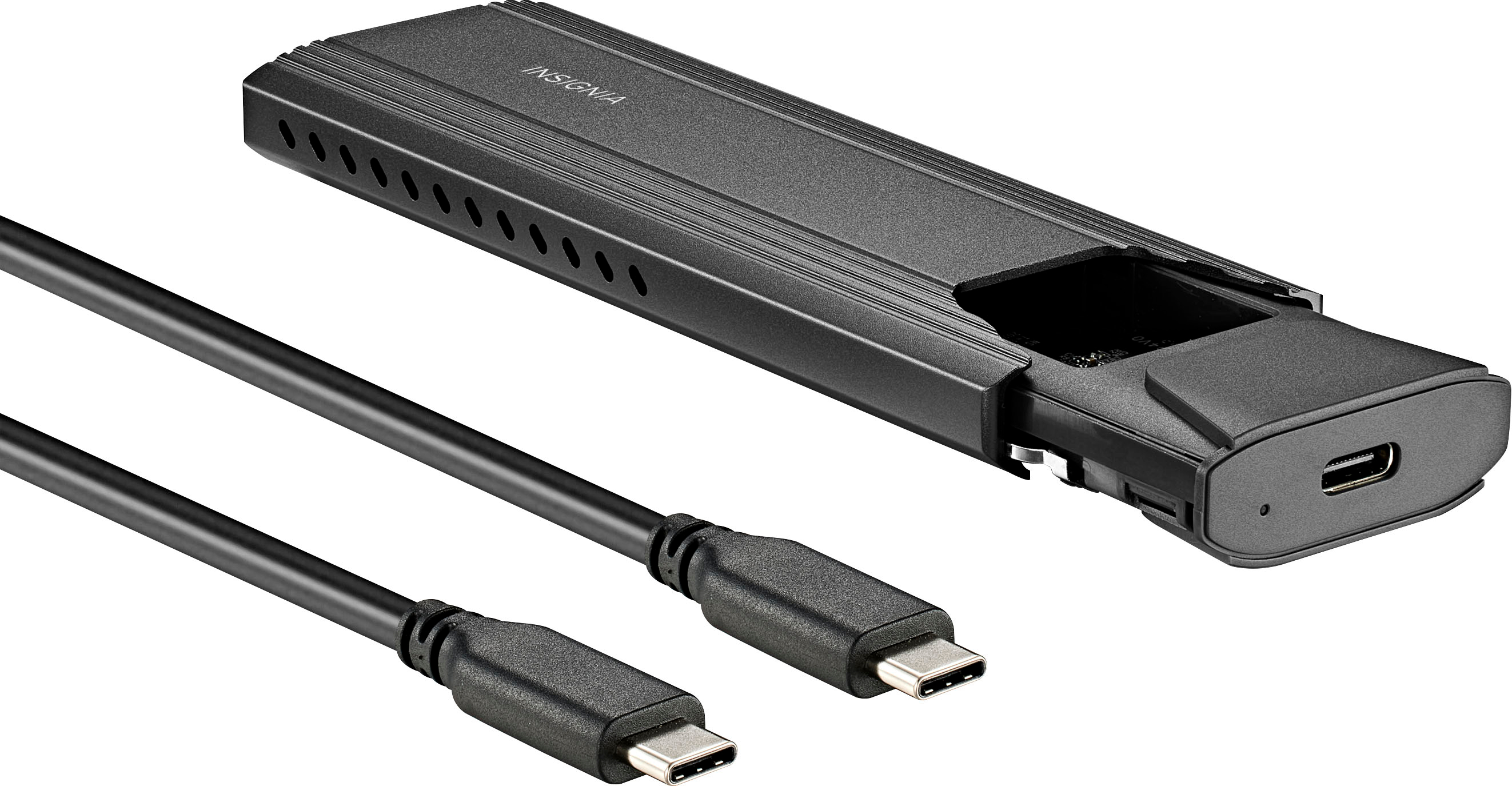
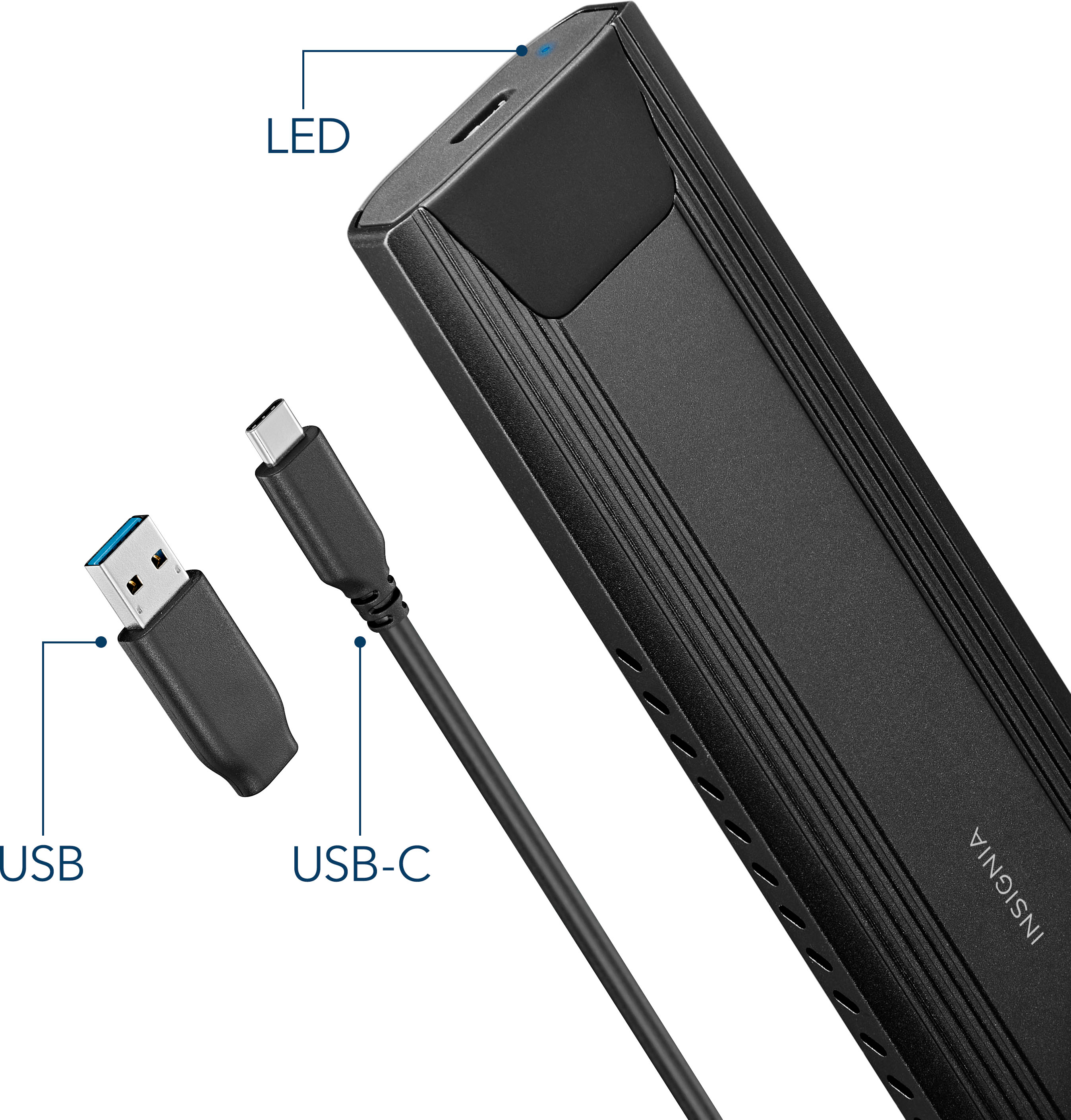
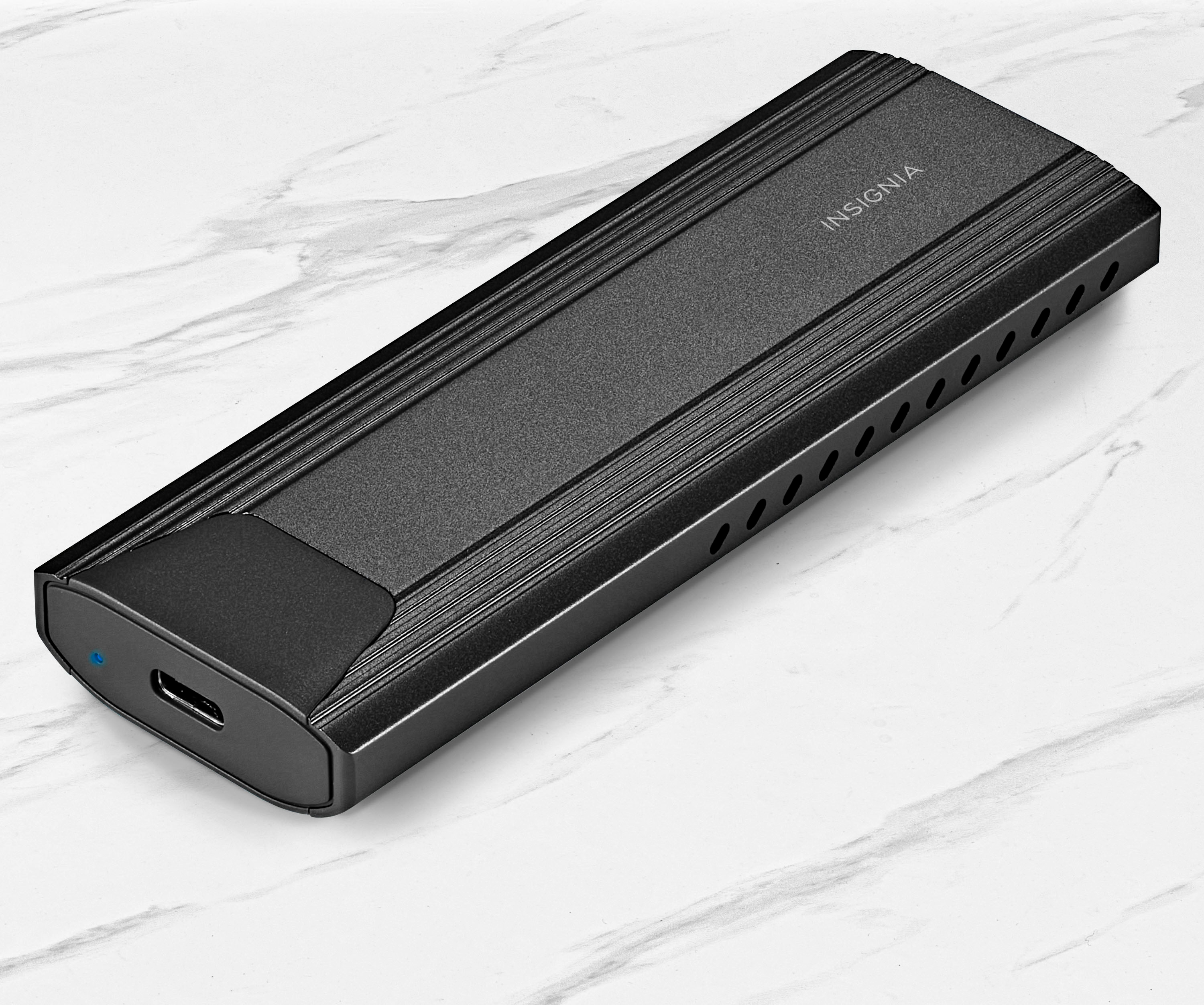
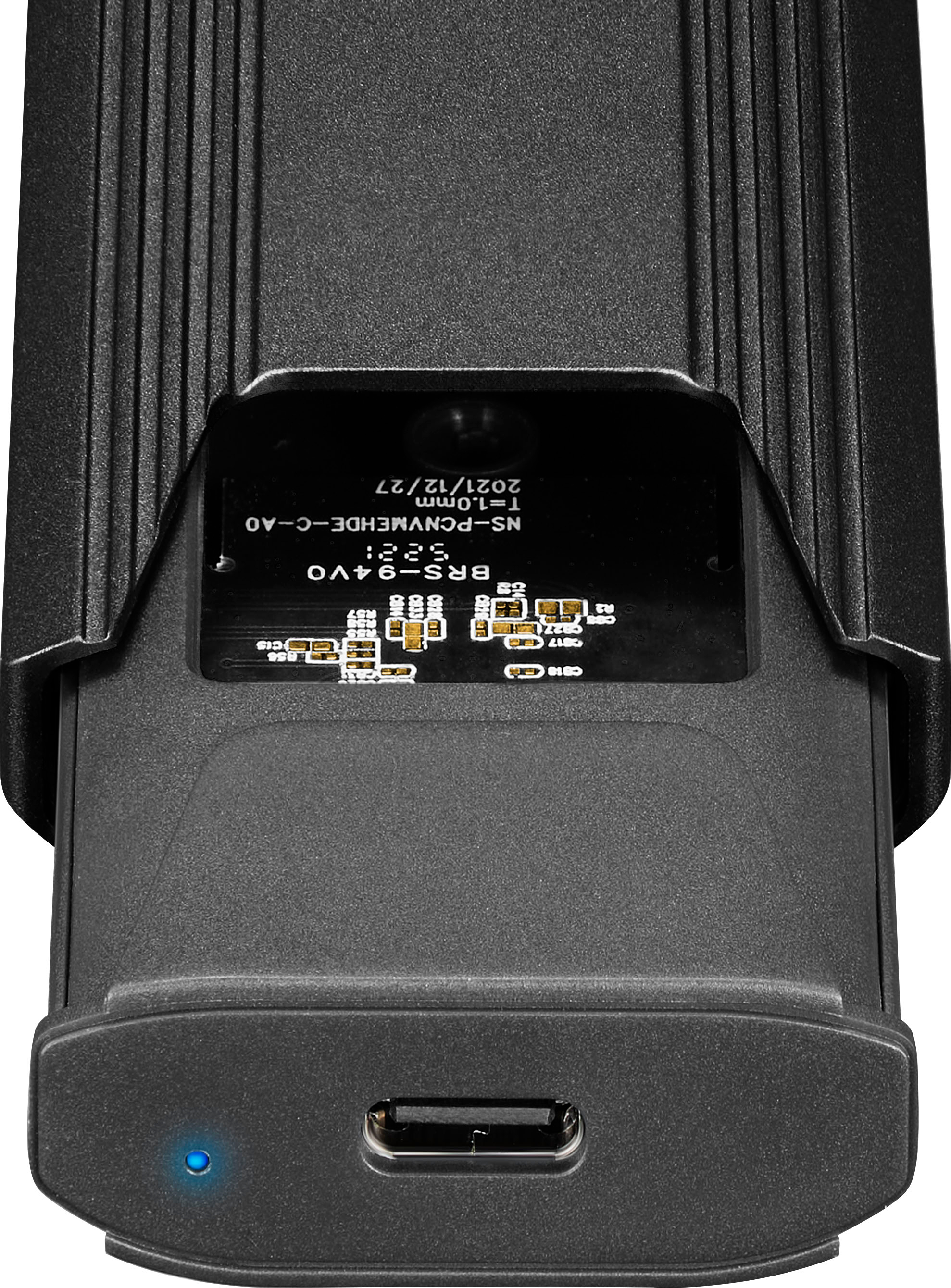
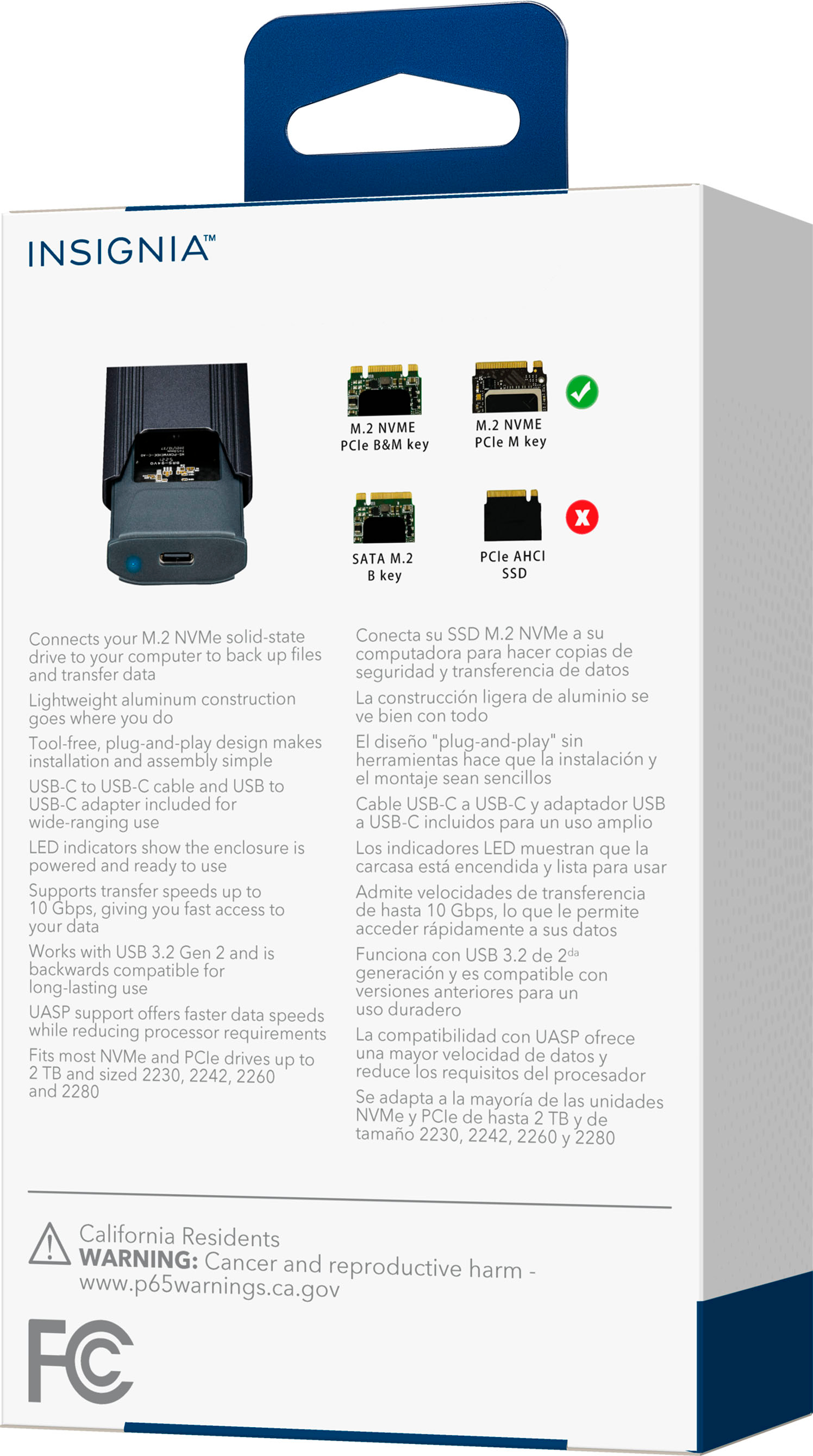
A:AnswerMost likely, this drive will not fit inside the enclosure with the heatsink attached. You will probably achieve better results by using the heat pad that is included with the enclosure.
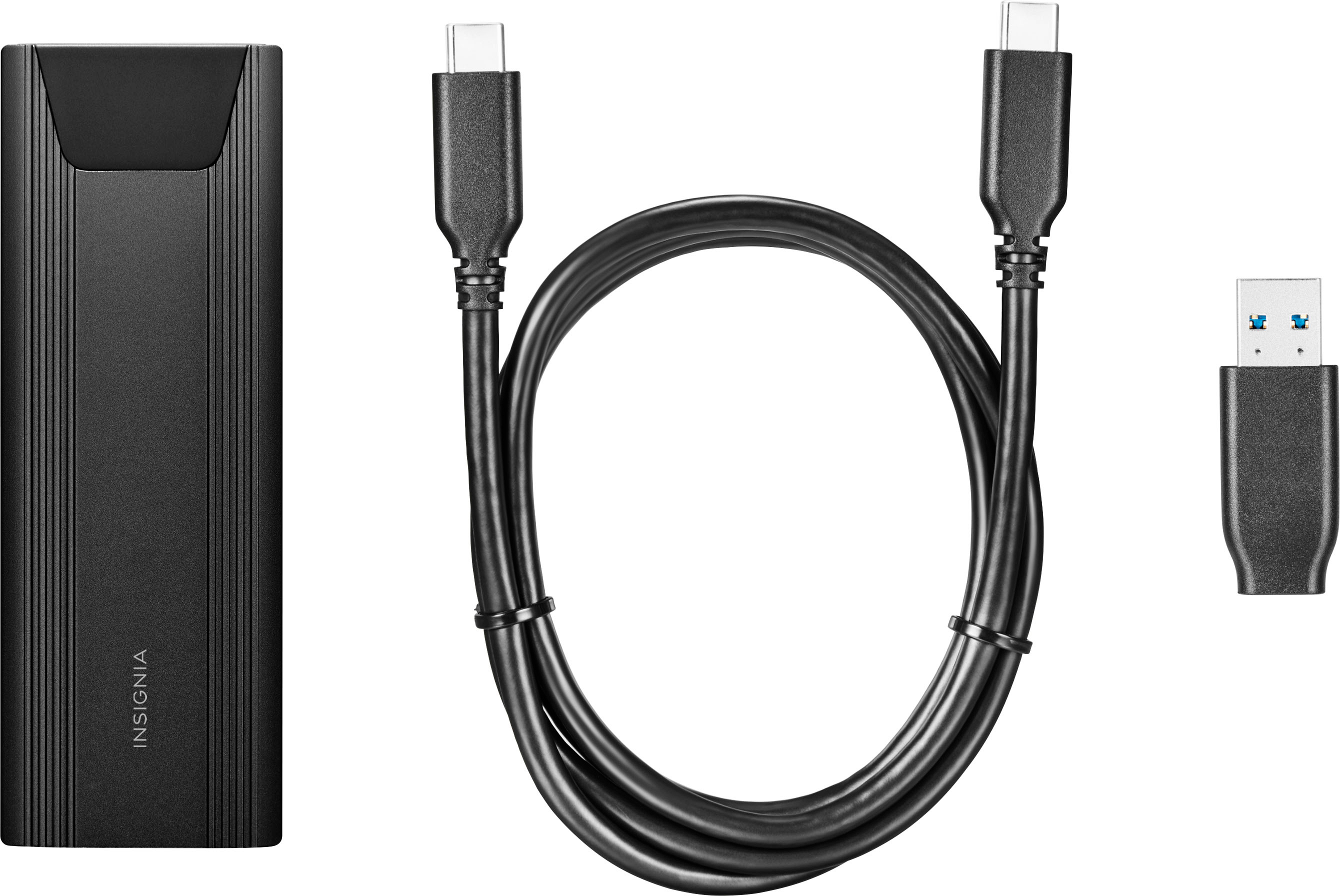
A:AnswerYou would need an adapter for usb 3.1 to usb c then you would need to waste all of the performance on the drive which is worth about as much as the than your ps5 most likely to connect to the 5Gbits port. I would go with the old spec ssd. Something like the seagate game drive.
A:AnswerYes but there is currently no drive that supports even a quarter of the bandwidth of the usb 4th gen. Even then it would very on the kind of usb 4th gen. (Can be 20-49 Gbits/second). Thunderbolt 4 would be the same story.
A:AnswerOne of the most likely causes for the drive to show as "protected" and not be accessible, is due to the Windows encryption having been applied to the drive. You will have to obtain the 32-character encryption key from your Microsoft account.
You can get the information for this from the Microsoft support page. Just search for BitLocker recovery key.