A:AnswerI don't know why it wouldn't. I transferred high definition audio files from my pc computer to my Ultra PLUS 128GB microSDXC UHS-I Memory Card. I haven't tried
video,but can't see any reason why it wouldn't read any of the three cards it says it reads,if there is no damage to the cards.It transfers pretty quick, also.
A:AnswerNO - CFAST CARDS DON'T WORK WITH THIS.
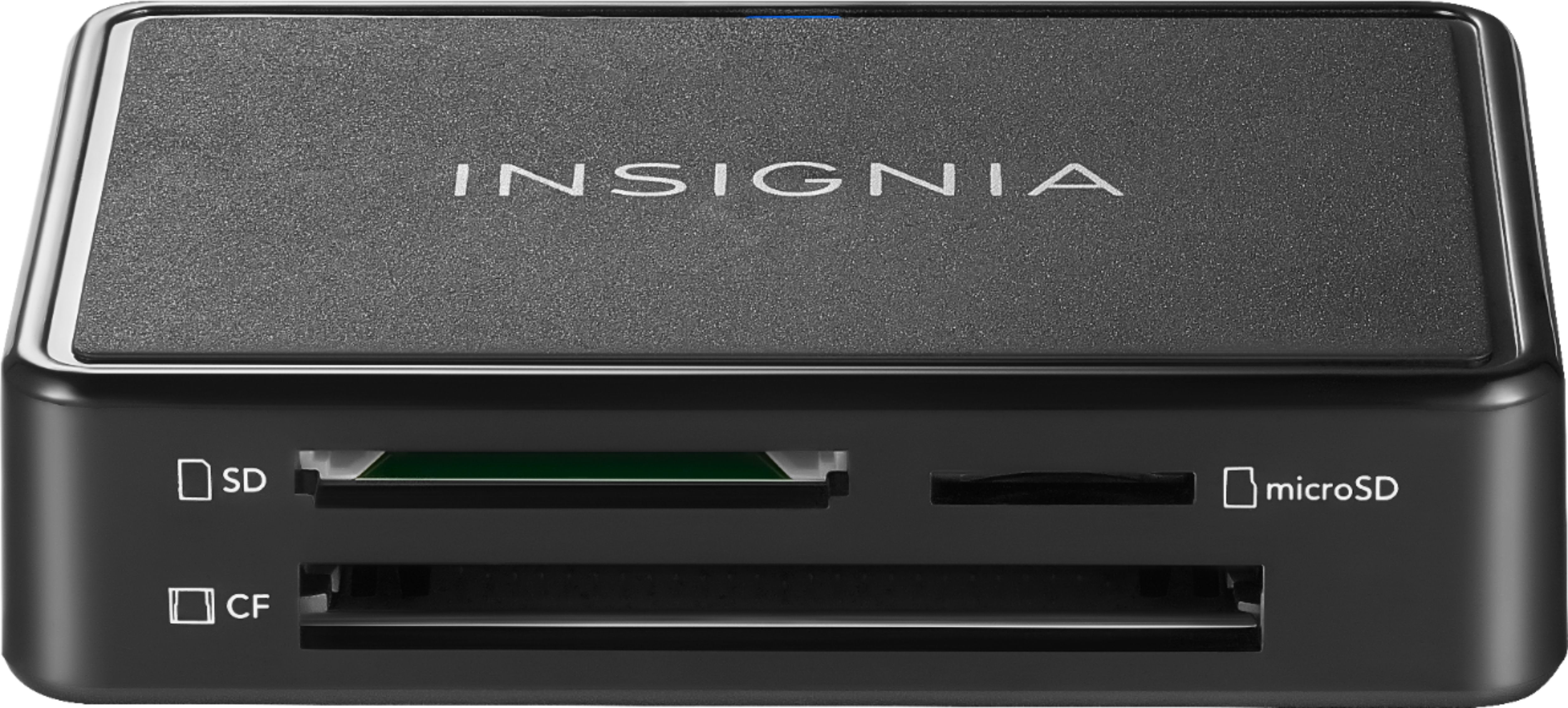
CF seems to be used to abbreviate Compact Flash OR CFast. But these are different cards and CFast cards do not fit into this device. I bought one on the previous advice from whoever answered "Yes it works with CFast cards." Now I'm wasting two hours heading back into the city to Best Buy to return it.
IN FACT: NO IT DOESN'T. CFast cards do not even fit into the machine. The answer that says "Yes" should be removed.
A:AnswerYou could do that by plugging in the first card and copying the files TO your computer, and then plugging in the second card and copying the files FROM the computer
A:AnswerIn theory, yes, you can transfer files between whatever you'd like, be it the HDD, SSD, SD, CF (compact flash, in either older parallel or newer serial), USB flash drive, or even the obsure eMMC flash via USB adapter.
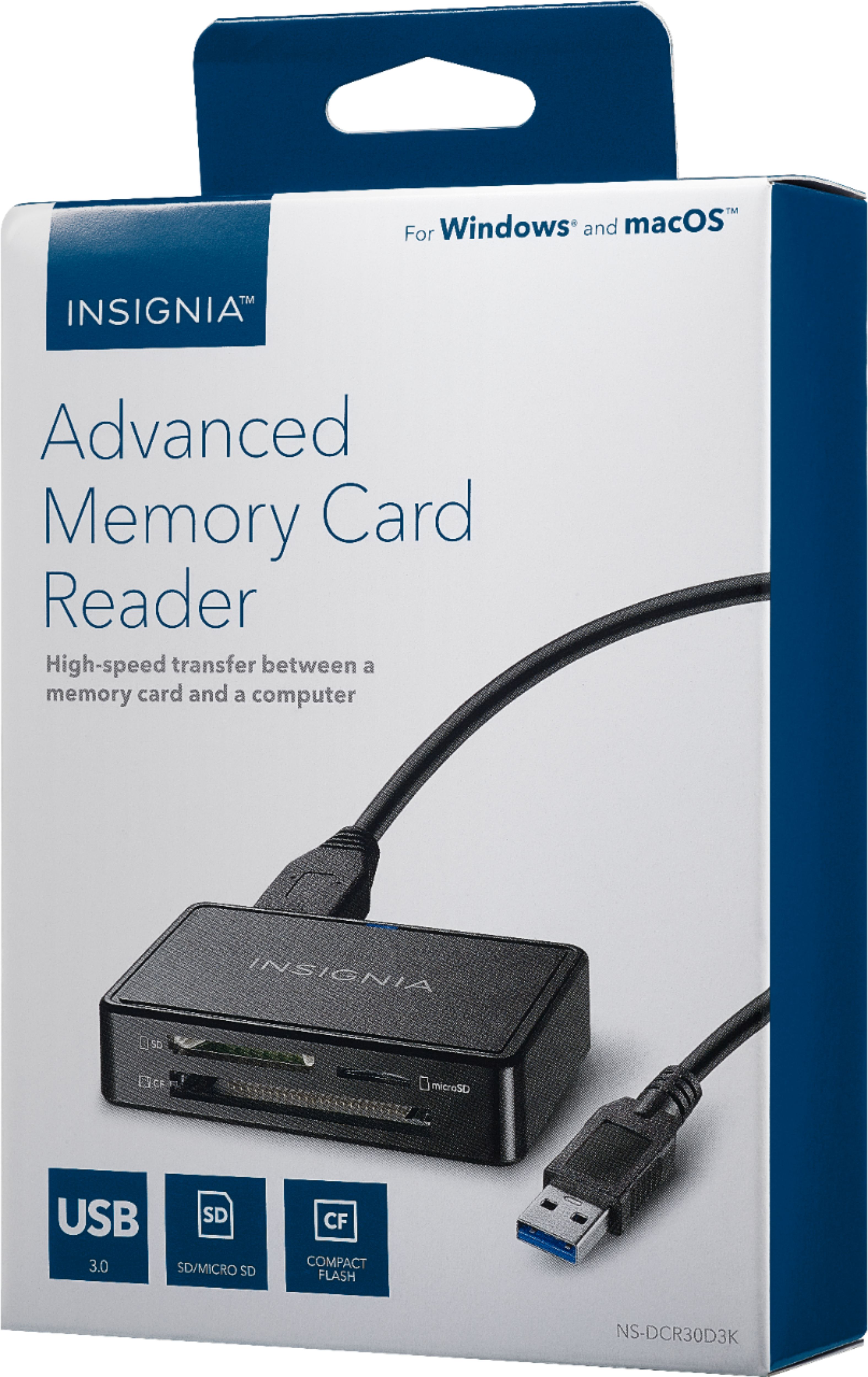
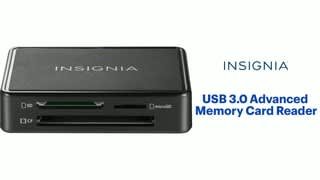
A:AnswerHi! This USB 3.0 memory card reader works with the following card formats: Micro SD/T-FLASH/Micro SDXC/Micro SDHC, SD/SDHC/SDXC/Mini-SD and the system requirements are: Windows® 10, Windows® 8.1, Windows® 8, Windows® 7, Windows Vista®, Mac OS 9.0 or higher, or Linux Kernal 2.4.1 or above. Viri E. Insignia Support. https://www.insigniaproducts.com/contact-us