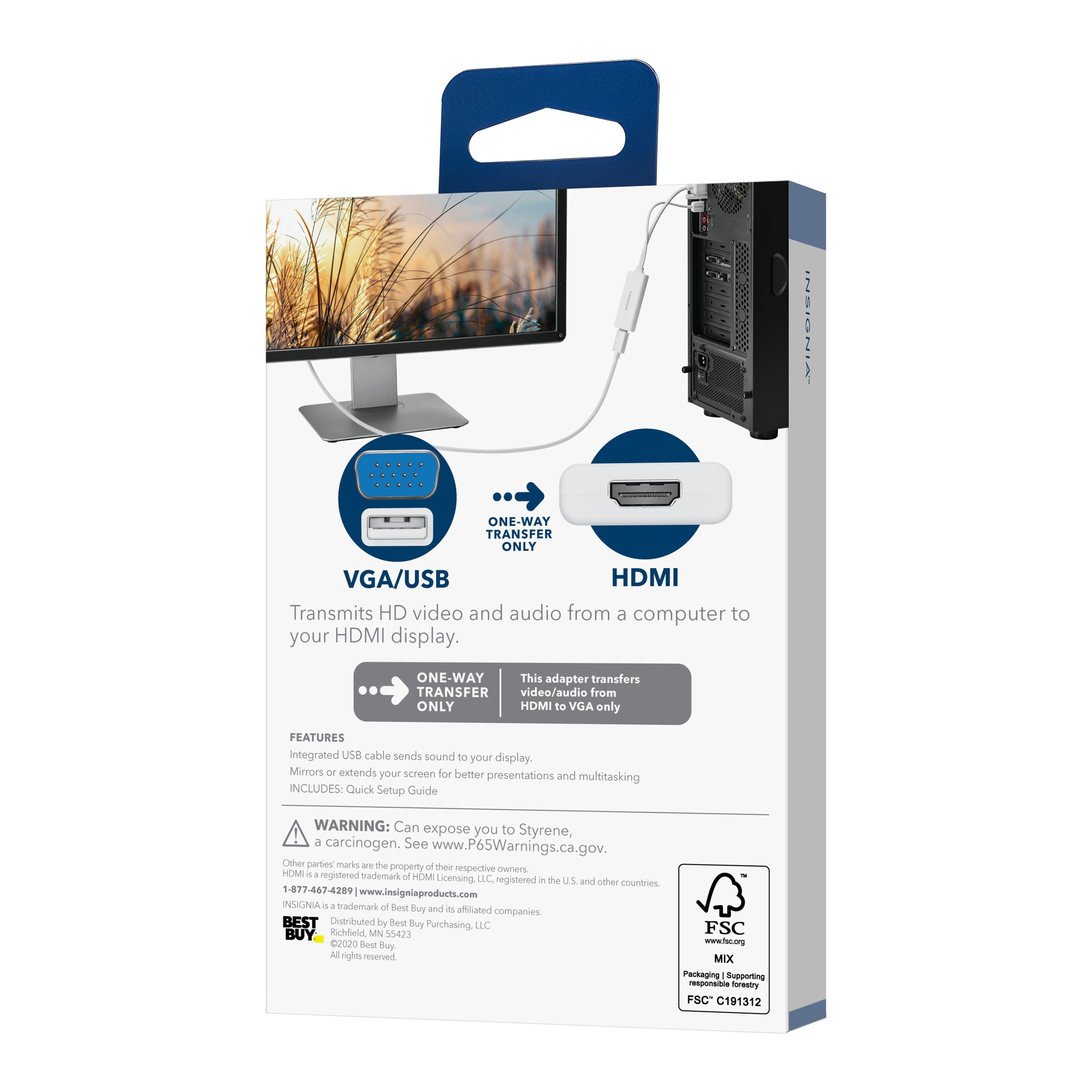
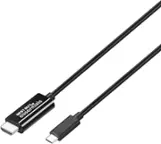
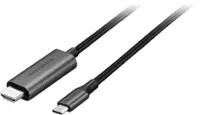
A:AnswerNo. You can use the cheaper HDMI to VGA (not VGA to HDMI) Model:NS-PCAHV SKU:6418348
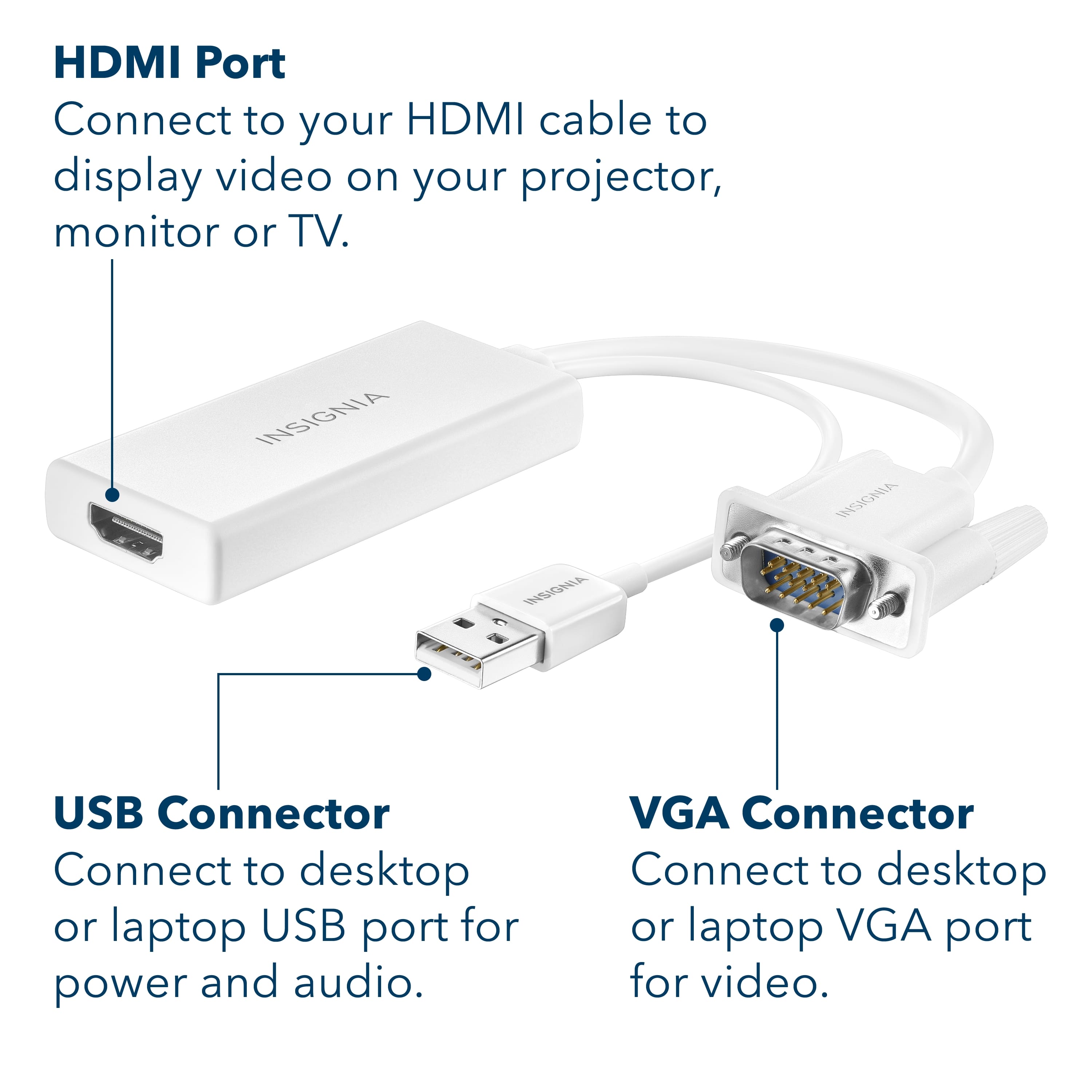
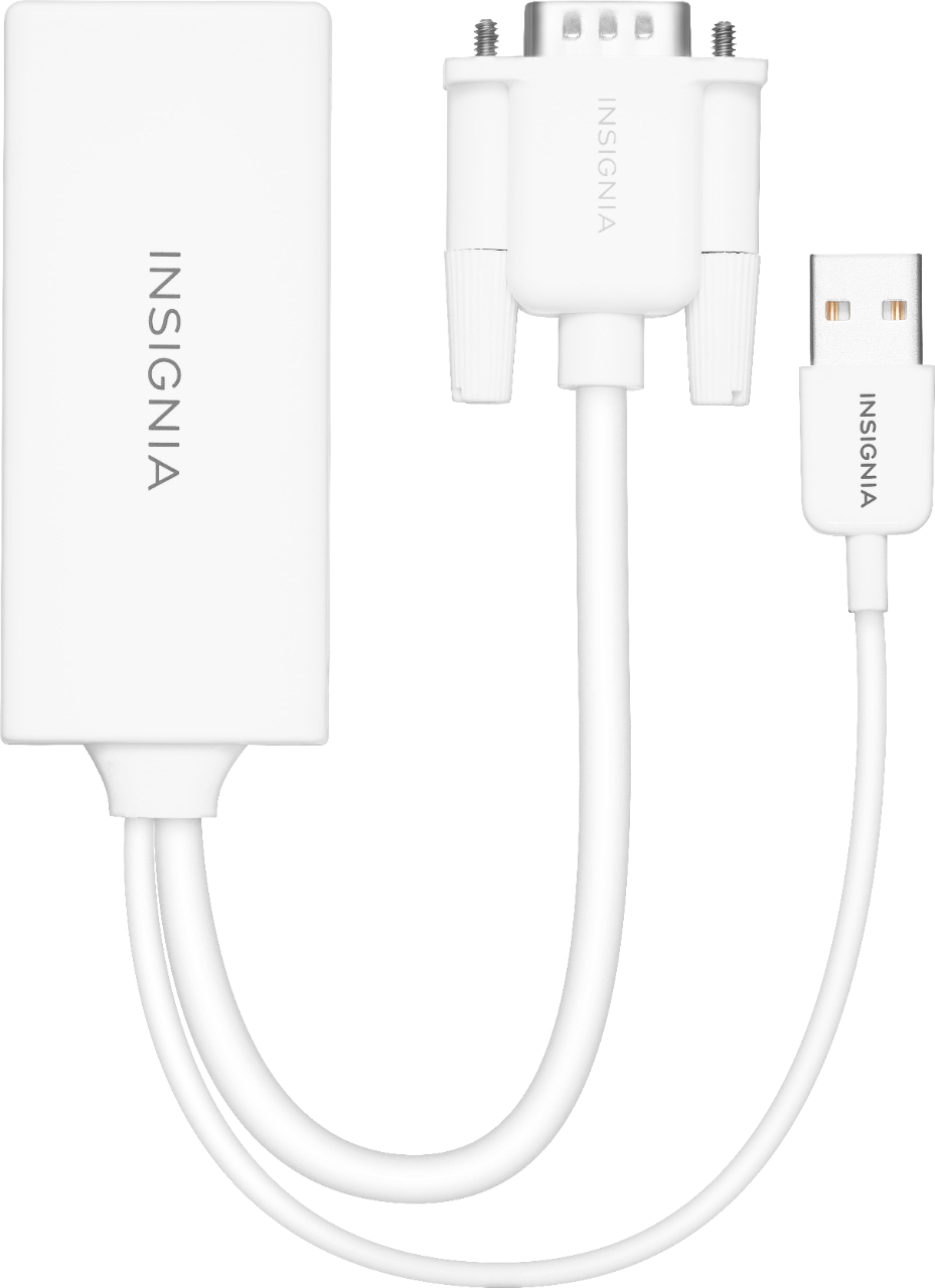
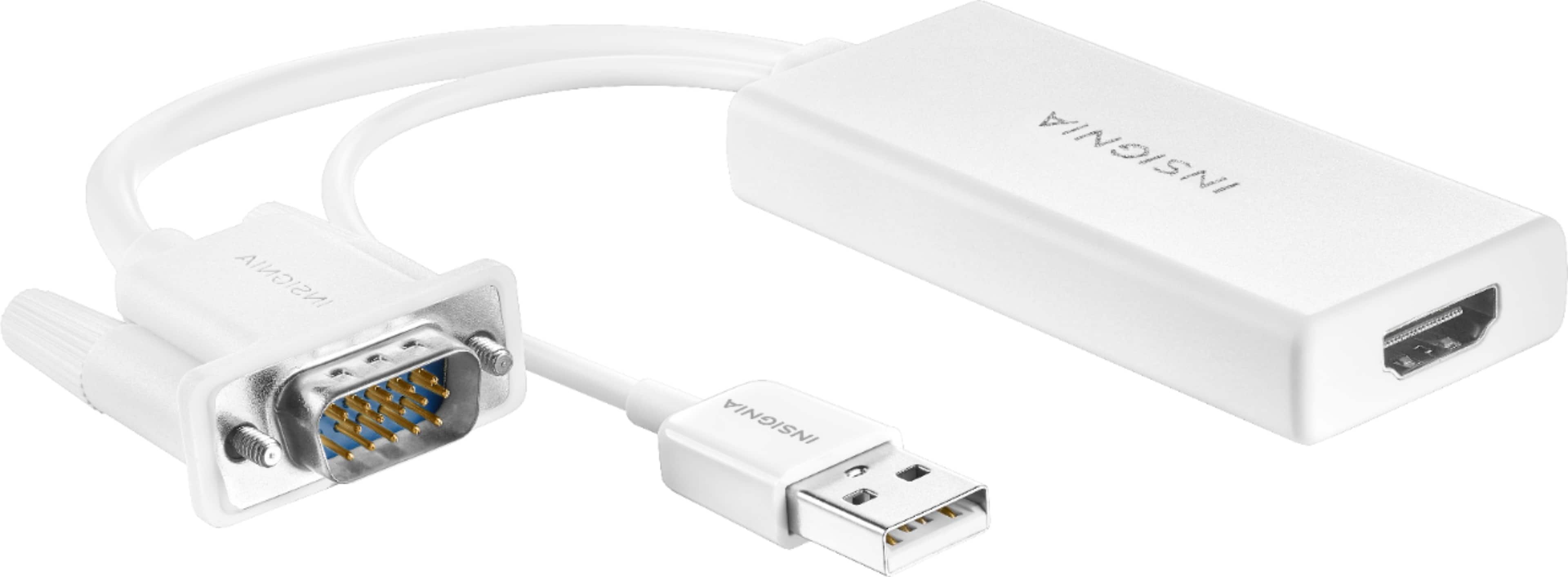
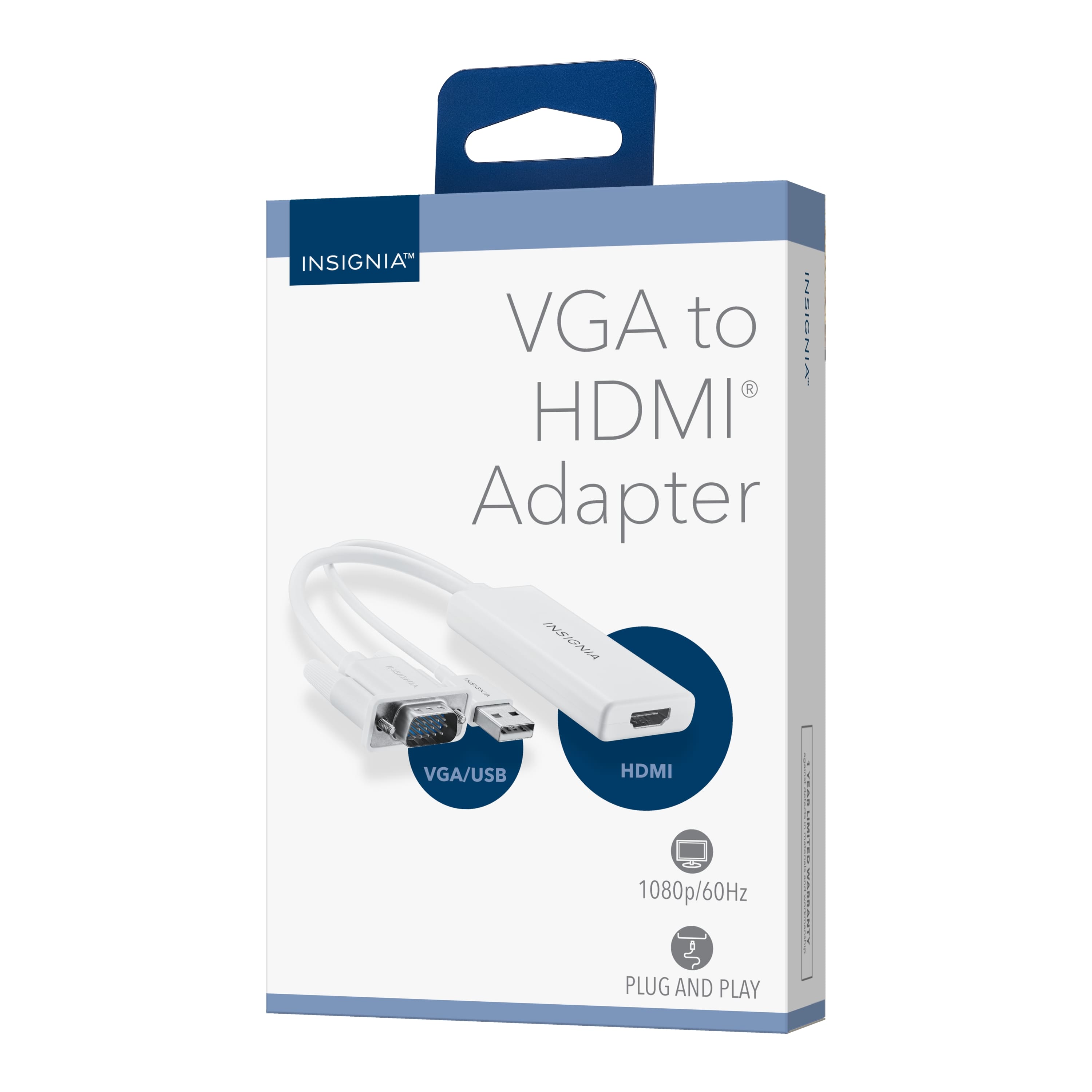
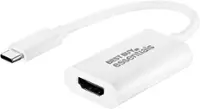
This one is an active (powered) cable used to boost and upscale a VGA signal from the computer to an HDMI monitor.
A:AnswerHi Griffin,
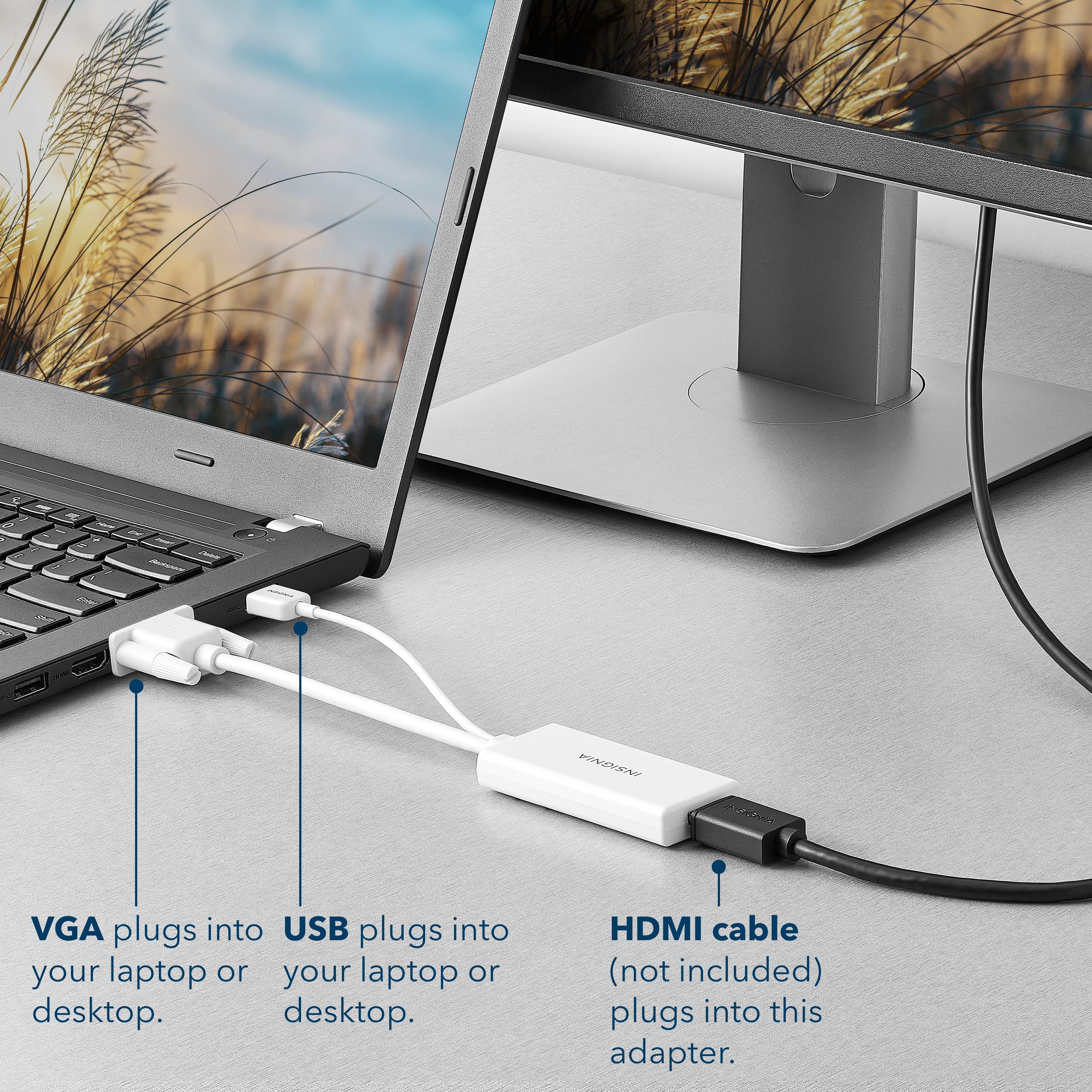
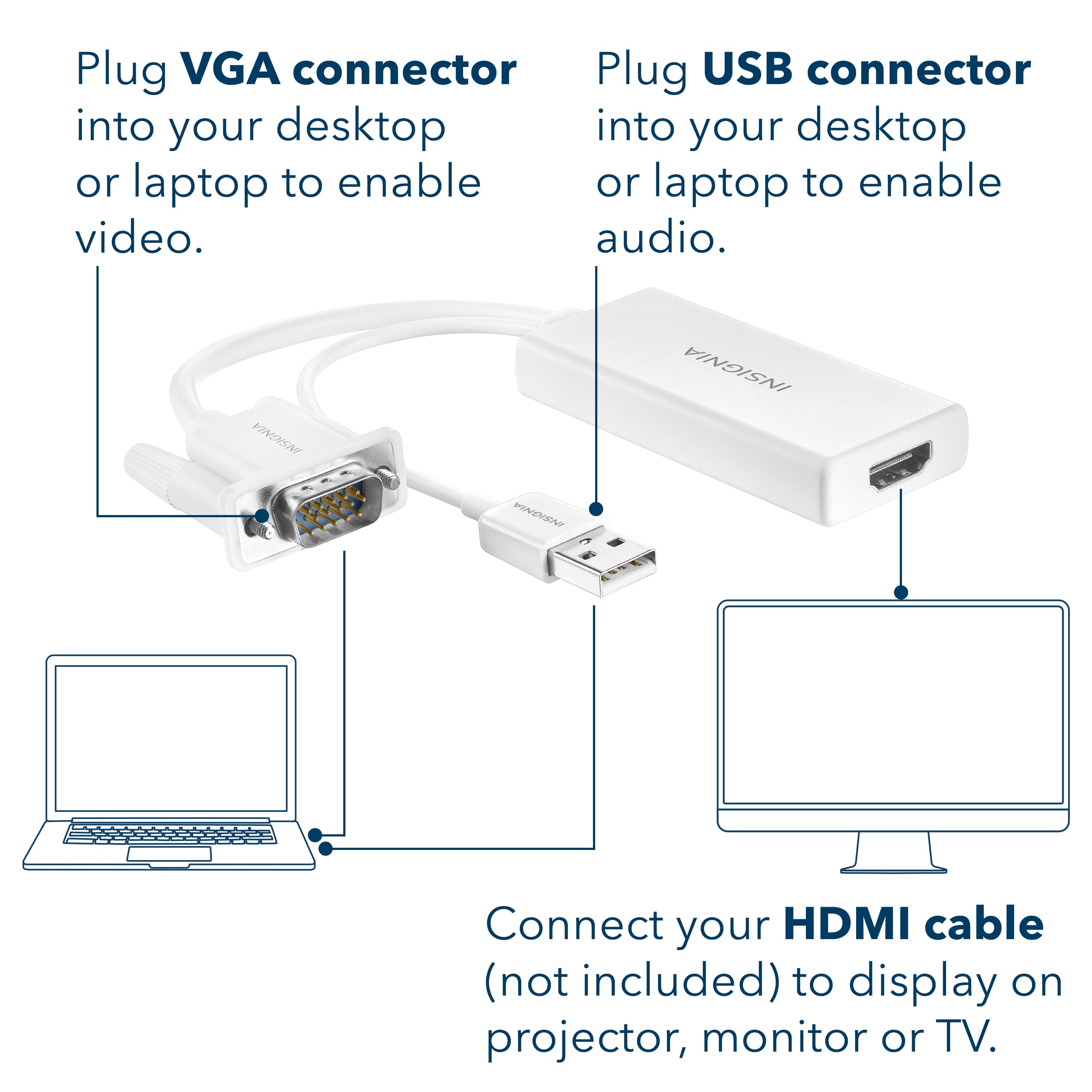
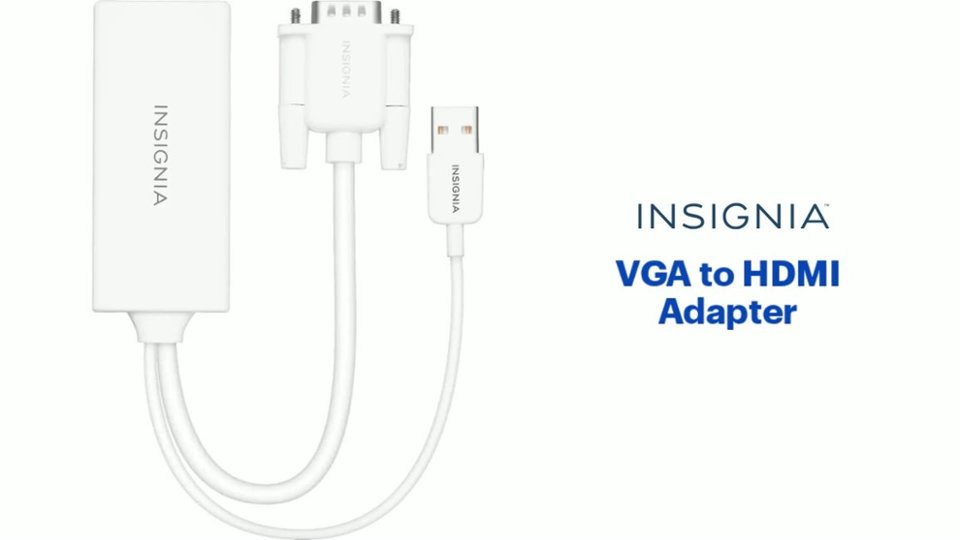
No, it will not work because you need to plug the adapter into the VGA port on your source device. Then plug the adapter's USB cable to your source device's USB port for audio and power.
Insignia Products
Lisa
https://insigniaproducts.com
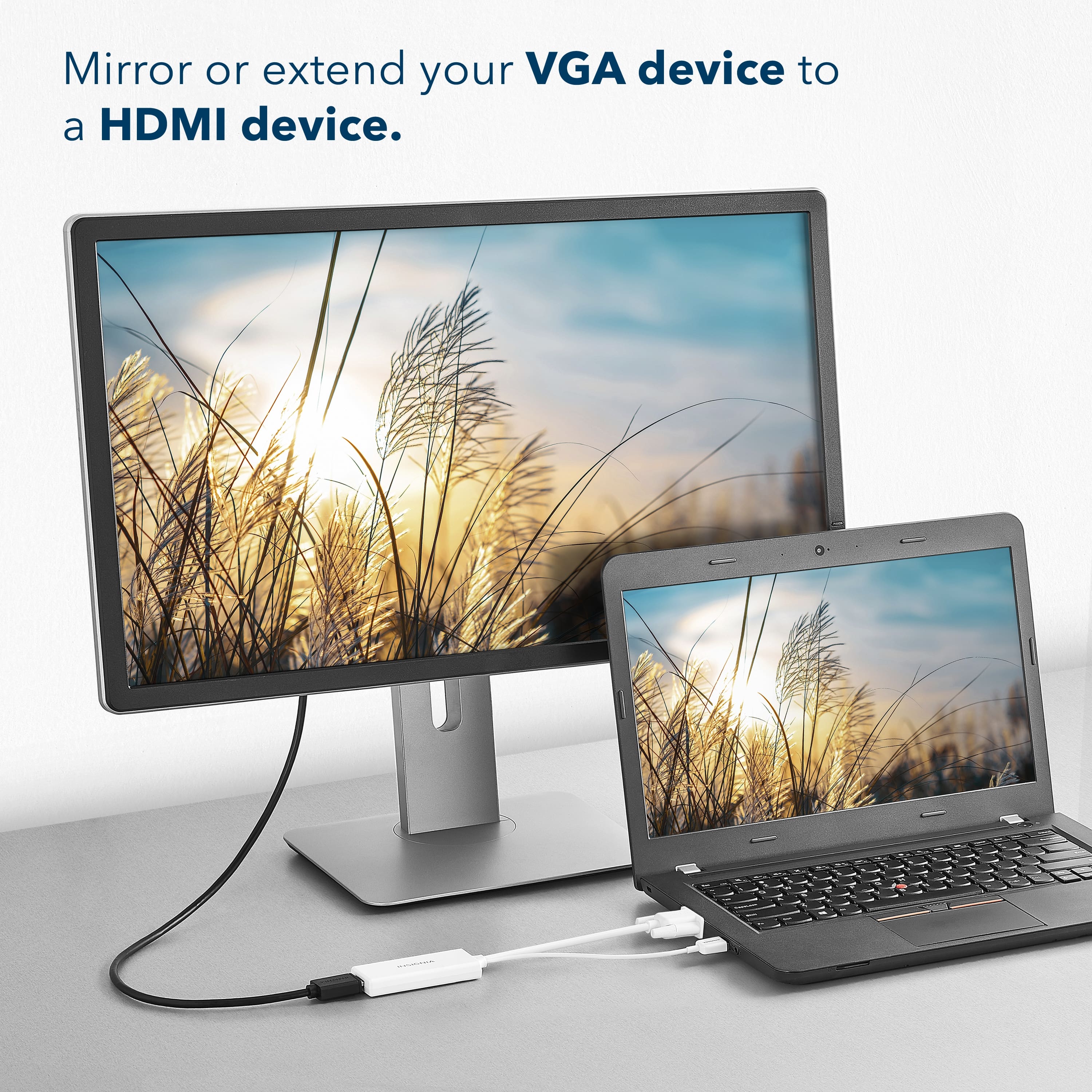
A:AnswerIn your computer's Display settings try to Detect and Identify another display, then select Extend or Duplicate.
For product support, please visit https://www.insigniaproducts.com/email-us
A:AnswerThis connector has both VGA and USB and are meant to be used together. VGA cables only transmit the visual display not audio. That's what the USB is for. That way using this adapter you can plug the VGA and USB into your computer and output the hdmi to your new monitor.
A:AnswerI used this device on my older Toshiba laptop, to connected to a TV monitor the analog compatible connection Was exactly what I needed to connected to this old device and a port a loss for you HDMI cable which allow me to connect it to my brand new TV that’s no problem