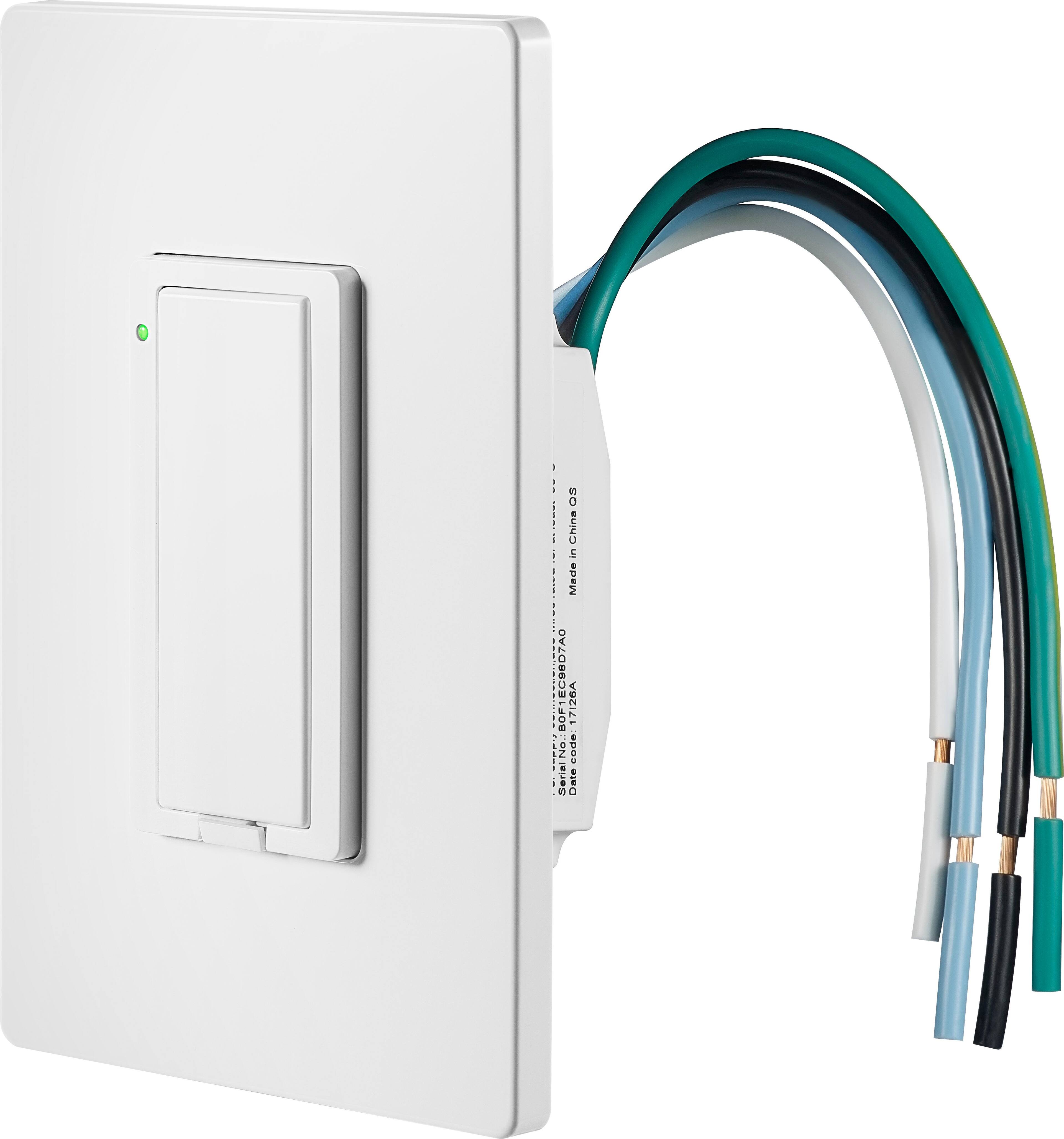
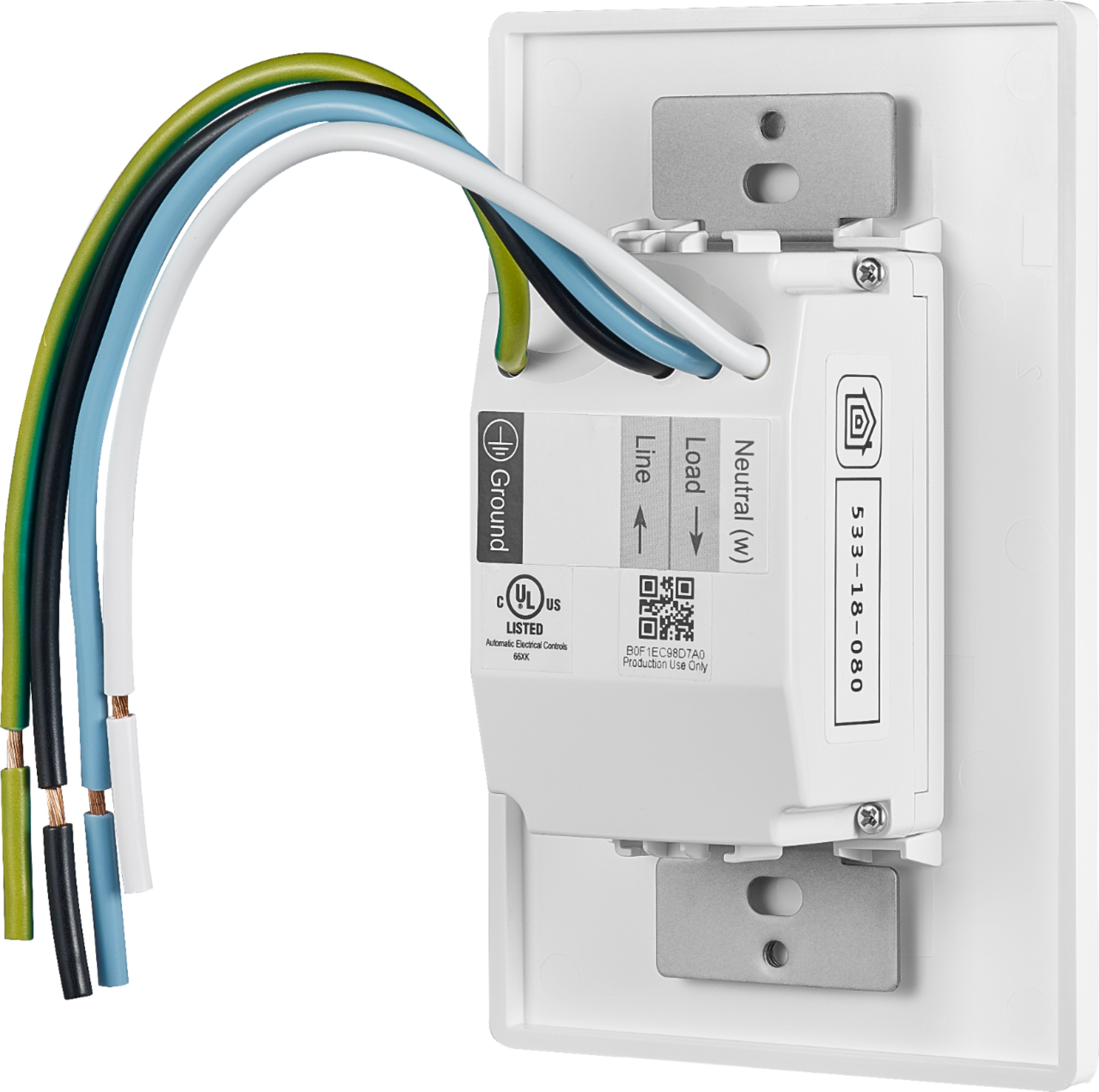
A:AnswerThe code is on the back of the light switch and on a sticker on the instruction sheet that came with the switch. You'll have to take it out of the wall to see it but you don't need to disconnect the wires. (I would turn the breaker off though just to be safe.)
A:AnswerI'm having the same problem. Tech support told me there is a bug in the software and they don't know when it will be fixed. I went through two of these before finally deciding to buy a different brand off of Amazon.
A:AnswerLook up wiring of a three way switch. The other switch will need to be disabled (disconnected). Rewiring depends on if the Insignia is mounted in the switch box with the power line or not. The Insignia needs continuous line power ( unswitched ).
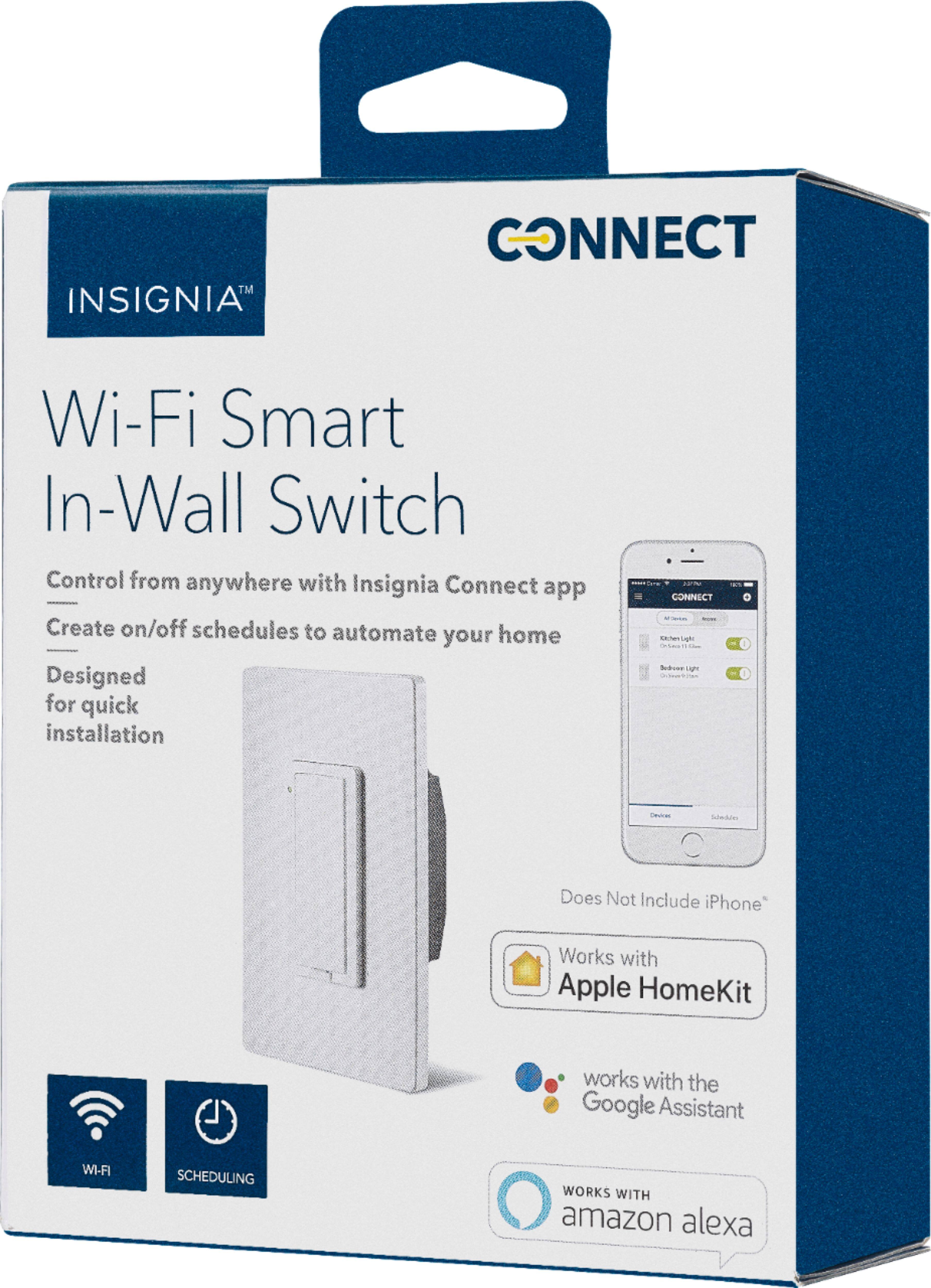
A:AnswerYou certainly can, just pair it with your Home App on your iPhone, have a HomeKit hub (an Apple TV 4th Generation or later, or a dedicated iPad at home), and you should be able to access it anywhere.
A:AnswerYou should use the house internet, because will not limited you from using any where in the world. About the garage door as long you can get wifi signal in the garage for the switch you can use your phone from anywhere and the door will not interfere.
A:AnswerTheir software currently has a bug in it that is preventing that feature and others from working. Tech support has no idea when it will be fixed.
A:AnswerI don't think it will connect like that, but i don't have a wink hub. I will tell you that i have had 0 issues with the app. I mostly use alexa or siri to control them if i'm not physically pressing the switch. I have also had 0 issues with the switches. I'm not sure why others are having such troubles.
A:AnswerCan you outline the steps you took?
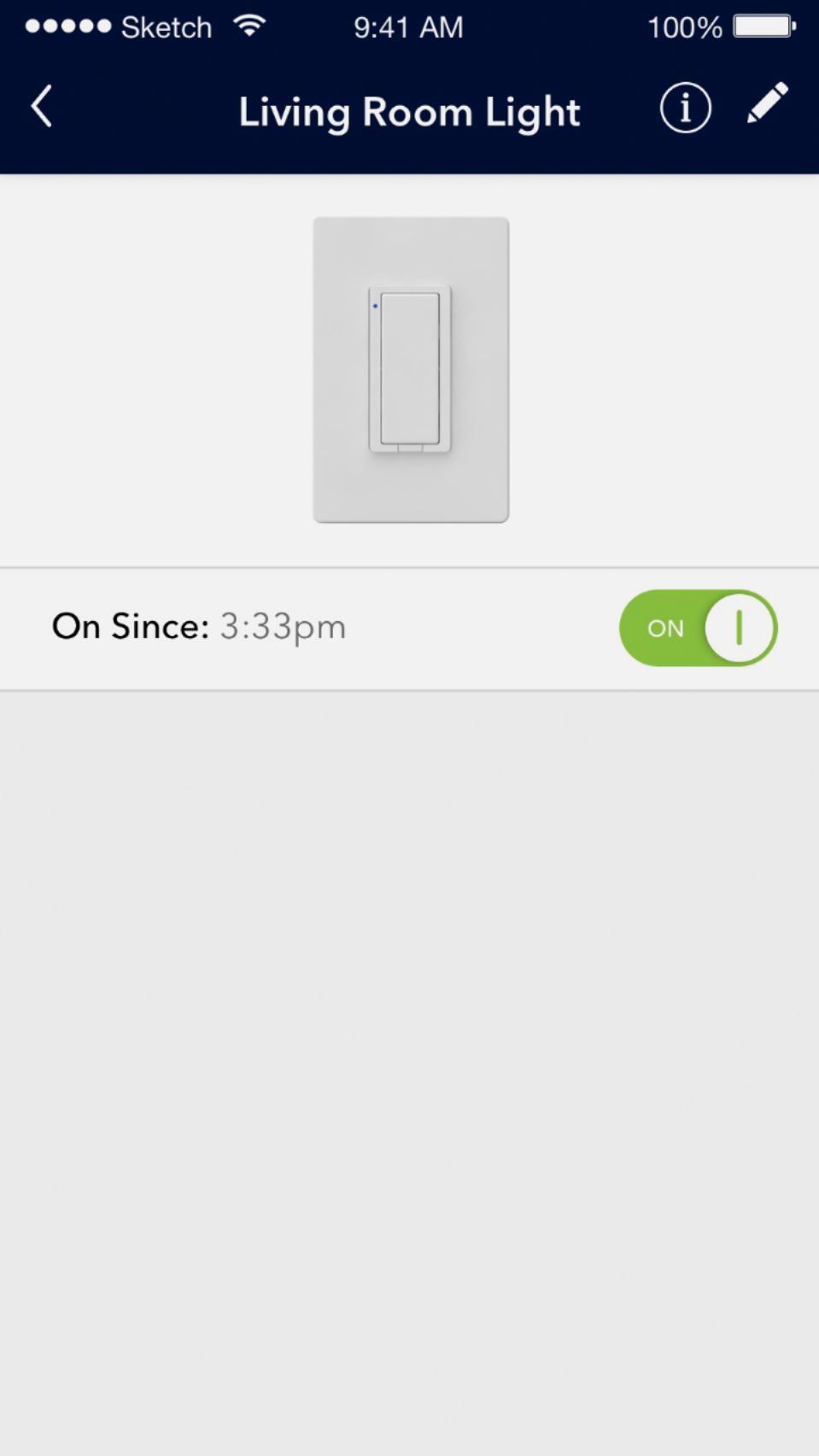
Which application is sending the "No response" error? Home app, an Insignia app or another HomeKit application?
Is this occurring with a single switch or several?