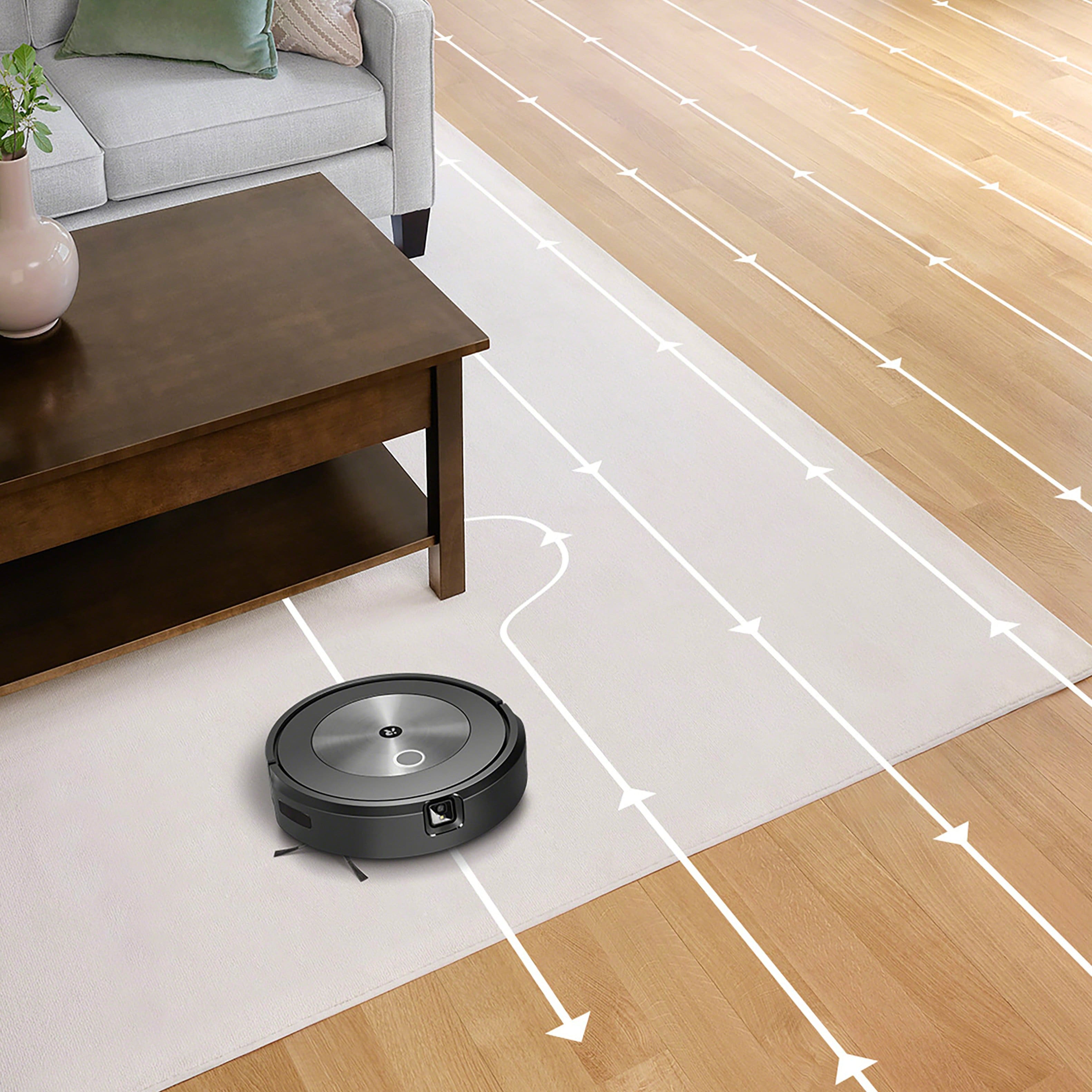
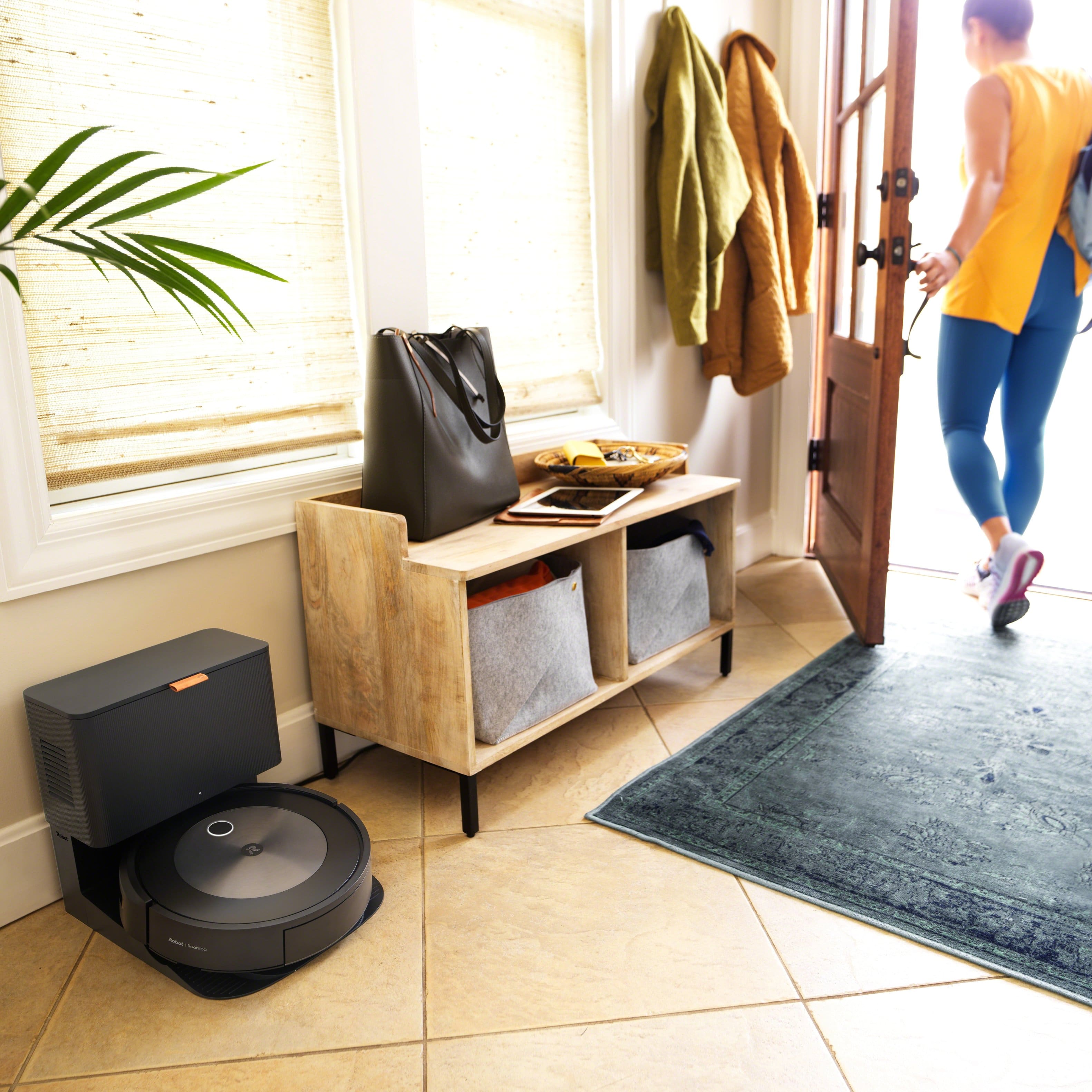
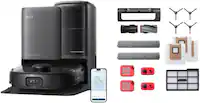
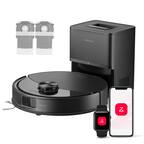
A:AnswerYes. It would work great. Once it's maps out the area you can name the different areas of the church and all you have to do is send the vacuum to what ever area you want to clean that day with the app. Once it's full it will go empty itself and go right back where it left off and continue to clean until it's done. I recommend, once it's mapped out the whole area, this might take a couple of days, to do diffent area's at a time. If it's running low on battery it will return to the base charge for about an hour in a half then go back and finish. It won't stop until it's done. It's the best employee you will ever have.
A:AnswerHi Mojo, the j7 series can remember up to 10 unique floor plans, so you can carry the robot to a different floor or a different home. As long as the robot has mapped the space, it will recognize its location and clean as directed.
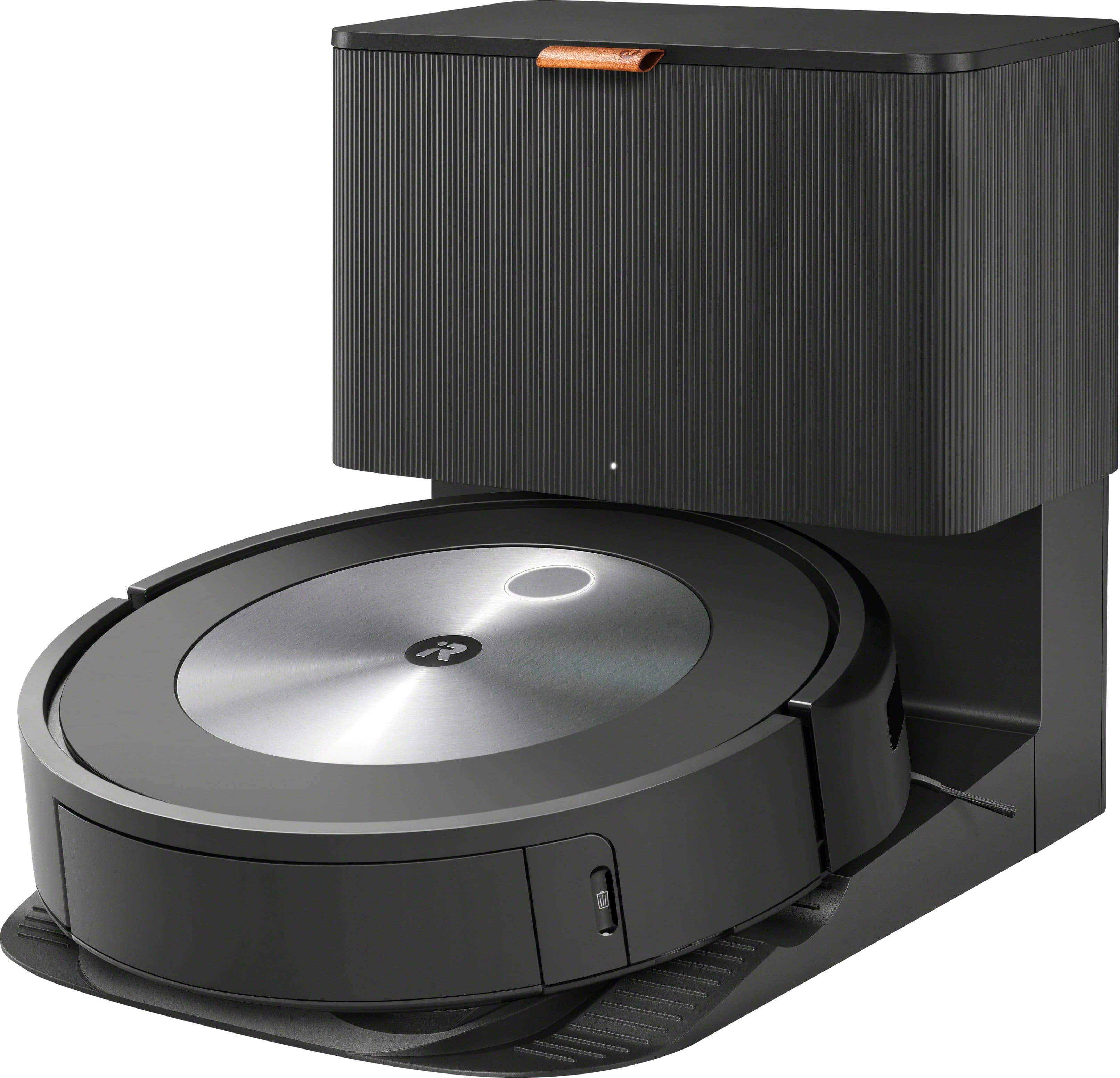
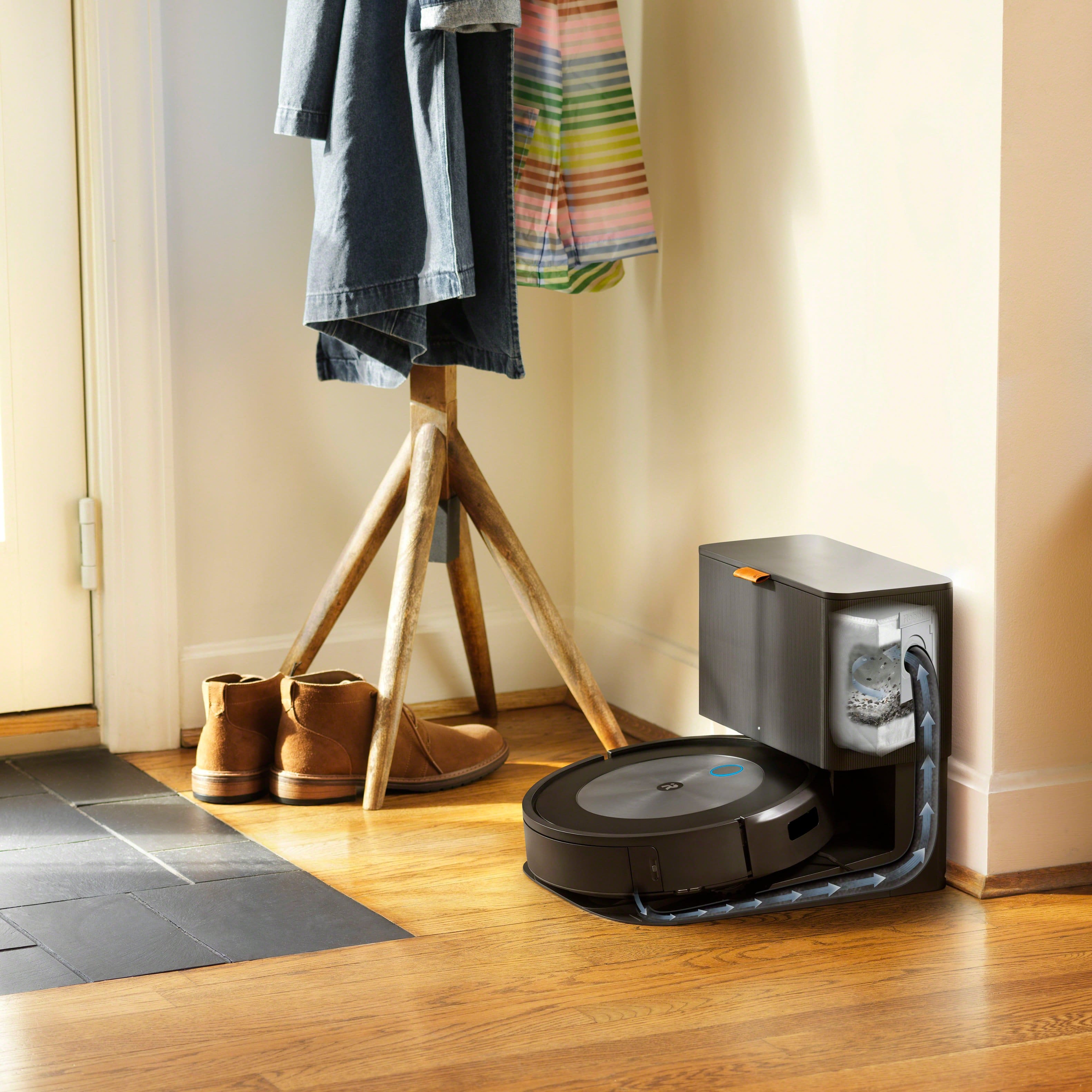
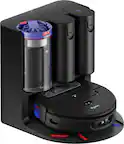
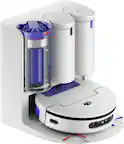
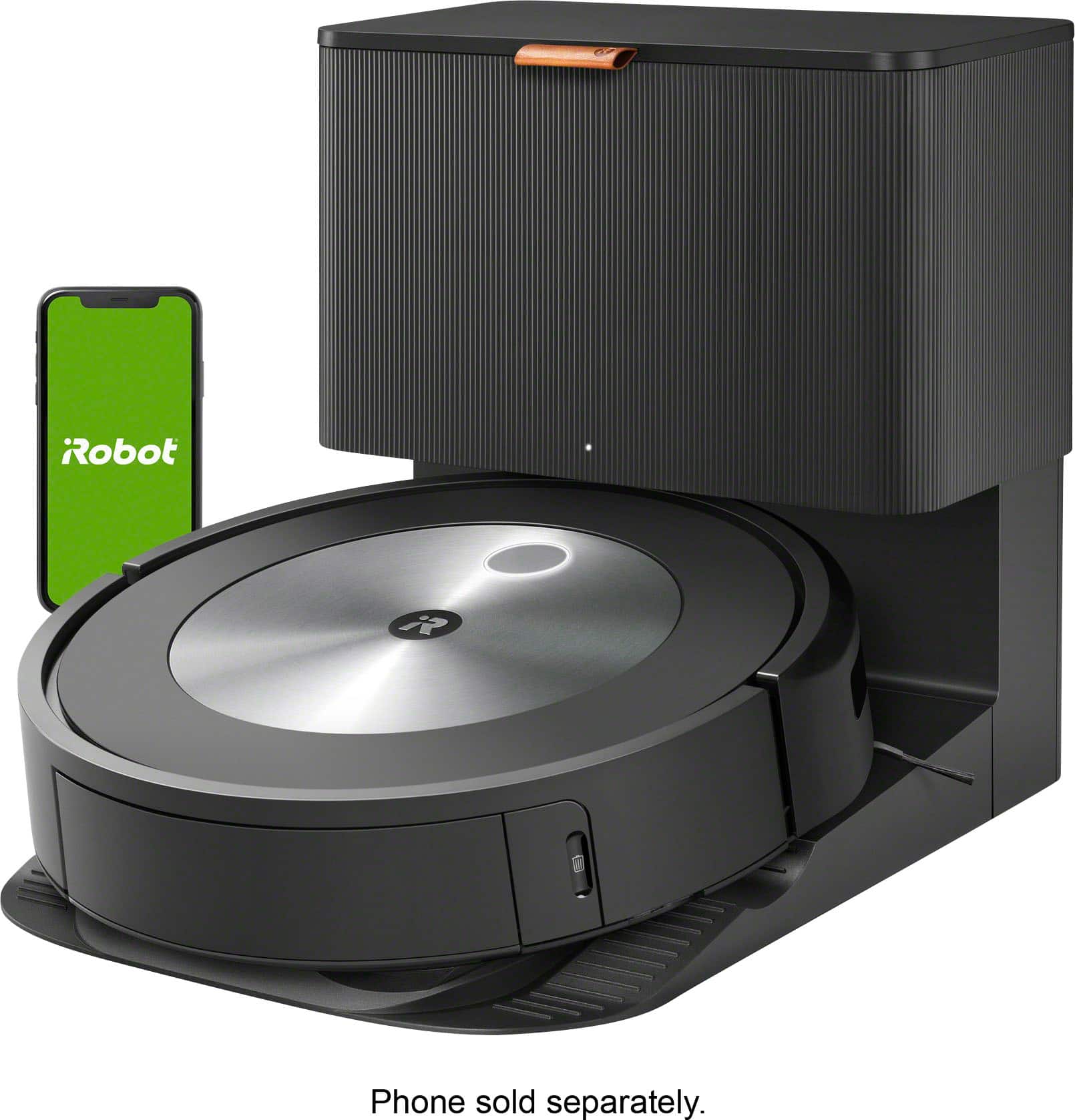
A:AnswerThis is the base. The vacuum capacity isn’t really relevant since this version goes back to base to empty itself, then continues where it left off. We have had ours for two months so far and have several hairy dogs. Haven’t had to empty it yet.
A:AnswerYou cannot. Best Buy will lie to you about this. The J7+ absolutely does not run on 220 or 240 volts. I know this as I carried one across the Atlantic to use in the UK and it does not work. Repeat, THIS DOES NOT work on 220-240V.
A:AnswerCorners are sometimes tricky. There are three brushes that “reach” into the corner but they don’t have much force and on occasion they will. Miss some debris.
A:AnswerRoomba robot vacuums do not need Wi-Fi to clean your Home. You can simply Push CLEAN on the robot and the robot will get to work. It is important to remember the robot must start on the Home Base for it to return home.
Our new Roomba models utilize Wi-Fi technology to connect to the iRobot Cloud through the iRobot Home App to enable such features as Google/Alexa compatibility, scheduling, Push Notifications, adjusting cleaning preferences, and receiving Over the Air Software updates.