A:Answer Hello, you may just need to turn off the control lock feature which Avoids unintended use of the dishwasher between cycles or cycle and option changes during a cycle.
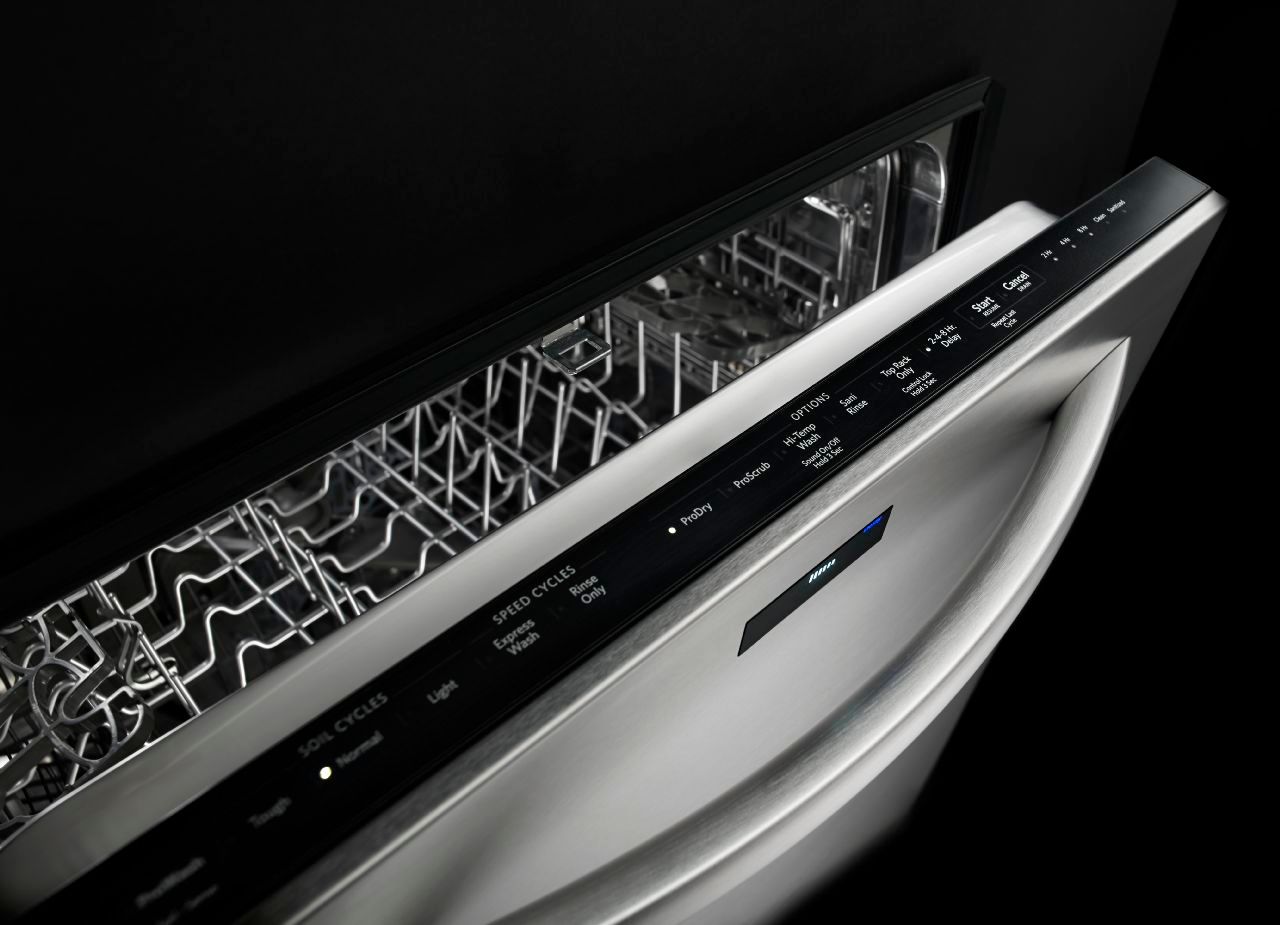
To turn on Lock, press and hold TOP RACK ONLY for 3 seconds. The Top Rack Only/Control Lock light will stay on for
a short time, indicating that it is activated, and all buttons are disabled. If you press any button while your dishwasher
is locked, the light flashes 3 times. The dishwasher door can still be opened/closed while the controls are locked.
NOTE: You may need to disable Sleep mode by pressing either Start/Resume or Cancel/Drain or by opening
and closing the door before you are able to turn Control Lock off.
To turn off Control Lock, press and hold TOP RACK ONLY (Control lock hold 3 seconds) for 3 seconds. The light
turns off. If you have any questions or concerns, please let us know: (800) 422-1230
Hours of Operation
Mon - Fri: 8 a.m. - 8 p.m. EST