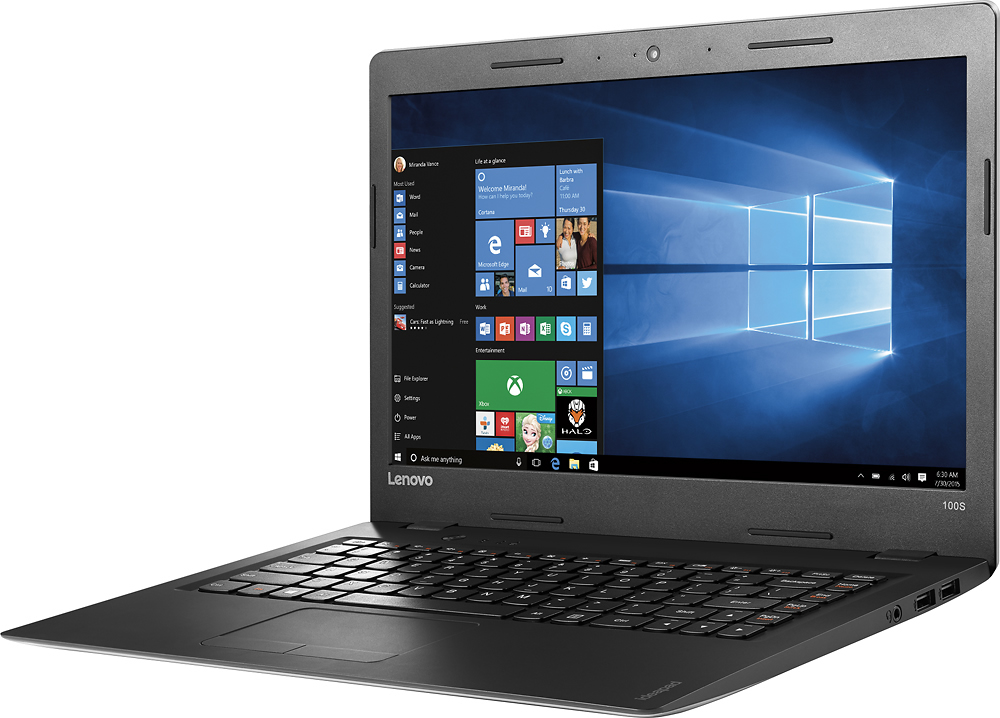
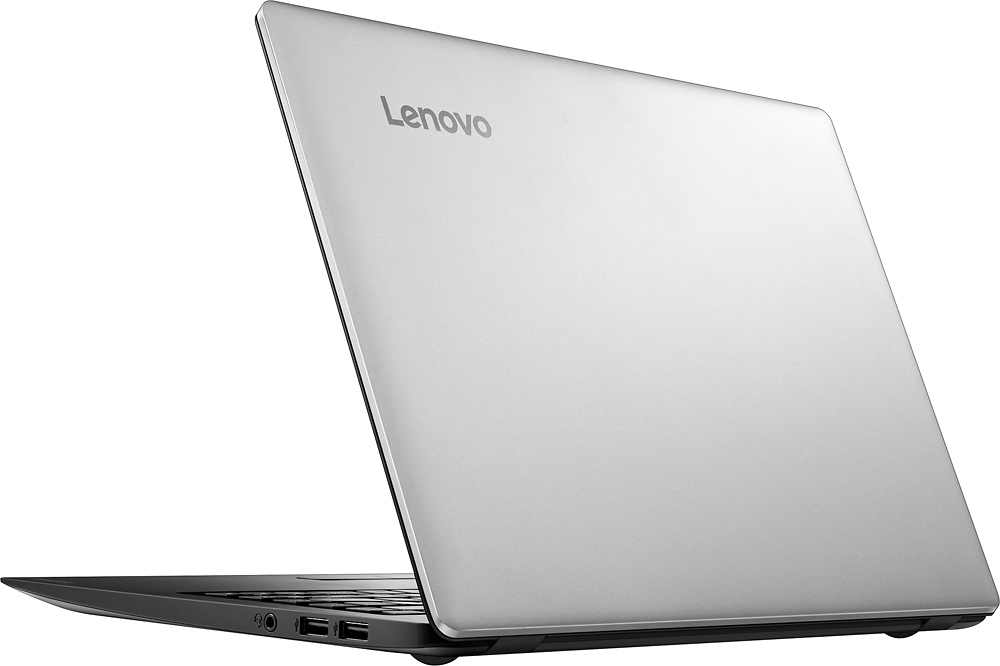
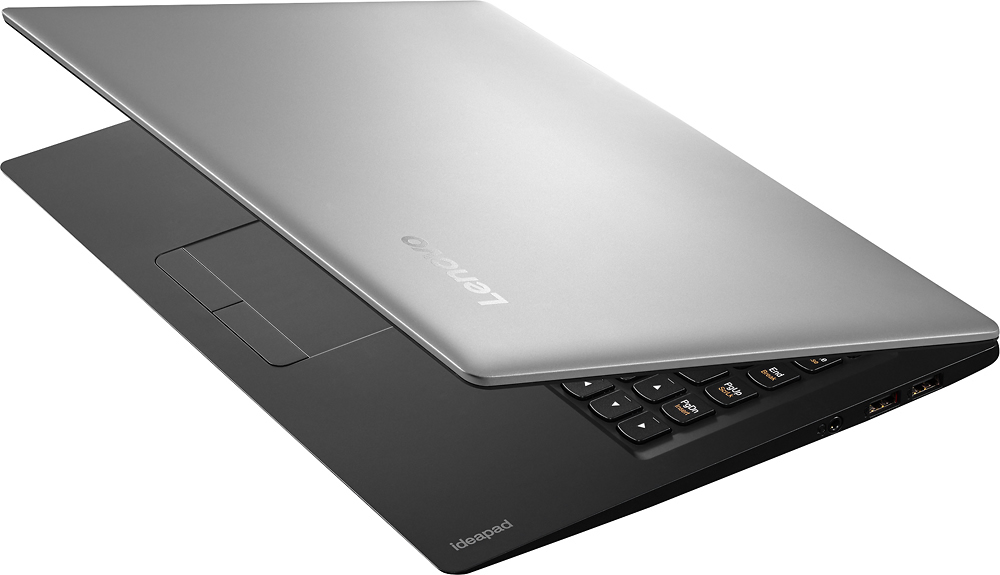
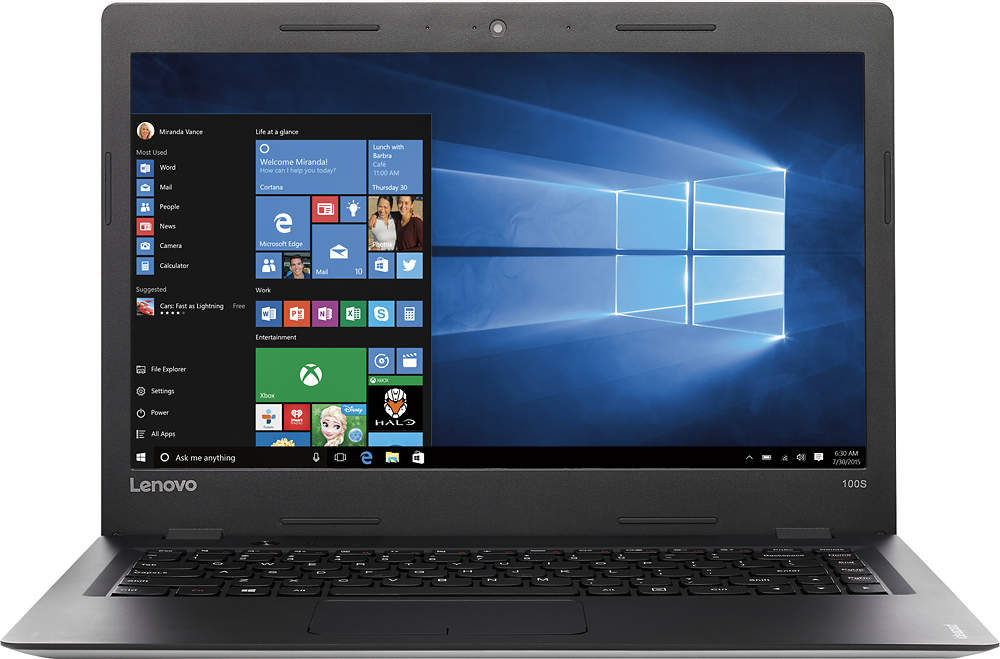
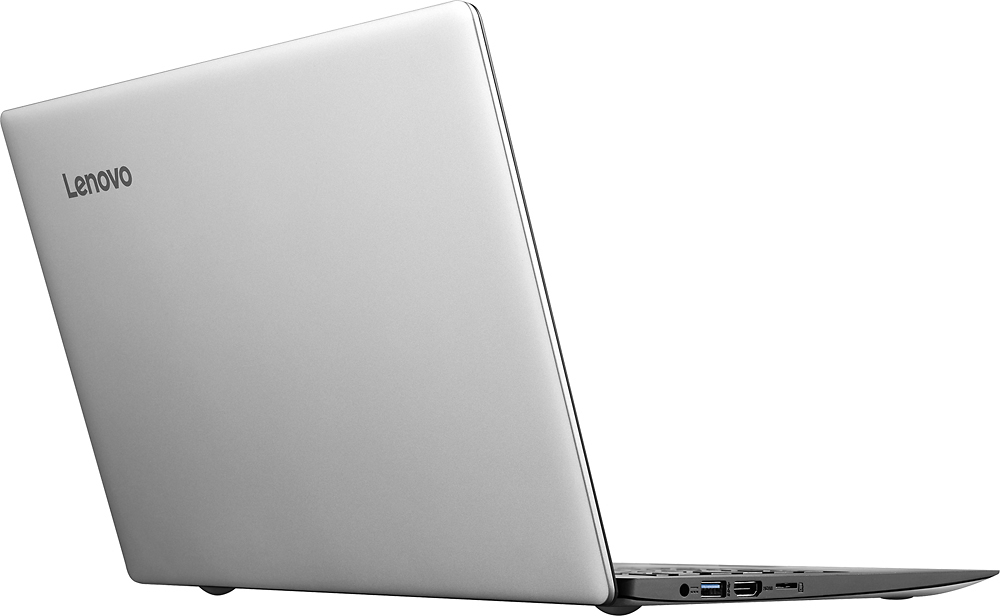
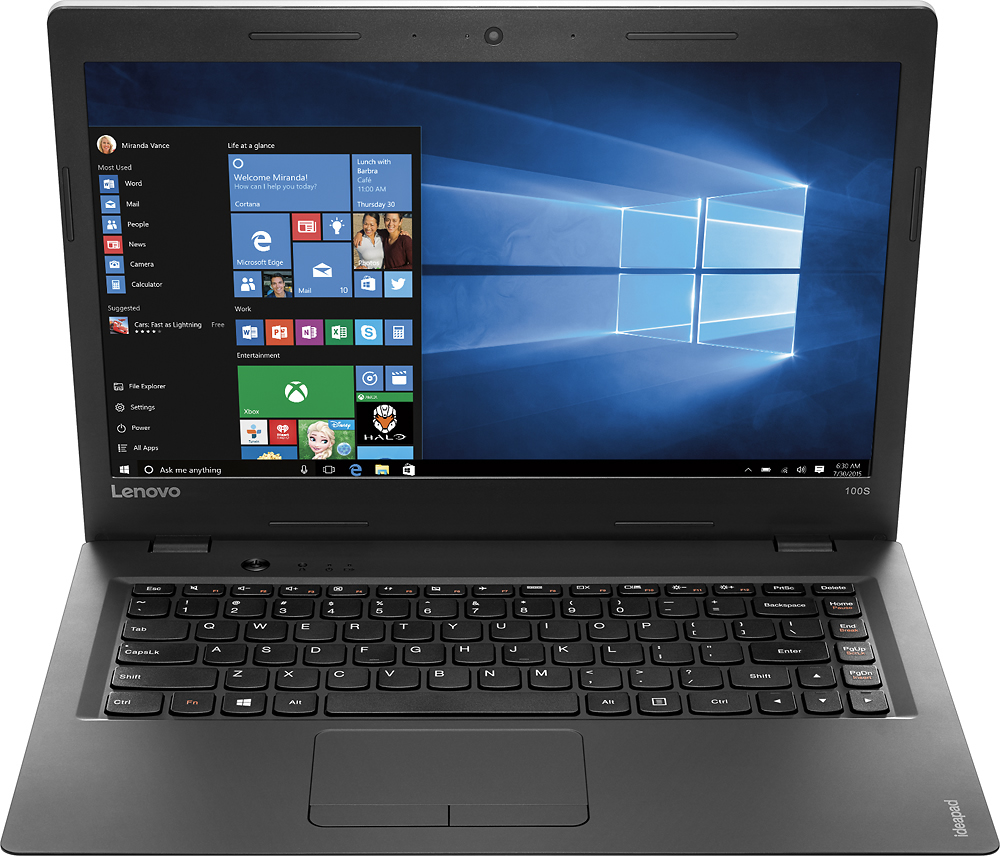
A:Answer From the Lenovo Service manual, it has one DIMM slot for a DDR3L laptop style chip. The "L" means 1.35V RAM. The Crucial website says that this can go up to an 8 gig chip max.
To get at the RAM, it's a total of 14 screws, involving two screws to pull the keyboard, three underneath the keyboard, then nine to remove the entire base plate of the laptop.
While you're in there, Lenovo shows that a 7mm SATA hard drive will fit in there, so you can upgrade the internal drive to something a bit more roomy, either spinning disc or SSD.