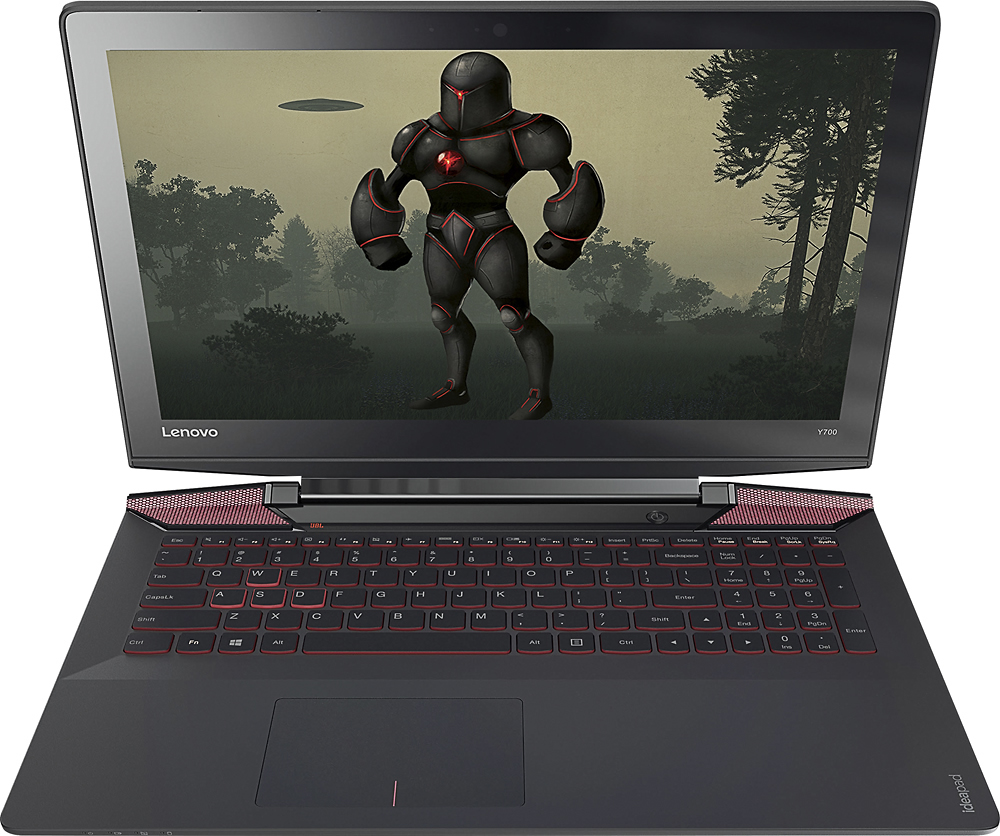
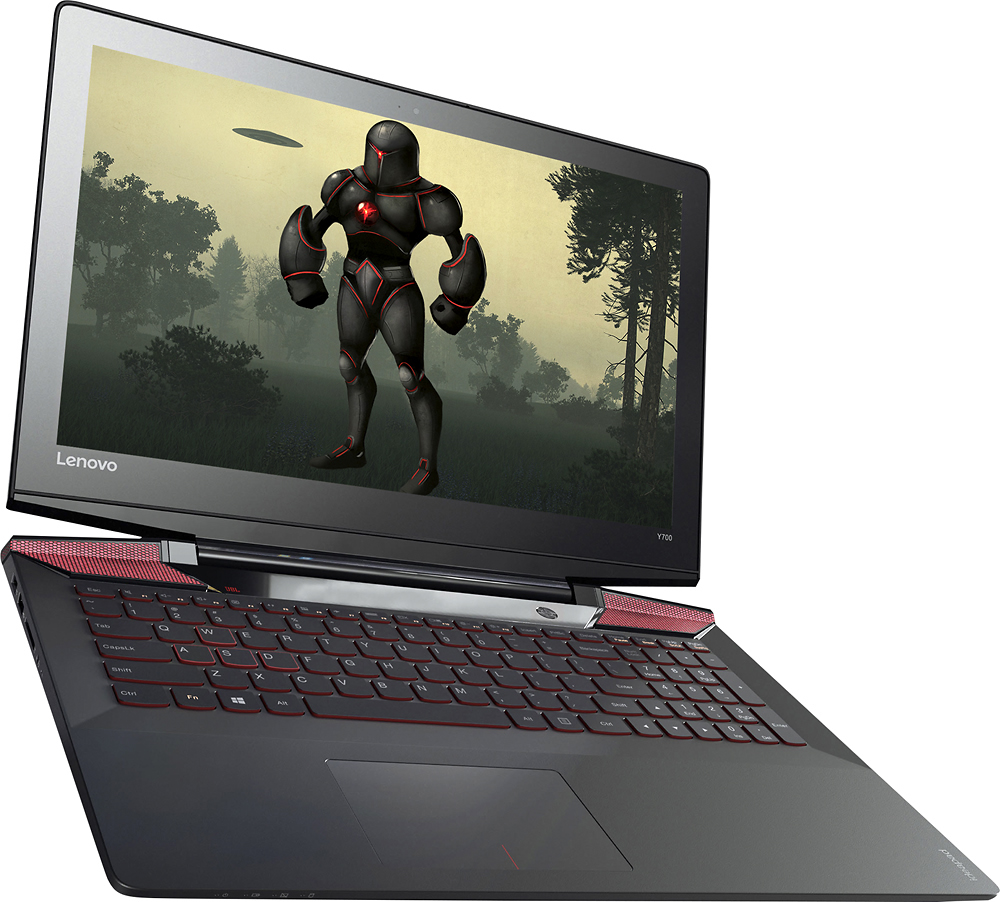
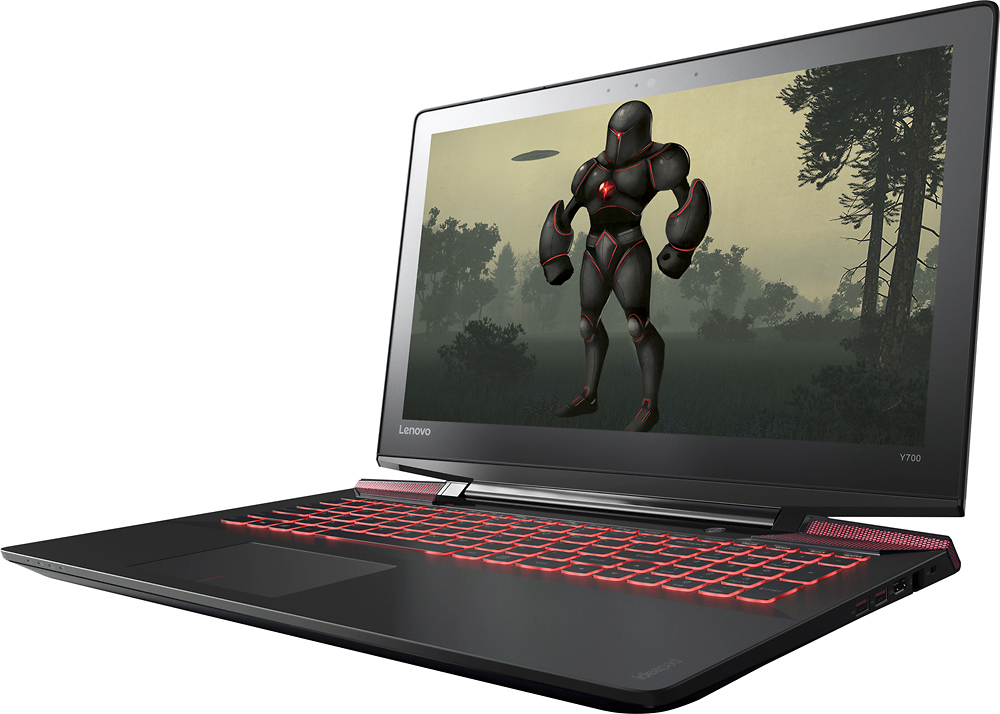
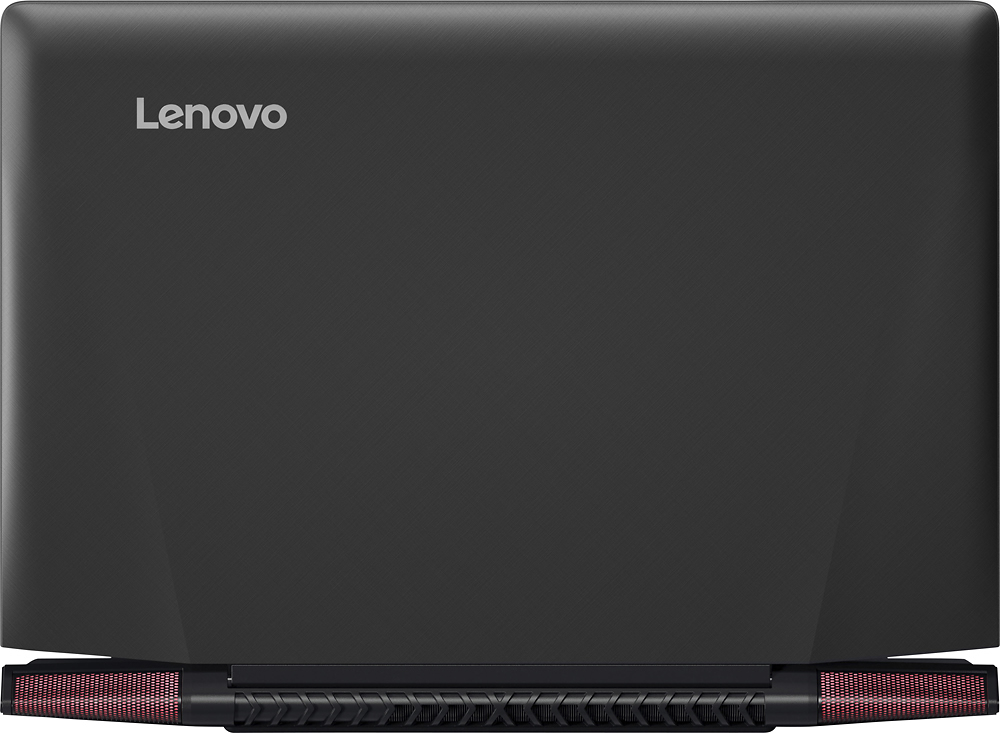
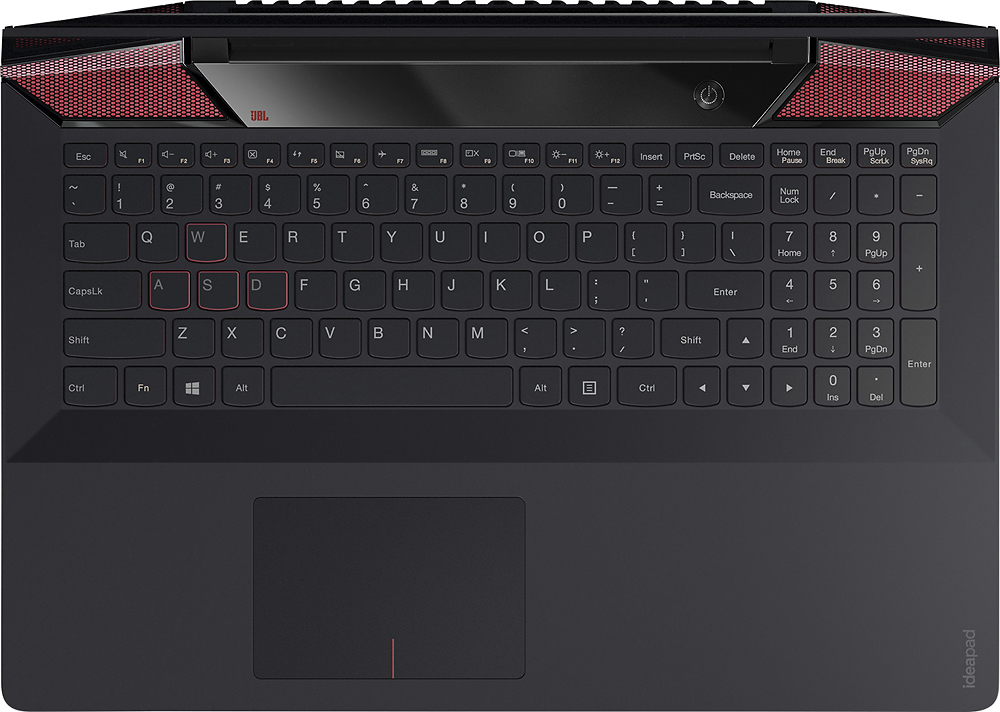
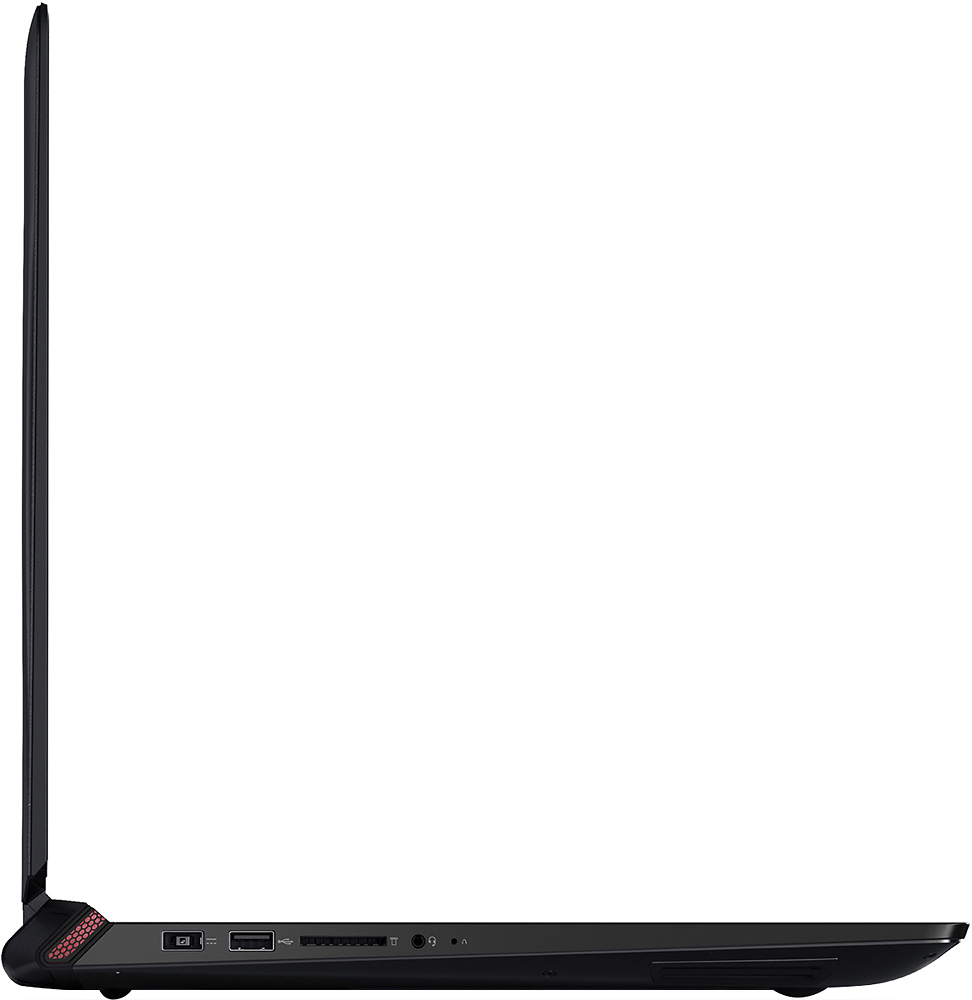
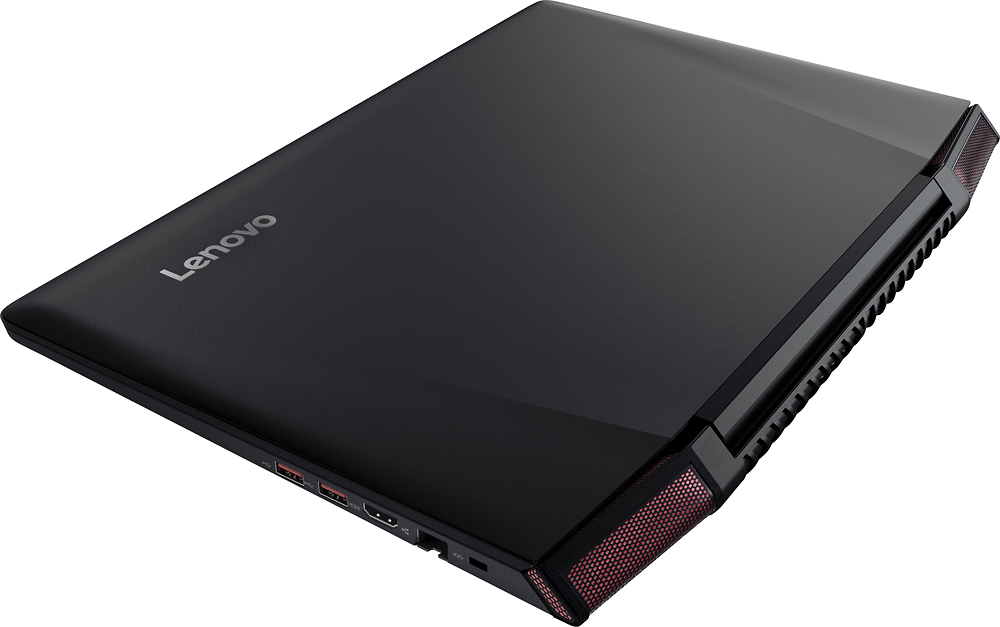
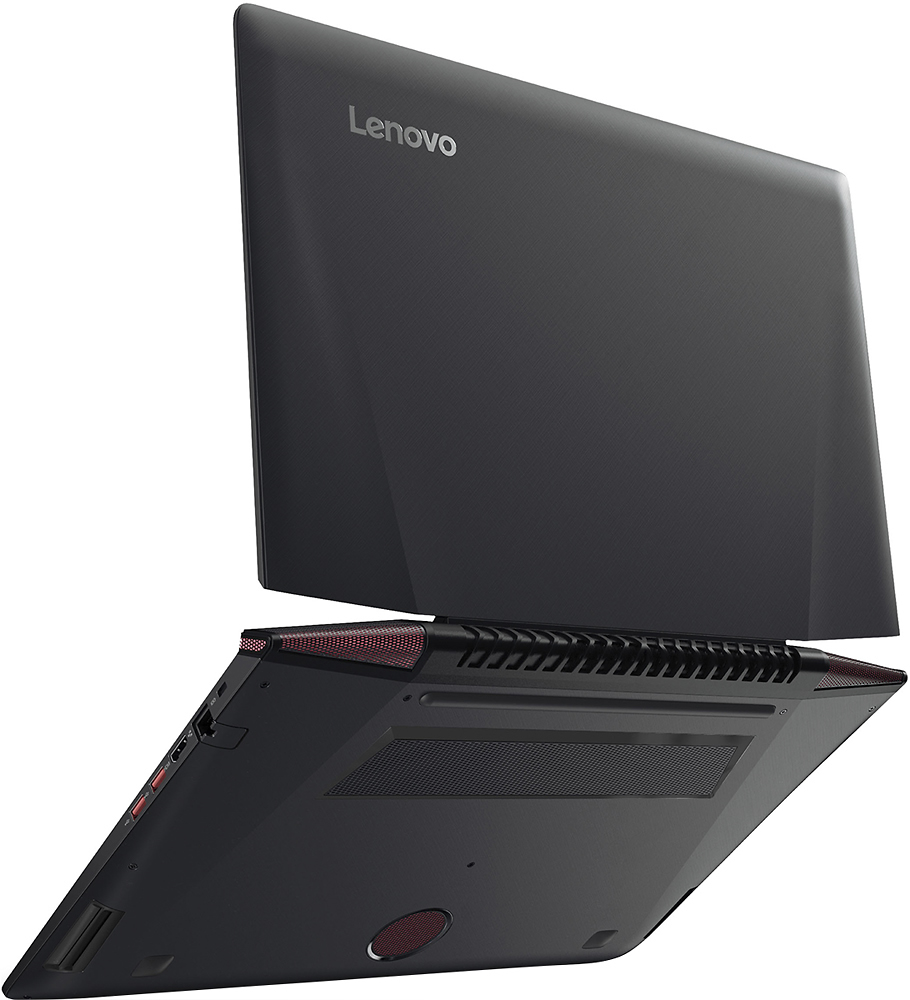
A:AnswerThis model has an m.2 expansion slot at the top end of the internal HDD, and that slot can be used as an SSD expansion.
I would (and will) add the SSD for boot and save the HDD for data storage.
A:AnswerI'd say it's really good, jumping from class to class. Gaming in between. That's what I do, but also doing a few essays on the go makes it easy. Just carry a separate mouse if you're gaming in between. My personal preference.
A:AnswerThe battery in this system is considered a "Field Replaceable Unit". It can be replaced by a certified technician without voiding the warranty. Any work done on this system by anyone other than a certified technician could void the warranty.
A:AnswerThe fan is pretty quiet. I don't think I've ever really noticed the sound. There are actually two fans inside, so they can probably run at a lower speed than laptops with a single fan which should make it quieter. I also tend to use my laptop with a cooling pad, which helps keep the fans from having to go up to max speeds.
A:AnswerI am running a Samsung 950 pro but only at like 1.5 gb/ps speeds. I am simply not knowledgeable to be able to get the extra speeds. How ever It is a m.2 port running with 4 lanes. SO technically I believe it should be capable of performing at those speeds.
A:AnswerTwo slots of 4Gb each. DDR4--2133. FYI Crucial says they have successfully ran 16Gb x 2 for 32Gb with their super fast RAM set, even though Lenovo says 16 Gb is the max. The Crucial tech says they guarantee their claim
A:AnswerThis is a true 4-core hyper-threaded 8 logical core processor. The processor has a idle clock speed of 2.6GHz and a turbo-boosted speed of 3.5GHz.
A:Answercheck your microphone settings to make sure the settings are at maximum. Make sure the Cortana settings for your microphone are at maximum. Go through the initial set up of Cortana once again. If you are still having problems with Cortana, we recommend contacting Microsoft for support. You can follow the link below to the Microsoft page on Cortana:
https://support.microsoft.com/en-us/instantanswers/0f9db9cd-c346-46f3-afa3-187f9ce290e8/switch-cortana-on-or-off