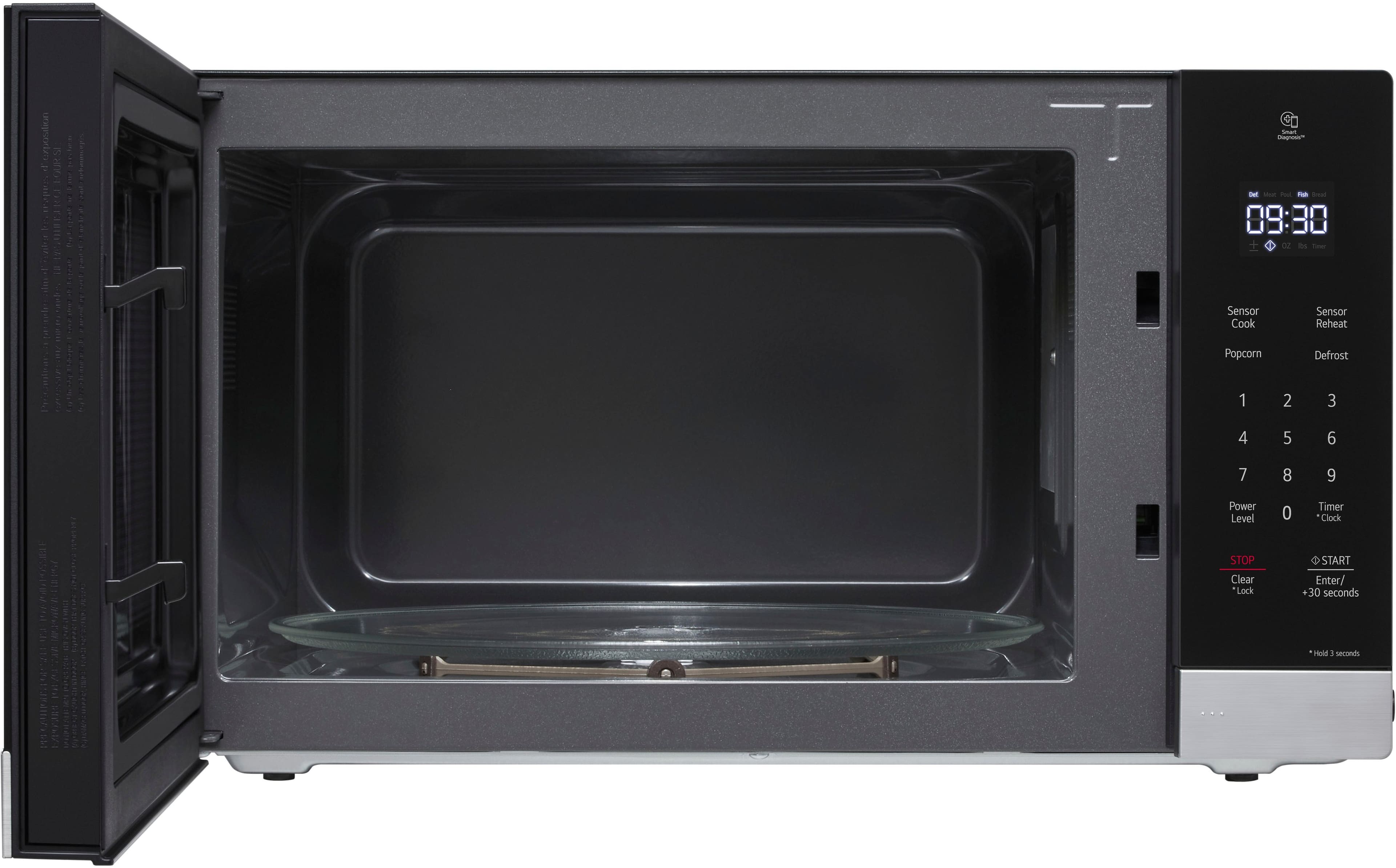
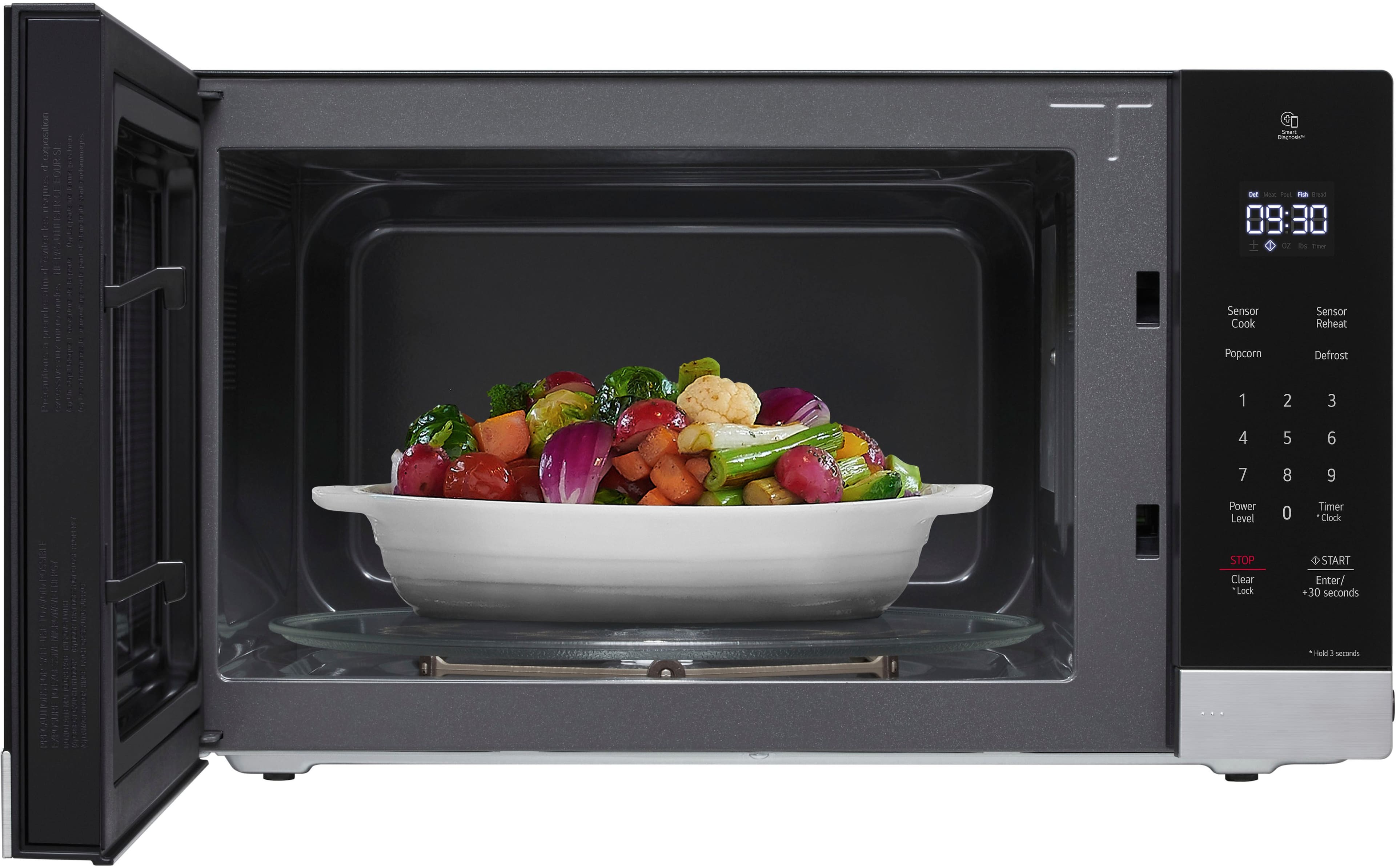
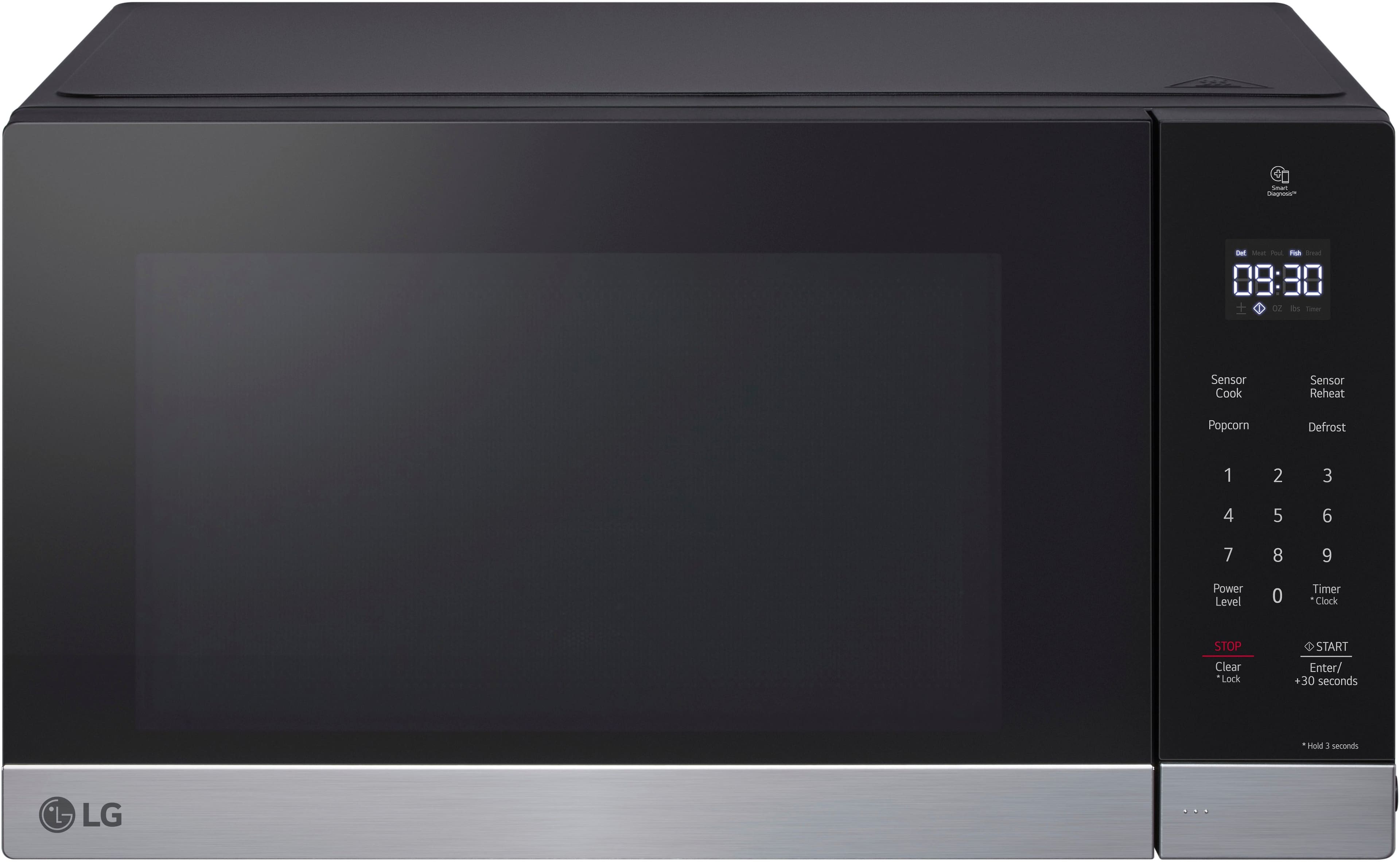
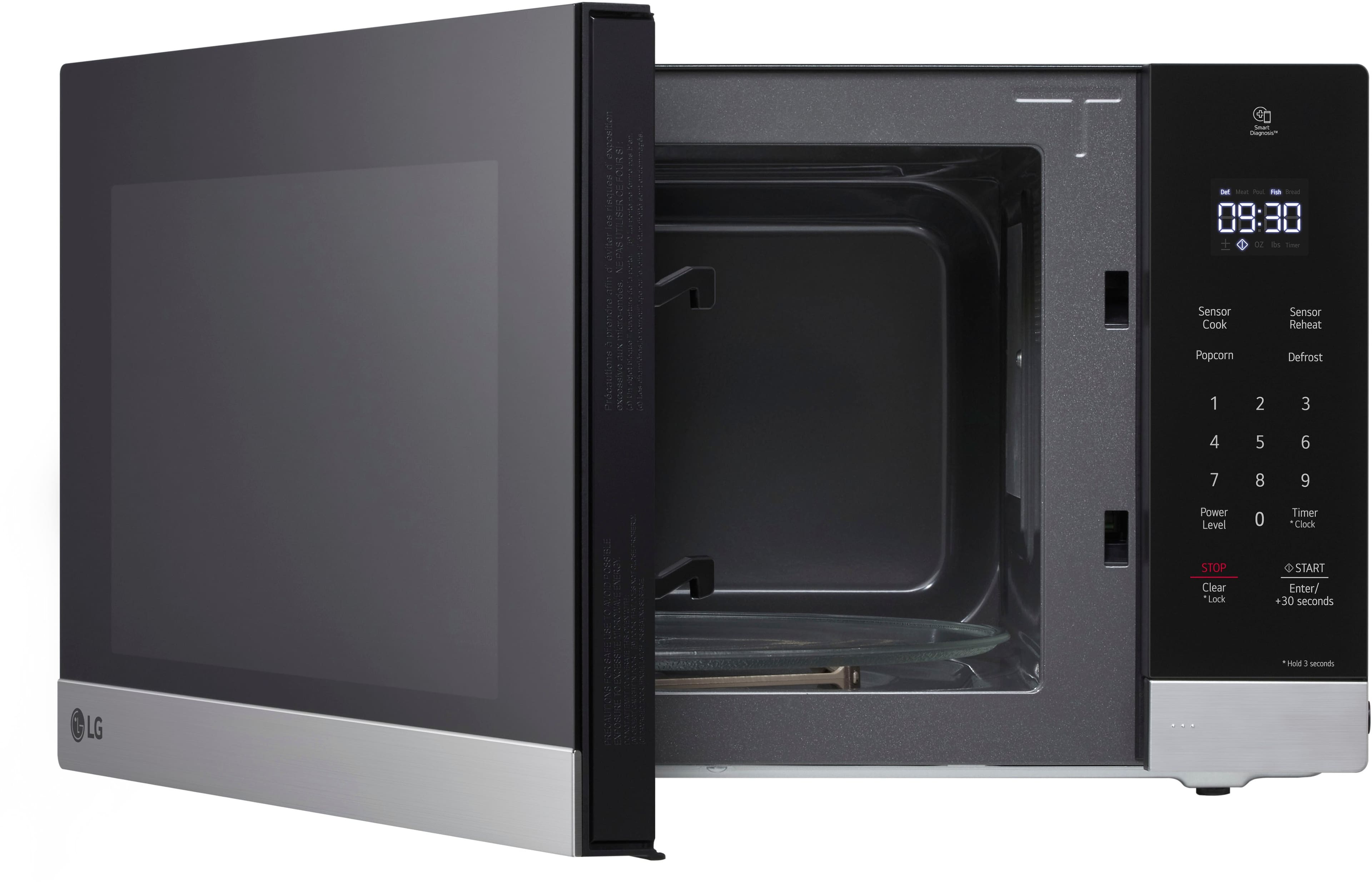
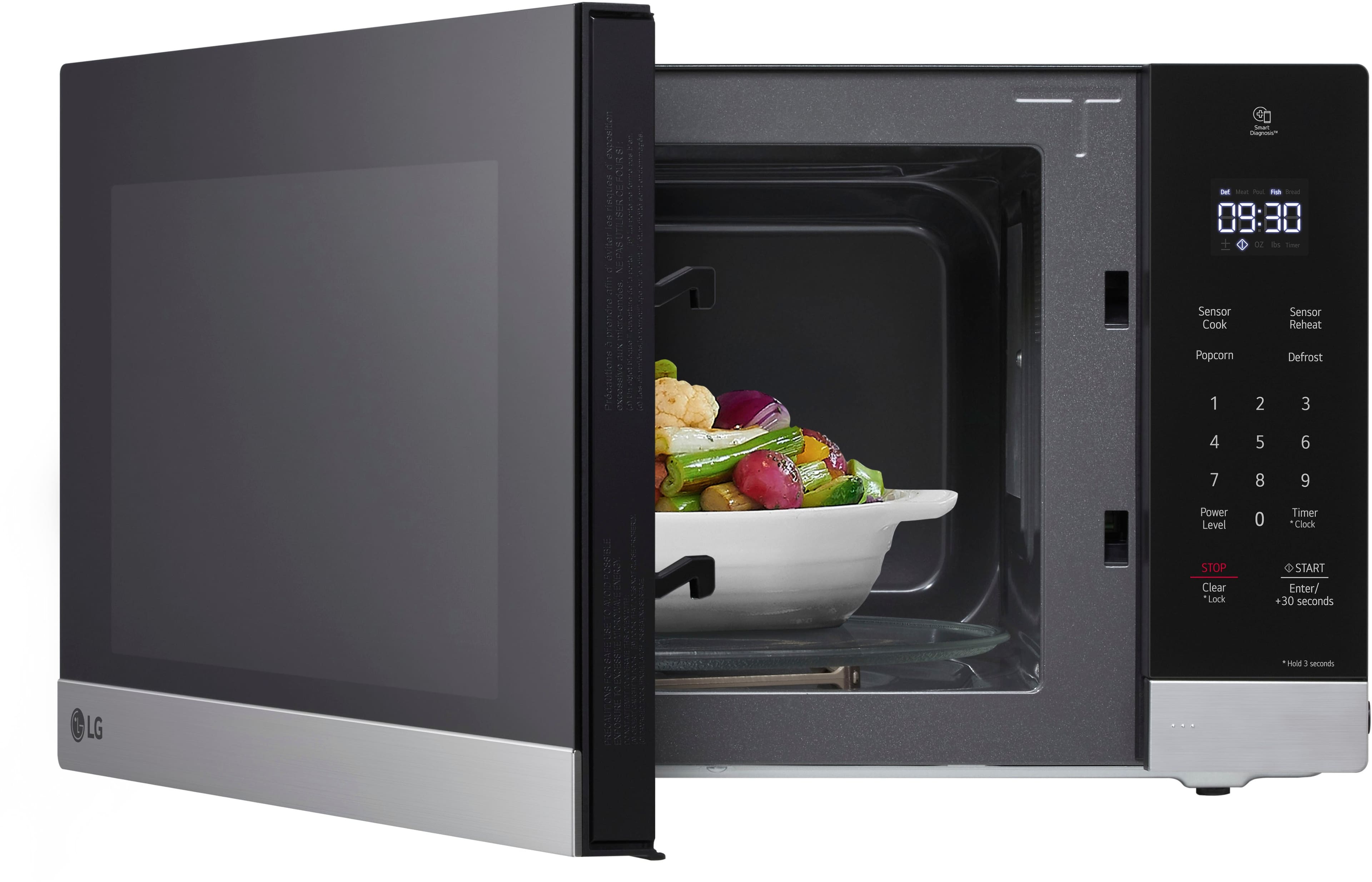
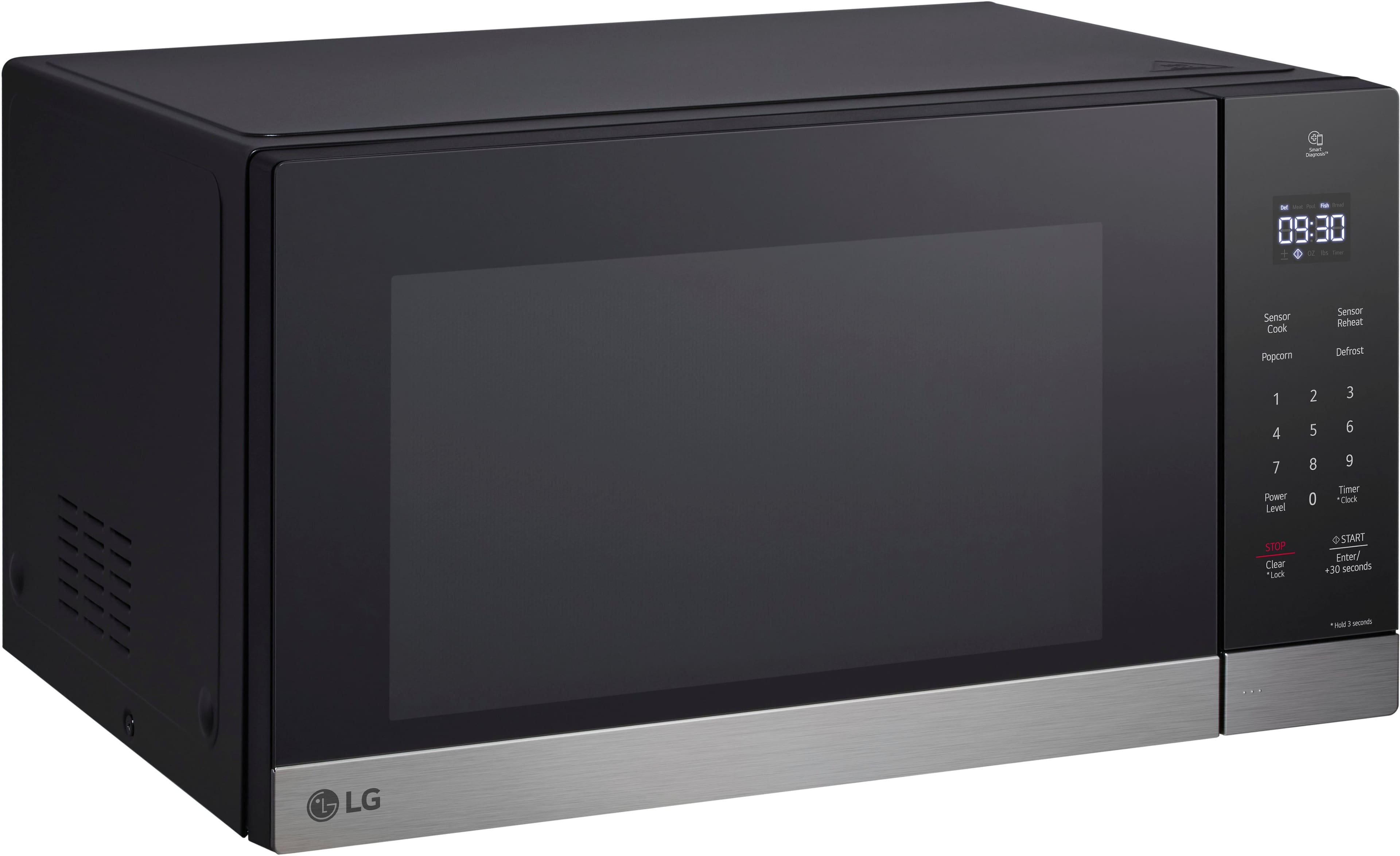
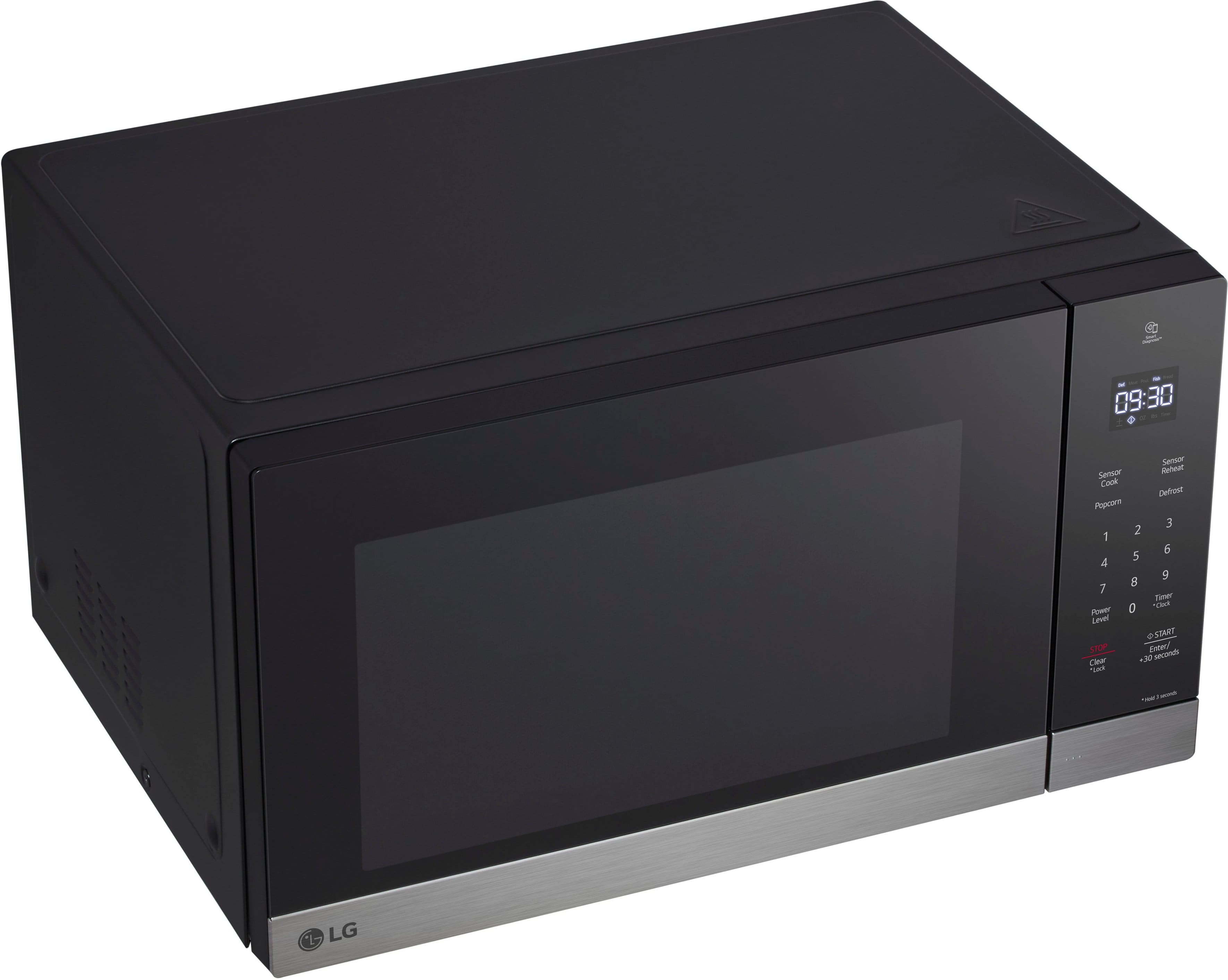
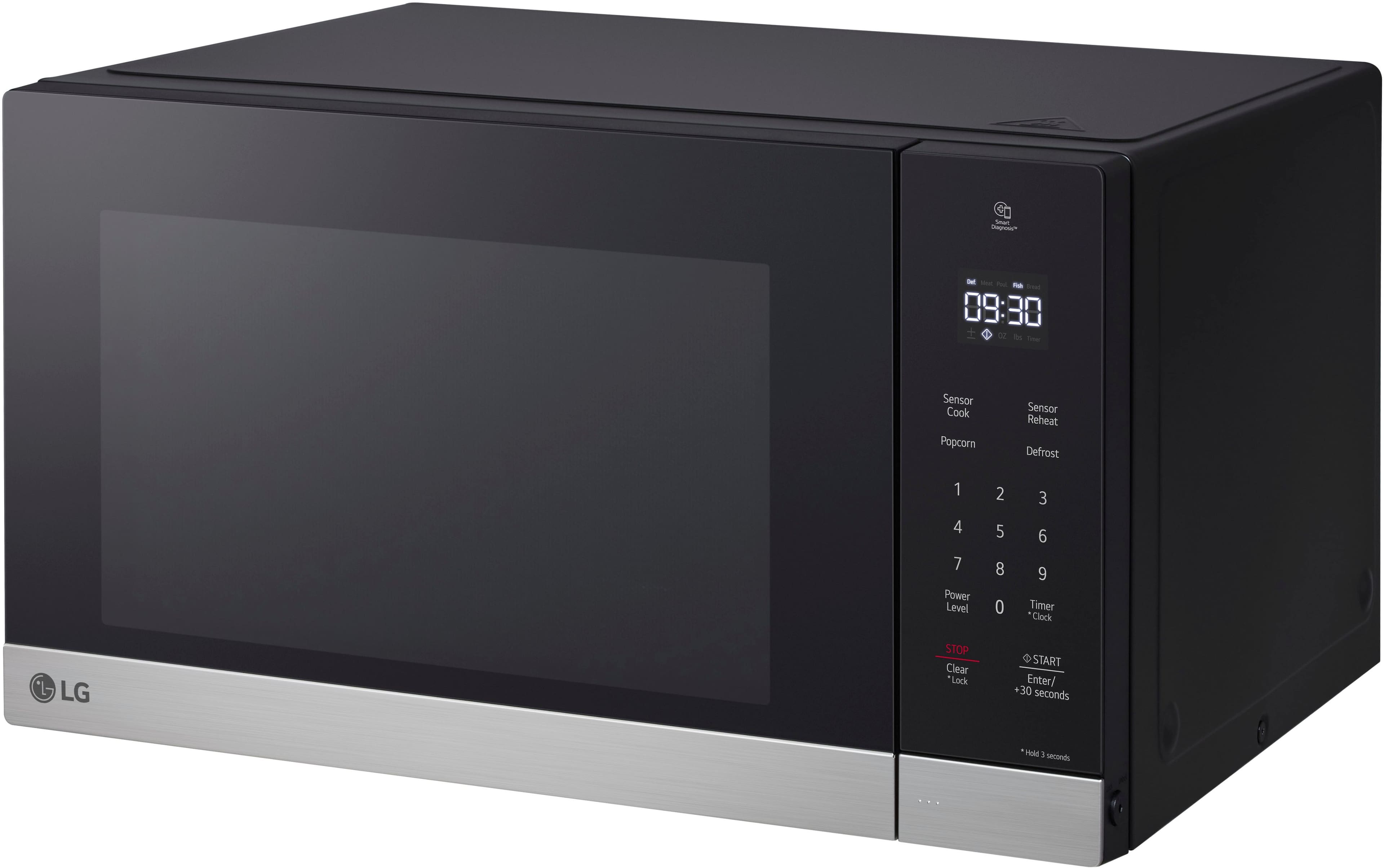
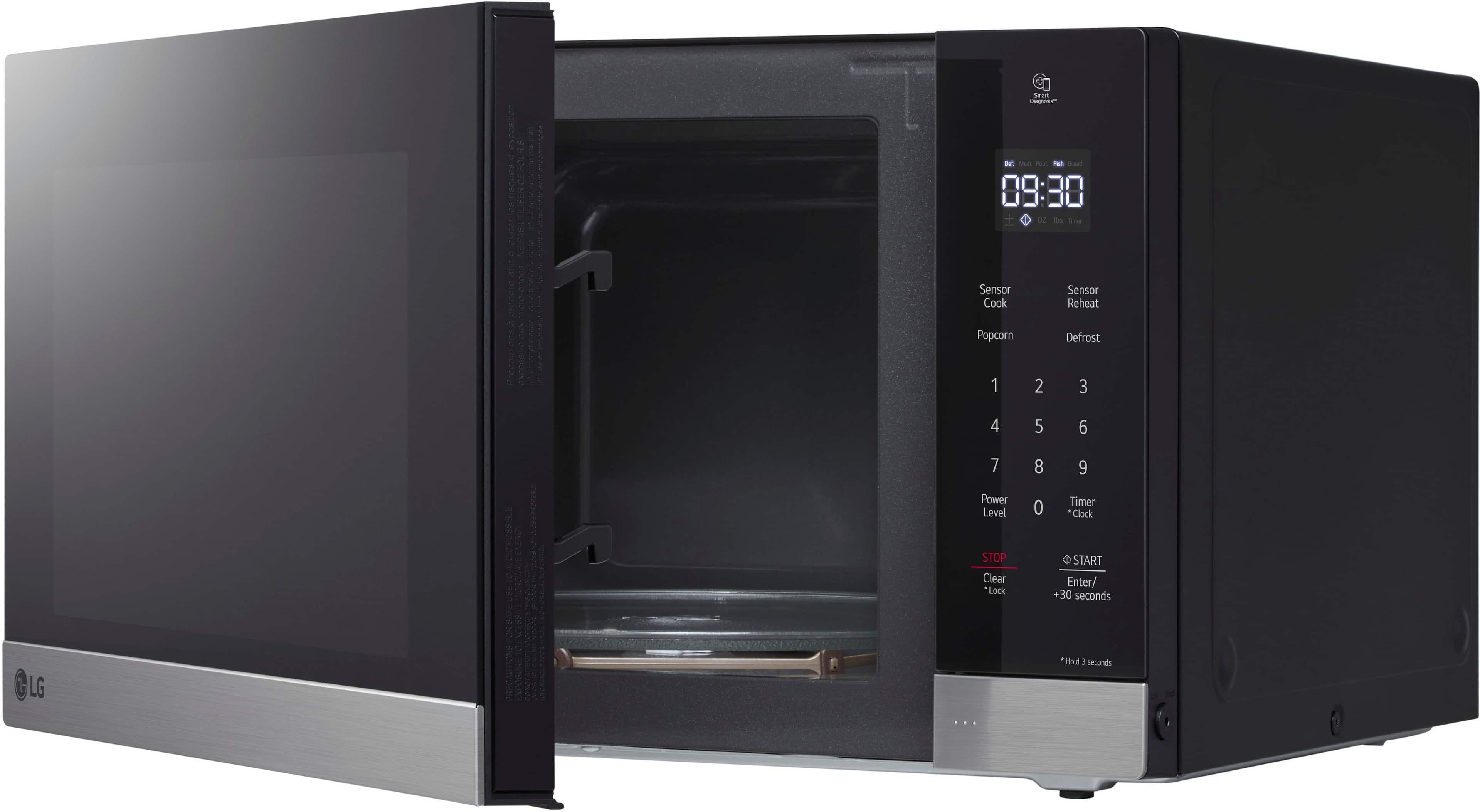
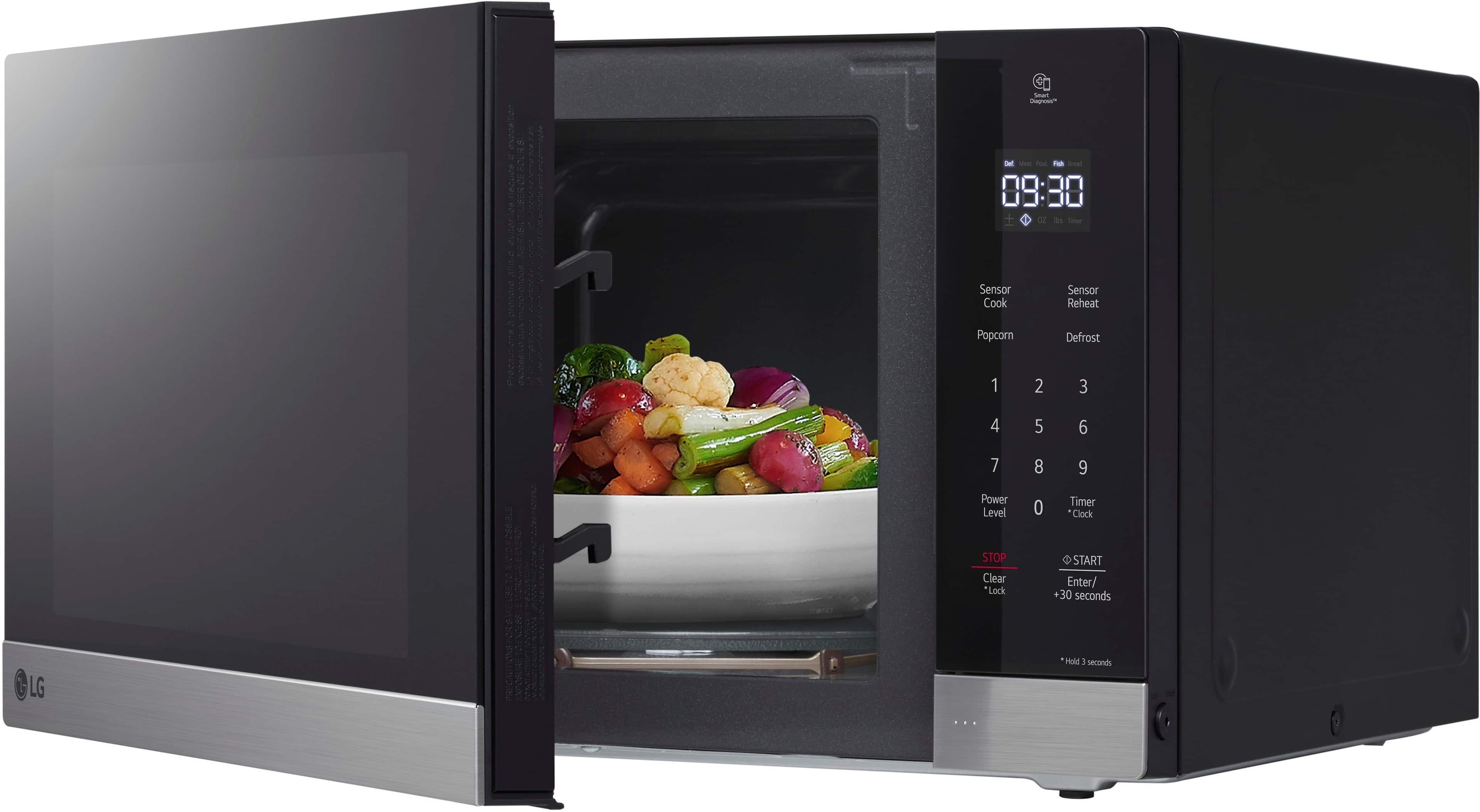
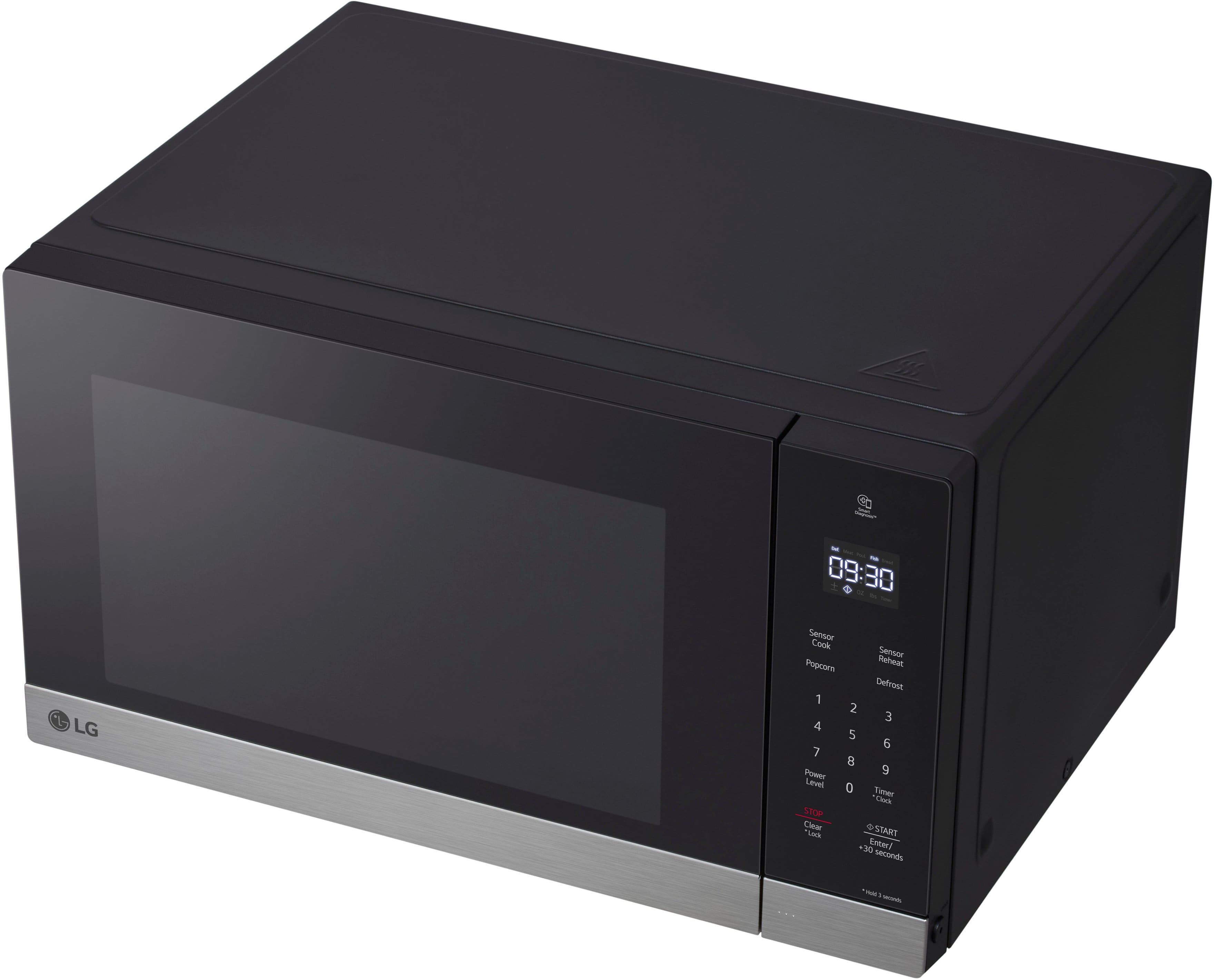
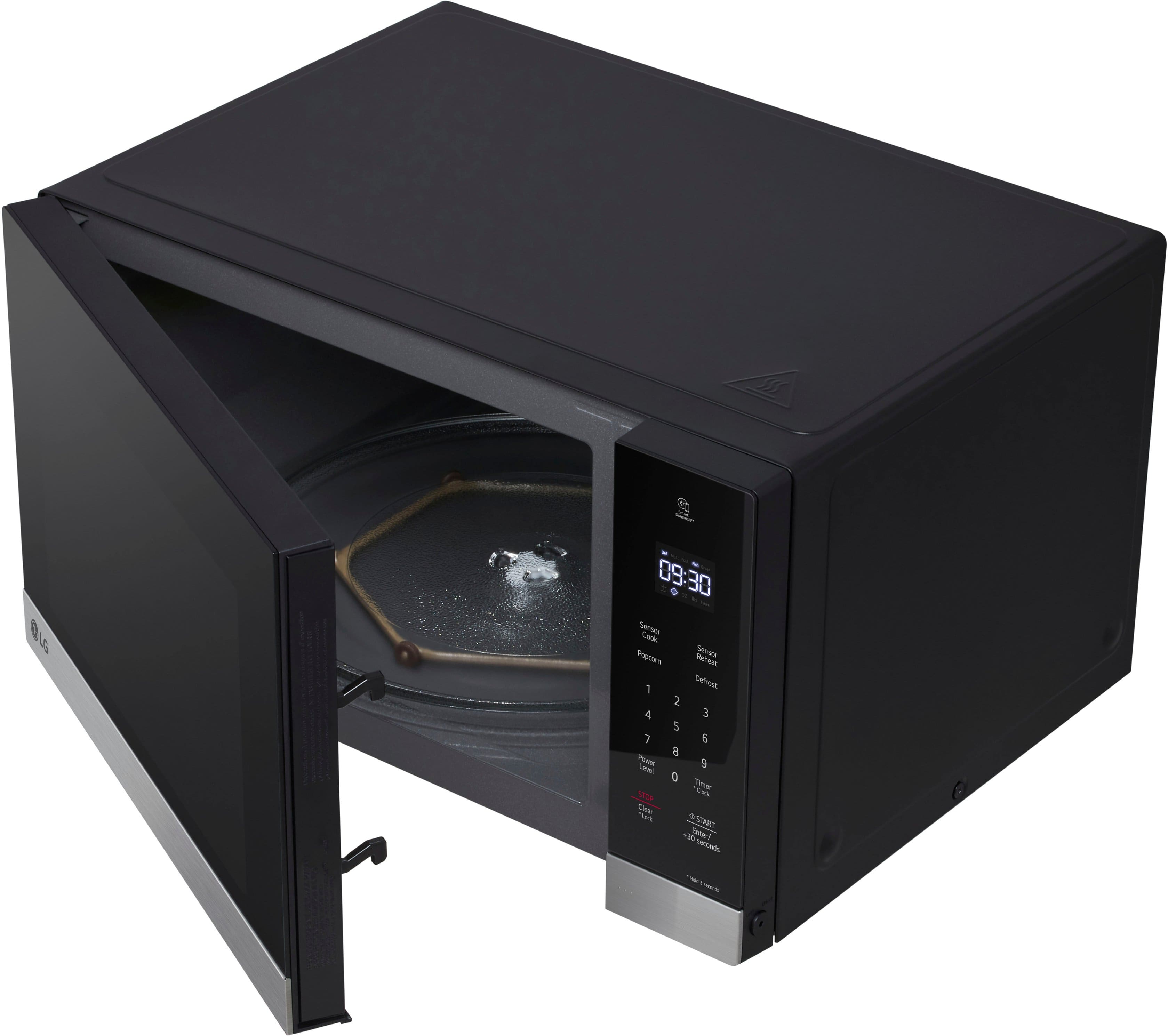
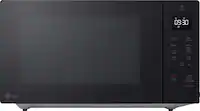
A:AnswerHello there, Dianne. We understand you're looking for clarification on where the LG MSER1590S Countertop Microwave is made.
As mentioned, while LG's products are primarily designed and manufactured in South Korea, some units may be produced in China depending on the specific model and manufacturing batch. It's possible that your microwave has a label indicating it's made in China, which is in line with LG's global manufacturing practices.
https://www.lg.com/us/cooking-appliances/lg-mser1590s-counter-top-microwave#pdp_specs
If you need more details or have any other questions, feel free to reach out!
—Renzo
A:AnswerHi there! Thank you for your question about the MSER1590S microwave. This model is not designed for built-in installation, as it requires adequate ventilation and clearance for proper operation. It is intended for countertop use.
You may access this link for more information, go to "All Specs": https://www.lg.com/us/cooking-appliances/lg-mser1590s-counter-top-microwave.
If you're considering a built-in option, we recommend looking at models specifically designed for that purpose. If you have any more questions or need assistance in finding the right model, please feel free to reach out to us on social media @LGUSSupport. We’re here to help!
—Avril
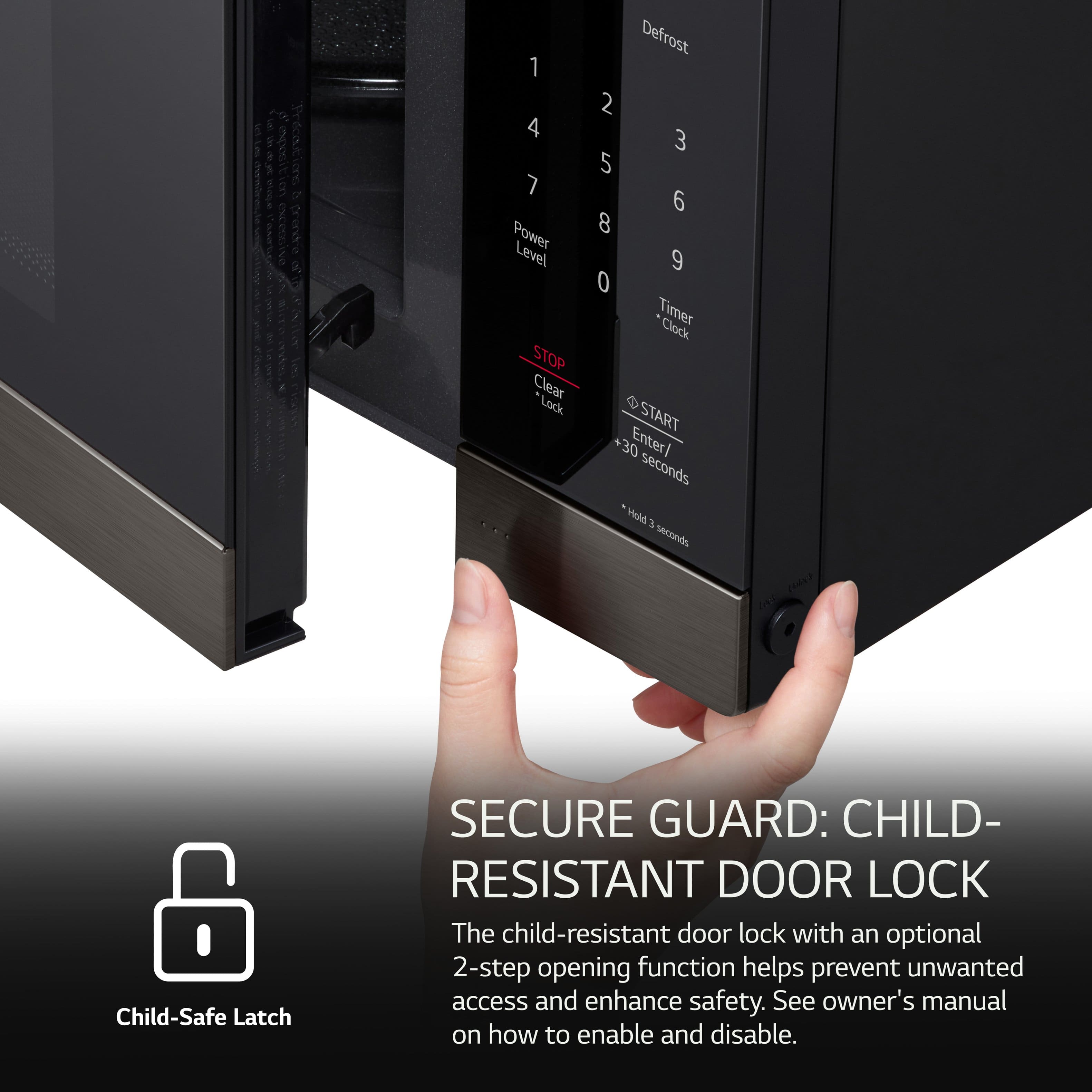
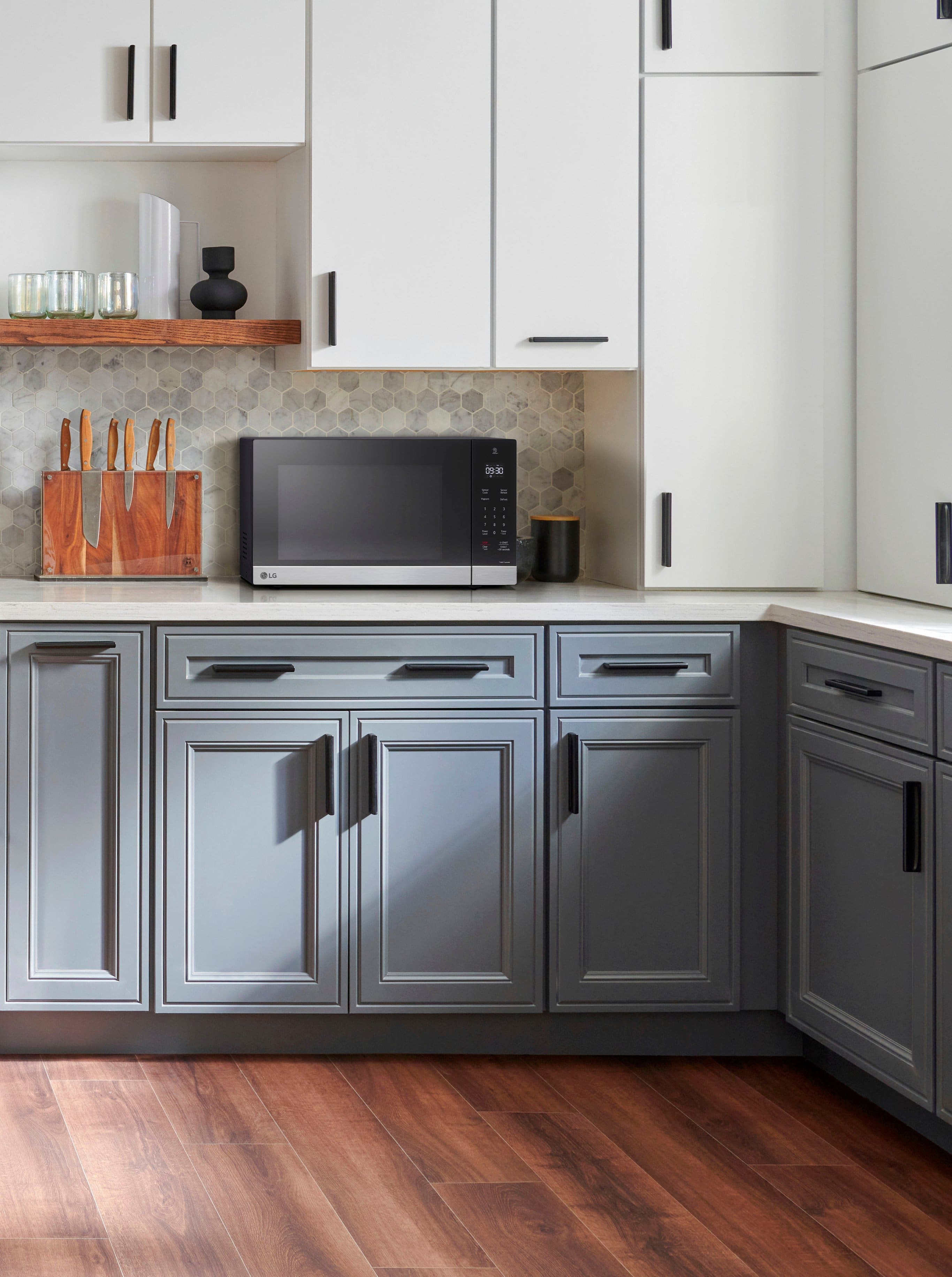
A:AnswerYes and No. Its designed as a Counter top, it needs to have 4" clearance on all sides. In my opinion if your built in has 4" clearance on all sides and you have the door open when cooking, it should be fine (just my opinion, manufacturer may not recommend)
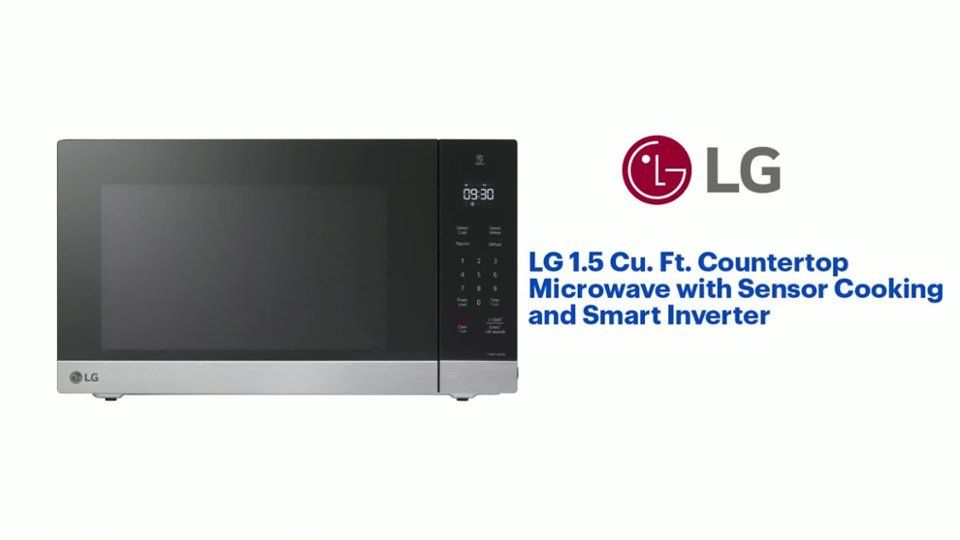
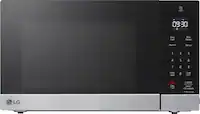
A:AnswerThe LG 1.5 Cu. Ft. Countertop Microwave with Sensor Cooking and Smart Inverter - Stainless Steel
Model # MSER1590S, does not have a Turntable On/Off function...^Ivan.
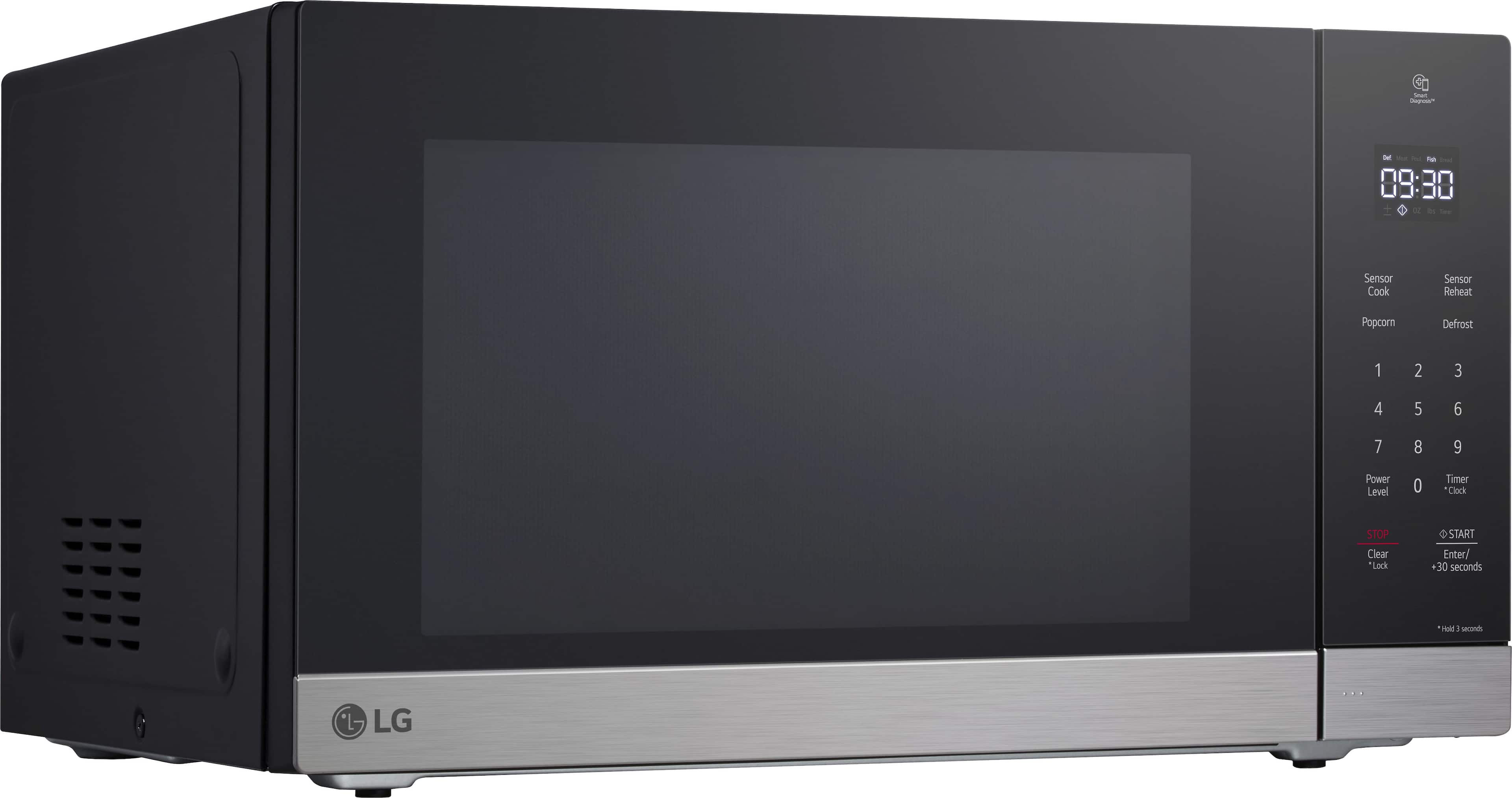
A:AnswerHi there, thank you for reaching out with your question. We understand your concern about the interior light on your LG MSER1590S Countertop Microwave. The LED interior light is designed to remain on during cooking so that you can easily monitor the progress of your food. Unfortunately, there is no option to turn off the interior light while cooking; it will only turn off when the microwave is not in use or when the door is opened.
If you have any further questions or would like additional assistance, please feel free to send us a private message on Social Media @LGUSSupport, and our team will be more than happy to assist you further.
https://www.lg.com/us/cooking-appliances/lg-mser1590s-counter-top-microwave#pdp_specs
We appreciate your understanding!
—Renzo
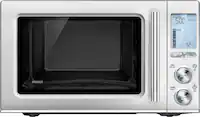
A:AnswerHi there! Thank you for sharing your experience with the MSER1590S microwave. We understand that a loud and fluctuating noise can be quite concerning. While some noise is normal during operation, it shouldn’t sound like a diesel engine or be excessively loud.
It’s possible that something might be causing the irregular noise, such as an improperly seated turntable or an object that could be obstructing the operation. We recommend checking to ensure the turntable is correctly positioned and that there are no items obstructing it. If the noise continues and seems unusual, it may indicate an issue with the unit. You may access this link related to your concern: https://www.lg.com/us/support/help-library/lg-microwave-troubleshooting-noises--20152329269153.
Please send us a private message on Social Media @LGUSSupport so we can assist you further and ensure your microwave is functioning as it should. We're here to help! —Avril
A:AnswerHi there!
Thank you for reaching out! To replace the burnt-out timer/clock bulbs in your LG NeoChef 1.5 Cu. Ft. Countertop Microwave (Model MSER1590S), start by unplugging the microwave to ensure safety. Then, remove the cover or housing by unscrewing the screws around its perimeter. Locate the burnt-out bulbs, which are typically near the control panel or clock area, and carefully replace them with new bulbs that match the specifications for your model. After replacing the bulbs, reassemble the microwave by securing the cover back in place. Finally, plug the microwave back in and test the new bulbs to ensure they are working properly. If you need further assistance or detailed instructions, please send us a private message on Social Media @LGUSupport, and our team will be happy to help.
—Avril
A:AnswerThanks for the reply
HOWEVER...
Your information is incorrect.
The actual length of the power cord is 39 inches.
AND
The plug is ANGLED such that is the blades of the plug are perpendicular to the cord.
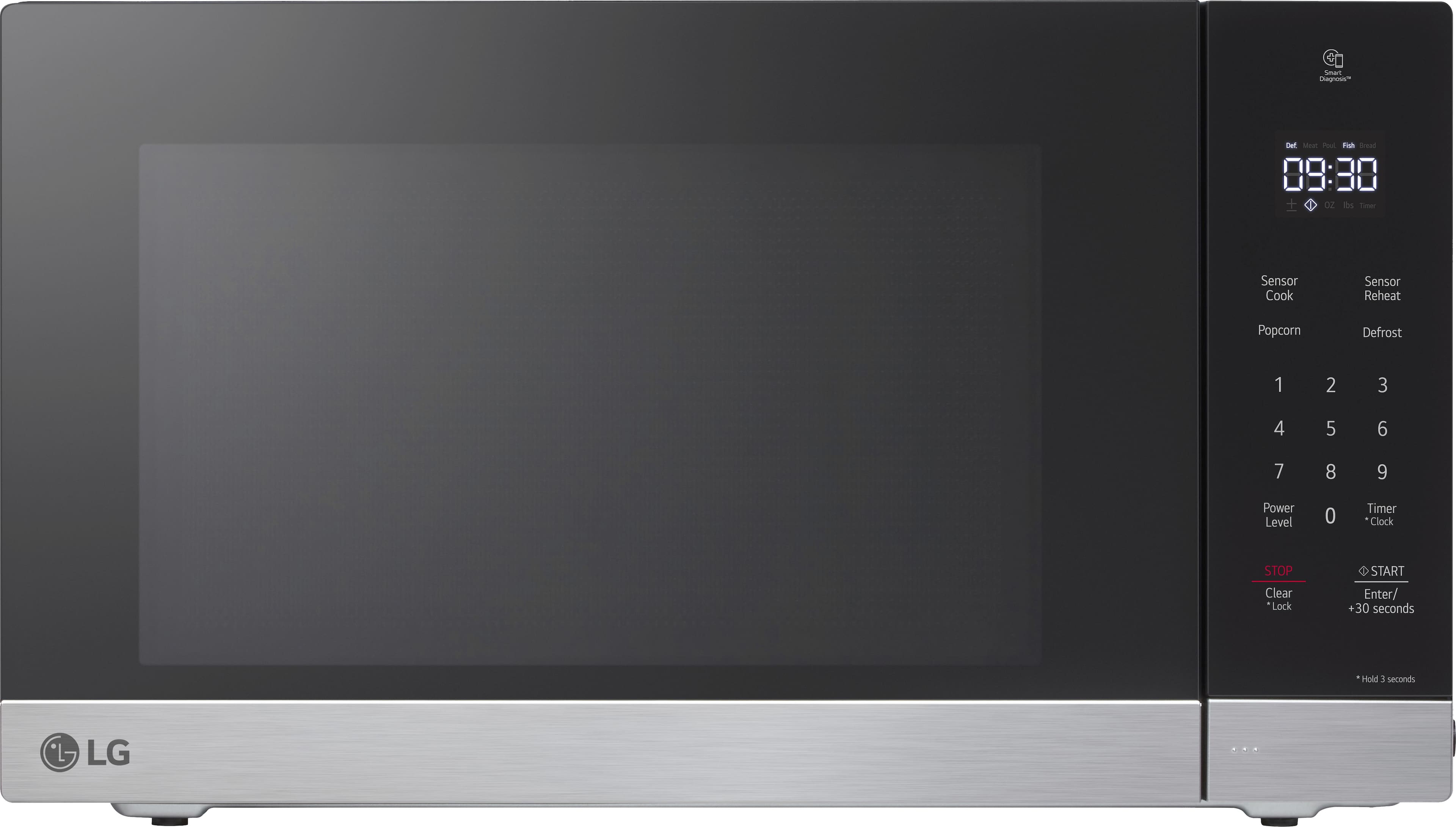
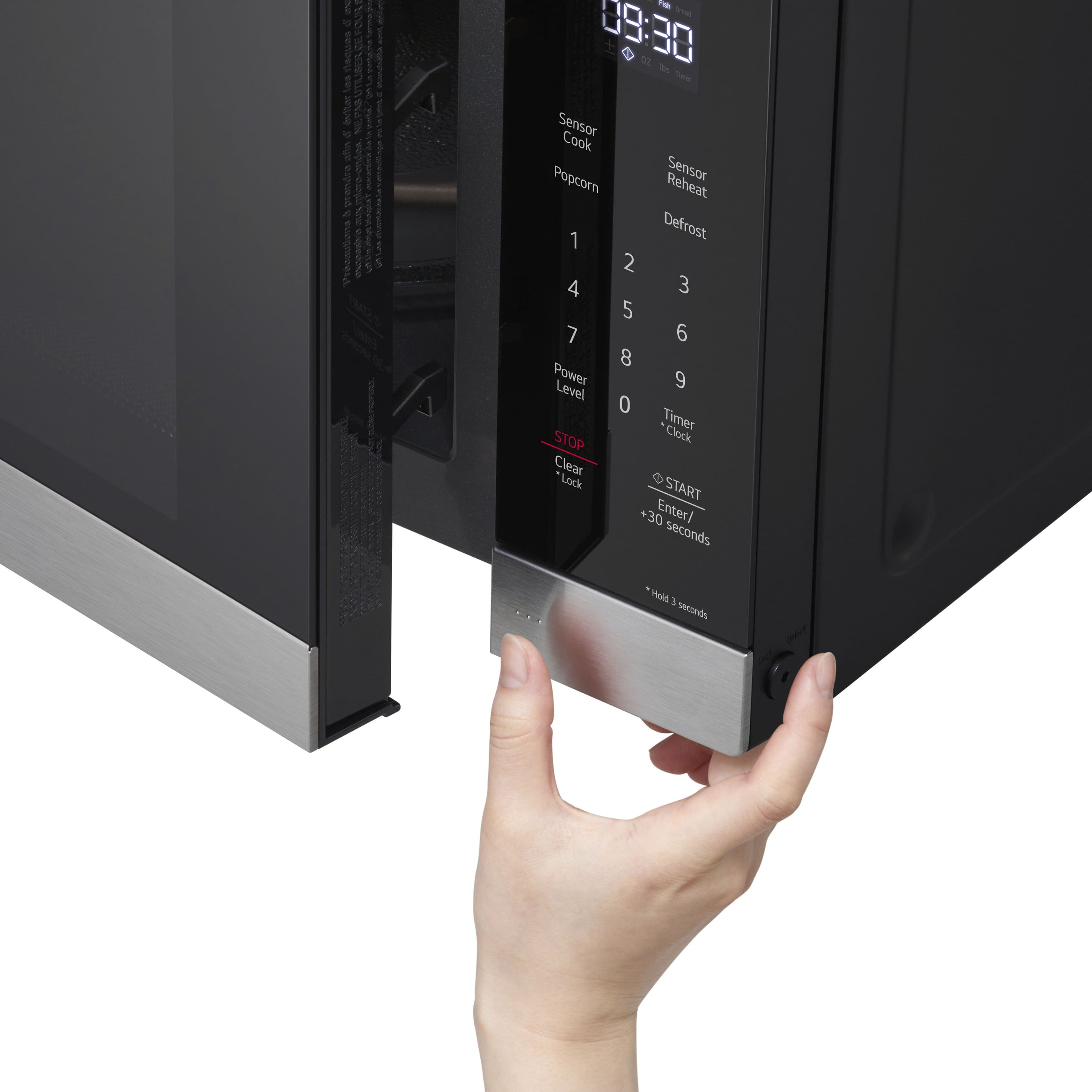
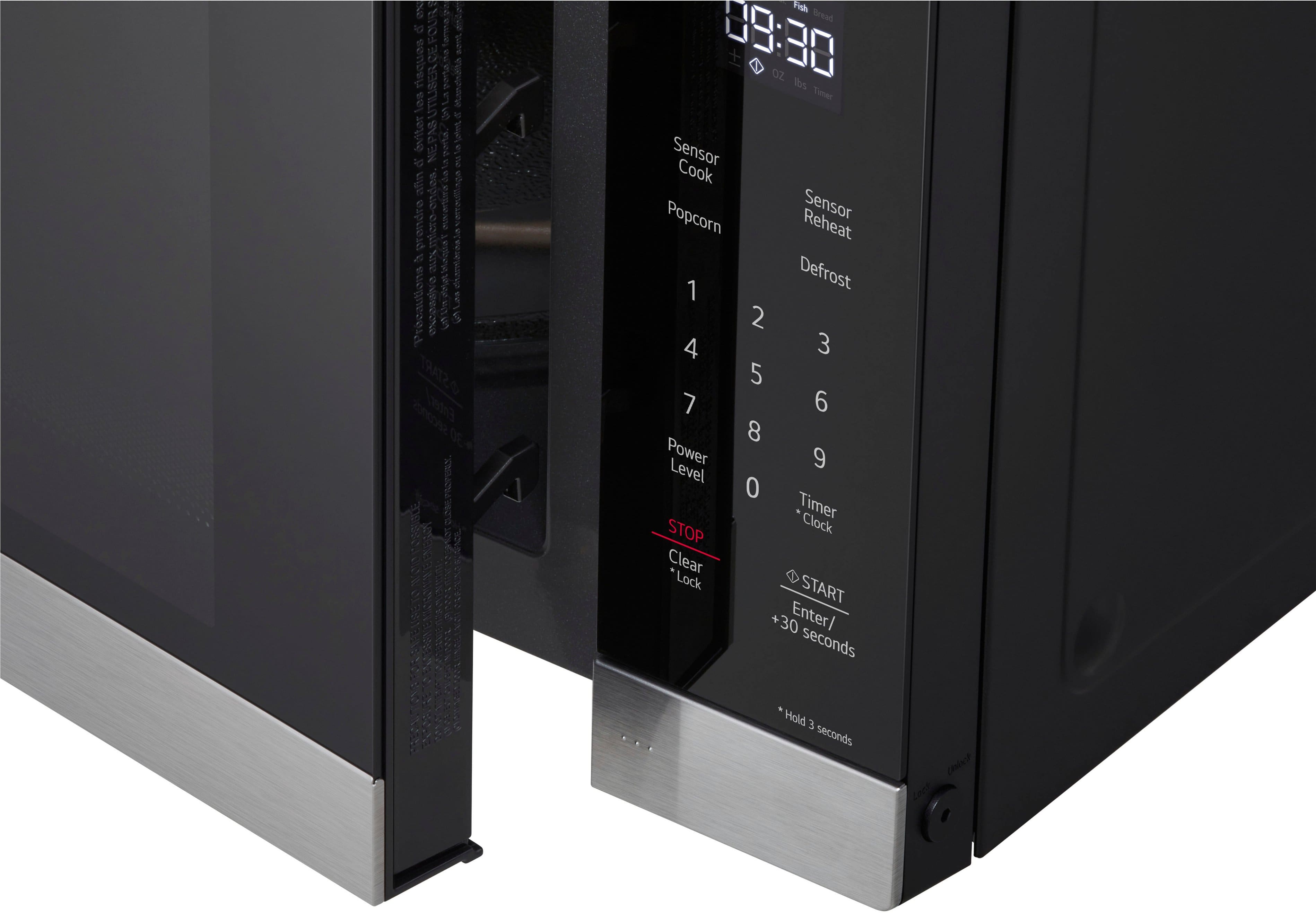
A:AnswerTo mute the beep and chimes of this microwave, simultaneously press and hold the "stop" and "clock" buttons for three seconds. The display will show "off", and the sounds will be muted. Do the same thing again to reverse the process and re-enable sounds (if you want, which I do not).
A:AnswerThank you for reaching us regarding LG Microwave. To adjust the alert tone volume on your LG MSER1590S microwave, follow these simple steps:
1. Find the Control Panel: Look for the control panel on the microwave.
2. Press the Signal Button: Locate the "Signal" button.
3. Adjust the Volume: Press the Signal button several times to switch between low, medium, and high volume options. Stop at your preferred level.
You can download its owner's manual through this link for more information: https://www.lg.com/us/support/product/lg-MSER1590S.BSTELGA. For additional assistance, please reach out to us on social media @LGUSSupport so we can help you further. ^Cris
A:AnswerThe other answer regarding a settings button is incorrect. That does not apply for this microwave.
To disable the sounds, SIMULTANEOUSLY press and hold the "stop" button and the "clock" button. After three seconds or so, the display should show "OFF", and the sounds will then be disabled.
To turn them back on again, do the same thing - simultaneously press & hold the "stop" and "clock" buttons, and the display should show "ON".
This should be documented in the manual and is not.