Questions & Answers
Page Showing 1-3 of 3 questions
Q: Questionwill the screen rotate 90 degrees?
Asked by Jr.
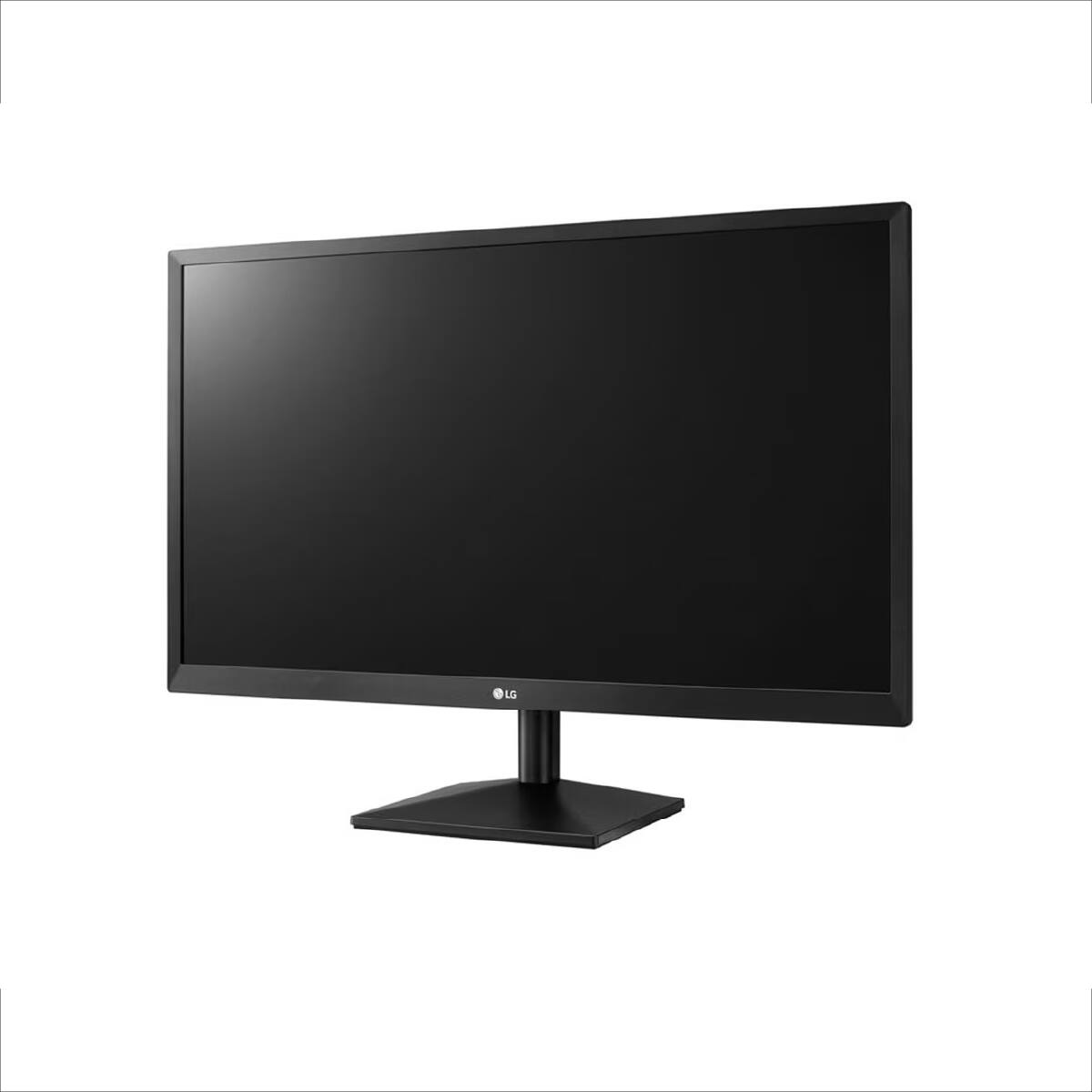
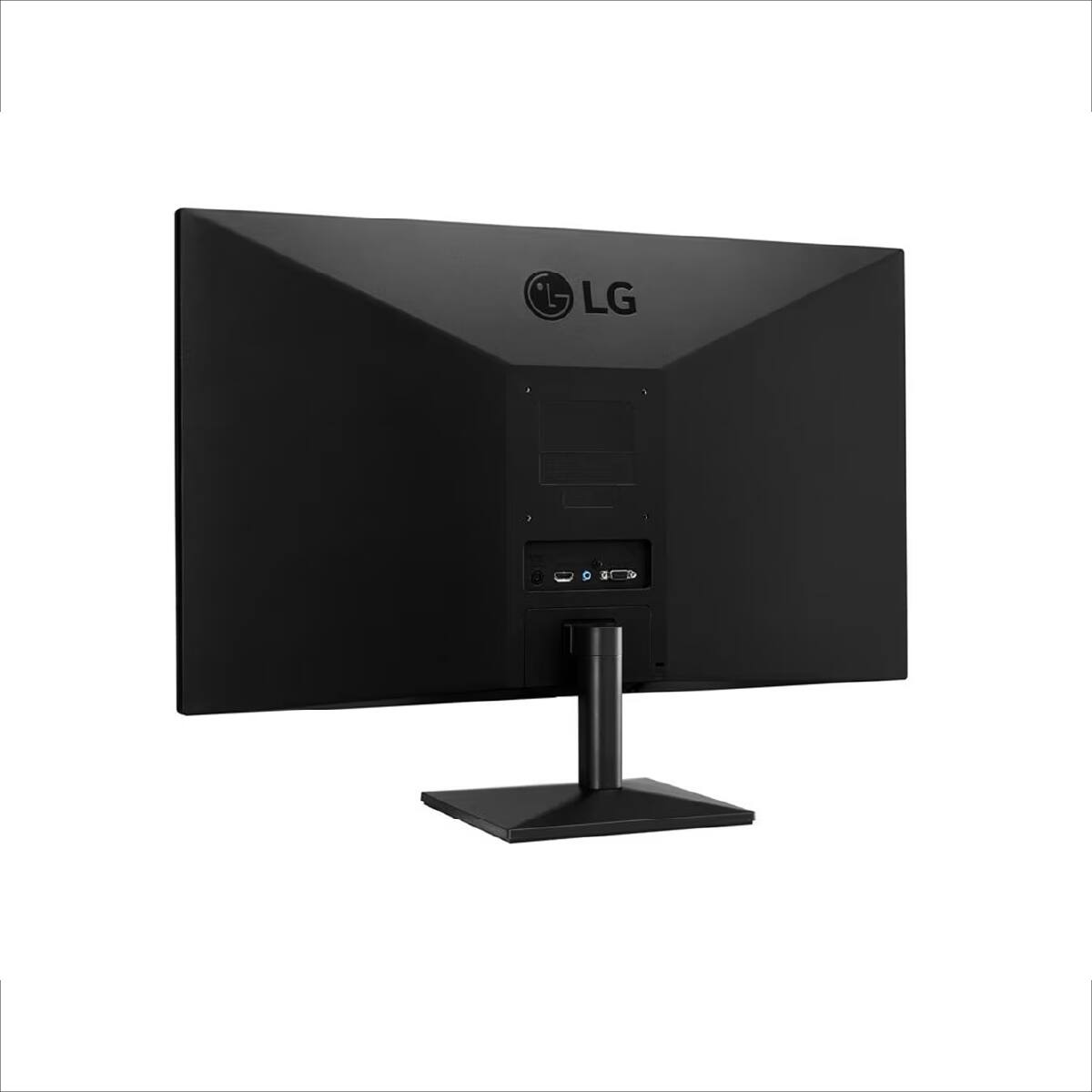
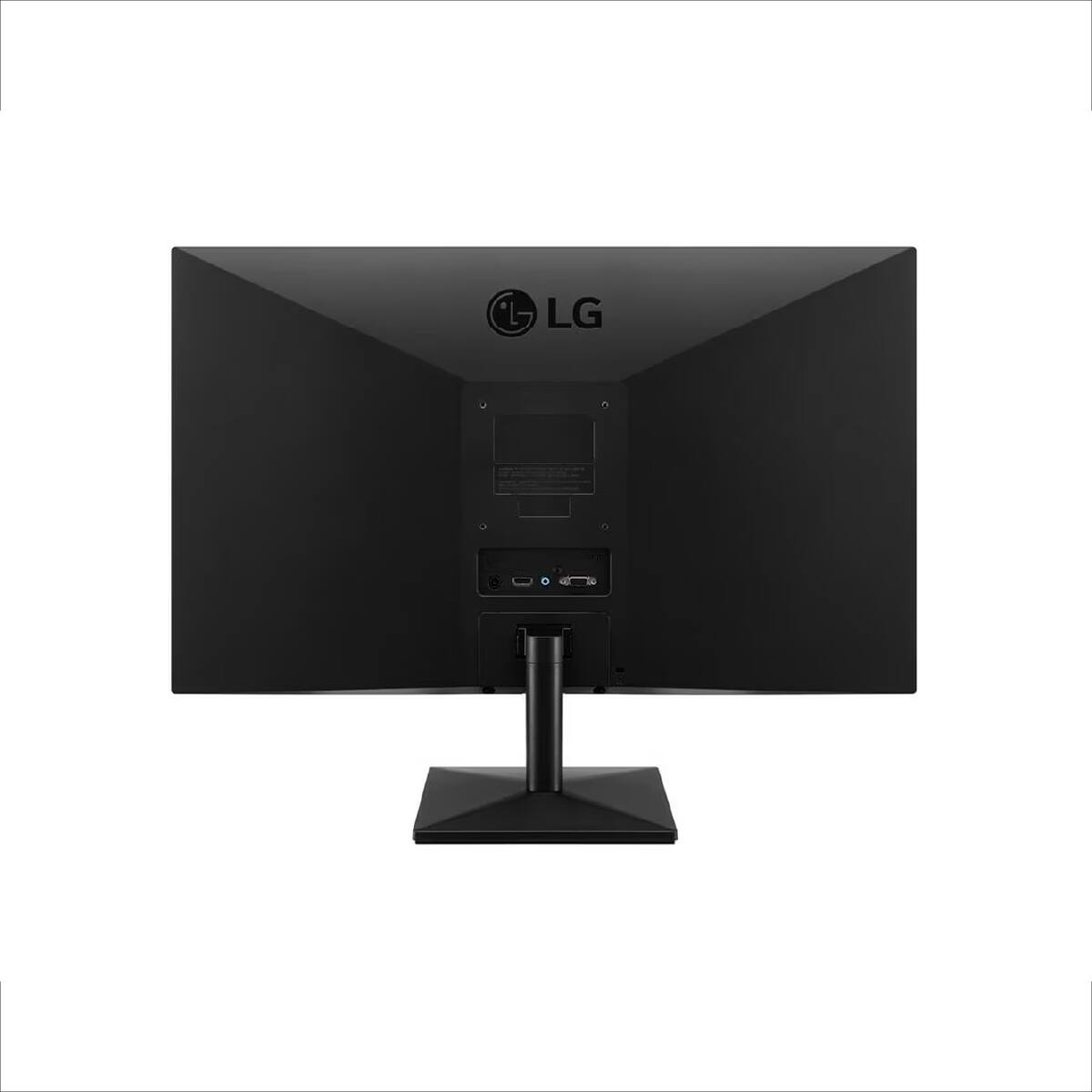
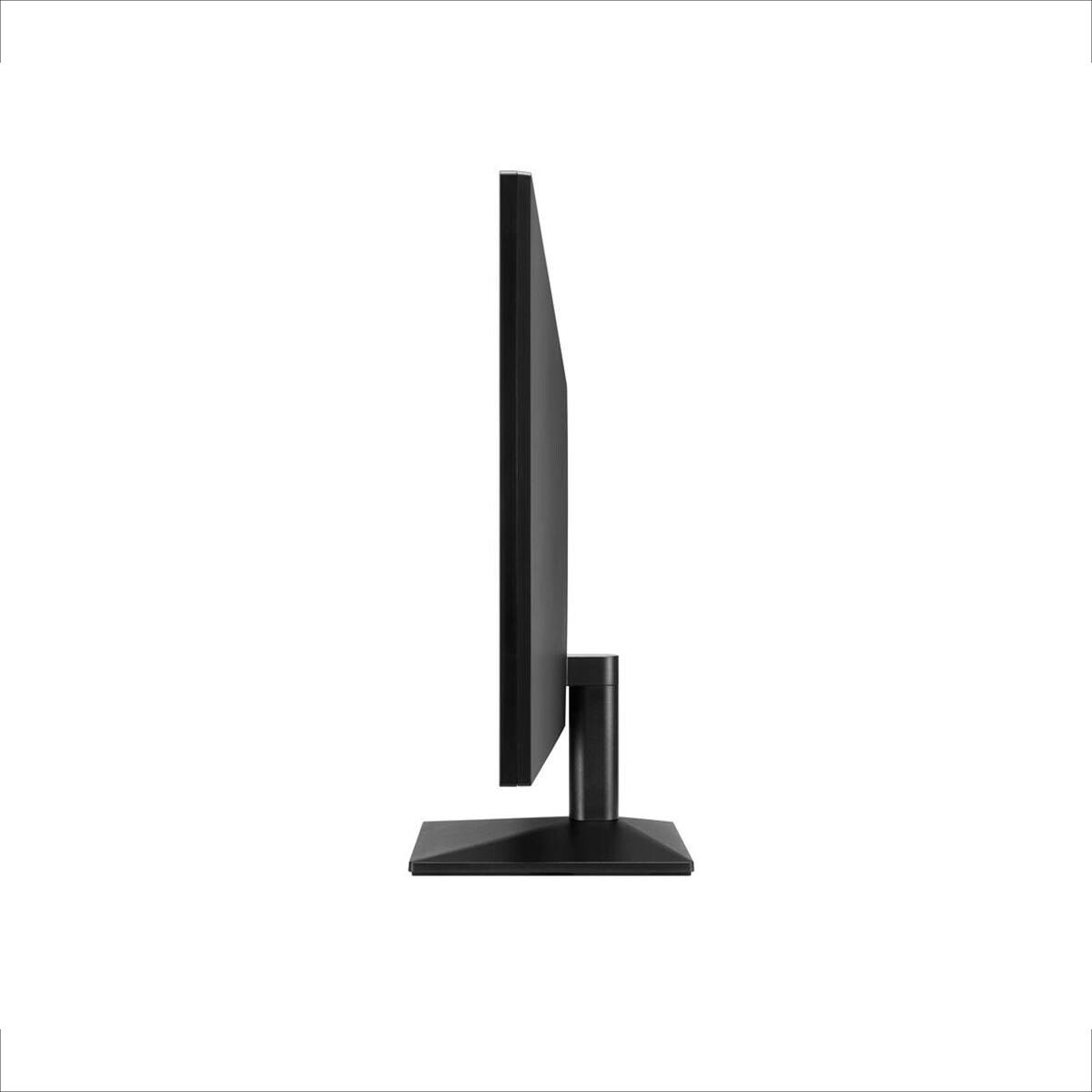
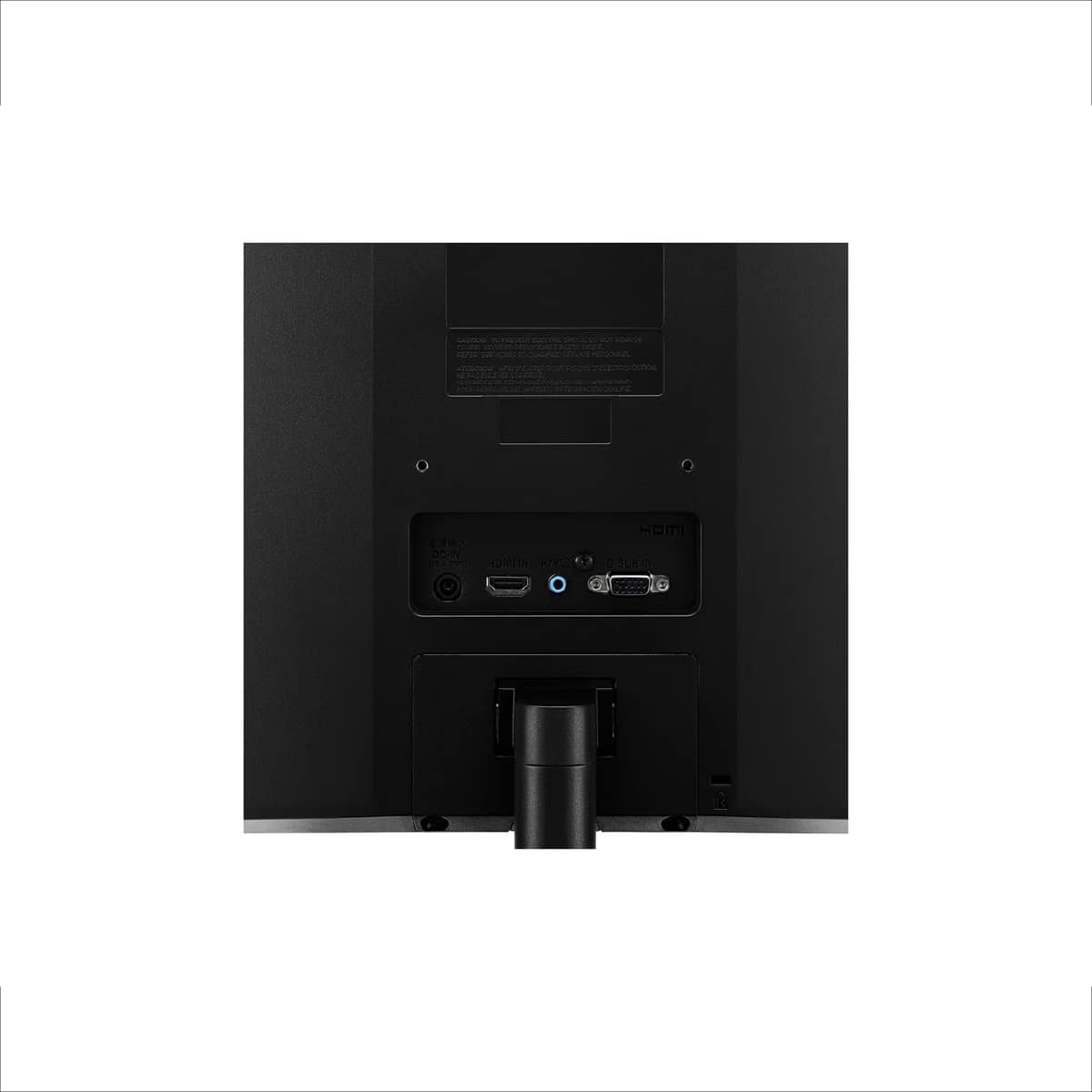
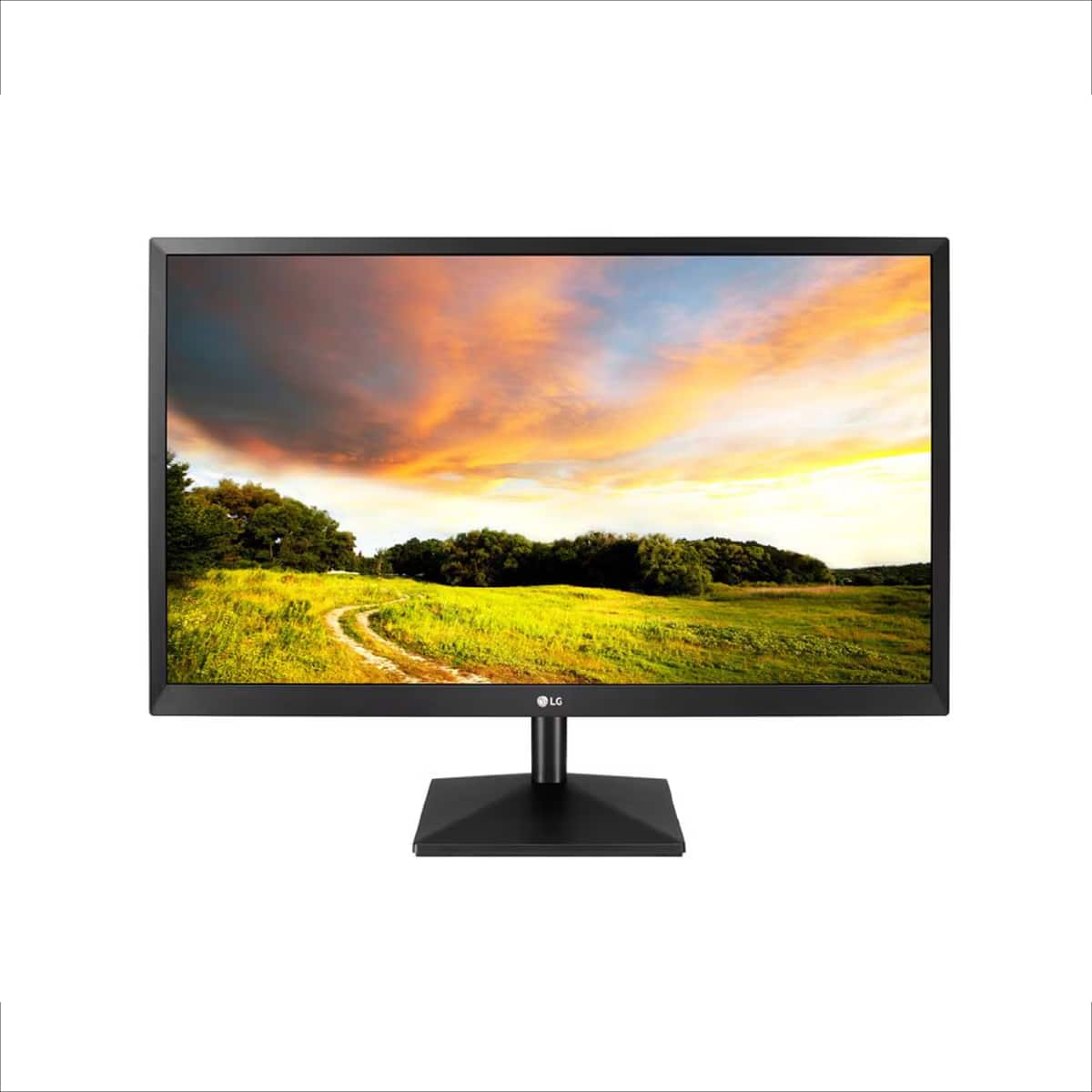
- A:Answer Hello there, Jr. We understand your inquiry about the screen rotation capabilities of the 20MK400H-B monitor. This is often referred to as a pivot function, which allows the screen to rotate 90 degrees for portrait viewing. Based on the specifications for the included stand, this model does not feature the ability to rotate the screen 90 degrees. The stand only includes a Tilt adjustment, allowing the screen angle to be adjusted from -5 to 20 degrees. However, the monitor does support a standard VESA Wall Mount Size of 100 x 100 mm. If you were to use a separate, compatible VESA-mounted monitor arm or stand that offers a pivot function, you would be able to rotate the screen to a 90-degree portrait orientation. https://www.bestbuy.com/product/lg-20-class-full-hd-tn-monitor-with-amd-freesync-20-diagonal-black/BGTKKS922X If you have any further questions about the stand, mounting options, or any of the monitor's features like AMD FreeSync™ or Black Stabilizer, please contact us on [email protected], and our team will be more than happy to assist you. —Renzo
Answered by LG Digital Customer Care
Q: QuestionIs it a TV or Monitor Screen for Computer and gaming?
Asked by Anonymous.
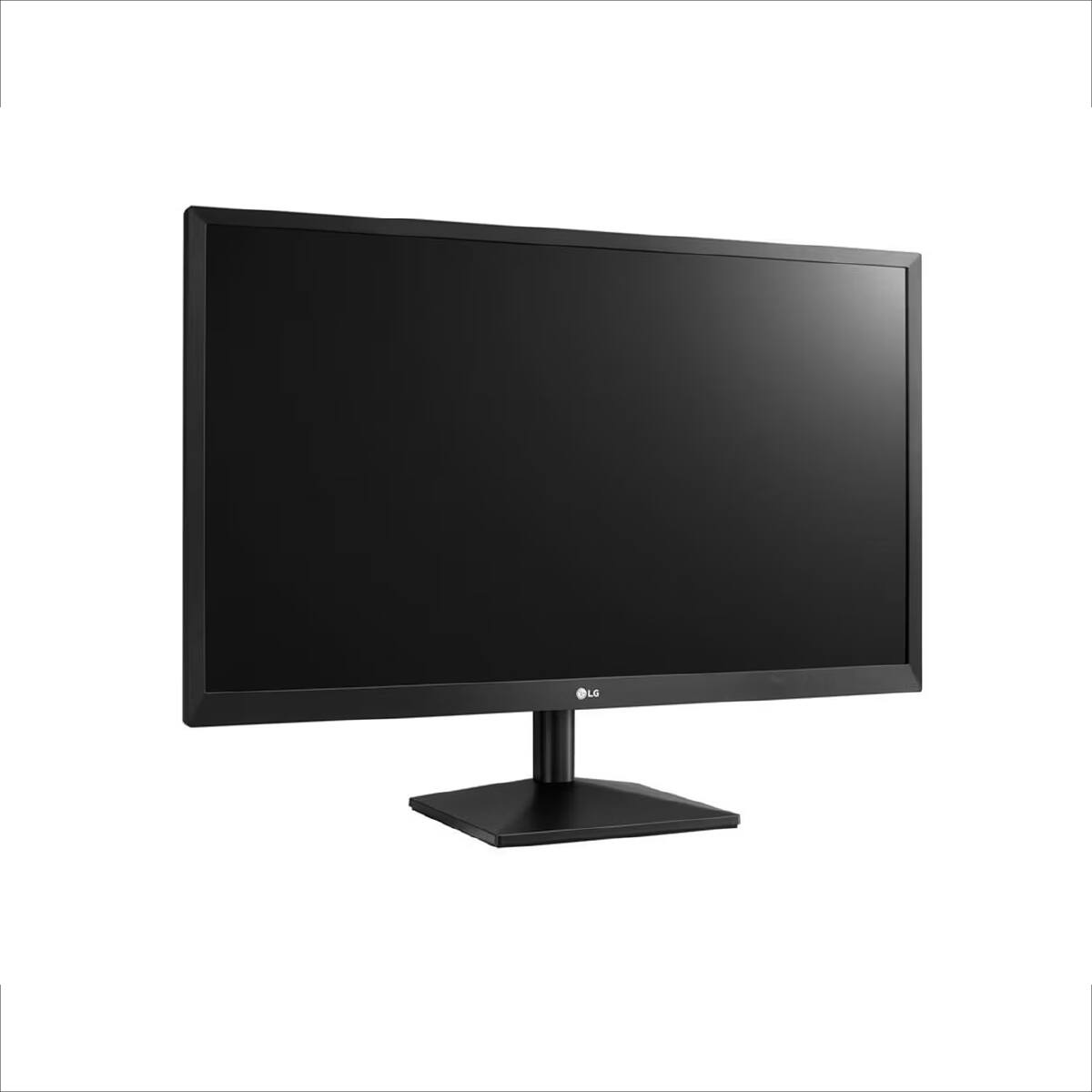
- A:Answer Hi there. We understand your inquiry about the 20M38D-B display. Based on the official product information, the 20M38D-B is specifically categorized as an LED LCD Monitor. It is designed for use as a computer screen for both work and general computing, and its 5ms response time and 75Hz refresh rate make it suitable for basic gaming use as well. https://www.bestbuy.com/product/lg-20-class-full-hd-tn-monitor-with-amd-freesync-20-diagonal-black/BGTKKS922X If you have any further questions about its connectivity options (like D-Sub or DVI-D) or features like Reader Mode and Flicker Safe, please send us a private message on Social Media @LGUSSupport, and our team will be more than happy to assist you. —Renzo
Answered by LG Digital Customer Care
Q: QuestionWhat is the correct resolution? The specifications say, “1280 x 1080”, but the features description says, “this compact 19.5-inch display delivers crisp HD+ resolution (1366 × 768)”
Asked by LL.
- A:Answer The recommended resolution for the LG 20'' Class Full HD TN Monitor with AMD FreeSync 20'' Diagonal - Black, Model # 20MK400H-B, is 1366 x 768 @ 60Hz, it supports a maximum resolution of 1366 x768 @ 60 Hz over HDMI and D-Dub...^Ivan.
Answered by LG Digital Customer Care
Page 1, Showing 1-3 of 3 questions